


Apple Pencil 2nd Generation stylus for iPad Pro 11
Product description
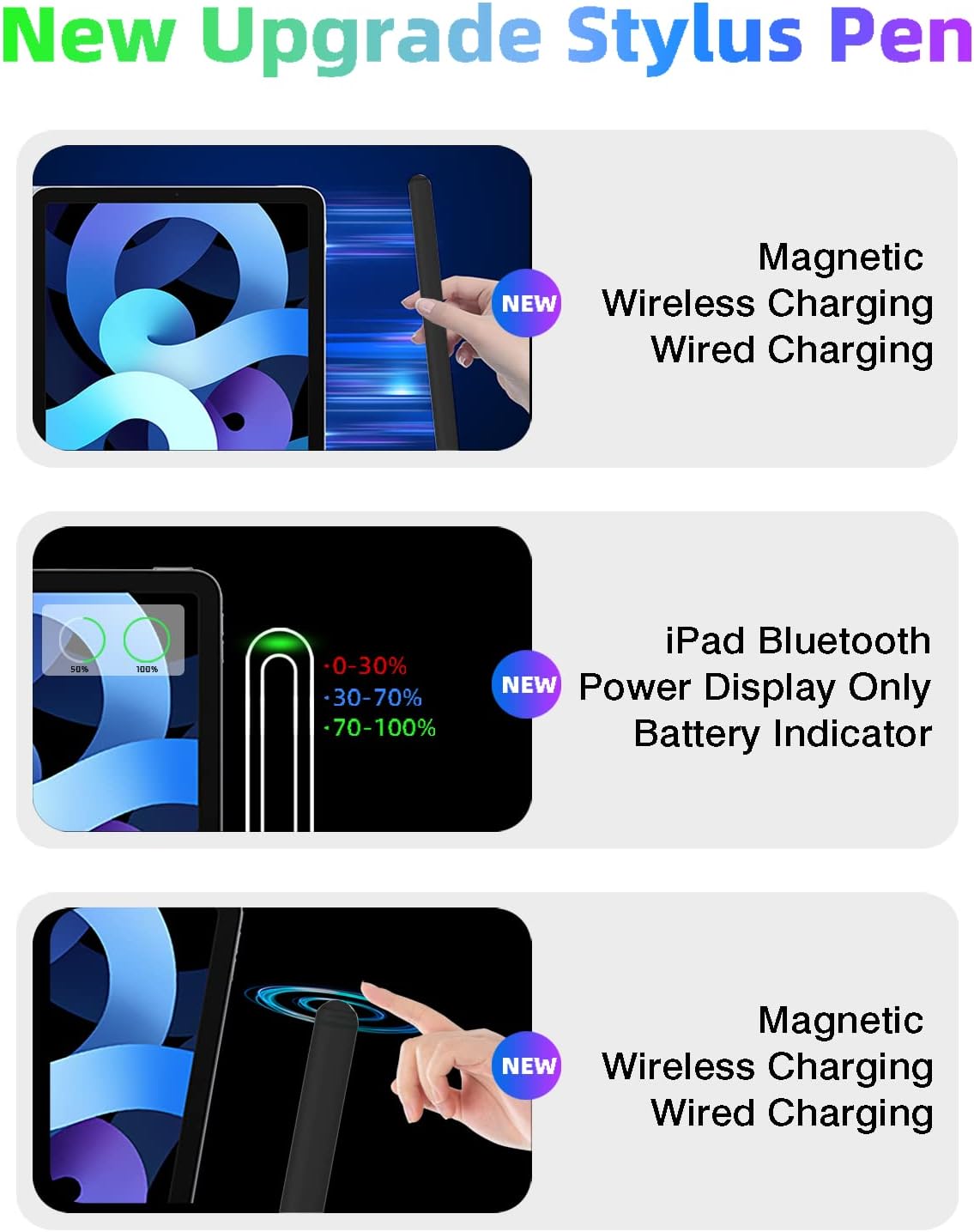
This lightweight stylus brings pressure sensitivity and a familiar Apple Pencil experience to compatible iPad models, offering magnetic wireless fast charging and palm rejection for sketching or note taking. If you want a stylus pen for iPad with magnetic wireless charging to attach and charge on the side of your iPad, this model delivers convenient power management and responsive tracking for everyday creative and productivity tasks. 🖊️
Key Points
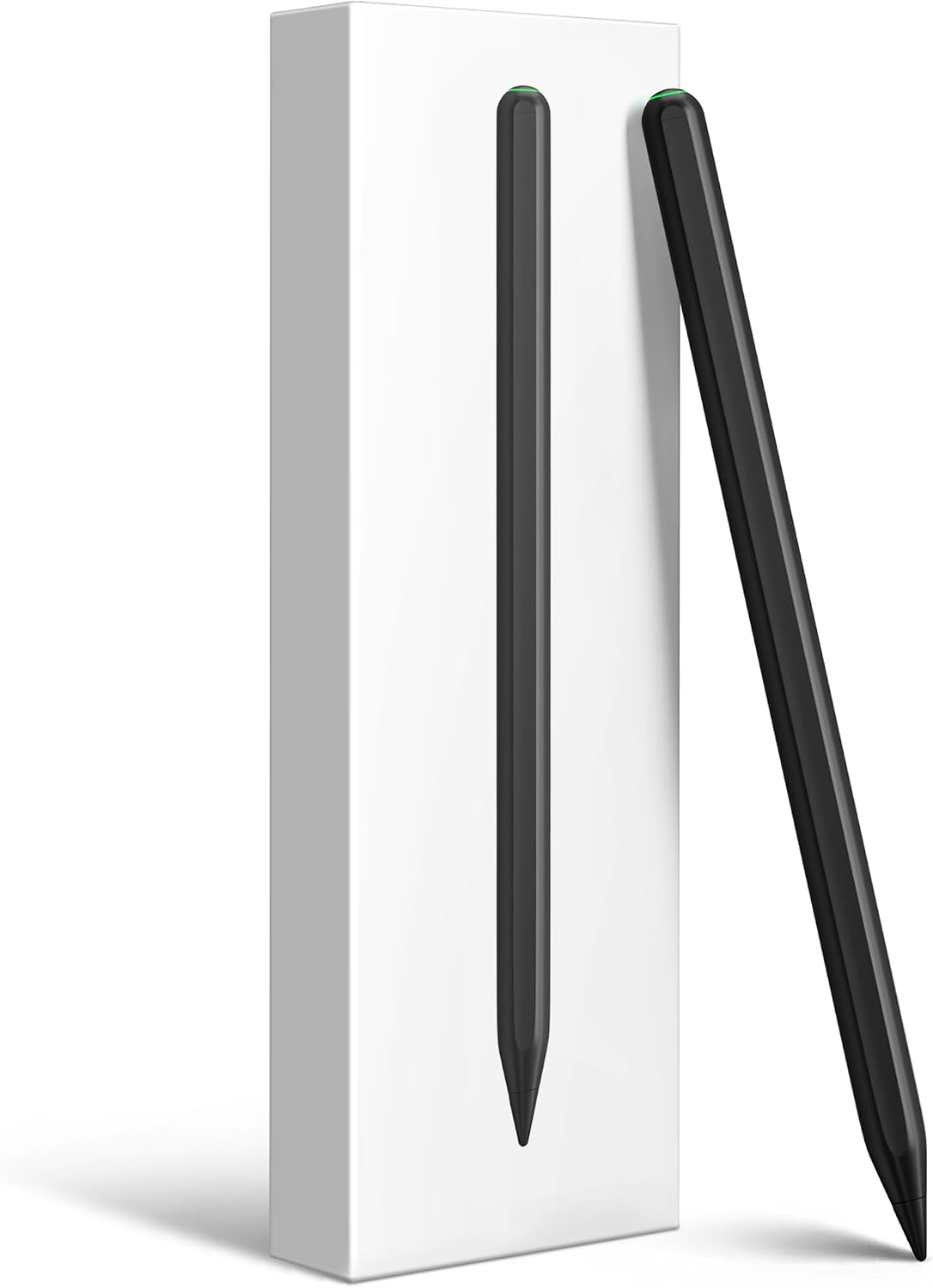
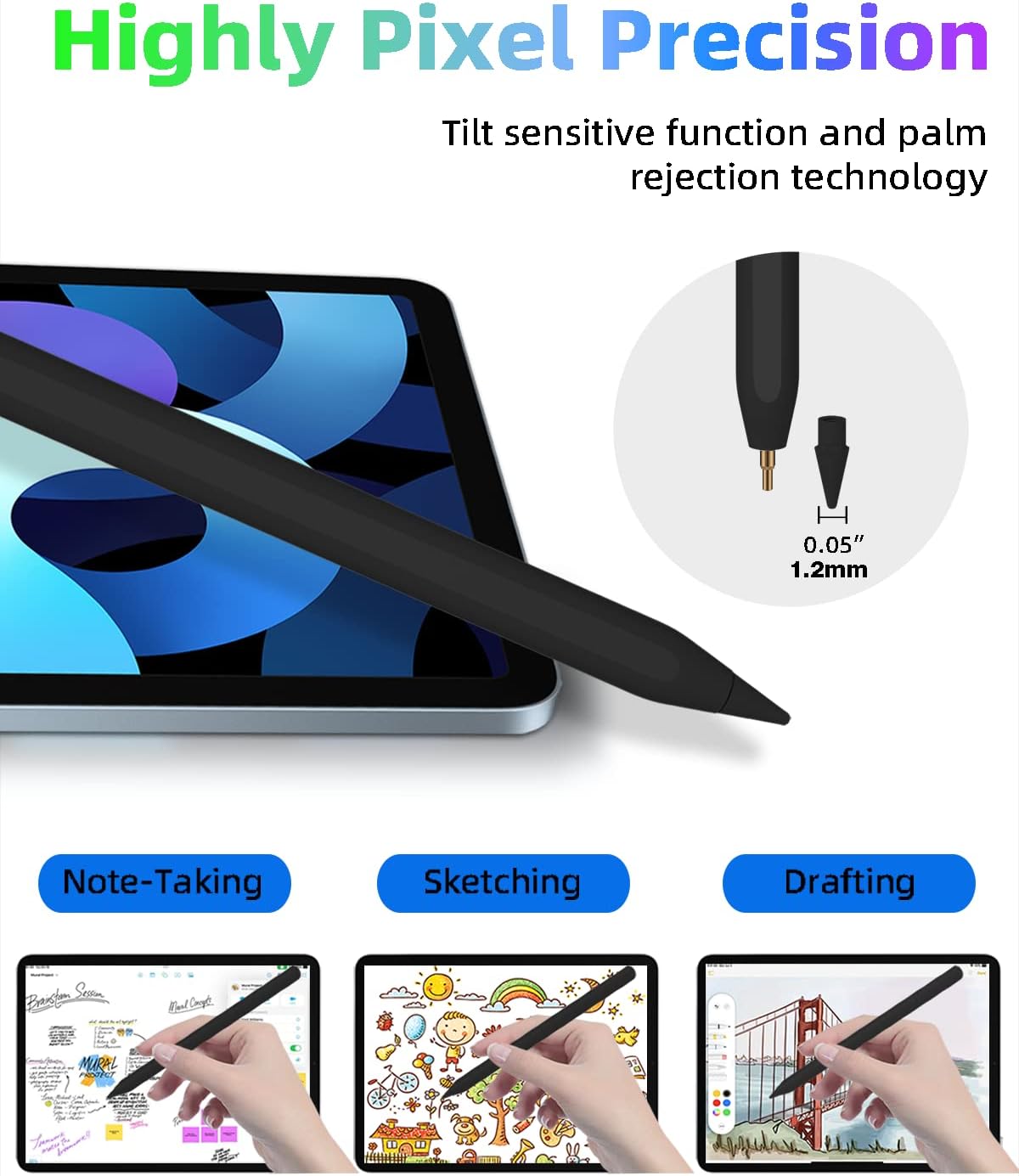
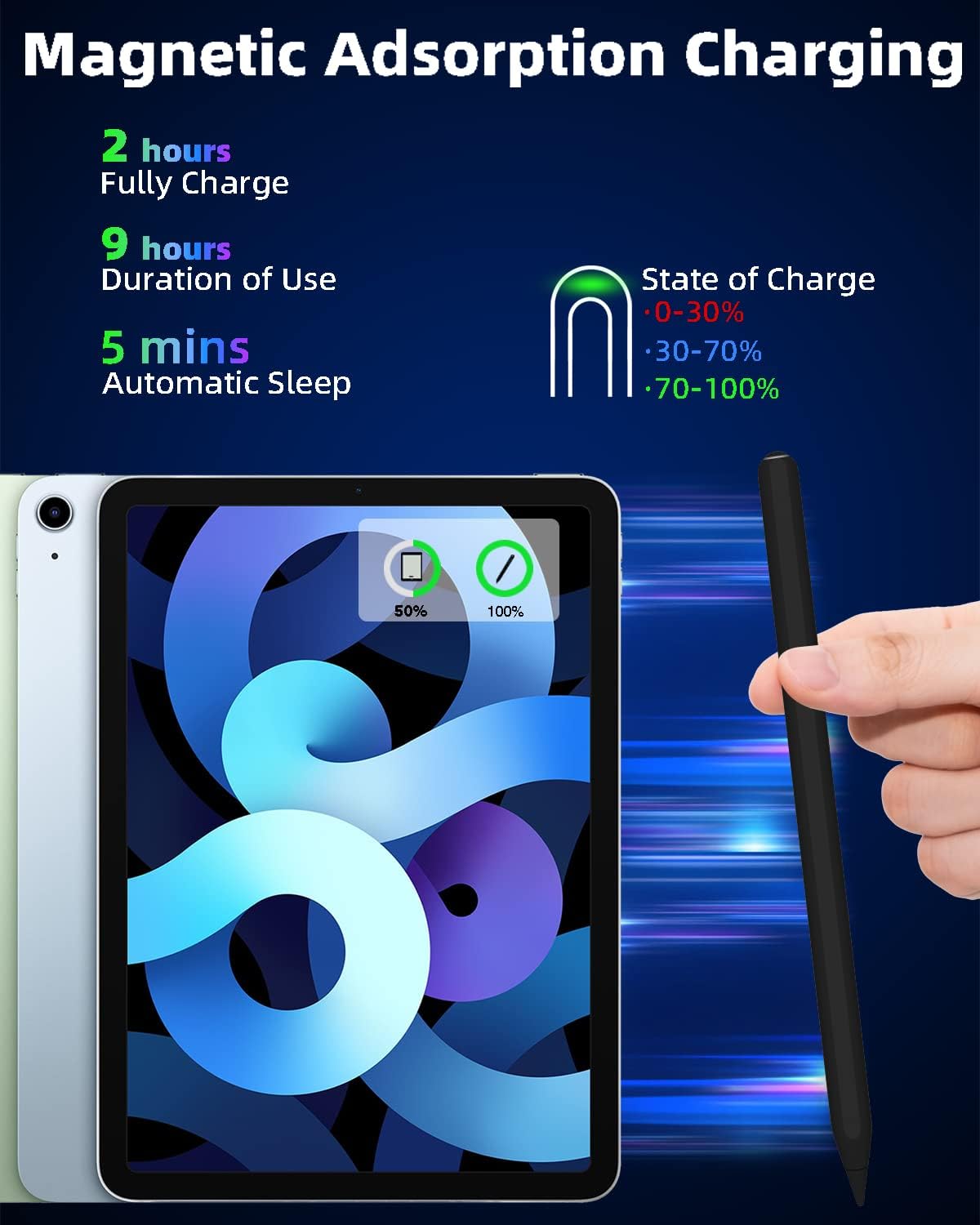
The pen connects via Bluetooth and attaches magnetically to supported iPad models so it charges while stored. The manufacturer states a full charge takes about 1.5 hours and operation can last up to 9 hours on typical use. It features a 1.2 mm tip designed for fine strokes and higher sensitivity, which helps reduce lag and keeps lines accurate while drawing or writing.
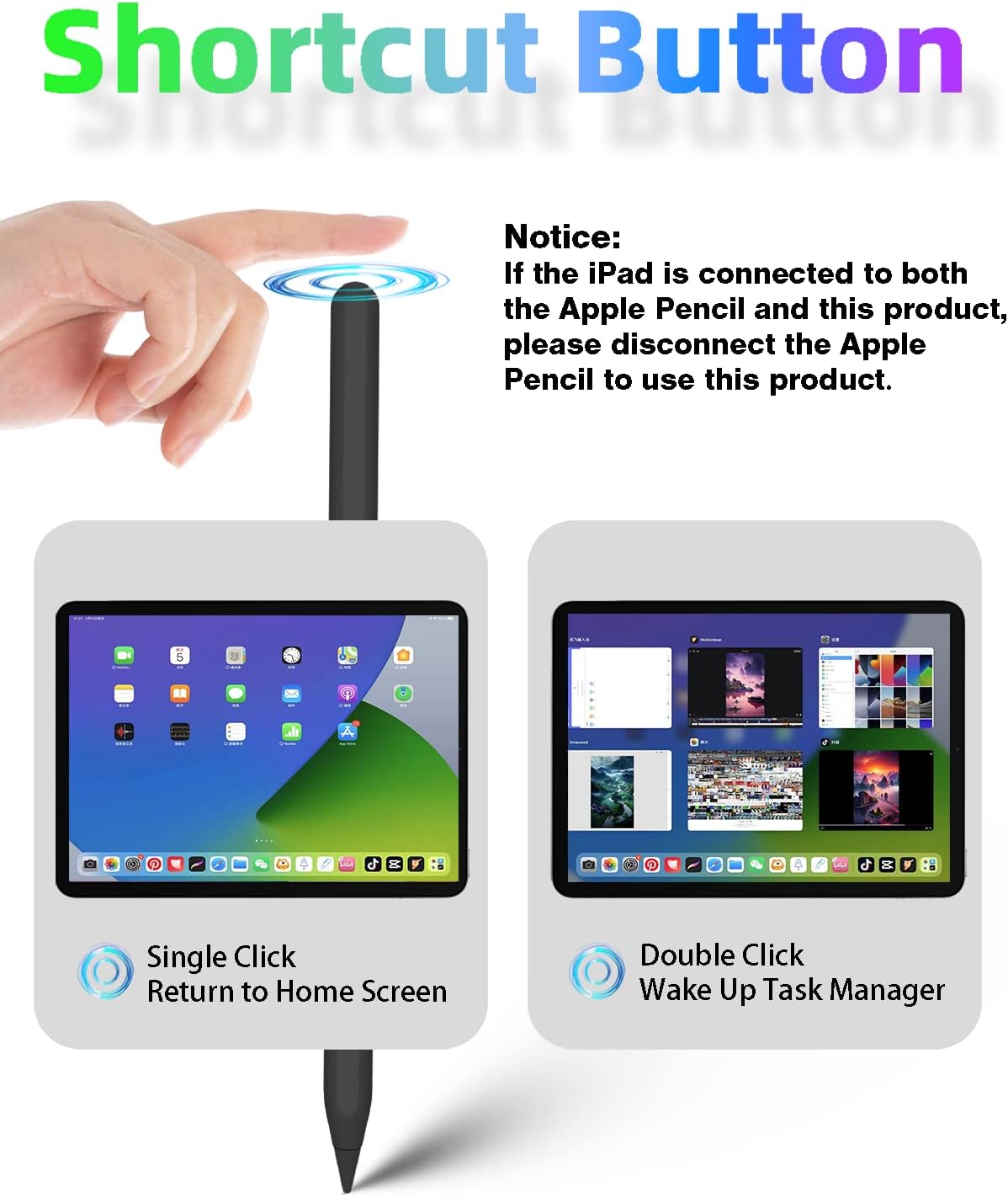
A built-in shortcut button adds quick controls. Single tap can return you to the home screen and a double tap can switch between apps according to the supplied functions. Palm rejection is included so you can rest your hand on the screen while using the pen with minimal interference. 🔋
Technical Specifications
- Name: iPad Pencil 2nd Generation
- Tip size: 1.2 mm
- Charging method: magnetic wireless charging, Bluetooth pairing required
- Battery life: up to 9 hours (manufacturer claim)
- Full charge time: approximately 1.5 hours
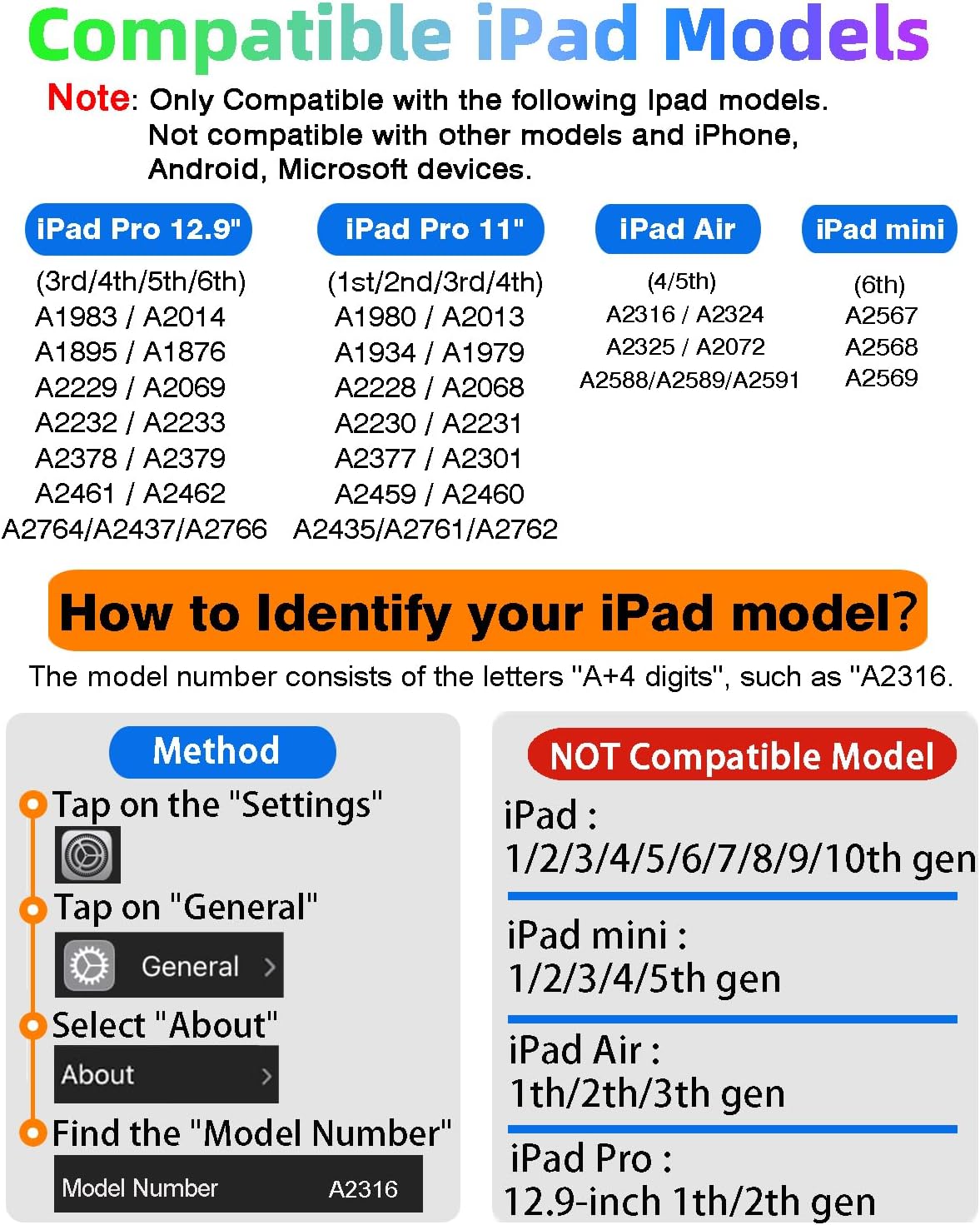
- Compatibility: iPad Air (4th, 5th gen), iPad mini 6, iPad Pro 11-inch (1st–4th gen), iPad Pro 12.9-inch (3rd–6th gen)
Usage Recommendations
For the best experience, confirm your iPad model number in Settings under General and About before connecting the stylus. When magnetically attached to a compatible iPad edge the pen should begin charging and the battery widget can display current charge levels. Try enabling the palm rejection feature in drawing apps when you start a session to avoid unintended touches.
Note that magnetic charging and some shortcut functions depend on specific iPad hardware. This pen does not support iPhone, Android devices, or iPads outside the listed models. Also consider that slightly different behavior may occur in third party apps, according to the manufacturer.