

KEEPRO Stylus Pen iPad stylus 10h
Product description
Key features
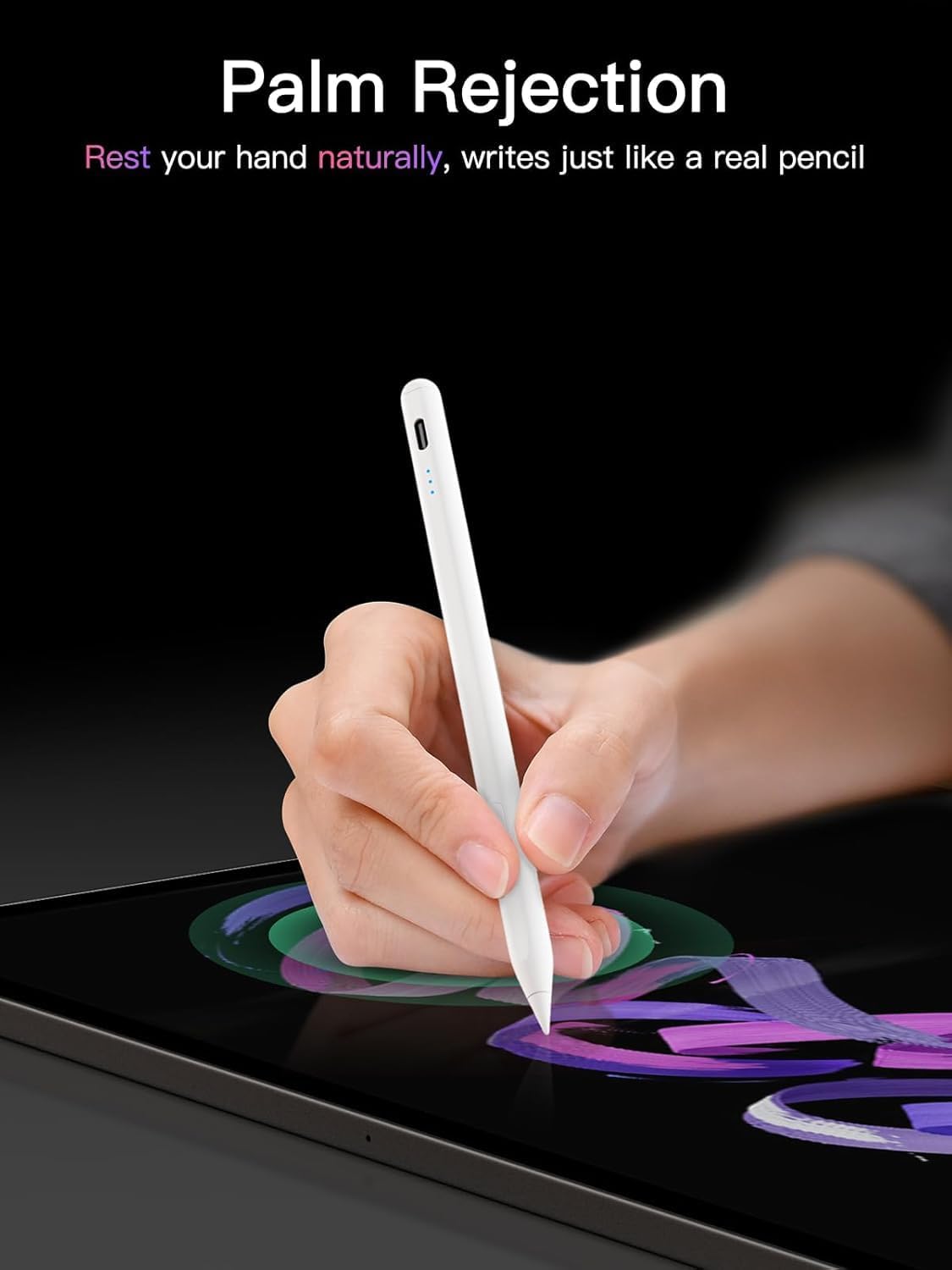
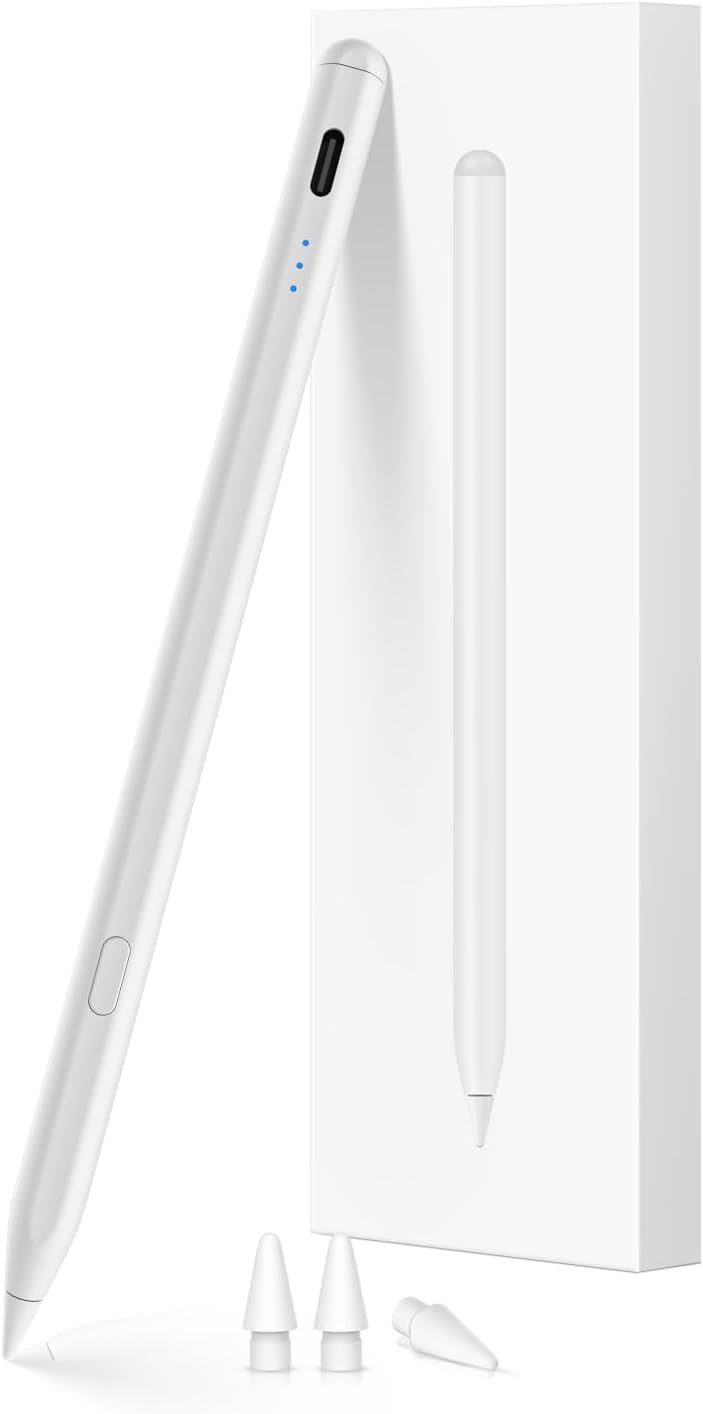
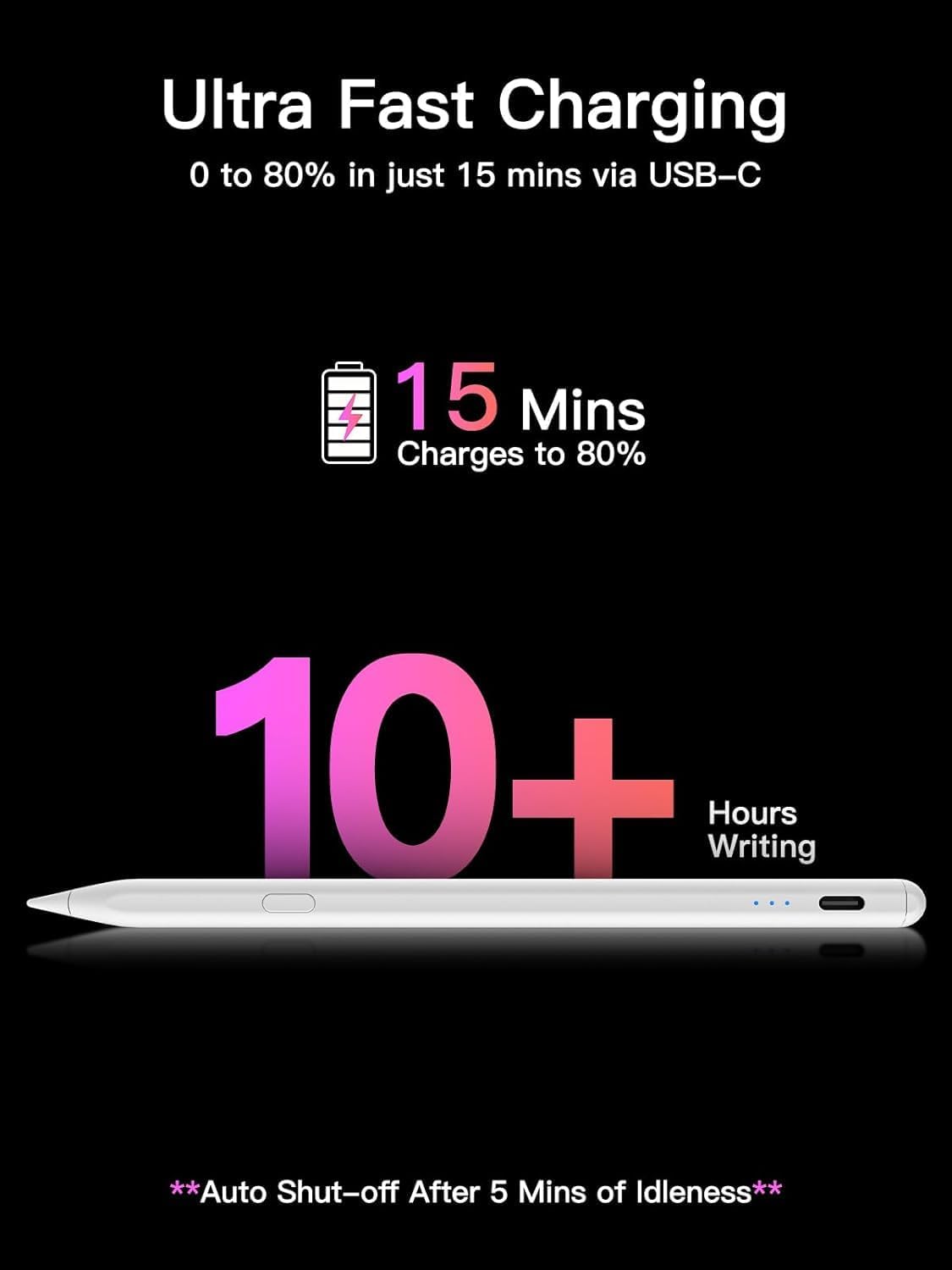
This USB-C fast charging pencil brings low latency drawing and tilt sensitivity for everyday sketching, note taking, and PDF markup. It charges quickly and lasts up to 10 hours according to the manufacturer, so you can work through long sessions without frequent interruptions. The pen pairs over Bluetooth to show battery percentage on the iPad and unlock a one-click undo shortcut, or it can be used without Bluetooth for basic input.
Tech specs
- Reference: KEEPRO Stylus Pen for iPad 2018-2025
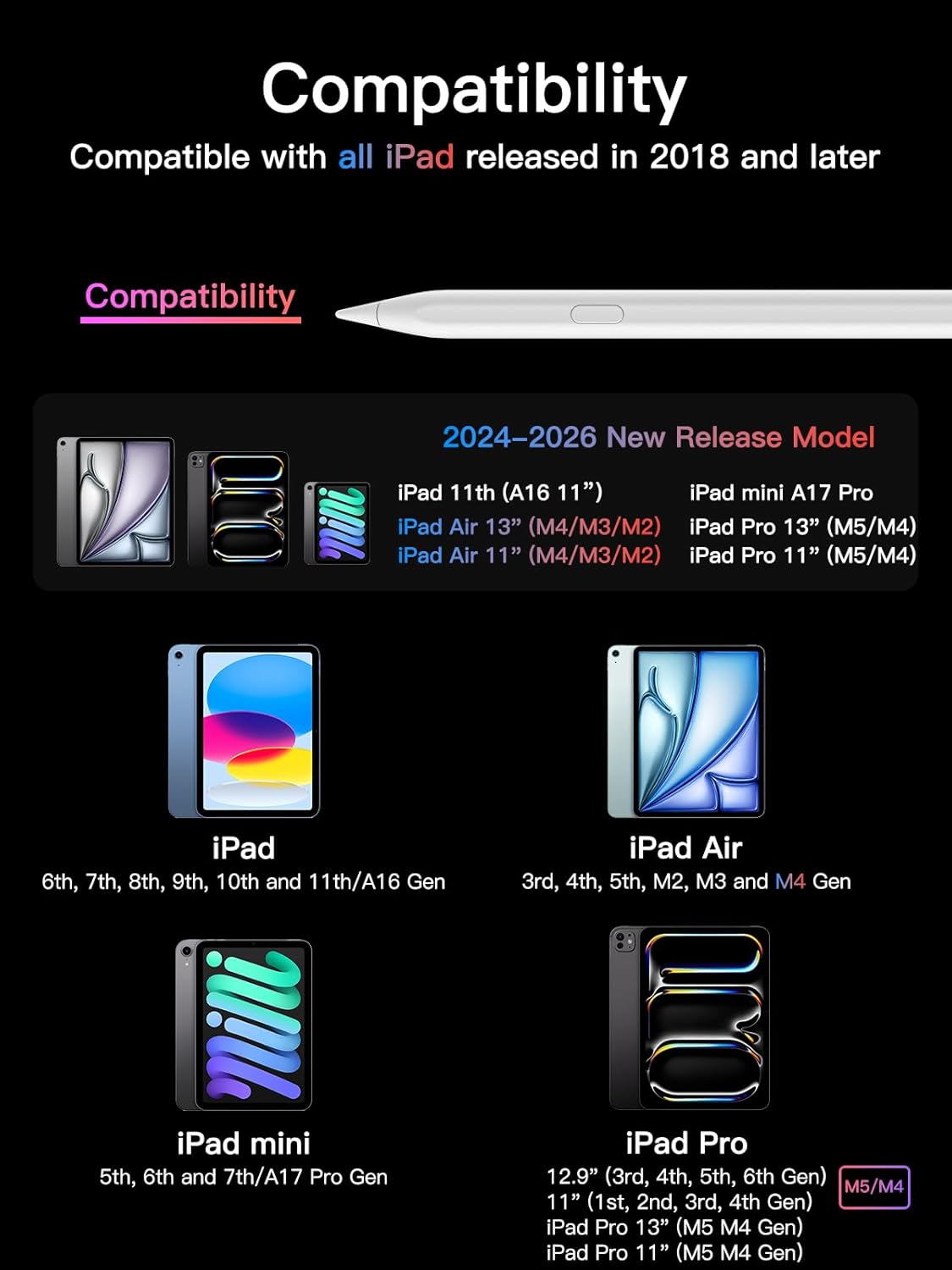
- Compatibility: iPad models released 2018 or later including Mini, Air, Pro and standard iPad
- Battery life: 10 hours per full charge
- Connectivity: Bluetooth and direct pairing, USB-C fast charging
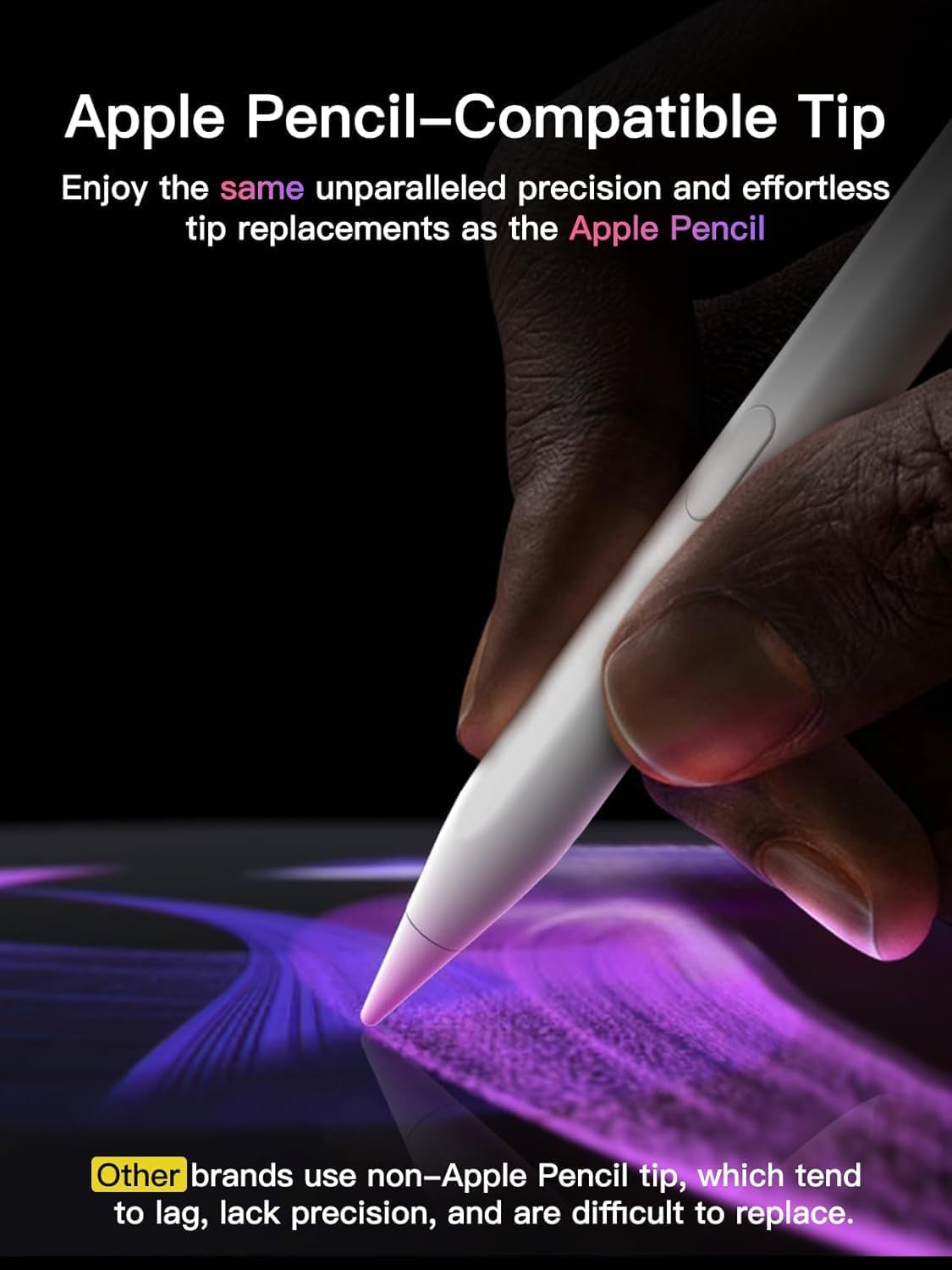
- Type: Active stylus with replaceable Apple Pencil tip
Best use cases
The stylus suits creators who sketch and annotate on the go, students who take handwritten notes, and professionals who mark up documents. Its fast charge behavior helps when you need a quick top up between meetings, and the included extra tips keep the drawing feel consistent over time. Looking for reliable tilt support and crisp pixel precision? This pen aims to deliver a pencil-like experience while remaining portable and simple to manage. 🎨
Why it makes sense
KEEPRO Stylus Pen for iPad 2018-2025 uses a replaceable original Apple Pencil tip and promises pixel-perfect precision and low latency for smoother strokes. It explicitly notes that there is no pressure sensitivity, a limitation to consider if you rely on pressure-driven brush dynamics in some apps. The pen auto powers off after 5 minutes of inactivity to conserve charge, and the Bluetooth shortcut gives quick access to undo actions when connected.
What it works with
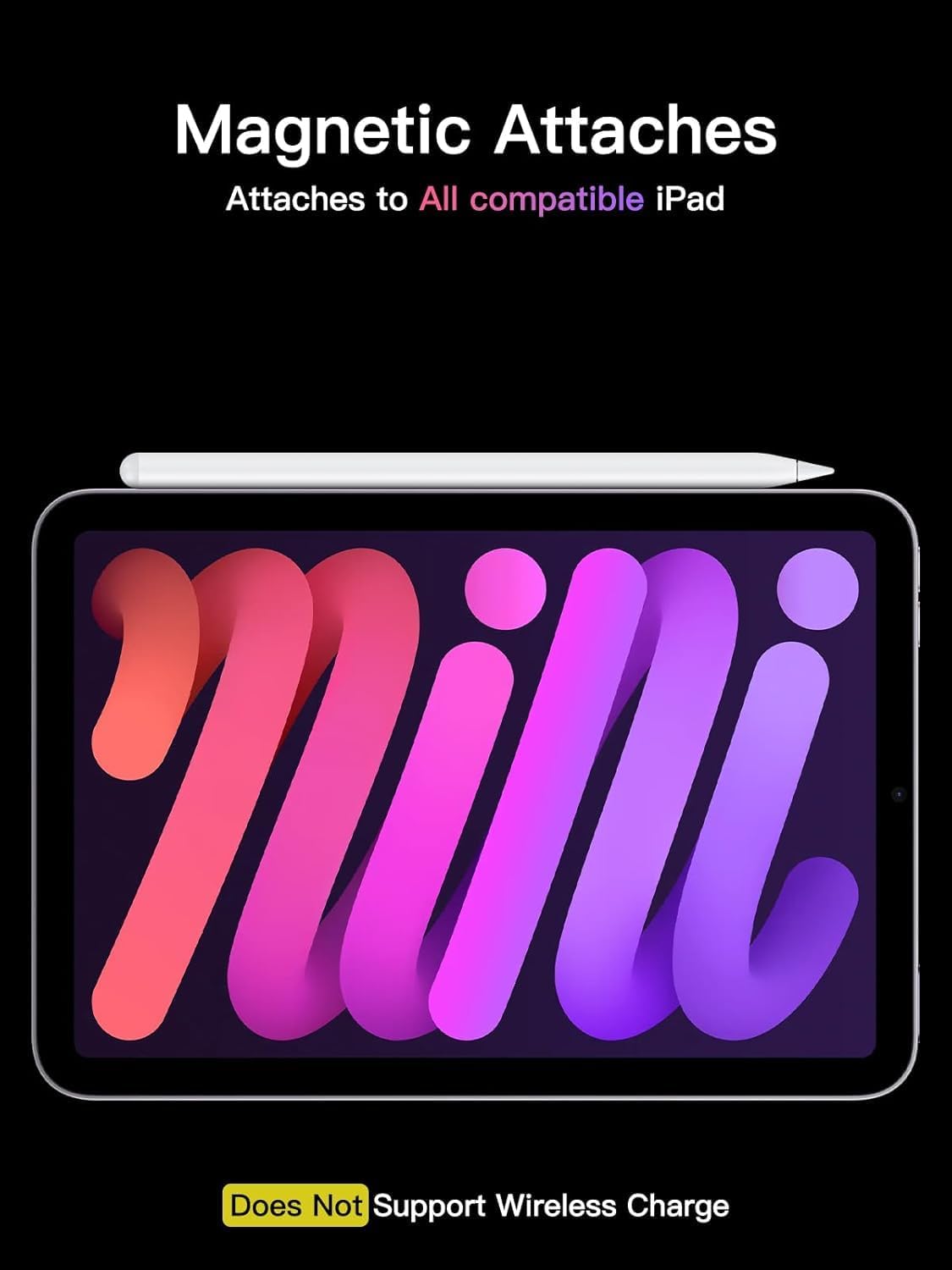
It works across a wide range of iPad models from 2018 onward, including multiple generations of iPad Pro, iPad Air, iPad mini, and standard iPad models. Make sure to confirm your iPad model before ordering to ensure compatibility. 🔋
Usage tips
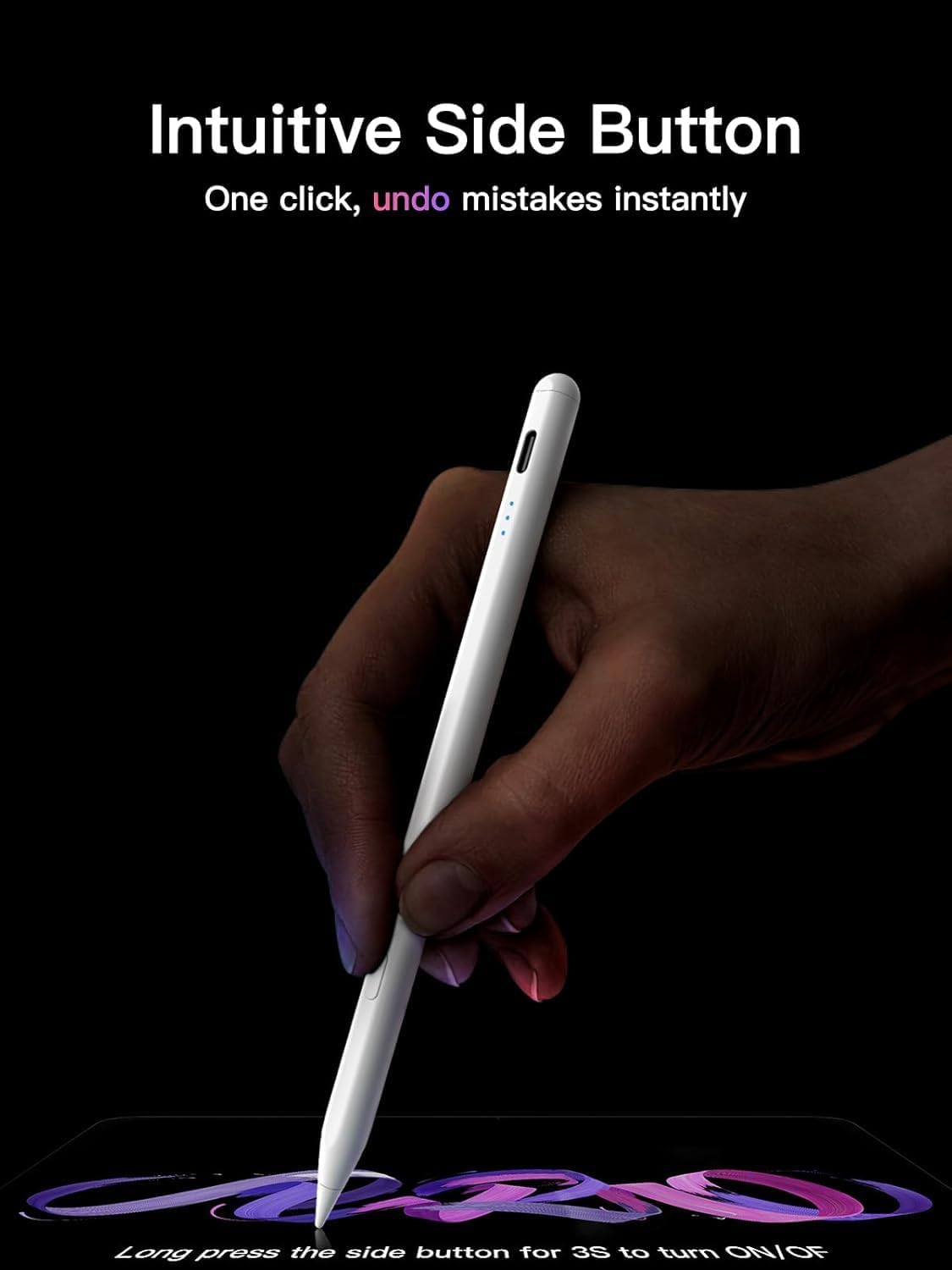
Long press the control button for 3 seconds to turn the pen on or off, then pair it via Bluetooth when the indicator flashes. Replace tips when you notice wear to keep lines precise. One quick question to consider, do you need pressure sensitivity for your workflow or is tilt plus low latency enough for your daily tasks? ✍️