

DAXINGXING Stylus Pens, Alloy
Product description
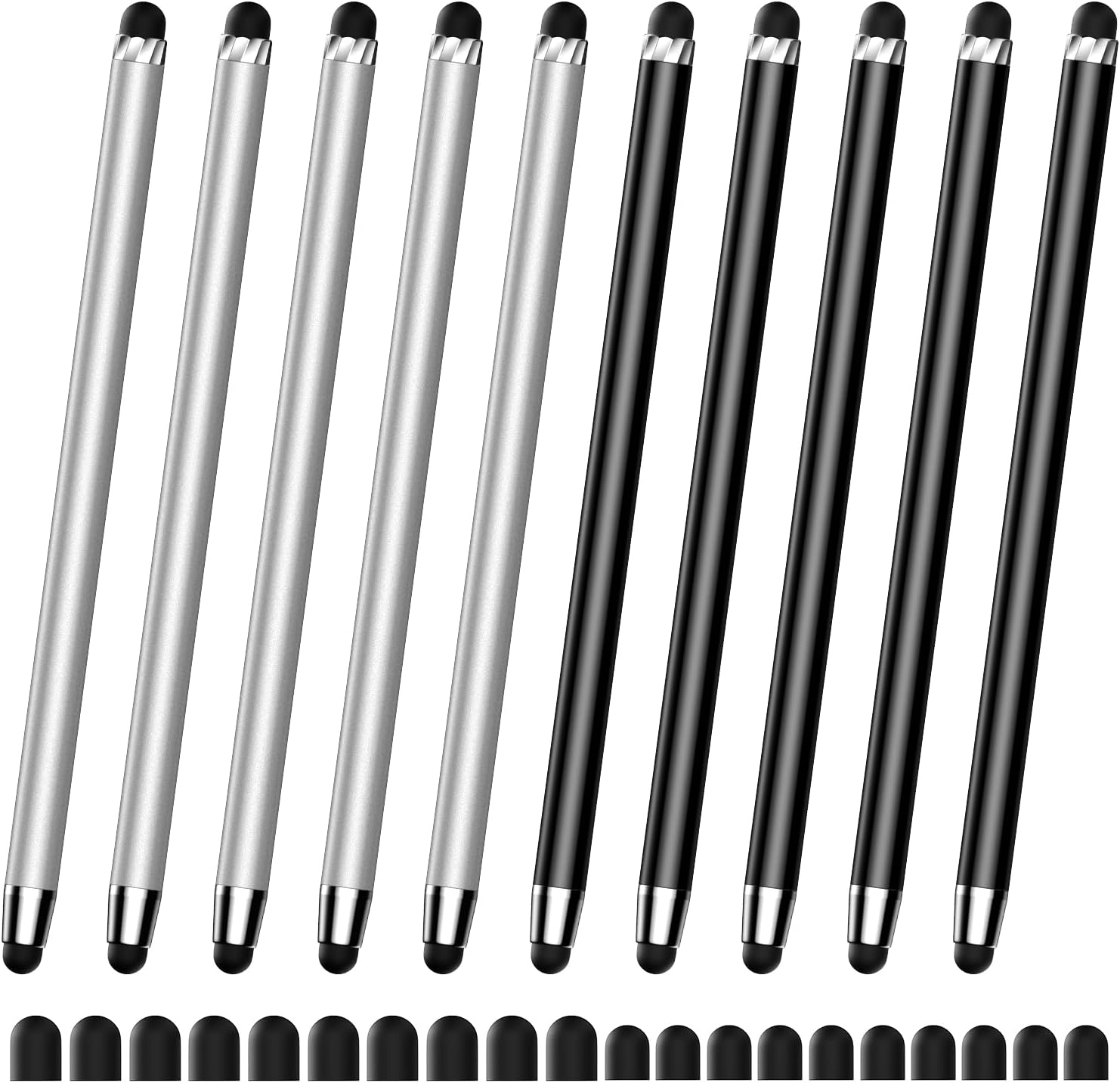
For households, classrooms, or shared workspaces that need a simple way to tap and write on touchscreen devices, this DAXINGXING stylus set focuses on quantity and everyday convenience. It includes five silver pens and five black pens.
Each pen has rubber tips at both ends, with different sizes for different touch tasks. There’s no pairing or charging, so you can pick one up and use it right away.
The trade-off is the passive rubber-tip design: it’s suited to basic touchscreen input, not a feature-rich digital pen experience.
Key points
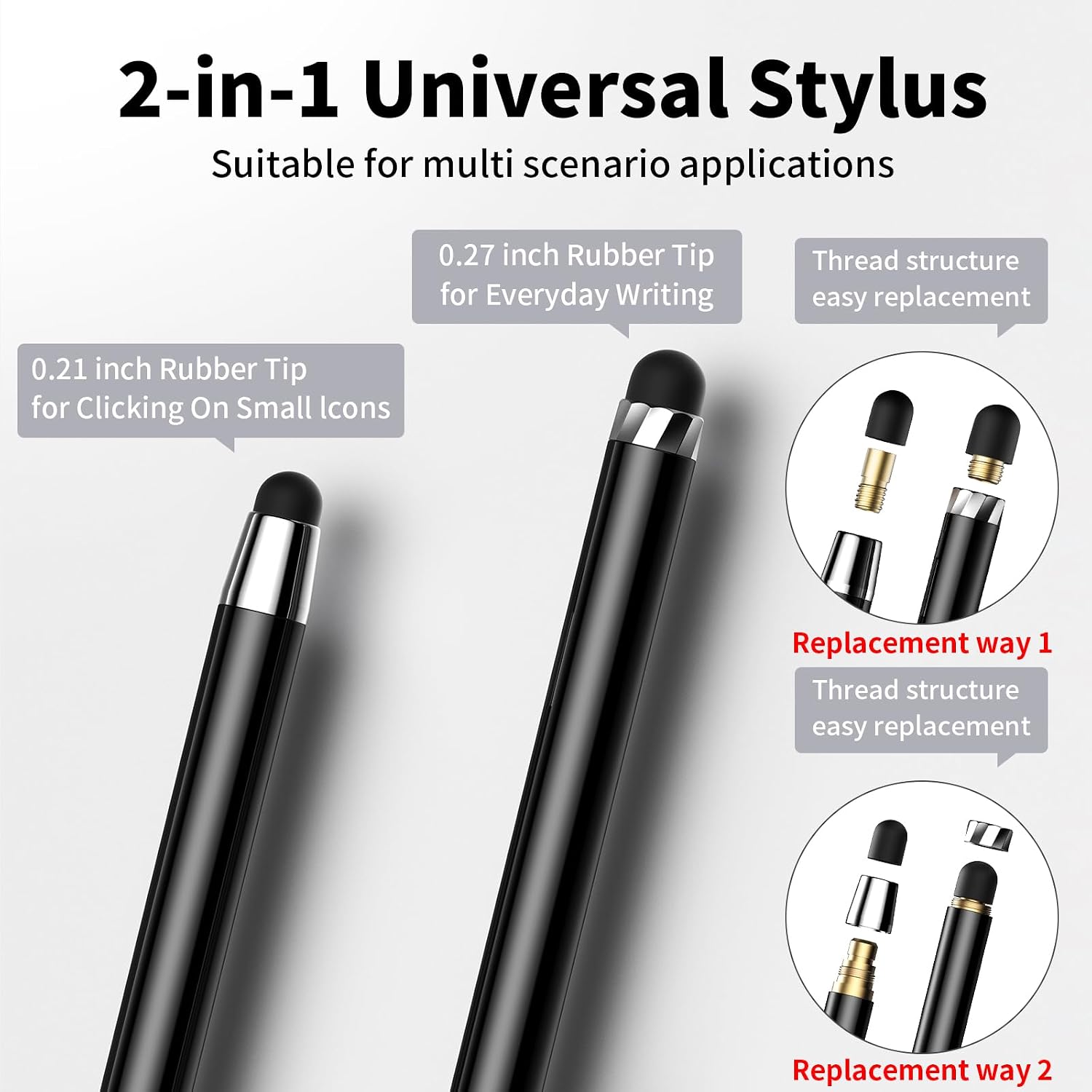
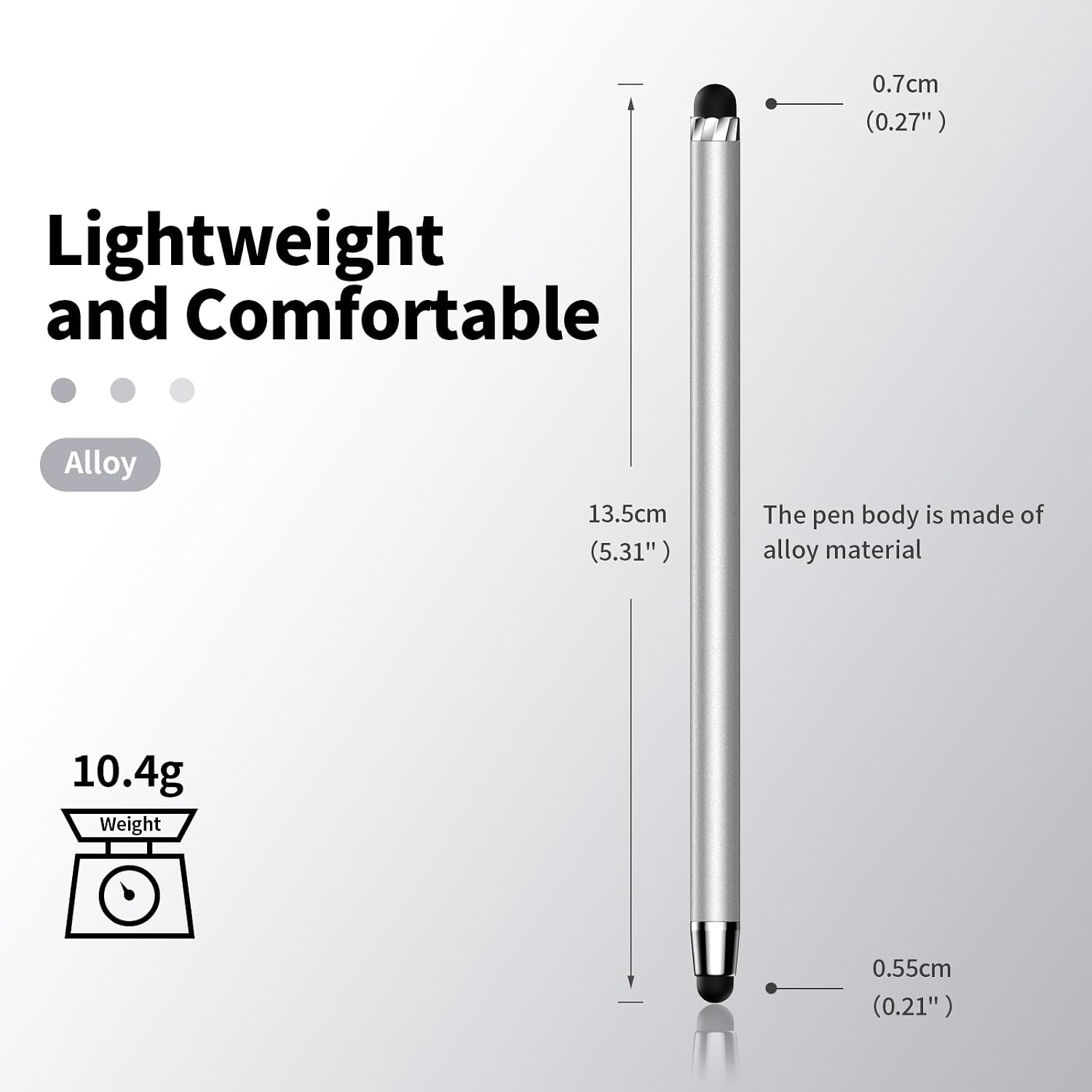
The alloy-body pens use two rubber tips in different sizes, and the package includes replaceable tips in both listed sizes: 0.27-inch and 0.21-inch. That gives you a choice between tip widths when tapping, navigating, or making simple marks on a screen. Ten pens can also be handy when several people share devices or when you want spares in different rooms or bags.
Because these are described as capacitive-screen styluses, they don’t need a Bluetooth connection or a charging routine. That simplicity is useful for quick tasks, such as tapping a small on-screen control while keeping your fingers off the display. Still, the listing doesn’t specify pressure sensitivity, palm rejection, or other electronic pen features, so don’t choose this set expecting those functions.
Best use cases
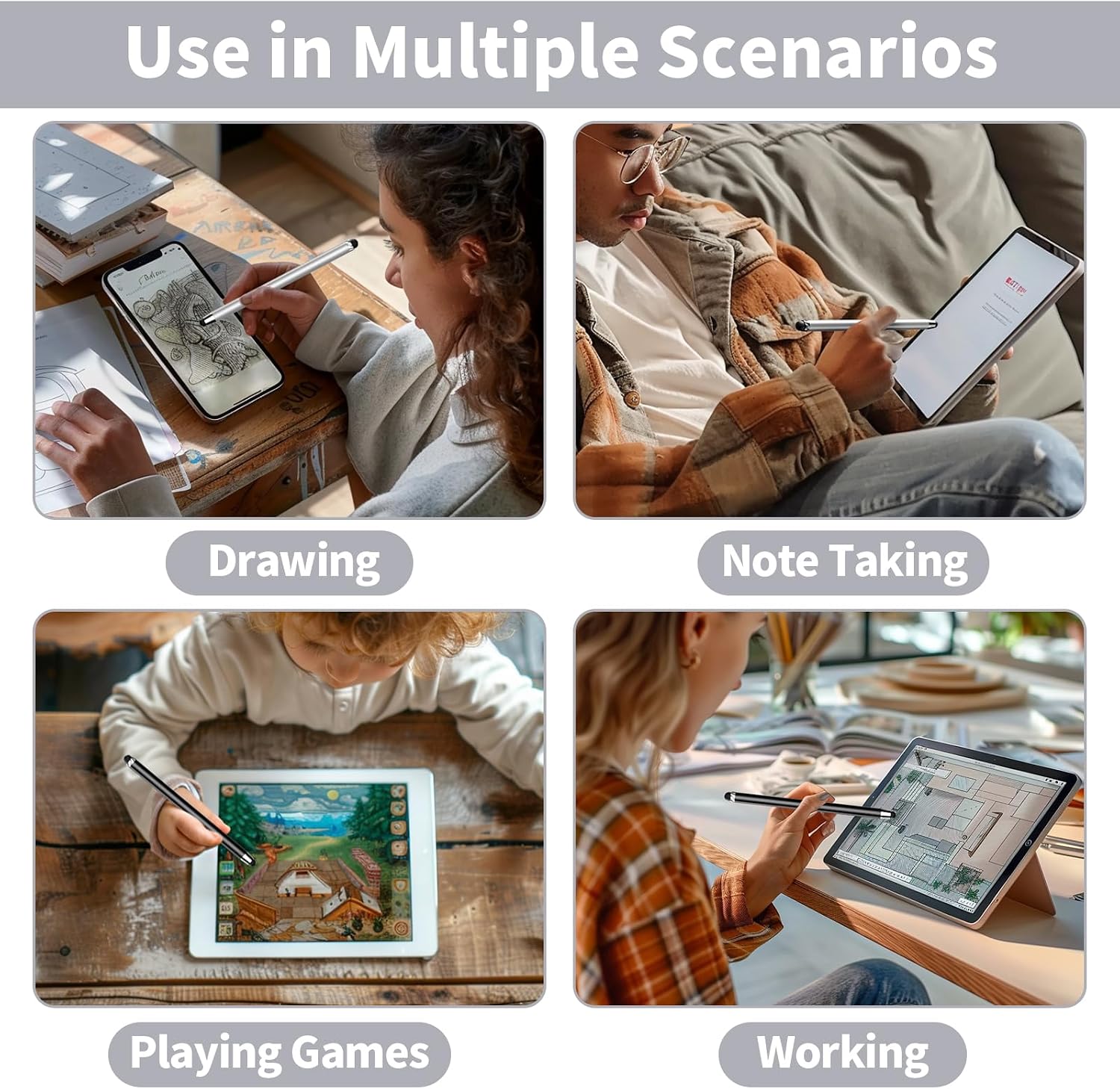
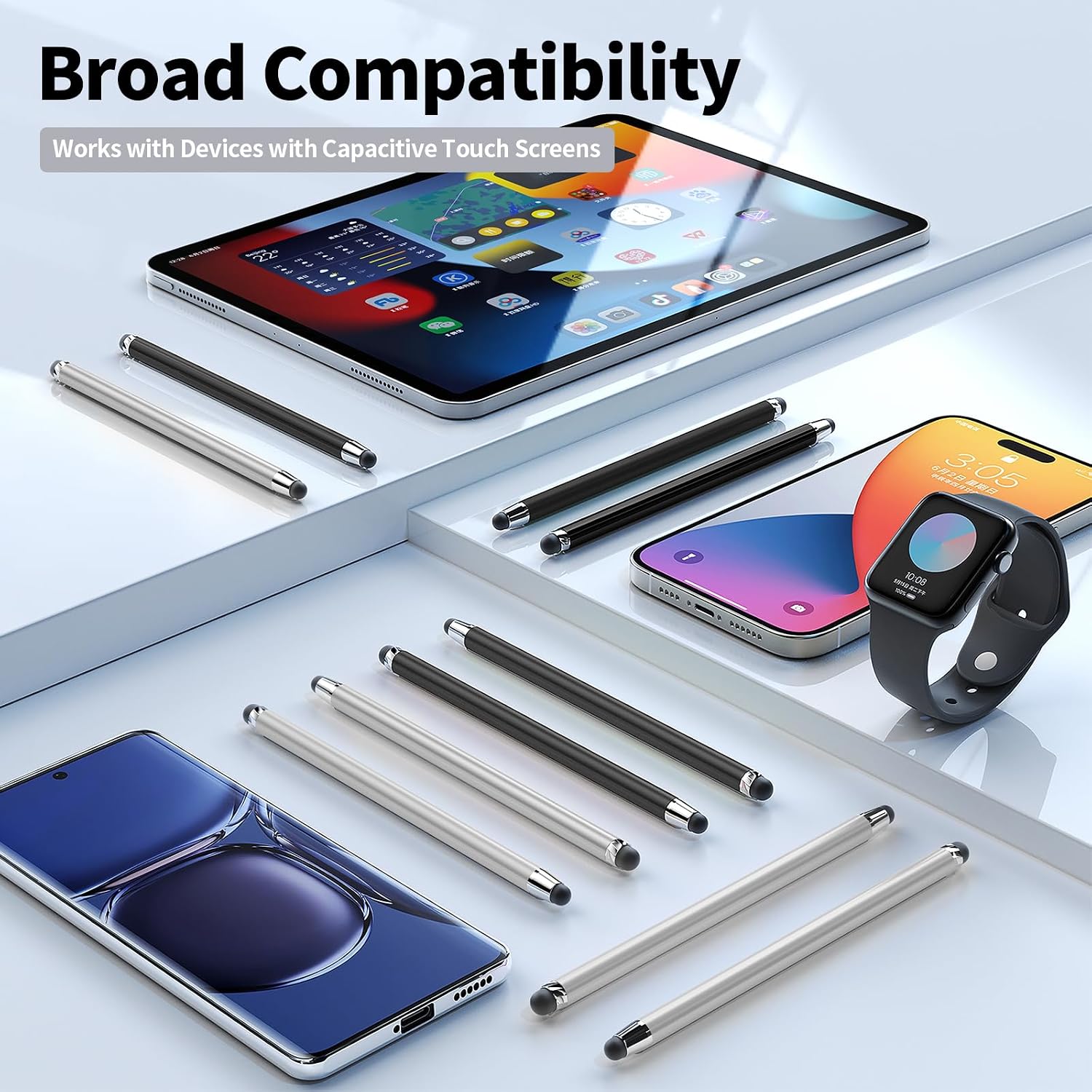
This set makes the most sense for everyday touch input on compatible devices: navigating a tablet, tapping through a phone screen, or making informal notes or sketches. The listing names iPad, iPhone, iPod, Android tablets, Kindle, and other capacitive touchscreens. Since compatibility depends on the device’s touch input, check that your particular model uses a capacitive screen before relying on the broad device list.
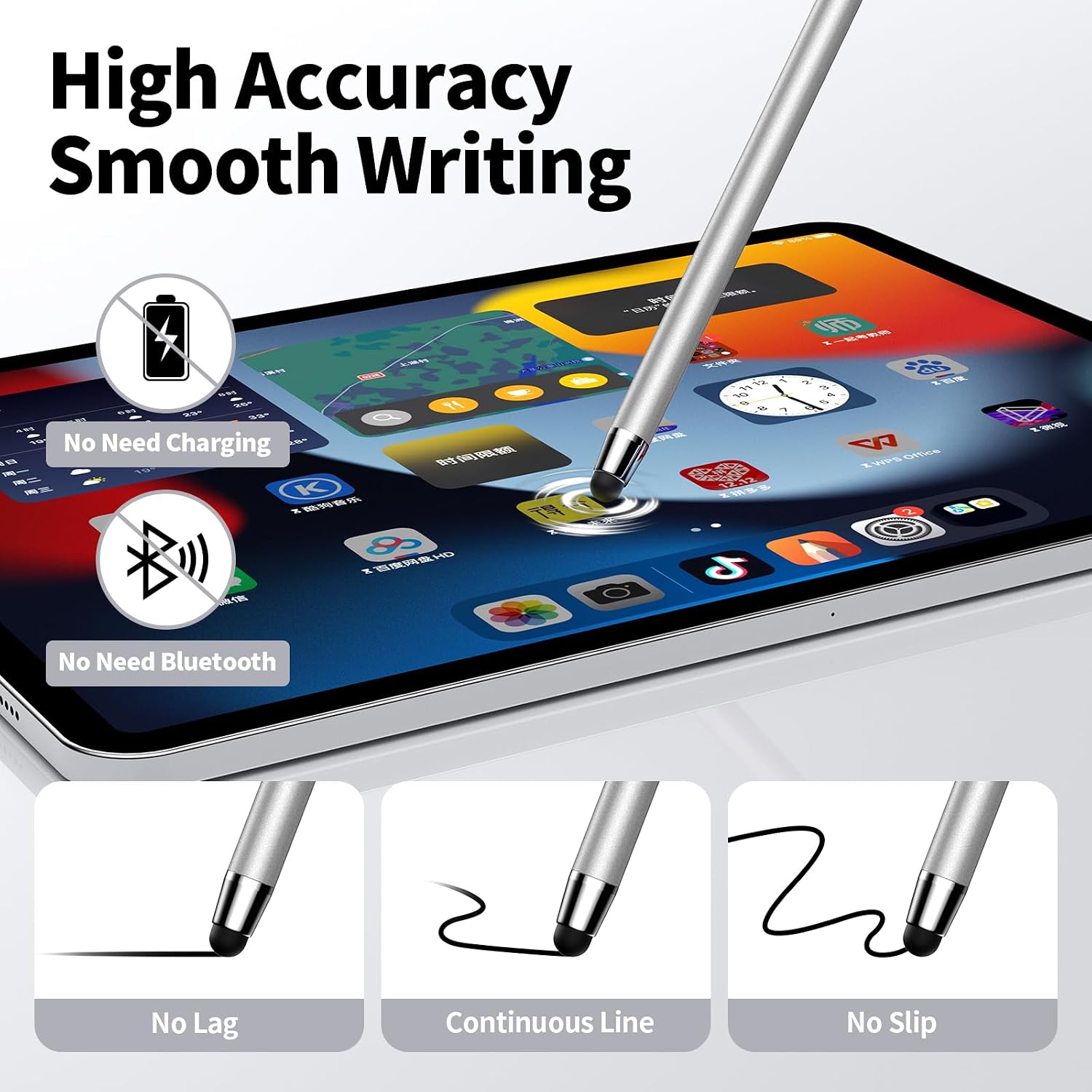
Compared with buying one rechargeable active pen for detailed drawing or handwriting, this set takes a simpler, multi-pen approach. A solid pick if you mainly want basic touch control and extras on hand. It might not be a great match if your work depends on electronic pen features or very fine, controlled strokes.
Tips for day-to-day use
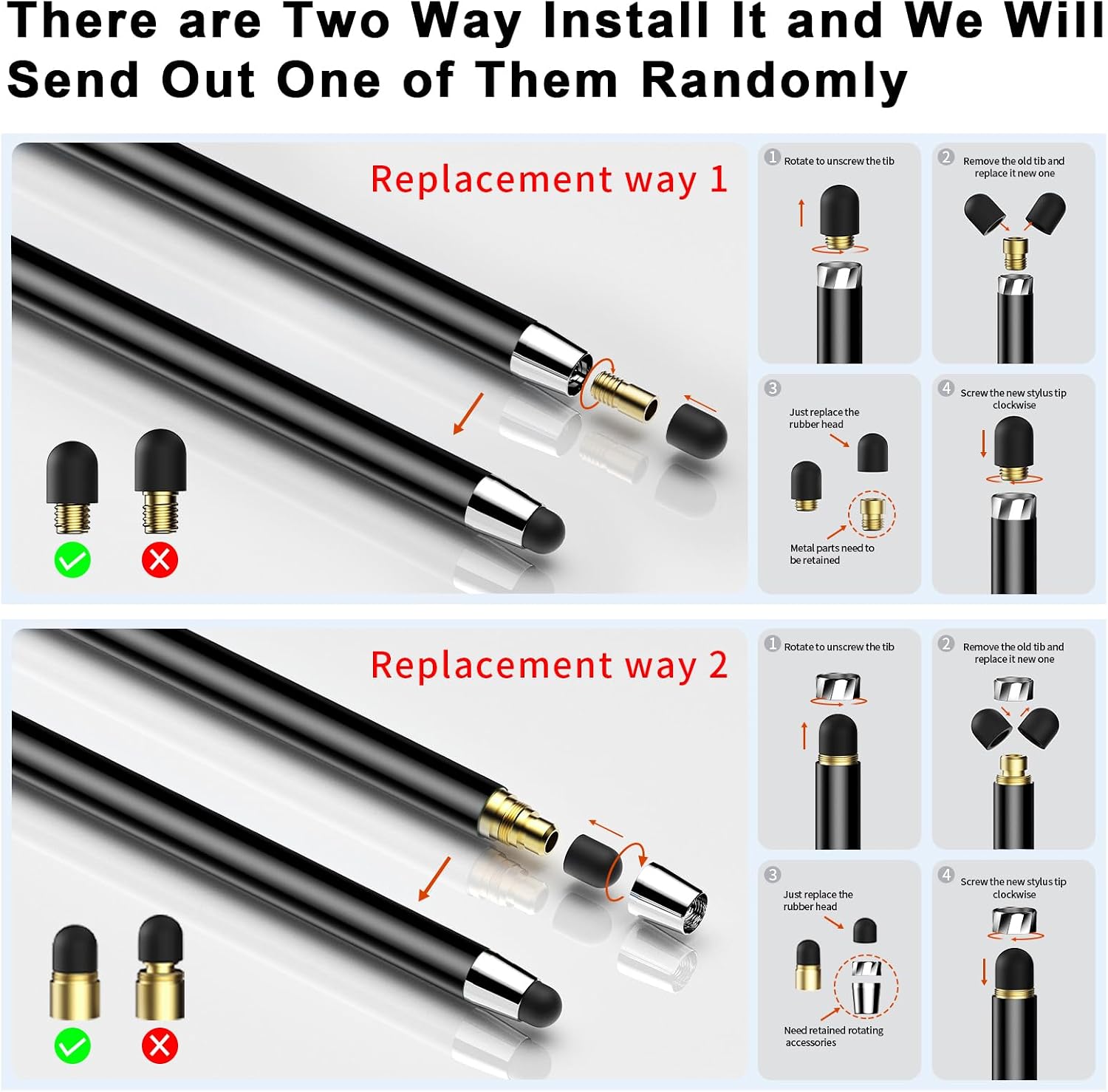
Keep one pen near a tablet and another with a phone or in a shared space, having several means you don’t need to move the same stylus around all day. Try each end on the screen to see which tip width feels easier for the task, and store the replaceable tips where they won’t get lost.
Ten pens and twenty listed replacement tips are a sizable bundle, but that can be more than a single user needs. Also, keep in mind that a rubber-tip stylus is a physical contact tool, not a shortcut to the precision controls found on some electronic pens. Use it for taps and casual screen work rather than assuming it will suit detailed creative projects.
Questions before you buy
Do the pens need charging or pairing? No. The product description says they work without charging or a pairing connection.
What comes in the set? Five silver and five black styluses, plus ten replaceable 0.27-inch tips and ten replaceable 0.21-inch tips.
Will they work with every tablet or e-reader? The listing names several device families, including Kindle and Android tablets, but describes the pens for capacitive touchscreens. Confirm your specific device’s screen type rather than assuming every model is compatible.
When it makes sense
Choose this set when you want multiple no-charge styluses for basic input across compatible touchscreens, or need extras for a shared household or workspace. Skip it if you’re shopping for a specialized digital pen with advanced writing or drawing controls, those needs call for a different kind of stylus.