

Metapen A8 Smart Pen for iPad
Reviews
Price
Product description
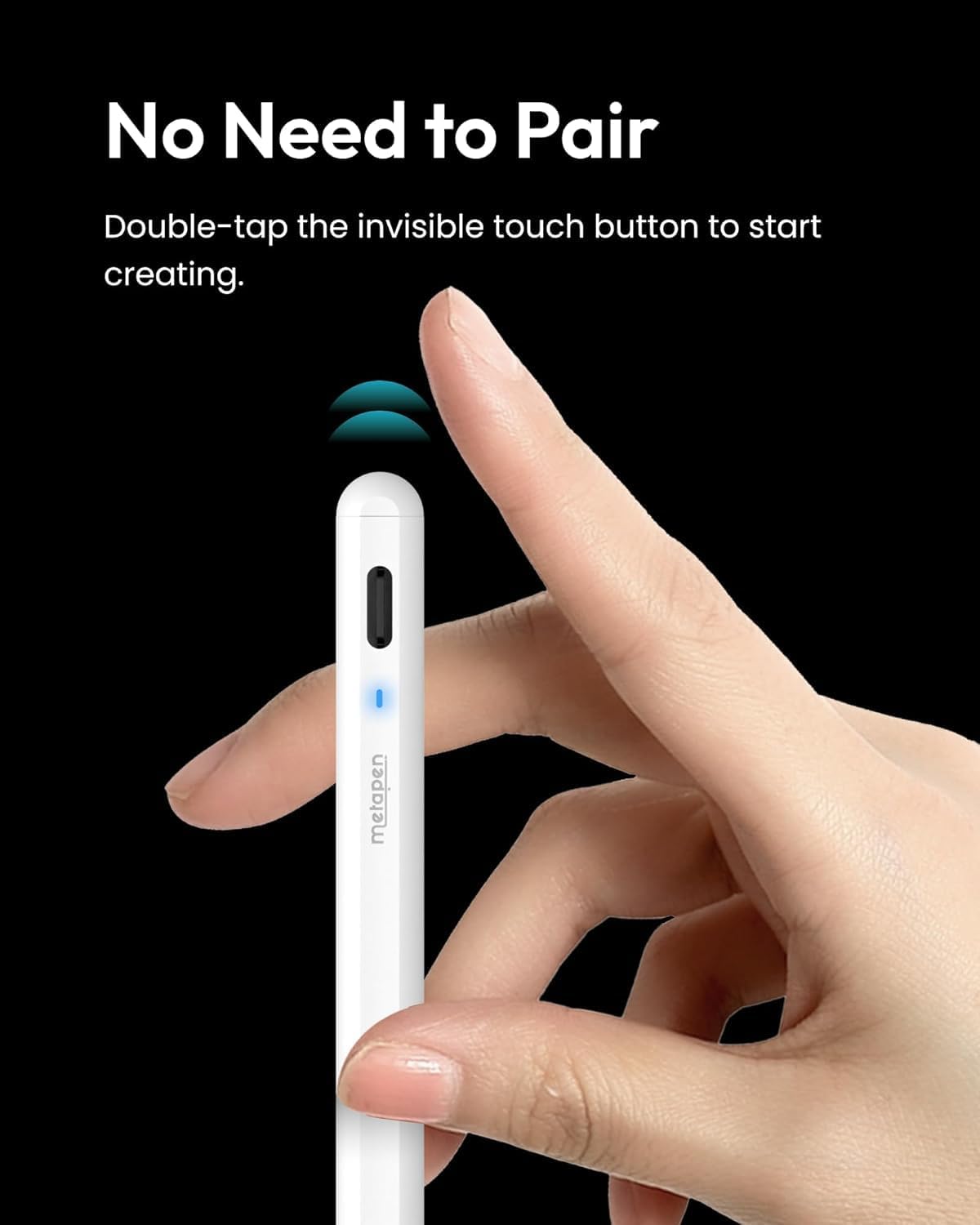
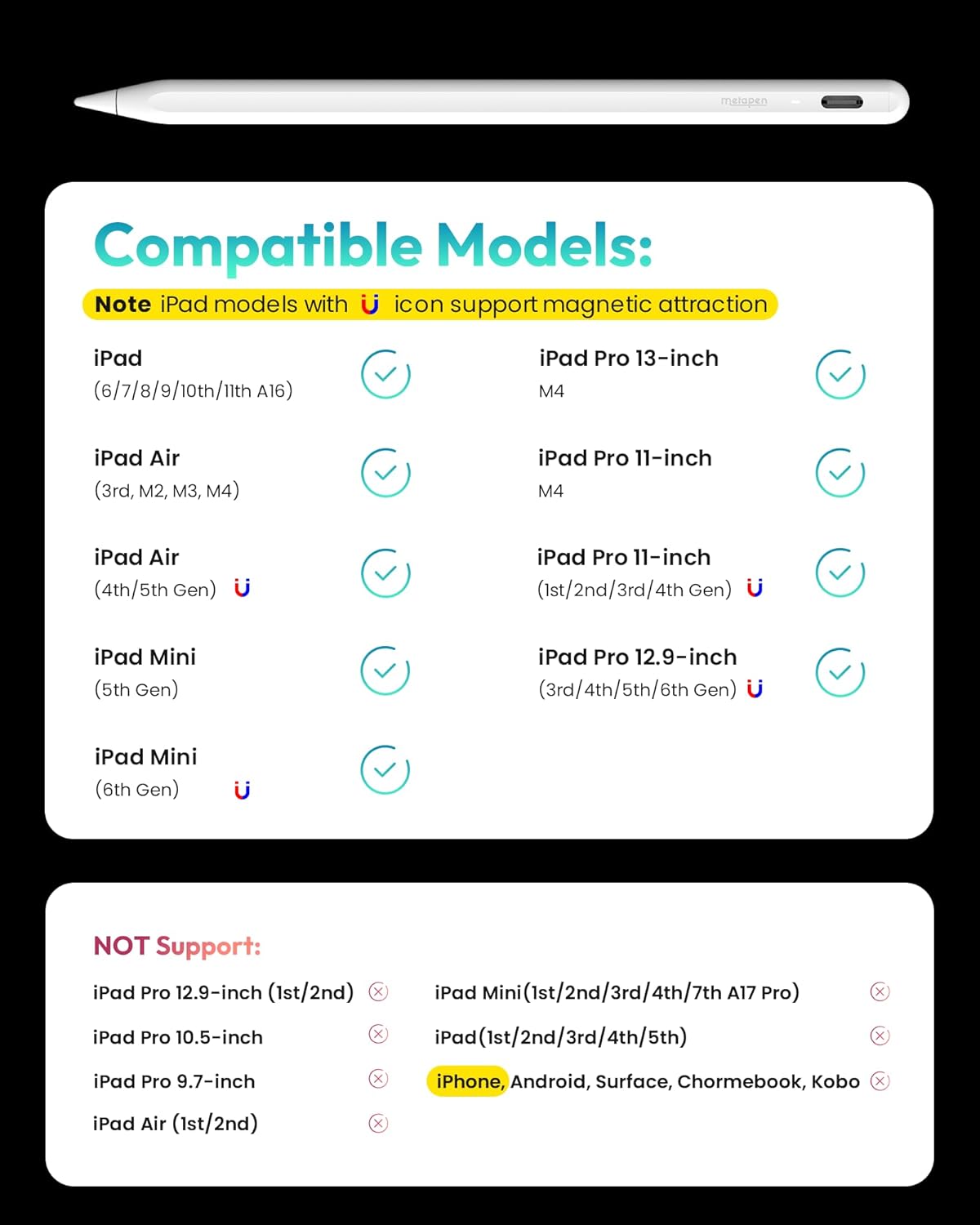
This Metapen A8 Smart Pen for iPad delivers a seamless writing and drawing experience without requiring Bluetooth or any companion app. It connects instantly through a tactile switch on the top, allowing users to power it on or off with a simple touch. Designed for iPad users from 2018 to 2025, including models like the iPad 11, iPad Air, iPad Pro 11 and 12.9-inch versions, as well as the iPad Mini 6 and 5, it offers a reliable and intuitive alternative to Apple Pencil.
Key Points
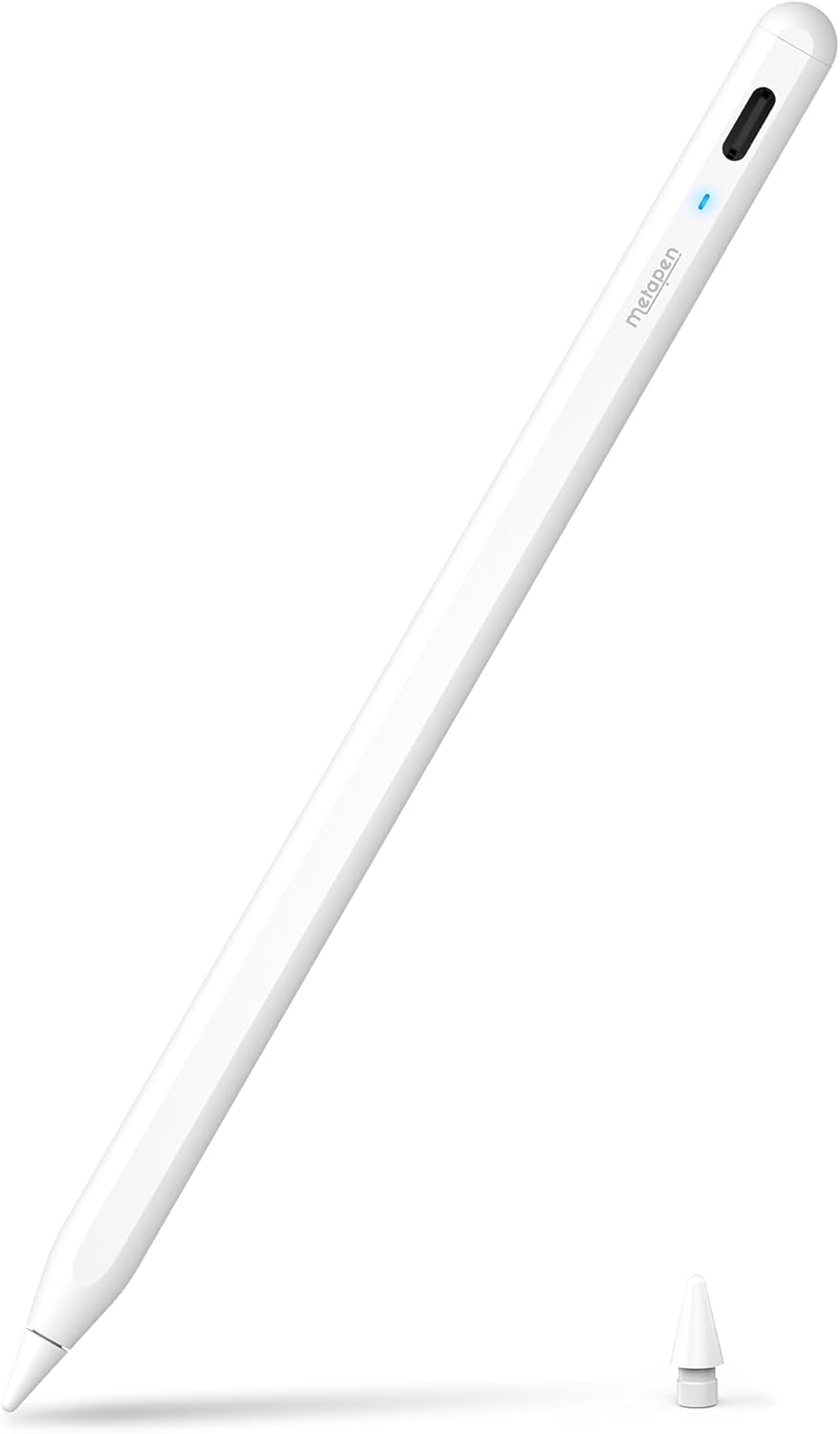
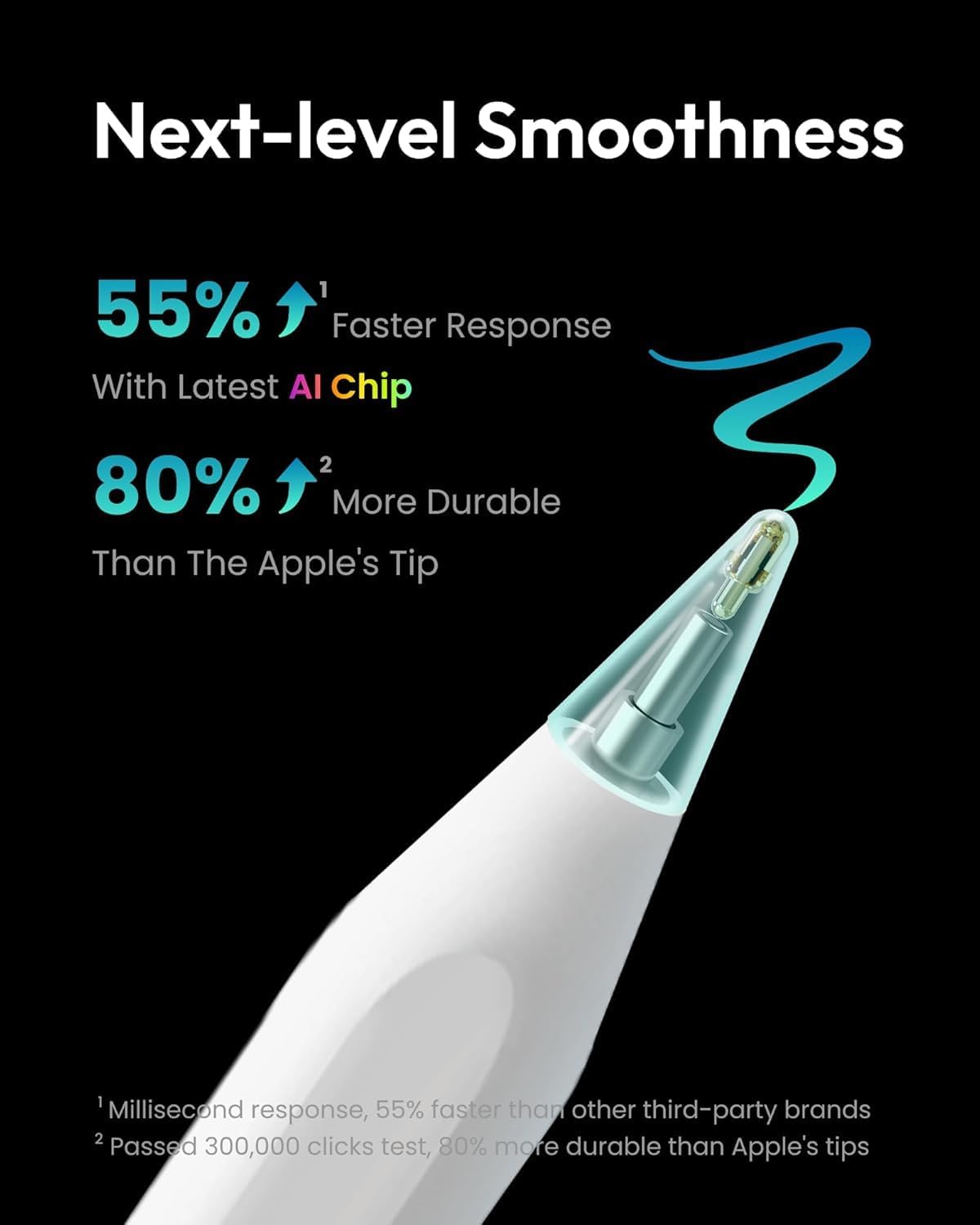
The Metapen A8 operates independently of apps and Bluetooth, making setup quick and hassle-free. It features a dual-magnet design that securely holds the pen on compatible iPad models, reducing the risk of slipping during use. Unlike traditional pens, it responds to tilt, enabling natural shading and smooth line control. The pen includes a durable, scratch-resistant tip made from high-quality polymer, capable of handling over 200,000 strokes. It comes with two replacement tips, offering cost-effective access to consistent performance.
Technical Specifications
- Brand + model: Metapen A8 Smart Pen
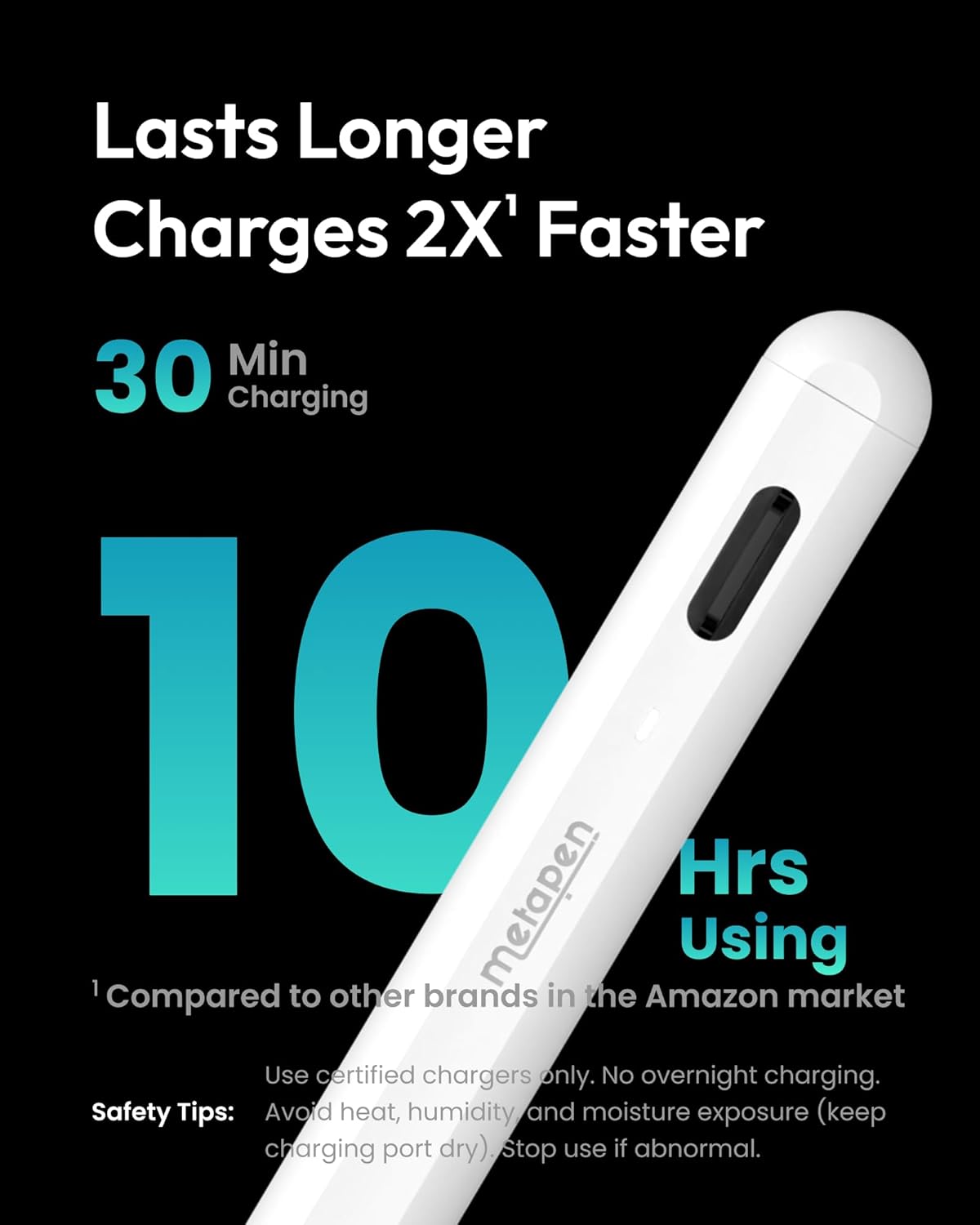
- Charging port: Type-C
- Full charge time: 30 minutes
- Battery life: Up to 10 hours on a full charge
- 1-minute charge: 50 minutes of use
- 4-minute charge: up to 2 hours of use
- Battery indicator: LED with color-coded levels
Benefits
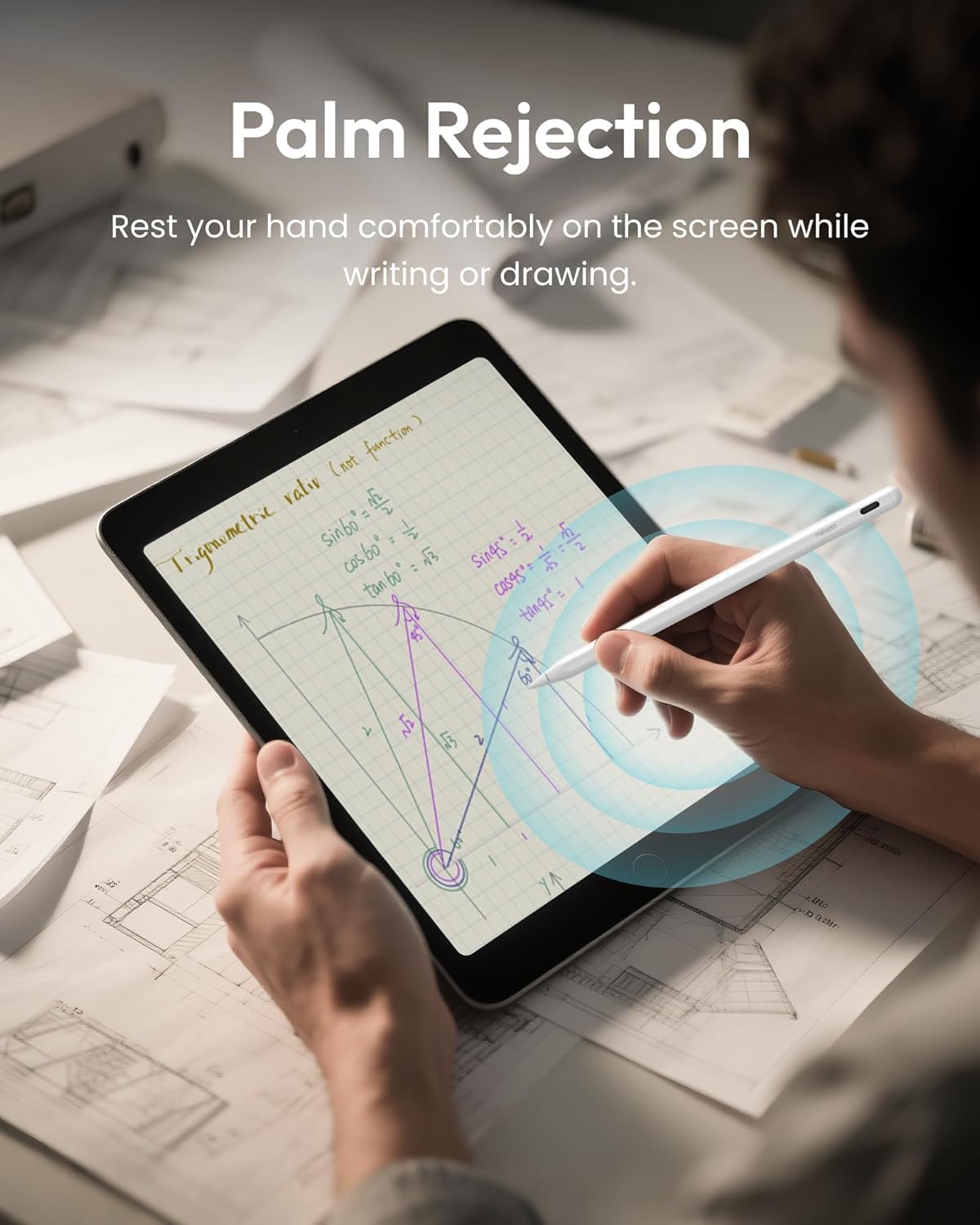
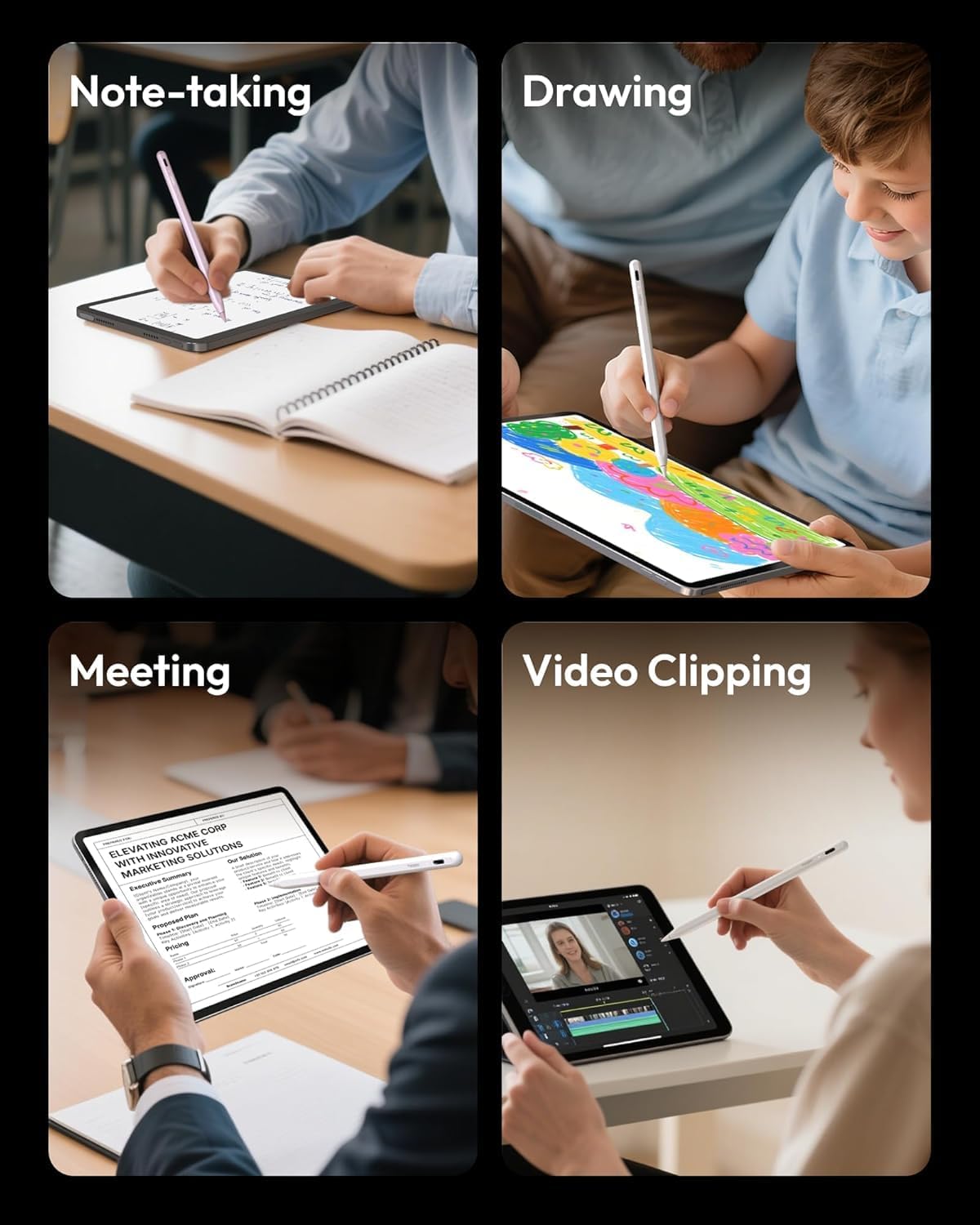
Users benefit from real-time responsiveness and pixel-level precision, ideal for sketching, note-taking, and writing small text. The pen automatically powers off after five minutes of inactivity, conserving battery life and extending overall performance. Its anti-slip design ensures stable placement on the iPad surface, even during prolonged use. The pen’s tip is engineered to prevent screen scratches, protecting your device over time.
Usage Recommendations
For best results, use the Metapen A8 on iPad models from 2018 onward, including the iPad Pro 11-inch and 12.9-inch, iPad Air, and iPad Mini 6. Avoid using it on older iPad models or devices with Apple Pencil compatibility prior to 2018. The pen works only on iPad devices and does not function with iPhone, Android, or Microsoft products. Keep the pen charged regularly to maintain optimal performance, especially during extended sessions.