

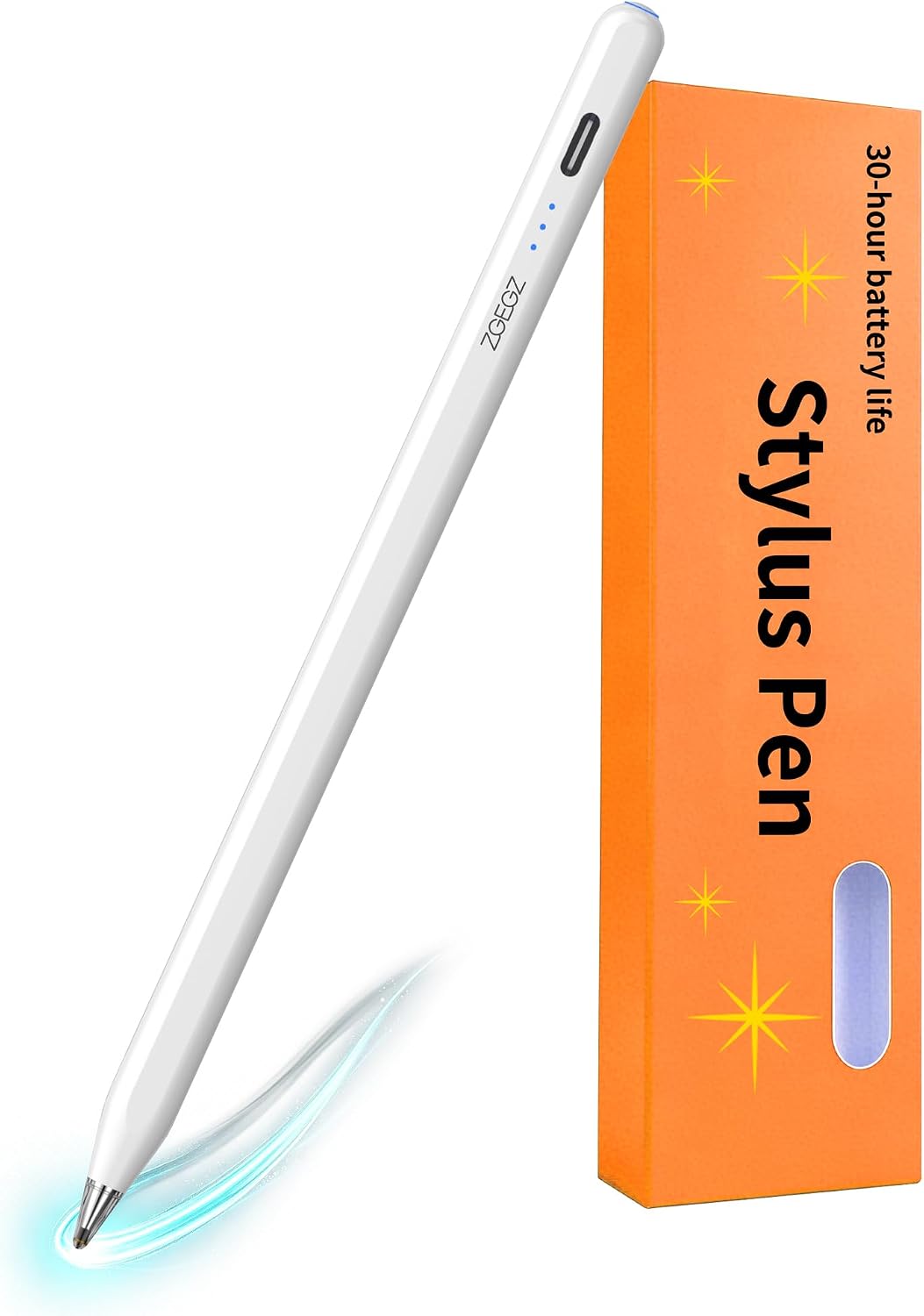
Stylus Pen with 30-Hour Battery Life
Product description
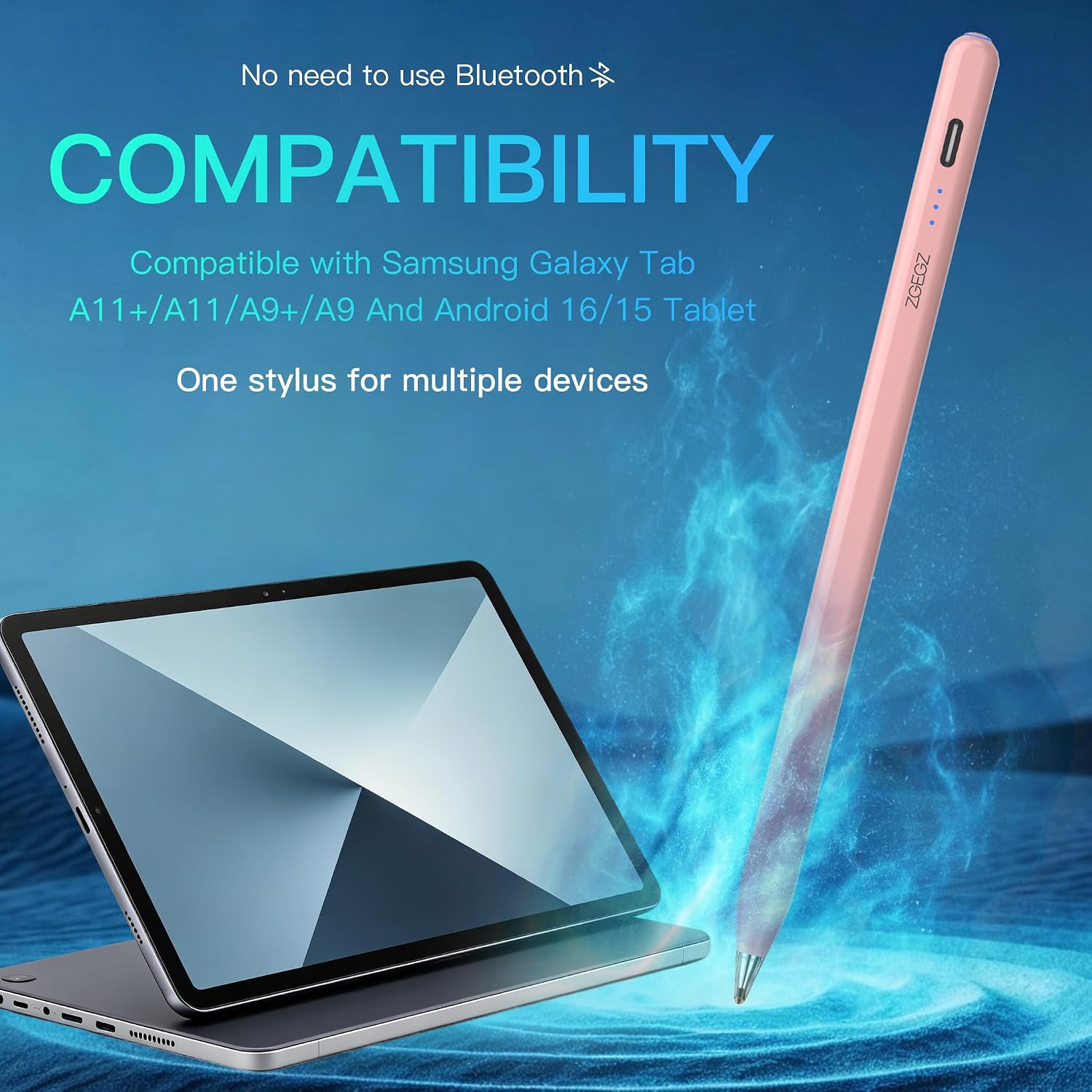
The no-Bluetooth design keeps setup simple: turn this active stylus on with its physical button and start writing without pairing. It is listed for several Samsung Galaxy Tab models and Android 15/16 tablets, with a transparent tip intended for precise writing and drawing. That makes it a practical format for quick notes or editing a document without adding a Bluetooth setup step.
The main trade-off is important: this pen has no palm rejection. Resting your hand on the screen while writing may be less convenient, so it is worth considering if you expect a more paper-like note-taking experience.
Technical details
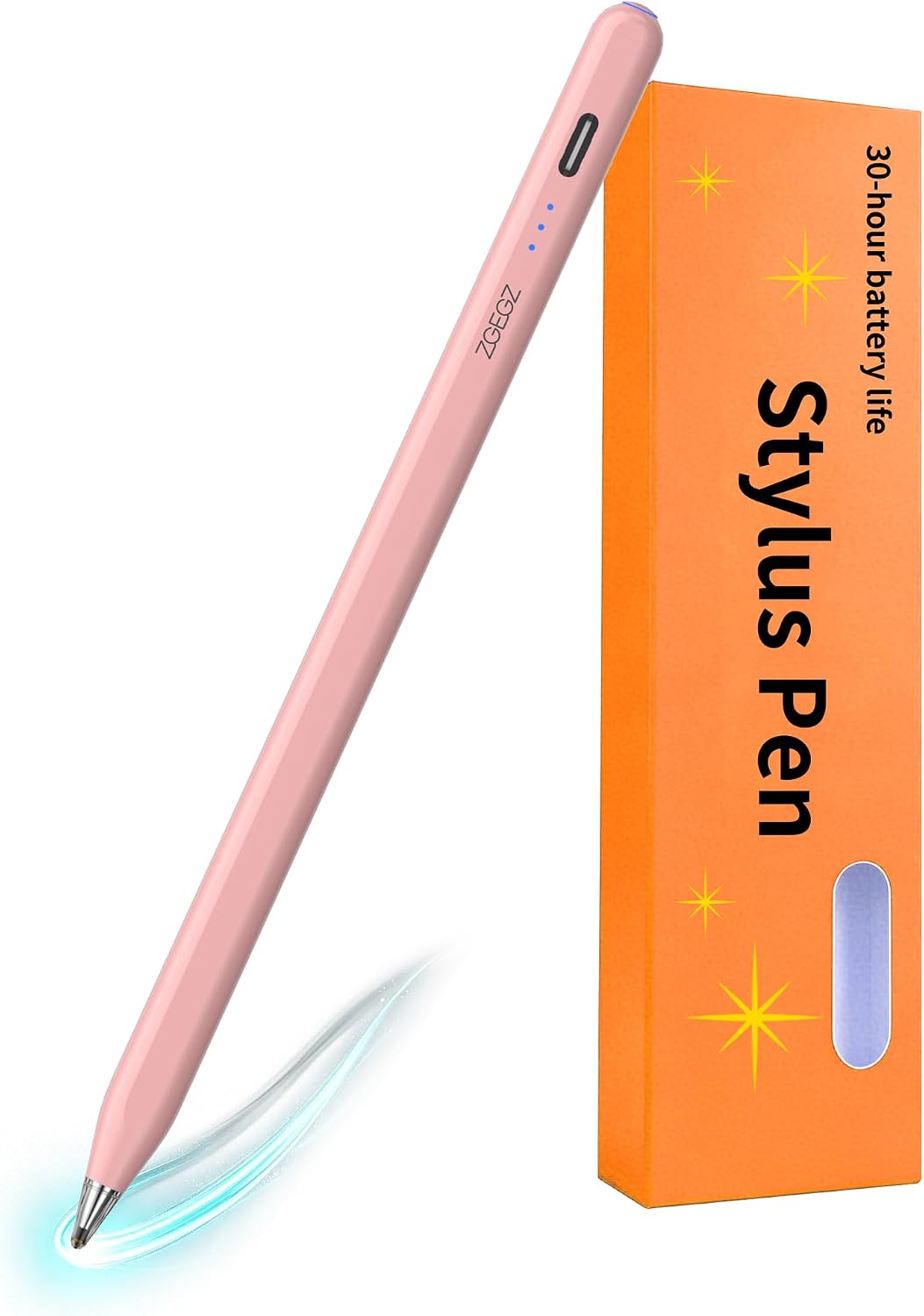
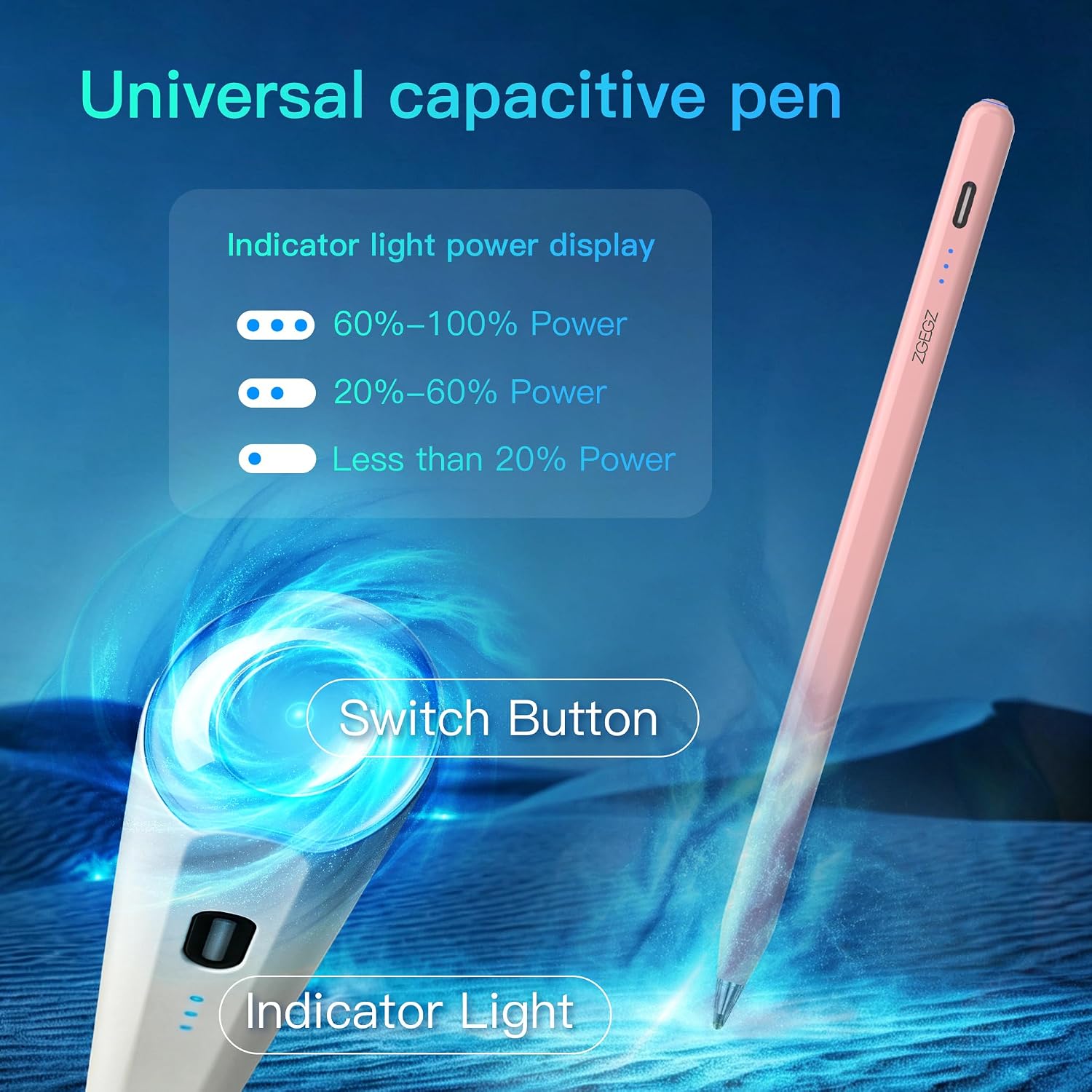
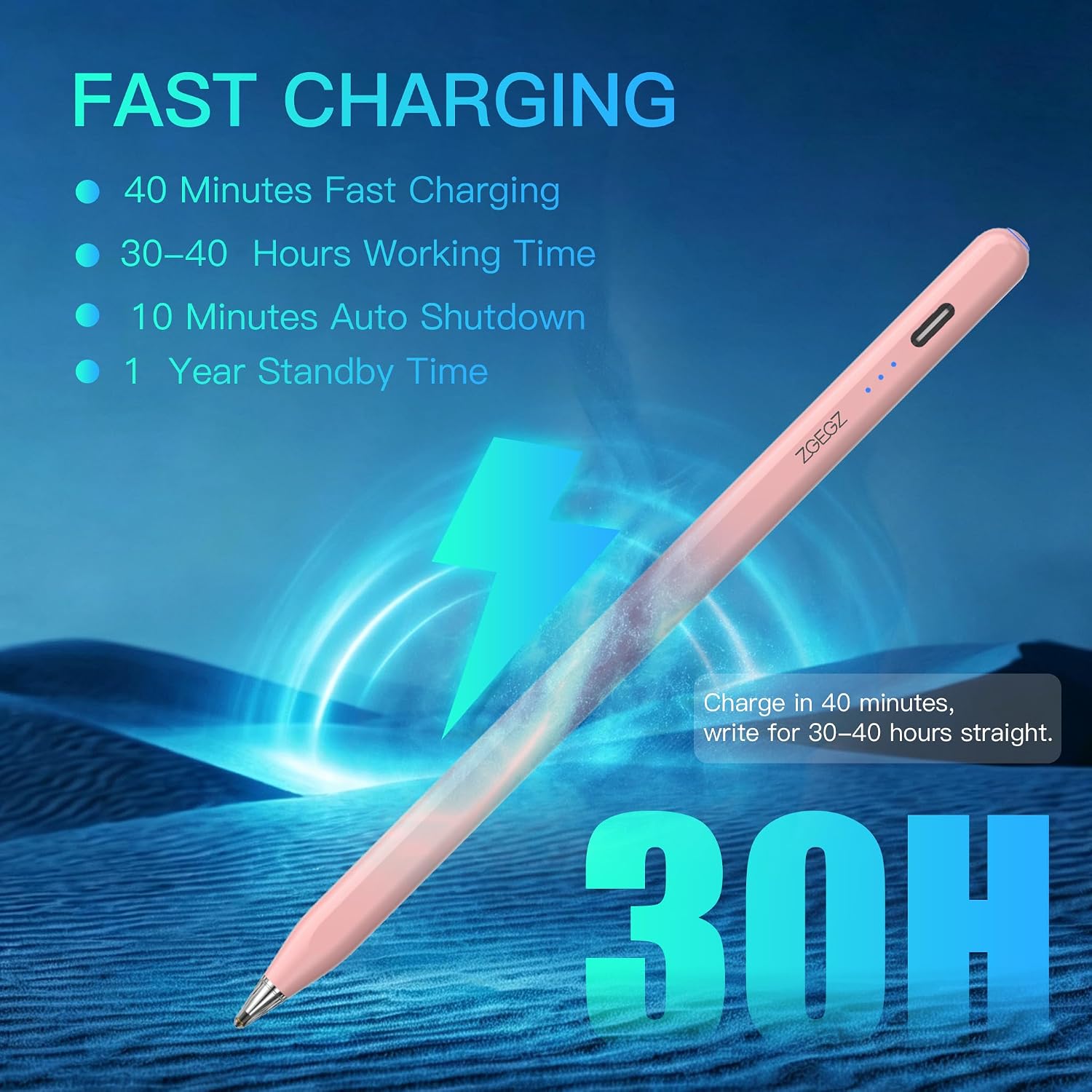
This is an active stylus with a one-button power control and no Bluetooth pairing. The maker says a full charge takes 40 minutes and provides up to 30 hours of working time. Three LED indicators show charging, full charge, and low battery status, so you can check the power state without guessing. Battery-life figures are according to the maker.
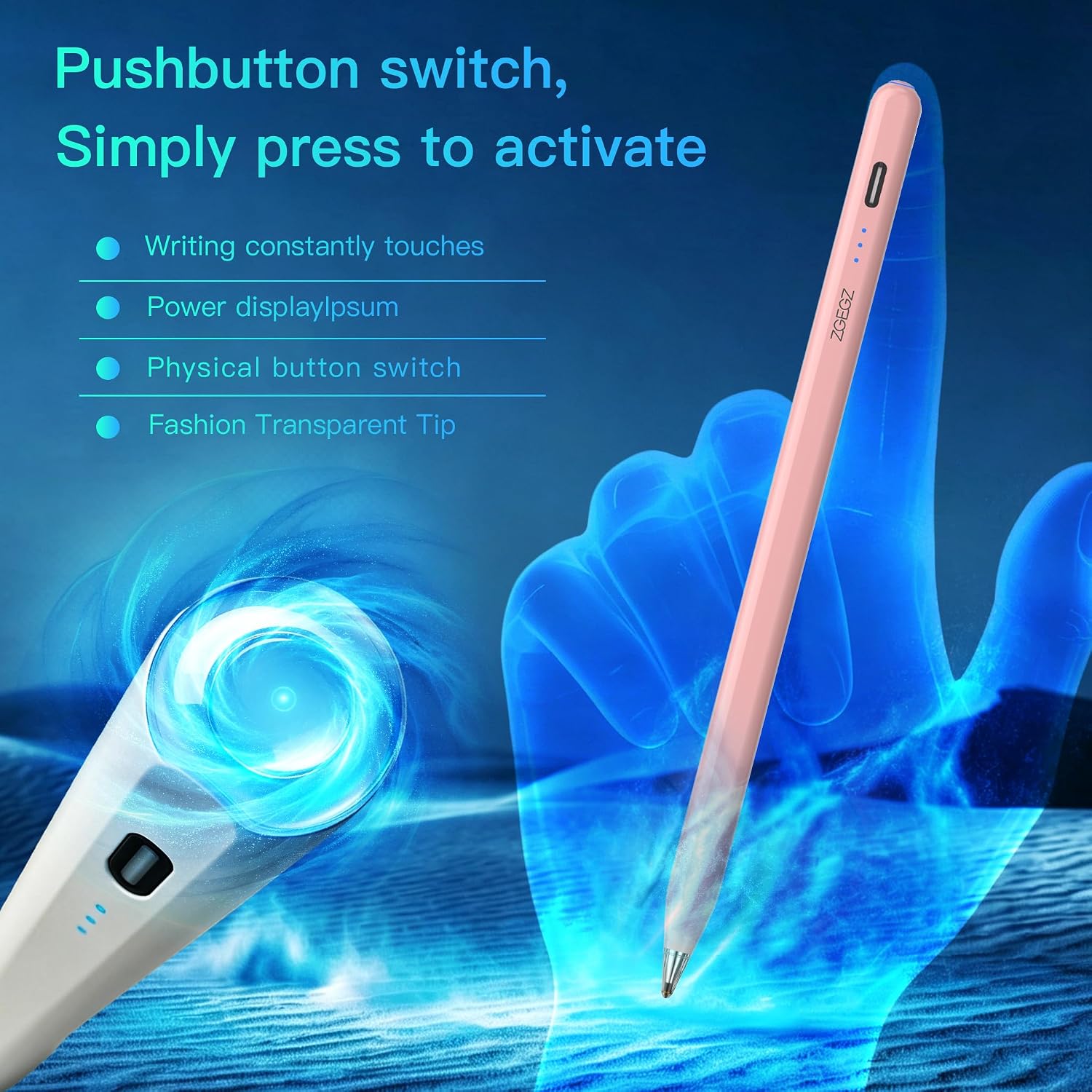
The transparent pen tip is designed for accurate writing and drawing. The package includes the stylus, two replacement tips, a charging cable, and a user manual. It is offered in white, black, yellow, purple, pink, blue, and green. The supplied details do not specify the charging connector or the pen’s dimensions, so those points cannot be compared here.
Requirements
The listed Samsung compatibility covers Galaxy Tab A11+, A11, A9 Plus, and A9, as well as Android 15/16 tablet systems. It is not compatible with Apple iPad. Since the listing names particular models and Android versions, check that your tablet matches before choosing it rather than assuming it works with every device running Android.
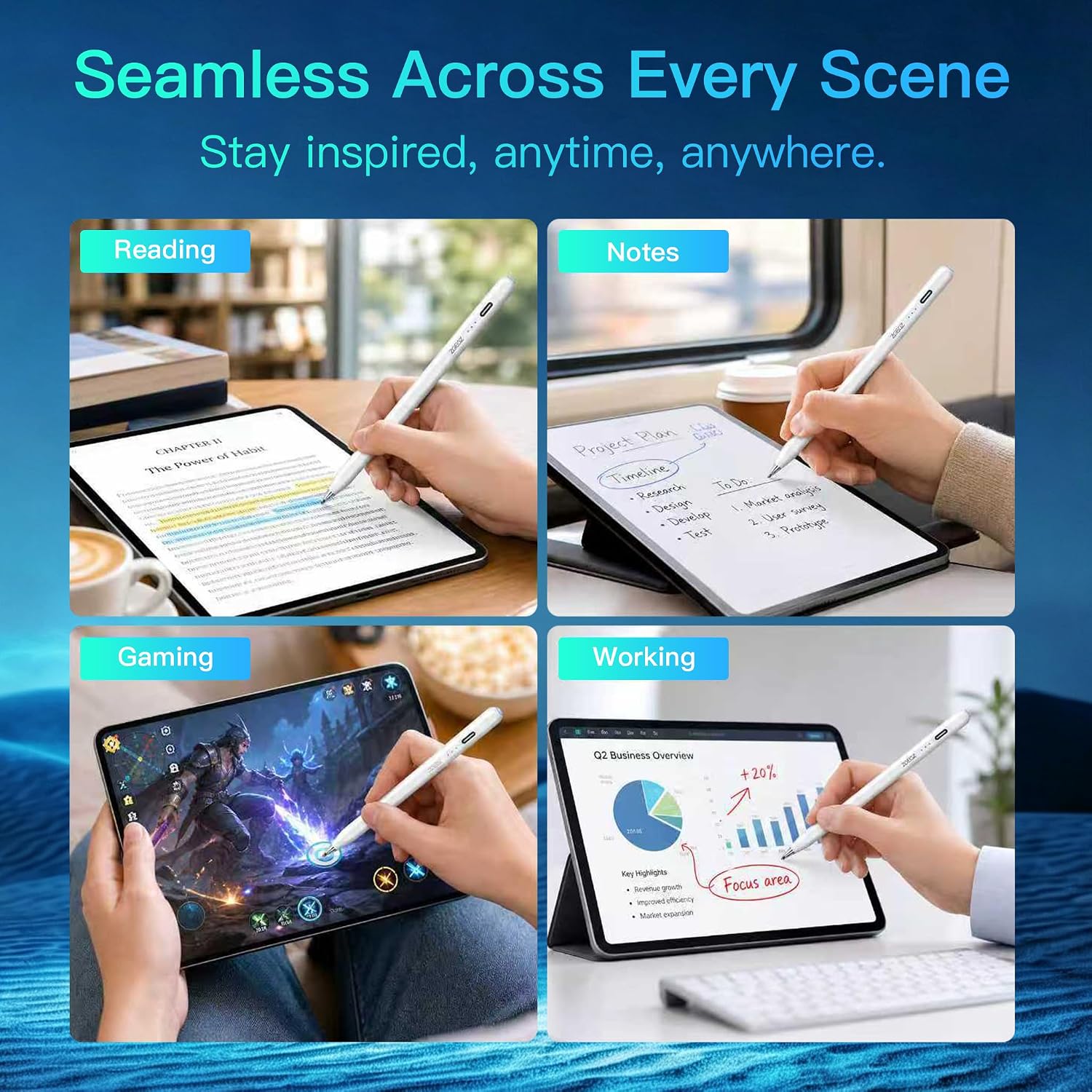
It makes sense if you want a straightforward stylus for notes, light drawing, or document edits and prefer a button-controlled pen over Bluetooth pairing. It might not be a great match if you rely on palm rejection or need a stylus specifically for an iPad.
Usage tips
Press the physical button to turn the pen on or off, the one-key control is intended to reduce accidental activation and wasted power. Keep an eye on the LED indicators during longer sessions, and use the included replacement tips when needed. For a typical study session, that could mean annotating a document, switching to handwritten notes, then checking the battery indicator before putting the tablet away.
The pen’s stated 30-hour runtime and quick recharge make it easier to keep ready for regular tablet use, but no palm rejection changes how you may need to hold it. If you tend to rest your palm on the display, a model with that feature—or a different way of taking notes—may suit your routine better.
Questions before you buy
Does it need Bluetooth pairing?
No. The listing describes a physical on/off button and says Bluetooth pairing is not required.
Does it work with an iPad?
No. Apple iPad is explicitly listed as incompatible.
What comes in the package?
You get one stylus, two replacement tips, a charging cable, and a user manual.
Final verdict
This stylus is aimed at Android tablet owners who want a simple, rechargeable pen for everyday writing, drawing, and document work. Its listed Samsung model support, included spare tips, and button-based operation make the basic proposition clear. The deciding drawback is the lack of palm rejection: buy it if your tablet is among the listed compatible devices and you can write comfortably without that feature. If palm-on-screen writing is central to your workflow, look for a stylus that explicitly includes palm rejection instead.