

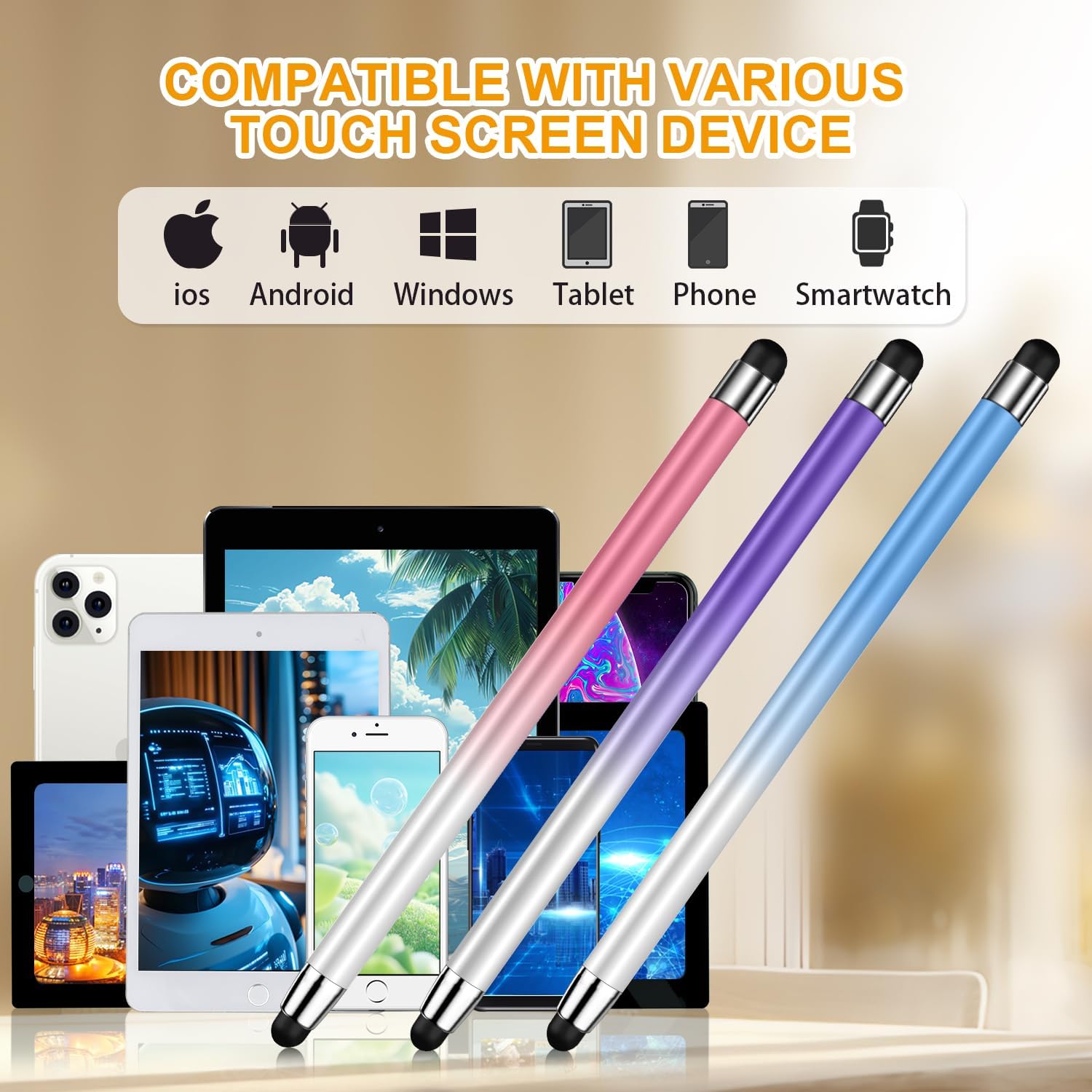
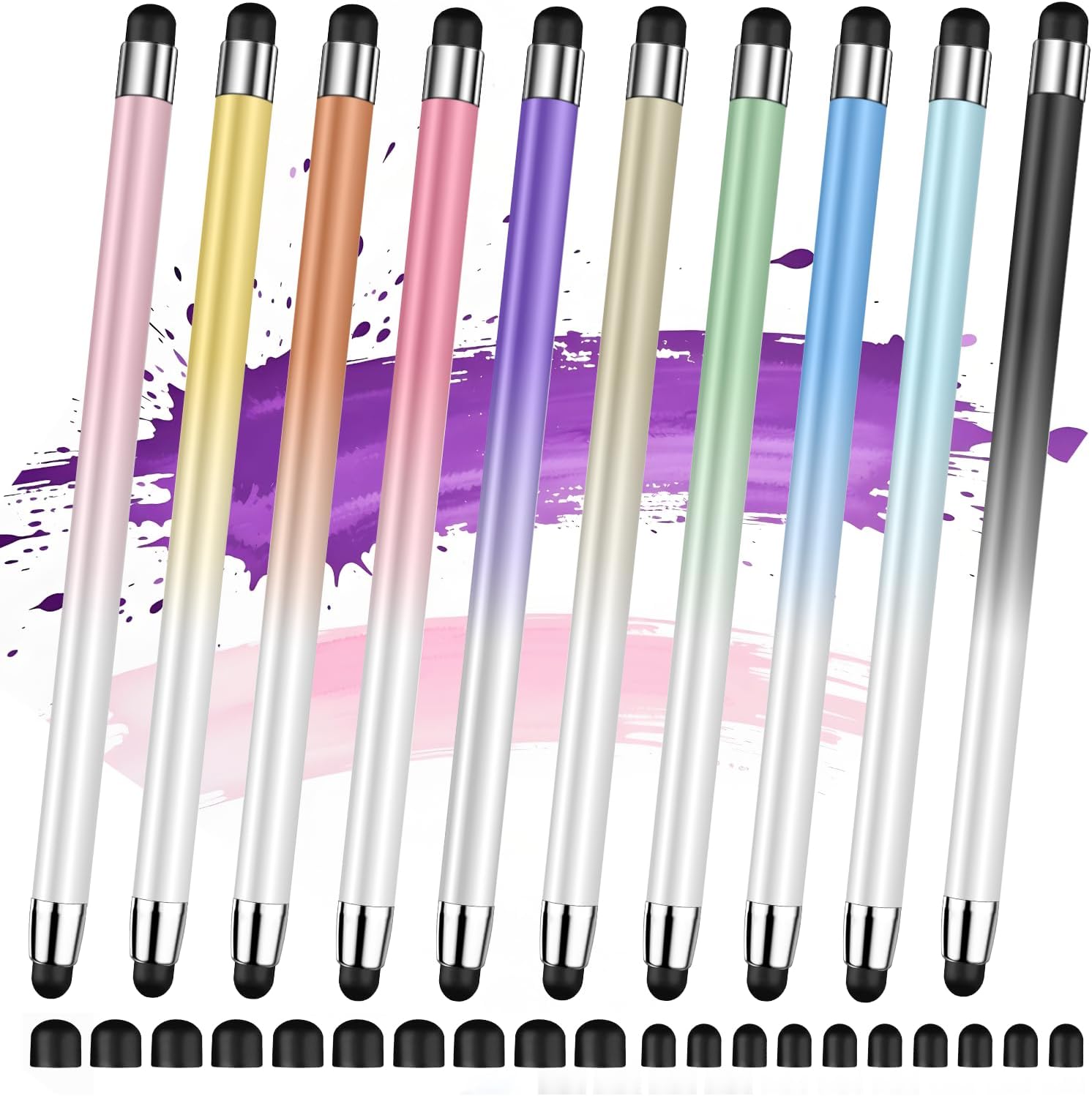
Stylus (10 Pcs), 2-in-1 Stylus Pen for Touch Screen: High Precision, No Charging, All‑Screen Compatibility
Product description
What it is
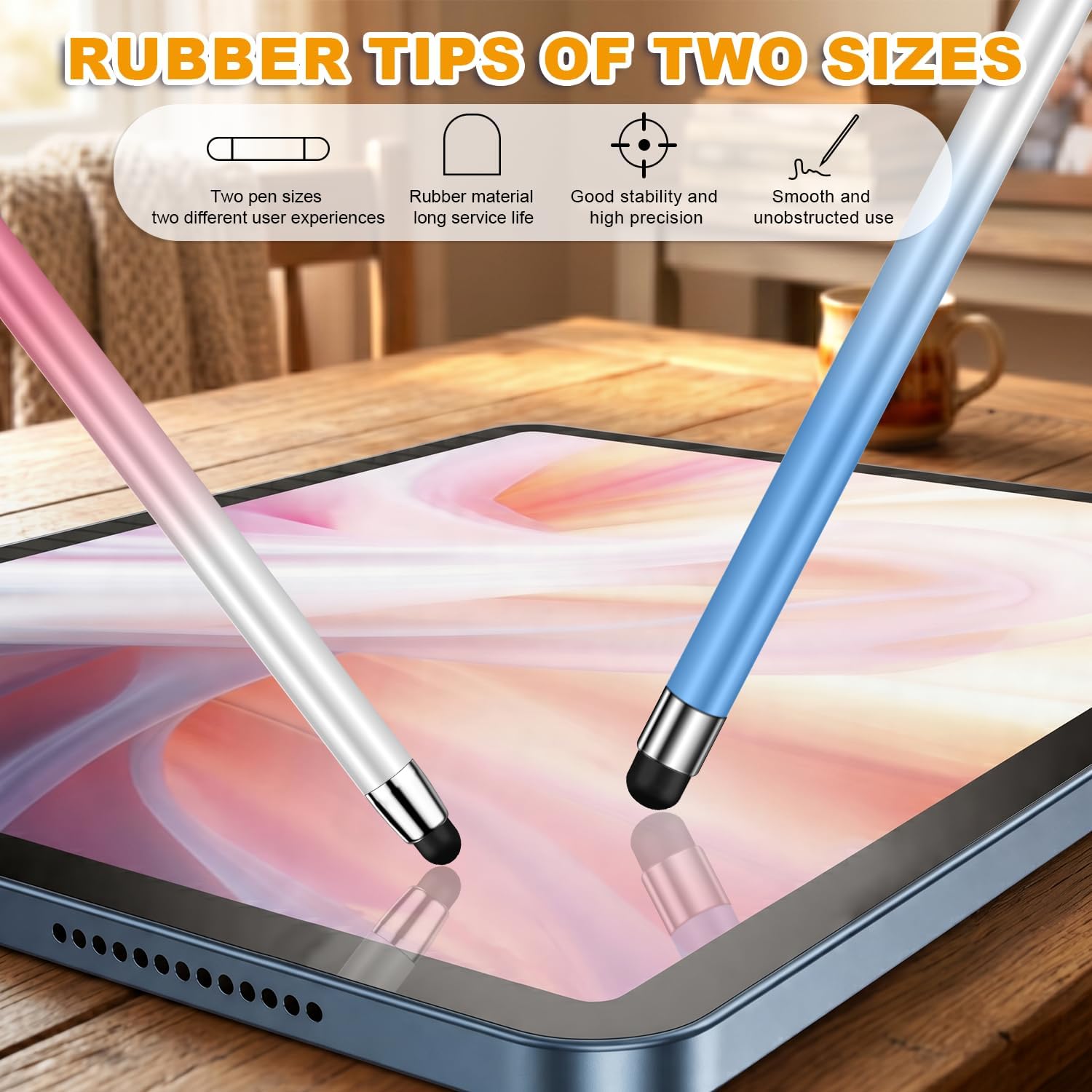
The Stylus (10 Pcs) is a 2-in-1 touchscreen pen designed for quick note-taking and drawing on a wide range of devices. It doesn’t require Bluetooth pairing or charging, so you can start writing or sketching as soon as you open the package.
Why it matters
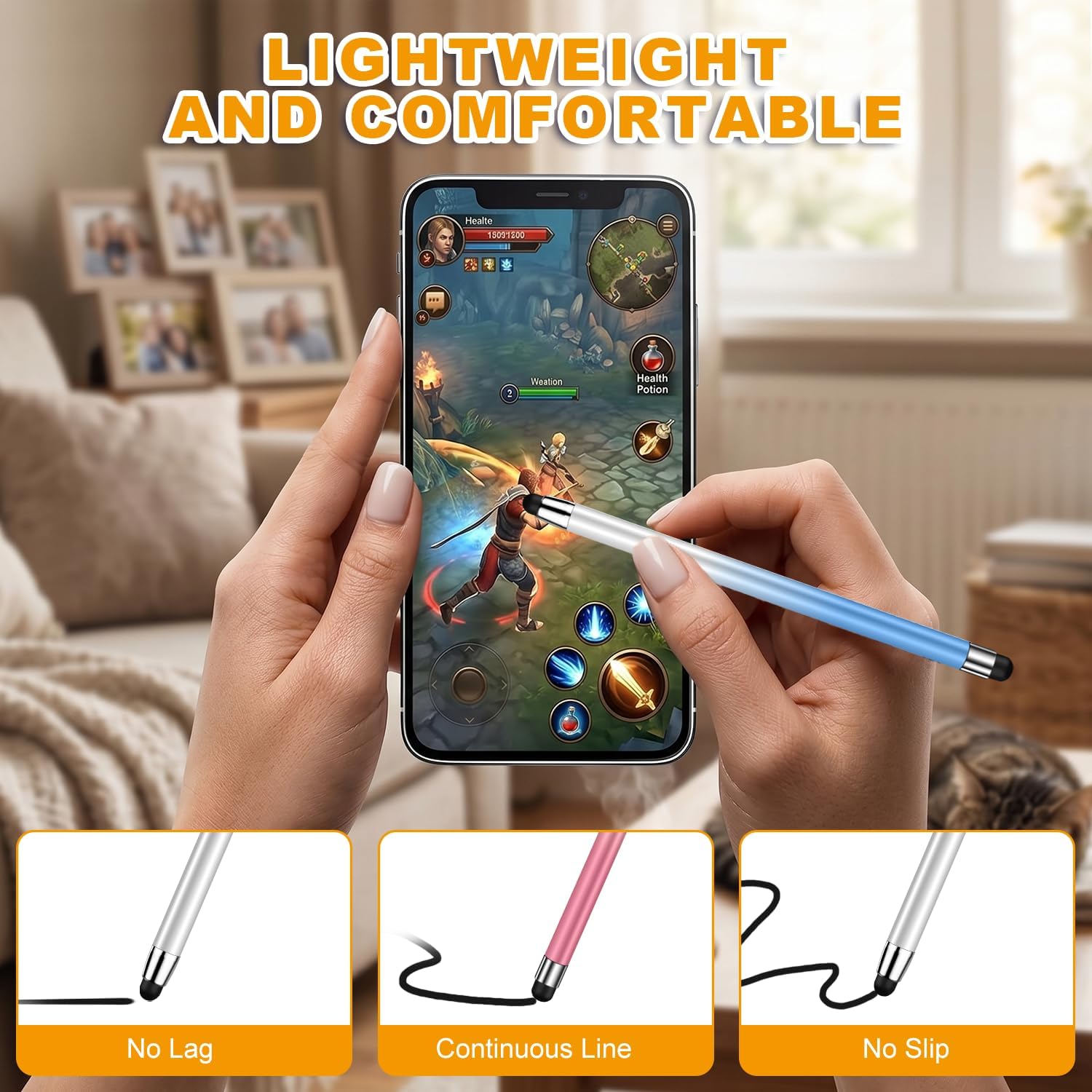
If you rely on touch screens for notes, drawing, or browsing, this set offers a ready-to-use option that feels more like pen-on-paper than your finger. The lightweight alloy construction is meant to balance comfort with durability, letting you capture inspiration on a whim without fiddling with settings.
Key features
- 2-in-1 design combines writing and precision tapping on touch screens
- No charging or Bluetooth required, immediate use out of the box
- High sensitivity and precision aimed at smoother writing and drawing
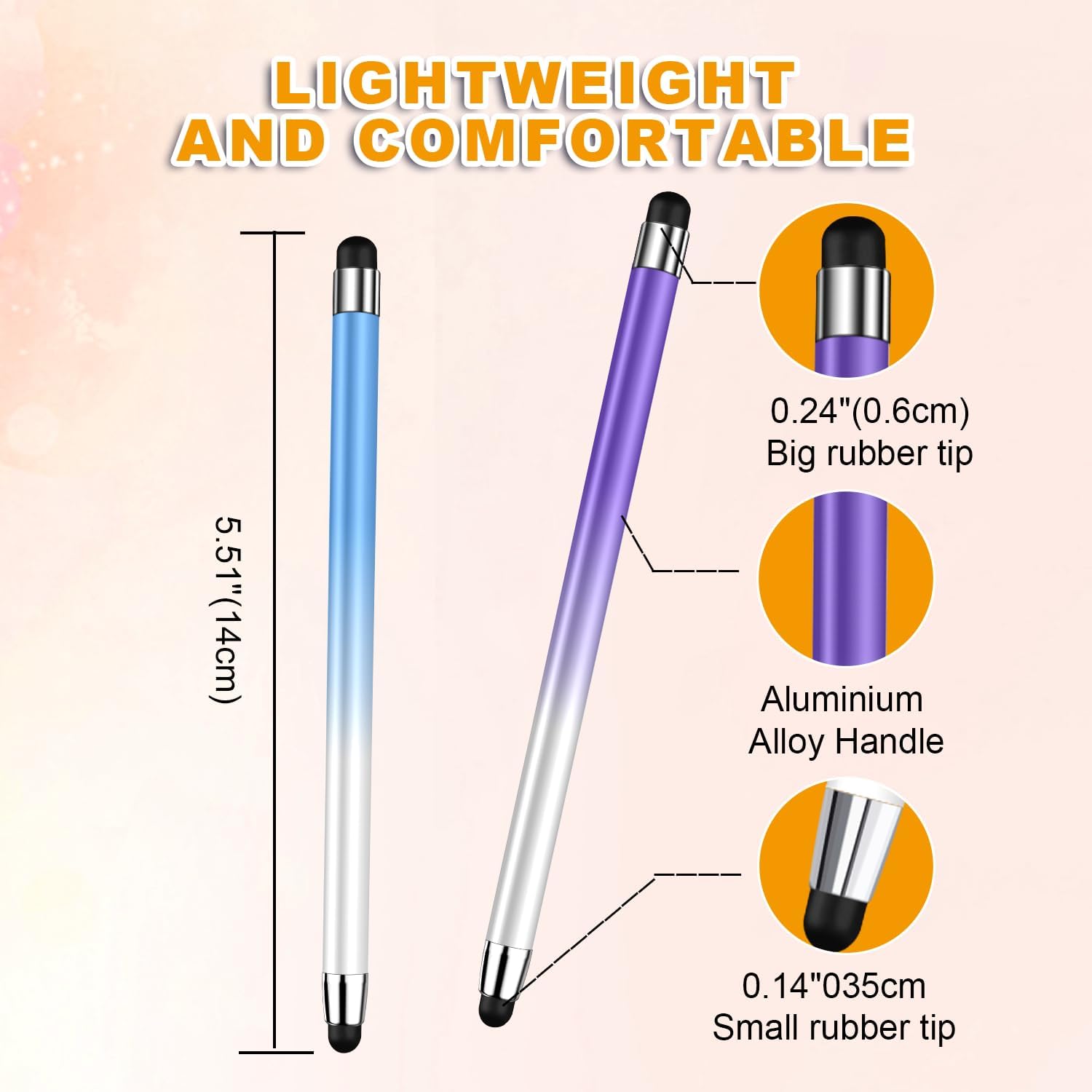
- Lightweight alloy body that’s designed to be sturdy and durable
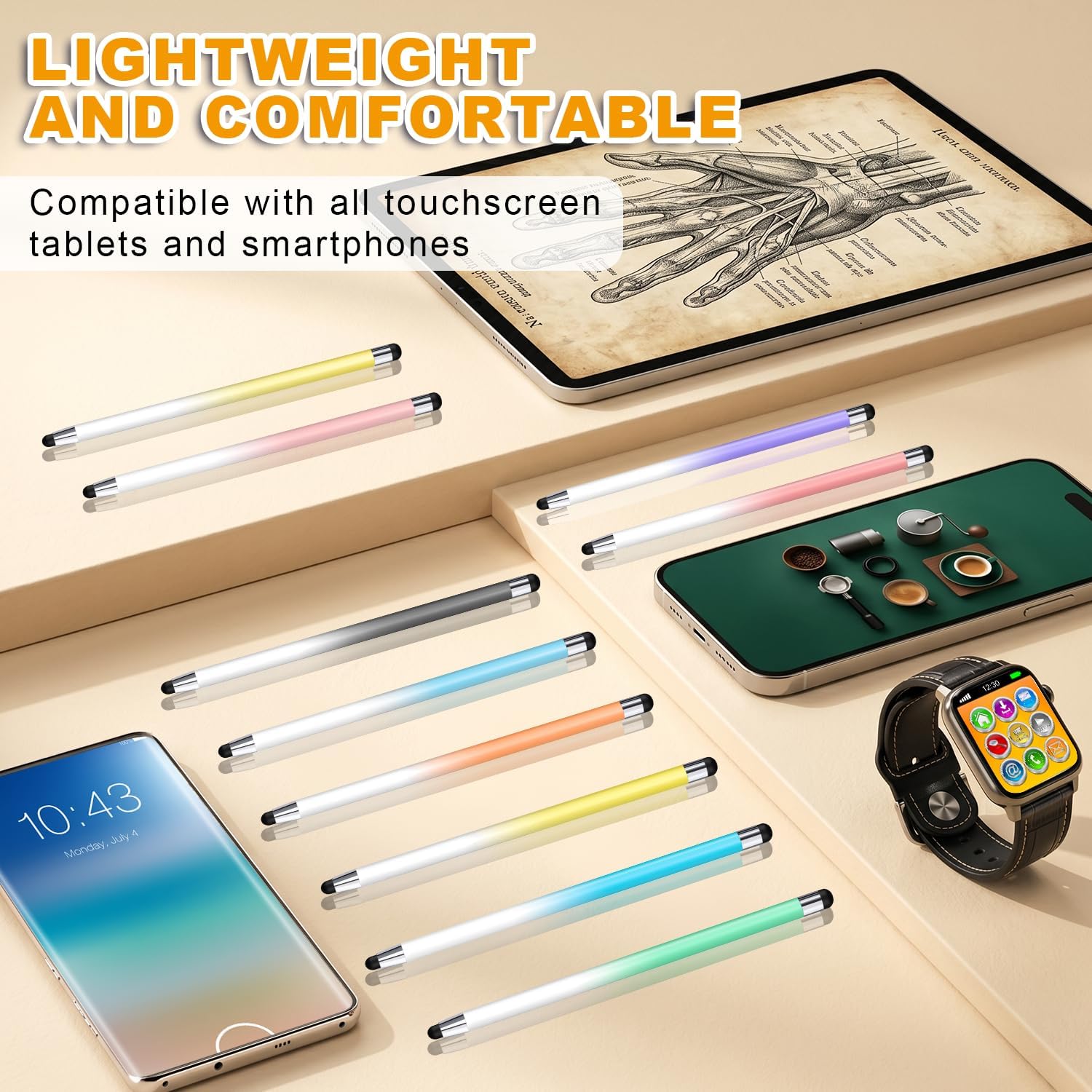
- Universal compatibility across major brands and operating systems
Who it’s for
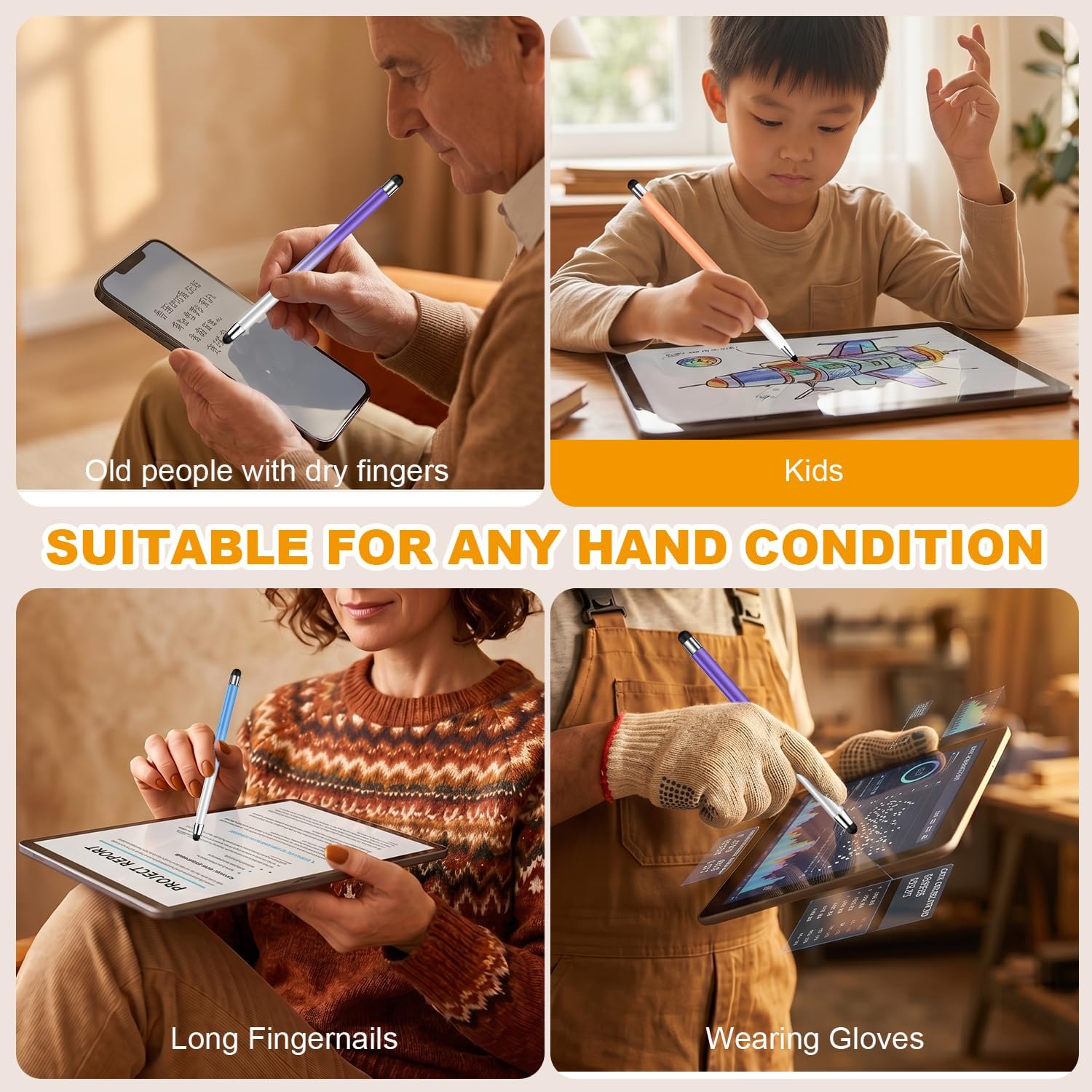
This set is a fit for students, professionals, or casual users who want a simple, plug-and-go stylus for tablets, smartphones, and other touch devices. If you prefer a real pen-like feel without Bluetooth gimmicks, this could be appealing.
What to watch for
- It’s not specifically marketed with premium grip or premium pressure sensitivity specs beyond the stated “high precision.” If you’re chasing top-tier artist-grade control, you may encounter limits compared to higher-end options.
- The listing notes broad compatibility, but actual performance can vary by screen sensitivity and device model. If you rely on very delicate strokes, test the pen on your device first.
Practical use cases
Imagine opening a drawing app on a tablet and sketching a quick concept while commuting, or taking notes during a meeting without worrying about charging cables. The stylus is designed to feel natural in hand and to respond promptly to your movements, reducing friction between idea and digital canvas.
What it’s not ideal for
If you need a stylus with programmable buttons, pressure sensitivity tuned for professional artists, or a grip designed for long hours of heavy use, this basic, non-charging model may fall short.
Before you buy
- Check that your primary devices are touchscreen-enabled and within the broad compatibility range stated here.
- Consider whether you want a single stylus for premium writing sessions or a bulk-set for classrooms or households.
- If you expect to use it intensively, you may want to verify the feel of the alloy and whether a softer grip could improve comfort over time.
Buying decision
Is it worth it?
It makes sense if you want a simple, ready-to-use stylus without extra electronics, and you value immediate usability over advanced features. It’s especially practical for group use or as a budget-friendly option for note-taking and light drawing.
When to skip it
If you require sophisticated pressure sensitivity, programmable buttons, or a more premium ergonomic design for long, detailed drawing sessions, consider alternatives that offer those capabilities.
Who should consider it
Anyone looking for a practical, no-fuss stylus for everyday tasks on a range of devices, especially if you want multiple units (the 10-pack) for family, classroom, or shared use.
What to verify before purchase
Ensure your device supports passive stylus input and that you’re aligned with a basic, non-chargeable form-factor. Confirm the seller’s return policy if you’re unsure about responsiveness on your specific model.
Quick FAQ
- Do you need to charge or pair the stylus? No, it works out of the box without Bluetooth or charging.
- Is it compatible with all touch screens? It’s described as universal, but real-world performance can vary by device. Test on your primary device if possible.
- Can I use it for drawing with precise lines? It is designed for high precision, but if you need professional-grade pressure sensitivity, look for higher-end options.