


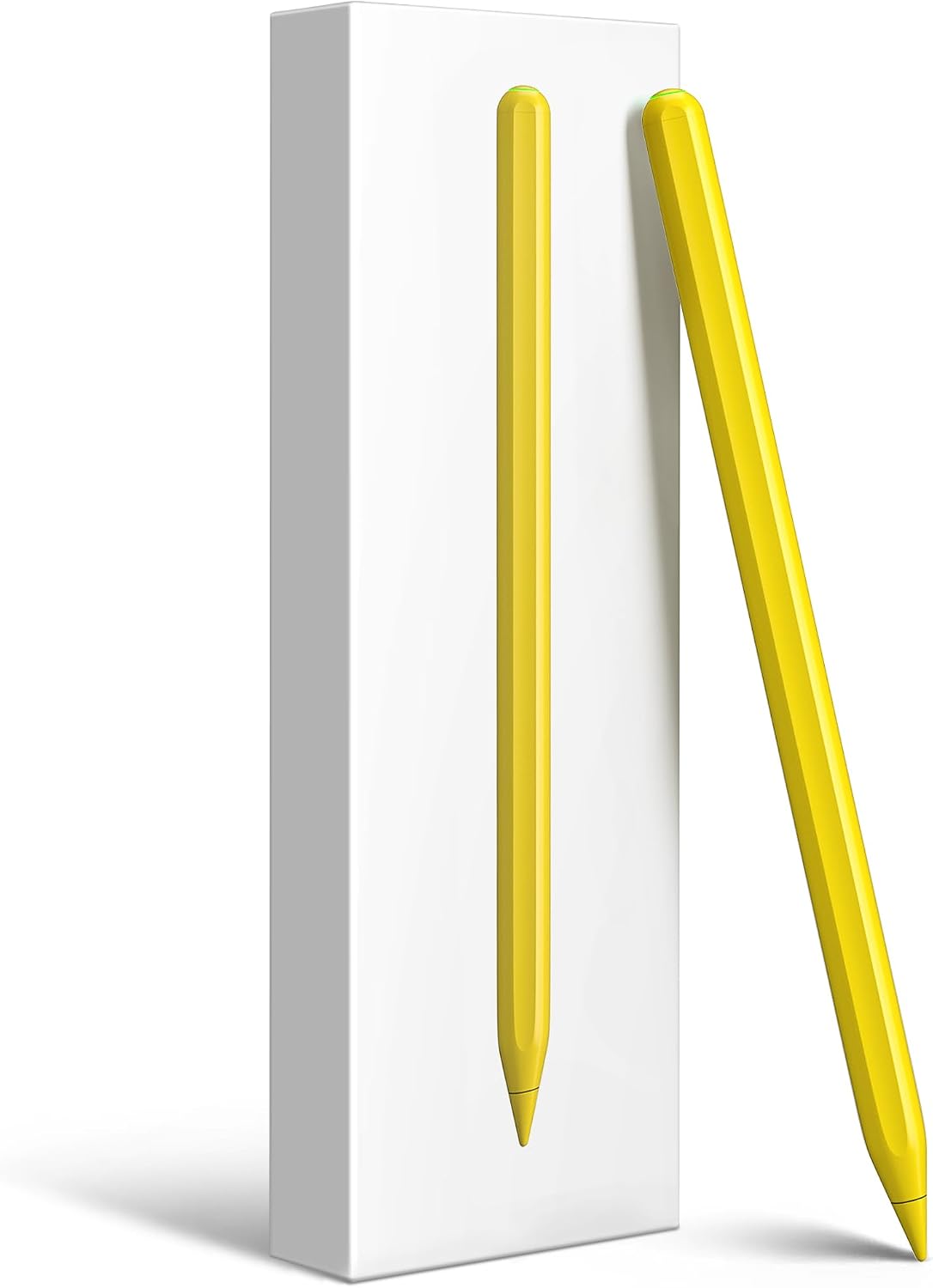
Gnanlen iPad Pencil 2nd Gen stylus for iPad Pro 11in
Reviews
Price
Product description
This stylus brings a familiar second-generation Apple Pencil form with magnetic wireless charging and shortcut controls, aimed at sketching, note taking and precise editing on recent iPad models. If you need a replacement or spare for creative work, this stylus for iPad with magnetic wireless charging pairs by Bluetooth and charges on the side of the tablet, offering a responsive drawing experience and extended session time.
Key Points
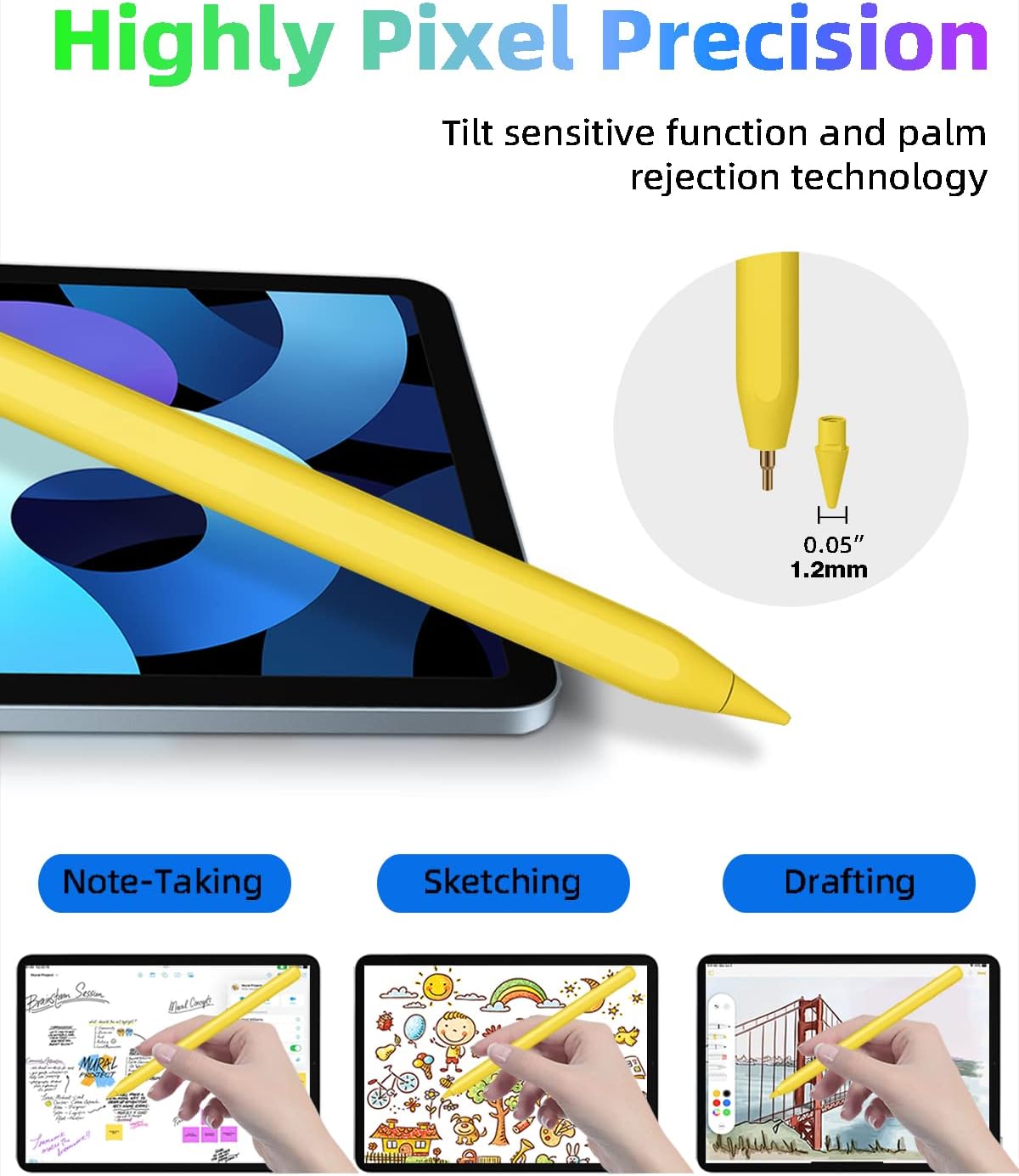
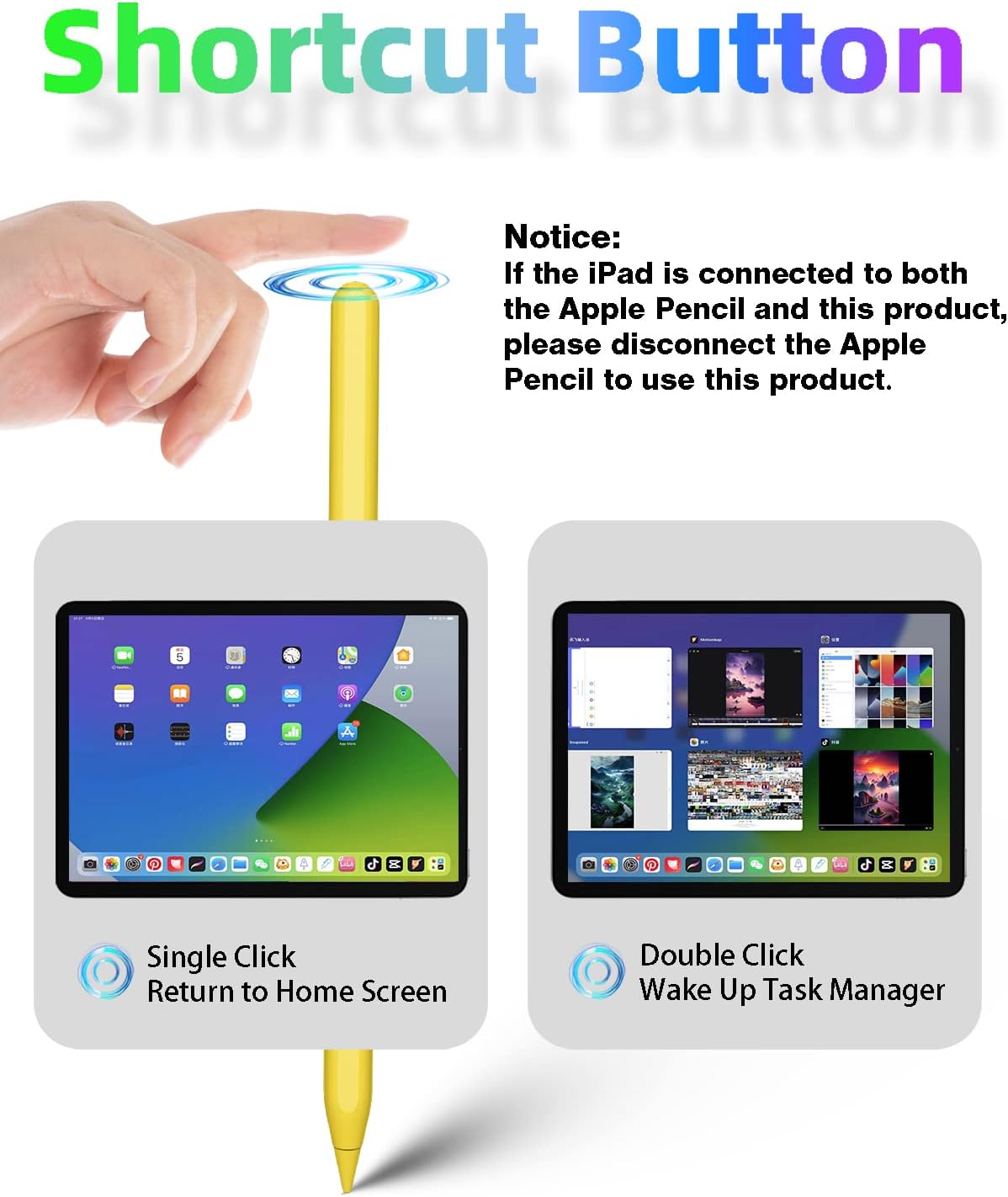
This pen includes palm rejection and tilt sensitivity to capture varied stroke widths while resting your hand on the screen. The touch shortcut on the side supports single and double taps to switch tools or return to the home screen, letting workflows stay fluid. The tip measures 1.2 mm which helps with fine lines and detail work, and the pressure response is tuned to reduce lag for writing and sketching. 🎨
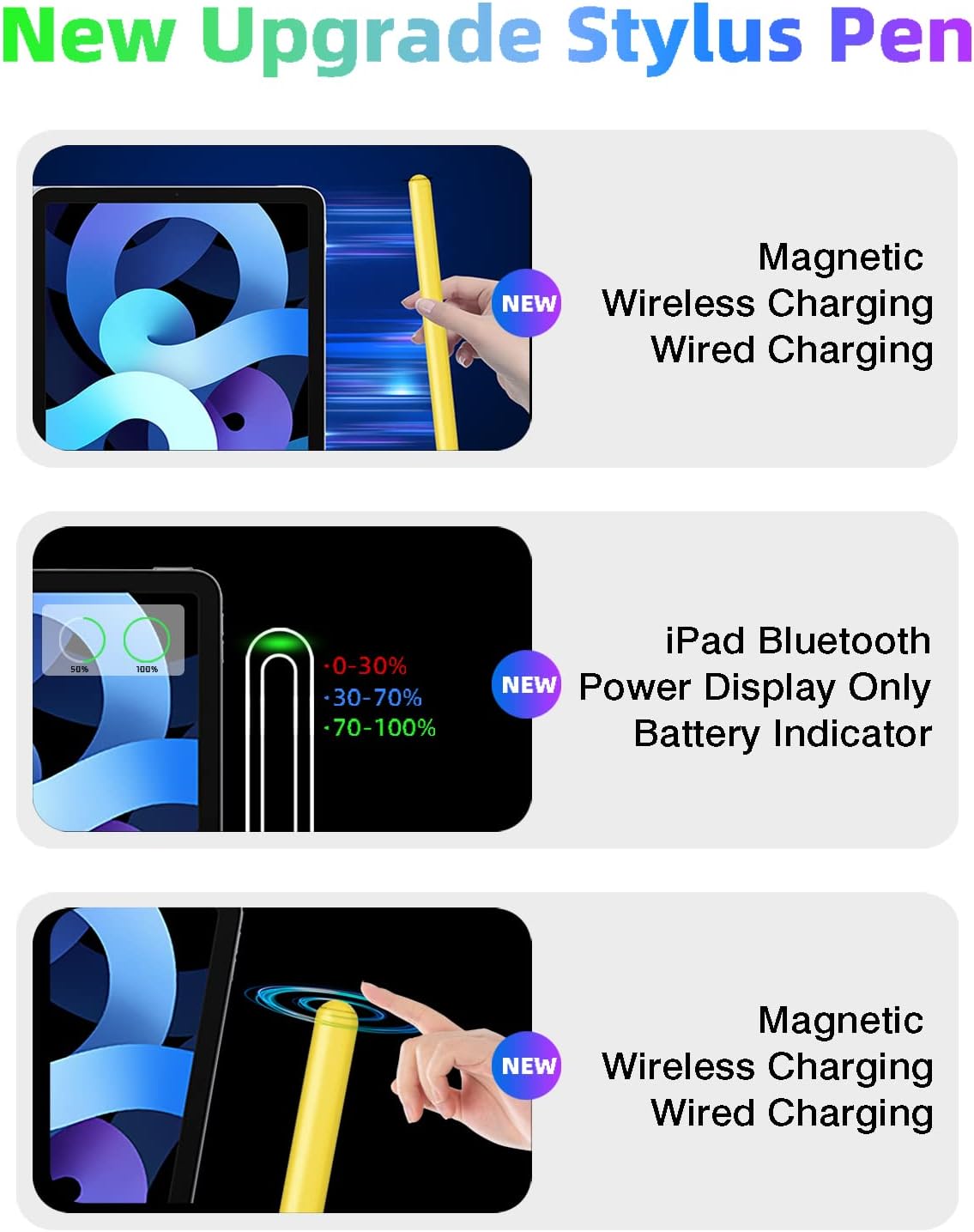
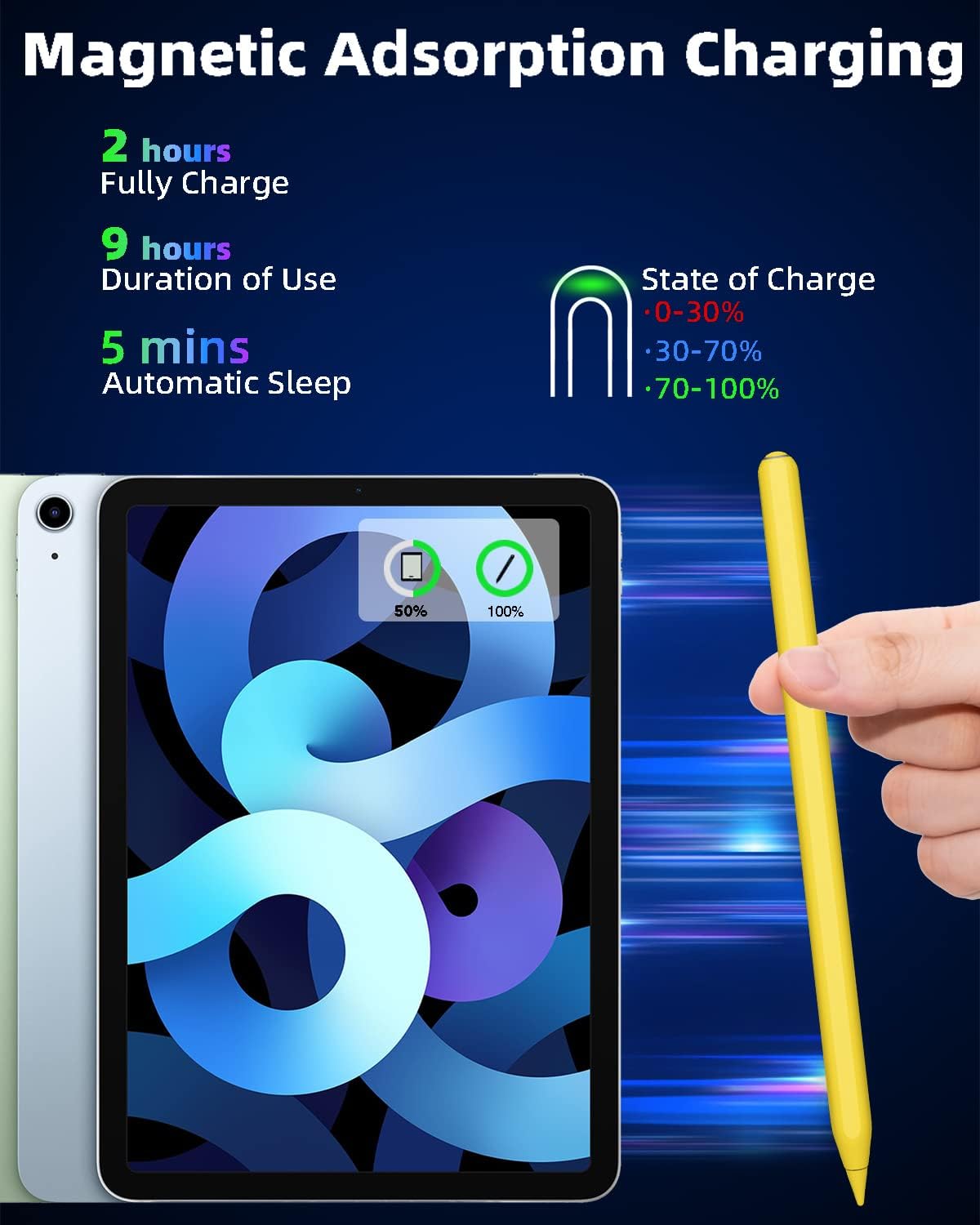
Charging is simple and portable. Attach the stylus magnetically to the iPad edge to pair and power up. According to the manufacturer, a full charge takes about 1.5 hours and runtime can reach up to 9 hours with typical use. A short idle period of five minutes triggers sleep to conserve battery, and a widget can display remaining battery level during use. 🔋
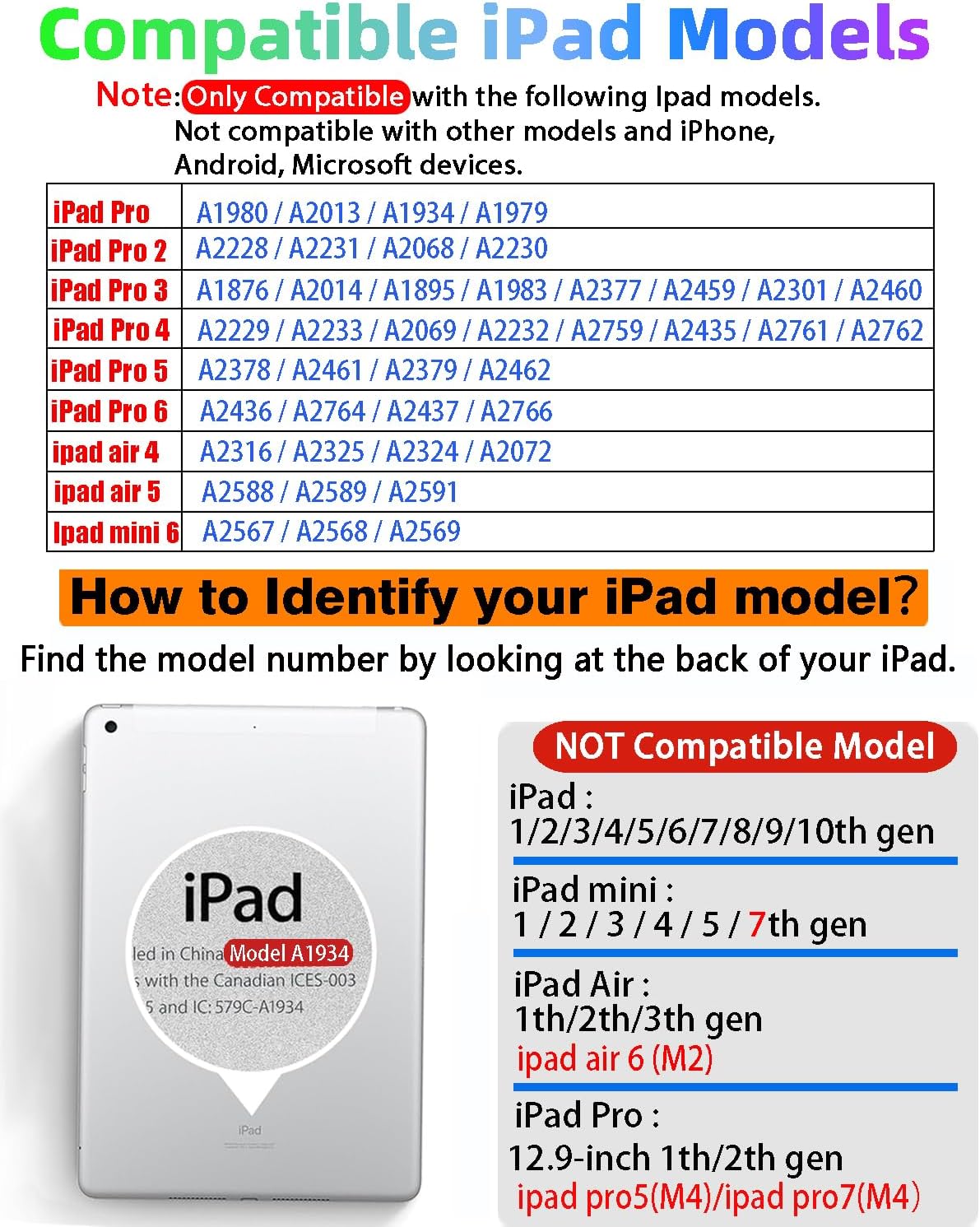
Note that compatibility is limited to specific iPad generations. This pen will not work with older standard iPad models, early iPad mini and iPad Air generations, iPhone, Android or Microsoft devices. Consider verifying your iPad model number before assuming compatibility.
Technical Specifications
- Name: Gnanlen iPad Pencil 2nd Generation
- Tip size: 1.2 mm
- Charging method: Magnetic wireless charging via iPad side
- Battery life: Up to 9 hours (manufacturer claim)
- Full charge time: Approximately 1.5 hours
Usage Recommendations
For drawing and handwriting apps, enable the tablet’s palm rejection feature and pair the stylus via Bluetooth before starting. When switching tools during a session, use the single or double tap shortcut to speed up common actions. For sketching with varying line weight, take advantage of the tilt sensitivity and press variations to get natural strokes. ✍️
Keep the tip clean and avoid pressing excessively to preserve responsiveness and tip life. If you rely on the stylus for long sessions, charge it magnetically during breaks so it is ready when you resume. Consider that some advanced iPad-only features may still behave differently compared with an original manufacturer stylus, according to the manufacturer.