

Apple Pencil Pro: Latest Model for iPad Pro, Air, and Mini—Pixel-Perfect Precision and Magnetic Charging
Reviews
Price
Product description
What is the Apple Pencil Pro
The Apple Pencil Pro is a high-precision drawing and note-taking accessory designed to work with specific iPad models. It emphasizes accurate pen input, tilt and pressure sensitivity, and very low latency to support creative tasks and everyday note-taking.
Why this matters for creators and students

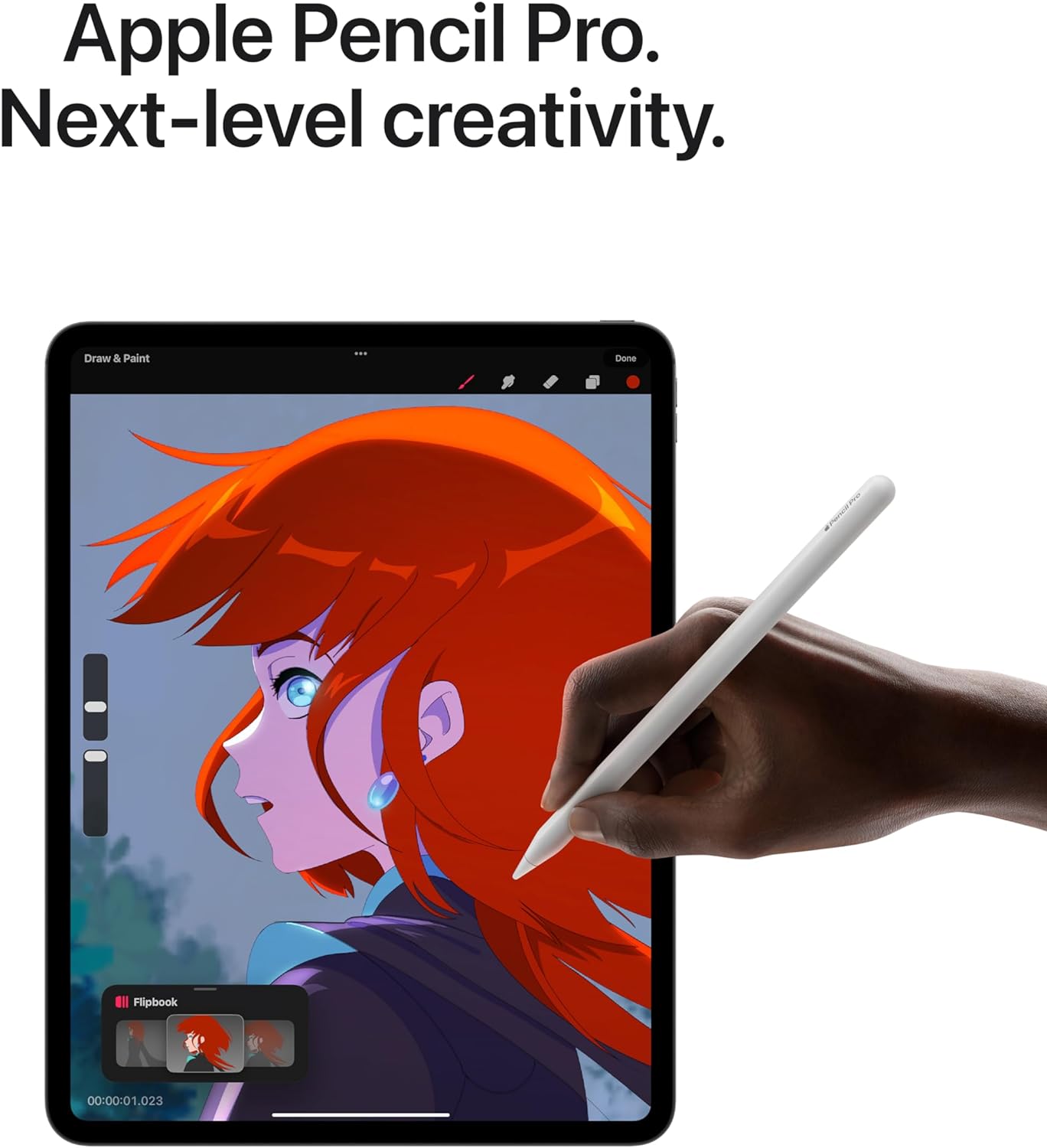
On paper, this Pencil aims to transform your iPad into a responsive canvas. With tilt support, pressure sensitivity, and hover features on supported models, you can vary line weight and shading in a way that feels natural. The magnetic attachment provides wireless pairing and charging, which reduces friction and helps you keep the tool ready for quick sketches or last-minute edits.
Compatibility at a glance

Compatibility is a core consideration. It works with iPad Pro 13-inch (M5 and M4), iPad Pro 11-inch (M5 and M4), iPad Air 11-inch (M2, M3, and M4), iPad Air 13-inch (M2, M3, and M4), and iPad mini (A17 Pro). Since compatibility depends on the device family, it’s important to verify your model before purchase.
What stands out in daily use
You’ll notice the ability to change tools with a tap thanks to a flat edge, and the built-in gestures like squeeze and barrel roll to access brushes or tools without interrupting your flow. For pros, hover previews on newer iPad Pro and iPad Air models help you anticipate marks before they appear on screen.
The less persuasive aspects
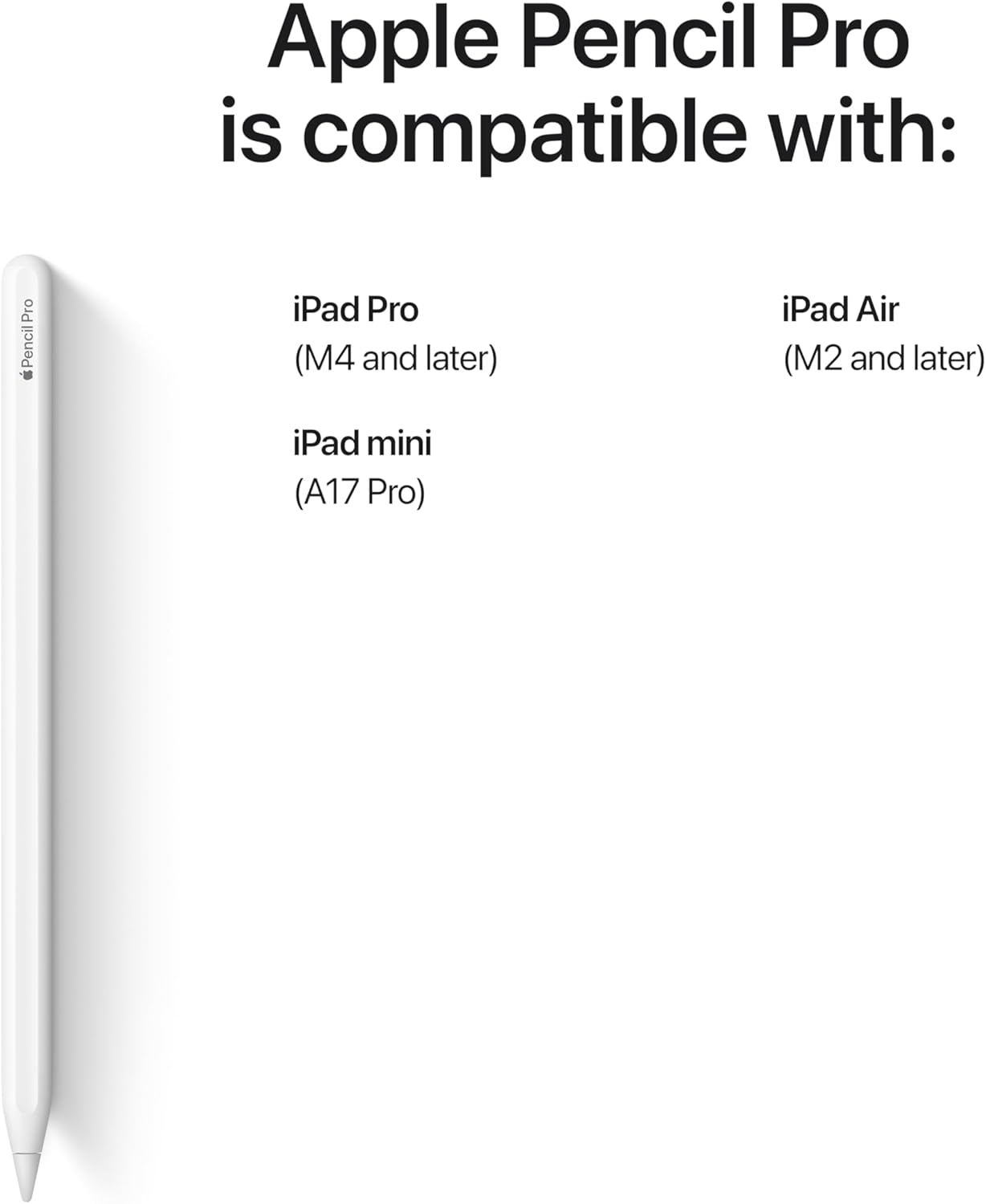
One caveat is that the Pencil Pro is sold separately and requires compatible hardware to unlock its full features. If your iPad model isn’t listed, you won’t get hover previews or the same gesture benefits. The real-world performance also depends on app support and how much you rely on magnetically tethered charging.
Who it’s for
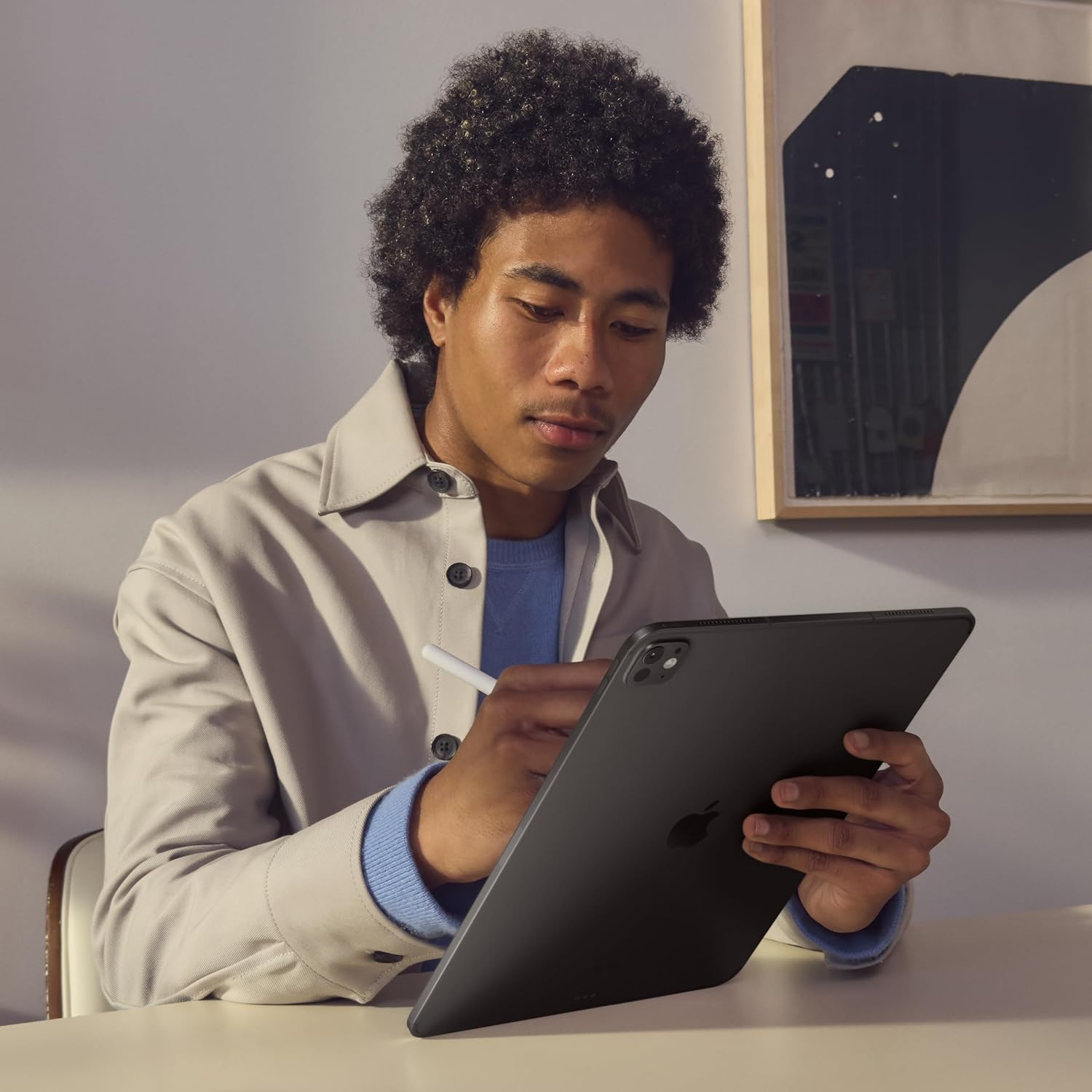
This accessory targets creators, students, and professionals who value precise input and convenient workflow. If you frequently take notes, sketch ideas, or annotate documents, the combo of tilt sensitivity, low latency, and magnetic pairing can be a meaningful upgrade.
When it makes sense to buy
Consider this purchase if your iPad is within the compatible family and you want a tool that feels integrated with Apple software like Notes and Freeform, plus broad app support from the App Store. If you mainly need simple handwriting or casual doodling, you might not need the full feature set.
What to review before buying
- Double-check device compatibility with your iPad model.
- Confirm your preferred apps support Apple Pencil input with hover, tilt, and pressure features.
- Consider whether you’ll benefit from the magnetic charging and quick tool switching.
- Remember that performance can vary with iPad model generation and app optimization.
How it compares to simpler input options
For basic note-taking, a standard stylus or finger input may suffice. If your workflow includes detailed illustrations, layered shading, or precise typography, the Pencil Pro’s pressure sensitivity and hover preview aim to offer a more expressive experience. It’s a step up from generic styluses but depends on choosing compatible hardware and software.
Final decision
Is it worth it?
Is it worth it if you’re invested in the Apple ecosystem and have a compatible iPad? For power users who want accurate input, gesture-based workflow, and the convenience of magnetic charging, the Apple Pencil Pro makes sense. If your use is light or your device isn’t in the supported list, you may want to skip it or wait for a broader compatibility window.
Quick FAQ
- Does it work with my iPad? Check the compatibility list above to confirm model support.
- Can I use it for note-taking and drawing alike? Yes, it’s designed for both tasks with high precision.
- How do I charge it? It attaches magnetically for wireless pairing and charging.
- Do I need other accessories to use it? A compatible iPad is essential, some features may require specific apps.