

Metapen Stylus Pen M1
Product description
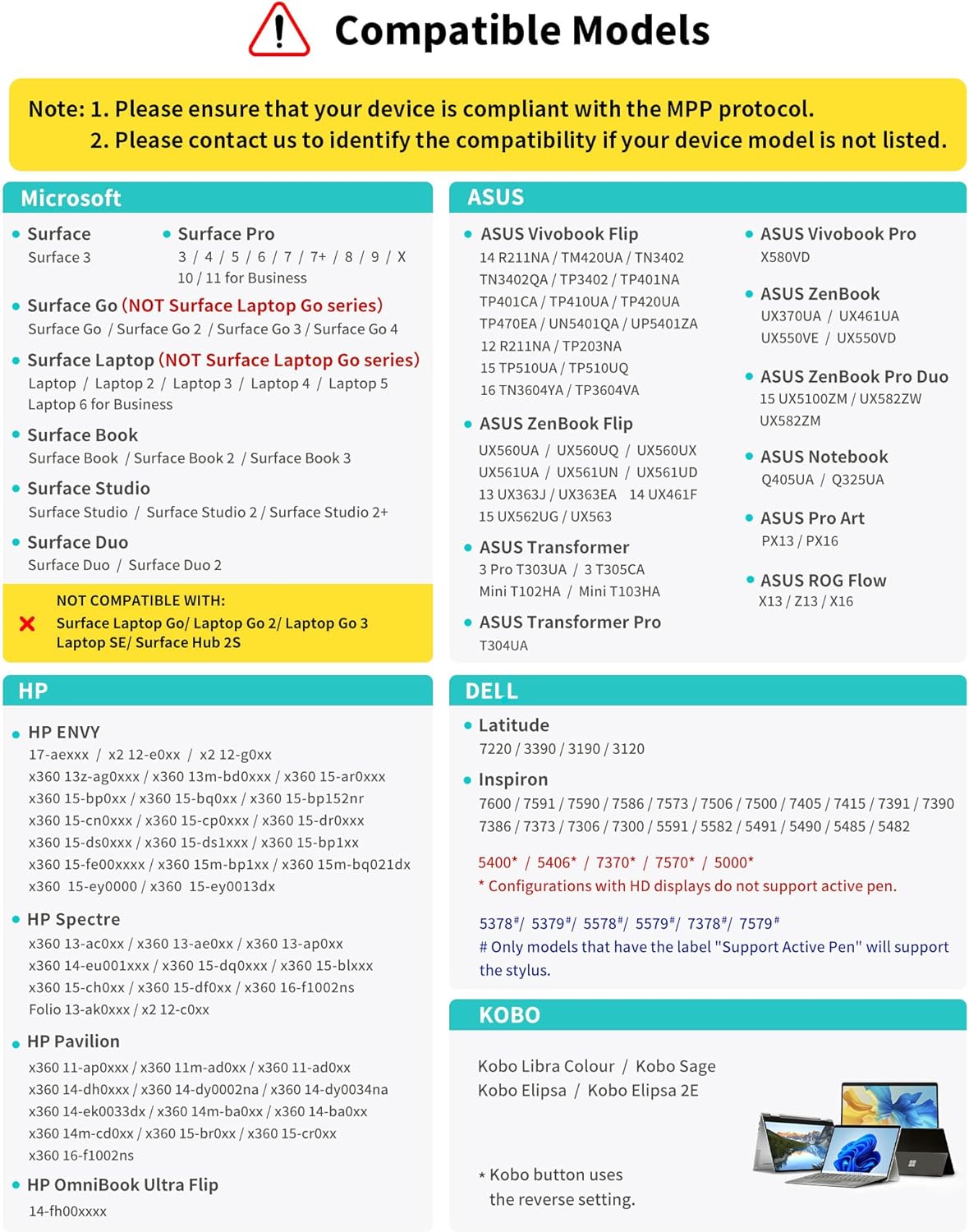
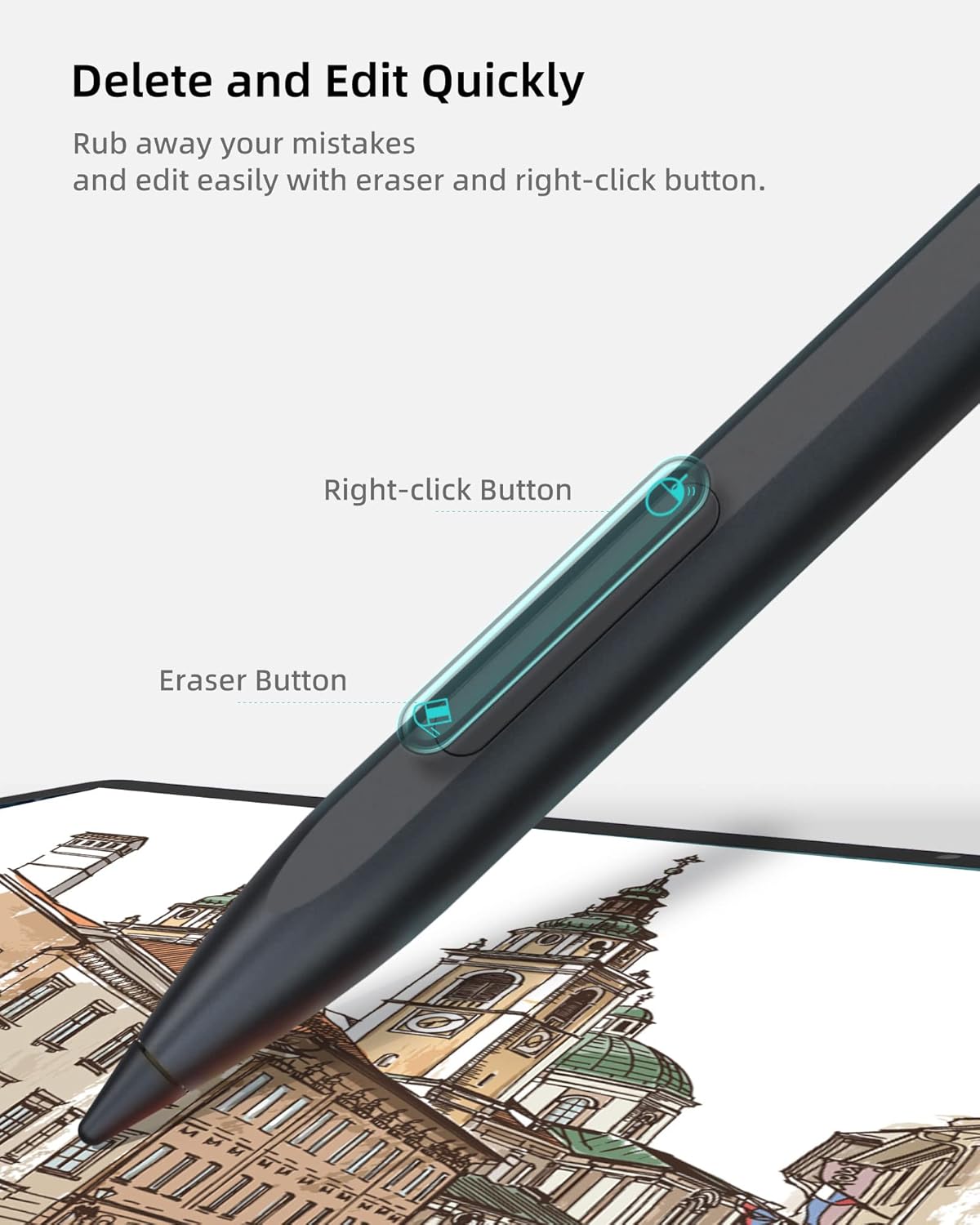
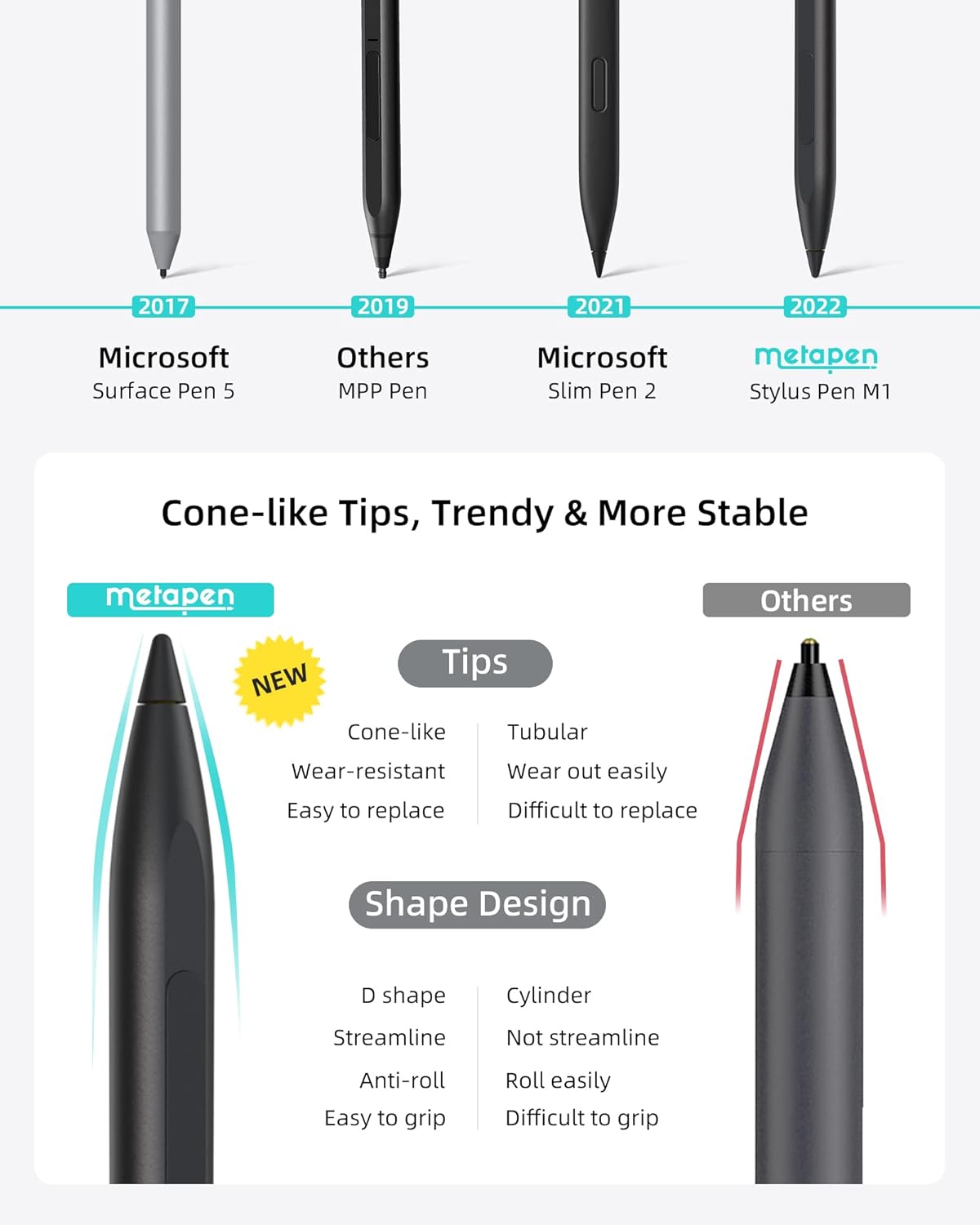
Students, note-takers, and Surface owners who sketch or mark up documents can use the Metapen M1 for a more pen-like way to work on a compatible touchscreen. Its side eraser button, palm rejection, and pressure sensitivity are aimed at everyday handwriting and drawing rather than simple tapping. The aluminum-alloy body has flat sides for a steadier grip and to help keep it from rolling off a desk. One important catch: compatibility depends on the exact device, and the pen does not work with Surface Laptop Go.
Best use cases
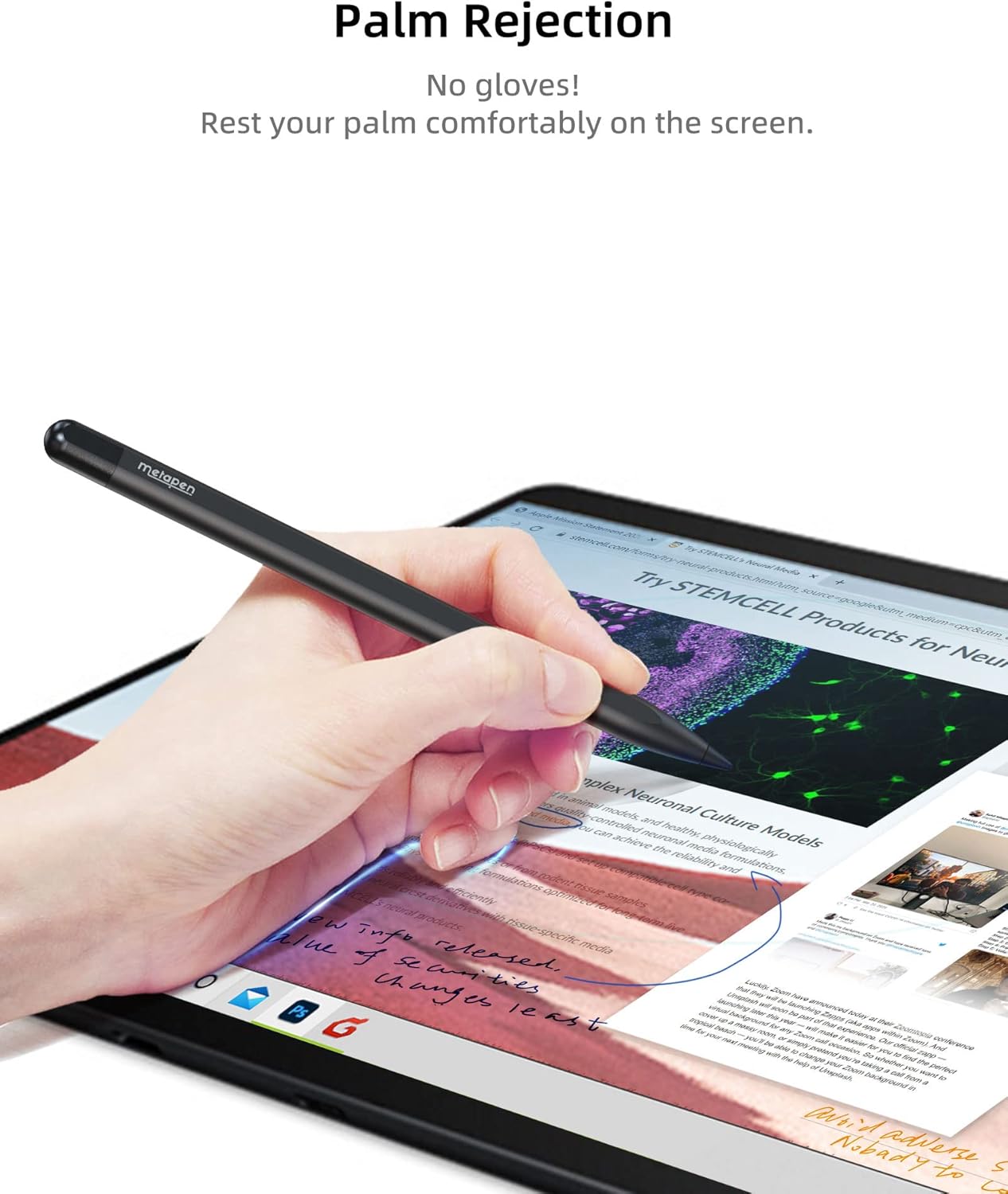
The M1 makes sense for class notes, meeting takeaways, annotations, and casual drawing on a supported Surface or other compatible device. For example, you can rest your hand on the screen while writing in a lecture, then use the side button to erase a quick mistake without switching tools. Its 1.0 mm tip and 1024 pressure levels are intended to give strokes more control than a basic touchscreen stylus, though the experience still depends on the device and app.
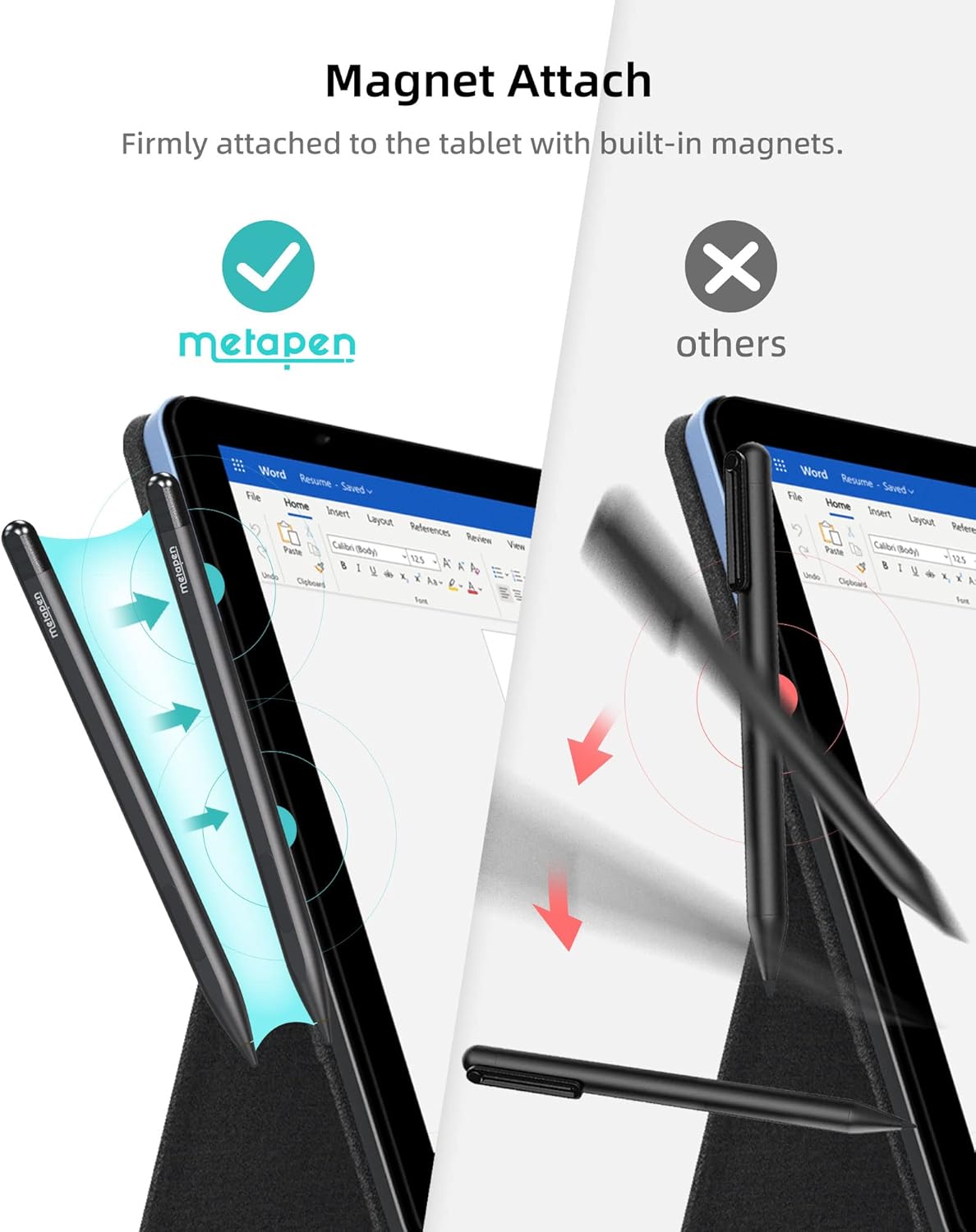
It’s a great fit if you want a rechargeable active pen for regular writing and prefer an eraser button within thumb’s reach. The built-in magnets are designed to attach the pen to compatible Surface tablets, which can make it easier to keep nearby between note-taking sessions. From the way it is set up, it suits everyday productivity and sketching better than buyers looking for a pen with confirmed support across every touchscreen laptop.
Product specs
The M1 supports the MPP 1.15 protocol and is listed for a range of Microsoft Surface products, including Surface Pro models from Pro 3 through Pro 11, Surface Book 3, Surface Laptop 4, Surface Studio 2, and Surface Go models. The description also names the ASUS VivoBook Flip 14 and says the pen works with select devices from other manufacturers. That is not a guarantee for every model in those families, so the exact device name matters—especially since Surface Laptop Go is explicitly excluded.
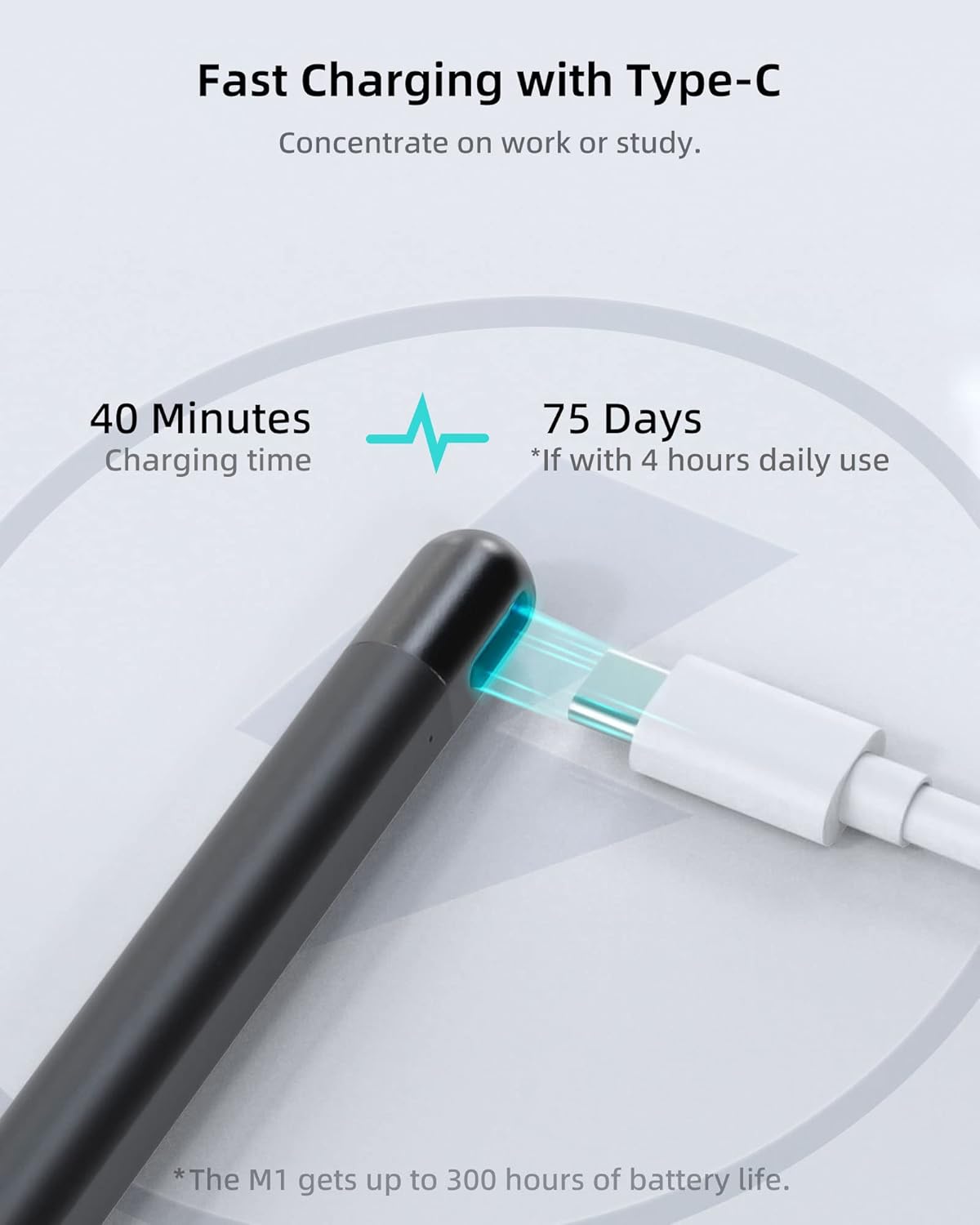
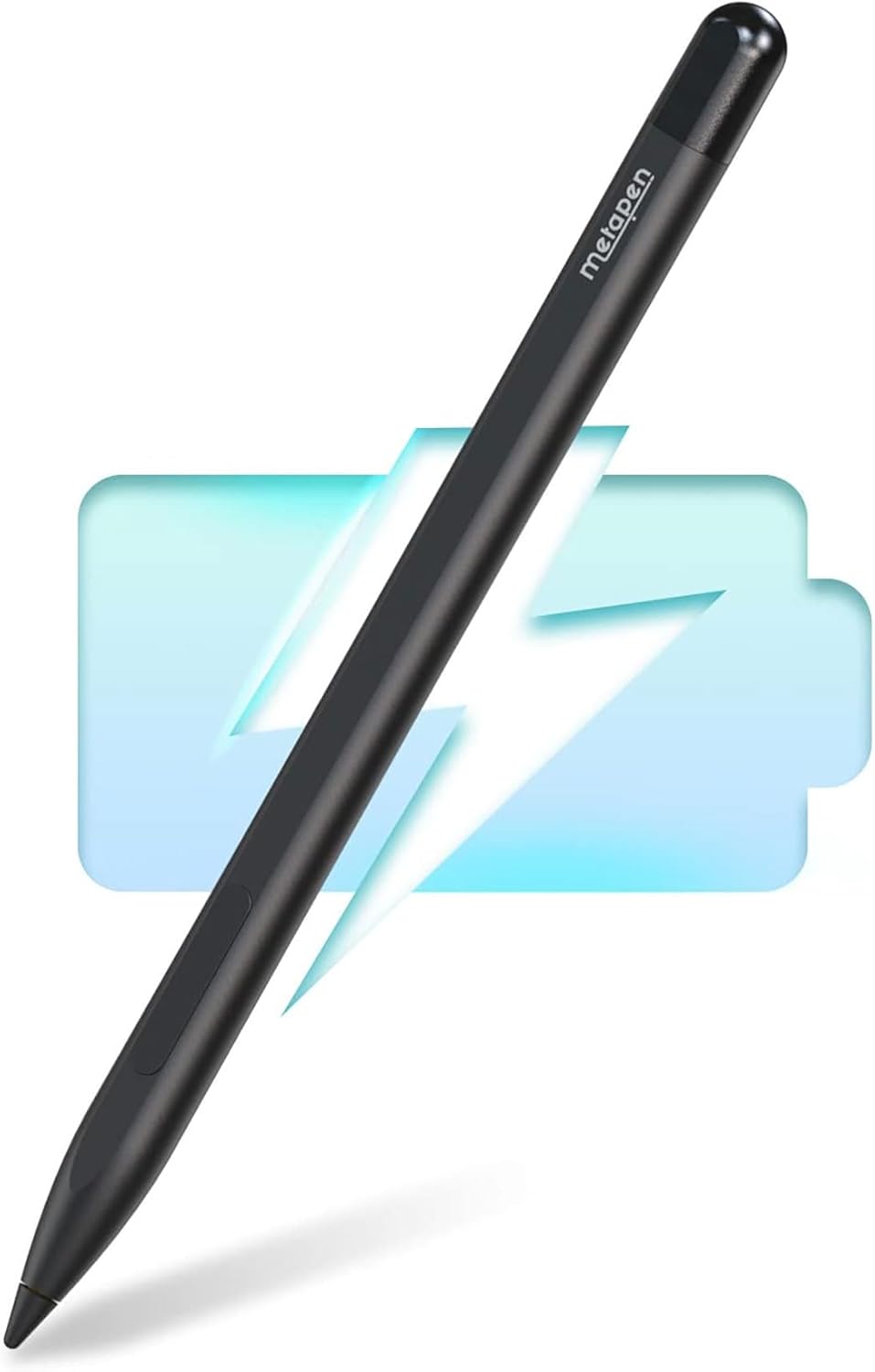
The pen has a 1.0 mm tip, 1024 pressure levels, palm rejection, a side eraser button, and a USB-C charging port. The listed charging figures are 40 minutes for a full charge and up to 80 hours of use from a five-minute charge, the product description also states up to 300 hours of standby time. These are manufacturer-provided figures, not a promise of the same runtime in every use pattern. The box includes the pen, a USB-C cable, one replacement tip, a user manual, and a charging-port dust cover.
Where it shines
The practical draw is the combination of writing-focused controls and convenient storage: palm rejection helps avoid stray touches while your hand rests on the display, and the magnets can keep the pen close to a supported Surface tablet. The question to ask is whether your device supports the MPP protocol and appears on the compatibility list. If it does, the M1 offers more writing-oriented features than a basic capacitive stylus, which is usually better suited to tapping and scrolling than controlled handwriting.
The trade-off is that the compatibility list is broad but not universal, and the product details do not establish how each app handles pressure sensitivity or erasing. Buyers who need a guaranteed fit for an unlisted device, or who want confirmed performance for a specific creative workflow, should look for device-specific support information before choosing.
Buying verdict
The Metapen M1 is worth considering for compatible-device owners who want a rechargeable pen for notes, document markup, and light drawing, especially if palm rejection and a thumb-accessible eraser matter. Better avoided if your device is a Surface Laptop Go or its exact model is not confirmed as compatible. Compared with choosing a simpler stylus for occasional screen taps, the M1’s pressure levels and writing controls make more sense when handwriting is part of your routine, for a specialized drawing setup, its listed features alone may not answer every app or workflow question.