

Cisteen 716-WH Stylus Pen for iPad with Tilt Sensor and Palm Rejection
Reviews
Price
Product description
The Cisteen 716-WH has an aluminum body and is designed for compatible iPads. Its tilt sensor, palm rejection, and USB-C charging give it a more drawing-focused feature set than a basic touch stylus. It also supports everyday note-taking and marking up content. The key buying check is whether your specific iPad model is on the compatibility list.
Fit and sizing
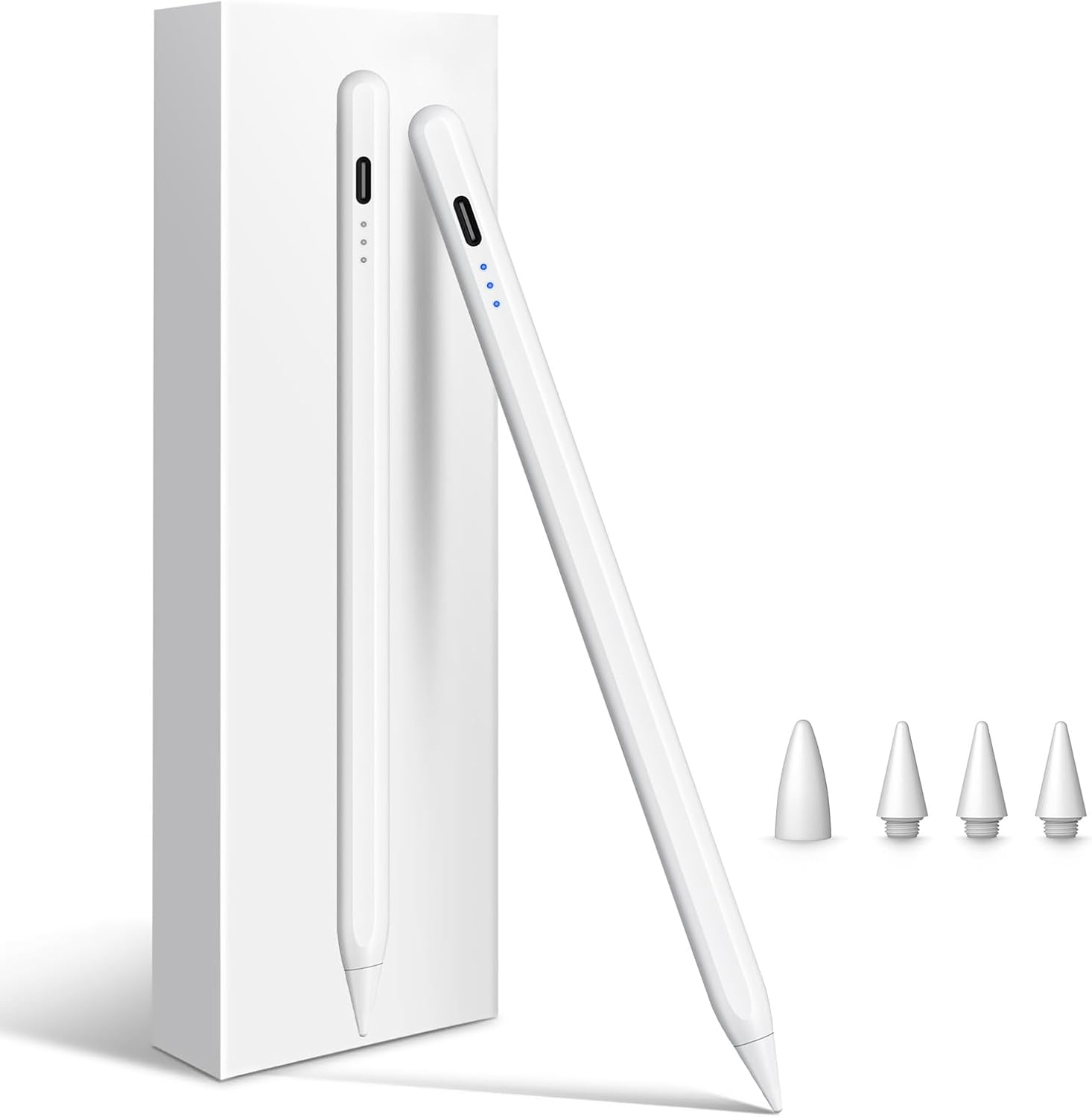
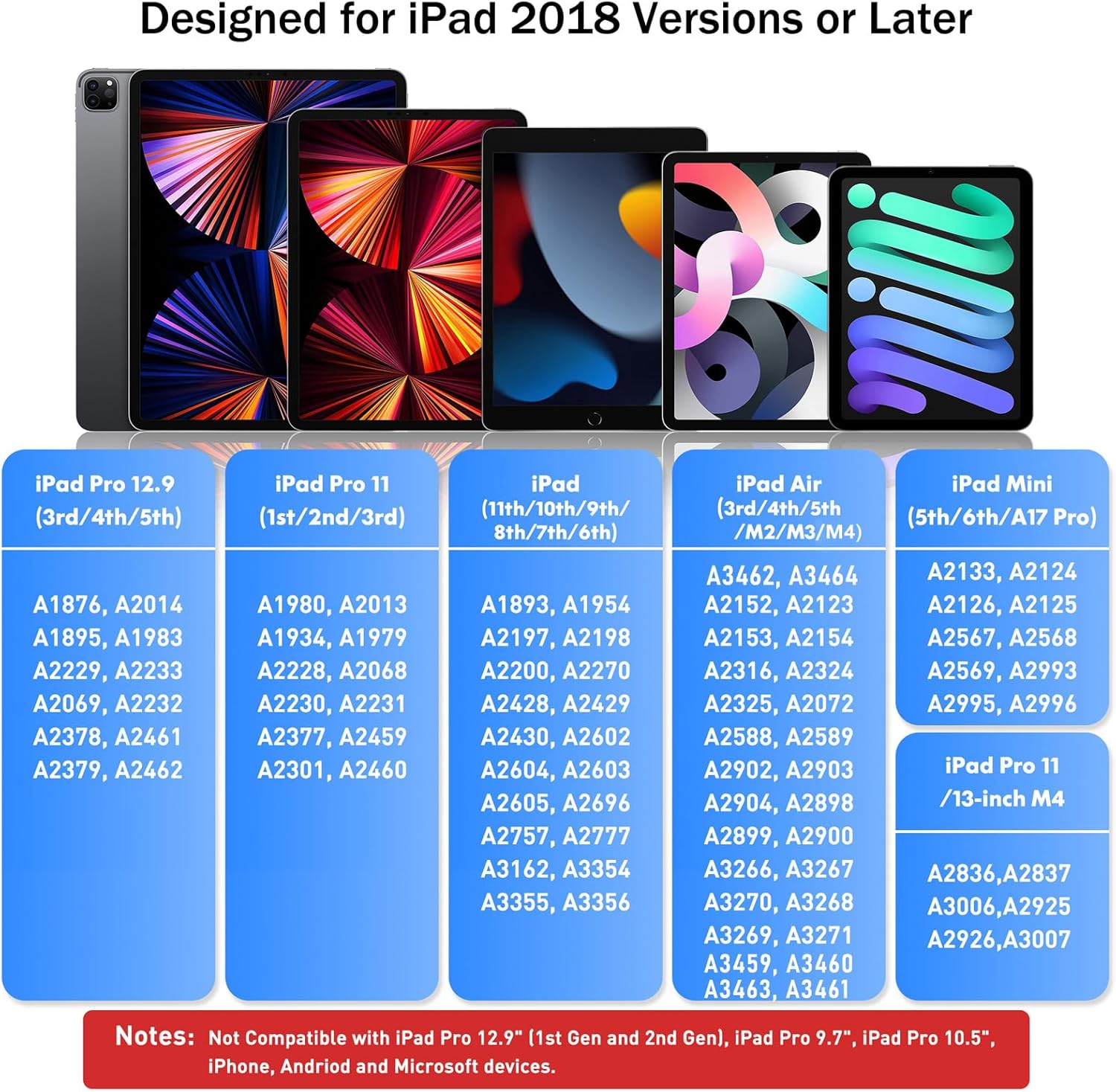
This stylus is intended for a range of iPad models, including select iPad, iPad Air, iPad mini, and iPad Pro generations. The listed compatibility runs from iPad 6th generation through newer models, but not every iPad from 2018 onward is supported. For example, the iPad 5th generation and earlier iPad Pro 9.7-inch and 10.5-inch models are specifically excluded. It does not work with Android tablets, phones, iPhones, or Microsoft devices.
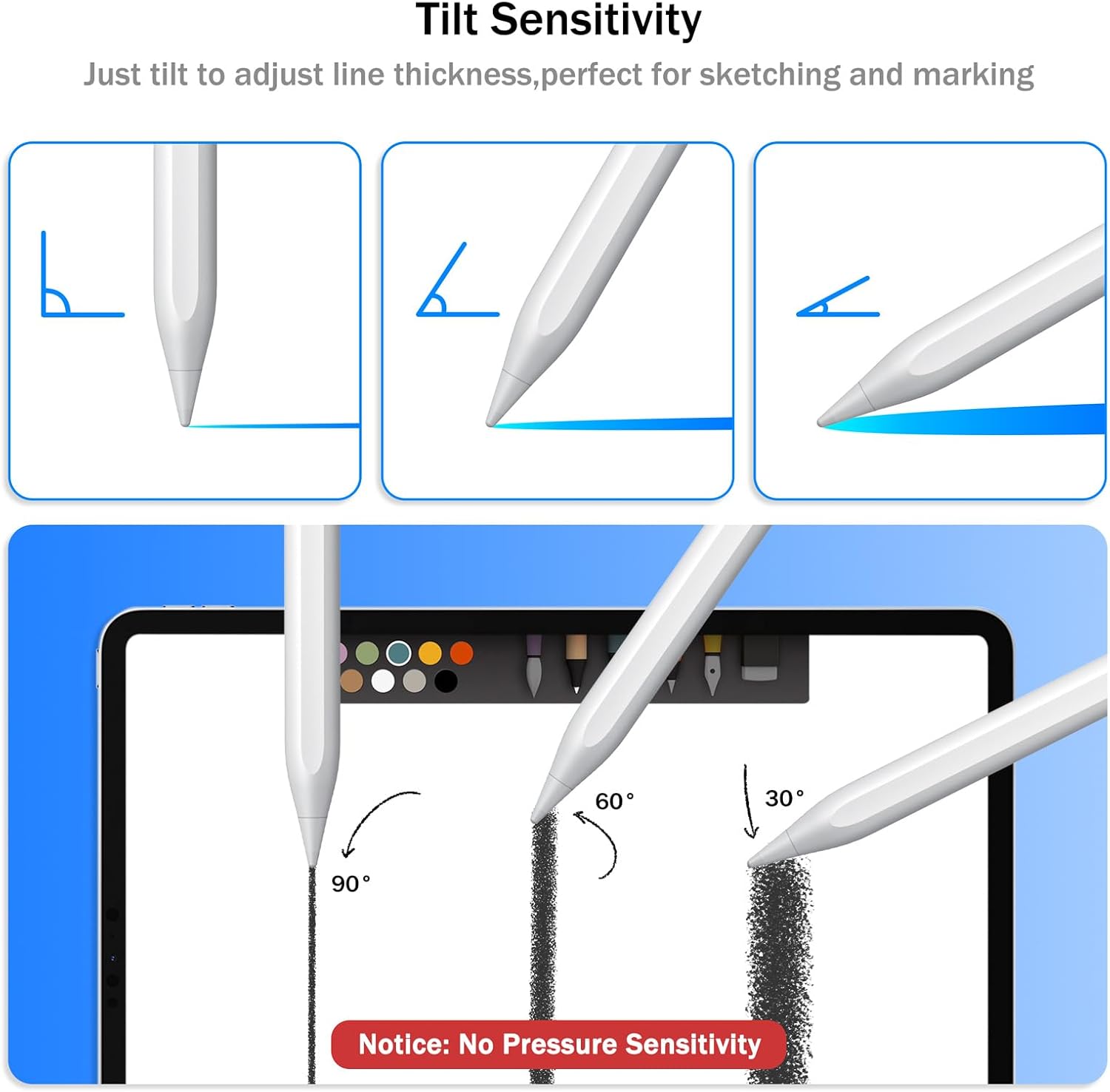
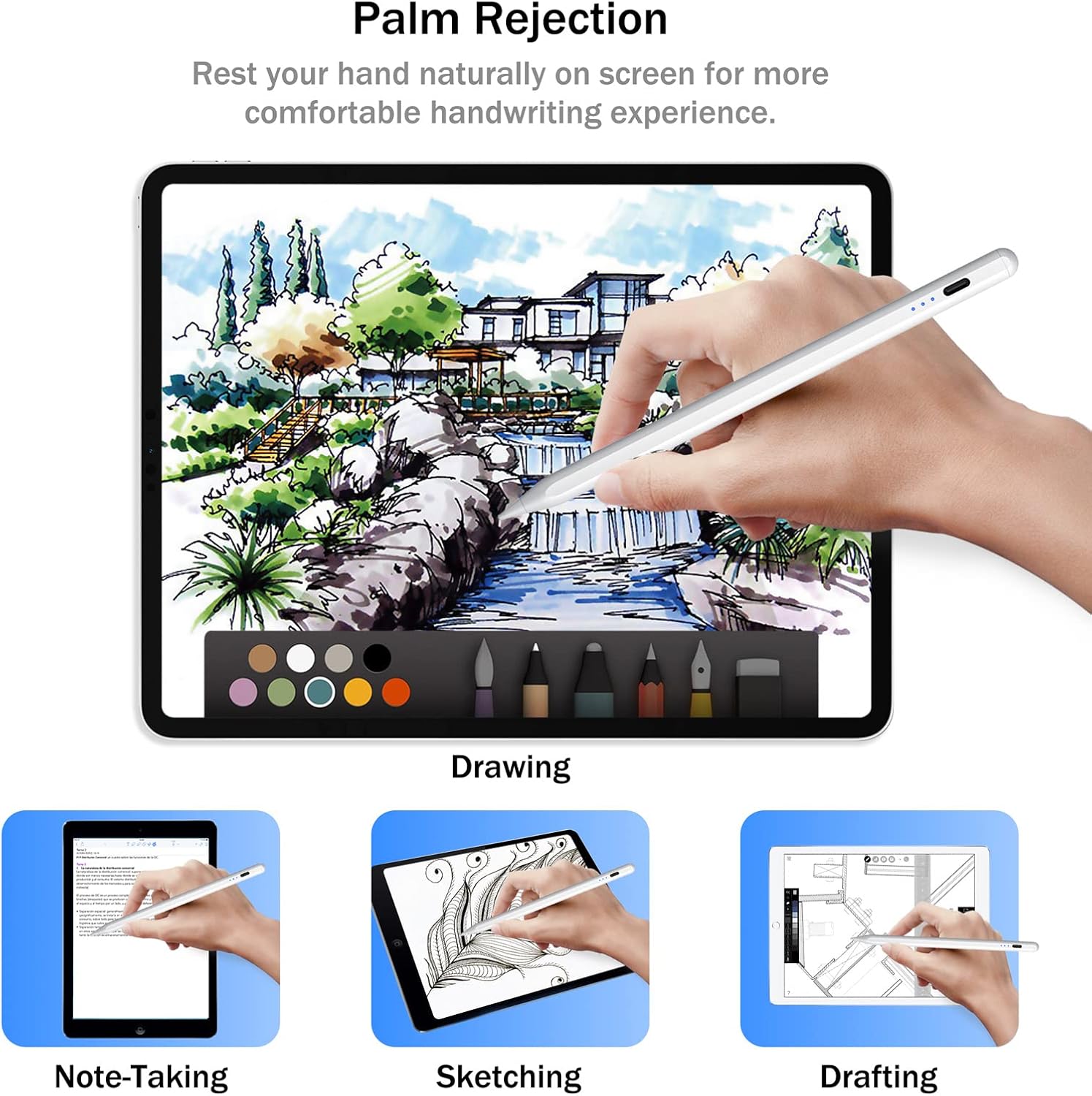
For a practical use case, it can serve as a single tool for handwritten class notes, document markups, or sketching on a supported iPad. The tilt sensor changes line thickness by angle, while palm rejection is intended to let you rest your hand on the screen as you write. If you mainly need simple screen taps, a basic capacitive stylus may be enough, these features matter more for handwriting and drawing.
Strengths
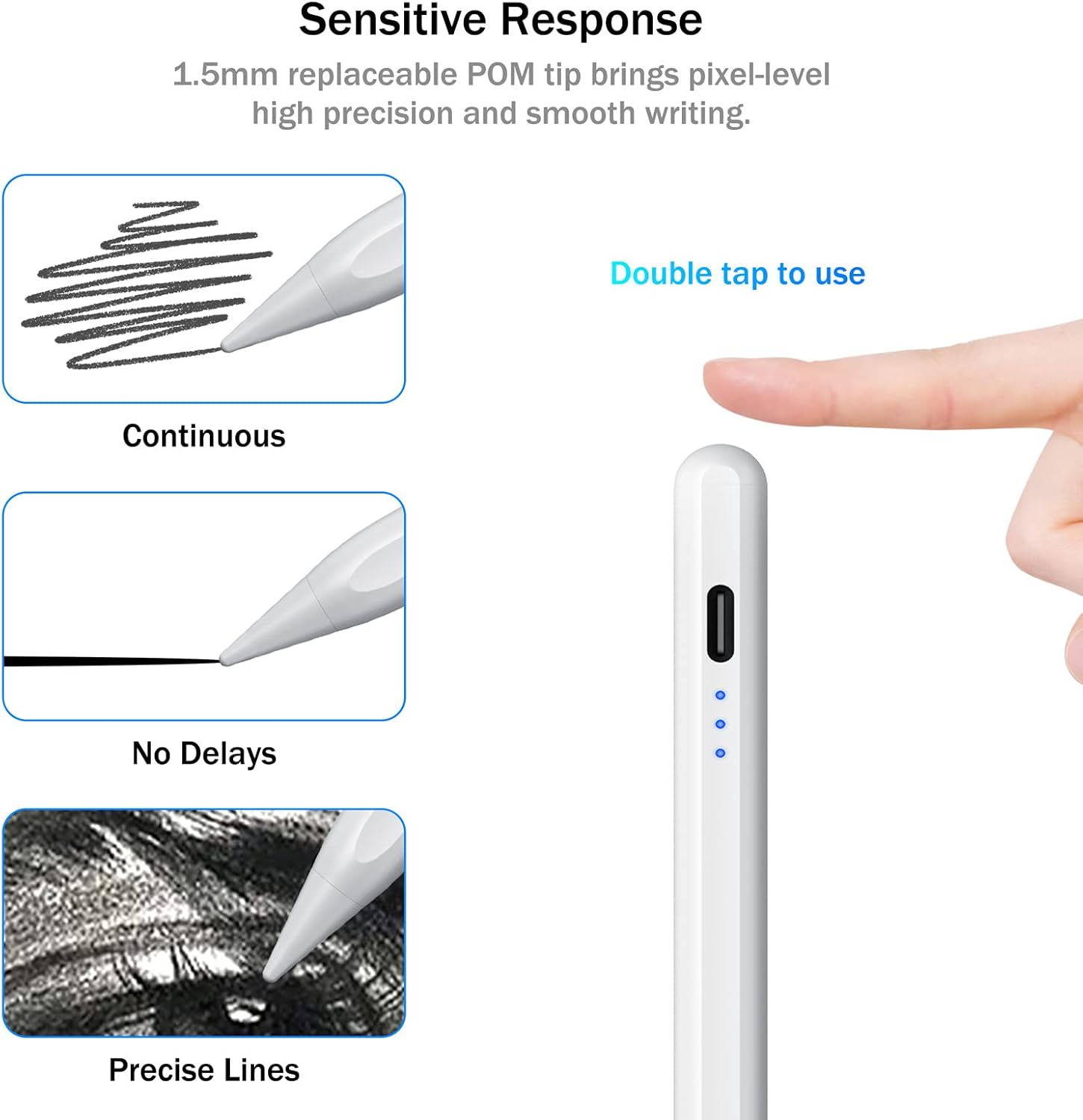
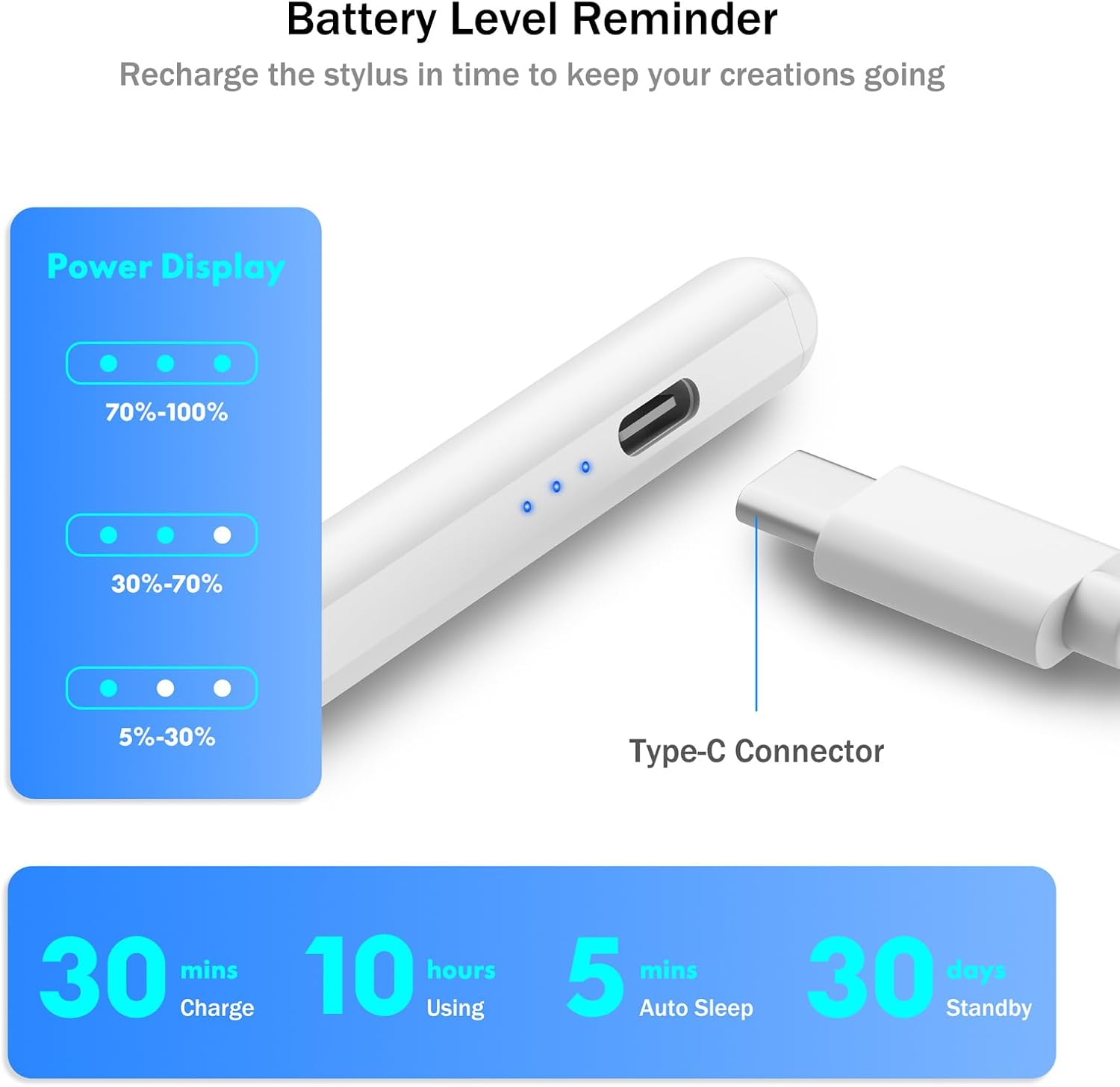
The feature combination is useful for people who switch between writing and sketching. Three LED indicators show charge status, and tapping the top turns the stylus on or off. It enters sleep mode after five minutes of inactivity. The manufacturer lists up to eight hours of continuous use and 90 days of standby, with a 30-minute charging time.
Buyer feedback is generally positive about ease of use and iPad compatibility, while reports on battery life and writing consistency are mixed. Some buyers describe smooth writing and long-lasting charge, others report short battery runtime or skipped writing. Durability feedback is also divided, including reports of tips wearing down or breaking after falls. These are user-reported experiences, not a guarantee of how an individual unit will perform.
Technical overview
- Model: 716-WH
- Material: Aluminum
- Color: White
- Charging: USB-C, 30-minute charging time listed
- Battery: Lithium-ion, up to eight hours of continuous use and 90 days of standby listed
- Features: Tilt sensor, palm rejection, three-level LED indicator, automatic sleep mode
- Compatibility: Selected iPad models, not compatible with Android tablets, phones, iPhones, or Microsoft devices
- Magnetic attachment: Supported on select iPad models, wireless charging is not supported
- Pressure sensitivity: Not supported
The tilt feature should not be confused with pressure sensitivity. If your drawing workflow depends on pressure-based line variation, this stylus does not offer that function. Magnetic attachment is also limited to certain iPad models and does not mean the stylus can charge wirelessly.
Before you decide
Which iPads are supported? The list includes selected iPad 6th–11th generation models, iPad Air 3rd–5th generation and newer listed Air models, iPad mini 5th and 6th generation plus A17 Pro, and selected iPad Pro models. Check the exact generation against the compatibility information, some older models are excluded.
Can it change line thickness while drawing? Yes. The tilt sensor is described as adjusting line thickness when the stylus is held at different angles. It does not provide pressure sensitivity.
Does it attach magnetically or charge wirelessly? It attaches magnetically to select compatible iPads, but wireless charging is not supported. Charging is through the USB-C port.
When it makes sense
Worth considering if you want palm rejection and tilt-based drawing on a supported iPad, along with a USB-C rechargeable stylus for notes and markups. Better avoided if you need pressure sensitivity, use a non-iPad device, or rely on a model outside the compatibility list. The main decision is whether its tilt and palm-rejection features suit your work, for basic tapping, those capabilities may not be necessary.