

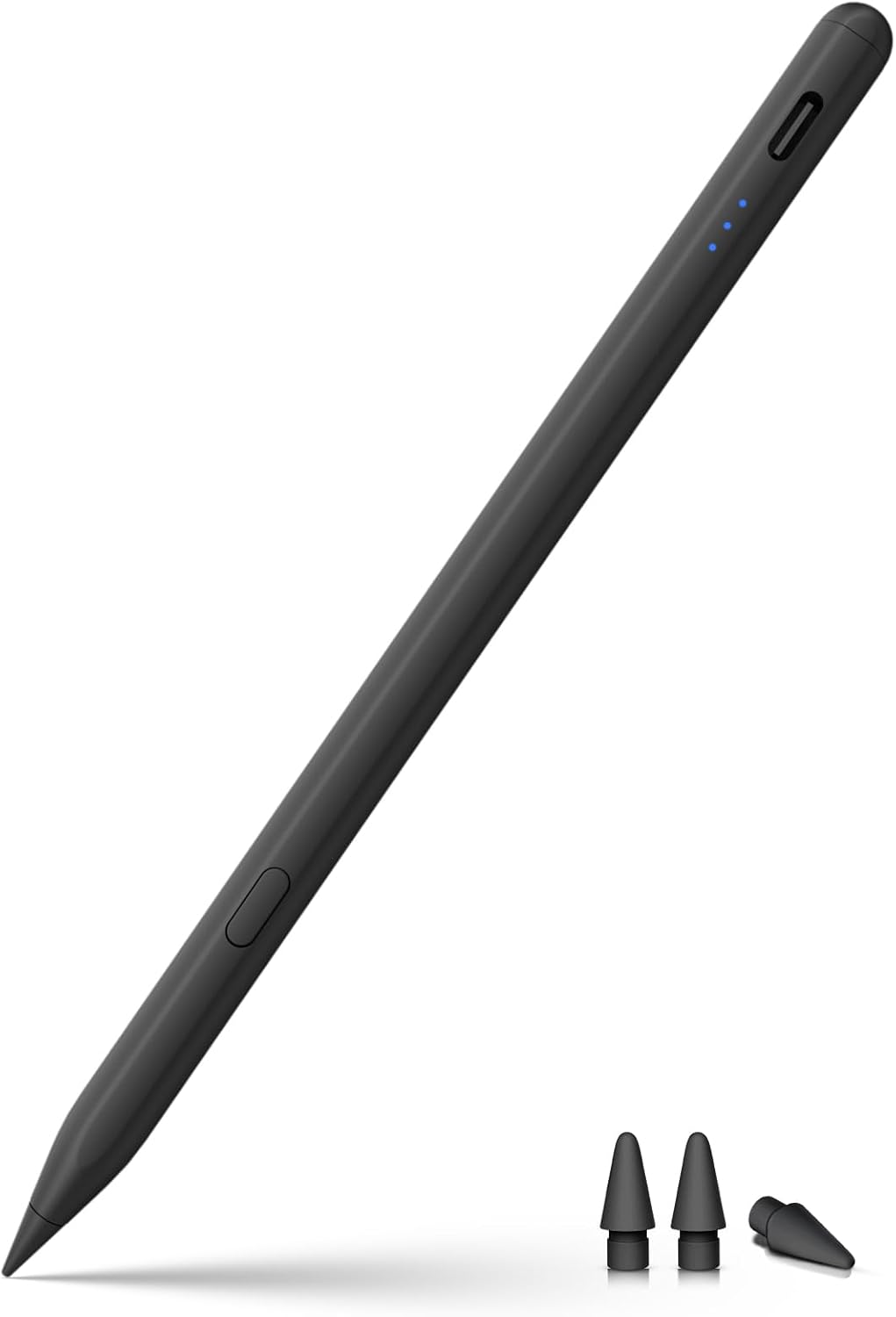
KEEPRO iPen-C-Black Stylus for iPad, USB-C Charging and Tilt Sensitivity
Product description
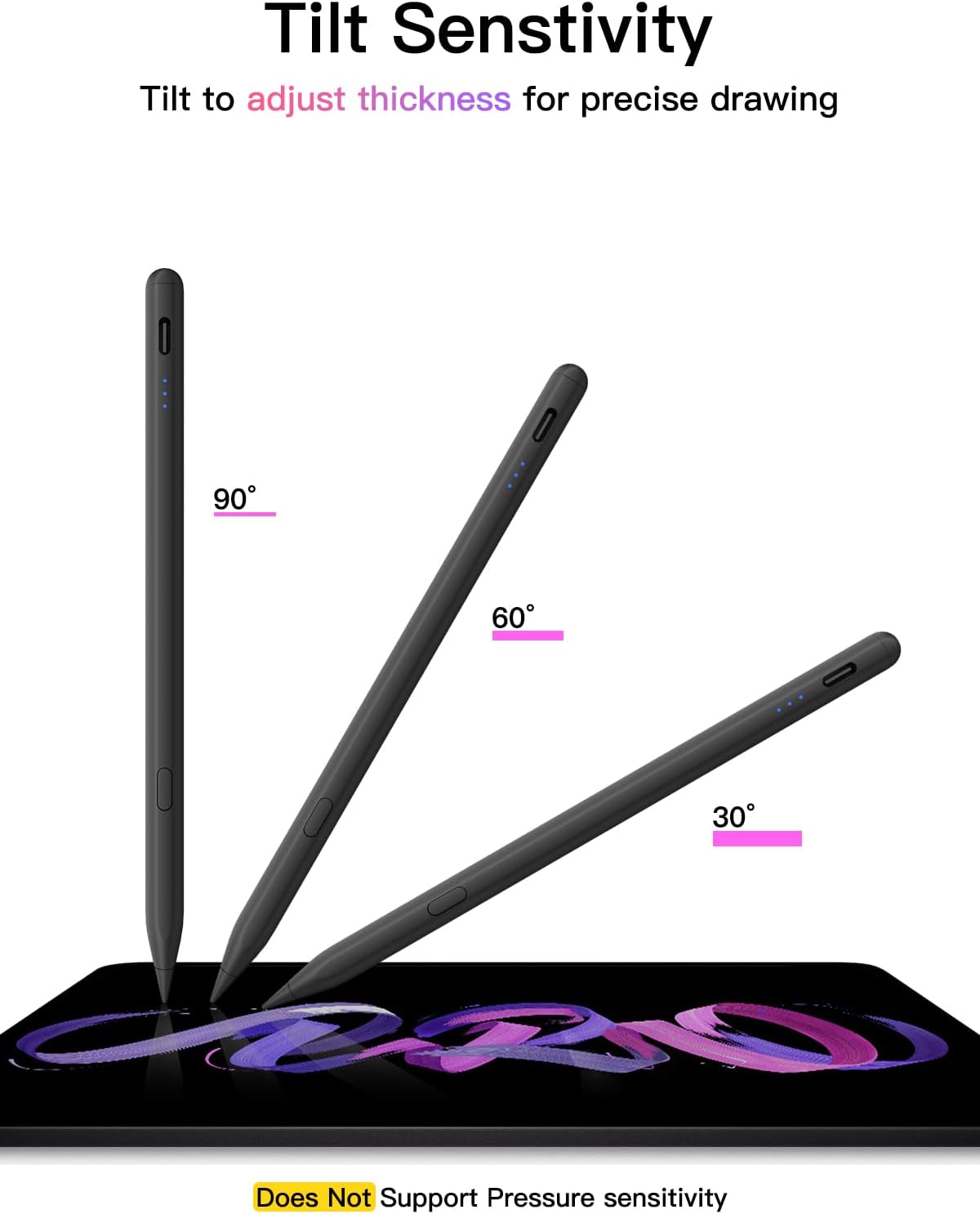
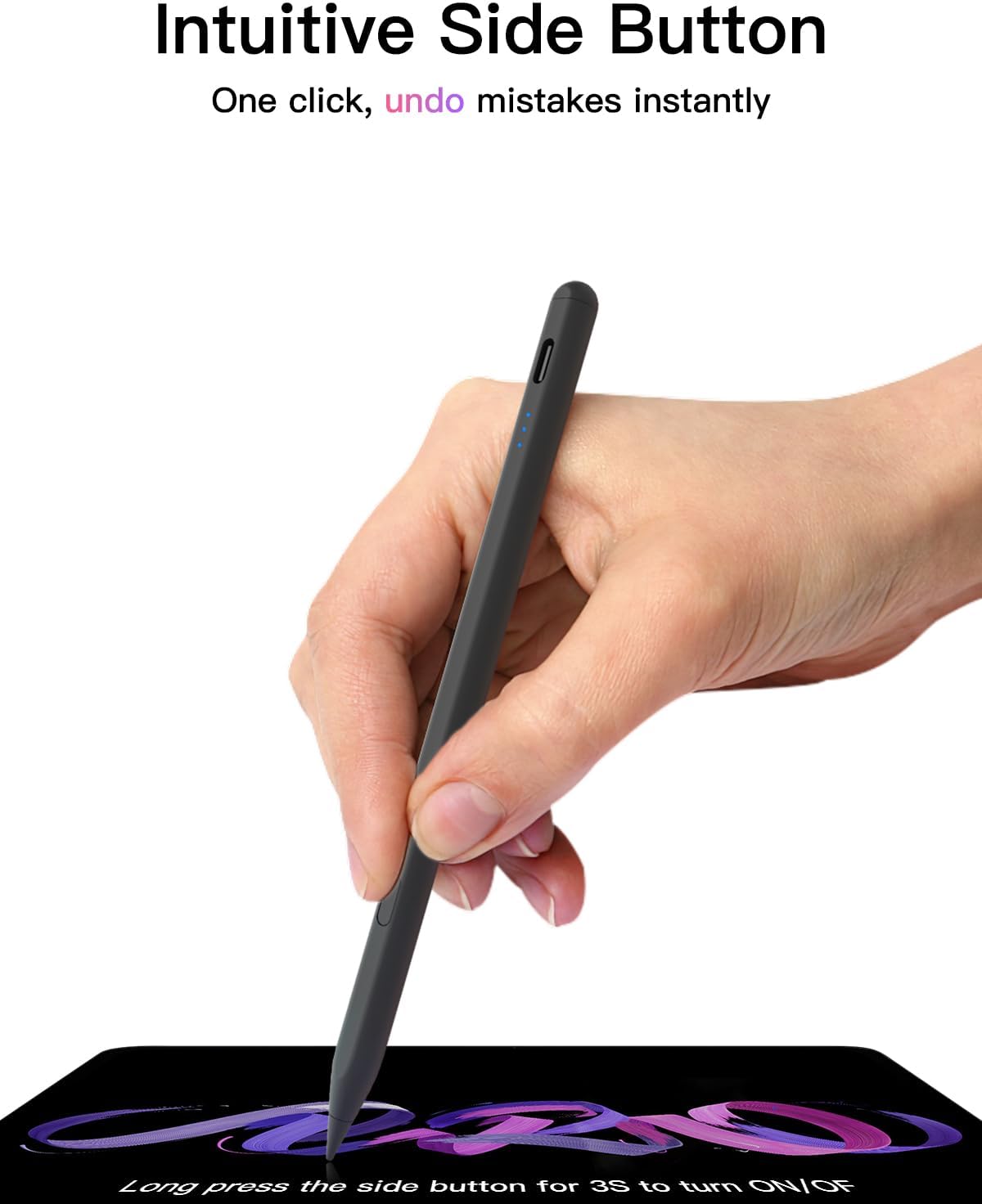
Some iPad users need pressure-sensitive tools for detailed digital art, others want a stylus for notes, sketches, and PDF markup. The KEEPRO iPen-C-Black is aimed at the second set of tasks, with tilt sensitivity and a one-click undo shortcut.
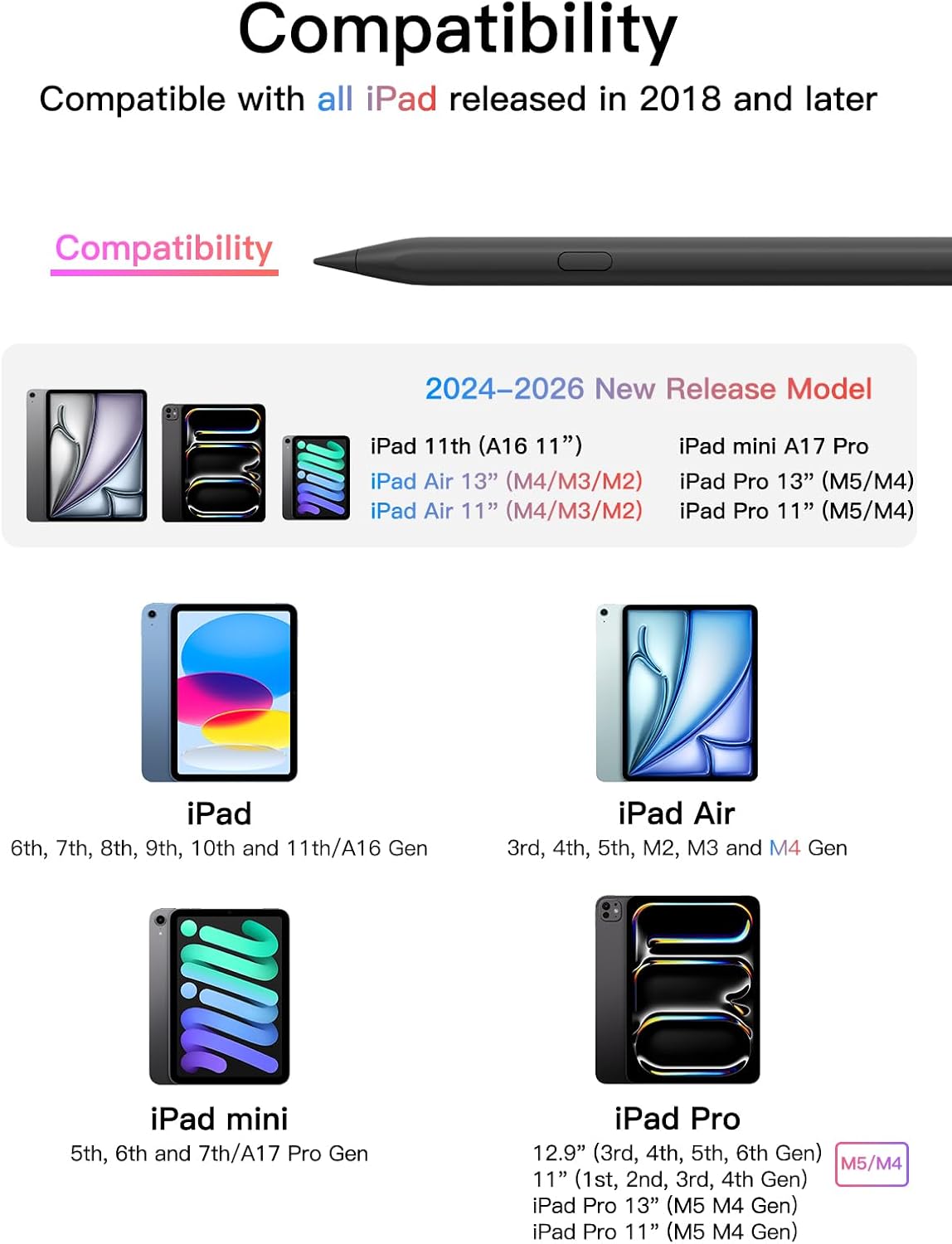
It charges through USB-C and is listed for compatible iPads released in 2018 or later. Basic pen functions work without Bluetooth, while pairing enables battery status and the undo shortcut.
One distinction matters before buying: the pen supports tilt sensitivity but not pressure sensitivity. That makes the feature set easier to assess for everyday writing and drawing, but less suitable for workflows that depend on pressure-based brush control.
Product specs
- Name: KEEPRO iPen-C-Black
- Type: Stylus pen
- Color: Black
- Material: Aluminum and plastic
- Dimensions: 6.3 x 0.35 x 0.35 inches
- Connectivity: Bluetooth for battery display and undo shortcut, basic use does not require Bluetooth
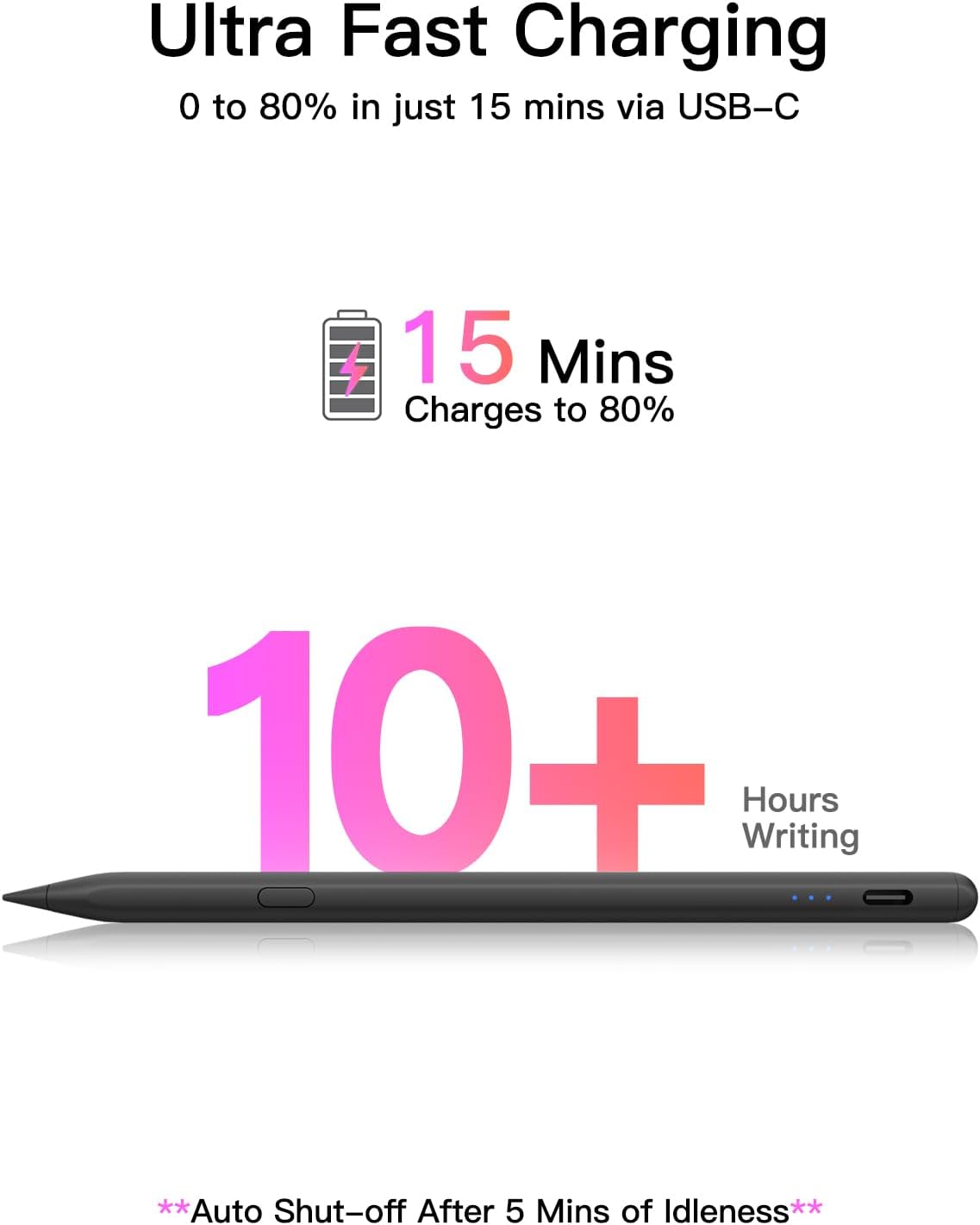
- Charging: USB-C, full charge listed at 30 minutes
- Battery life: Up to 10 hours of continuous use
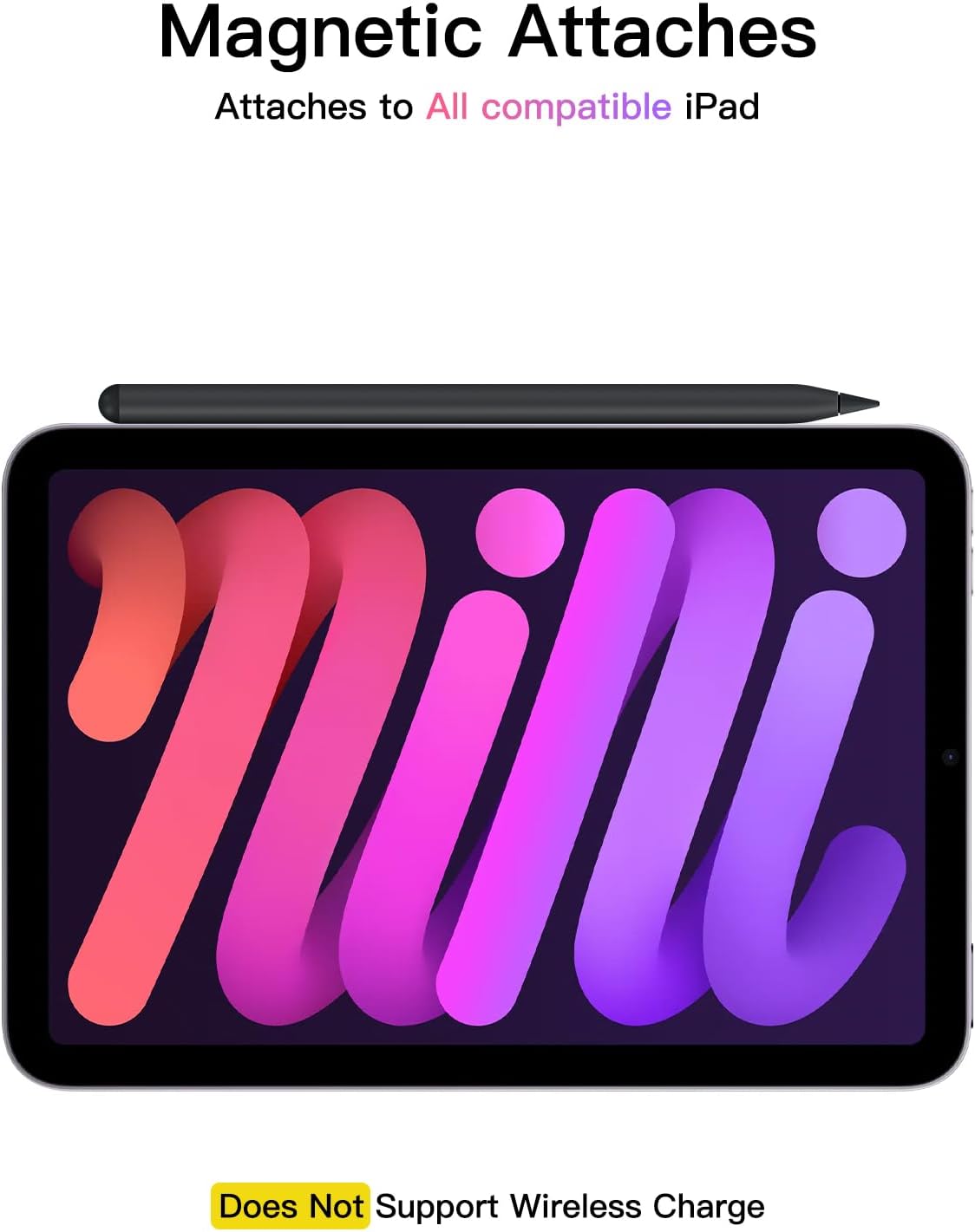
- Compatibility: Listed for iPads released in 2018 or later, plus iPhone Duo
- What’s included: Stylus and 3 extra tips
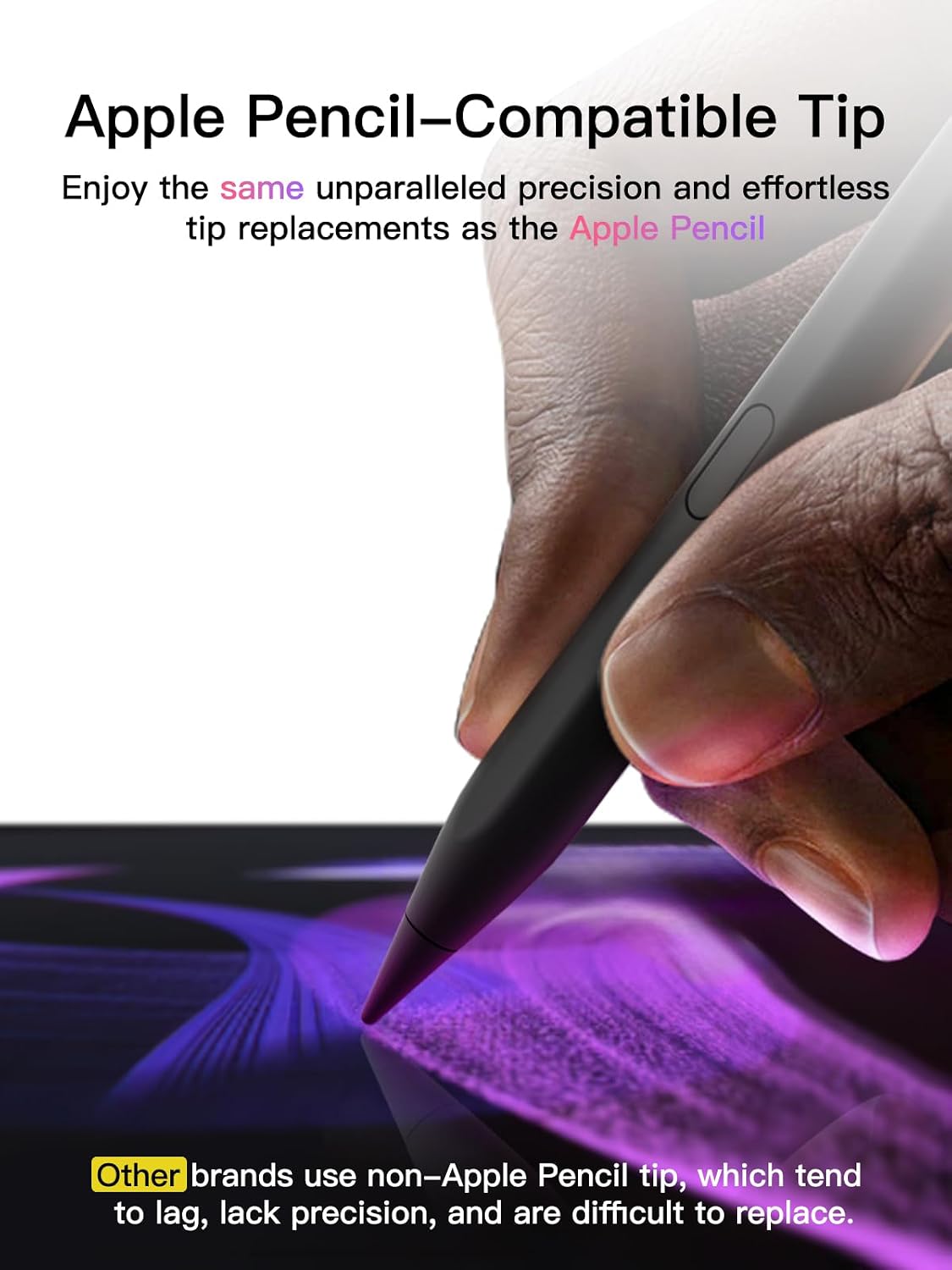
The included extra tips give you replacements on hand, and the tip is described as matching the Apple Pencil tip. The pen also shuts down after 5 minutes of inactivity. These details are useful if you plan to carry it between classes or use it intermittently throughout the day.
Requirements
The listed minimum operating system is iPadOS 13. Compatibility covers a range of standard iPad, iPad mini, iPad Air, and iPad Pro generations, check your exact model against the product’s compatibility list before choosing it. The listing includes several screen sizes and generations, so the family name alone may not be enough to confirm a match.
To use the undo shortcut and see the pen’s battery level on the iPad, pair it over Bluetooth. The pen’s basic writing functions do not require that connection. If it does not work after turning it on, the setup instructions advise removing the existing Apple Pencil Bluetooth pairing before trying again.
Who it’s for
It suits you if you want a rechargeable stylus for handwritten notes, sketching, coloring, or marking up PDFs, and you value a quick undo control. For example, someone reviewing a document on an iPad can use the pen for annotations without needing Bluetooth for basic input, then pair it when battery status or undo is useful.
Buyers commonly praise its writing and sketching feel, ease of connection, charging speed, and battery life. Feedback on durability is less consistent: some say it holds up, while others report that the tip wears quickly. Those impressions are worth weighing alongside the included spare tips, rather than treating long-term tip life as assured.
It might not be a great match if your drawing depends on pressure sensitivity or you specifically need wireless charging. The product lists tilt sensitivity, but explicitly does not support pressure sensitivity, and charging is via USB-C.
Final verdict
The KEEPRO iPen-C-Black makes sense as a feature-focused stylus for compatible iPads when the priorities are everyday writing, tilt-based drawing, a short listed charging time, and a one-click undo shortcut. It offers more than a basic unpaired writing tool while keeping core use available without Bluetooth. If your work relies on pressure-sensitive strokes, or wireless charging is a must, those missing features are decisive reasons to consider a different type of stylus.