

Cisteen Stylus Pen for iPad with Tilt Sensor, Palm Rejection and USB-C Charging
Reviews
Price
Product description
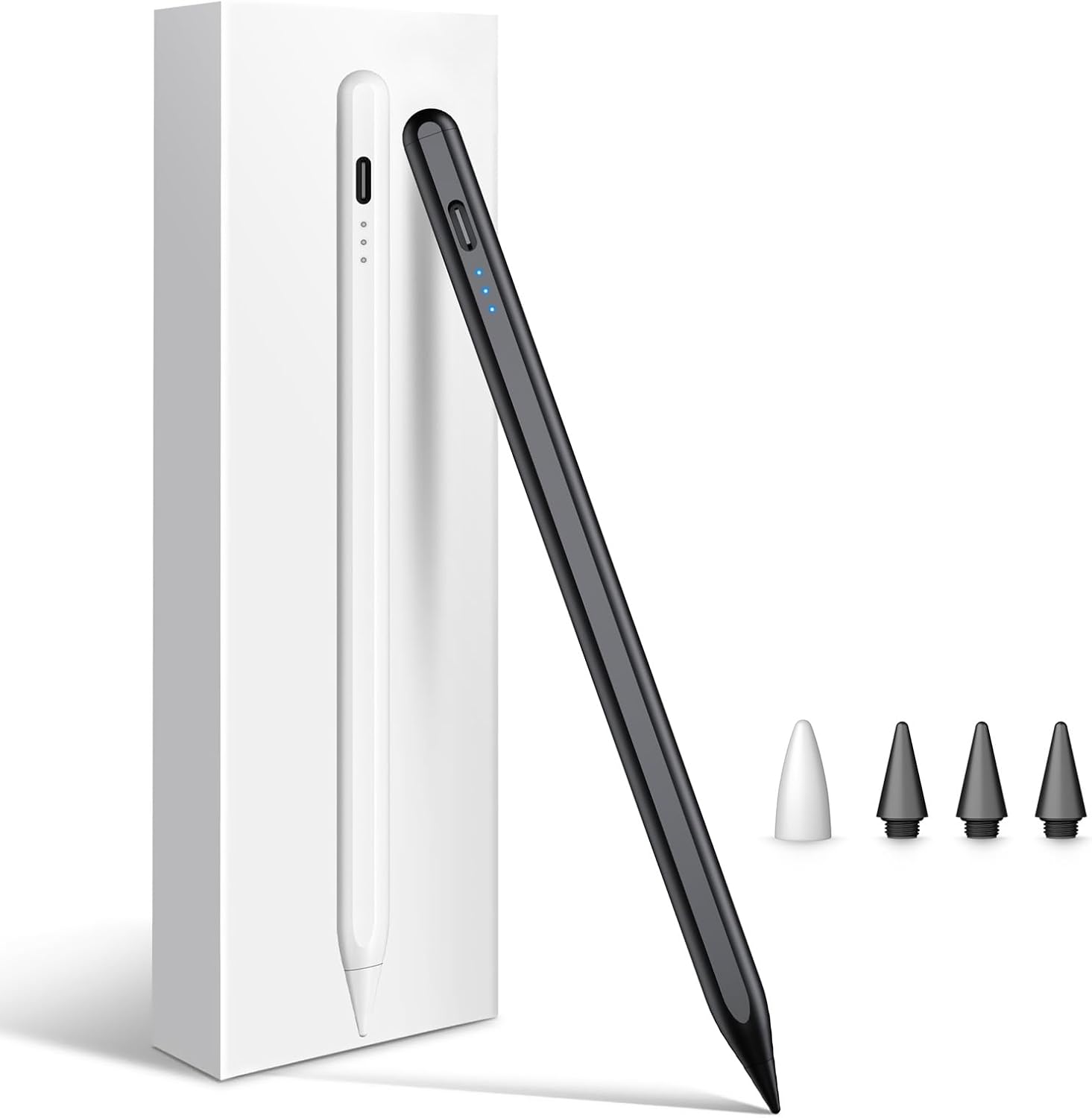
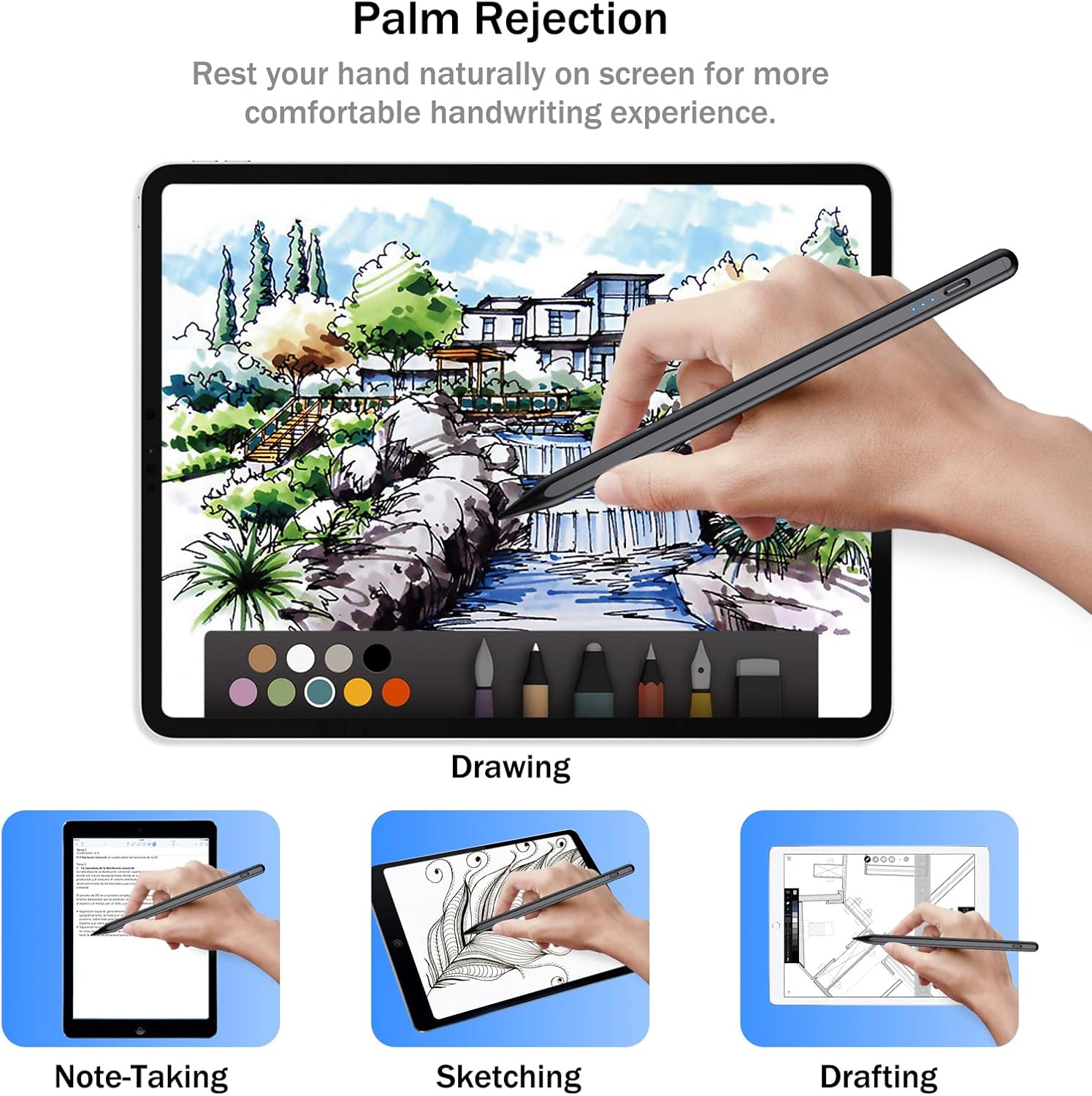
For iPad users who want a dedicated pen for notes, annotations, or drawing, the Cisteen stylus combines palm rejection with tilt control. Rest your hand on the screen while you write, and vary the angle of the pen to adjust line thickness when sketching.
If your main task is handwriting, palm rejection supports a more natural writing position. For sketching, the tilt sensor gives you another way to shape a stroke. The pen is designed for compatible iPad models from 2018 onward, including selected iPad, iPad Air, iPad mini, and iPad Pro generations.
Tips for day-to-day use
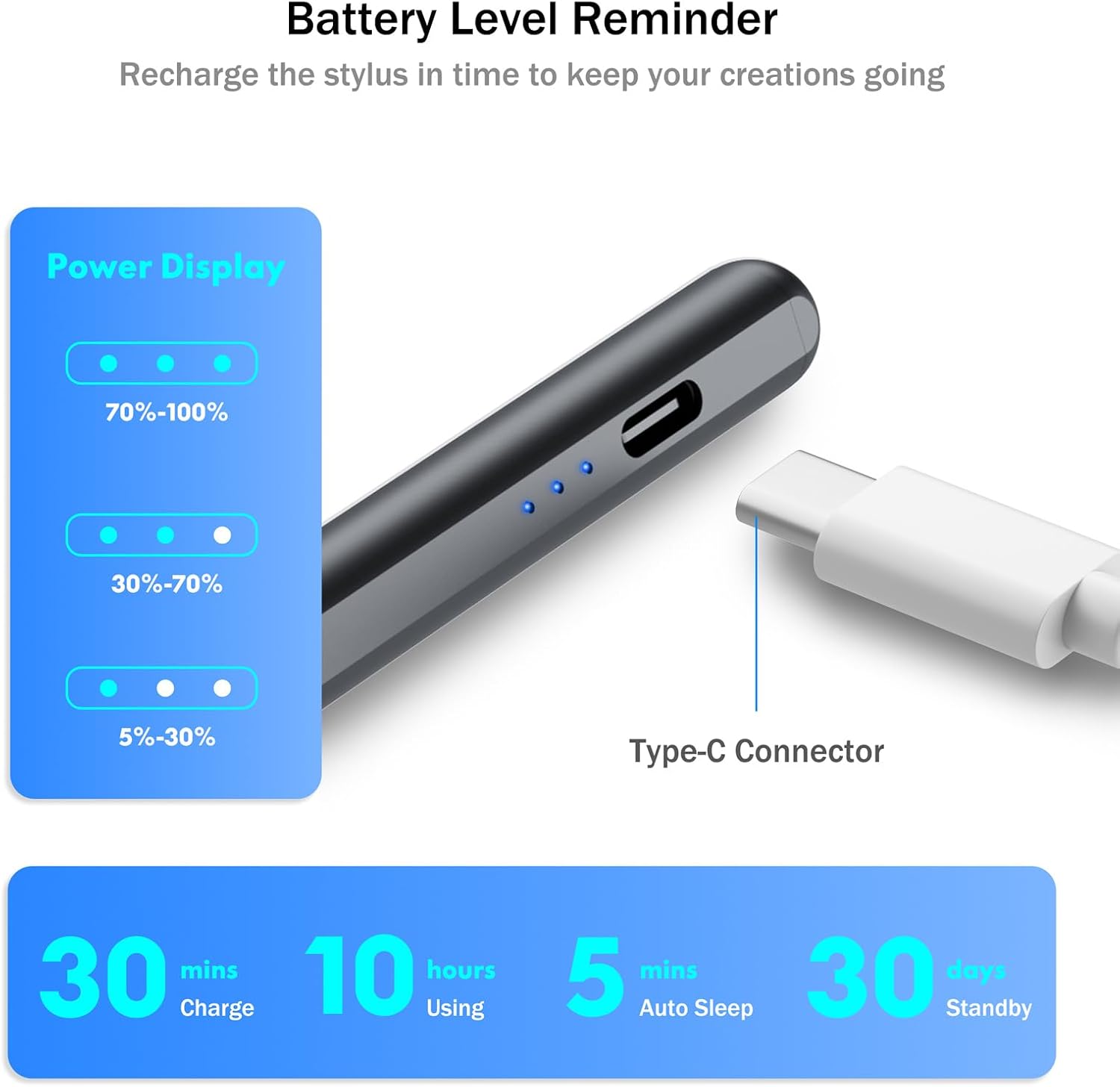
Tap the top of the stylus to turn it on or off, then use the USB-C port to recharge it. Three LED indicator levels help you keep track of its charge, while automatic sleep mode activates after five minutes of inactivity. The stated continuous operating time is up to eight hours, with up to 90 days of standby time.
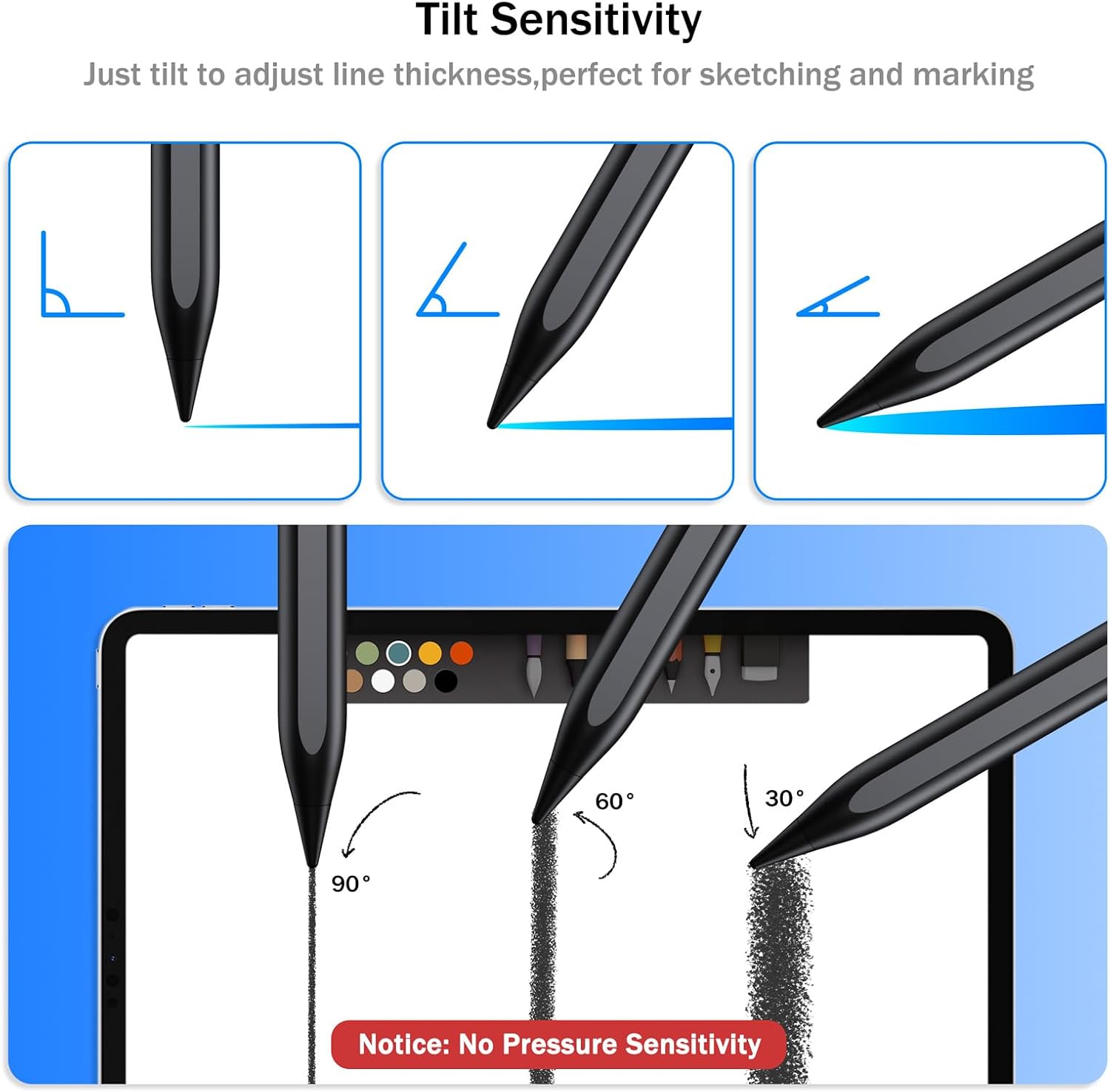
For a study session, you can use the pen to take notes and mark up material on an iPad, then switch to sketching by changing the angle of the stylus. It also suits meetings and travel, where a pen for annotations and quick ideas is useful. The aluminum body and magnetic attraction on selected iPad models make it practical to keep close at hand, magnetic attachment is supported on iPad Air 4th and 5th generation, iPad Pro 11-inch, iPad Pro 12.9-inch (3rd through 6th generation), and iPad mini 6th generation. It does not support wireless charging.
Buyers often highlight easy operation and iPad compatibility. Feedback on battery life, durability, and writing performance is mixed, so experiences vary. The pen does not offer pressure sensitivity, line thickness control is based on tilt.
What you’ll notice day to day
Palm rejection lets you rest your hand on the display while writing, without creating stray marks from your palm. Tilt control is useful when drawing or shading and provides a way to vary stroke thickness. For notes, lists, and screen markups, the straightforward tap-to-power-on design keeps operation simple. The included lithium polymer battery recharges through USB-C, and the indicator lights offer a quick visual charge check.
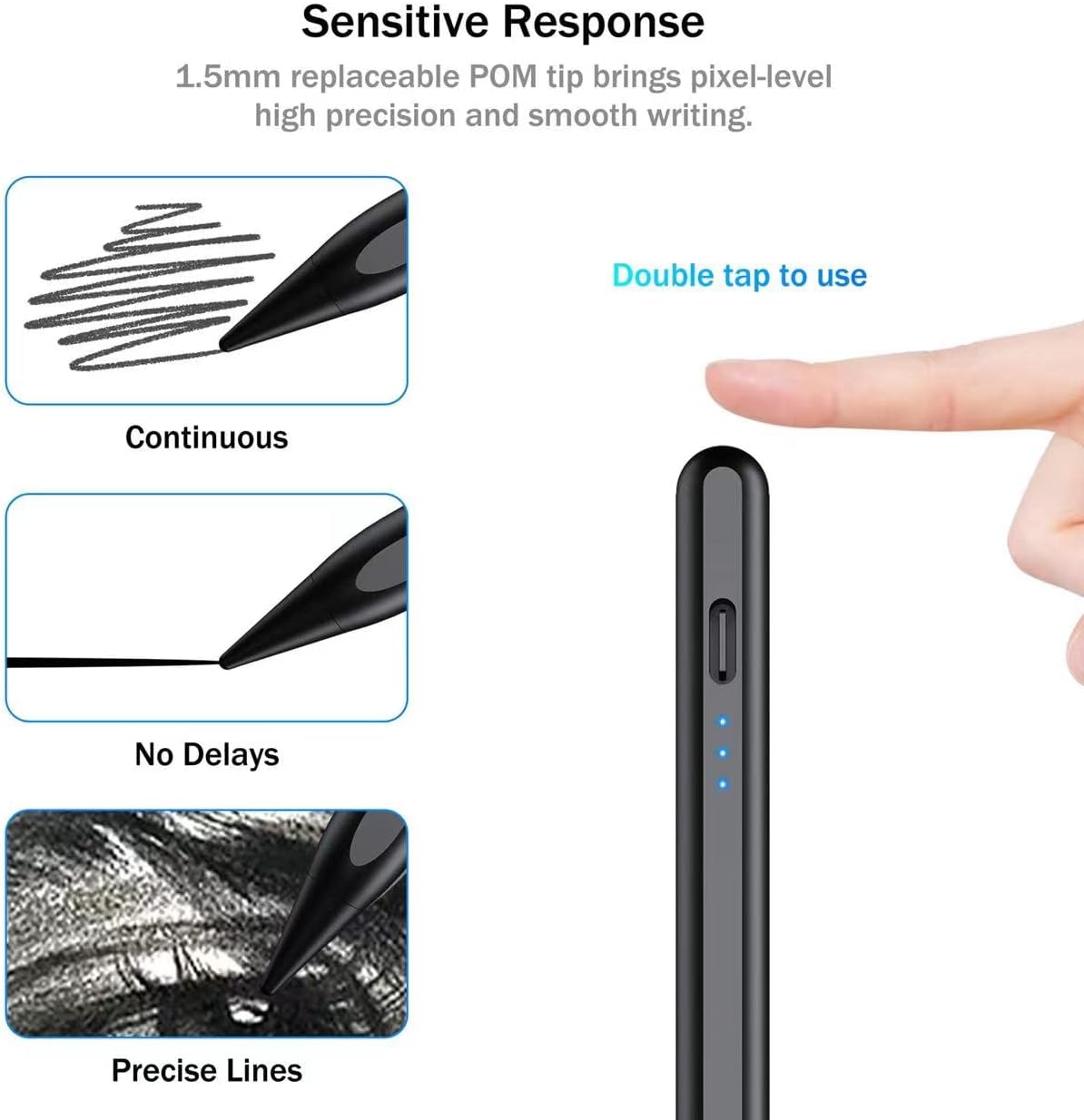
The choice between a stylus focused on handwriting and one with drawing controls often comes down to how you use your iPad. This model brings both palm rejection for writing and tilt-based stroke adjustment for sketching, making it suited to people who move between those tasks. It requires an iPad running iOS 12.2 or later and is not designed for Android tablets, phones, iPhone, or Microsoft devices.
Specifications
- Type: iPad stylus pen
- Color: Black
- Material: Aluminum
- Charging: USB-C
- Battery: Lithium polymer, included
- Compatibility: Selected iPad models from 2018 onward, including iPad 6th–11th generation, iPad Air 3rd–5th generation and supported M2/M3/M4 models, iPad mini 5th/6th generation and A17 Pro, and iPad Pro 11-inch and 12.9-inch models listed for this stylus
- Dimensions: 8.6 x 2.6 x 0.6 inches
Questions before you buy
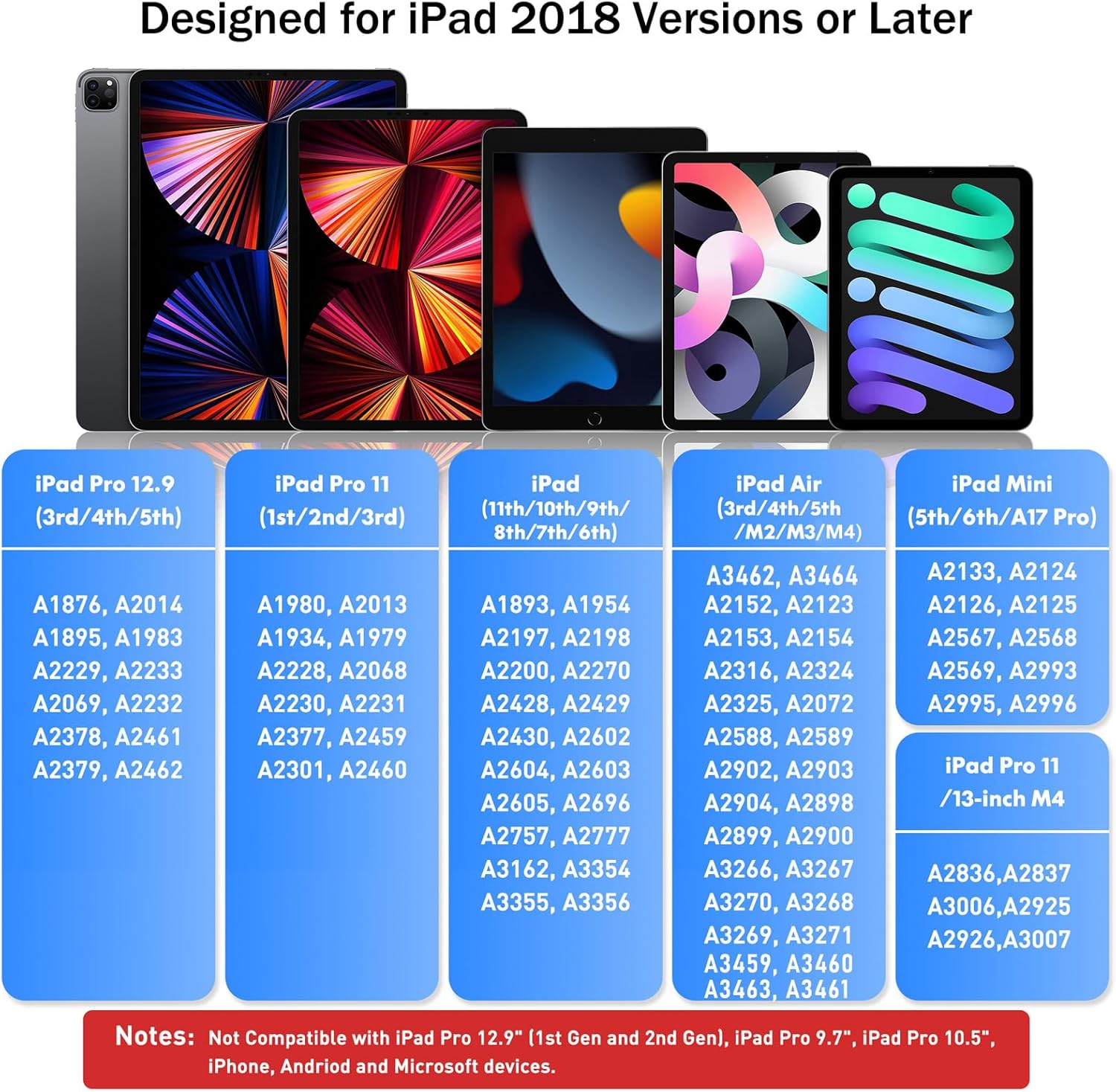
Which iPad models work with this stylus? It supports iPad 6th–11th generation, iPad Air 3rd–5th generation and specified 11-inch and 13-inch M2/M3/M4 models, iPad mini 5th and 6th generation and A17 Pro, plus supported iPad Pro 11-inch and 12.9-inch generations. Check your iPad’s model and iOS version, iOS 12.2 or later is required.
How do you turn it on and charge it? Tap the top to switch the stylus on or off. Recharge it using its USB-C port, the three-level LED indicator helps show charge status.
Does it support pressure sensitivity? No. You can adjust stroke thickness by changing the stylus angle, but it does not have pressure sensitivity.
Is it worth it?
For iPad users who want one pen for handwriting, annotations, and tilt-based sketching, this stylus brings together palm rejection, a rechargeable USB-C design, and compatibility across a range of supported iPad generations. It’s a practical fit for everyday note-taking and drawing when those are the tasks you want to handle with a single stylus.