

Apple Pencil (USB-C): Pixel-perfect precision with USB-C pairing for iPad
Product description
What it is and who it’s for
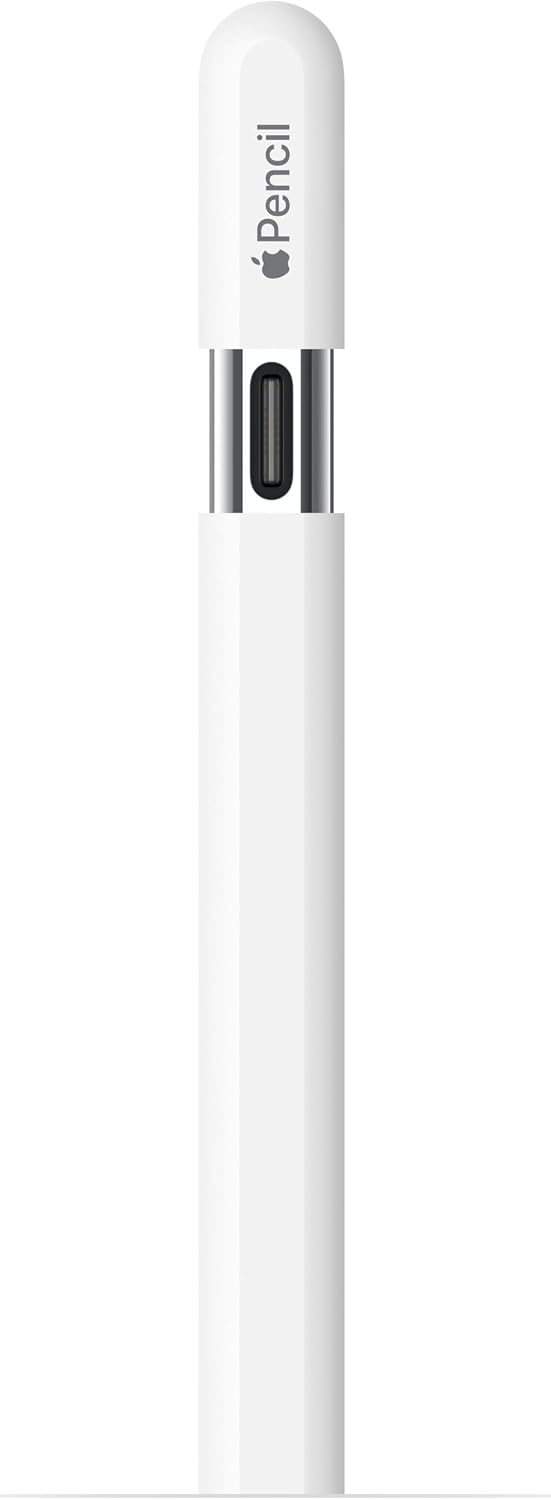
The Apple Pencil (USB-C) is a stylus designed for note-taking, drawing, and signing documents on compatible iPad models. It emphasizes pixel-perfect precision, tilt sensitivity, and low latency aimed at making handwriting and sketching feel natural. If you rely on precise input for writing, doodling, or annotating PDFs, this pencil is positioned as a practical companion to your iPad. It pairs and charges via USB-C and features a flat edge that attaches magnetically for convenient storage. If you’re already in the Apple ecosystem and want a seamless, pressure-sensitive tool, this pencil fits that workflow reasonably well.
What matters most in use
On paper, the core benefits are the accuracy of input and the tilt-aware drawing feel. The USB-C pairing means fewer cables and a straightforward charging experience, which reduces the friction of keeping the pen ready to go. The magnetic attach is handy for daily use when you want quick access and minimal risk of misplacing it. However, as with any stylus tied tightly to a platform, the experience depends heavily on the iPad model you own and the apps you use. If you rely on hover preview features, note that those capabilities are highlighted for pro-level iPad models in the compatibility notes.

Tech specs at a glance
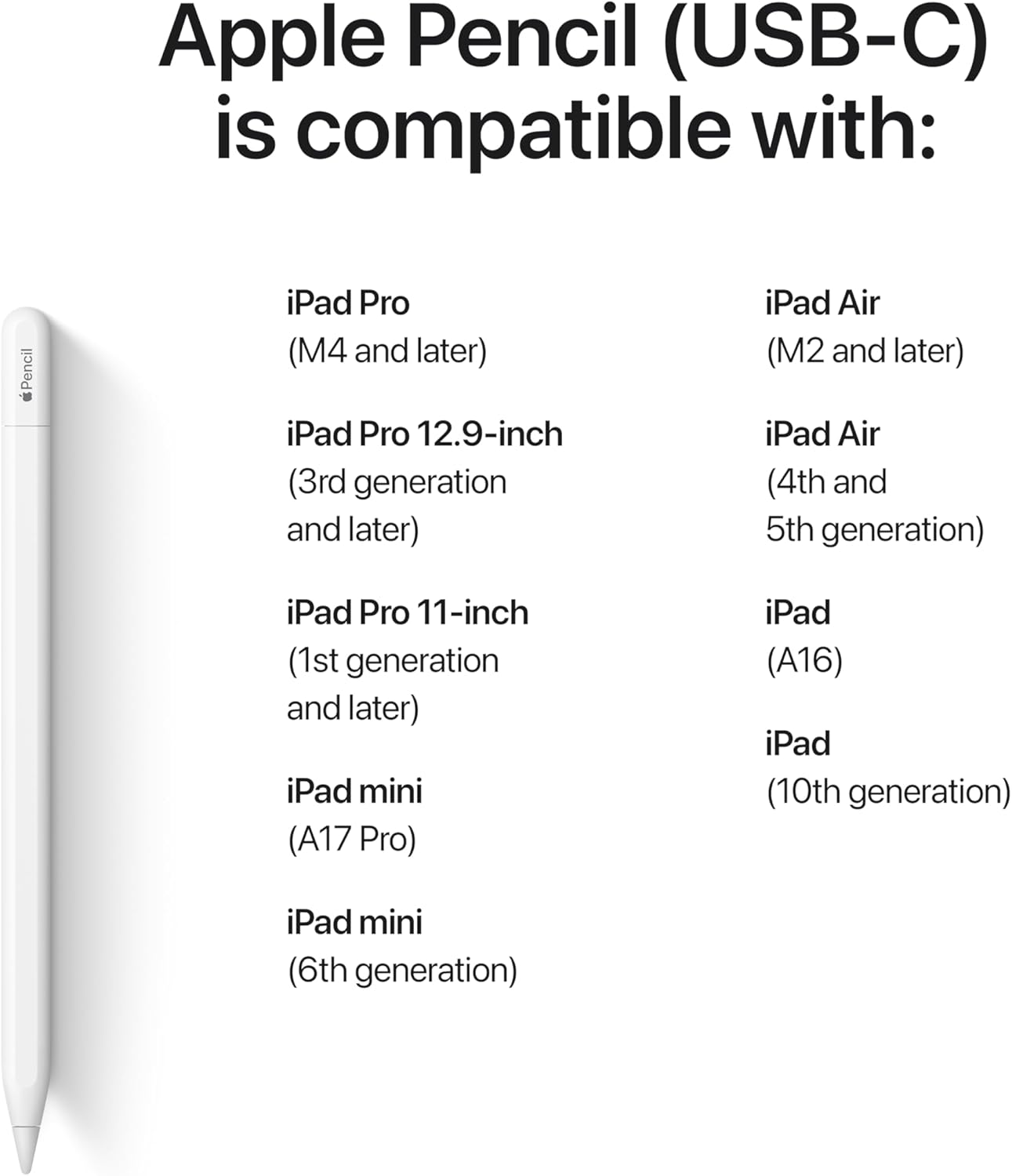
- Compatibility highlights include several generations of iPad Pro, iPad Air, iPad, and iPad mini lines that support USB-C input and Apple Pencil functionality. The exact model list is nuanced, so the key takeaway is: ensure your iPad model is among the supported devices for USB-C Apple Pencil input.
- Input: pixel-perfect precision with tilt sensitivity and low latency.
- Power: charges and pairs via USB-C, magnetically attaches to the iPad for easy handling.
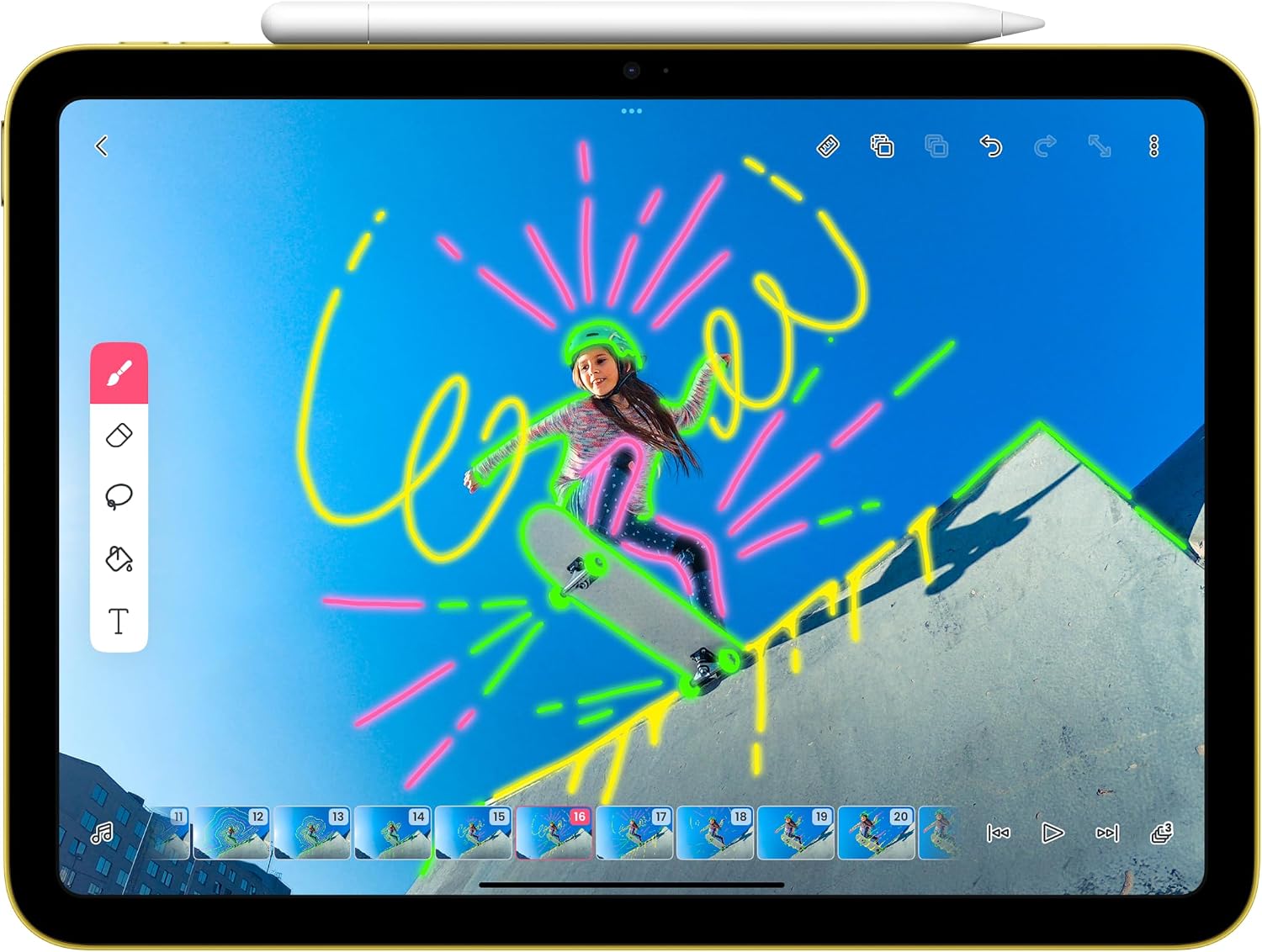
- Use cases: writing, sketching, color work, and document markup using built-in apps and third-party options.
Who it’s best for
If you prioritize a natural handwriting and sketching experience on an iPad with USB-C charging and magnetic storage, this pencil is a sensible fit. It’s particularly suitable for note-takers, students, designers, and professionals who already lean on Apple-native apps and workflows. It also serves well for casual doodling or quick document signing when you want a streamlined setup rather than a full graphic tablet experience.
What stands out in daily use
You’ll notice the fluidity of strokes and the responsiveness of input, which helps reduce the friction between thought and mark on the screen. Tilt sensitivity adds nuance for shading and calligraphy-style lines, which can be helpful for sketches and annotated documents. The magnetic attachment is a small but real convenience for keeping the pencil within reach. That said, the overall value hinges on your specific iPad model and how deeply you rely on advanced features like hover previews, which are emphasized for certain Pro and Air configurations.
Pros and potential drawbacks
- Pros: precise input, tilt sensitivity, low latency, USB-C charging and pairing, magnetic attachment for easy storage.
- Cons/Limitations: compatibility is device-dependent, and some advanced features may be limited to particular iPad generations. If your iPad model isn’t among the supported list, you’ll want to consider alternatives or an older pencil. It’s not the perfect option if you need cross-platform compatibility or non-Apple app-specific optimizations.
Before you buy: what to check
- Confirm your iPad model supports Apple Pencil (USB-C) input and USB-C charging. The compatibility list is specific, and misalignment can mean reduced functionality.
- Consider whether the apps you rely on support stylus input with tilt and hover features on your exact device.
- If you value quick on-device access, verify that the magnetic attachment works reliably with your iPad case and preferred grip.
Practical usage example
Imagine taking handwritten notes during a meeting, then shading a quick diagram with different tilt angles to convey depth. The pencil’s low latency makes the transition from thought to mark feel almost instant, and you can sign a document with the same pencil you used for sketches—no extra gear required.
FAQ
- Is hover support available on all devices? Hover features are highlighted for specific iPad Pro and iPad Air models, check your device’s capabilities.
- Do I need to charge via USB-C every time? Yes, charging and pairing are through USB-C, which simplifies the setup if your iPad supports USB-C charging.
- Will this work with non-Apple apps? Many third-party drawing and note apps support Apple Pencil input, but features may vary by app and device.
Final verdict
Final verdict: If you own a compatible iPad and want a pen that delivers precise input with tilt sensitivity and straightforward USB-C charging, this Apple Pencil (USB-C) offers a balanced option for note-taking, drawing, and document signing. It’s not the best fit if you need cross-platform use or cutting-edge hover features that are tied to newer or specific Pro/Air configurations. It makes sense for users who value a native, streamlined Apple workflow and a plug-and-play accessory that stays put when you’re not using it.