

Aspaper Stylus Pen for iPad, 13-Minute Fast Charge, Tilt & Palm Rejection
Product description
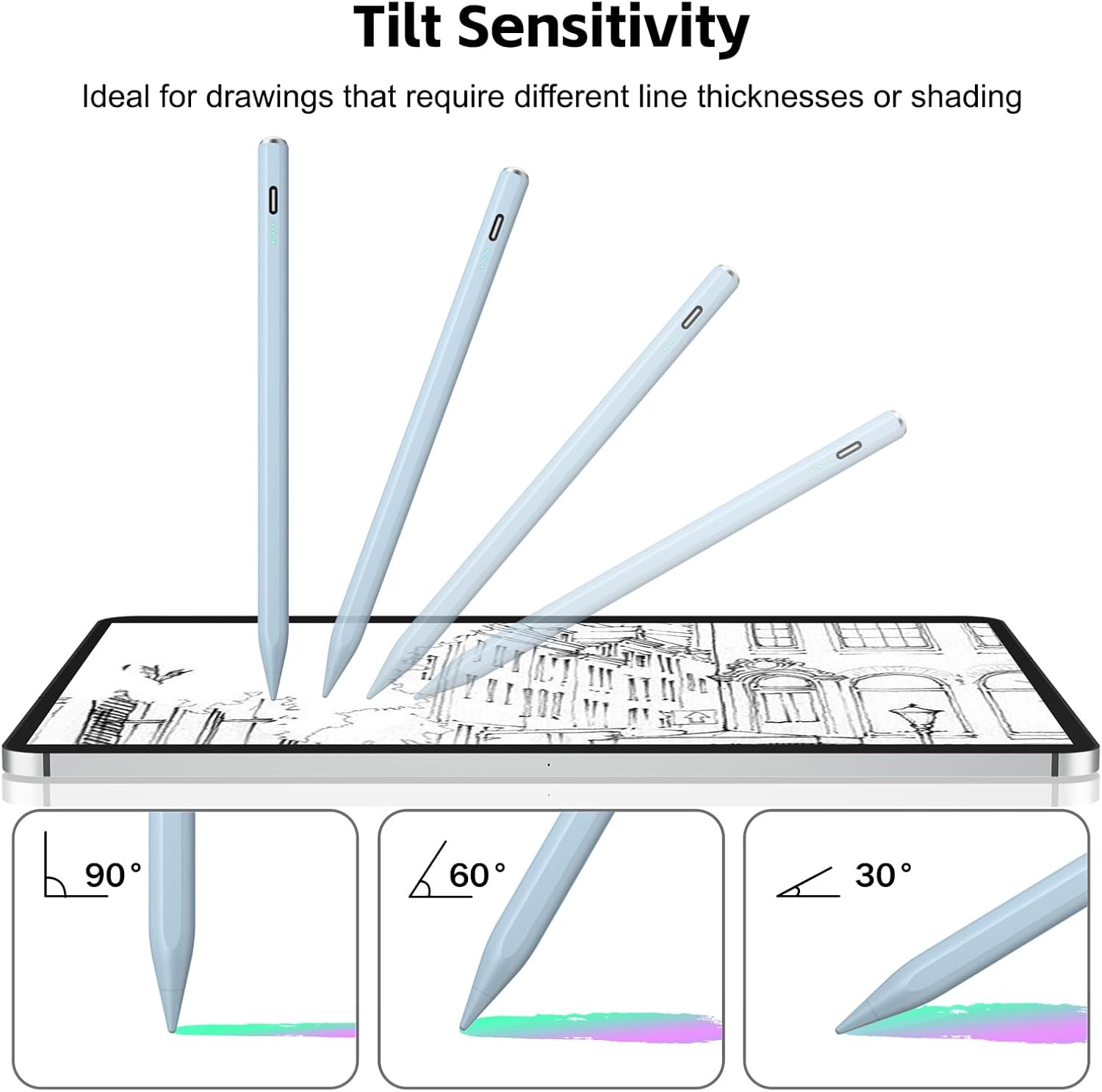
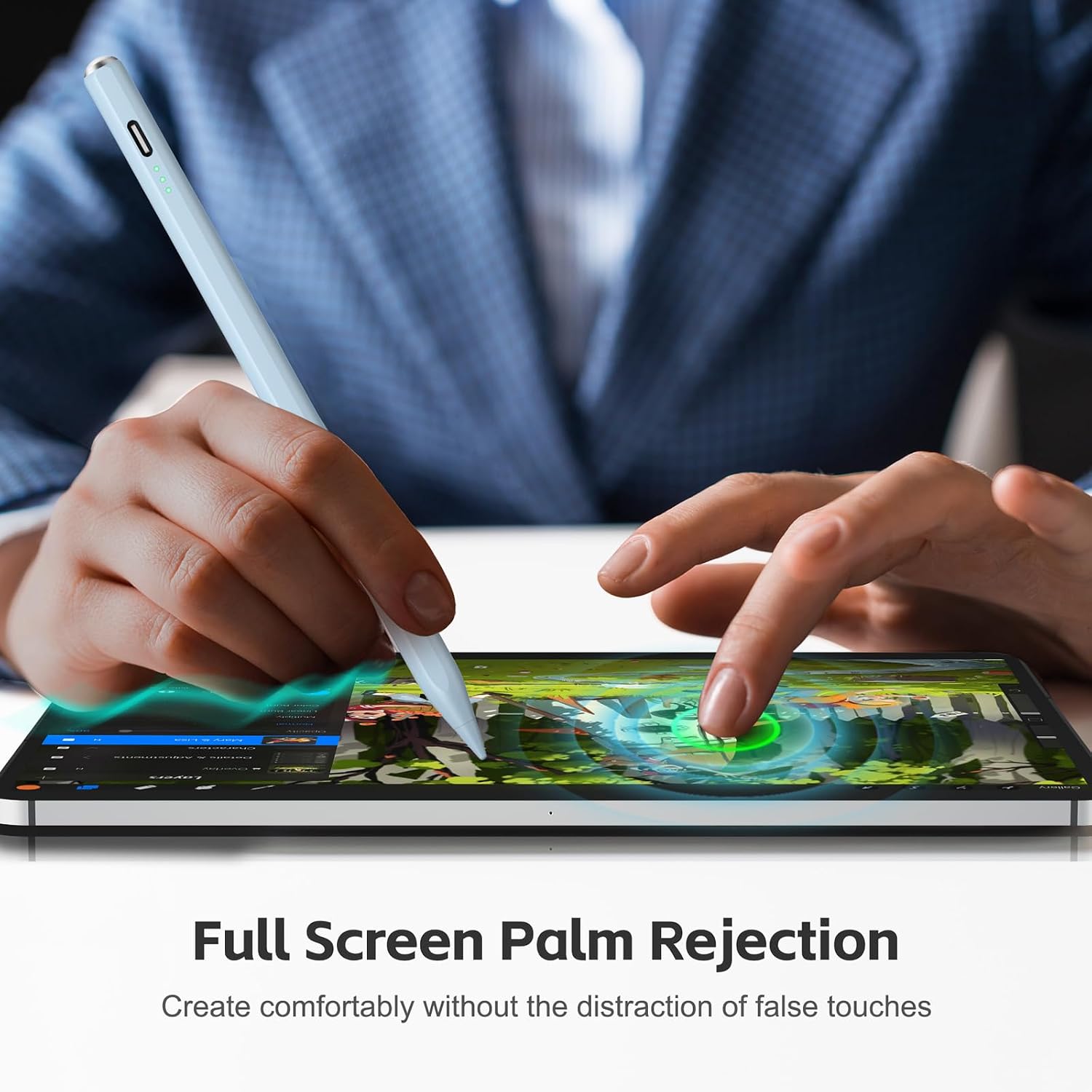
At 6.3 inches long, this blue metal stylus is sized for everyday writing and drawing on a compatible iPad. Palm rejection helps keep your hand resting naturally on the screen while you work. Tilt sensitivity lets you vary line width by changing the angle of the tip. For note-taking and tilt-based sketching, it offers a different approach from a pressure-sensitive stylus.
The essentials
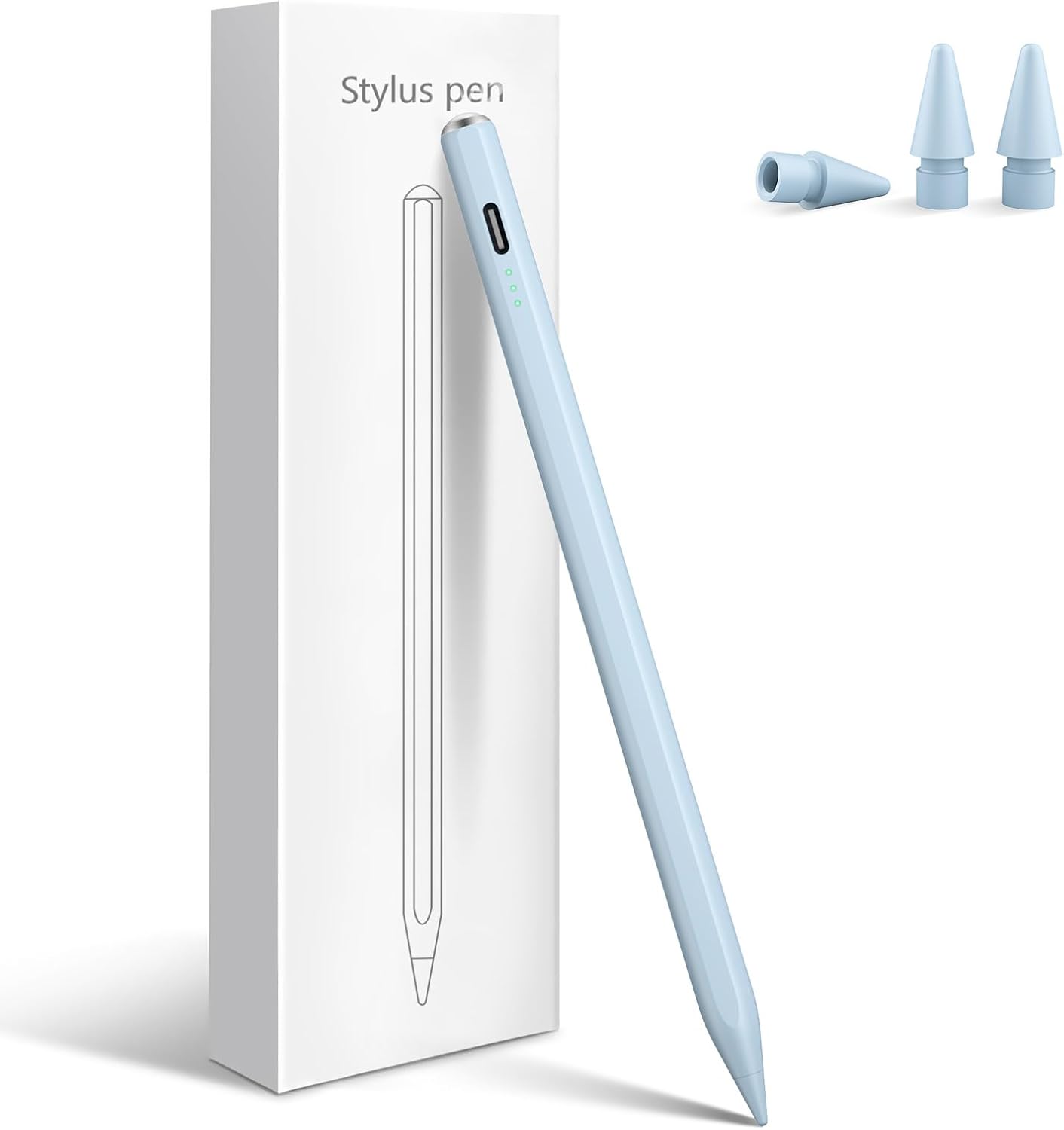
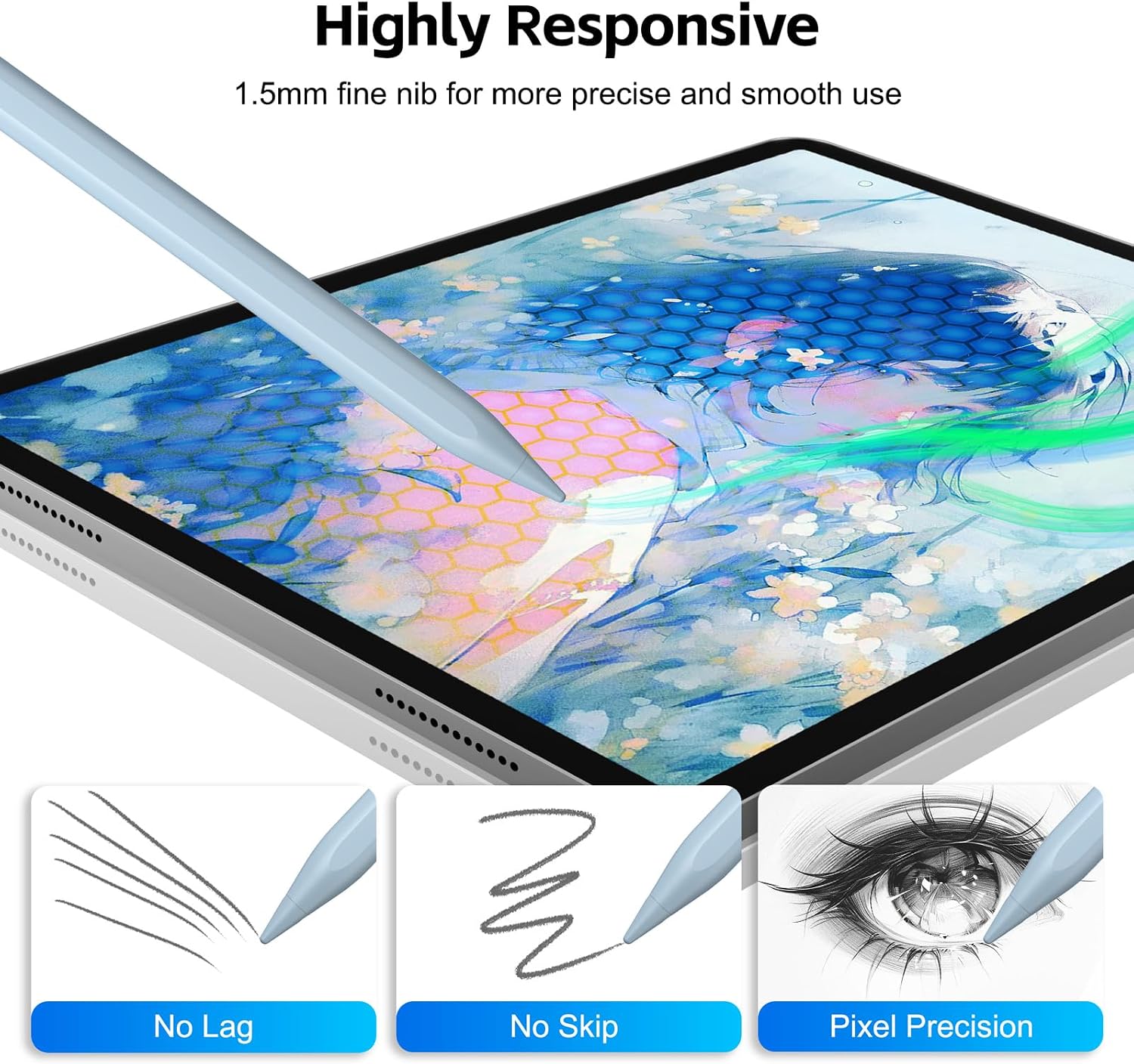
A single button on top turns the pen on or off, and its fine tip is designed for smooth, precise strokes. Use it to jot down class notes, mark up documents, or sketch details directly on your iPad. The stylus supports tilt sensitivity for adjusting line width, but it does not offer pressure sensitivity, that distinction is useful when choosing between tilt-based drawing and tools that respond to how firmly you press.
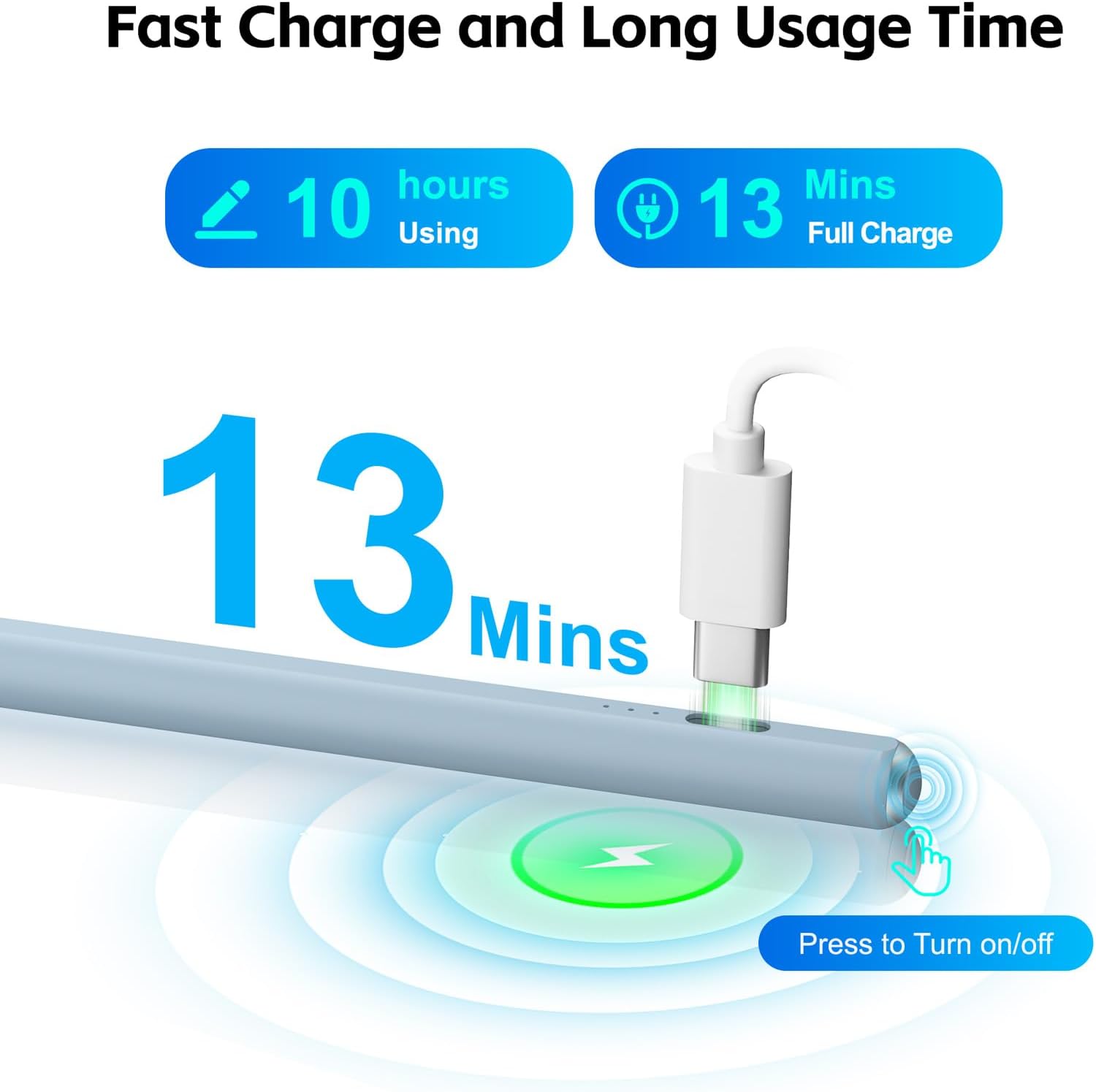
A 13-minute charge provides up to 8 hours of continuous use. Three indicator lights show the power status, and the pen automatically shuts off after 5 minutes of inactivity to conserve energy. These details make it easier to keep the stylus ready for a writing or drawing session and see when its charge needs attention.
Size & fit
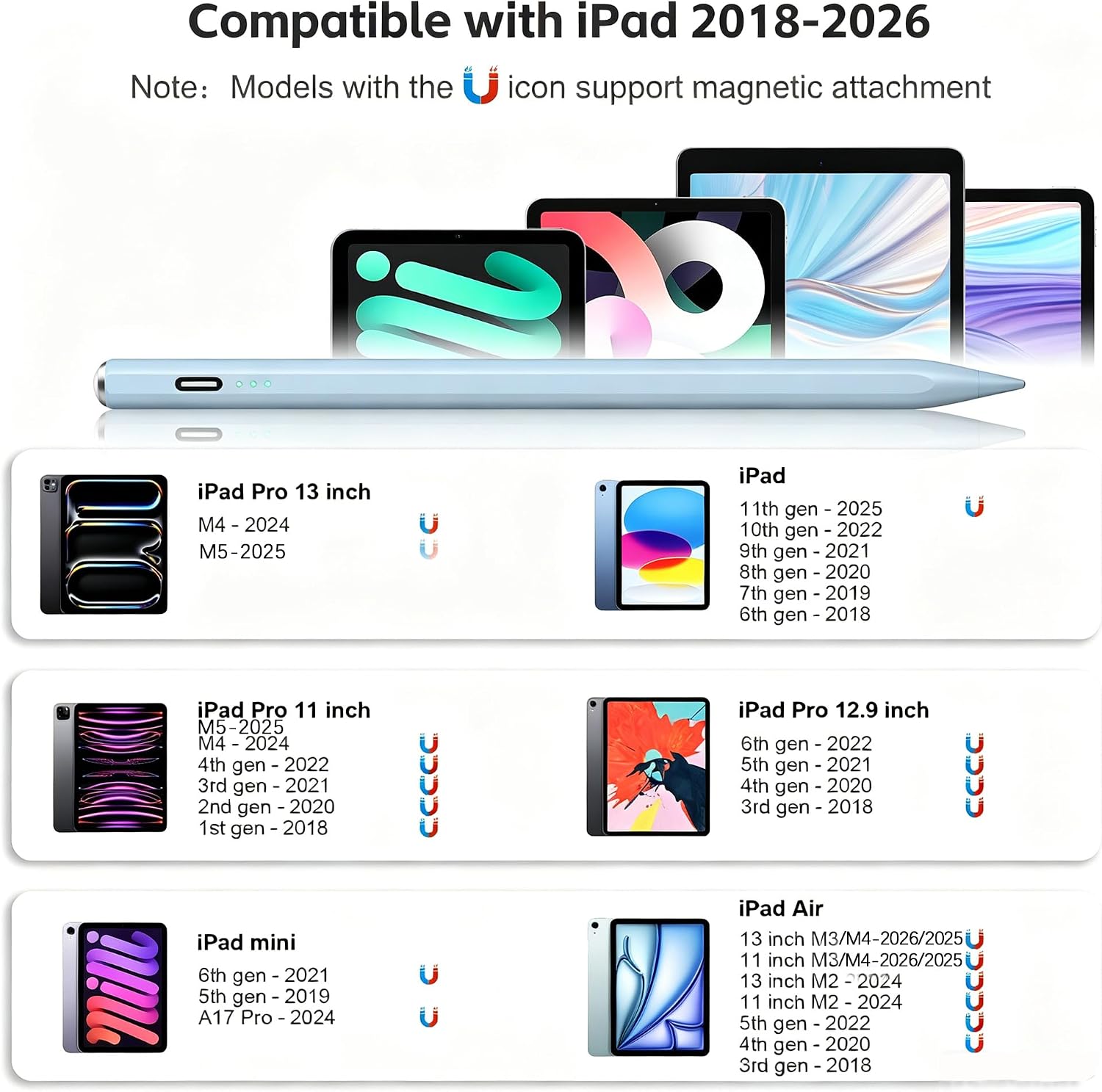
The stylus measures 6.3 x 0.39 x 0.39 inches and weighs 0.08 kg. It is compatible with iPad Pro 11-inch and 13-inch M4 and M5, iPad Pro 12.9-inch (3rd through 6th generation), iPad 11th generation (A16) and 6th through 10th generations, iPad Air M2, M3, and M4, iPad Air 3rd through 5th generations, and iPad mini A17 Pro, 6th, and 5th generations. It requires iPadOS 13 or later and is not designed for Android tablets, phones, iPhones, or Microsoft devices. Check your iPad’s model under Settings > General > About to match it with the compatibility list.
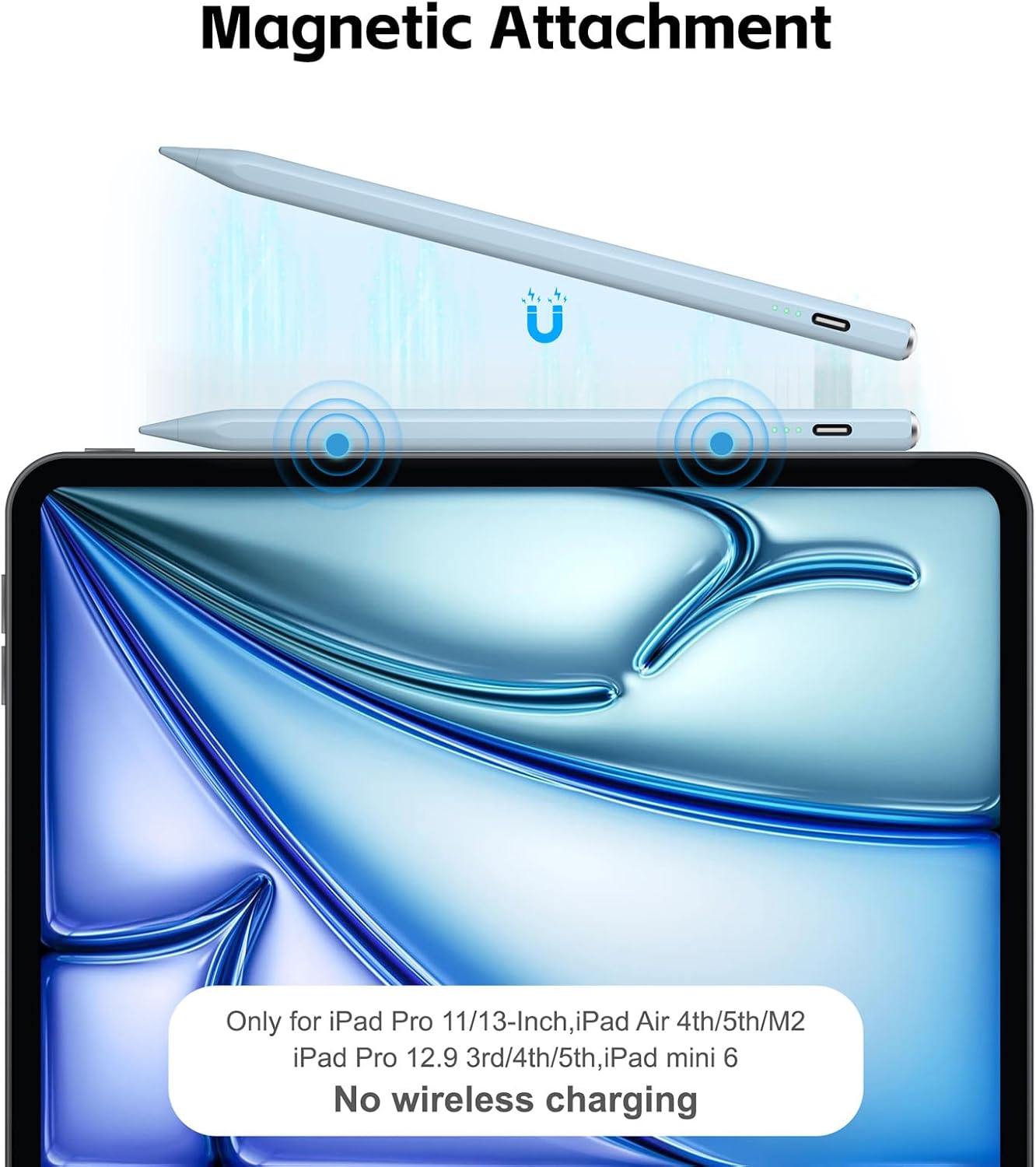
A built-in magnet attaches the stylus to the side of compatible iPads, including specified iPad Pro 11- and 13-inch M4 models, iPad Air 11- and 13-inch M2 models, iPad Air 4th and 5th generations, select iPad Pro 11- and 12.9-inch generations, and iPad mini A17 Pro and 6th generation. The magnetic attachment is for storage, it does not provide wireless charging.
Usage tips
Turn the stylus on with the top button, then rest your hand on the display as you write or draw. For a wider line, tilt the tip, for consistent fine strokes, hold it at a steady angle. Keep an eye on the indicator lights during use, and let the automatic shutoff conserve power when the pen is idle. Before buying, use the iPad’s About screen to identify its generation and match it to the listed supported models.
Buyers commonly describe the writing as smooth and responsive and say the stylus is easy to use with their iPads. Some also appreciate its appearance and straightforward setup. These are user impressions, while the listed compatibility and features provide the practical basis for choosing it.
Is it worth it?
For compatible iPad owners who want a pen for handwritten notes, document markup, or sketches, the main benefits come together in one tool: palm rejection, tilt-adjusted line width, a fine tip, and up to 8 hours of use from a 13-minute charge. Its magnetic attachment can also keep it close at hand on supported iPad models. Choose it for everyday writing and tilt-based drawing, especially when quick charging and a simple on/off control suit the way you work.