

UGREEN Revodok 9-in-1 USB-C Docking Station: Dual 4K @60Hz, 100W PD for Laptops
Product description
What is it and what does it fix
This UGREEN Revodok 9-in-1 docking station is a versatile USB-C hub designed to simplify how you connect a modern laptop to multiple displays and peripherals. It consolidates essential ports into a single, compact aluminium housing, letting you expand a single USB-C laptop into a fuller desktop-like setup. If you work with documents, photos or video across two screens, or need easy access to SD/TF cards and fast data transfer, this hub aims to reduce clutter and keep cables tidy. It’s not a universal magic wand for every scenario, but when your workflow involves two displays and a handful of USB devices, it offers a practical, space-saving solution.
What it offers at a glance
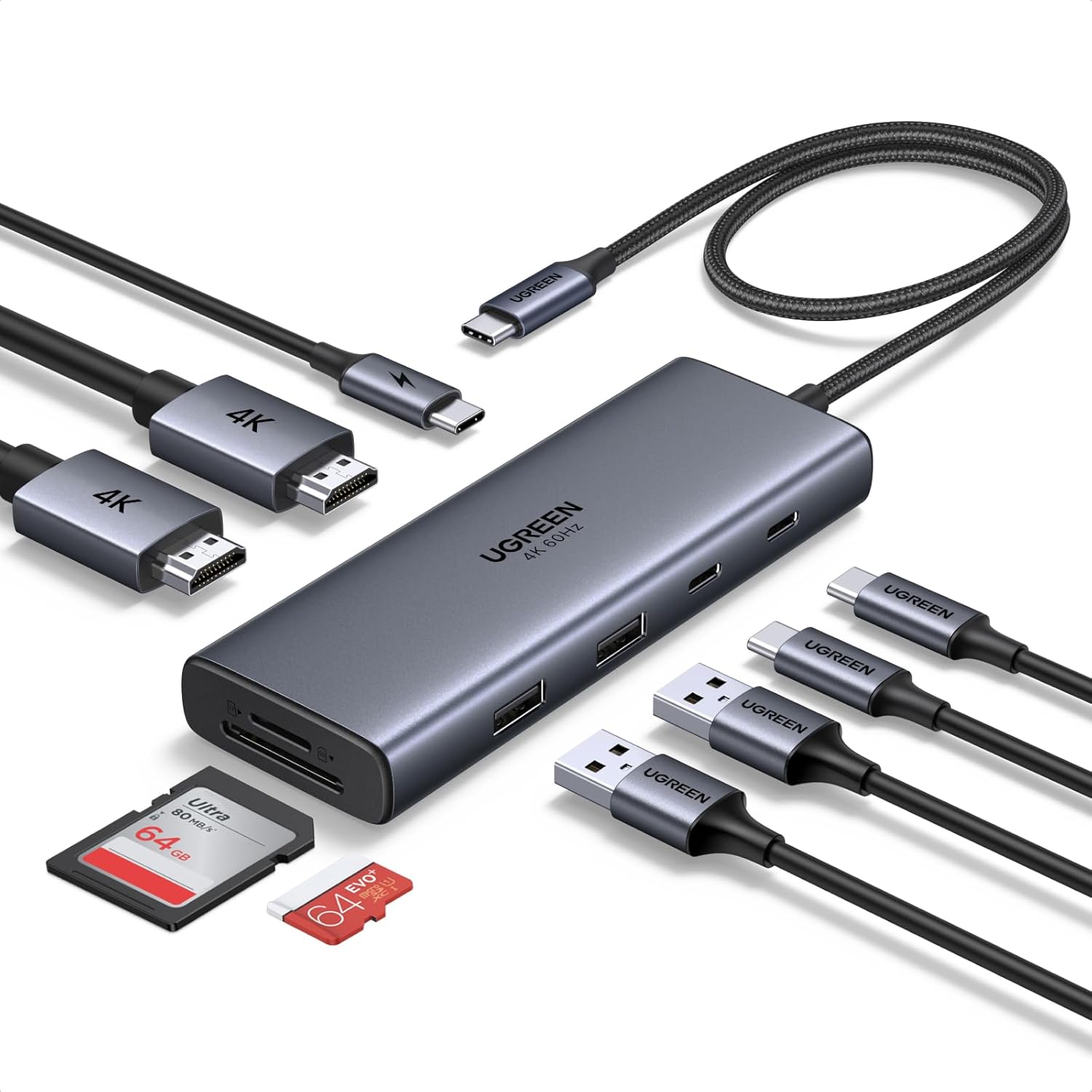
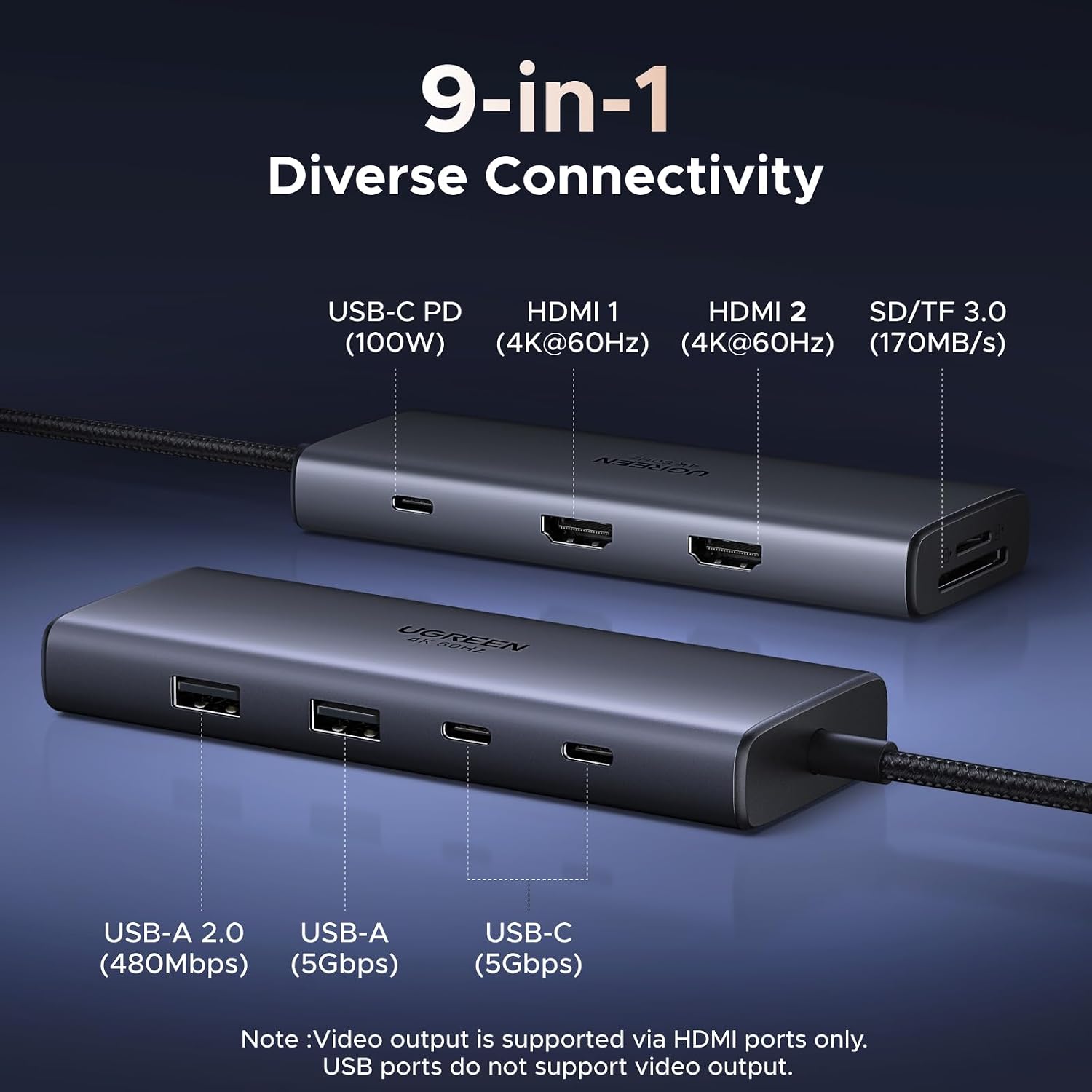
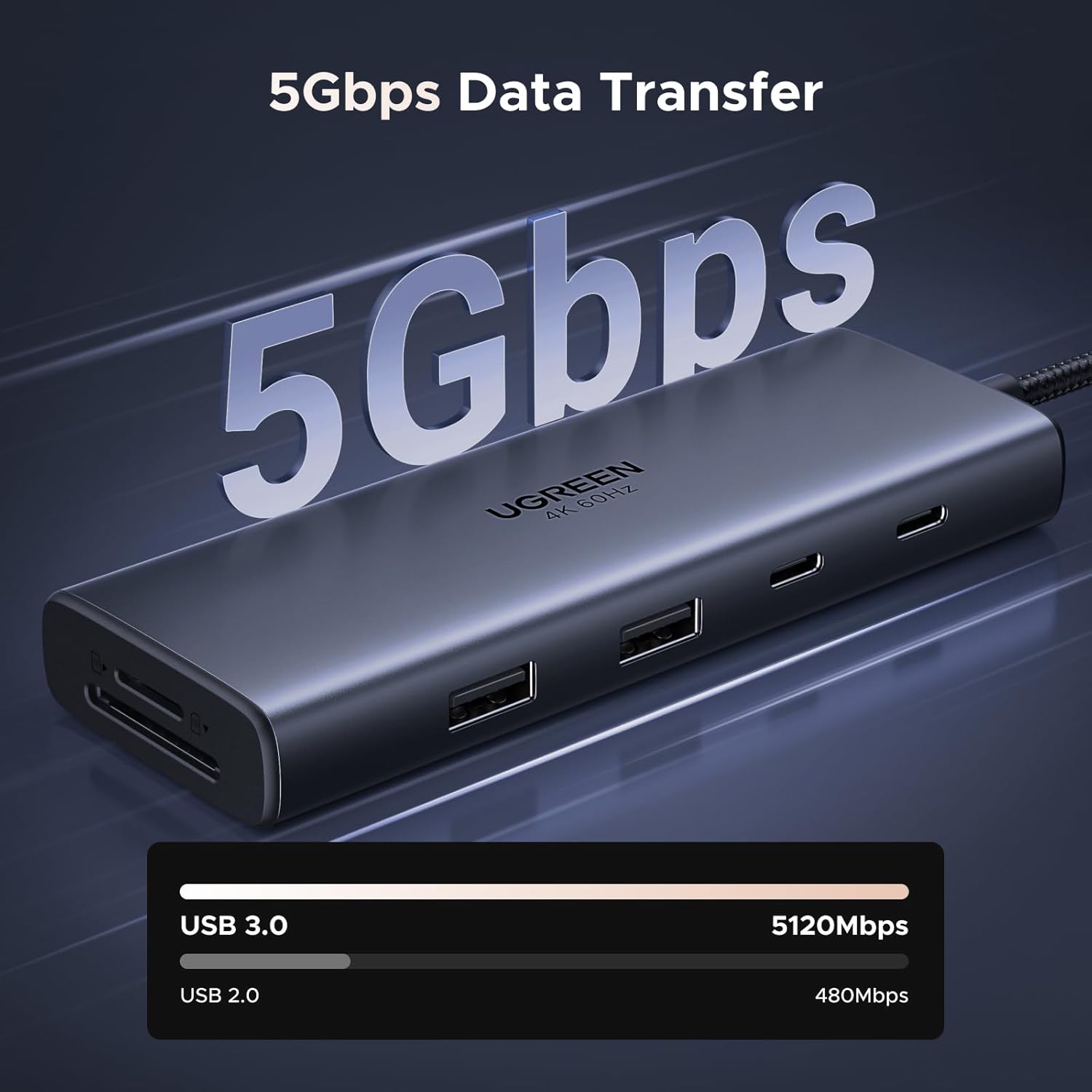
The Revodok provides two HDMI outputs, multiple USB ports (two USB-C and one USB-A data ports up to 5 Gbps, plus a USB 2.0 data port), an SD/TF card reader capable of up to 170 MB/s, and a 100W USB-C Power Delivery port. The design focuses on enabling a straightforward, plug-and-play multi-monitor workstation, with the caveat that only the HDMI ports drive video and the USB-C data port handles data transfer, not video. This makes it sensible for many laptop models that need extra screens and peripherals, while keeping charging and power delivery streamlined through a single cable to the laptop (up to 85W passthrough beyond the hub’s own power draw).
How it behaves with dual monitors
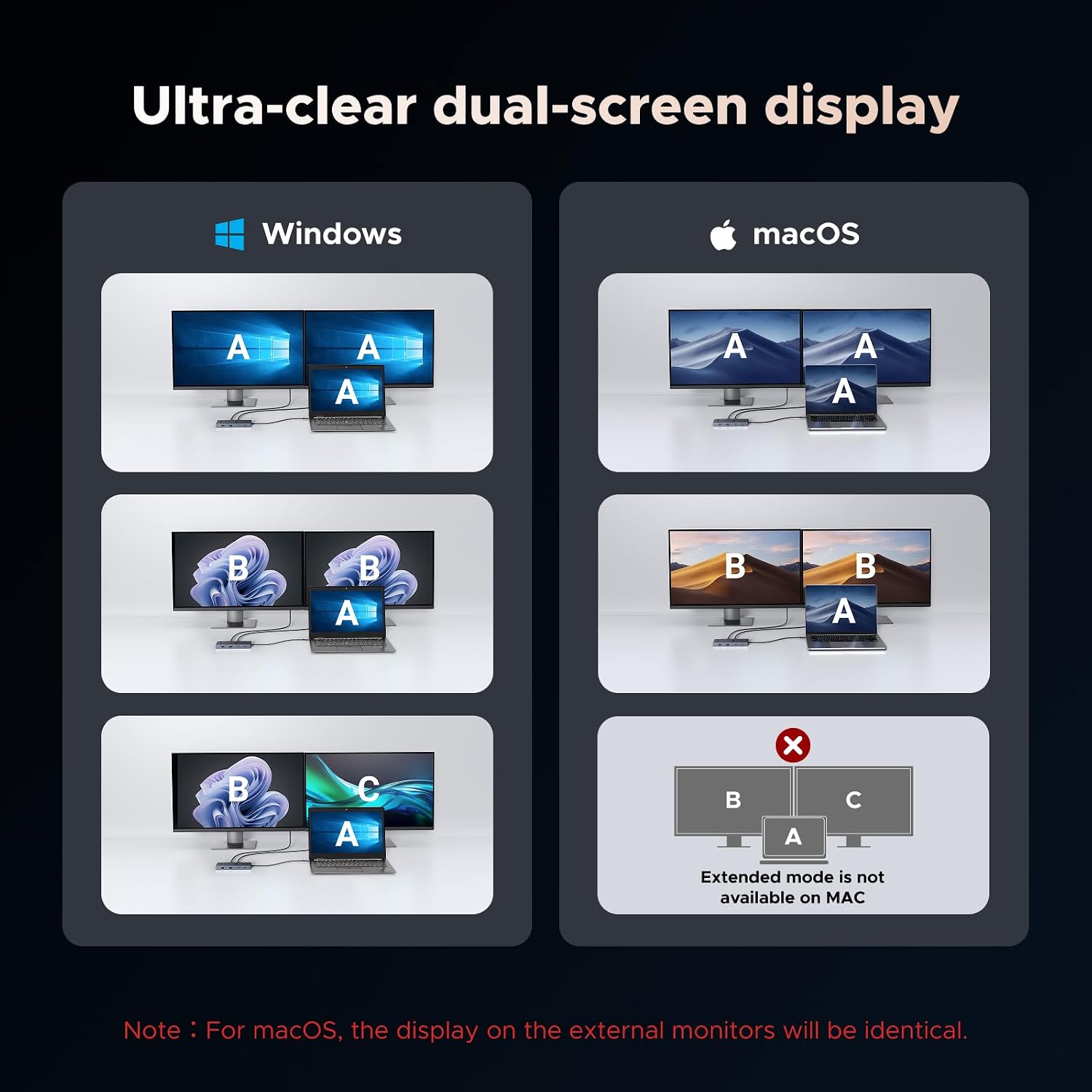
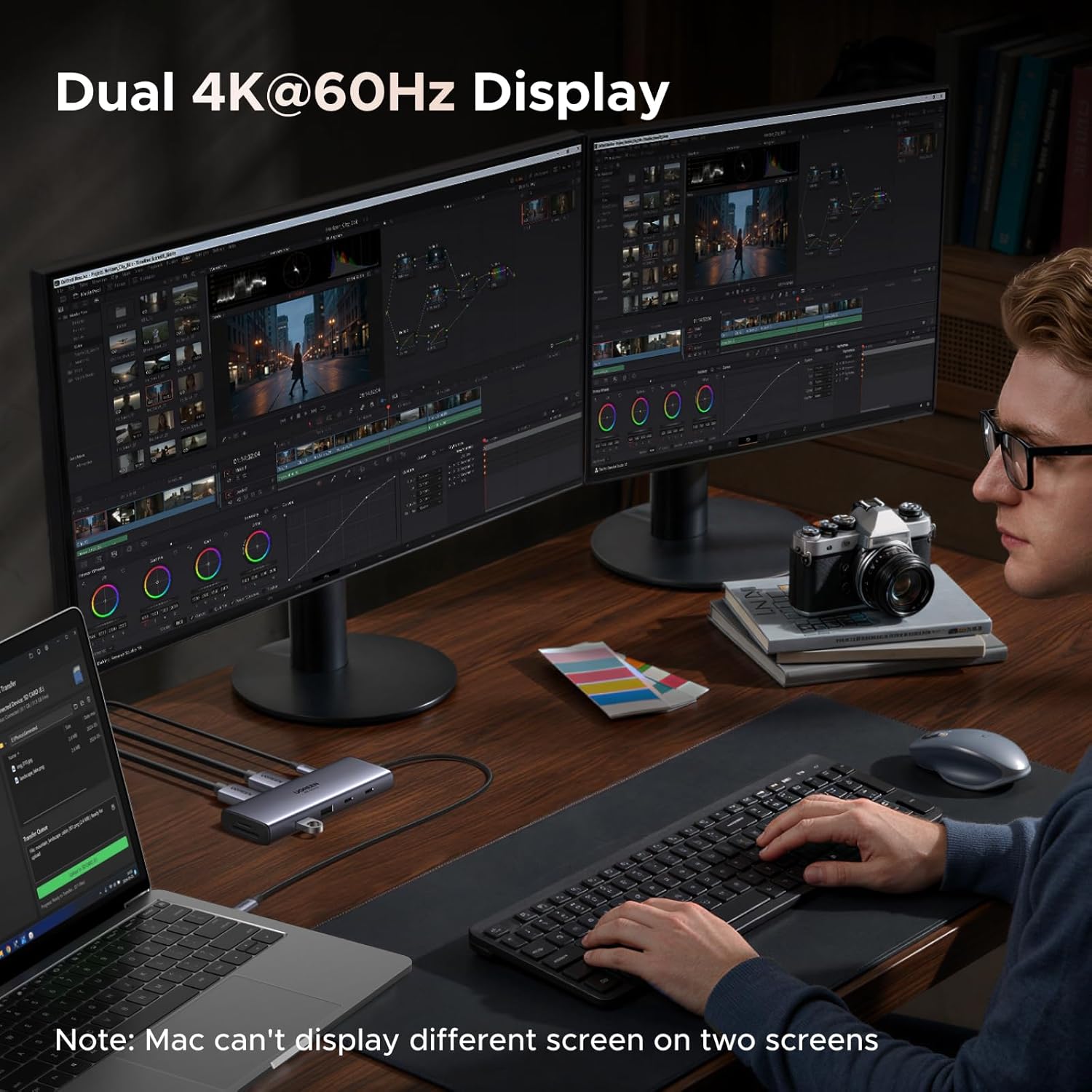
Connecting two external displays is supported via HDMI, delivering 4K at 60Hz on each screen on compatible laptops. The upside is smooth cross-screen multitasking and easier creative workflows. The note to bear in mind is that if you expect both USB-C alternative modes to drive video, this dock won’t deliver video through the USB-C port, it’s primarily for data transfer. If you’re aiming for different work content on each screen, you’ll need to rely on the HDMI outputs. If you’re comparing with Mac setups, keep in mind macOS can mirror rather than extend across two external displays with this particular dock.
Power delivery and live charging
Power delivery is marketed as up to 100W through the USB-C PD port, supporting up to 85W to the connected laptop and reserving about 15W for the hub itself. That means you can charge moderately demanding laptops while using the hub, but you’ll want to check your charger and cable compatibility since they’re not included. It’s not a universal charging solution for all laptops, especially if your model requires more than 85W passthrough to run optimally.
Data transfer and card reading
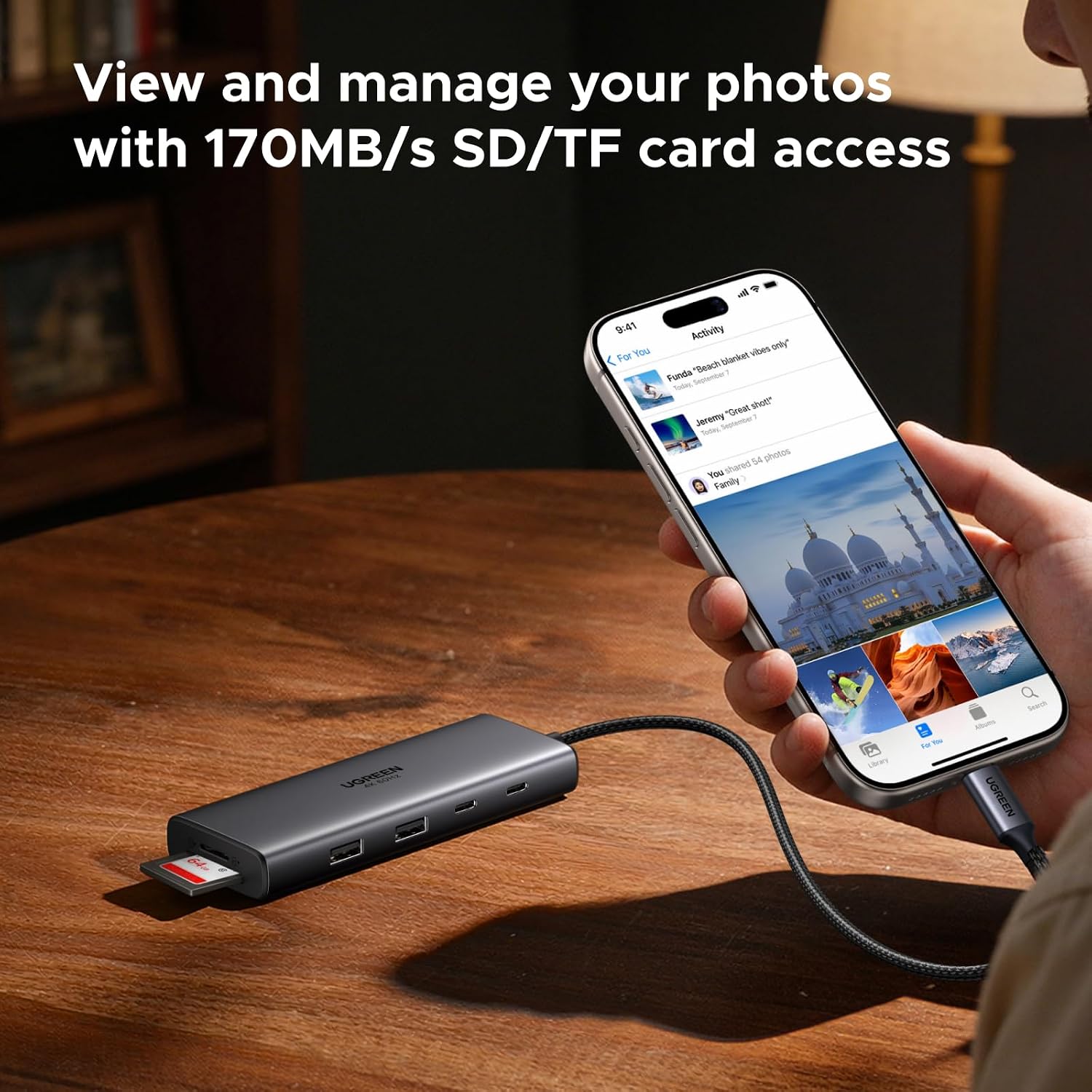
The hub includes two USB-C and one USB-A data ports at up to 5 Gbps, which is generally ample for external drives, peripherals and quick data moves. The SD/TF reader runs at up to 170 MB/s, making it convenient for importing photos or footage from cameras and memory cards without a separate reader. However, note that the SD/TF ports and data port do not support video output or charging, they’re strictly for data transfer.
Compatibility and limitations
The unit is broadly compatible with many USB-C laptops, including common business and consumer models. In particular, HP Envy x360, ThinkPad, ZenBook, Chromebook and Surface devices are mentioned. A limitation to highlight: for MacBook users who want dual monitors with different displays, this dock isn’t recommended, as the macOS setup tends to mirror rather than extend when using both external HDMI outputs. If you prioritise a mixed PC environment or Windows laptops, it can be a practical match, especially when you want a tidy desk and a simple way to drive two 4K screens from a single port.
Who it’s for
This dock is well suited to professionals who need a reliable, all-in-one connectivity solution for a laptop with a USB-C port and a desire to run two displays plus a handful of peripherals. It’s particularly sensible if you regularly import media via SD/TF cards, rely on fast USB data transfers, and want a compact dock to desk‑pad setup without bespoke accessories.
Who might want to look elsewhere
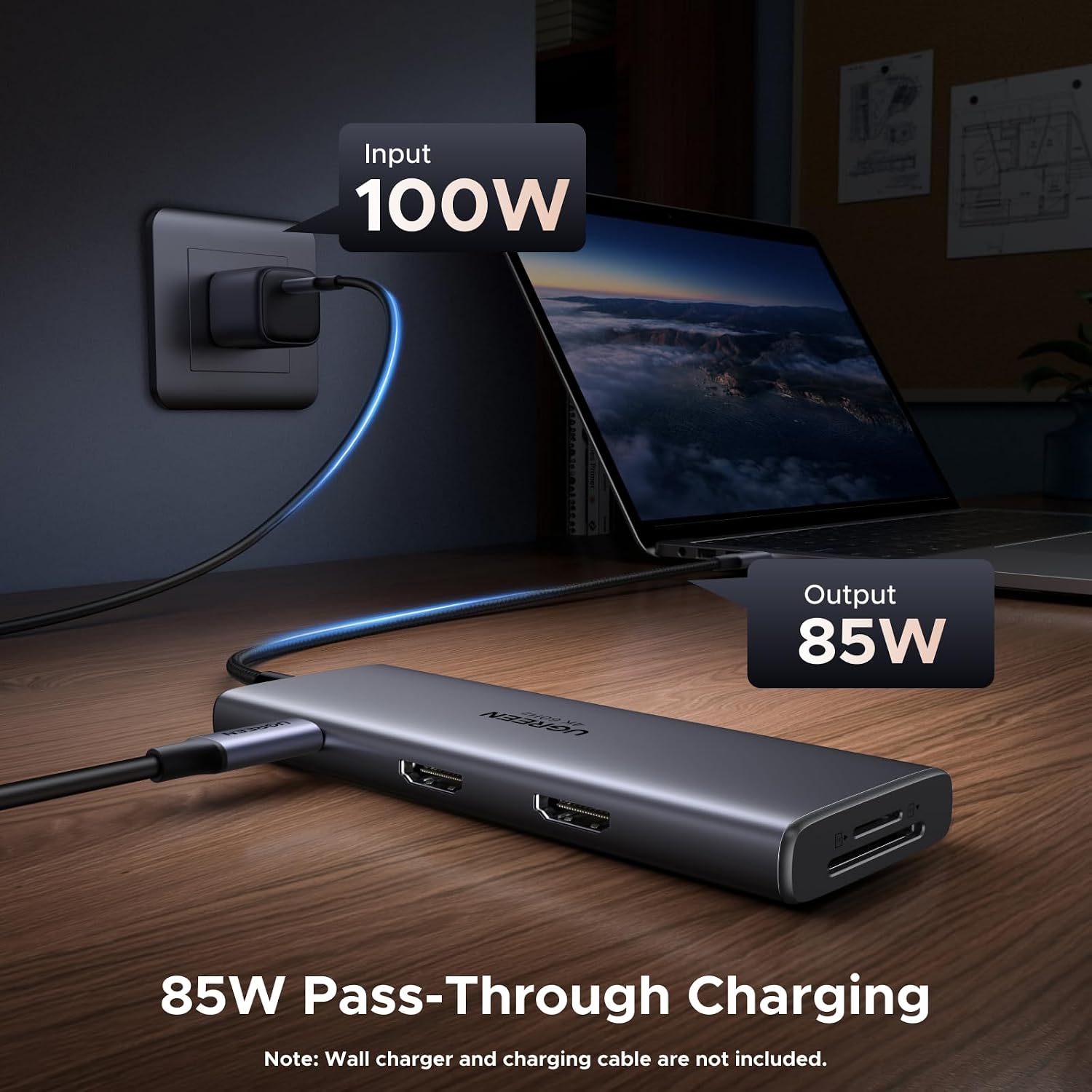
If your work relies on differing displays between macOS screens, or you require video output through the USB-C port itself, this particular Revodok model may not be the best fit. Also, if you need more than 85W passthrough for charging your laptop, or if your workflow demands native dual-monitor extension on all operating systems, you may encounter some limitations. It’s worth considering whether a dock with more robust video handling or higher power delivery would better suit your hardware and use-case.
What to review before you buy
- Confirm your laptop supports two HDMI outputs via a single USB-C docking solution and whether it can drive 4K@60Hz on both screens with the dock.
- Check the charger and USB-C cable you plan to use for PD, the bundle isn’t included, and the actual charging speed depends on your charger’s rating.
- Verify which ports you’ll prioritise for data vs. display, remember the USB-C port on the hub is data-only for this model.
- If you frequently import large media from SD/TF cards, ensure you have a workflow that benefits from up to 170 MB/s read speeds in practical terms.
- Consider your primary OS: if you rely on macOS, be mindful of potential mirror-only output when using two external displays.
Practical use scenario
Imagine editing a video project on a laptop with two 4K monitors, one for the timeline and another for preview, while bulk importing footage from a camera via SD card. The Revodok keeps your desk clean with a single connection to your laptop, provides quick access to USB peripherals, and handles card transfers without extra dongles. It won’t transform every laptop into a studio-grade workstation, but it can streamline a common creative setup on compatible systems.
Is it worth it?
You’ll like it if you prioritise a compact, multi-port hub that frees up desk space and supports dual 4K external displays via HDMI, with solid data throughput and SD card convenience. It makes sense if your laptop’s power adapter can comfortably supply up to 85W through the PD port and you don’t need video over USB-C. Not the best fit if you need video on the USB-C port itself, require higher charging power, or want native dual-monitor extension on macOS without mirroring.
FAQ
- Will it work with my Windows laptop? Yes, most USB-C laptops with HDMI output should benefit, subject to the dual 4K@60Hz support via HDMI.
- Can I charge my laptop while using the dock? Yes, up to 85W of passthrough charging with the hub reserving some power for itself.
- Can I use it to run two different displays on macOS? Not ideal, macOS tends to mirror the two HDMI outputs with this dock.
Final verdict
Is it worth it? A practical, no-nonsense choice for users needing a tidy, dual-monitor setup with solid data speeds and convenient card reading, provided the OS and hardware align with its HDMI-first video approach. If your priority is maximum charging power or flexible video routing across platforms, you may want to weigh other options.