

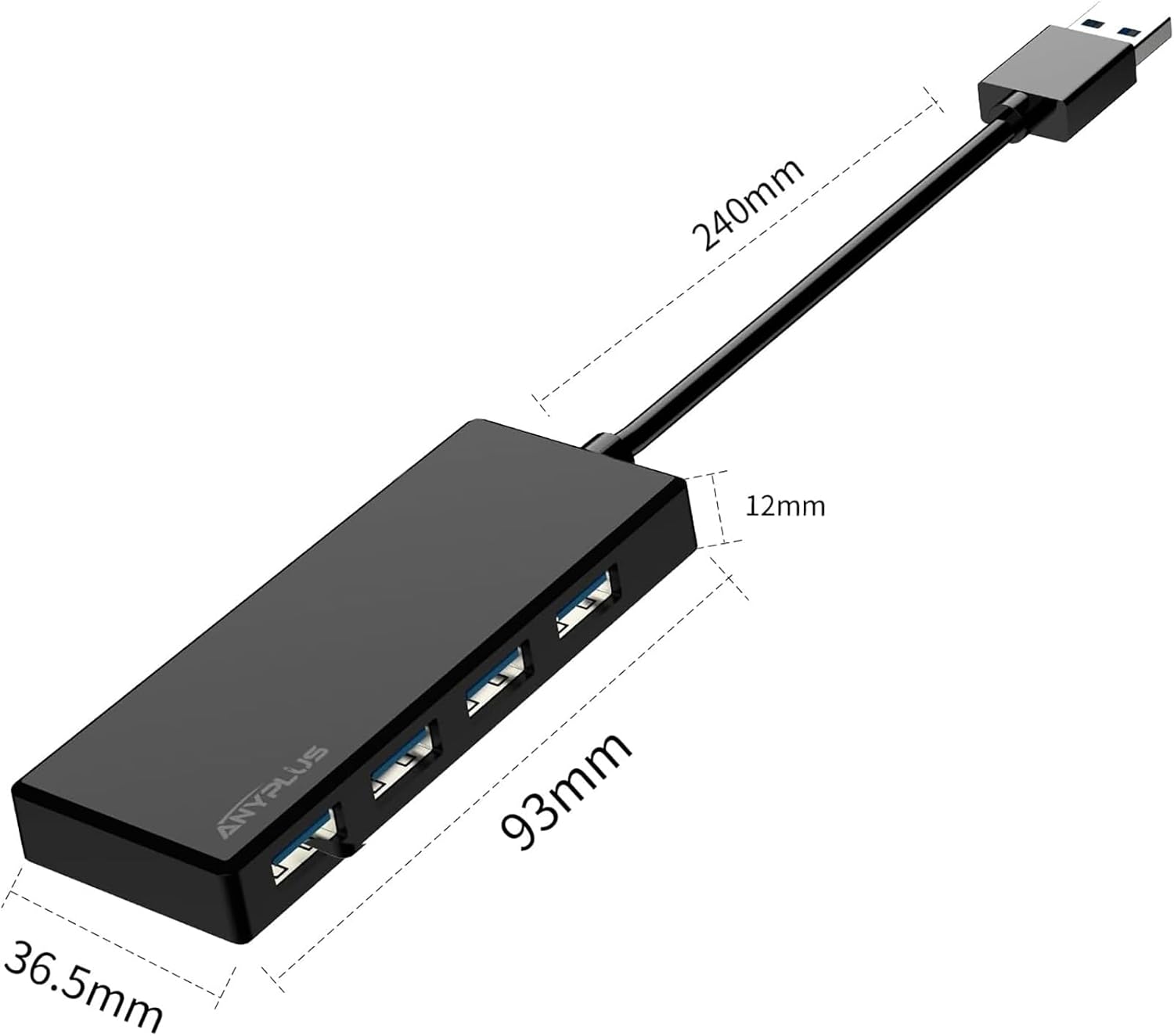
ANYPLUS USB 3.0 Hub 4‑Port USB hub for PC
Reviews
Price
Product description
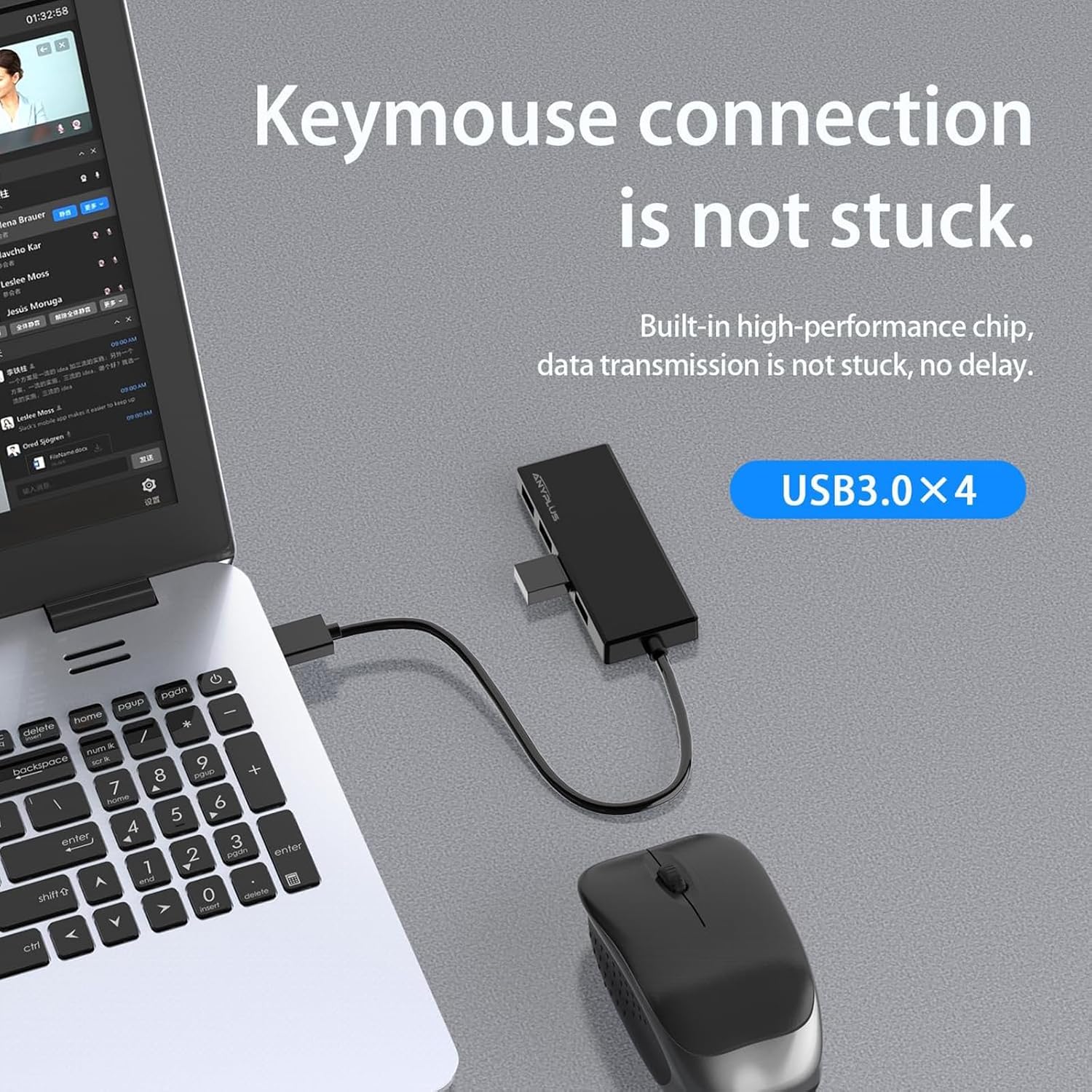
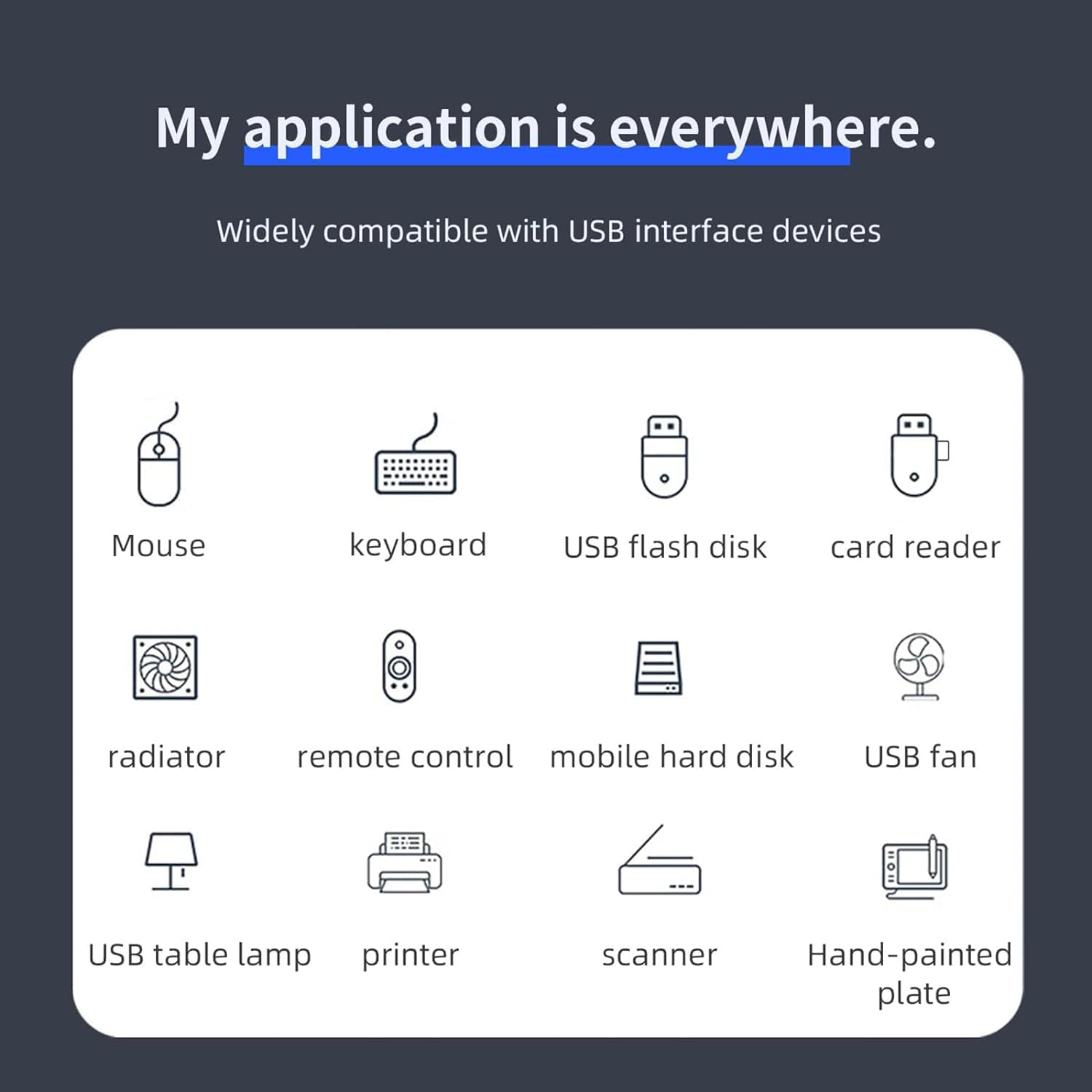
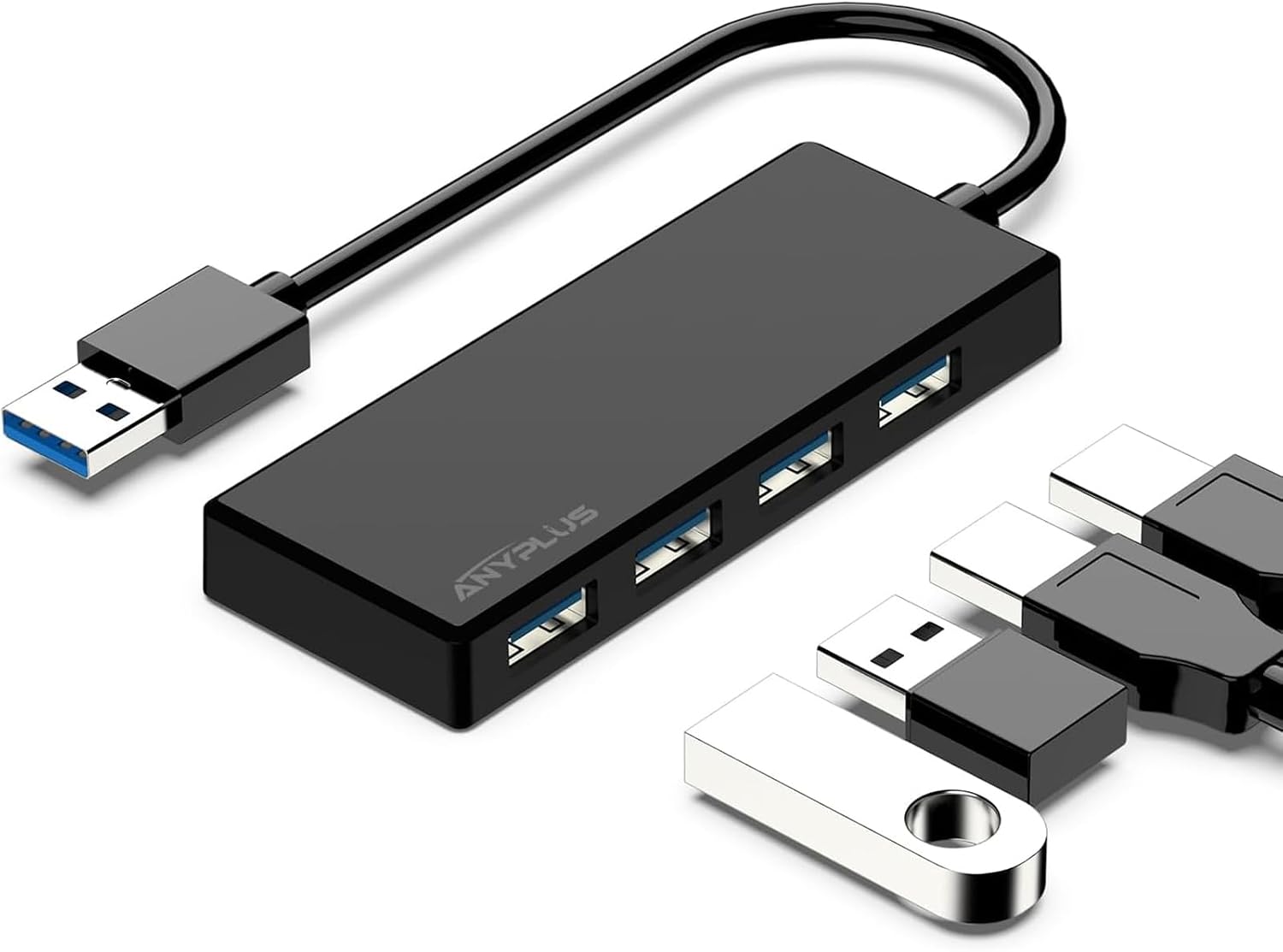
This compact USB expander turns a single computer port into four usable USB connections, making it easier to connect multiple peripherals at once for workstations and living-room setups. It is especially handy for adding flash drives, keyboards and mice to a laptop or desktop without reaching for extra adapters.
Key Points
The hub supports simultaneous use of up to four devices and is plug and play, so no drivers are required for most operating systems including Windows, macOS and common flavours of Linux. It keeps a moderate operating temperature during normal data transfers, which helps when several USB devices are connected at the same time. Note that this unit is not designed as a fast charger, as the maximum output per hub is limited and charging will be slow for power-hungry accessories. 📁
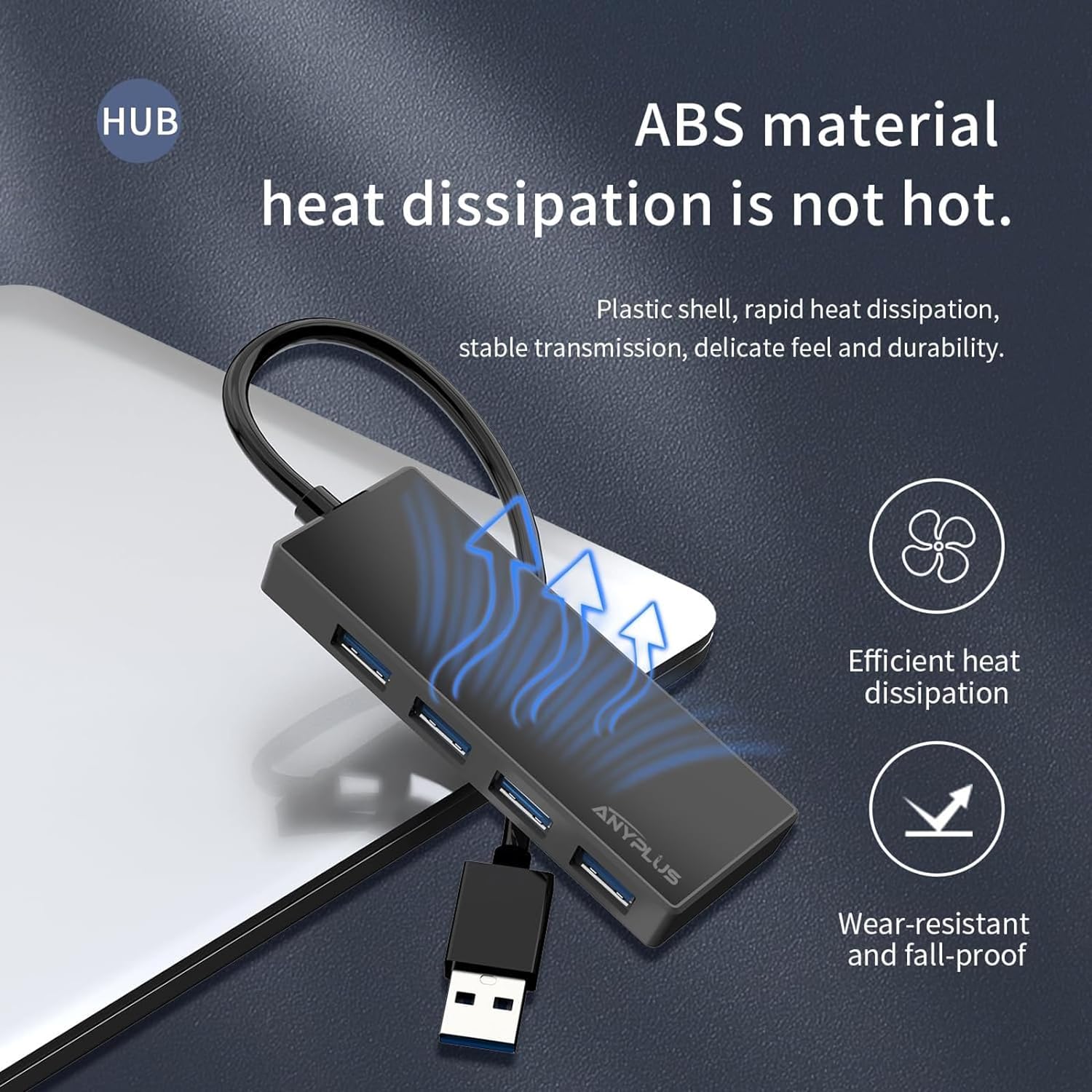
This model is portable and lightweight, so it can be carried in a laptop bag for meetings or travel. For media devices such as consoles and external drives that demand extra power, an externally powered hub or an adaptor should be considered, particularly for some desktop hard drives that need more current than the hub can supply. ⚡
Technical Specifications
- Name: ANYPLUS USB 3.0 Hub, 4 Port USB Hub Splitter
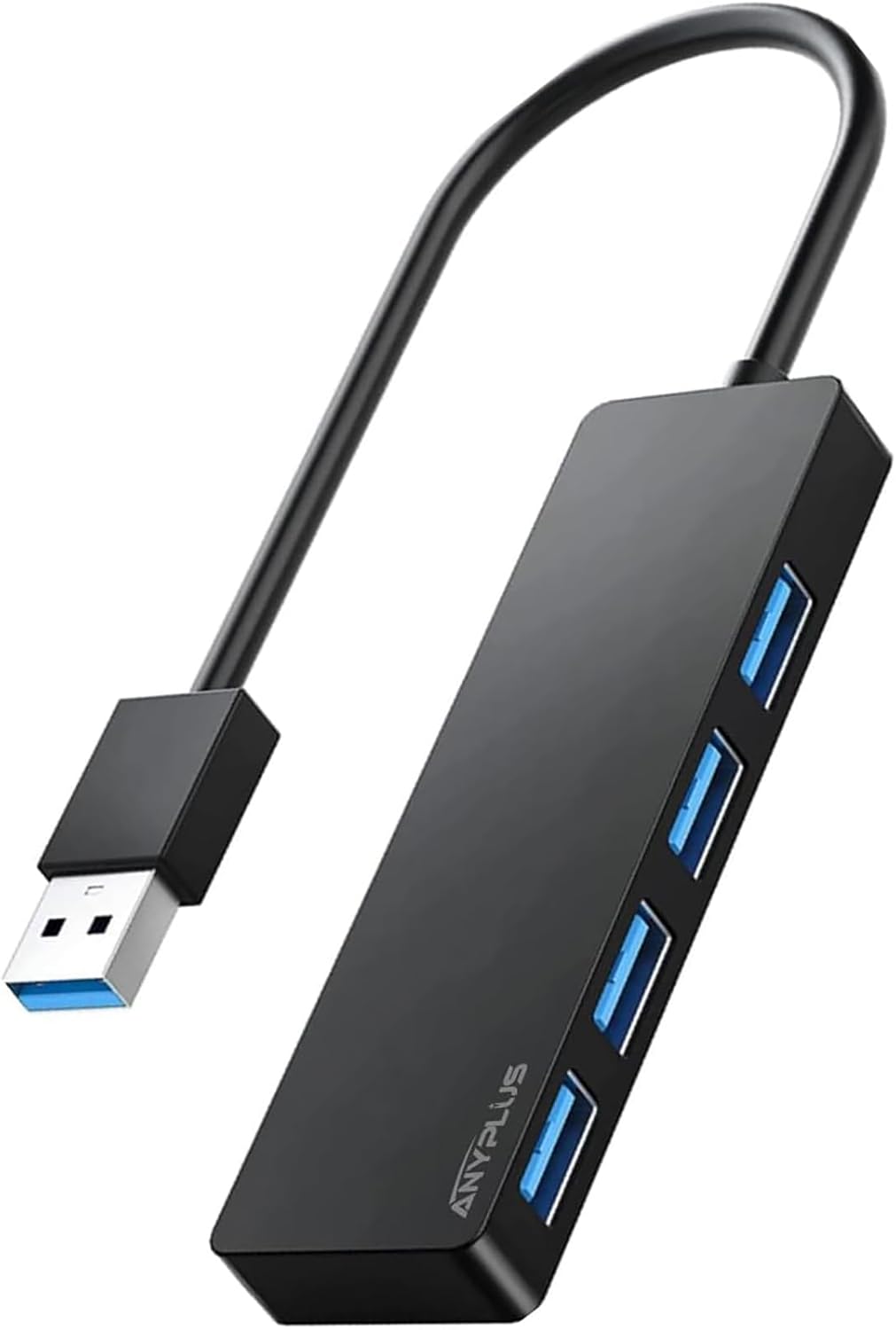
- Ports: 4 x USB 3.0 Type-A data ports
- Maximum transfer speed: 5 Gbps (USB 3.0), 480 Mbps (USB 2.0), 12 Mbps (USB 1.1)
- Maximum output current: 900 mA total from the host port, according to the manufacturer
- Compatibility: Windows 10/8/7/Vista/XP, Mac OS X, Linux, Chrome OS

Usage Recommendations
Plug and play makes initial setup immediate for most systems, so connect the hub to an available USB port and attach peripherals as needed. For heavy power consumers like some 3.5-inch external hard drives the hub’s limited current means those drives may need their own power supply. When transferring large files between external drives and a PC, use the USB 3.0 ports to benefit from higher speeds and reduce wait times. 🔌
Keep the hub on a stable surface to avoid cable strain and occasional disconnection when multiple devices are attached. Also consider the order of connections if you routinely use a mix of low and high power devices; prioritise data-critical peripherals on the host device for consistent performance. According to the manufacturer, customer service and technical support are available if any hardware issues appear.