

MOKiN 7‑in‑1 USB‑C Hub with 100W PD and HDMI 🔌
Product description
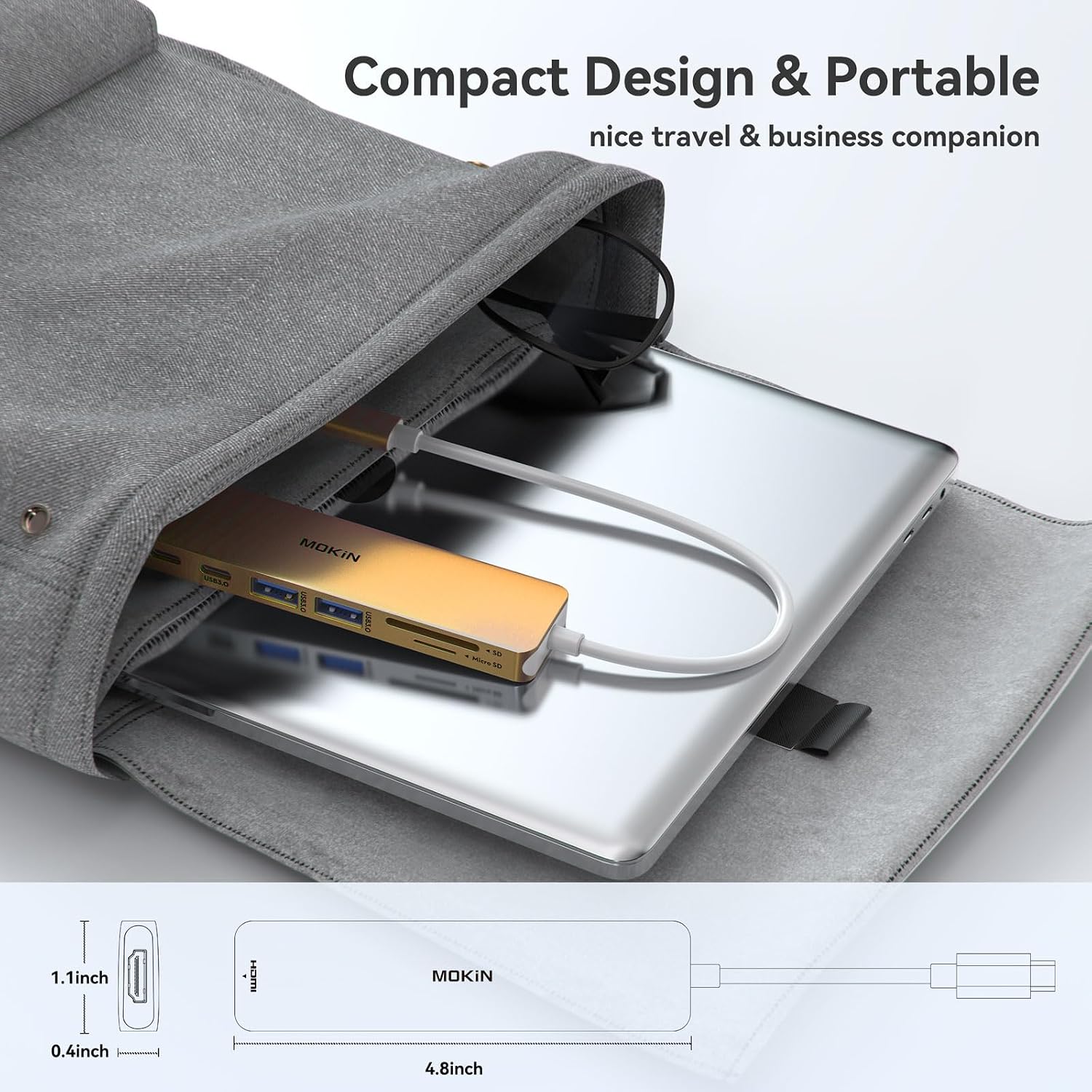
This compact USB-C hub from MOKiN expands a laptop's connectivity to add display output, card reading and high-speed USB ports while keeping power delivery during use. It suits workstations and travel setups where a single dongle needs to feed an external monitor and peripherals without extra adapters.
Key Points
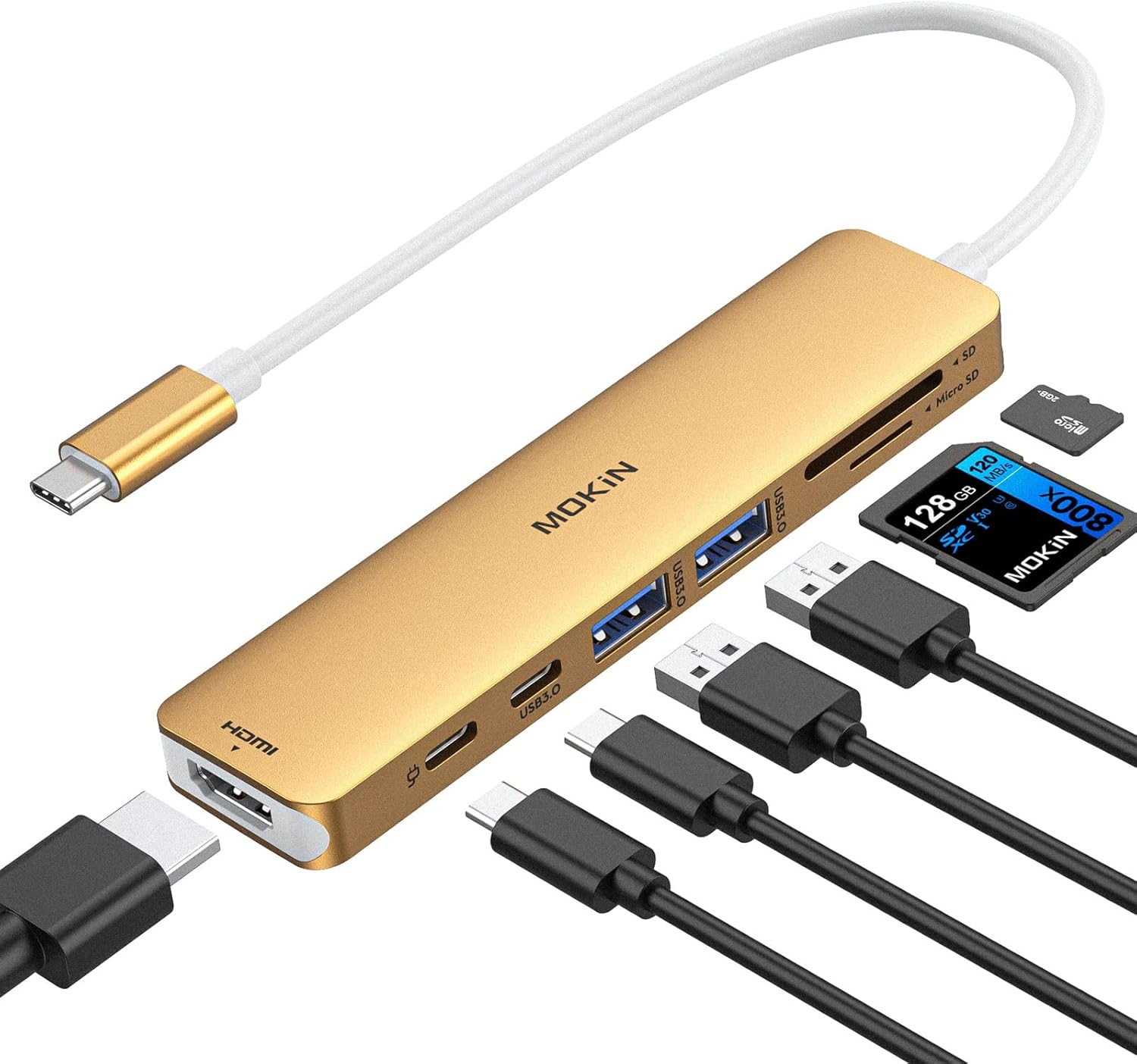
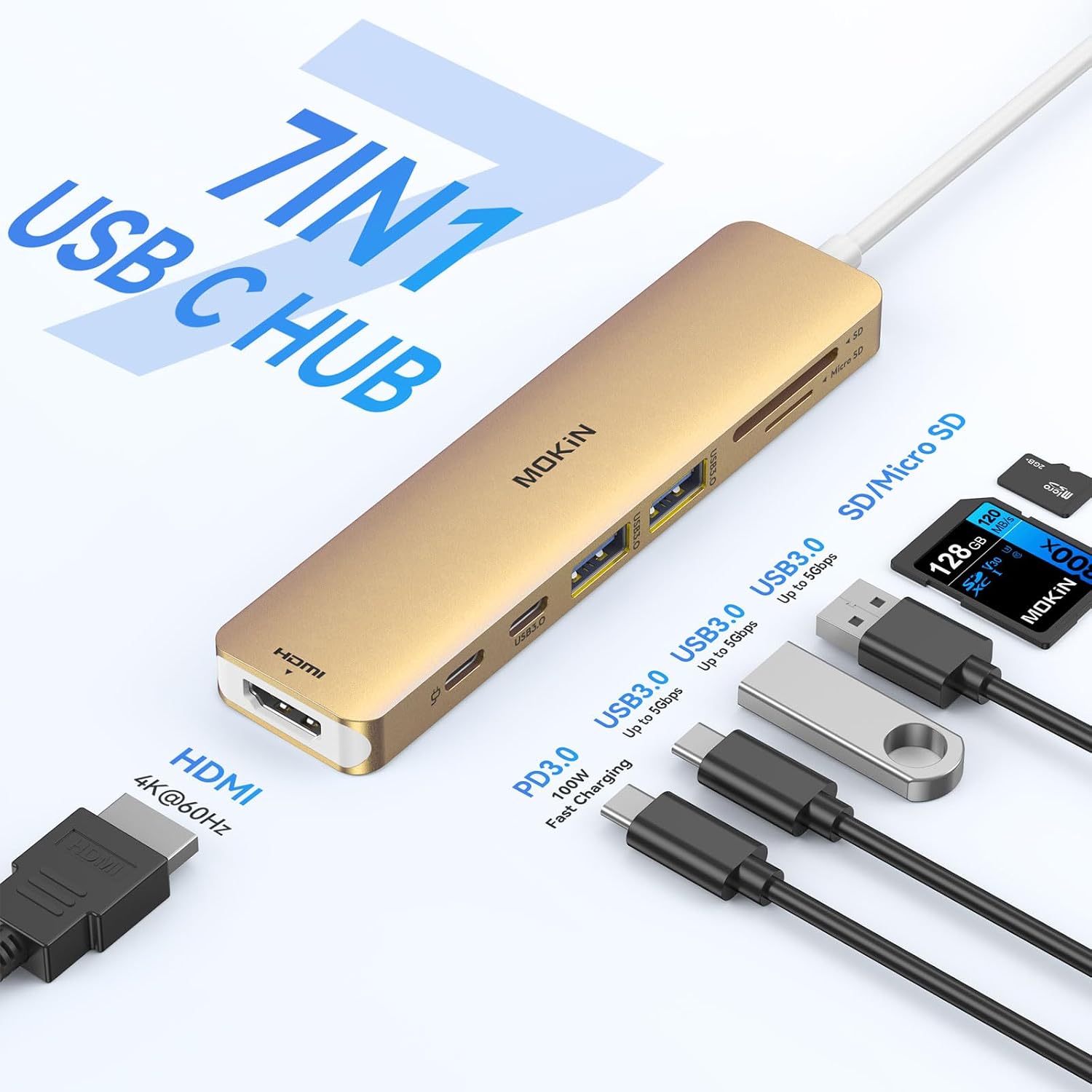
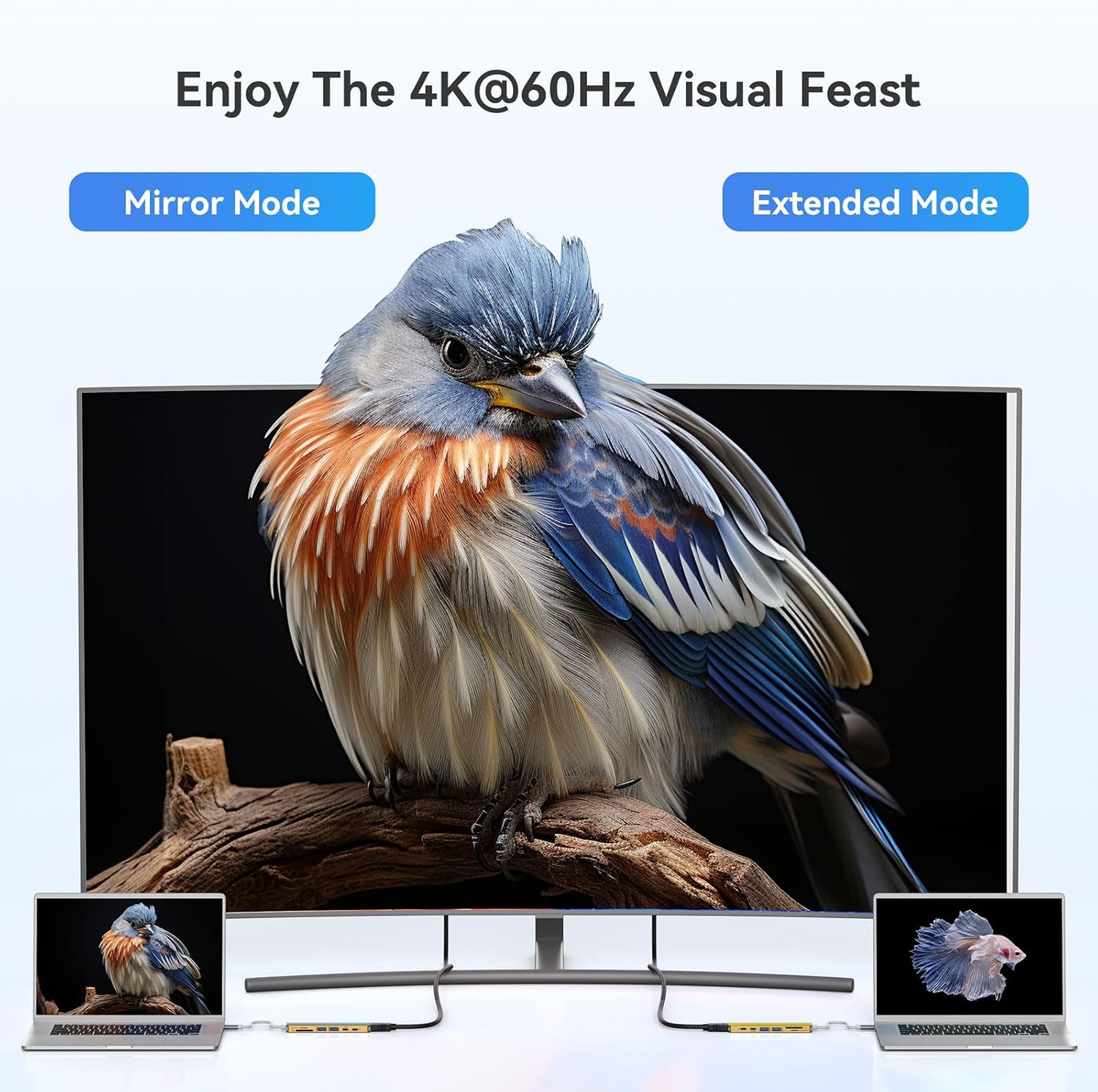
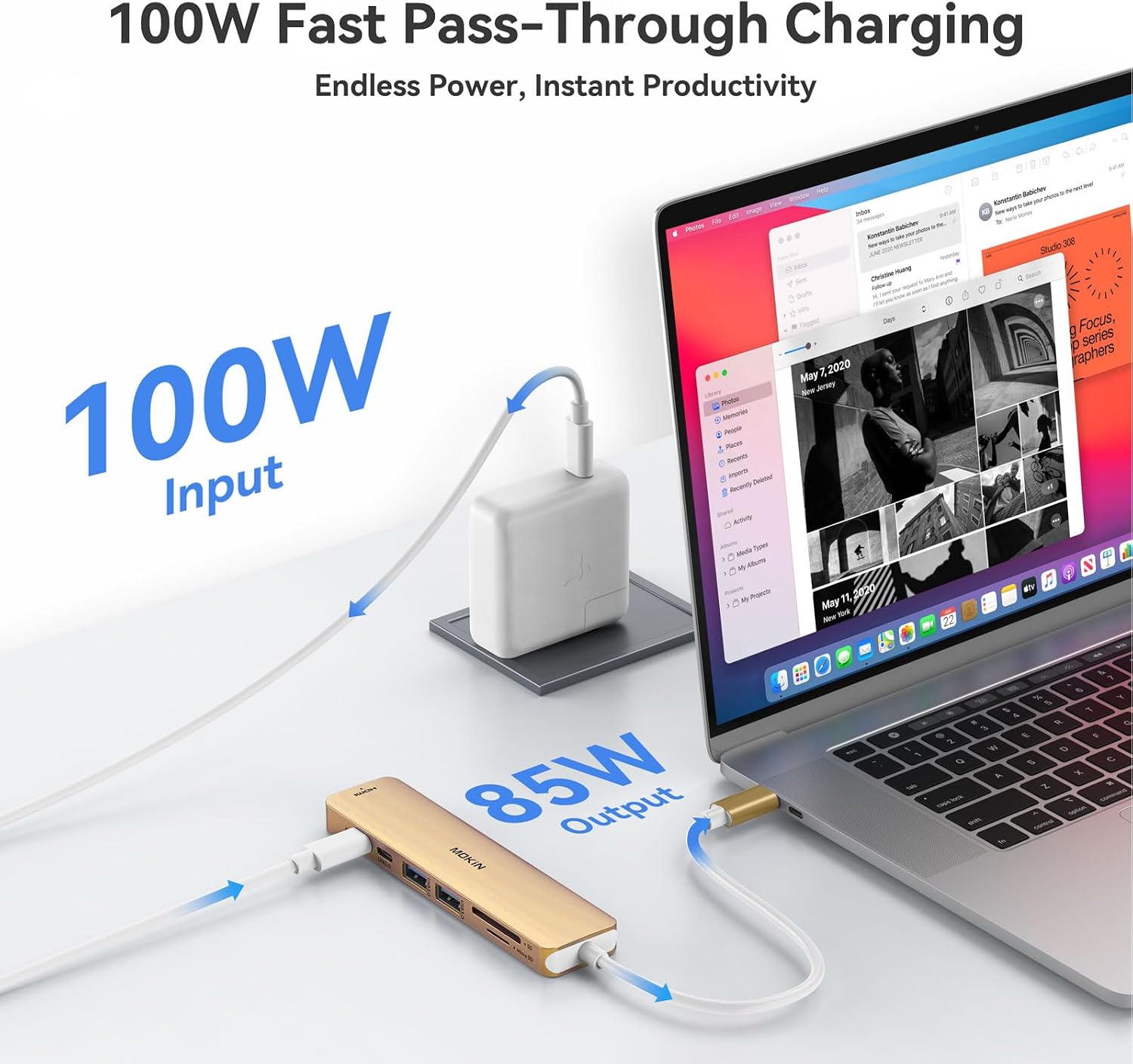
The adapter converts a single USB-C port into HDMI, two USB 3.0 Type-A ports, a USB-C data port, a PD charging port and SD/TF card slots. It supports video mirroring or extension up to 4K at 60Hz on compatible monitors, which makes it useful for presentations, creative work or streaming content. A practical detail is that the PD input accepts up to 100W according to the manufacturer, although actual charging output to a laptop is limited to 87W for safety. ⚡
Technical Specifications
- Name: MOKiN 7-in-1 USB-C Hub HDMI Adapter (Gold)
- HDMI: 4K UHD at 60Hz
- Power Delivery: 100W input, up to 87W laptop output
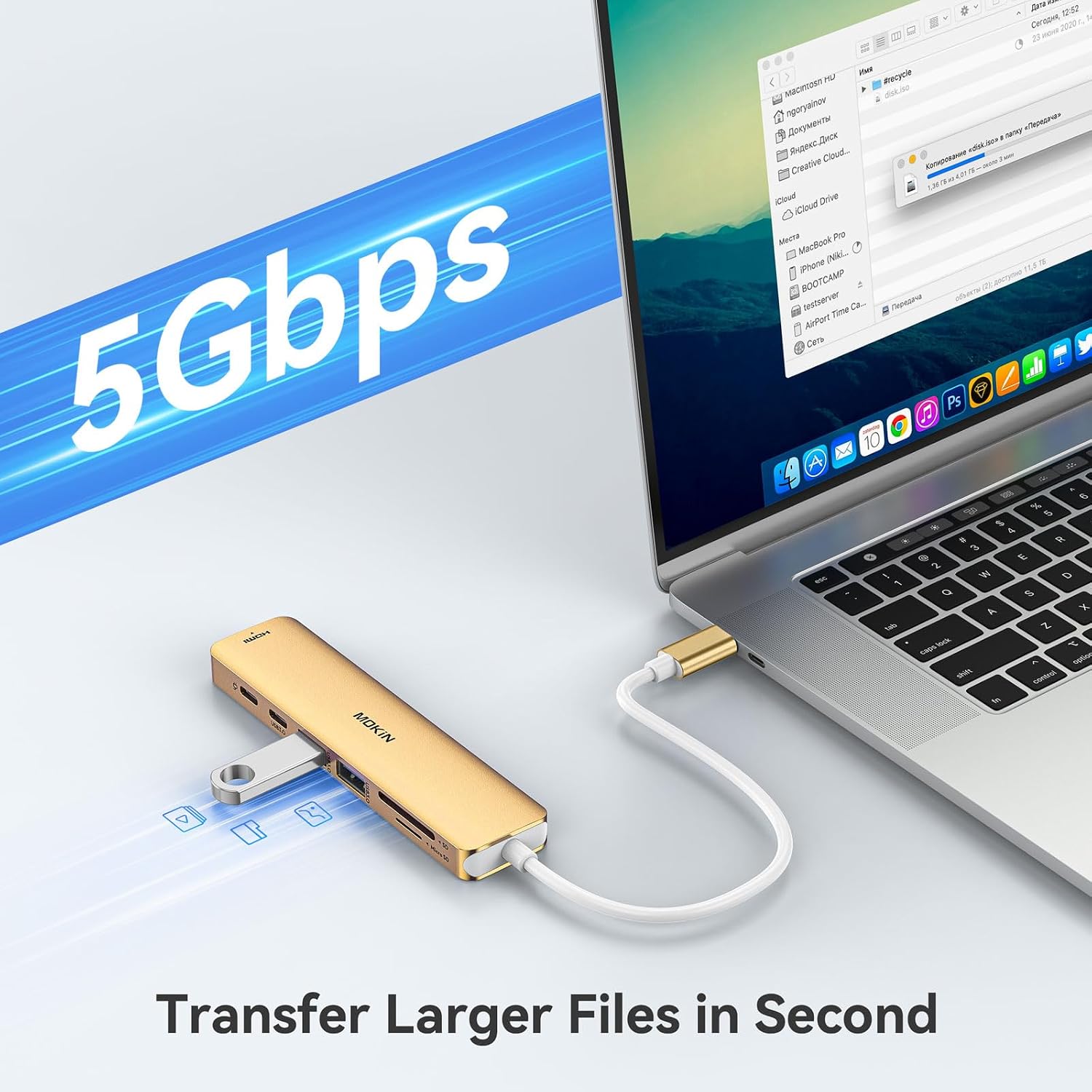
- USB: 2 × USB 3.0 ports, up to 5 Gbps
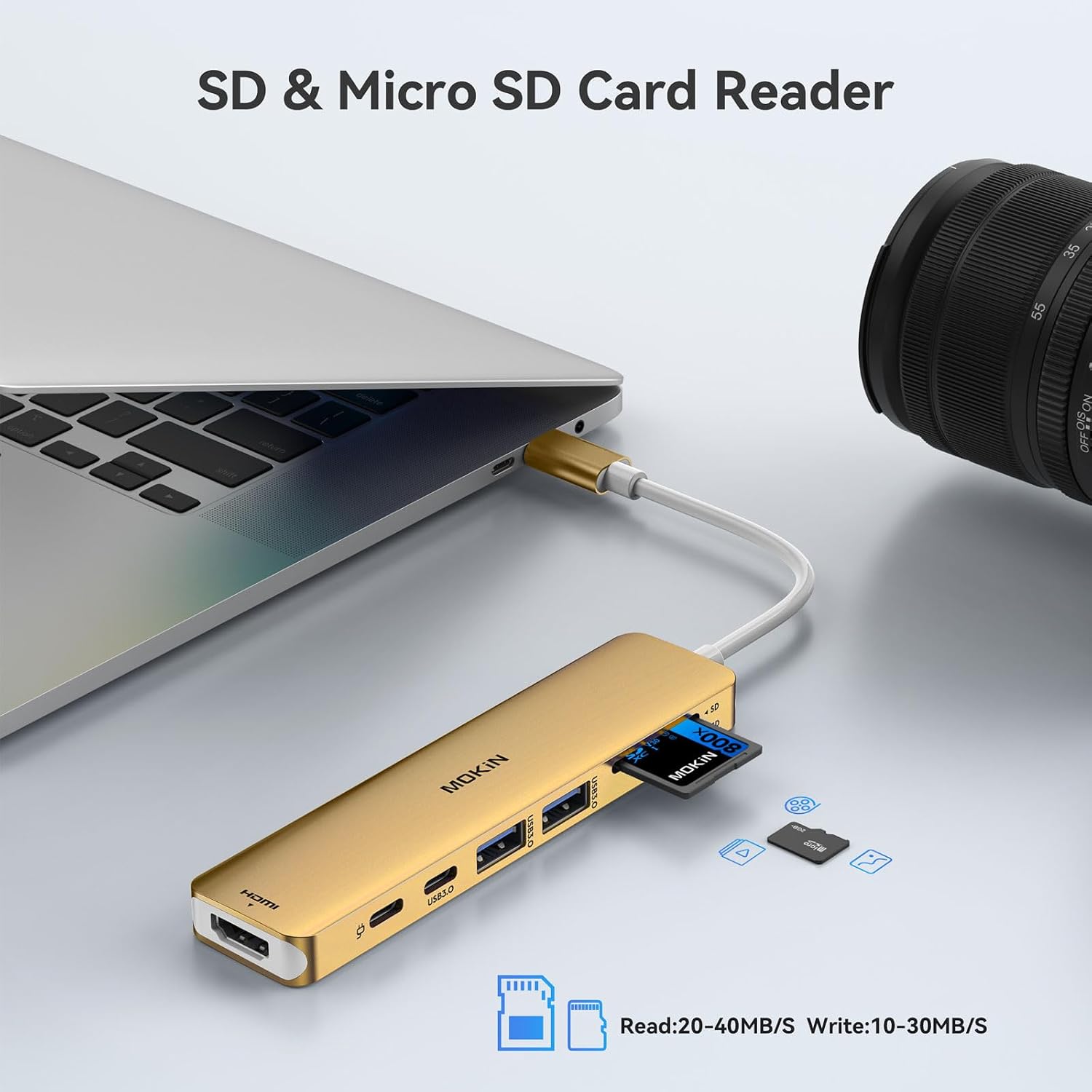
- Card Reader: SD and TF (Micro SD) slots
Benefits
Using this hub removes the need to carry multiple dongles when stepping between desk and meeting room. The two full-size USB-A ports allow a keyboard and mouse to stay connected while a portable SSD or flash drive shares files at USB 3.0 speeds. For photographers and content creators the SD/TF slots speed up transfers from cameras and card readers, helping to streamline a workflow. 📷
The inclusion of a dedicated USB-C data port keeps one connection free for modern peripherals that use USB-C instead of USB-A. Aluminium or metallic finishes help the dongle match many laptop designs and reduce heat build-up during prolonged use. Bear in mind that high-power external drives may need their own power source, and the hub does not support Apple SuperDrive style optical drives.
Usage Recommendations
Connect the PD charger to the hub before attaching high-draw accessories to maintain charging while transferring data. When using 4K at 60Hz make sure the host laptop’s USB-C port supports DisplayPort over USB-C or Thunderbolt for full resolution and refresh rate. For reliable file transfers avoid plugging multiple power-hungry HDDs at the same time, as the hub is optimised for one external drive plus peripherals.