

SABRENT Hard Drive Docking Station 2.5–3.5"
Reviews
Price
Product description
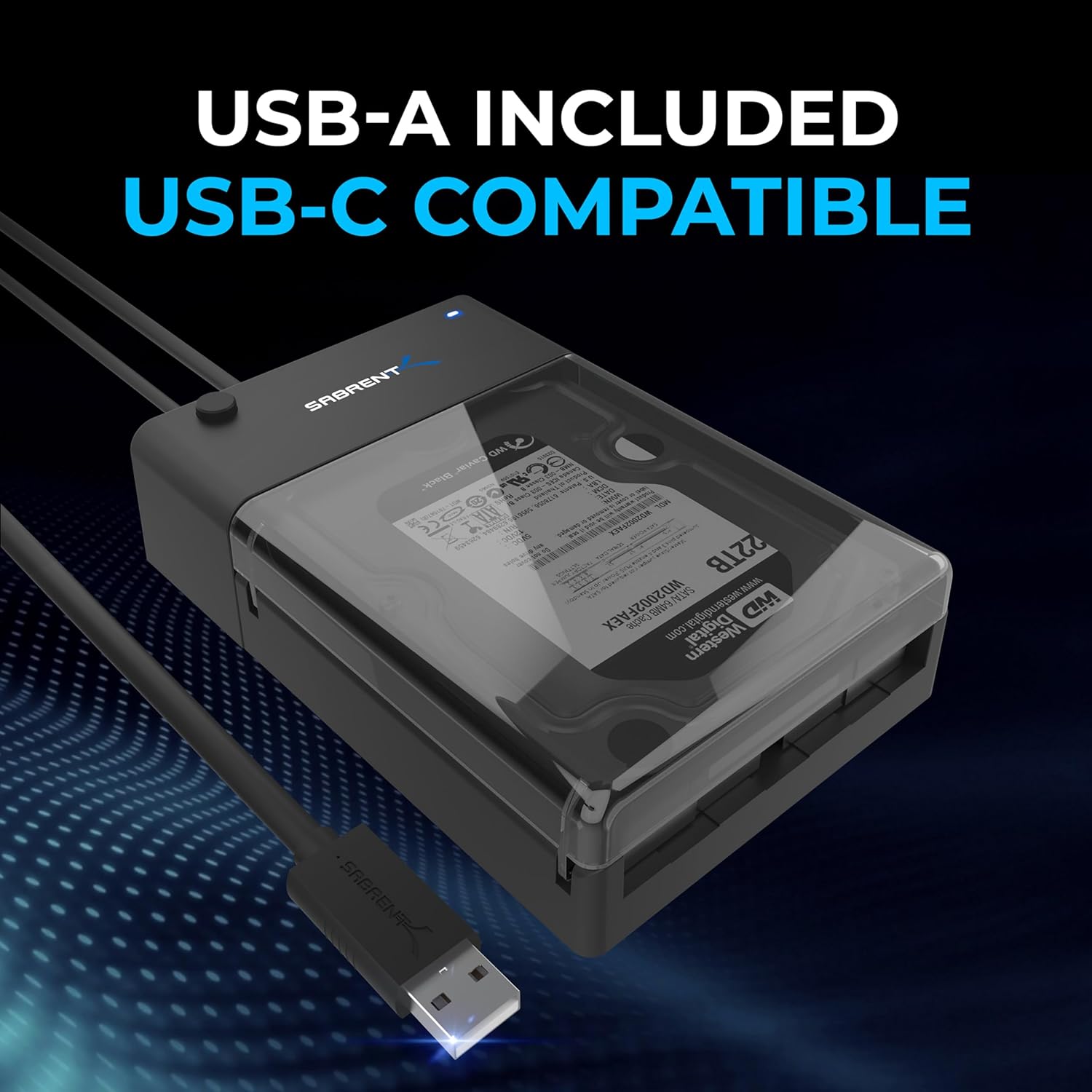
This compact docking station from SABRENT connects 2.5 and 3.5 inch SATA SSDs and HDDs to a computer via USB 3.0, making quick file transfers and drive cloning straightforward for home and office use. It supports the UASP protocol for faster throughput, which helps when moving large media files or backing up entire drives efficiently.
Key Points
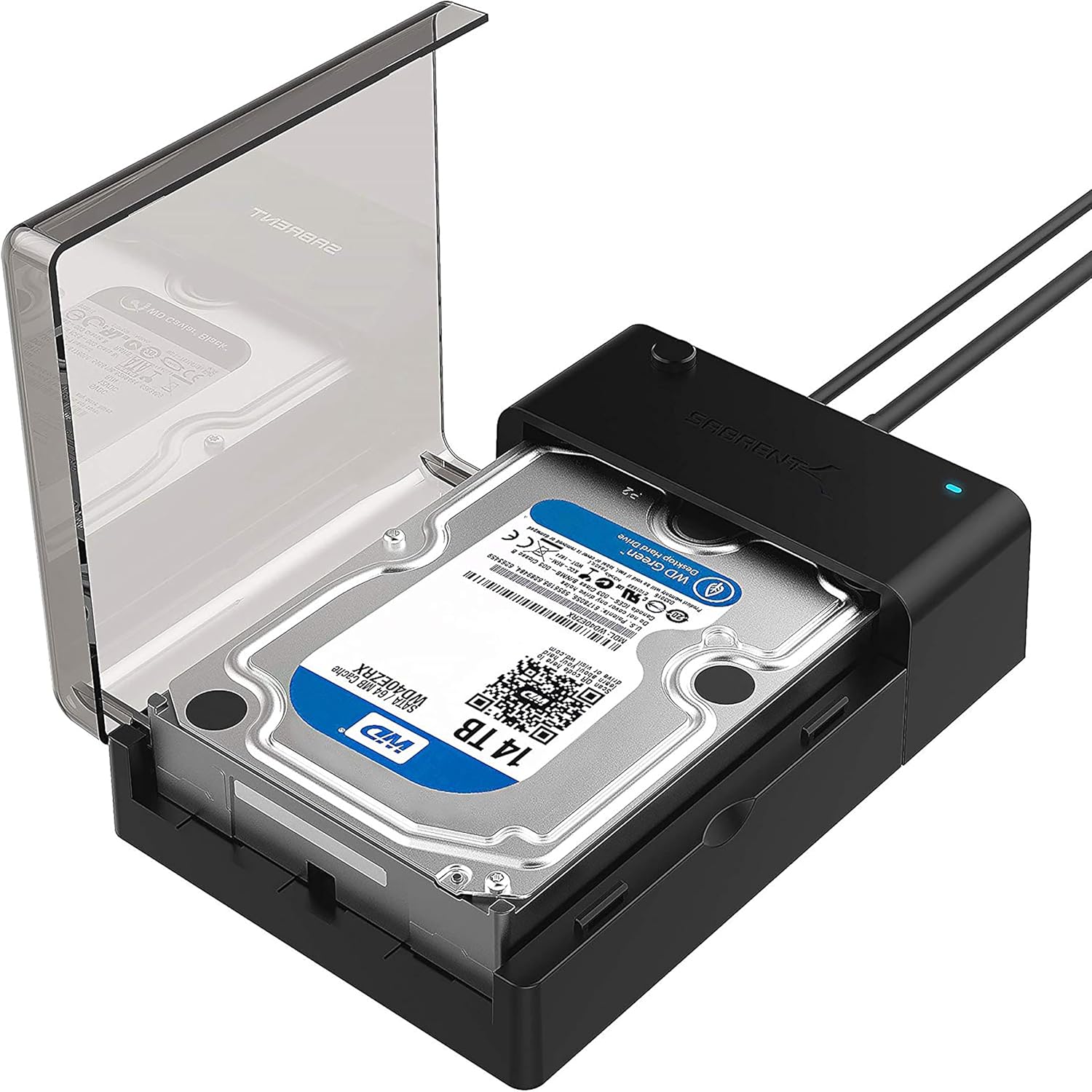
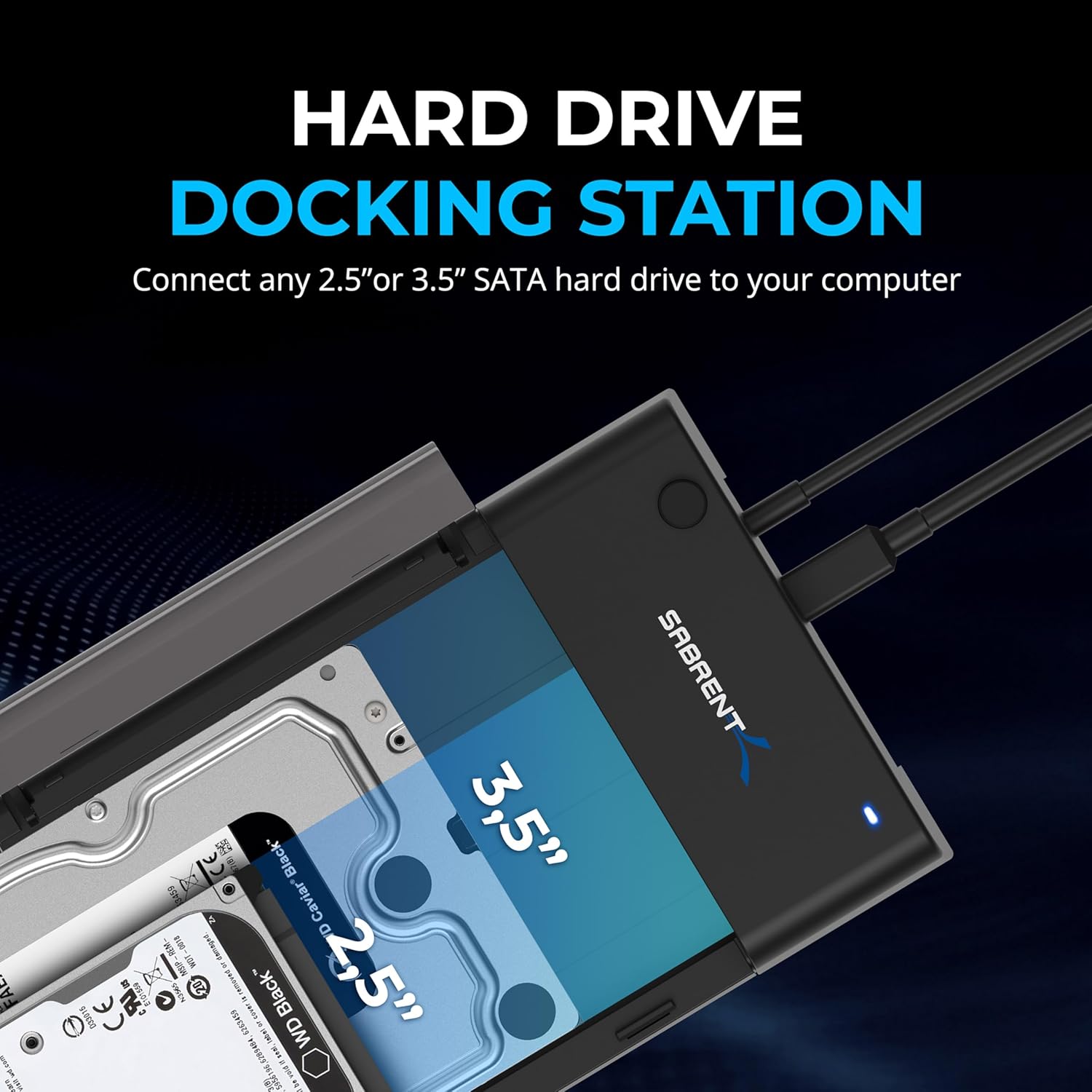
The dock accepts standard SATA I/II/III 2.5-inch and 3.5-inch drives and works without tools, so swapping drives is simple and fast. According to the manufacturer, it supports transfer speeds up to 5 Gbps when used with a compatible USB 3.0 host, and an LED indicator shows operating status. The enclosure is made from durable ABS plastic that adds grip and some impact resistance during handling. Note that only SATA drives are supported and very large volumes may require an operating system that recognises drives formatted with GPT.
Technical Specifications
- Name: SABRENT EC-DFLT Hard Drive Docking Station
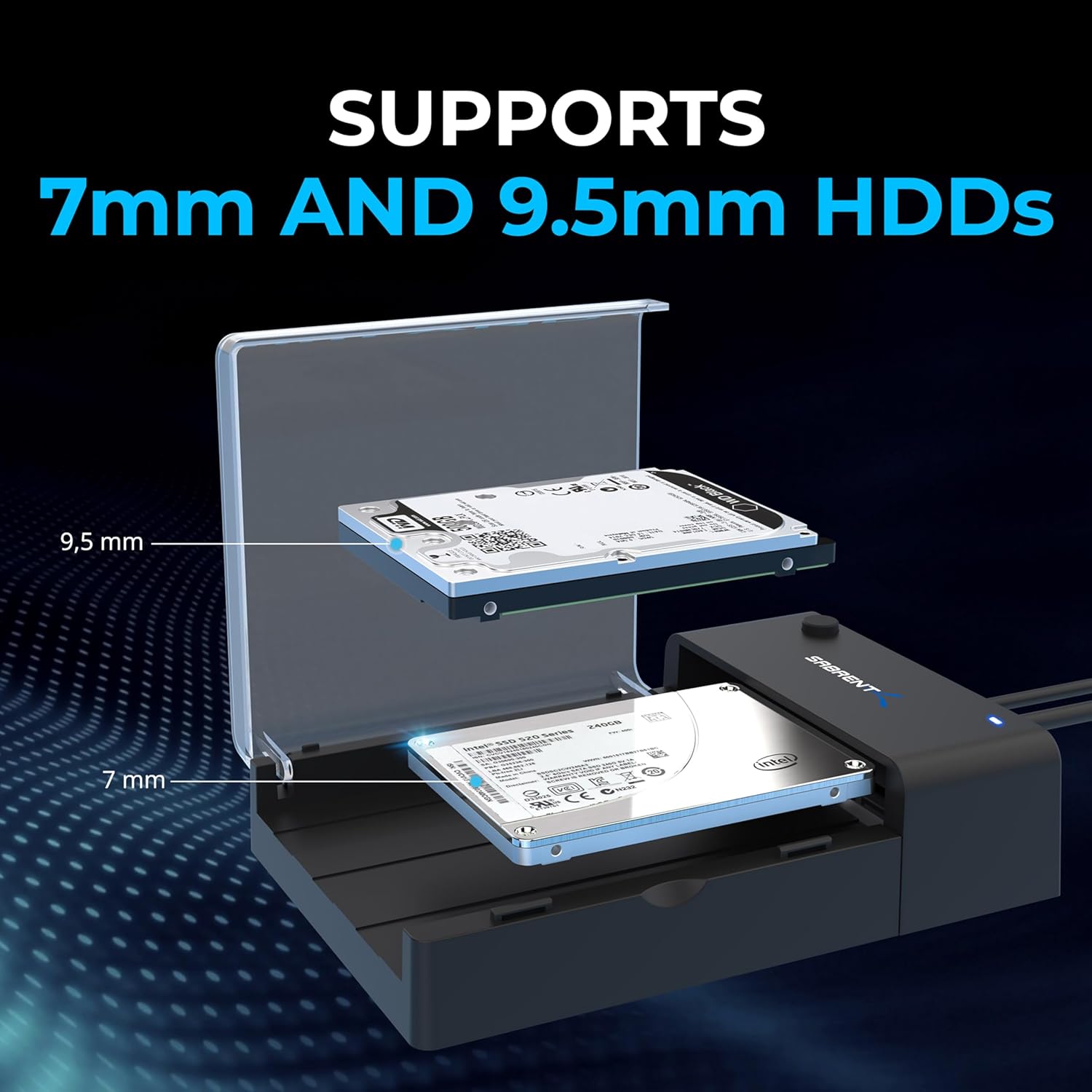
- Supported drives: 2.5-inch and 3.5-inch SATA HDD and SATA SSD
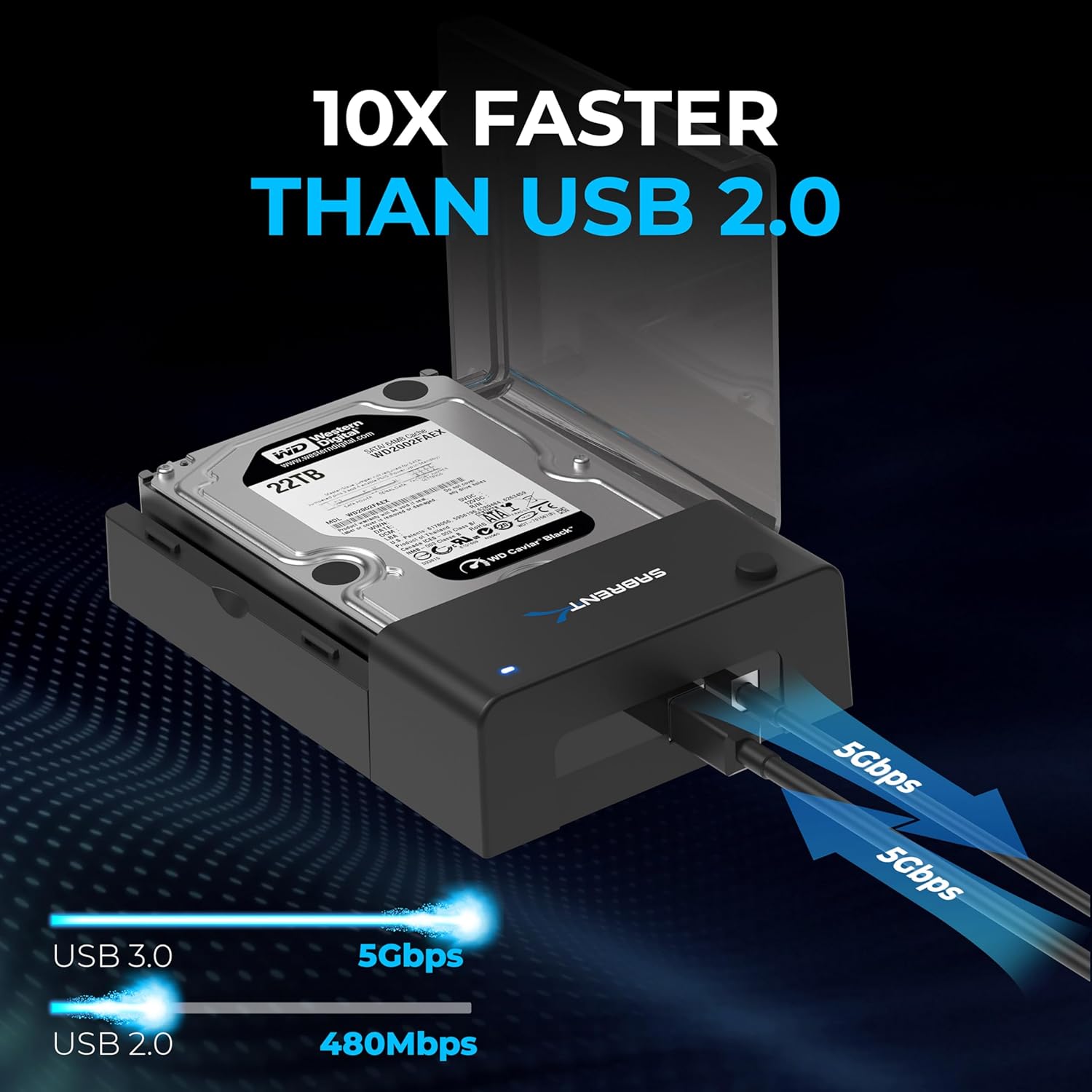
- Interface: USB 3.0 with UASP support, up to 5 Gbps (manufacturer specification)
- Maximum single-drive capacity: up to 22 TB, depending on OS support
- Material: ABS plastic casing
- Installation: tool-free insertion and removal
Benefits
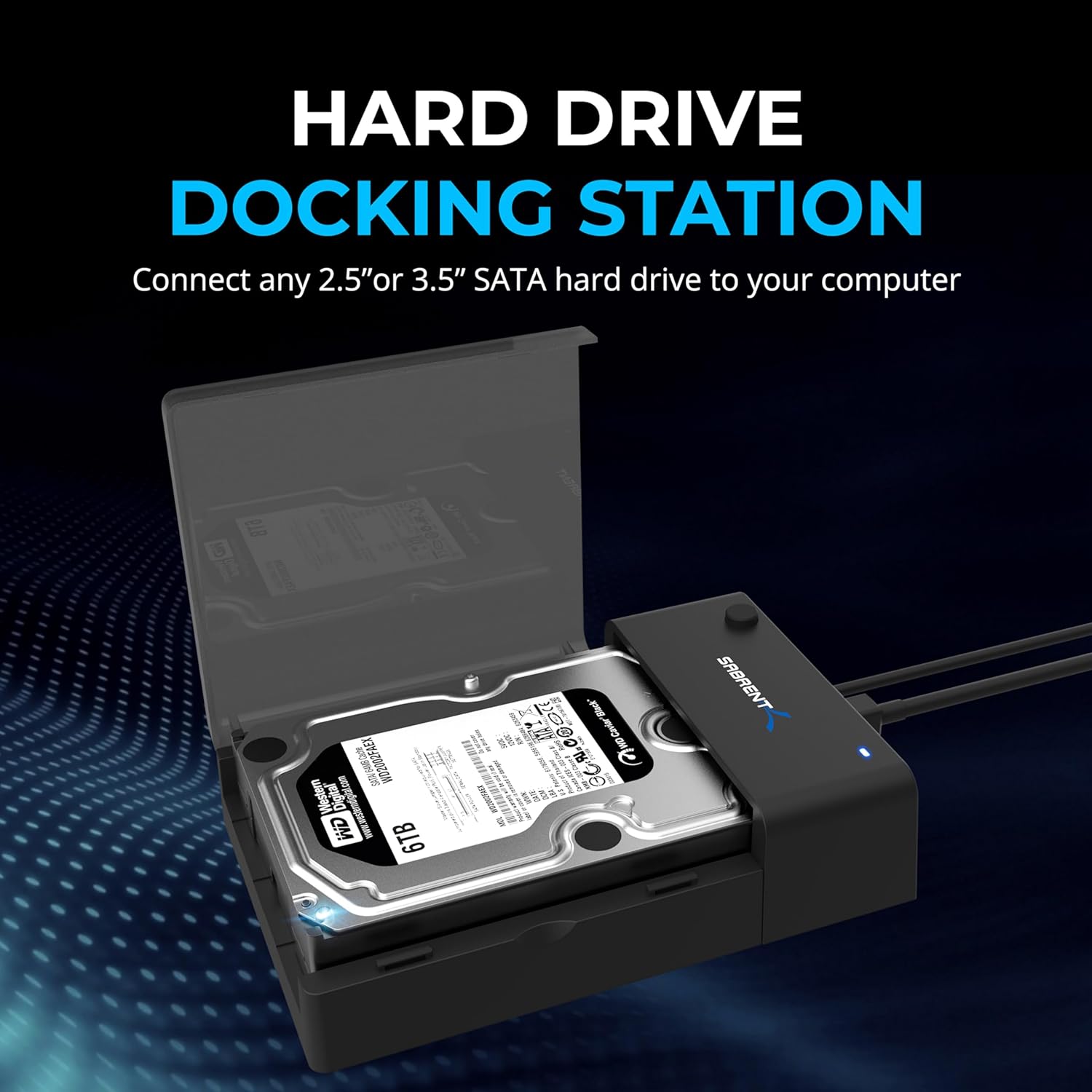
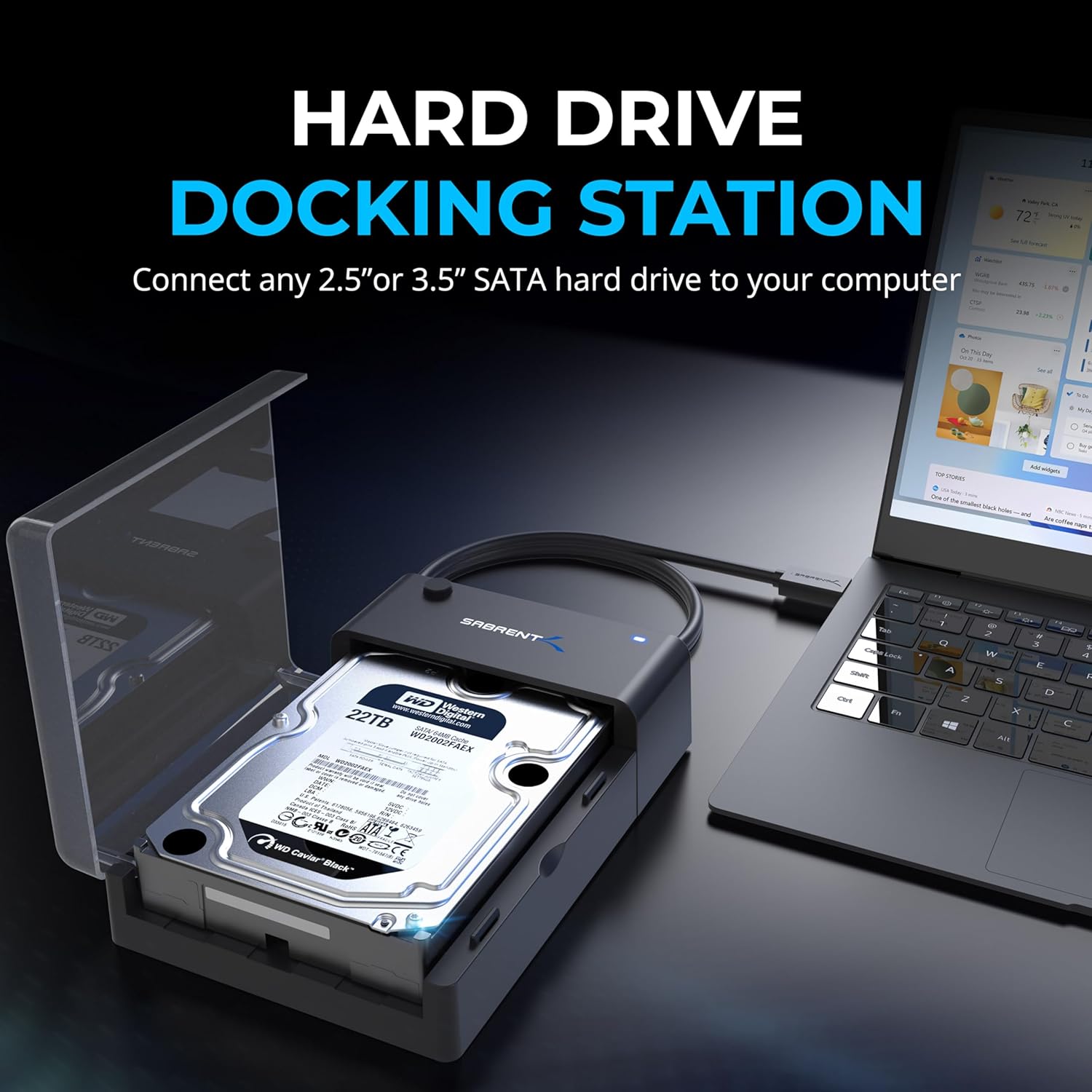
Using this docking station makes temporary access to bare drives much easier than installing them internally. For technicians or users who frequently image, test or recover drives, the tool-free design saves time and keeps a compact workspace. The UASP support helps reduce transfer overheads, which can result in smoother performance when copying many small files or streaming large video files from the connected drive.
Usage Recommendations
Insert the SATA drive carefully into the dock and ensure the LED confirms power and activity before transferring data. For best results, connect to a USB 3.0 port on your computer and enable UASP if your system supports it. Consider using GPT partitioning for drives larger than 2 TB, as many operating systems require this for full capacity access. Be aware that non-SATA drive types are not compatible with this unit and that extreme drops or immersion should be avoided despite the ABS casing offering some protection.
This product includes basic protections against overcurrent, overheating and short circuits according to the manufacturer, and the manufacturer offers customer support for technical issues.