

RSHTECH Powered USB Hub 4-port USB 3.0 🔌
Reviews
Price
Product description
This aluminium 4-port USB 3.0 hub from RSHTECH adds powered USB connectivity to a laptop or desktop, with individual port control for easier management of peripherals. If you need a powered USB hub with individual switches to keep a mouse, keyboard and external drives connected while turning ports on and off as required, this model keeps the setup tidy and accessible.
Key Points
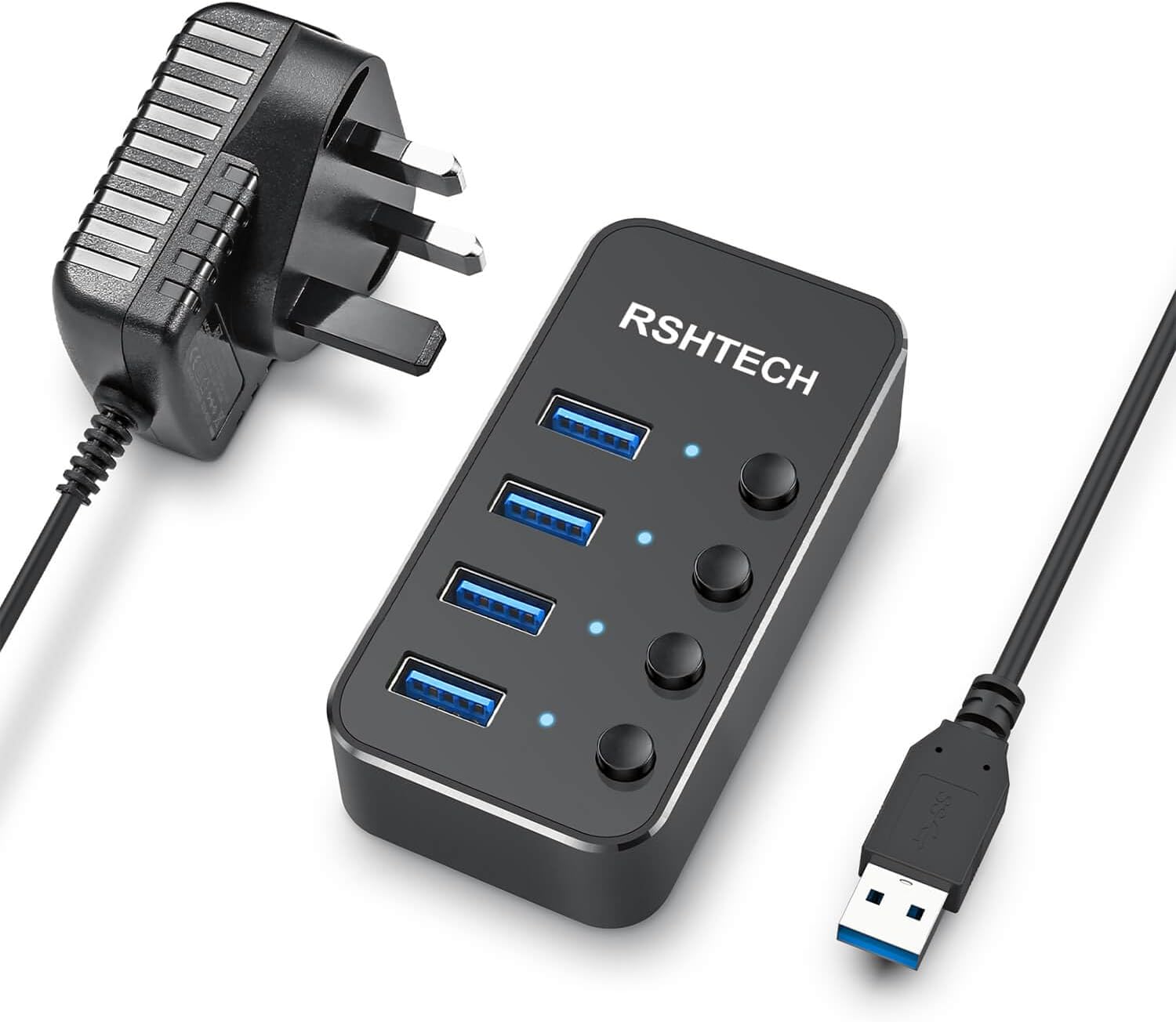
The hub extends a single USB-A connection into four USB 3.0 ports, making it simple to attach keyboards, mice, flash drives and portable hard disks. It includes a dedicated external power supply which helps maintain stable performance when multiple bus-powered devices are connected, and may improve transfer reliability for external storage drives. The unit’s aluminium casing gives a durable feel and a discreet black finish that blends with most workspaces. 🔌
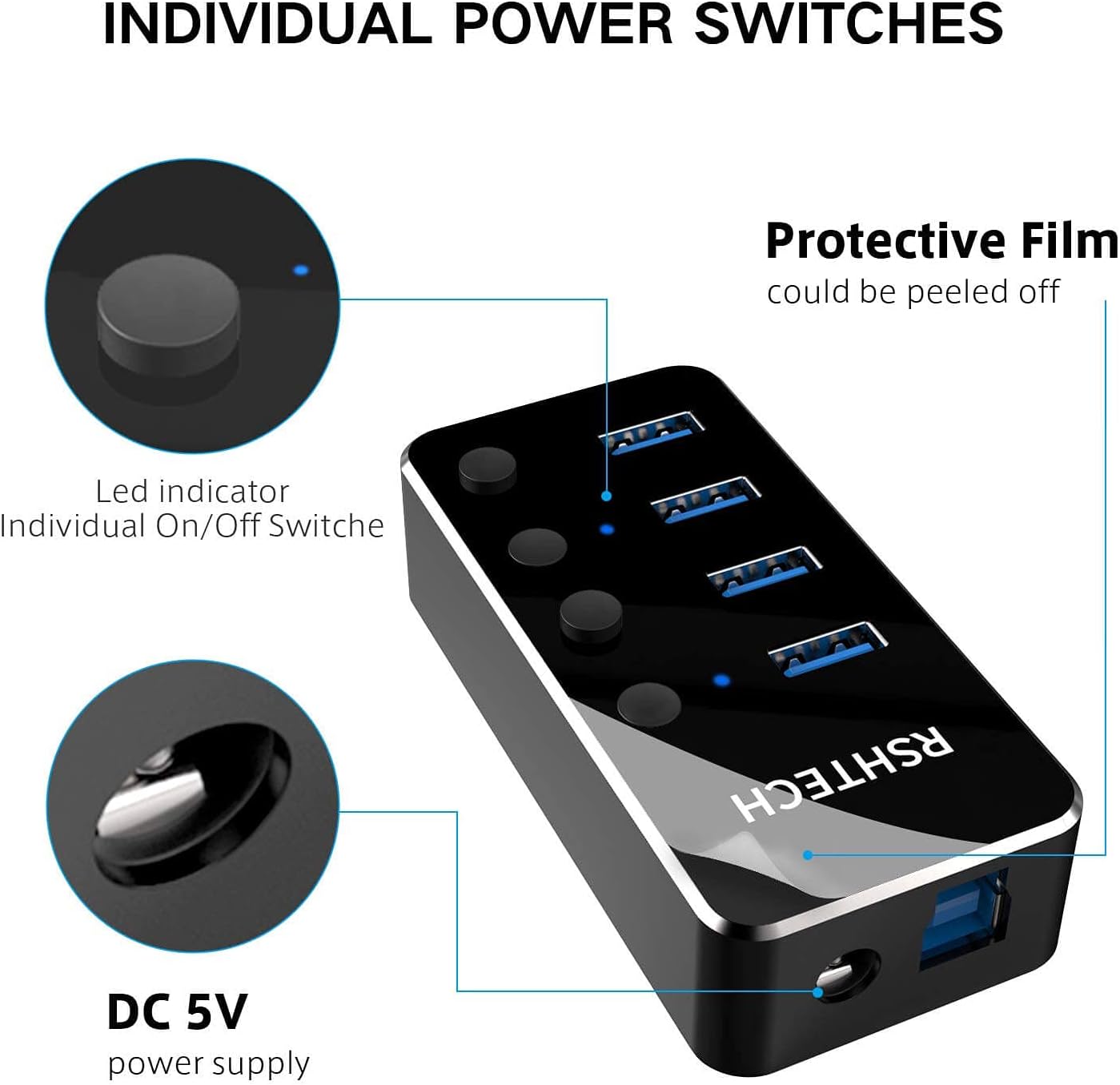
Plug and play compatibility removes the need for driver installation on most systems, and the hub supports backward compatibility with USB 2.0 and USB 1.1 devices. Each port features an easy-to-access physical on/off switch so you can cut power to unused devices without unplugging cables, which can be convenient for saving power and avoiding unnecessary wear on connectors. 💻
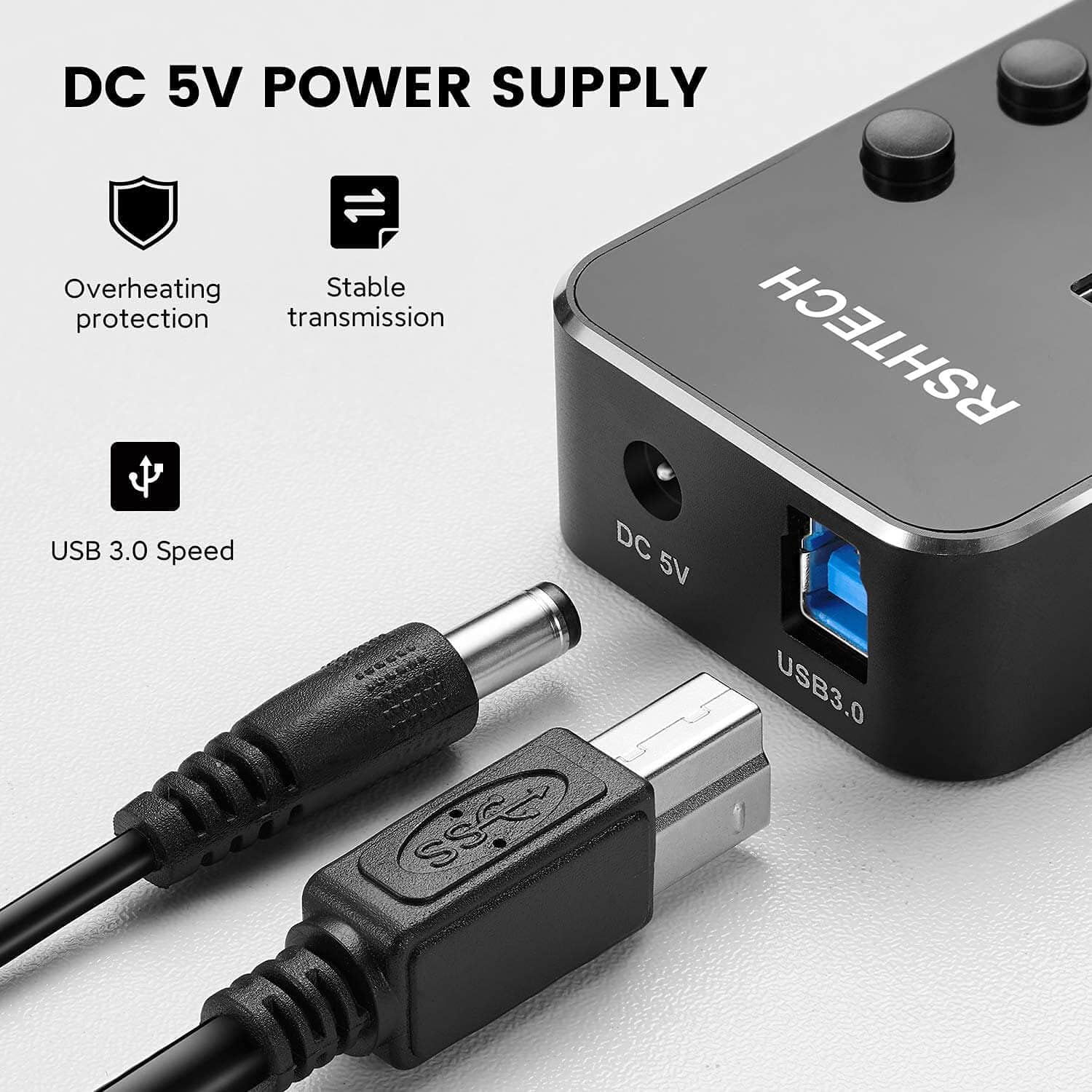
Do consider that performance with multiple high-power devices depends on their individual requirements and the overall power budget; according to the manufacturer the supplied adapter delivers 5V and 2A.
Technical Specifications
- Name: RSHTECH Powered USB Hub Aluminum 4-port USB 3.0 Hub
- Ports: - 4 x USB 3.0 Type-A
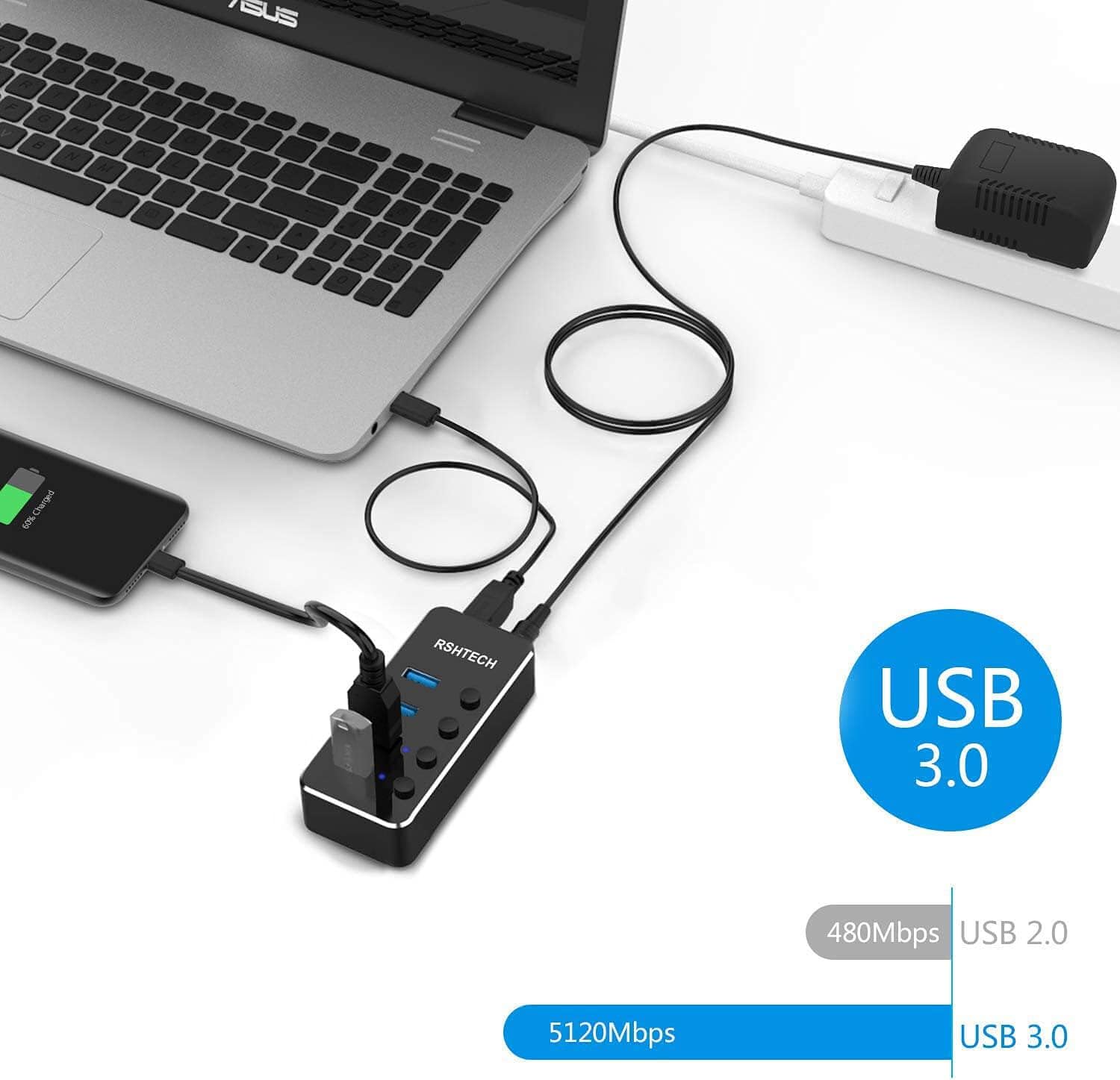
- Data Transfer Rate: - 5 Gbps (USB 3.0), compatible with USB 2.0 and USB 1.1
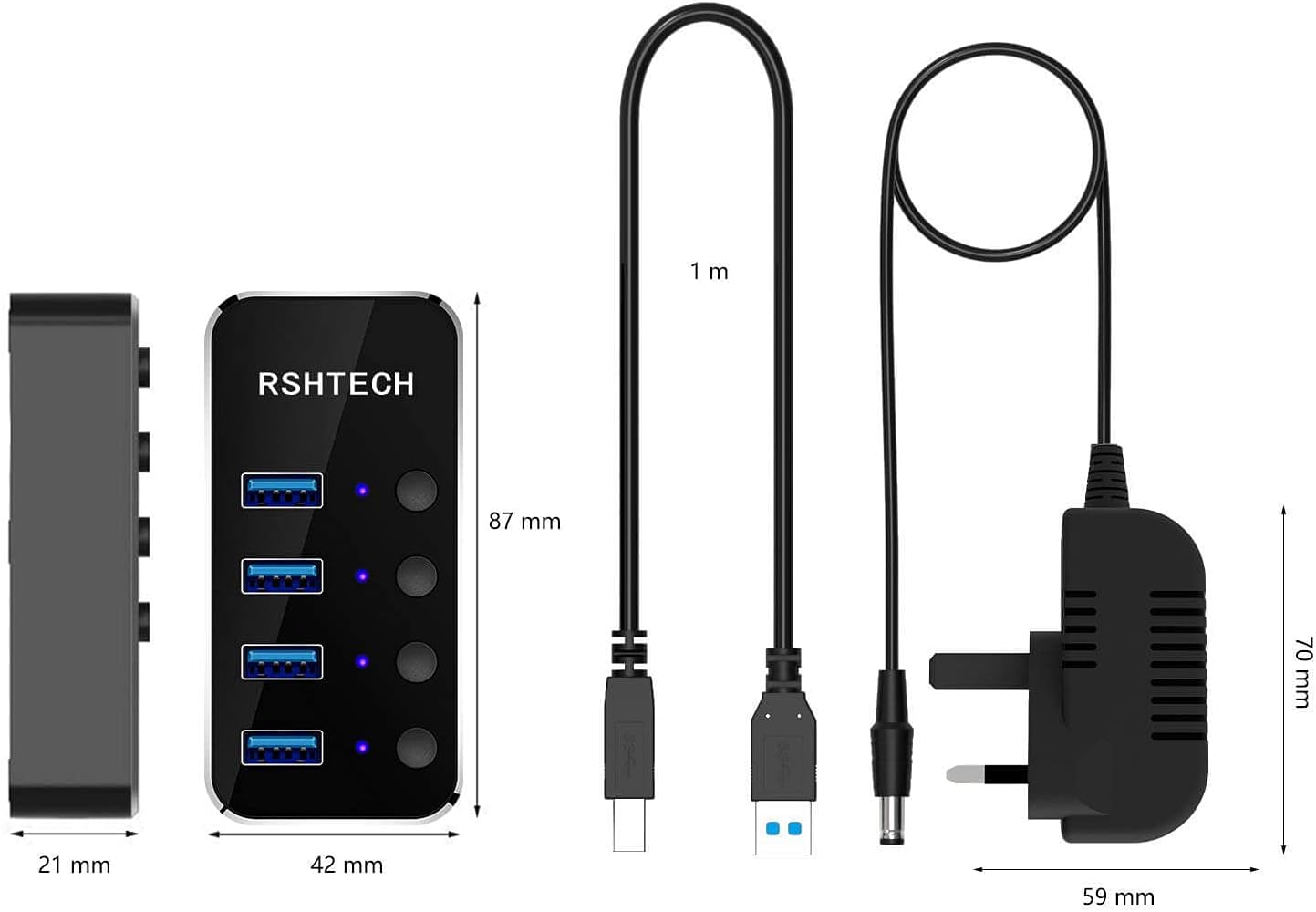
- Power Supply: - 5V/2A external adapter included
- Cable Length: - 1 m USB 3.0 cable included
Usage Recommendations
Place the hub on a desk or near a workstation where the switches are easy to reach, so you can quickly enable or disable individual devices without accessing rear ports on a computer. For external hard drives and other storage that may spin up or draw higher current, connect them to the hub while the mains adapter is in use to reduce the chance of power-related dropouts. For peripherals that remain permanently connected, use the hub’s switches to turn off unused ports overnight to save power and reduce clutter. ⚙️
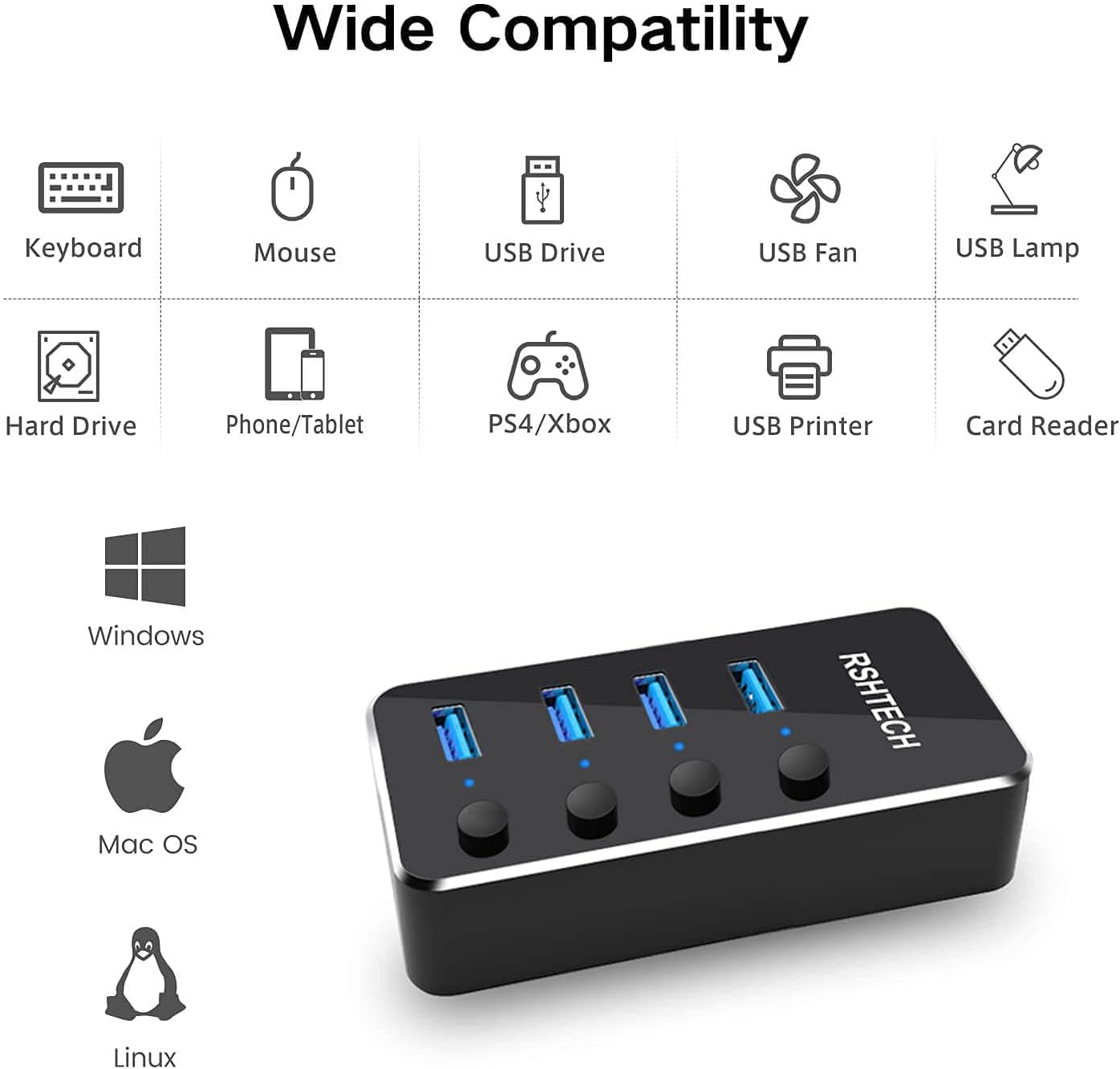
If you plan to chain many hubs or connect very power-hungry devices, note that overall performance will depend on the combined load and the capabilities of the host USB port. According to the manufacturer, this hub is broadly compatible with Windows, macOS and many Linux distributions, though some specialised hardware may require direct connection to a host port.