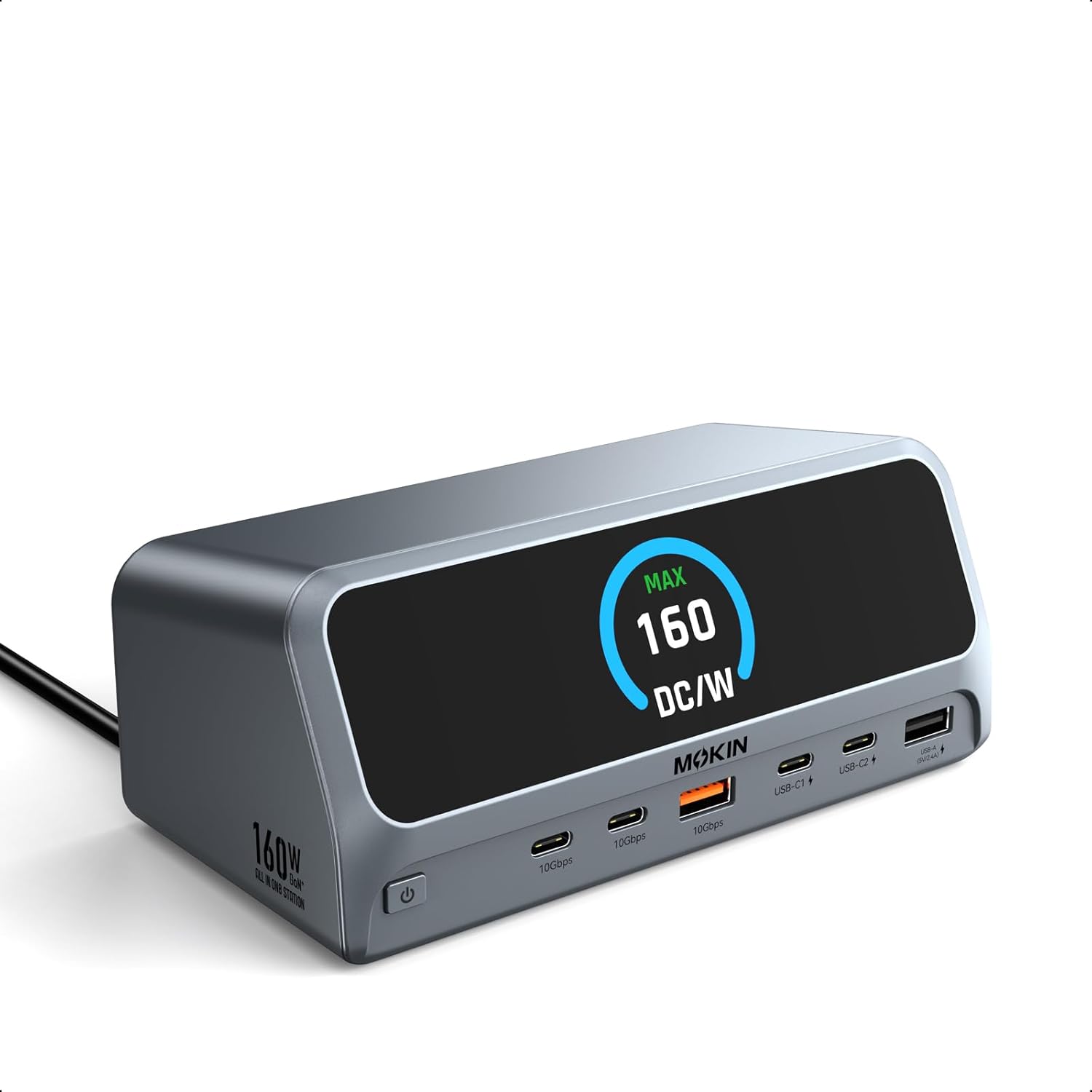
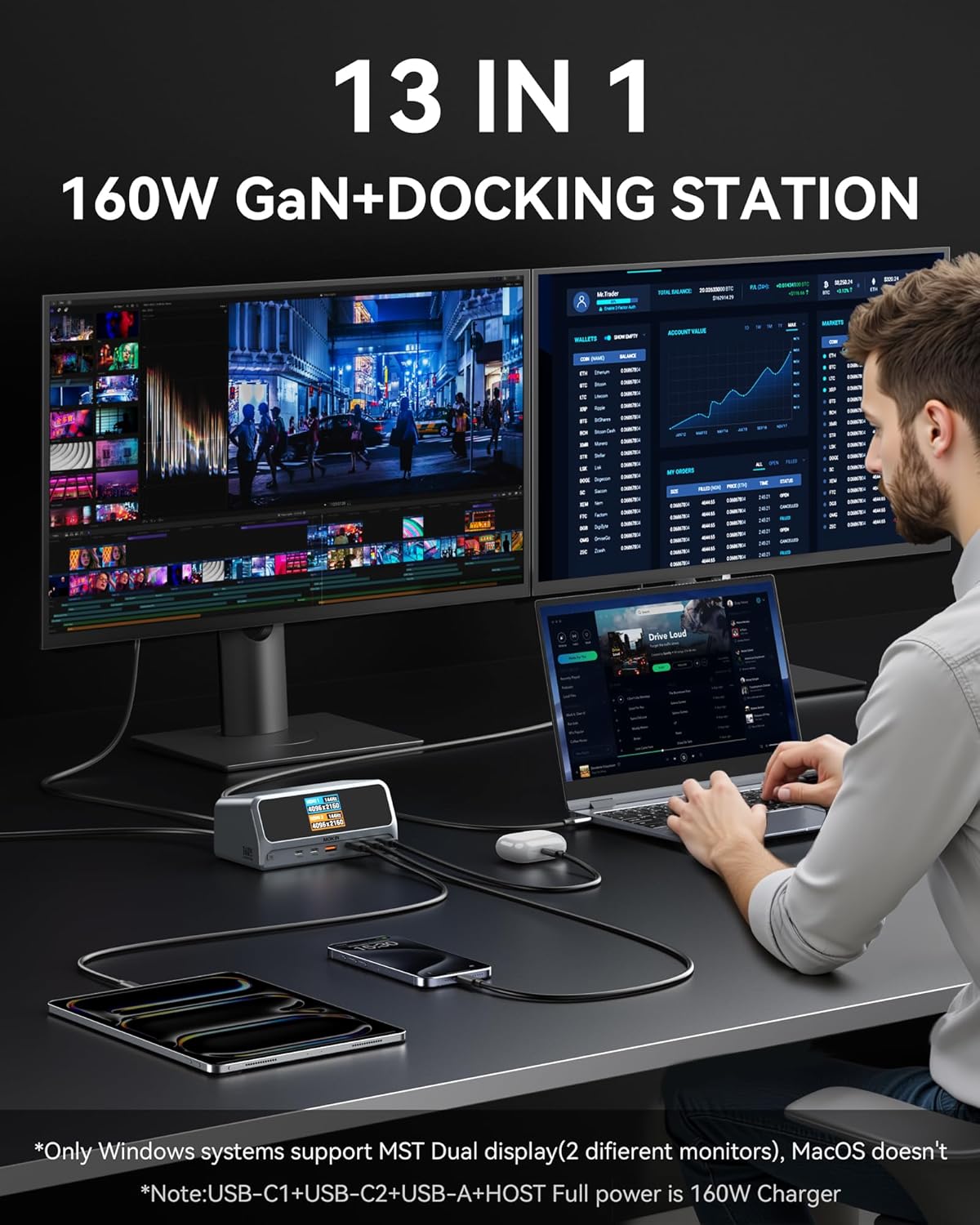
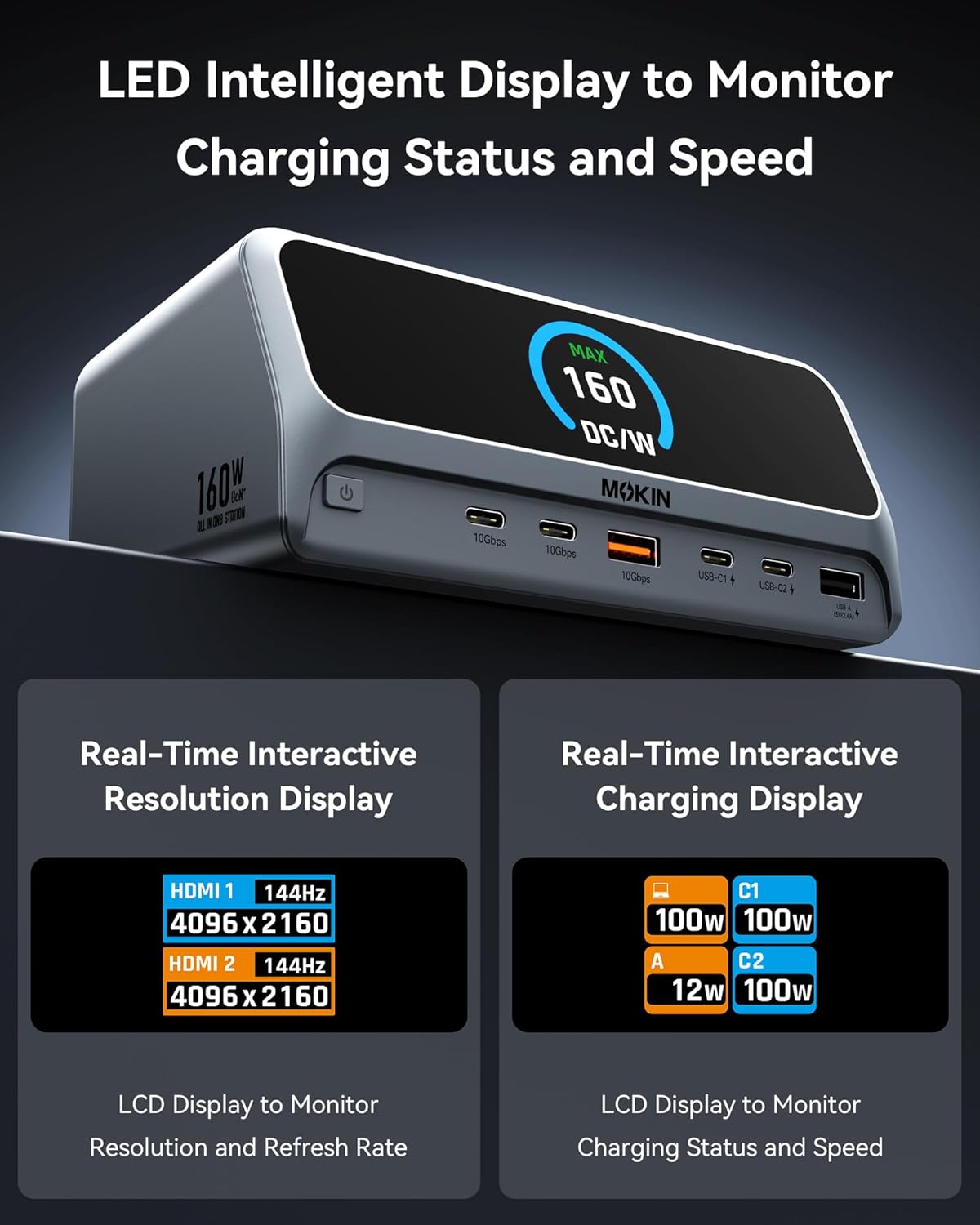
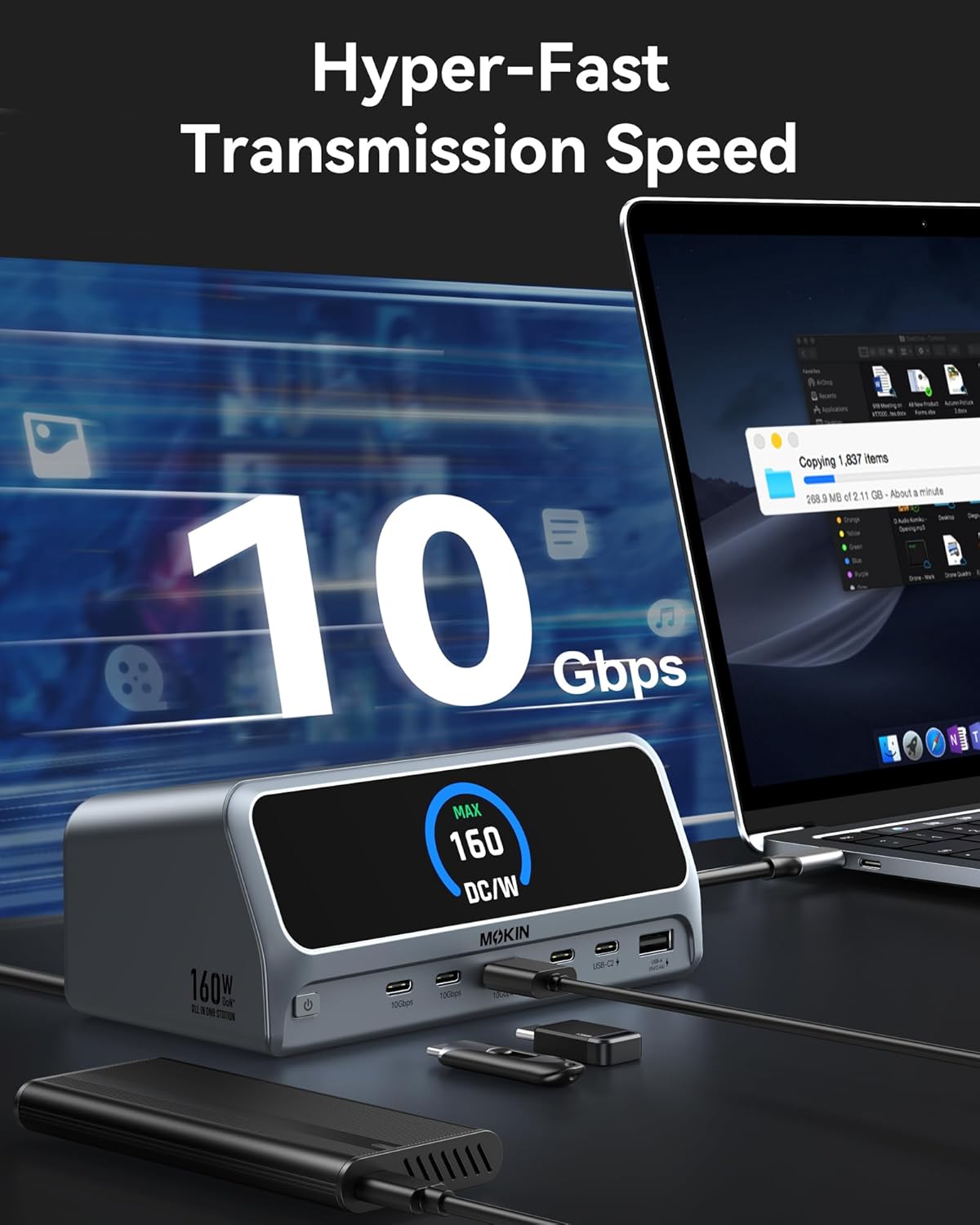
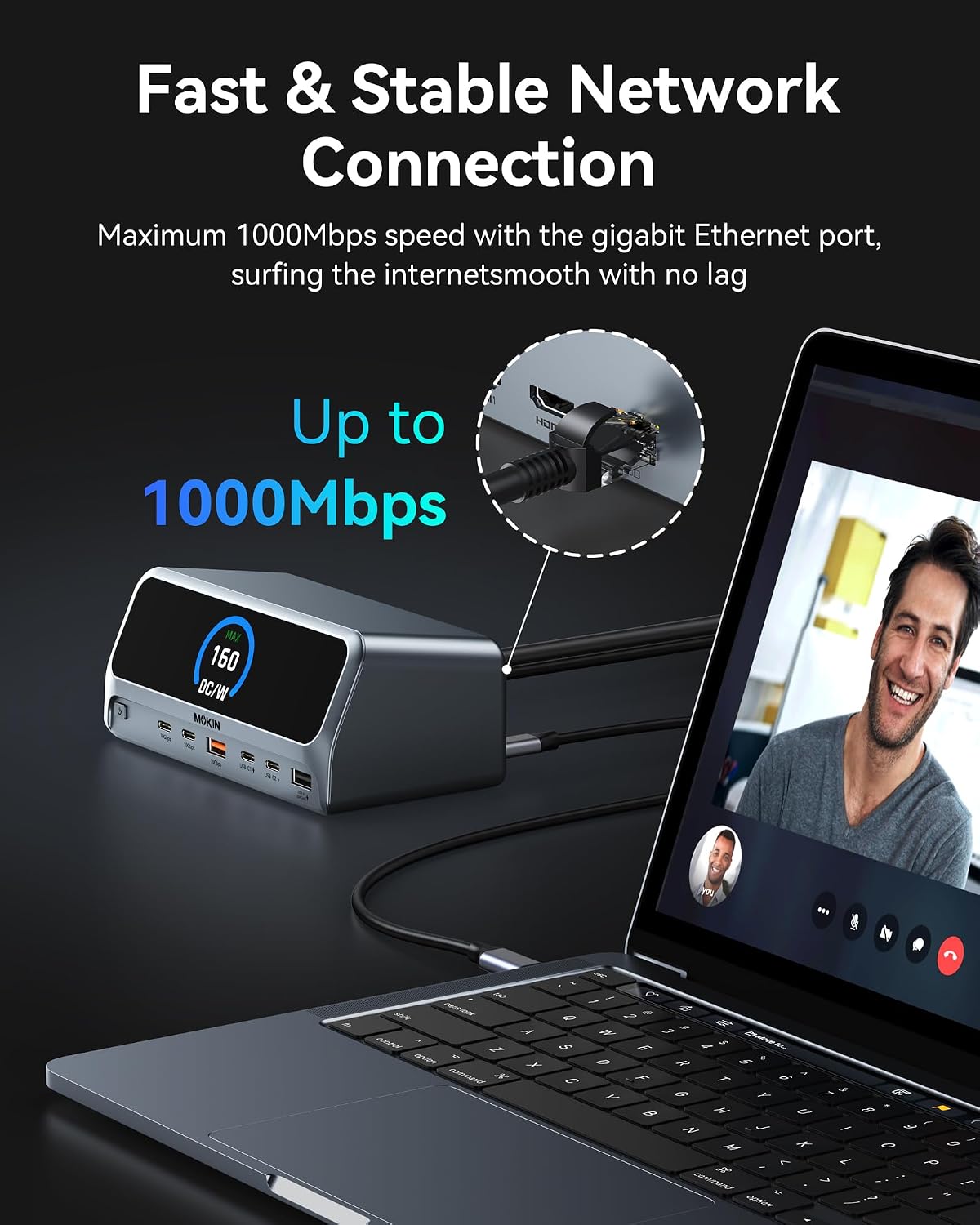
What this is and what it aims to solve\nThe MOKiN USB C Docking Station is a 13-in-1 hub intended to simplify a cluttered desk by providing a single power and connectivity hub for modern laptops. It aims to support multiple peripherals and external displays from a single USB-C/USB4 connection, freeing you from plugging and unplugging devices repeatedly. On paper, it combines dual 4K display capability, rapid data transfer, substantial charging power, wired network, and a range of ports in a compact, vertical design that saves desk space.\n\n## How it fits into a typical setup\nIf your workflow involves large media files, frequent backups, or collaborative projects, the 10Gbps USB connections help move big files quickly. The 160W total output means several devices can be charged at once, which is convenient for busy workstations with laptops, phones, and accessories. The clever vertical form factor and built-in LCD display for port status are practical touches for troubleshooting connections without hunting through menus.\n\n## What stands out in use\nDual 4K HDMI outputs enable extending your display across two screens, which is a meaningful boost for productivity in certain Windows environments. Note that macOS users should expect mirroring instead of full dual-display mode, in other words, both external monitors show the same image. The device supports USB-C, USB4, and Thunderbolt connections, but it’s important to verify your laptop’s DP Alt Mode and Power Delivery compatibility before buying.\n\n## Strengths to consider\n- High total power: up to 160W across multiple ports, with up to 100W per USB-C port and 12W on USB-A PD, which is useful for a laptop-heavy desk.\n- Fast data movement: 10Gbps via multiple USB ports makes large transfers more tolerable.\n- Dual 4K output: ideal if you primarily use Windows and can take advantage of two monitors for multitasking.\n- Space saving design: vertical stand with a screen display that shows port connection status can help you stay organised.\n- Broad compatibility: works with Windows 10/11, ChromeOS, and laptops that support DP Alt Mode and Power Delivery.\n\n## Limitations and what to check first\n- macOS limitation: dual-monitor mode isn’t available, you’ll get extension to a single display if used with two monitors. If you rely on true dual extended displays, this could be a deal-breaker.\n- Linux support is not listed, so avoid assuming compatibility.\n- No pricing or downstream compatibility details are provided here, verify your exact laptop model and monitor inputs before purchase.\n- Some users may find the vertical design beneficial, while others might prefer a flatter footprint on smaller desks.\n\n## Who this is for\nThis dock is well-suited for Windows-based professionals who need a tidy, all-in-one charging and connectivity solution with the option of two 4K screens. It suits people who frequently transfer large files, backup data, and want a centralised desk setup with reliable charging for multiple devices.\n\n## Who should pause before buying\nIf your workflow hinges on macOS dual extended displays, or if you require Linux compatibility, there are probably better options. Also, if your desk space is extremely limited, you may prefer a model with a smaller footprint or different port mix that matches your peripherals more precisely.\n\n## Practical usage tips\nPlan where you place the dock to keep the cables tidy and ensure the USB-C/Thunderbolt port you rely on carries the expected power delivery. If you’re transferring large media files, use the USB-C or USB-A 10Gbps ports to maximise speed and reduce transfer times. Consider how often you’ll need to charge multiple devices at once, the 160W cap is generous, but real-world performance depends on the total load.\n\n## Technical snapshot (brief)\nWindows 10/11 compatible, 2x HDMI for 4K display extension, 3x USB-C ports including a host port, 1x USB-A PD port, other USB-A 10Gbps/USB 2.0, Gigabit Ethernet, AC power input, digital screen status, magnetic base, 150cm cable.\n\n## Final decision\n### Is it worth it?\nIt’s worth considering if you prioritise a single, neat docking station with substantial charging capability and the convenience of a dual-monitor setup (on Windows). If your needs revolve around macOS with true dual-extended displays or Linux compatibility, you may want to look for alternatives that match those constraints more closely.\n\n## Quick FAQ\n- Does it work with macOS? It supports dual displays on Windows, but macOS typically mirrors the two external displays rather than extending them.\n- Can it charge a laptop and peripherals at the same time? Yes, up to 160W total output across multiple ports.\n- What about data speed? Up to 10Gbps on USB 3.2 Gen 2 ports for fast file transfers.\n- Is it compatible with Thunderbolt? It supports USB-C/USB4 and DP Alt Mode, but check your laptop’s compatibility for best results.\n