

Acer USB Type-C 13 in 1 Docking Stand
Price evolution
Product description
This versatile docking station turns a simple USB‑C laptop into a full desktop hub, offering video output, networking, and power delivery all from one compact unit.
At a glance
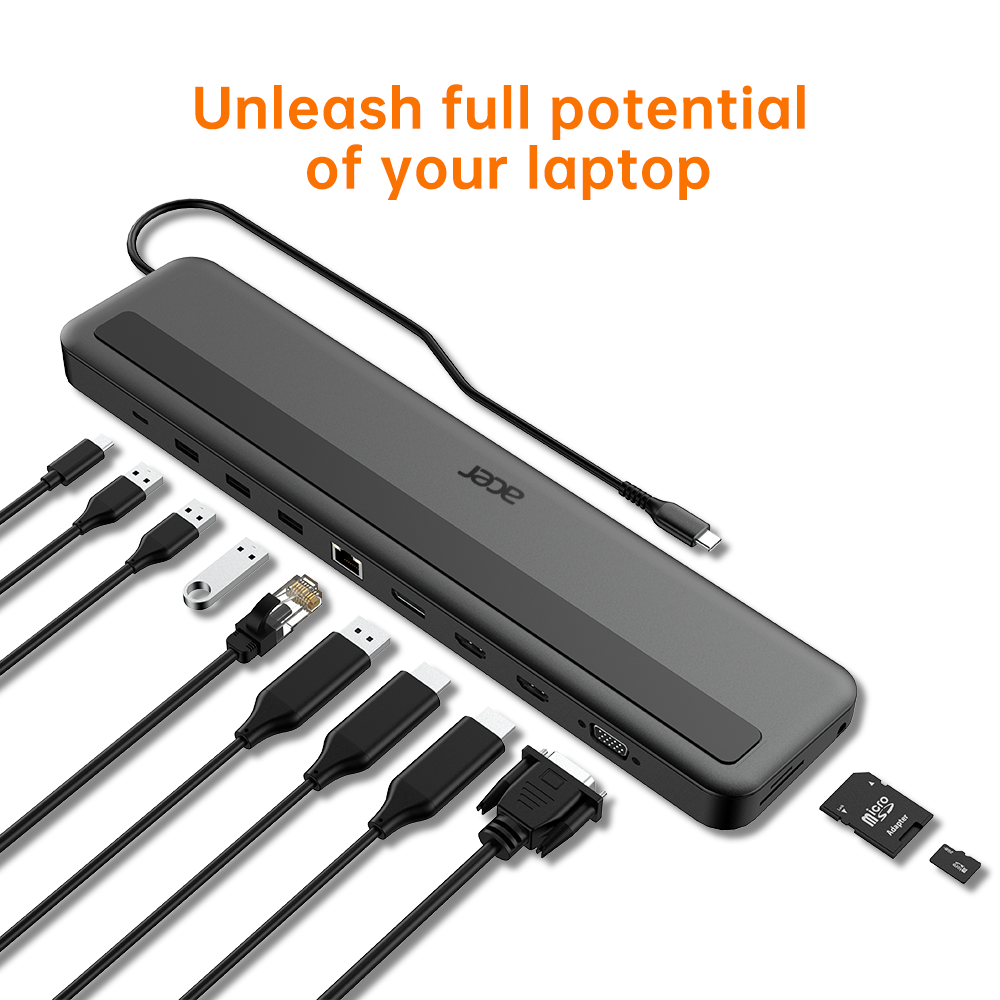
The Acer USB‑C 13‑in‑1 dock is designed for users who need a portable workstation that can connect to multiple displays, wired networks, and peripherals without cluttering their desk. It supports dual or triple monitor setups through HDMI, DisplayPort and VGA outputs, while also providing three USB 3.0 data ports, an Ethernet jack and a headphone socket.
Technical details
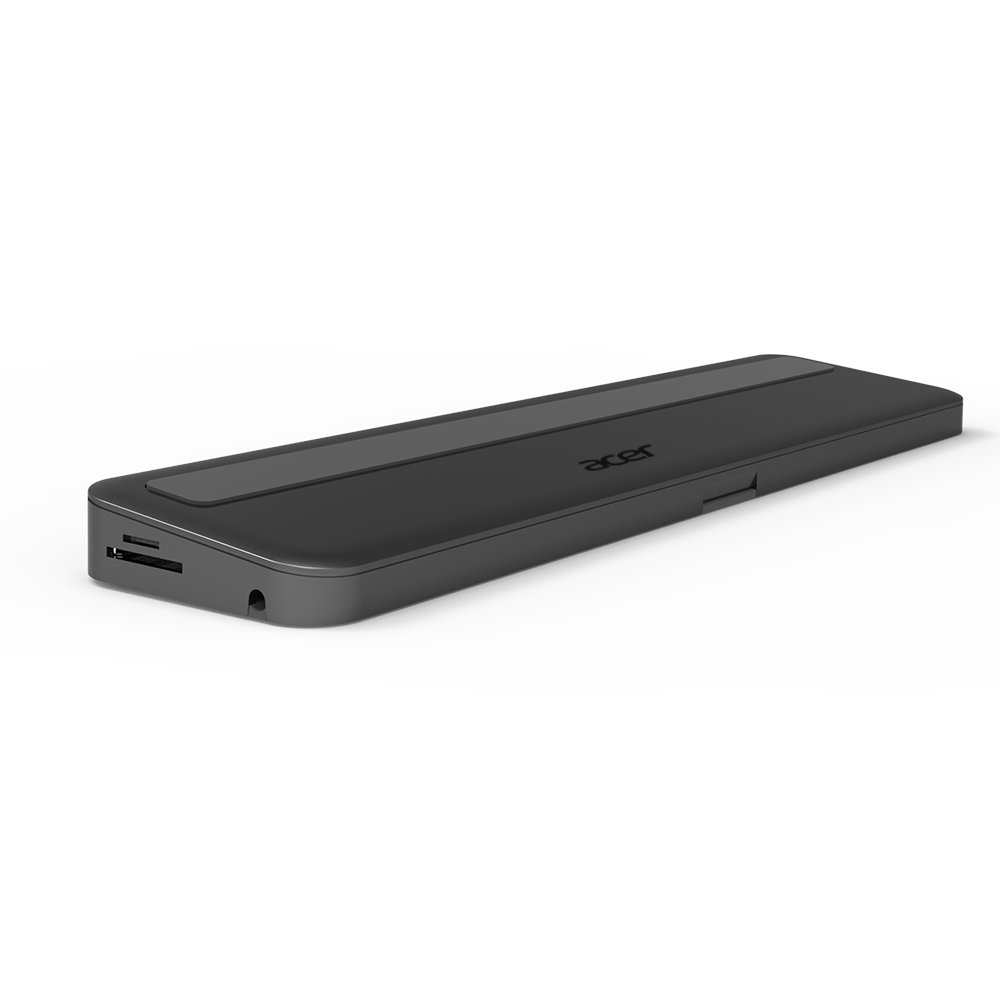
- Video output: 1x HDMI, 1x DP, 1x VGA (supports DP‑Alt Mode)
- Power delivery: 100W USB‑C PD port for charging laptops up to 15 V/6.6 A
- Data ports: 3x USB 3.0, 1x RJ45 LAN (10/100/1000 Mbps), SD/TF card reader
- Audio: 3.5 mm headphone jack
- Compatibility: All devices with a USB‑C port that supports DP‑Alt Mode and Power Delivery
Practical tips
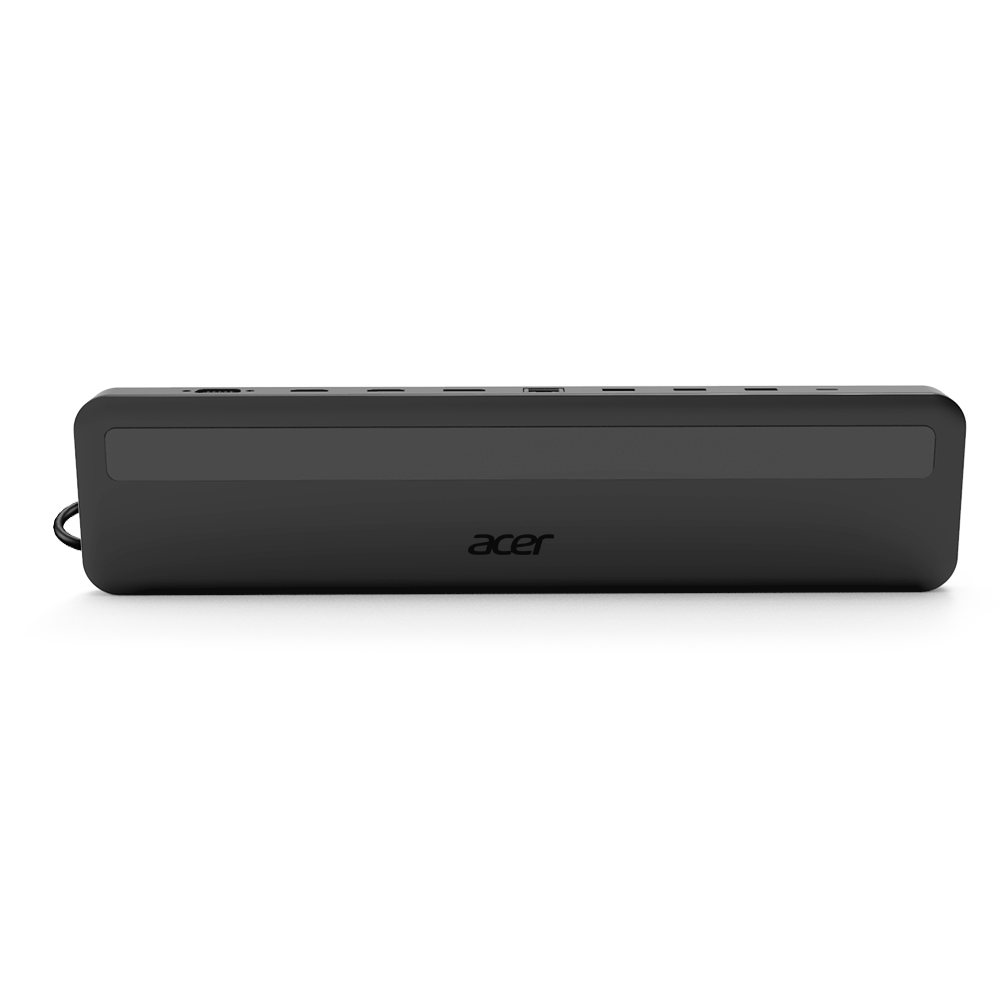
When setting up the dock, make sure your laptop’s USB‑C port is rated for both video and power delivery, otherwise, you may only see charging or display functionality. Plug the dock into a wall outlet to maximise charging speed for laptops that support 100W PD.
If you plan to run three monitors, connect the primary display via HDMI (preferred for newer GPUs), then use DisplayPort for a second screen and VGA for legacy hardware. The dock’s built‑in SD/TF reader is handy for photographers or editors who need quick access to memory cards without a separate card reader.
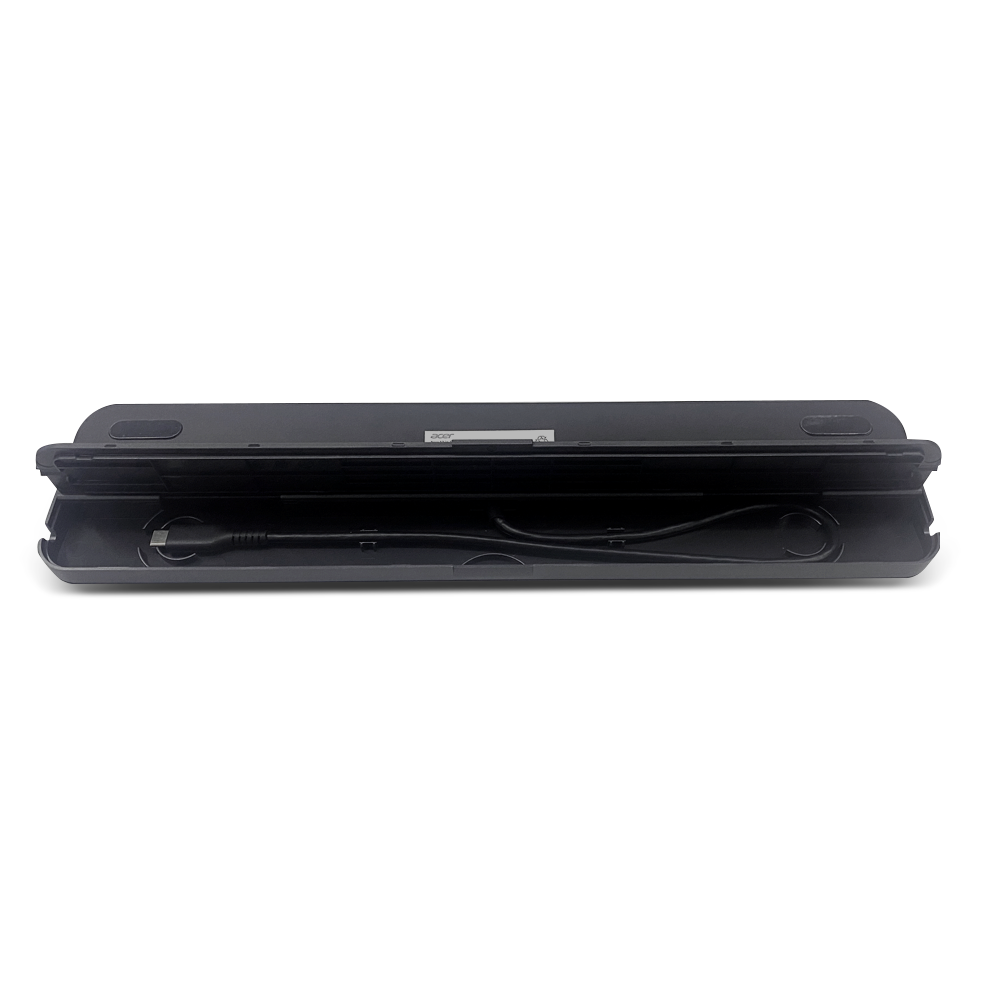
The Ethernet port is useful in environments where Wi‑Fi signals are weak, such as large offices or areas with thick walls. Pair it with the USB 3.0 ports for a full set of peripherals—mouse, keyboard, external storage—without needing extra adapters.
Remember that some laptops may limit power delivery to 60W even if the dock can supply 100W, check your device’s specifications before assuming full charging capability.
Benefits
By consolidating video, networking and data connections into one small unit, you reduce cable clutter and improve desk ergonomics. The dock’s compact design makes it ideal for travelling professionals who need to switch between home office and hotel rooms quickly. Its robust build ensures reliable performance even after repeated docking and undocking cycles.