

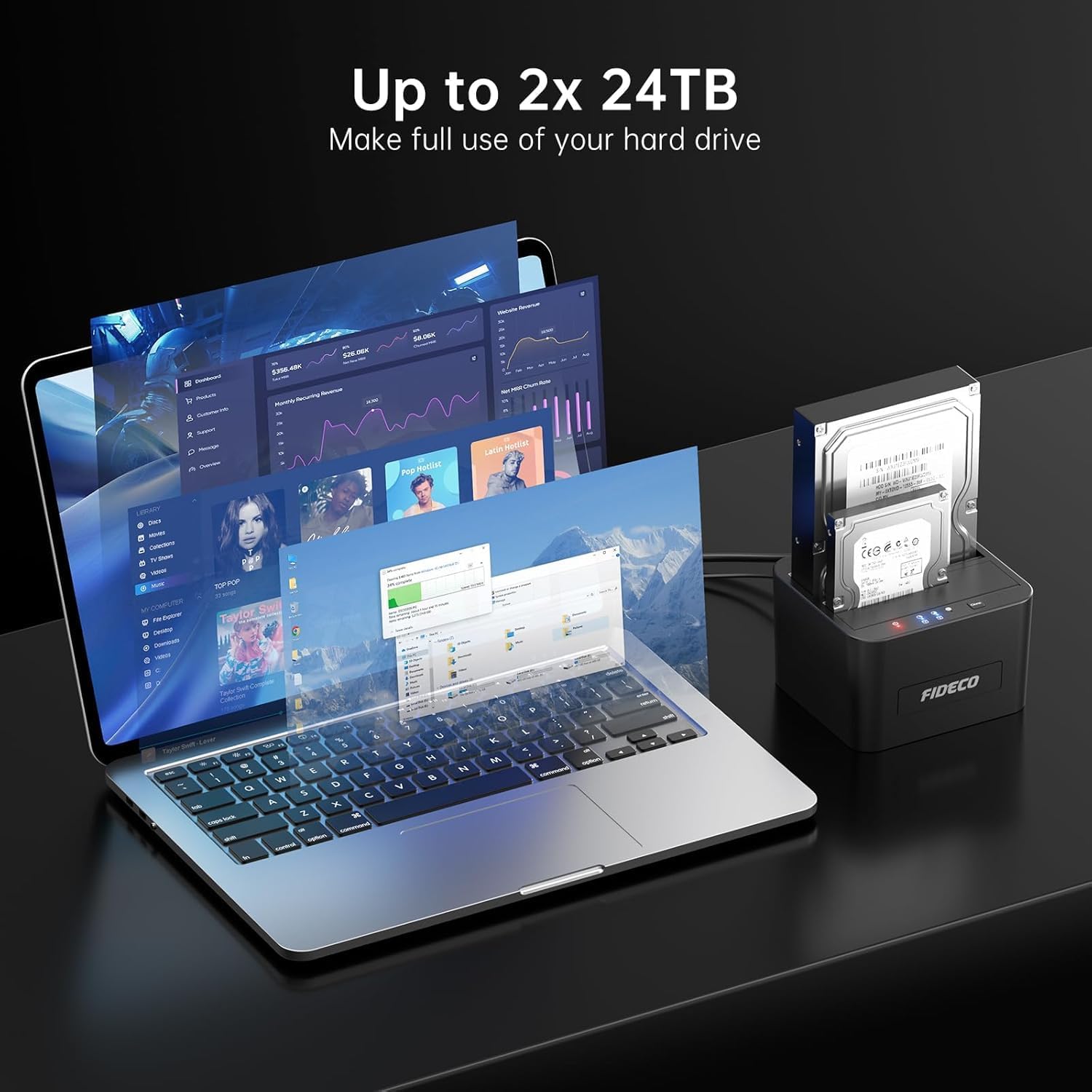
FIDECO Hard Drive Docking Station dual‑bay, USB 3.0
Product description
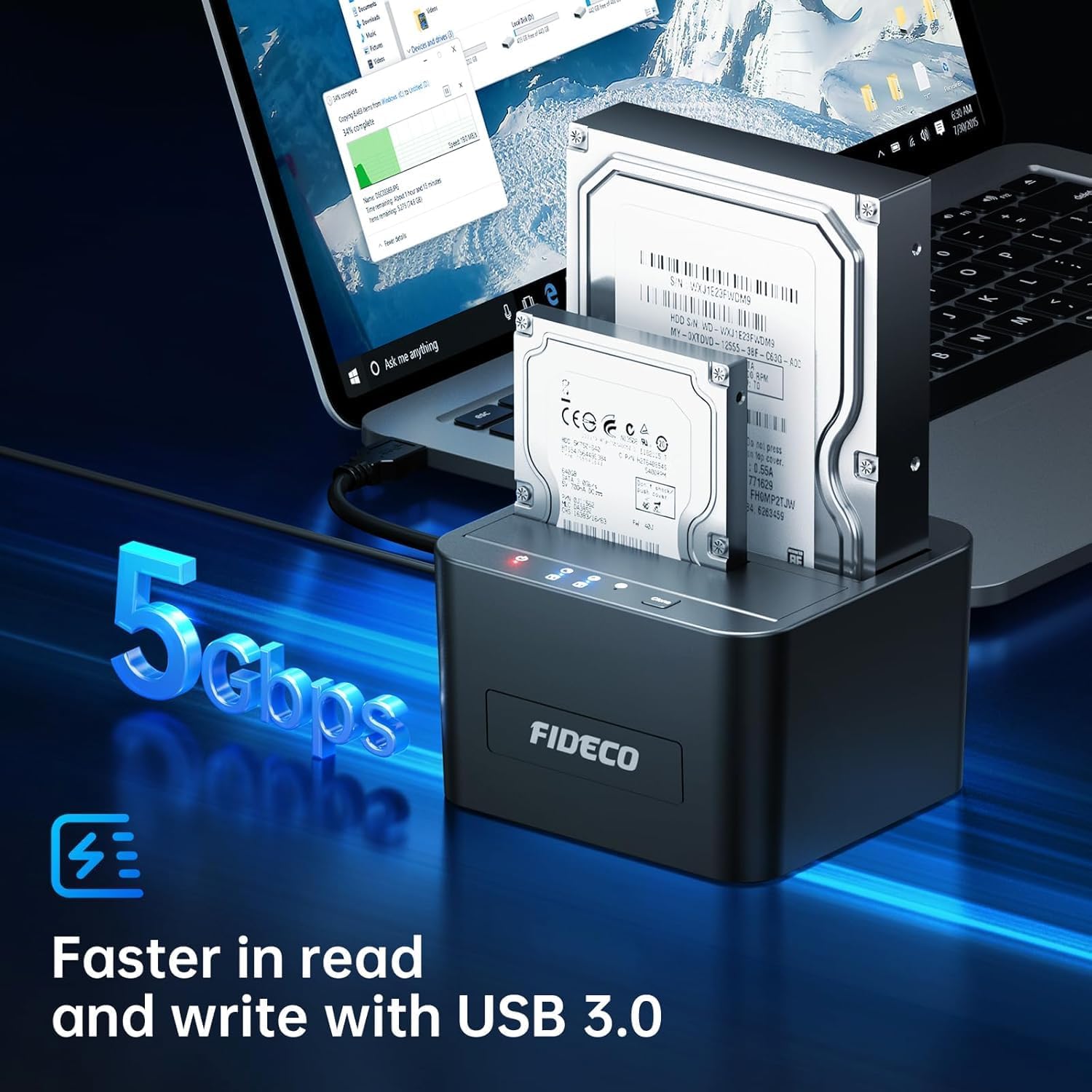
This dual-bay docking solution connects two 2.5 or 3.5 inch SATA drives to a computer and speeds up data transfers with USB 3.0. If you need to access multiple HDDs or SSDs for backups, data recovery or media storage, this USB 3.0 SATA HDD docking station offers plug-and-play convenience and tool-free installation for fast swapping and straightforward use.
Key Points
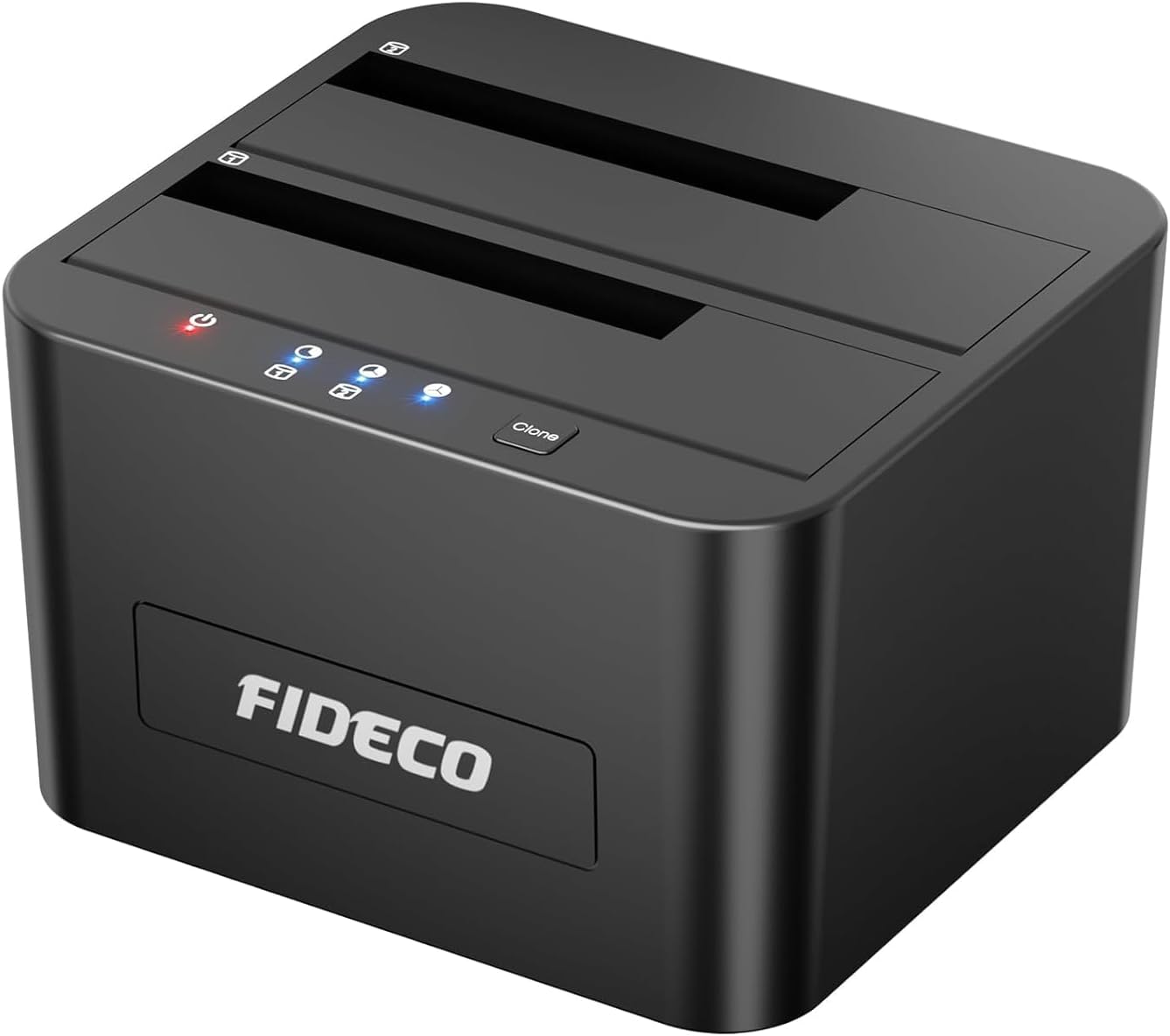
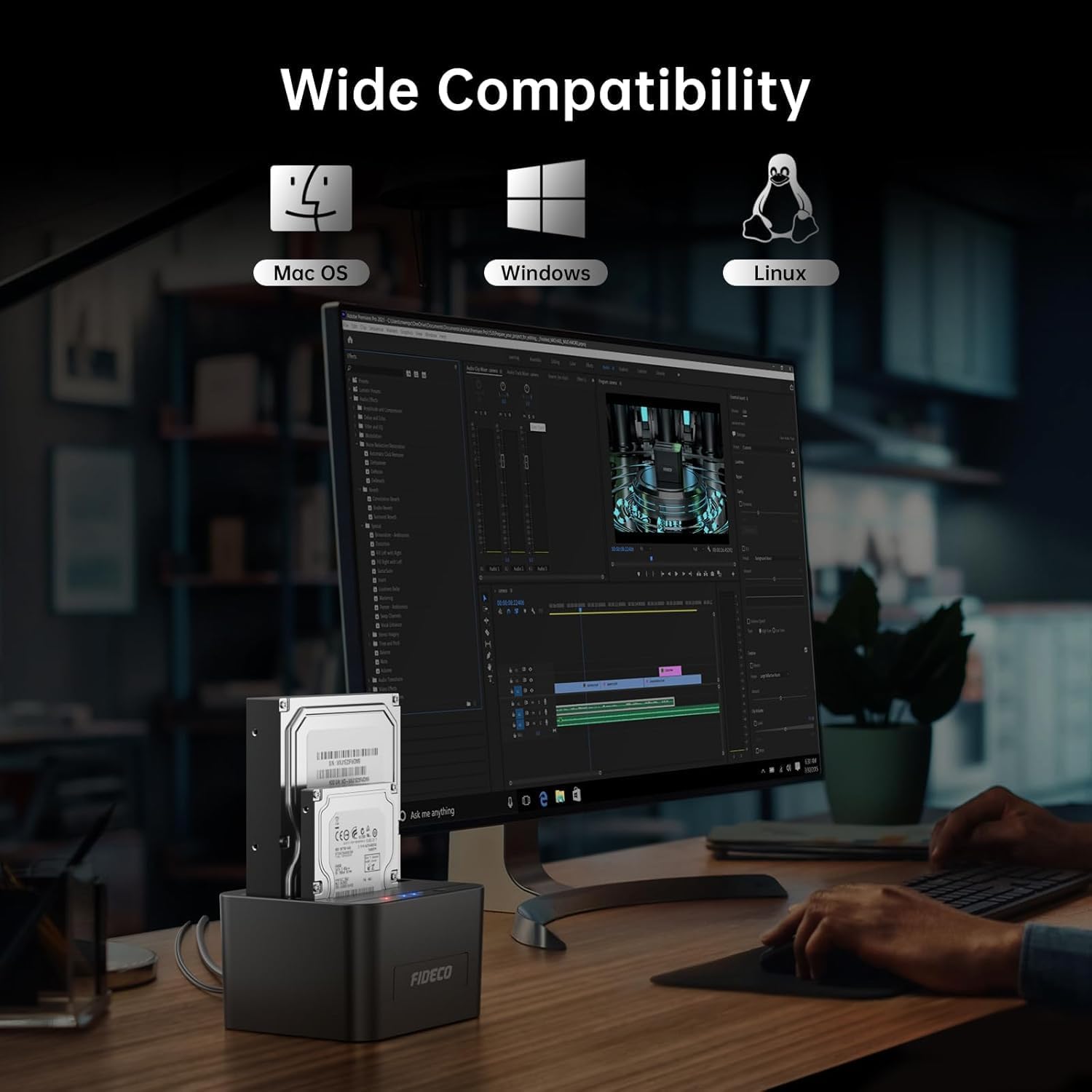
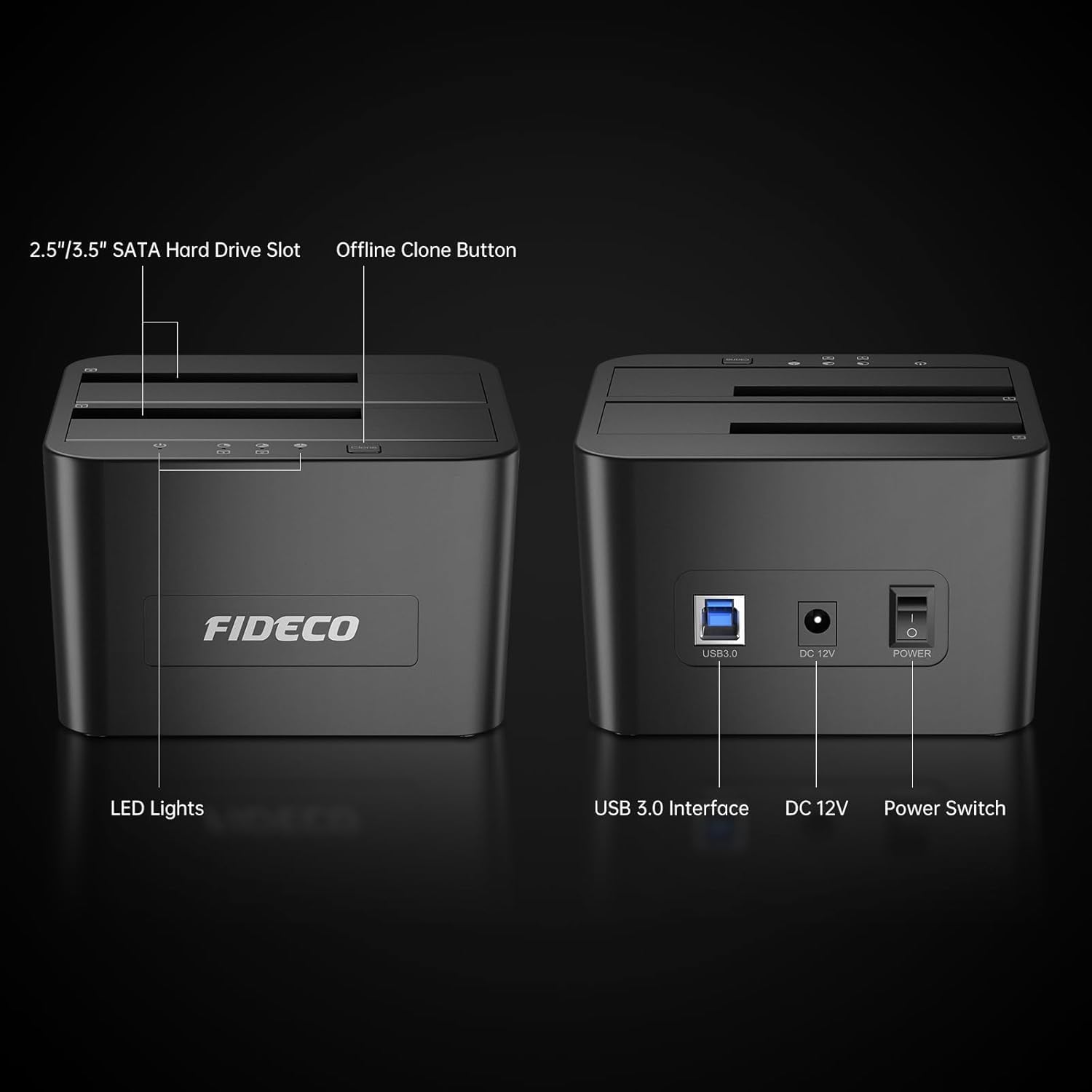
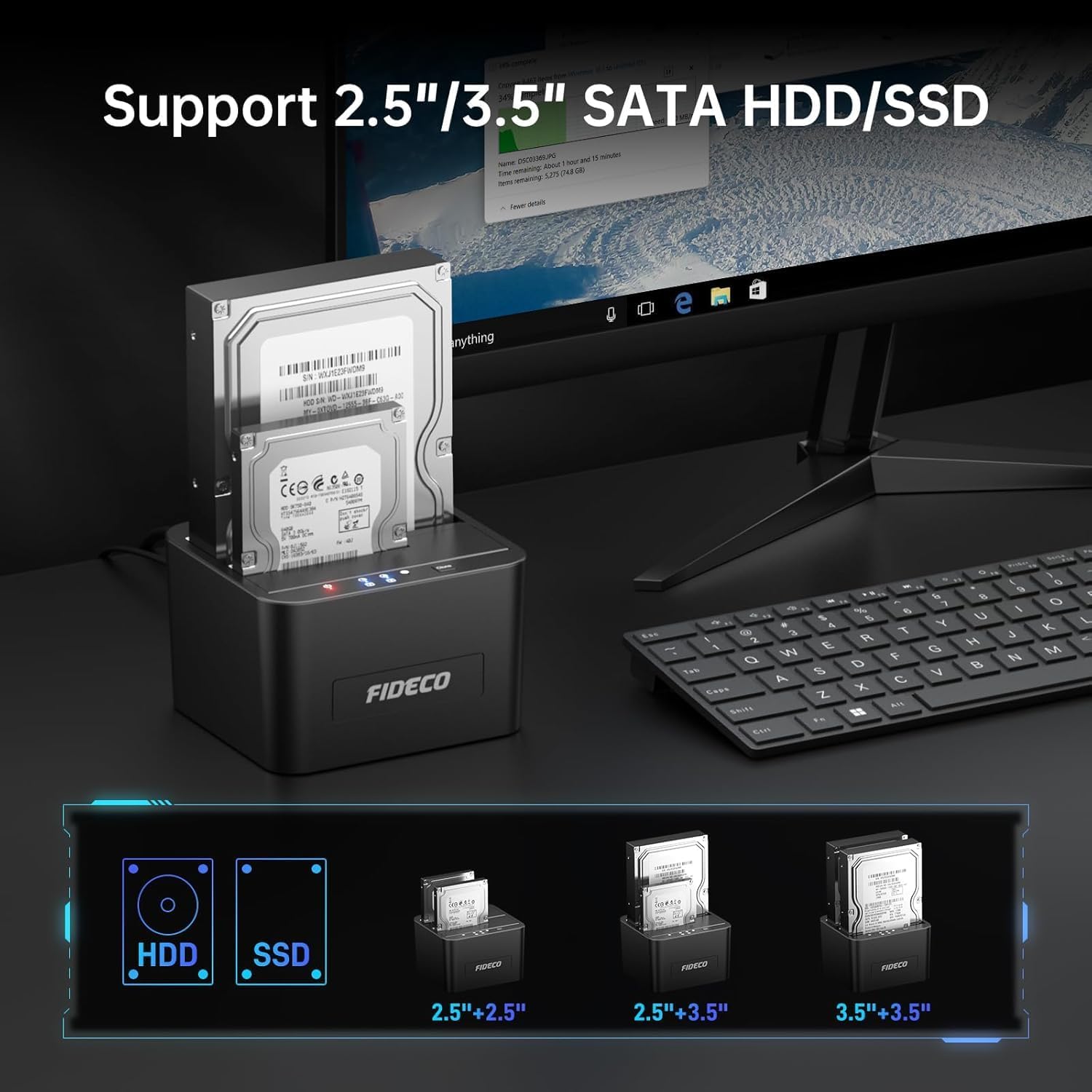
The unit accepts SATA I/II/III 2.5 inch and 3.5 inch HDDs and SSDs and supports drives up to 16 TB each, allowing a combined capacity of up to 32 TB according to the manufacturer. It works with Windows, macOS and Linux without additional drivers, so it is useful for technicians, creative professionals and home users who frequently clone or migrate drives. The design includes a visible LED status indicator for each bay, and the front panel gives easy access to the clone function.
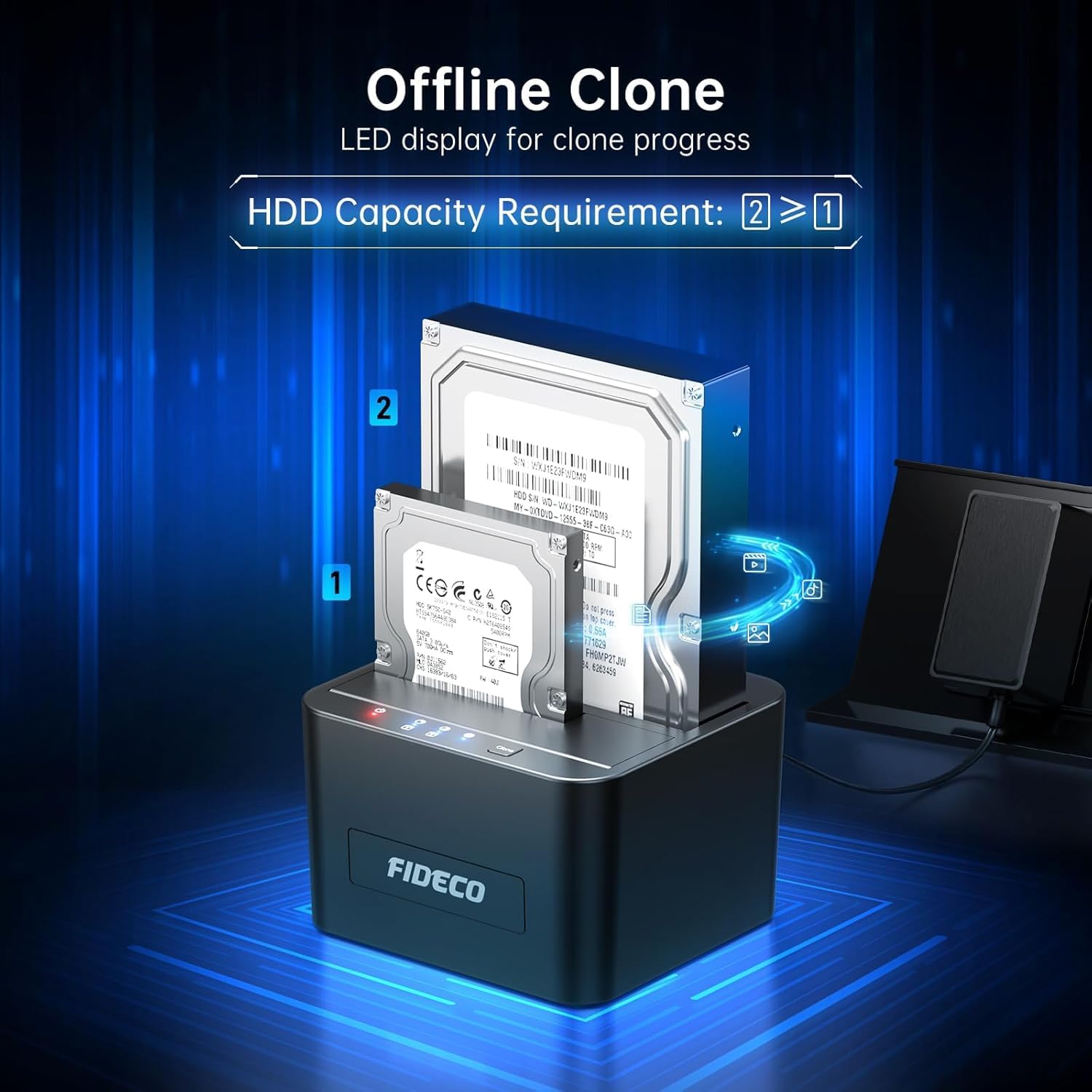
This docking station supports offline duplication, meaning you can clone one drive to another without needing a PC. To start cloning, press and hold the clone button for a few seconds and follow the LED progress indicators. Note that cloning is done at hardware level and cloning speed depends on the drive types used. Also consider that only SATA drives are supported, so IDE or other interfaces will not work with this unit. 🔁💾
Technical Specifications
- Name: FIDECO Hard Drive Docking Station
- Interface: USB 3.0 5Gbps
- Drive support: 2.5 inch and 3.5 inch SATA I/II/III HDD/SSD
- Maximum capacity: 2 x 16 TB (32 TB total)
- Special feature: Offline Clone supported, plug-and-play, tool-free installation
Usage Recommendations
For cloning tasks, insert the source drive into one bay and the target drive into the other, press the clone button and monitor the LEDs until the process completes. For day-to-day file transfers, connect the docking station to a USB 3.0 port to benefit from the higher throughput, and use a USB 2.0 port only when necessary as transfer speeds will be reduced. When handling bare drives, ensure they are placed on a non-conductive surface and power is disconnected before swapping disks to avoid data corruption.
If you intend to use this dock with very large archival drives, allow time for full surface checks or formatting operations as these can take several hours with high-capacity disks. The unit is compact enough to keep on a desk while working with multiple drives, but remember to back up important data before cloning or formatting operations. The device does not require drivers for standard operation, which simplifies setup and reduces interruptions during maintenance tasks.