

Melelink 10-in-1 USB-C Hub with 4K@60Hz HDMI, 100W PD, SD/TF and 6 USB ports
Product description
The essentials
A USB-C hub that tries to do everything in one go tends to get bought for one reason: you’re tired of juggling dongles. The Melelink 10-in-1 USB-C Hub is built for that exact day-to-day setup—HDMI for a second screen, multiple USB ports for peripherals, and SD/TF card readers when you need to move files. On paper it’s quite feature-packed, especially for a single compact adapter.
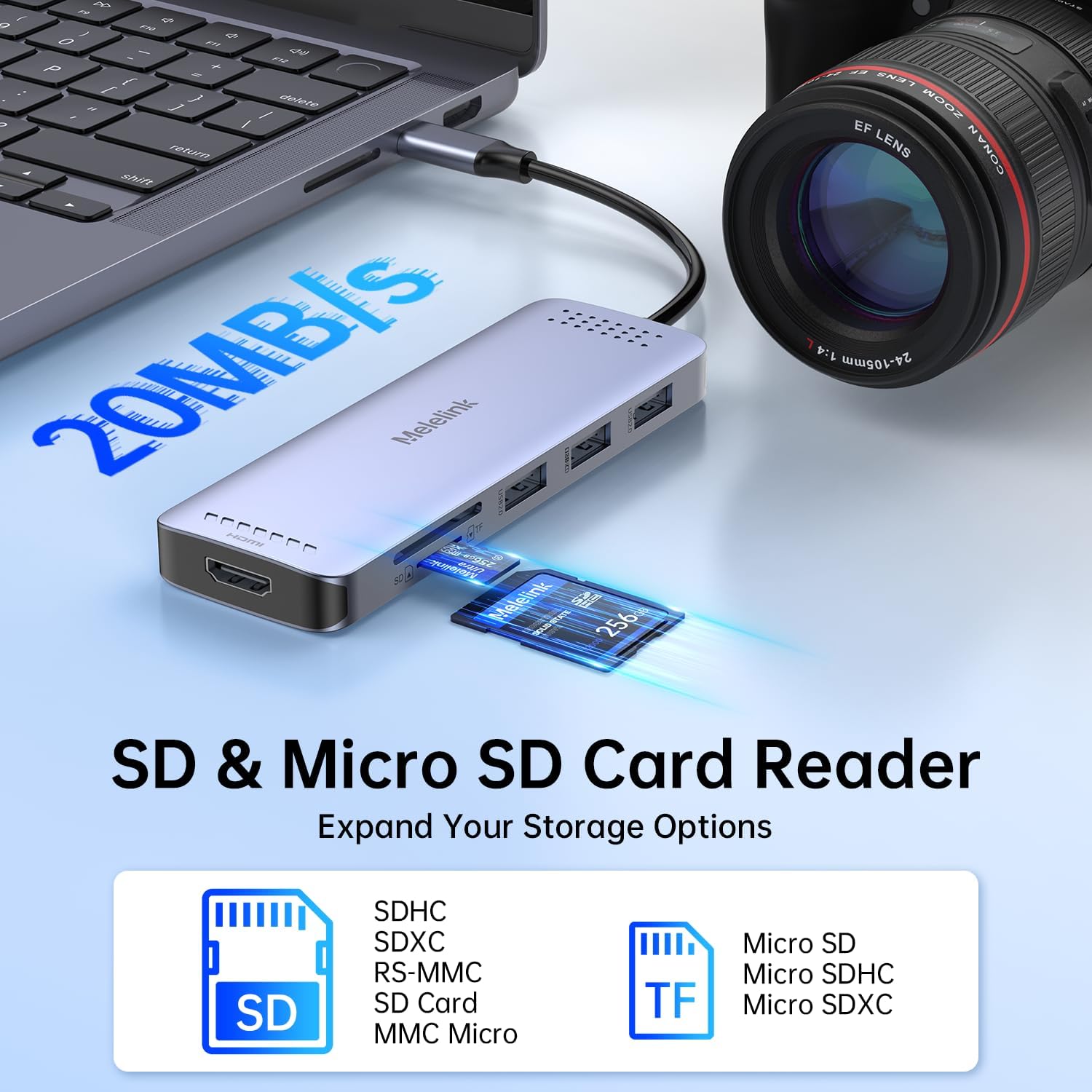
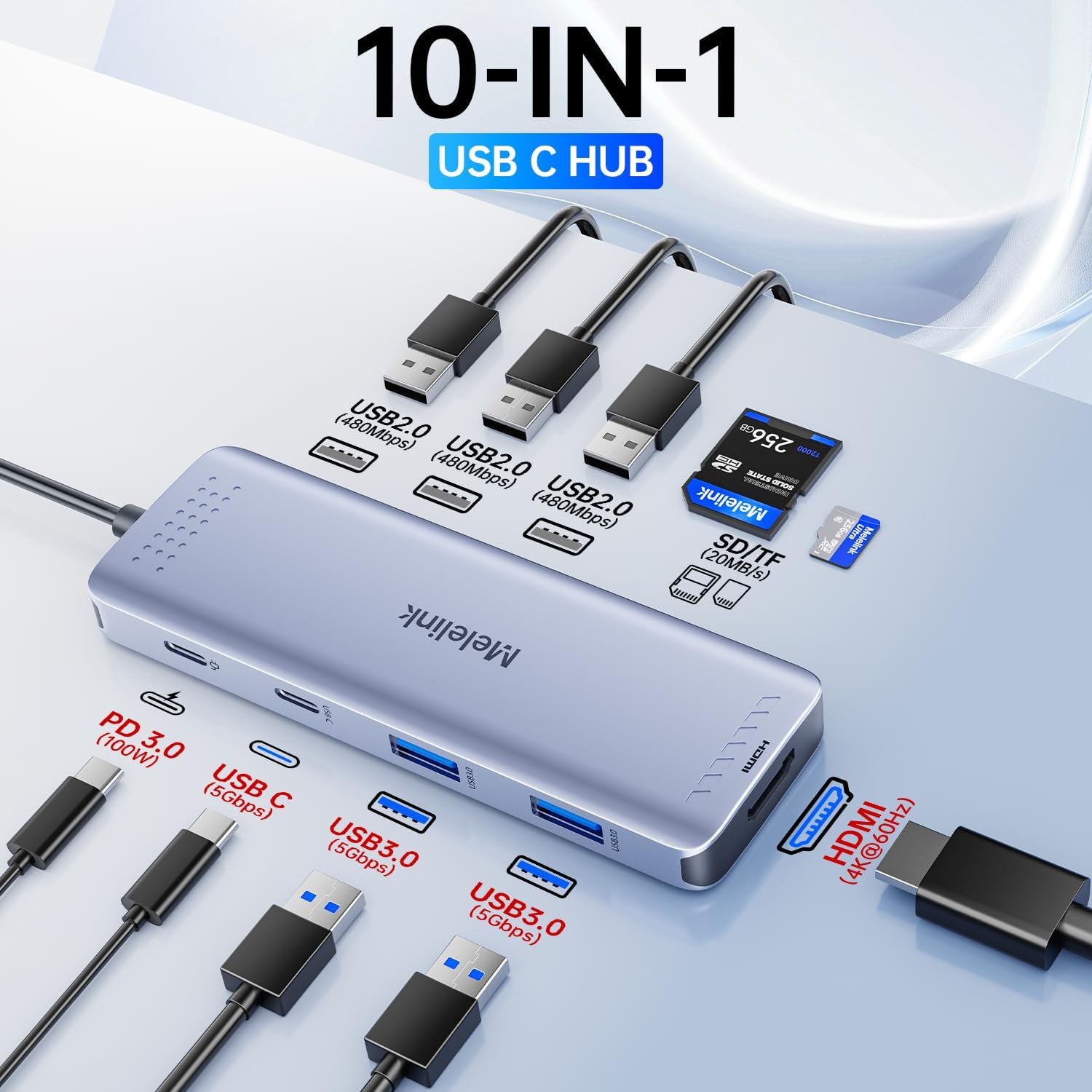
The headline features are a 4K HDMI output up to 4K@60Hz, a mix of USB 3.0 and USB 2.0 ports, and a 100W USB-C Power Delivery (PD) charging pass-through. There’s also a dedicated USB-C data port and SD/TF readers that are described as reading both cards simultaneously, which can be handy for photographers or anyone who transfers batches of photos and video.
Key features worth considering
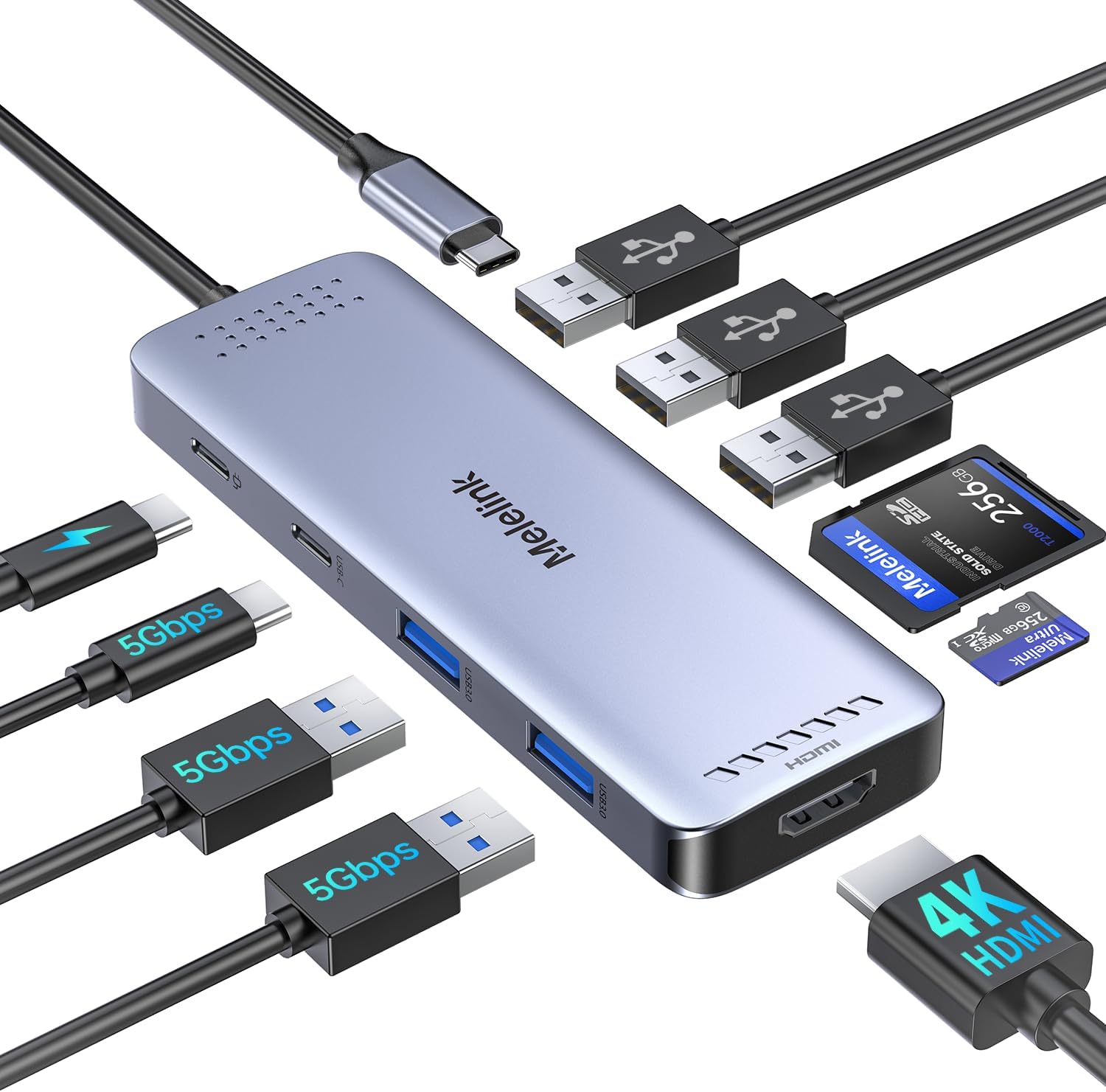
Where this hub looks strongest is coverage. You don’t just get one USB-A port—you get a small set designed for different kinds of devices. According to the details provided, it includes:
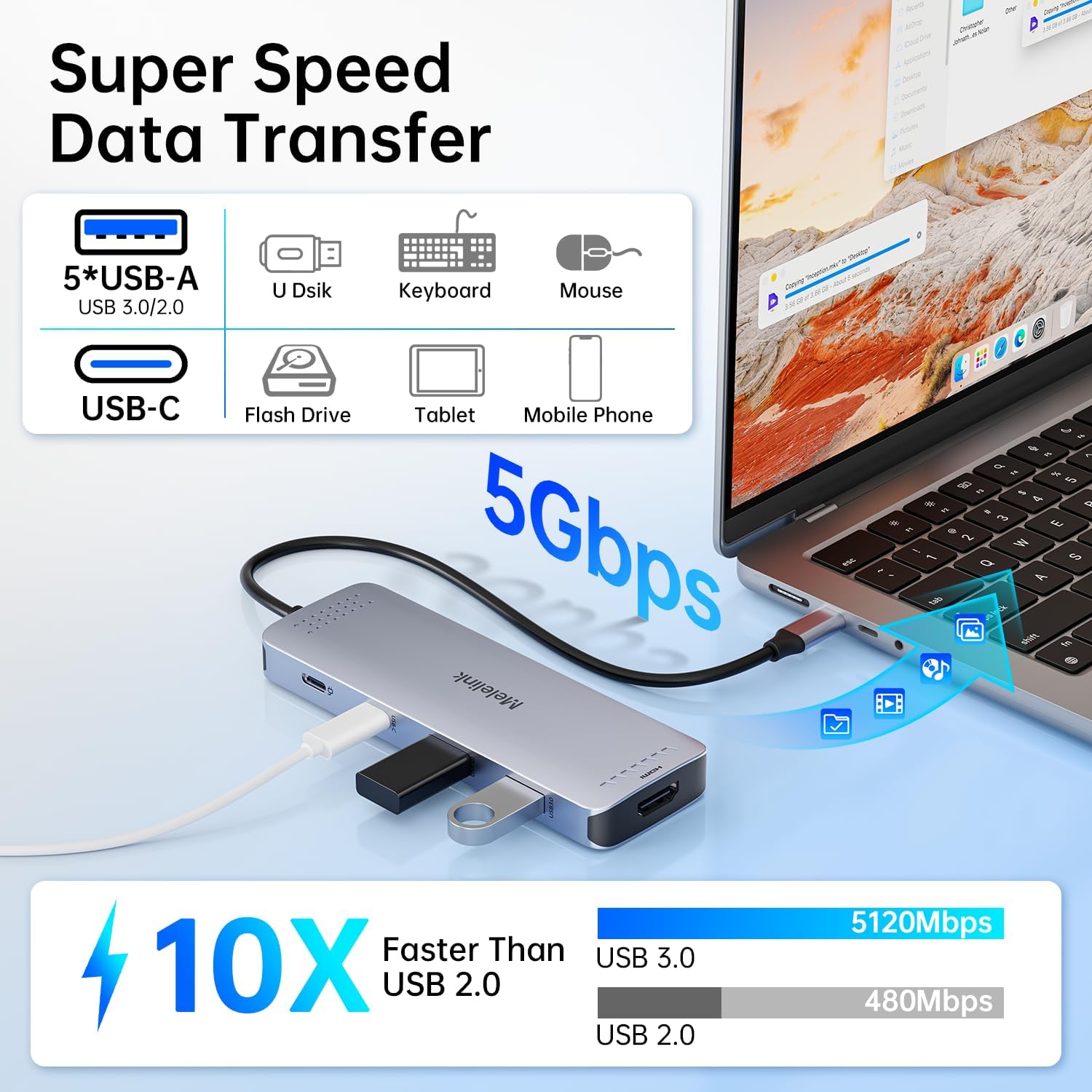
- 2× USB-A 3.0 ports (with 5Gbps speed)
- 1× USB-C 3.0 port (also 5Gbps)
- 3× USB-A 2.0 ports (480Mbps)
- SD and TF card readers
- A dedicated 5Gbps USB-C data port (so there’s more than one way to expand connectivity)
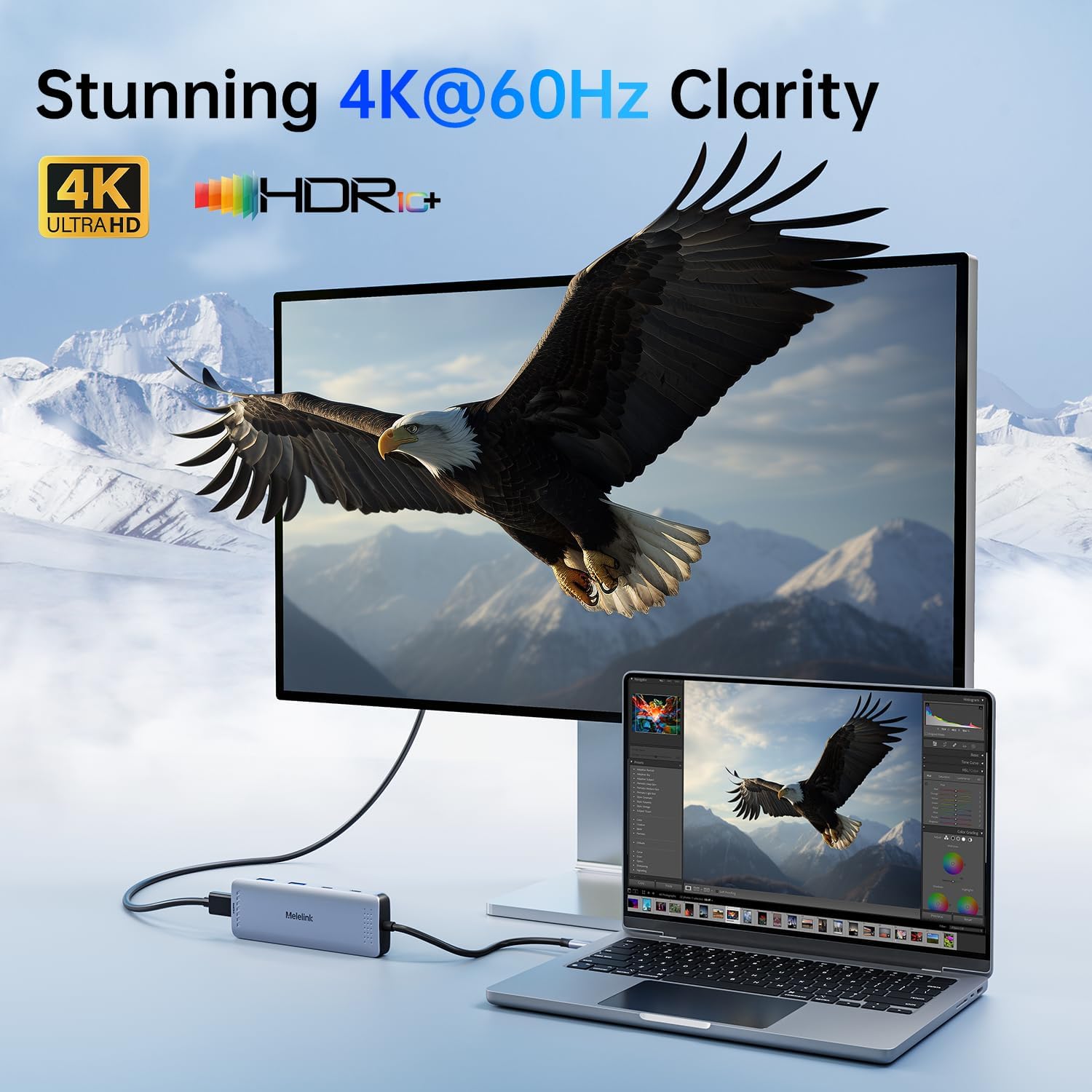
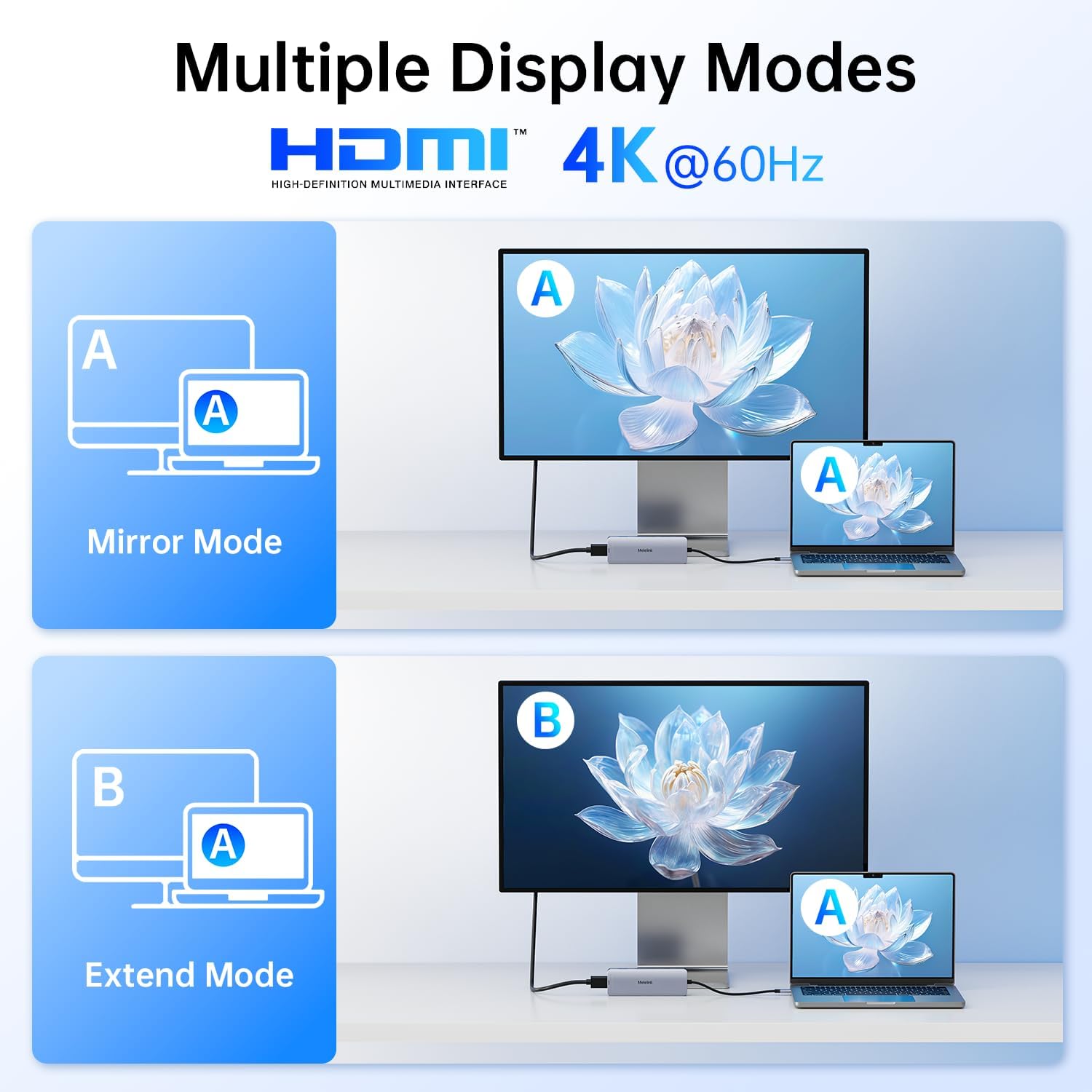
On video, the hub supports 4K HDMI up to 4K@60Hz (with stated backward compatibility to 2K@120Hz and 1080p). In practical terms, that’s the sort of spec you’d want if you’re aiming for a crisp desktop setup—say, plugging it into a TV in the evening, or running a work monitor so you can keep documents and spreadsheets side-by-side.
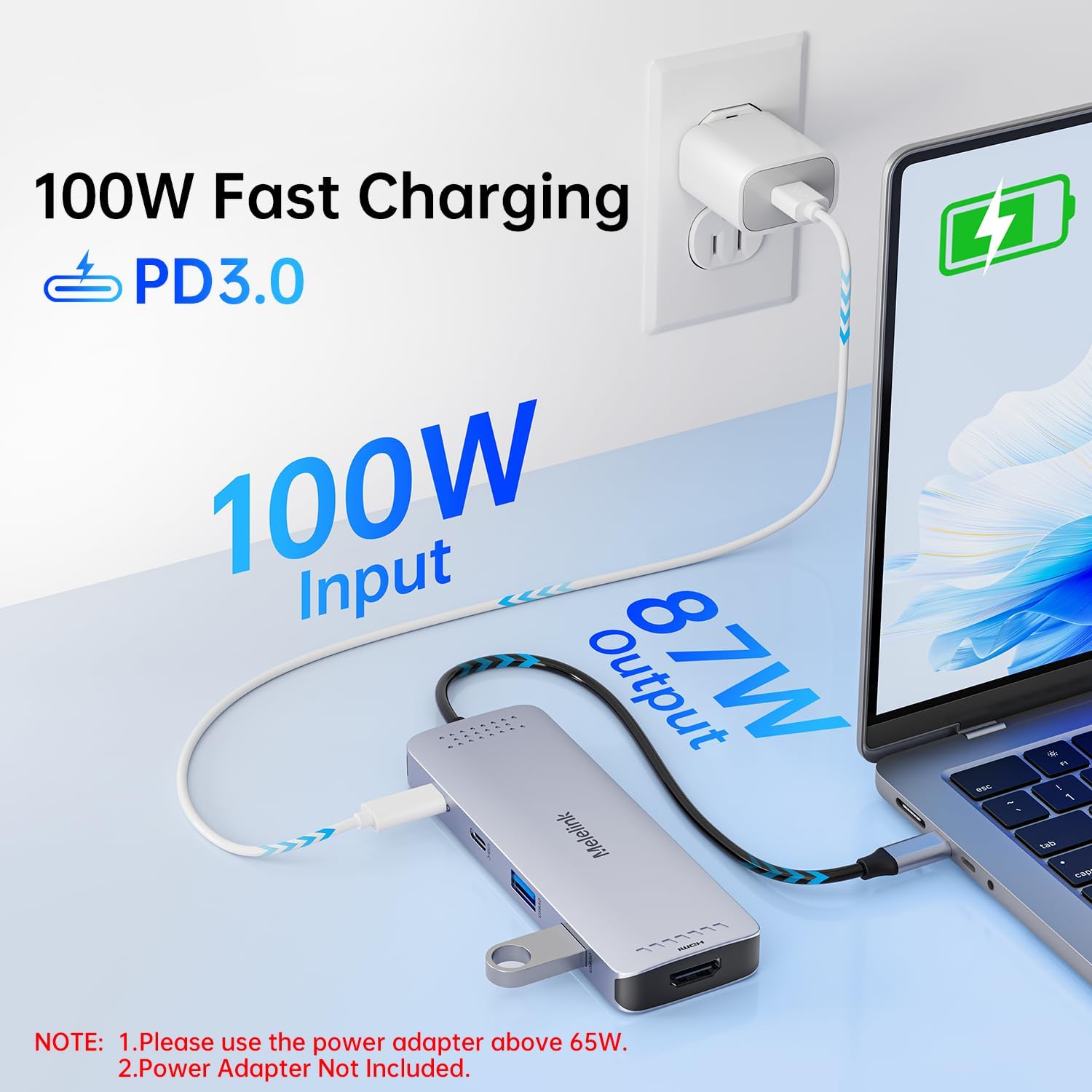
And if you’re often charging from your laptop, the 100W PD pass-through is the other big draw. Just note the important caveat mentioned: for safety reasons, the power output is limited to 87W–96W. Also, the PD port is only compatible with devices that support the PD protocol.
What you’ll notice day to day
If your laptop has a limited number of ports, this kind of hub can reduce friction quickly. For example, you could connect HDMI to your external monitor, plug in a keyboard and mouse via USB-A, then keep a phone or headset on one of the faster USB 3.0 ports. When you need to import media, you’re not hunting for a separate card reader—you’ve got SD/TF built in.
It’s worth being realistic about how you’ll use the different ports. The USB-A 2.0 ports (480Mbps) are best for low-bandwidth peripherals like mice, keyboards or older accessories. If you’re transferring large files to a storage drive and want speed, you’d generally rely on the USB 3.0/5Gbps ports instead.
Compatibility: where it fits, and what to double-check
The hub is positioned as a “works with” option for laptops with a full-featured USB-C port. The description explicitly says the USB-C port needs to support display, charging, and data transfer protocols.
For video output, there’s a key requirement you should take seriously before buying: you should ensure your USB-C adapter port supports DisplayPort Alt Mode or Thunderbolt for video output functionality. If your laptop’s USB-C port doesn’t support that, you might get charging and USB data but not HDMI video.
The listing also names broad compatibility across a range of laptops from brands like Dell (XPS/Latitude), Lenovo (ThinkPad/Yoga), HP (EliteBook/Envy), Microsoft Surface Pro, and Apple MacBook Air/Pro models from 2018–2024 including M1–M4 series, plus some iPad/iPhone models. However, “compatible” is never quite the same as “guaranteed” for every specific configuration—so it’s still sensible to confirm your device’s USB-C video support.
Where it may feel limiting
It’s not a perfect fit if you expect the hub to be universally effortless. The biggest potential limitation is the video requirement: if your USB-C port lacks DisplayPort Alt Mode or Thunderbolt support, HDMI may not work as intended.
Also, the charging claim is capped in real use. The PD pass-through is described as up to 100W, but with a safety-limited output range of 87W–96W. If you specifically need the absolute maximum charging figure from a high-power laptop setup, you should check your device’s PD requirements and what the hub can provide in practice (the listing suggests it’s limited).
Is it worth it?
Worth considering if you want a single USB-C hub that covers HDMI (up to 4K@60Hz), several USB-A/USB-C data connections, SD/TF card readers, and PD pass-through charging for most everyday desk use. It’s the sort of purchase that makes sense when you regularly use peripherals, a monitor/TV, and occasionally move files from SD/TF cards.
You may want to skip it if you’re not confident your laptop’s USB-C port supports DisplayPort Alt Mode or Thunderbolt, because that’s the deal-breaker for HDMI output. It might not suit you either if you need maximum charging power beyond the stated safety-limited PD output range.
Mini FAQ
Will the HDMI output work with any USB-C laptop?
Not necessarily. The listing advises that your USB-C port needs to support DisplayPort Alt Mode or Thunderbolt for video output functionality.
Does it charge the laptop while connected?
Yes, it supports USB-C Power Delivery pass-through charging up to a stated limit. The listing also notes the output is limited to 87W–96W for safety, and PD compatibility is required.
Are all USB ports fast?
No. The hub includes both USB 3.0 (5Gbps) and USB 2.0 (480Mbps) ports, so speed depends on which port you use.
Does it read SD and TF cards?
Yes. The description says it has SD/TF card readers and that it can read both cards simultaneously.
What should I check before buying?
Check your laptop’s USB-C port for video support (DisplayPort Alt Mode or Thunderbolt) and confirm PD protocol support if you plan to use charging through the hub.