

LENTION CH17 USB C Hub with 100W PD, 4K HDMI
Reviews
Price
Product description
This compact multiport adapter brings extra connectivity to modern laptops and tablets, and is a practical USB C hub for MacBook Pro when you need more ports for work or travel. It combines fast charging with video output and multiple USB-A sockets, making it useful for presenting, transferring large files and powering peripherals.
Key Points
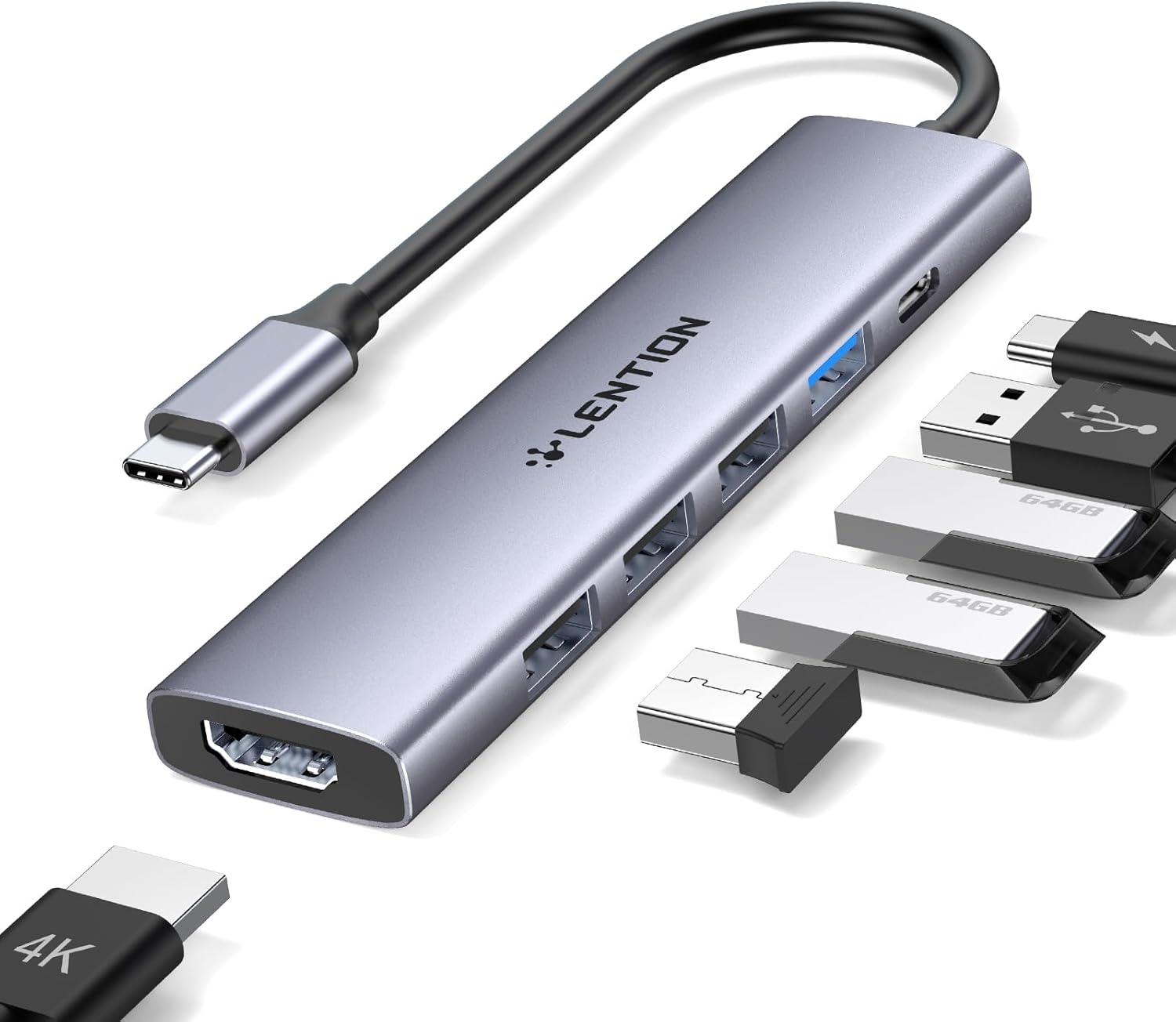
The hub includes a 4K HDMI output and several USB-A ports alongside a USB-C Power Delivery inlet, so you can connect a monitor and charge a host device while keeping accessories attached. The aluminium-look grey finish is small and lightweight, which helps when carrying it between meetings or packing it with a laptop. Note that HDMI output requires a device USB-C port that supports video streaming, according to the manufacturer. ⚡️
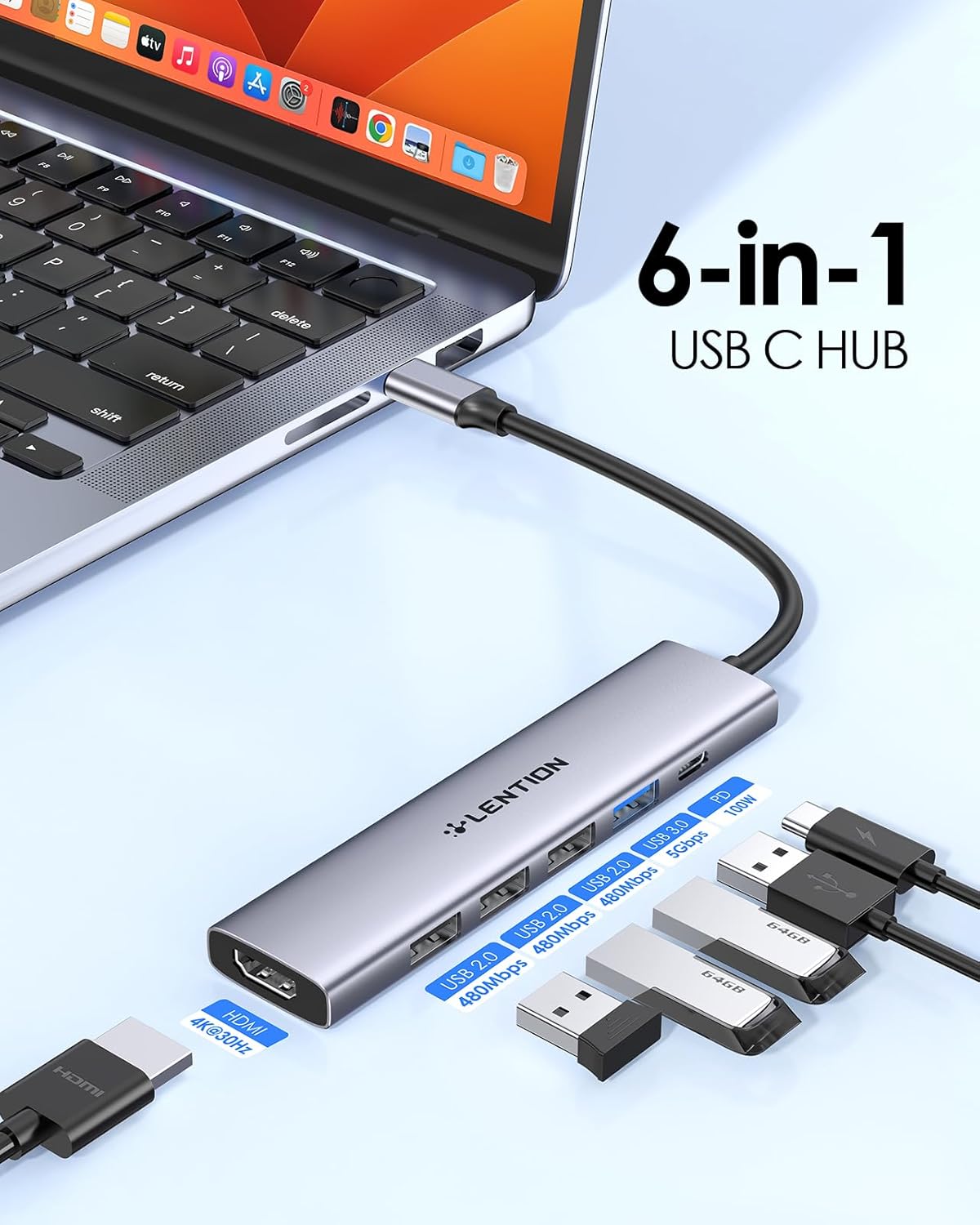
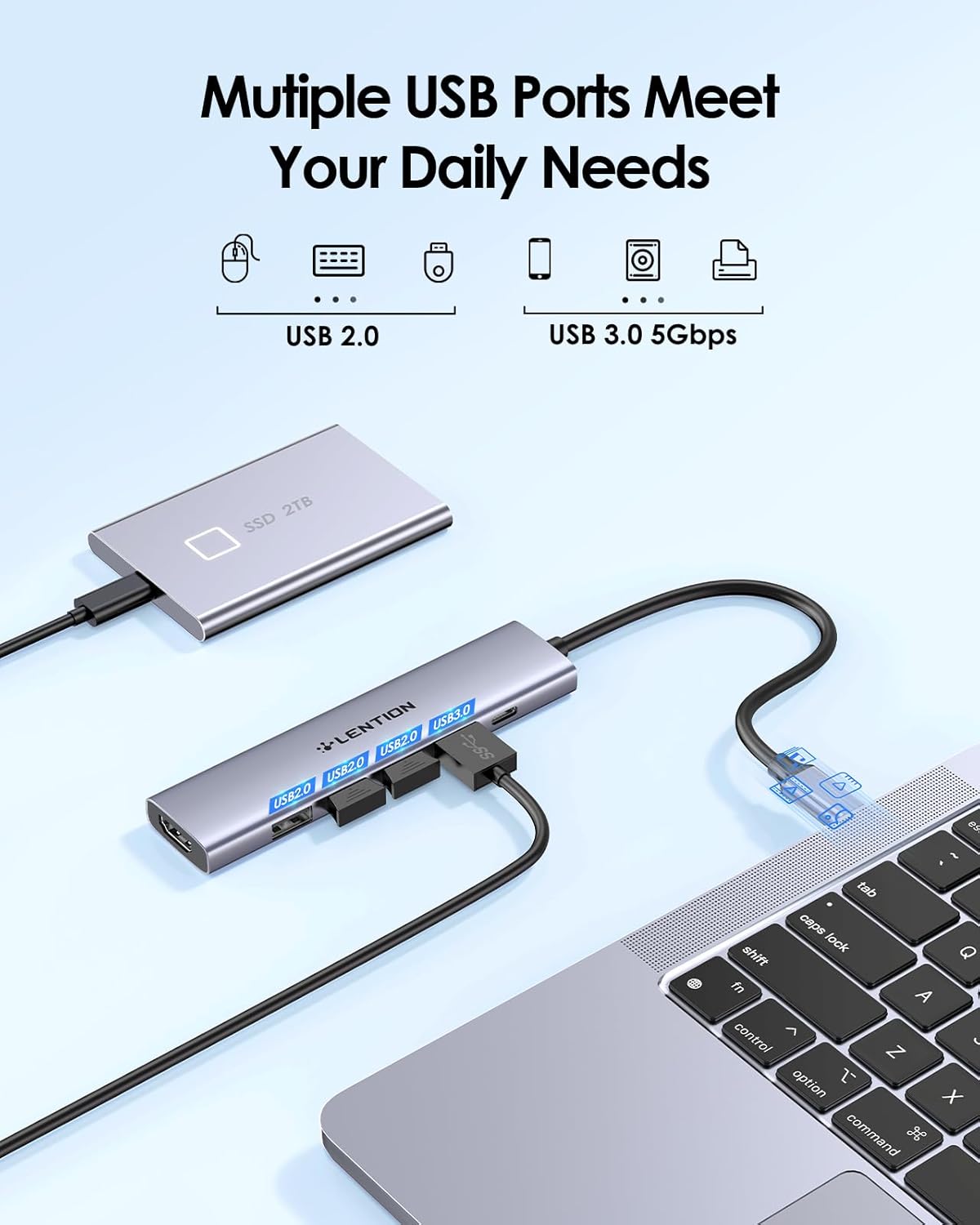
This adapter supports a mix of USB generations to balance speed and compatibility. The single USB 3.0 port handles faster transfers, while the three USB 2.0 ports are suited for keyboards, mice and other low-bandwidth devices. If you plan to attach an optical SuperDrive, be aware this hub does not support that accessory.
Technical Specifications
- Name: LENTION CH17
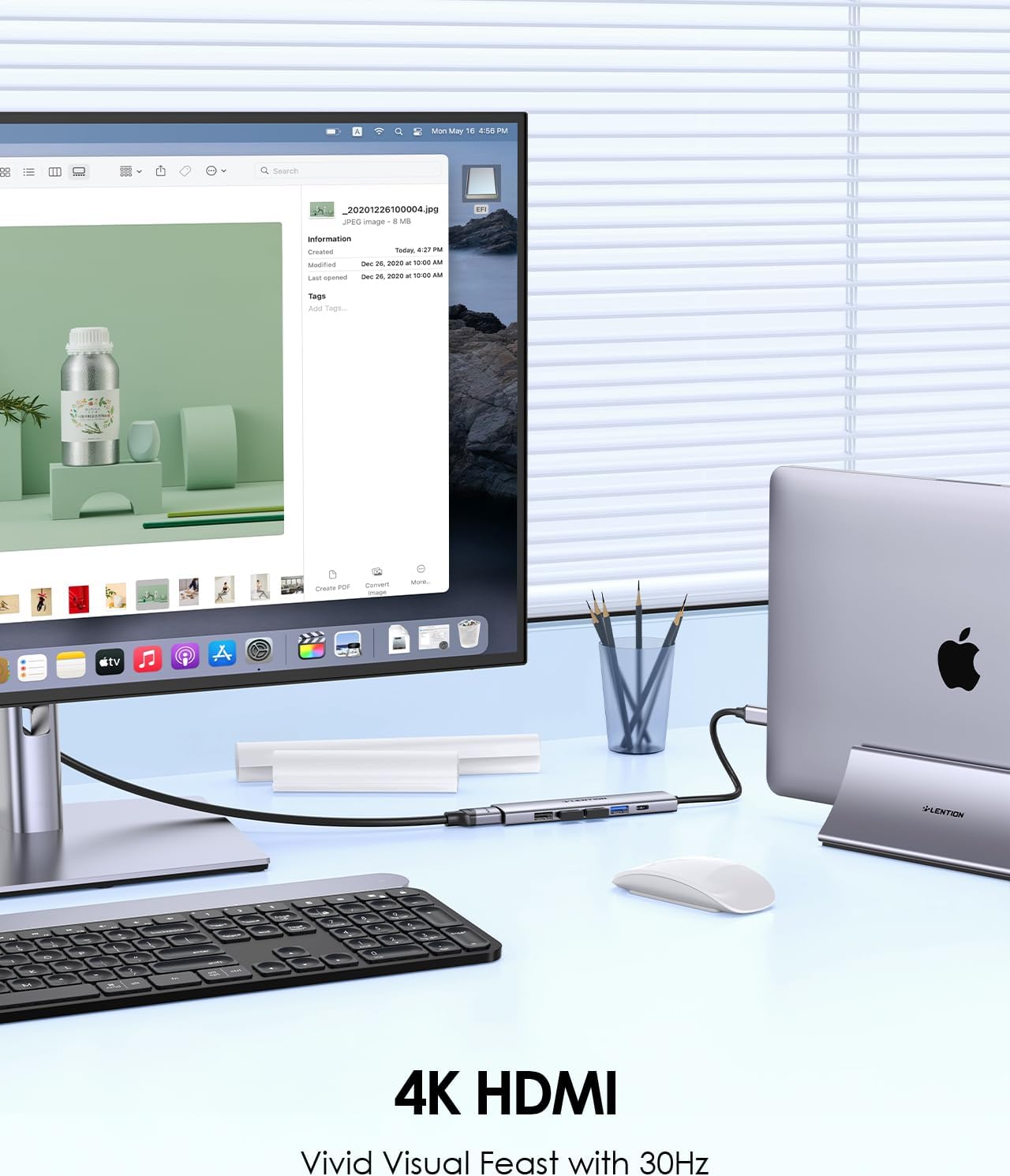
- HDMI output: 4K@30Hz, compatible with 1080p@120Hz
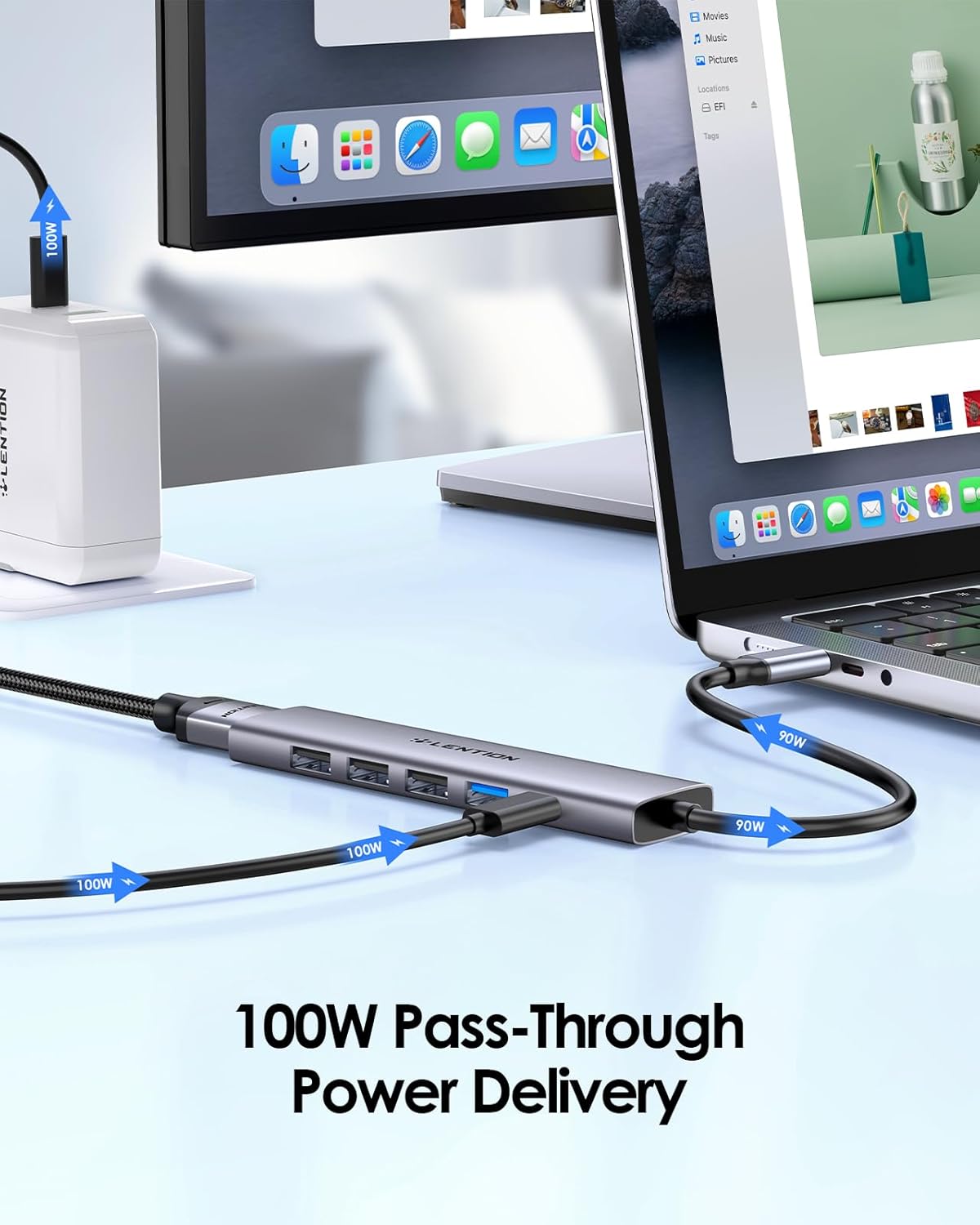
- Power Delivery input: 100W PD
- USB ports: 1 × USB-A 3.0 (up to 5 Gbps), 3 × USB-A 2.0
- Colour: Grey
Usage Recommendations
For presentations and video playback, connect the HDMI port to an external display and set the laptop to extend or mirror the screen. When using the 4K output, verify the laptop’s USB-C port supports video as not all USB-C sockets do. For charging and data at the same time, plug a suitable 100W power adapter into the USB-C PD port and then connect storage devices to the USB 3.0 port for quicker transfers. 📺
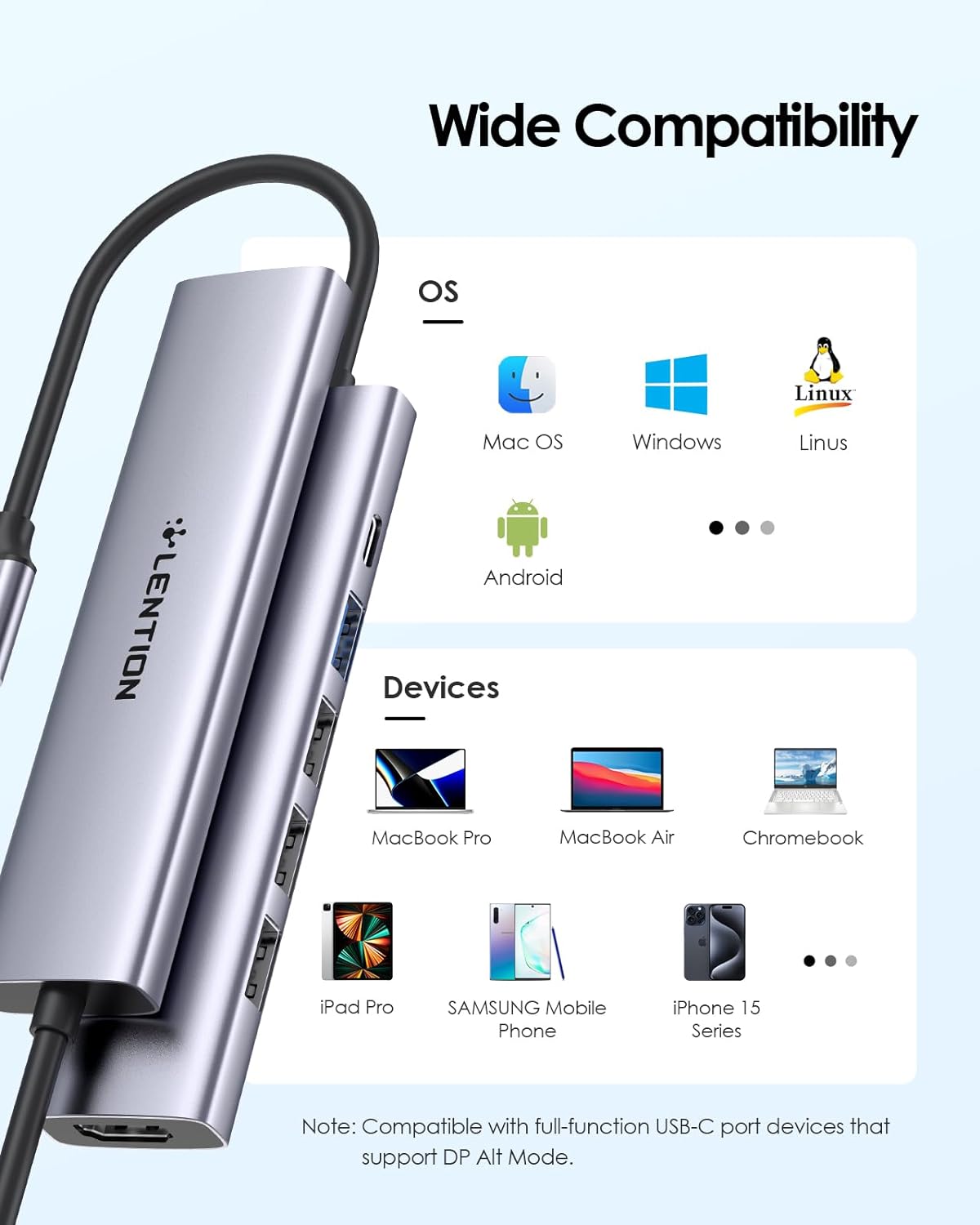
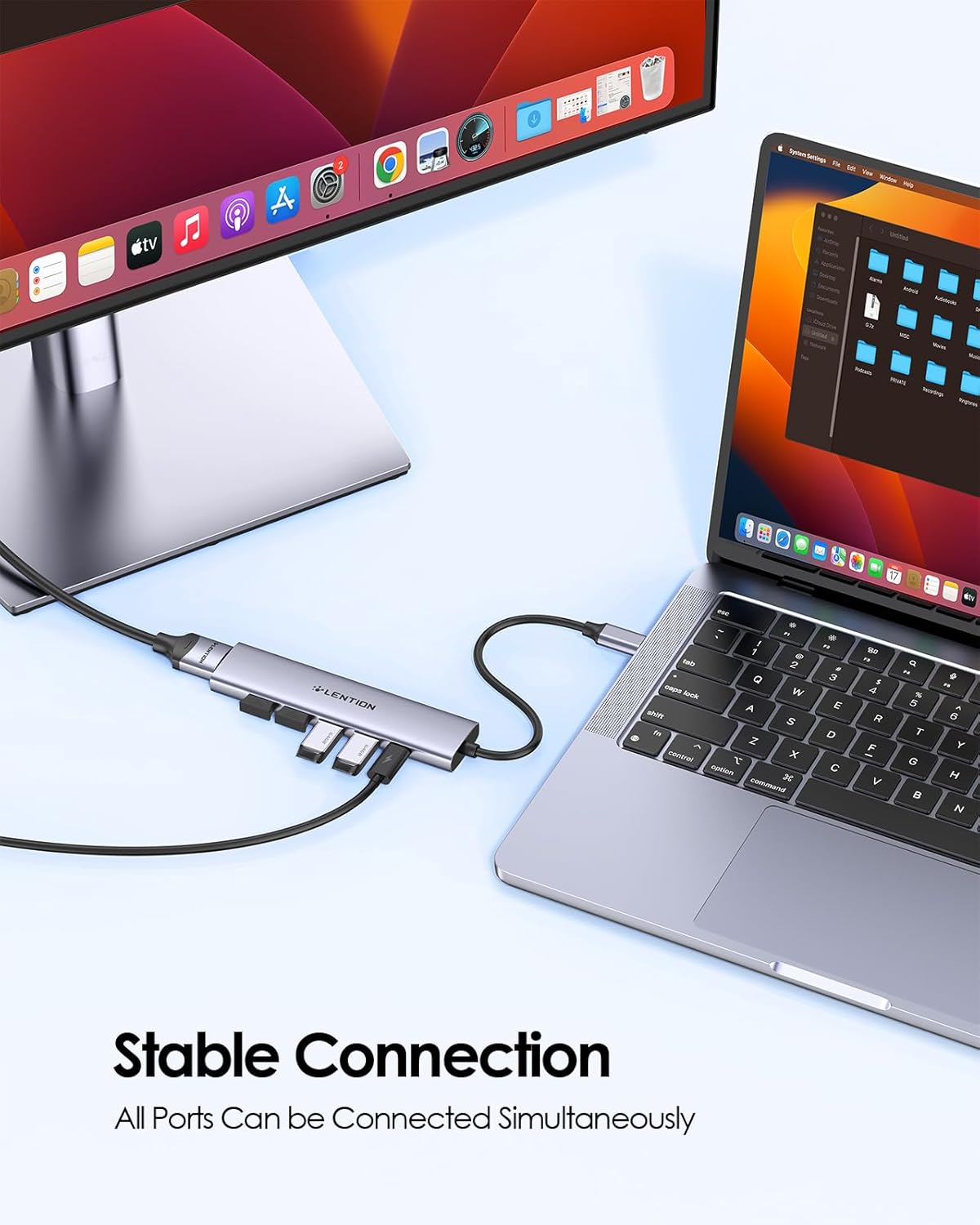
When using multiple devices concurrently, distribute high-draw peripherals across the ports and rely on the host power for heavy loads. The hub works with a wide range of USB-C and Thunderbolt 3/4 devices including recent MacBook Air and Pro models from 2016 to 2025, Chromebooks, tablets and some smartphones. Consider that very power-hungry external drives may need their own power source for the best reliability. 🔌.