

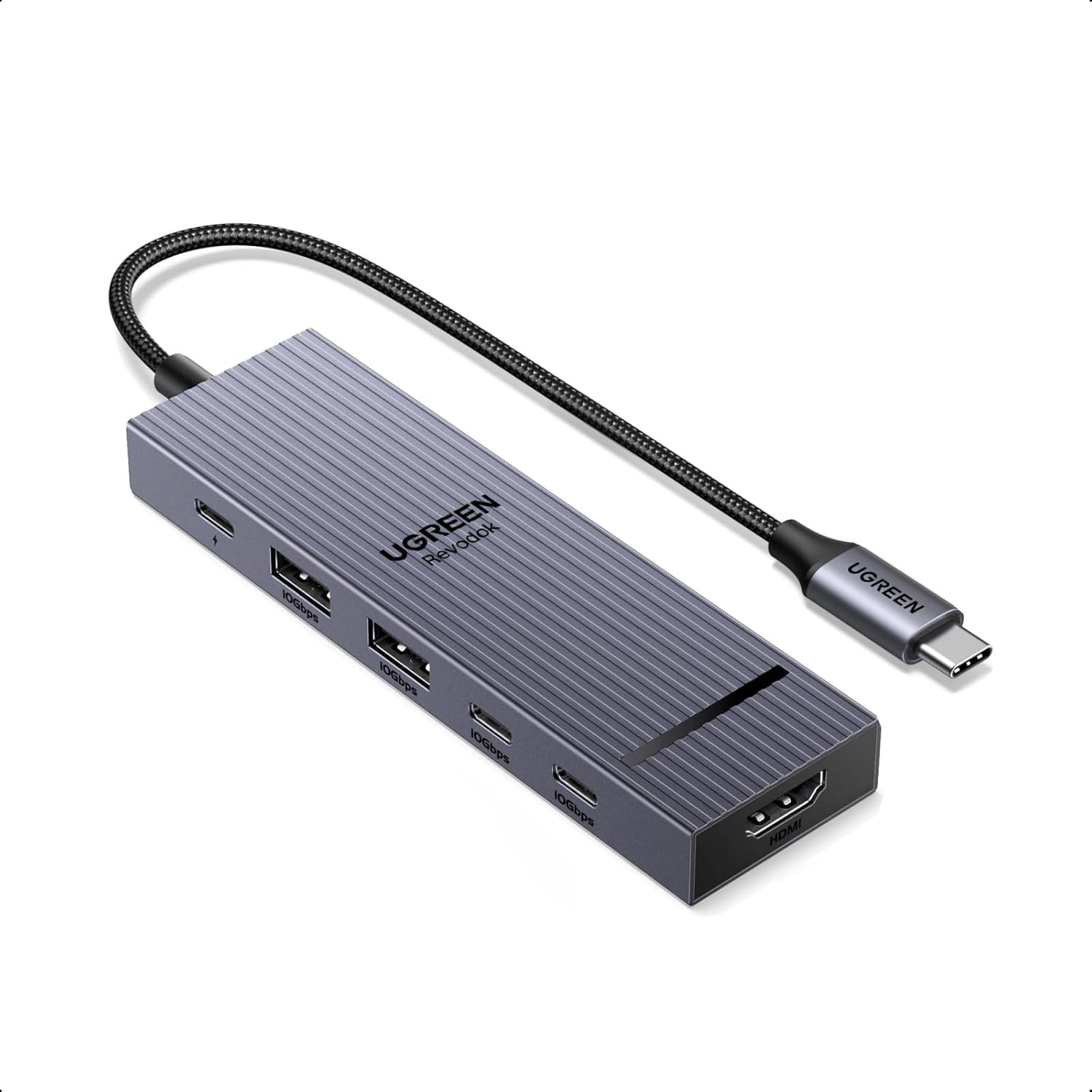
UGREEN Revodok Pro 106 USB-C hub
Reviews
Price
Product description
If you need more ports from your laptop’s USB-C connection, the UGREEN Revodok Pro 106 USB-C hub is a practical way to expand what you can plug in. It combines external display support with fast data connections and a high power charging port, so you can keep devices connected while staying productive at home, in the office, or on the move.
The display side is handled via an HDMI connection rated up to 4K at 60Hz, which helps when you want a sharper second screen for spreadsheets, presentations, or video playback. At the same time, the hub includes multiple USB-A and USB-C data ports designed for high speed file transfers using USB 3.2, letting you connect drives, card readers, and flash storage without constantly swapping cables. 👌
The essentials
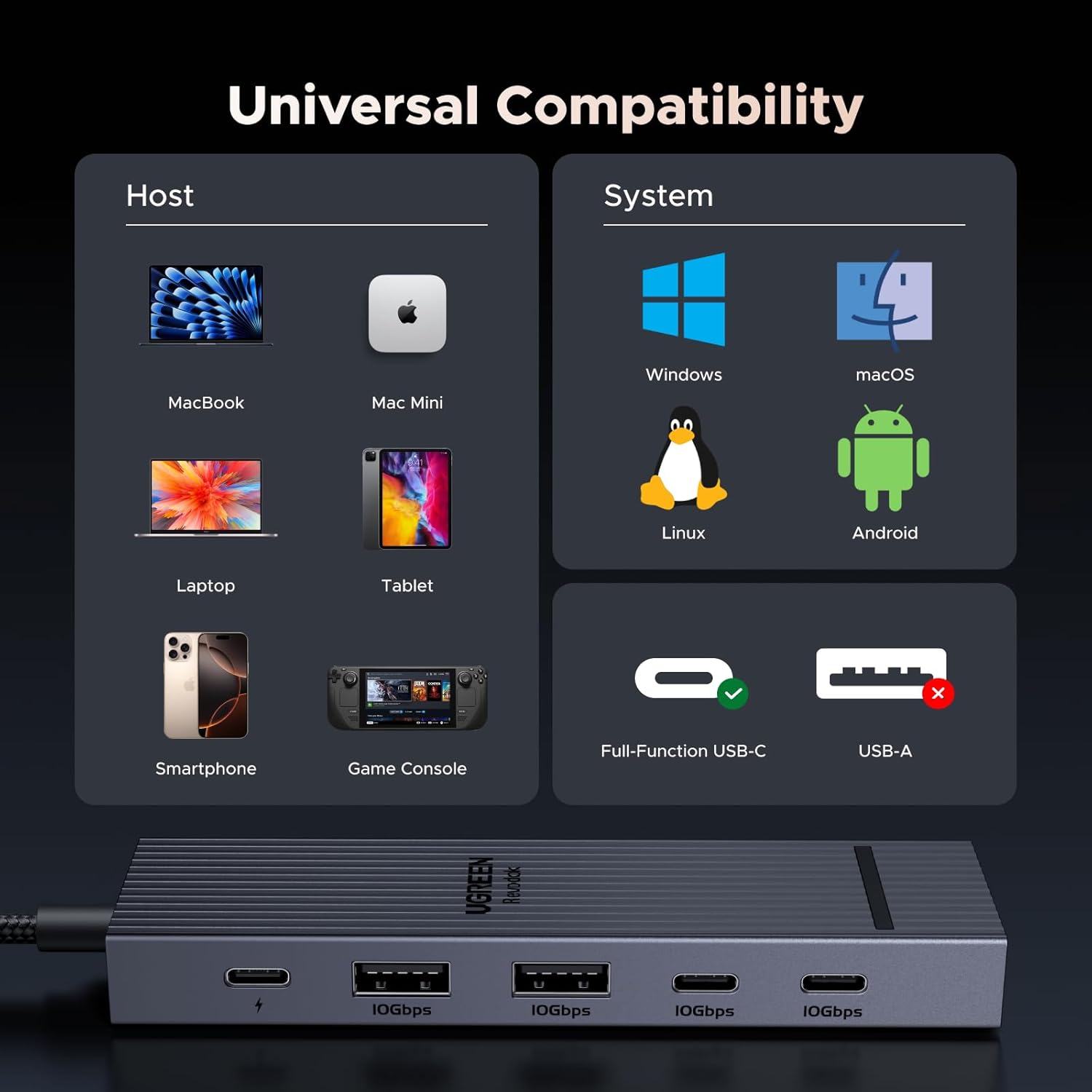
The Revodok Pro 106 USB-C multiport adaptor is built around one core idea, bringing together display output, charging, and everyday data connections in a single compact hub. You get one HDMI output for connecting an external display and four additional USB ports for data. That mix is useful when you are working with different devices, such as a MacBook or iPad Pro alongside an external monitor and a USB drive.
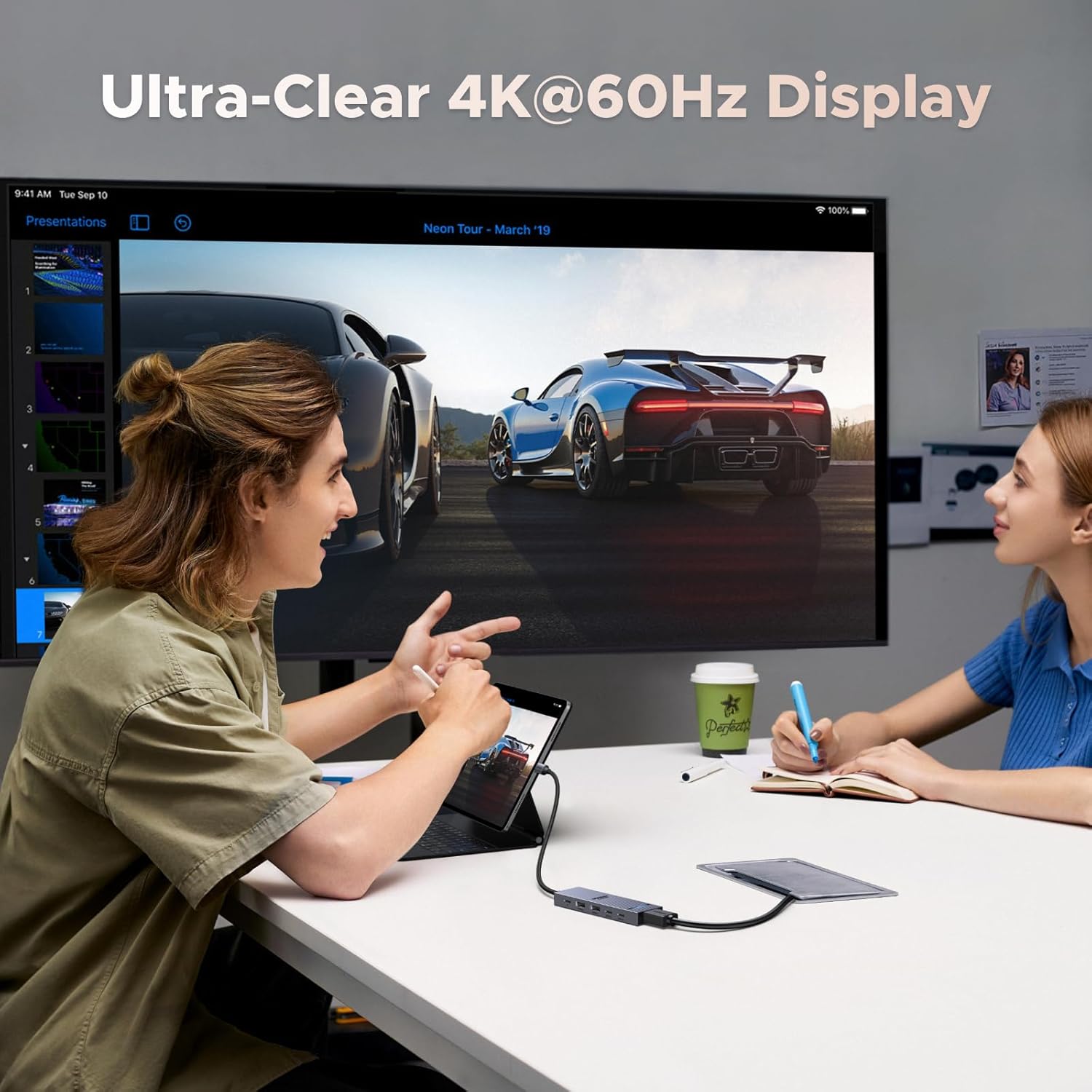
The HDMI output supports up to 4K@60Hz, with backward compatibility for a range of other resolutions and refresh rates, so it can suit more than one kind of setup. You can extend your workspace to a second screen for more room to work, or duplicate what is on your device screen for meetings and demos. 📺
For data tasks, the hub includes USB 3.2 ports that support 10Gbps transfer speeds, which can make moving larger files feel much less painful. The included mix of USB-C and USB-A ports also makes it easier to connect devices you already have, such as card readers and USB flash drives. 📁
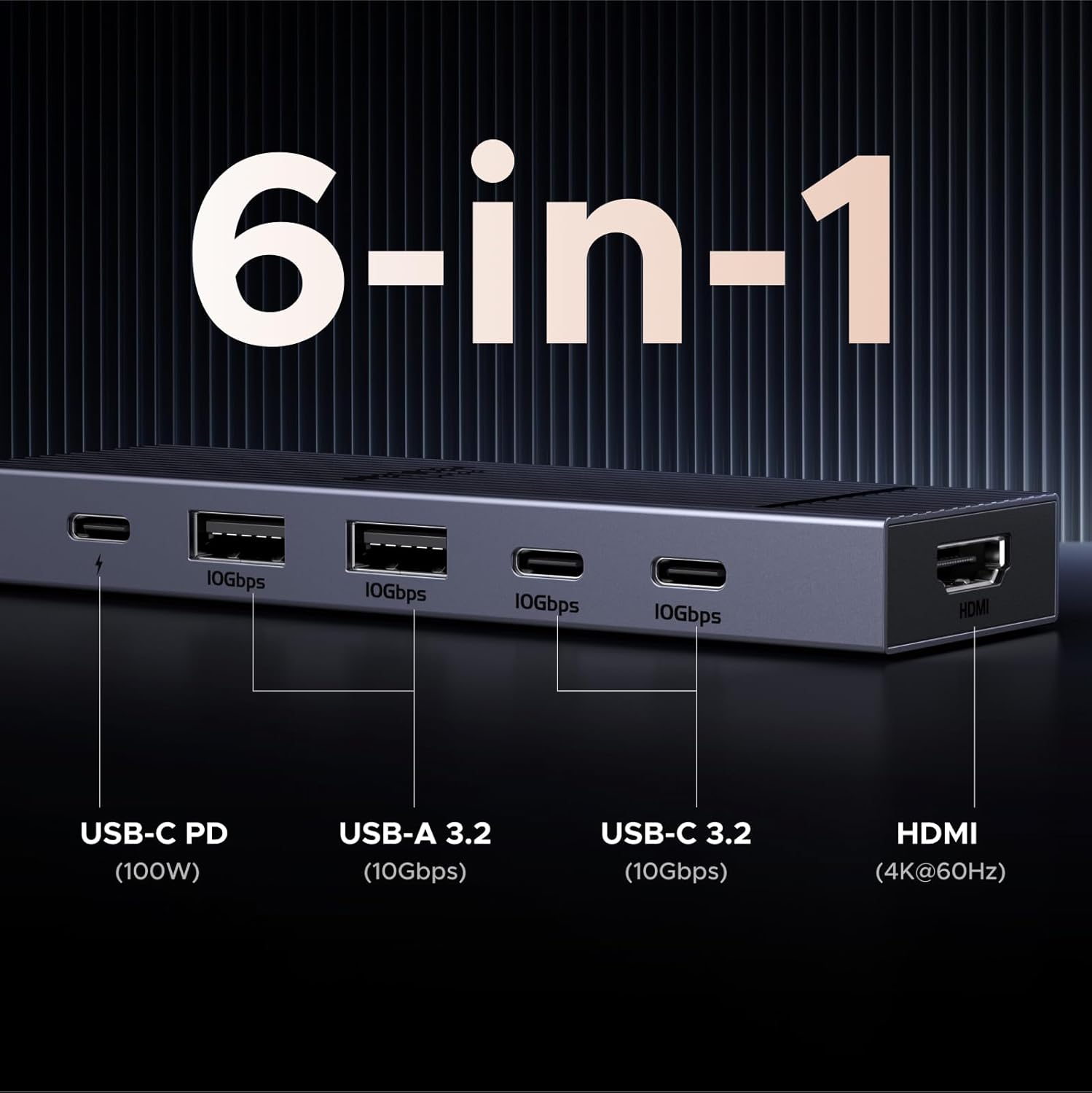
It is also worth paying attention to the charging design. The USB-C PD charging port is rated up to 100W, supporting fast charging of the connected host device, which helps when you want fewer cables on your desk. Note that the PD port is a charging path only, it does not provide video or data transfer through that specific port.
Key features
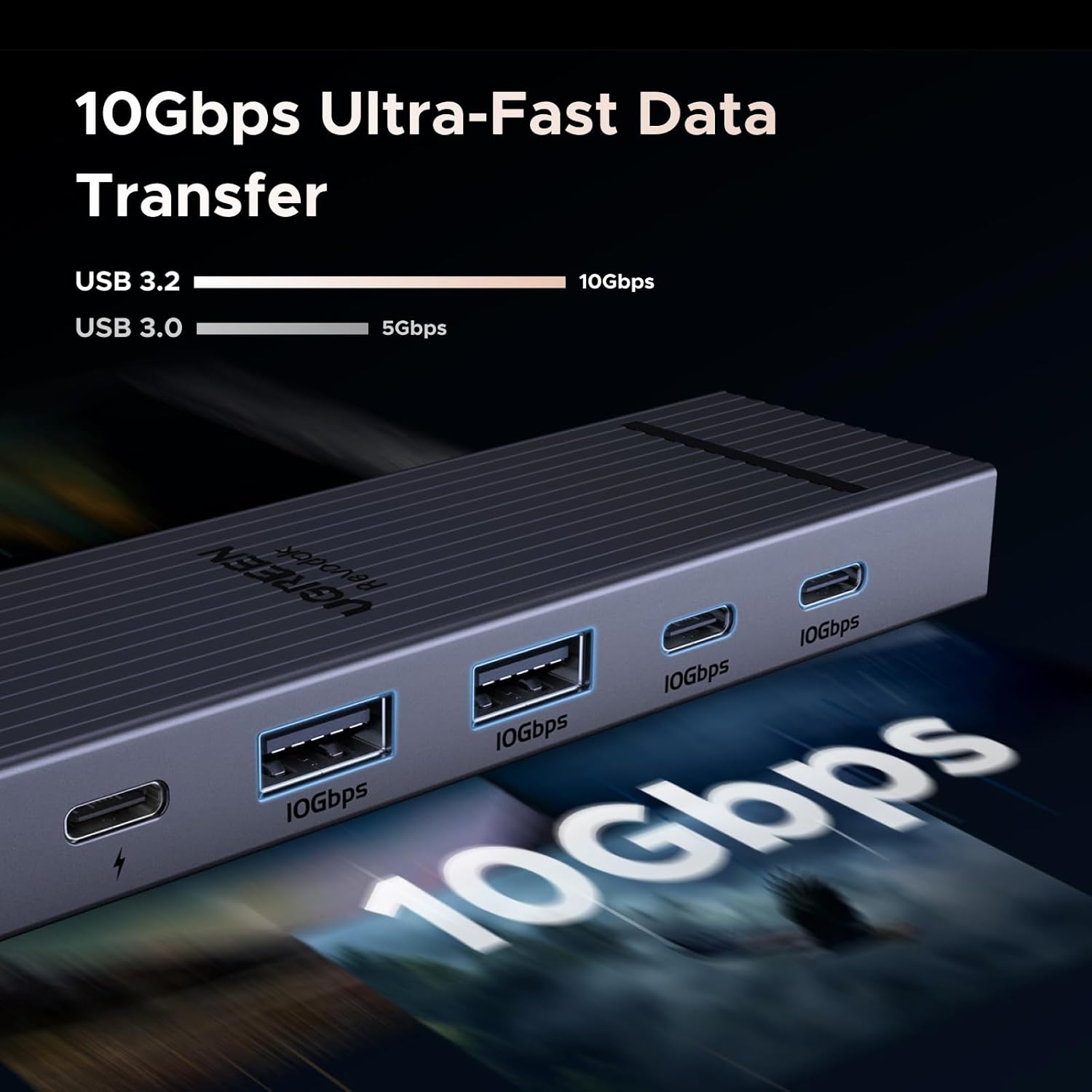
When you need one hub that covers both display and everyday peripherals, this model provides a clear combination of ports and capabilities. The HDMI output makes it straightforward to connect a suitable monitor or projector, while the multiple USB ports handle storage and data connections in parallel. If you often shift between working, presenting, and transferring files, having everything on the hub reduces cable clutter and device switching.
In real daily use, the 10Gbps data ports are where you notice the difference when copying larger folders, backing up media, or moving files to and from an external drive. The hub includes four USB 3.2 data ports, split across two USB-C and two USB-A connections. That means you can keep a variety of peripherals connected at once, rather than relying on repeated unplugging.
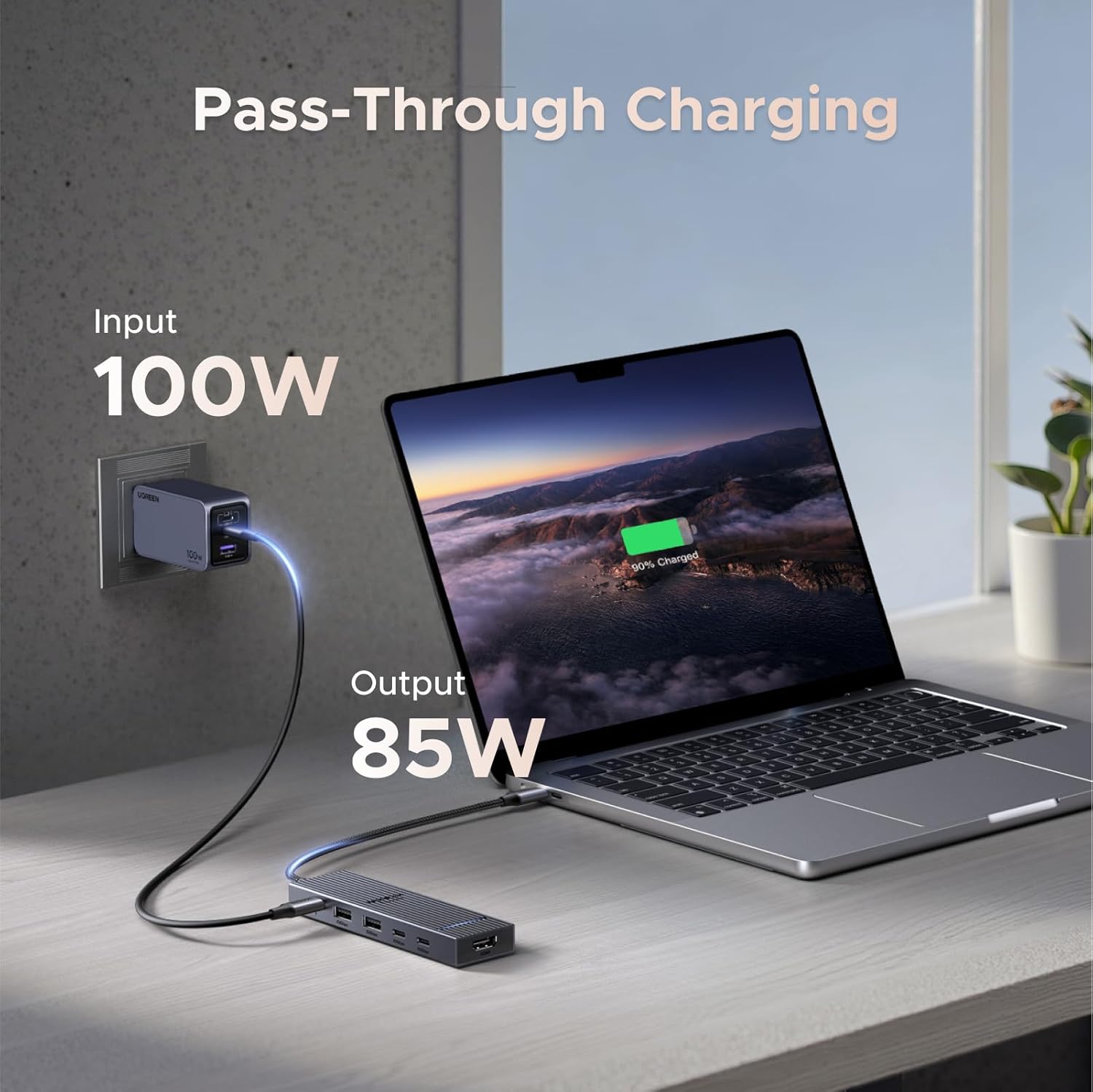
On the power side, the PD charging feature supports up to 100W when you connect a 100W charger to the hub, with the hub drawing 15W in that scenario according to the provided description. This helps ensure the host device receives high power charging while the rest of the hub remains in use. If you are planning your setup around charging, it is sensible to use a charger that matches the hub’s requirements.
Does it support everything over every port. The key limitation to remember is that the data ports do not support video output, and the PD charging port does not support data or video. If you prioritise a clean external display connection, use the HDMI port for the screen. If you prioritise storage and transfers, the USB 10Gbps ports are the ones to use. ✅
Tech specs
- Name: UGREEN Revodok Pro 106 USB-C multiport adaptor
- Type: USB-C hub, Type-C to HDMI adapter
- Display: HDMI, supports up to 4K@60Hz
- Resolution: 3840x2160@30Hz, 2560x1440@120Hz, 1080P@144Hz supported
- Refresh rate: 60Hz maximum for 4K output
- Data transfer: 4x USB 3.2, 2x USB-C and 2x USB-A, up to 10Gbps
- Power output: USB-C PD charging up to 100W
Who it’s for
It makes sense if you regularly connect an external display and also need fast USB connections for storage, backups, or file transfers. It suits everyday desk setups for users who move between laptops, tablets, and small peripherals, and want the convenience of multiple ports from a single USB-C connection. For example, if you are using an external monitor for work and also need to plug in a USB card reader or flash drive, this hub’s layout is well matched to that routine.
It might not be a great match if your setup requires video output from the USB data ports, because these ports are described as data only. It also may not suit you if you expect the PD charging port to handle data or video, since that port is for charging the host device only. Worth considering if you want one hub that keeps charging and connectivity together while using HDMI specifically for external video.