

UGREEN Laptop Docking Station 12‑in‑1 for laptops
Product description
This aluminium docking station from UGREEN expands a laptop into a compact desktop hub, letting you run up to three external displays and keep peripherals connected while charging the host device. It is aimed at professionals and creators who need multiple 4K outputs, fast data lanes and a stable wired network for demanding workflows.
Key Points
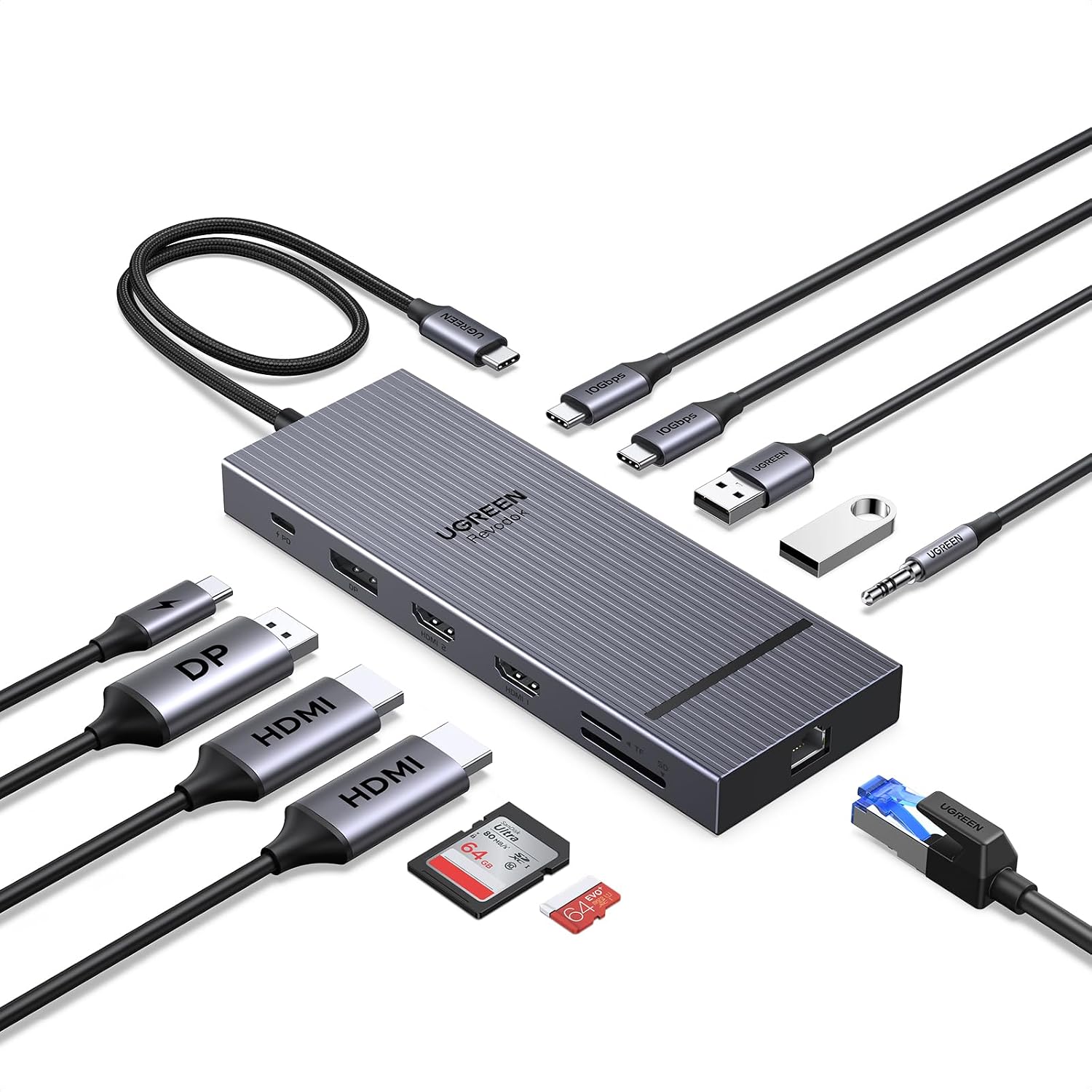
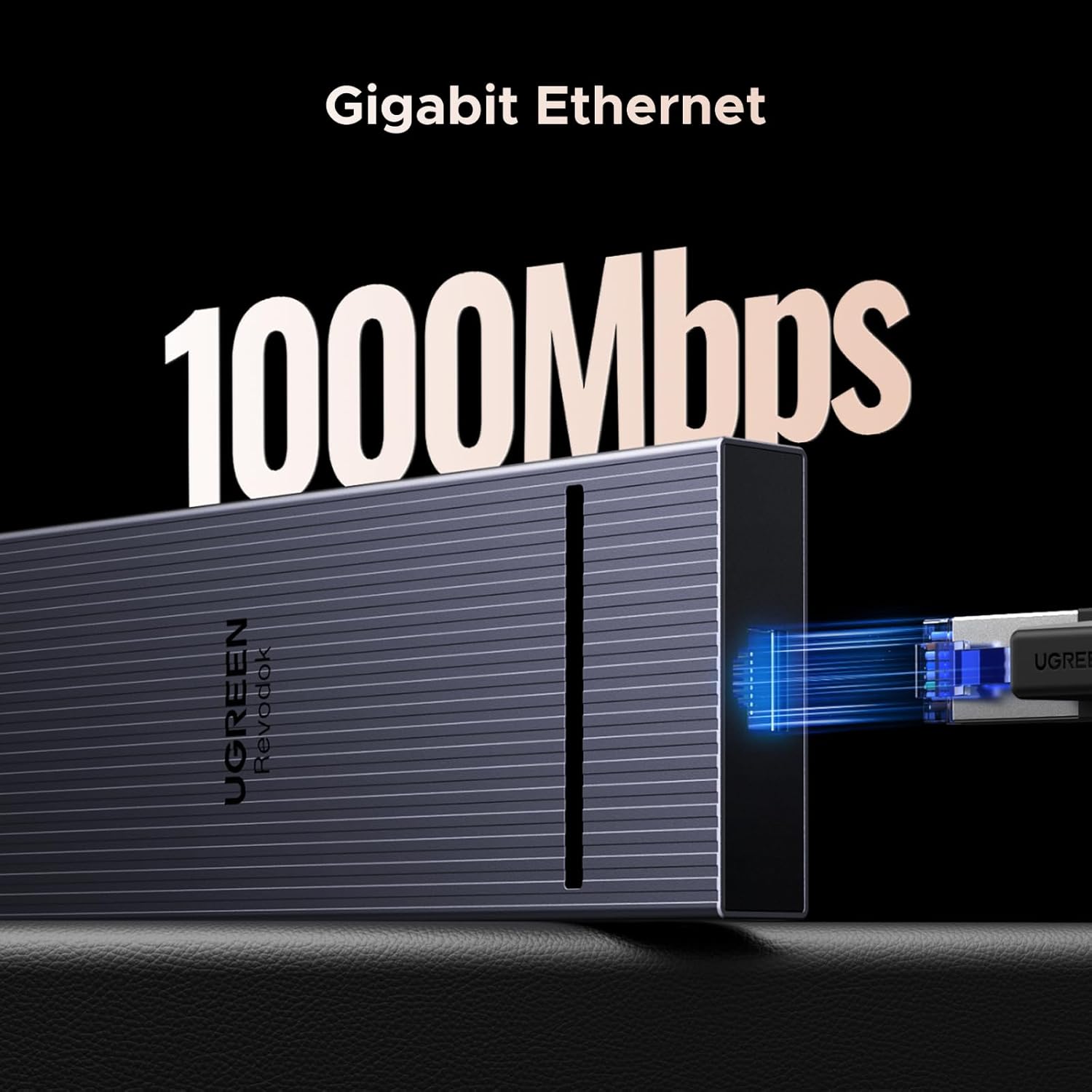
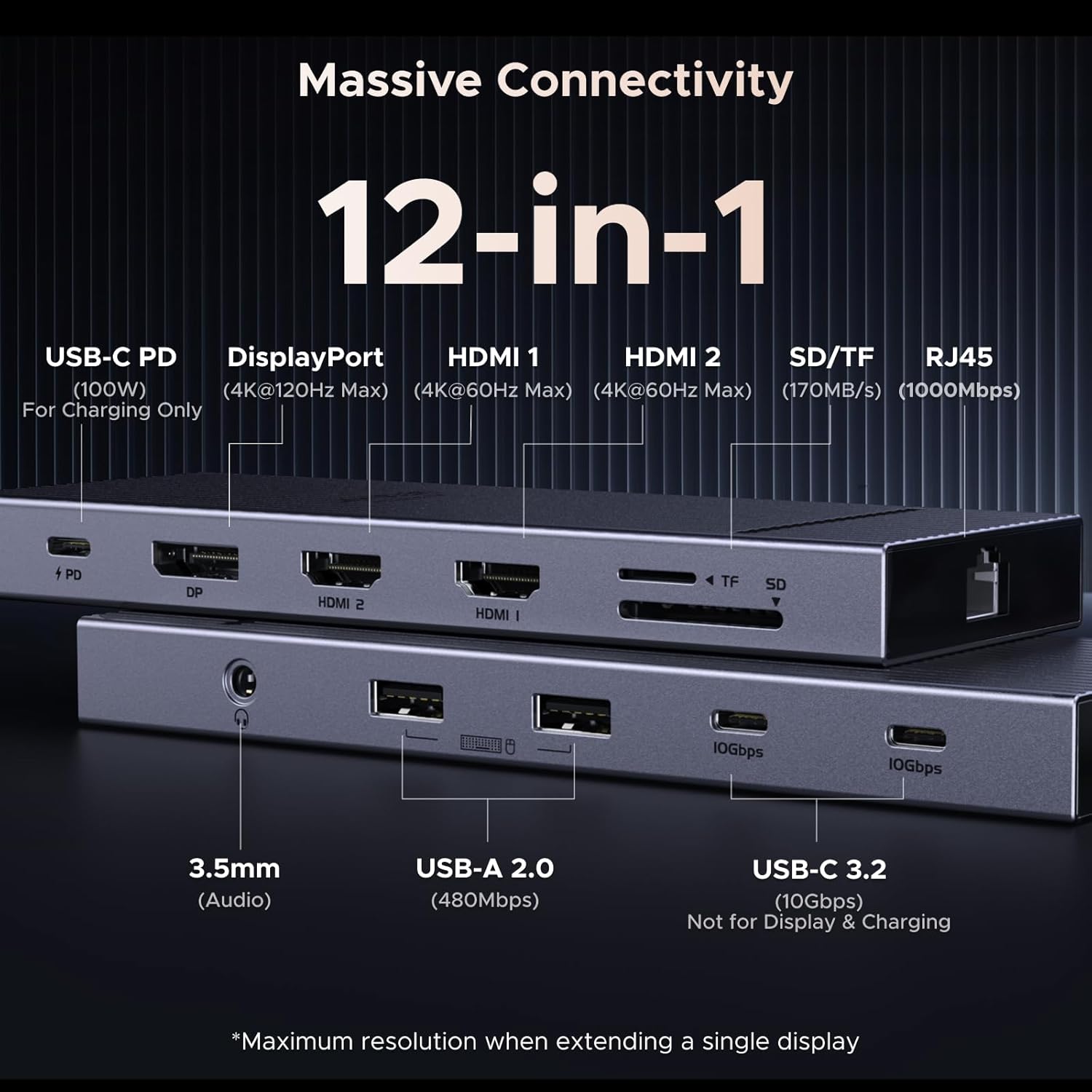
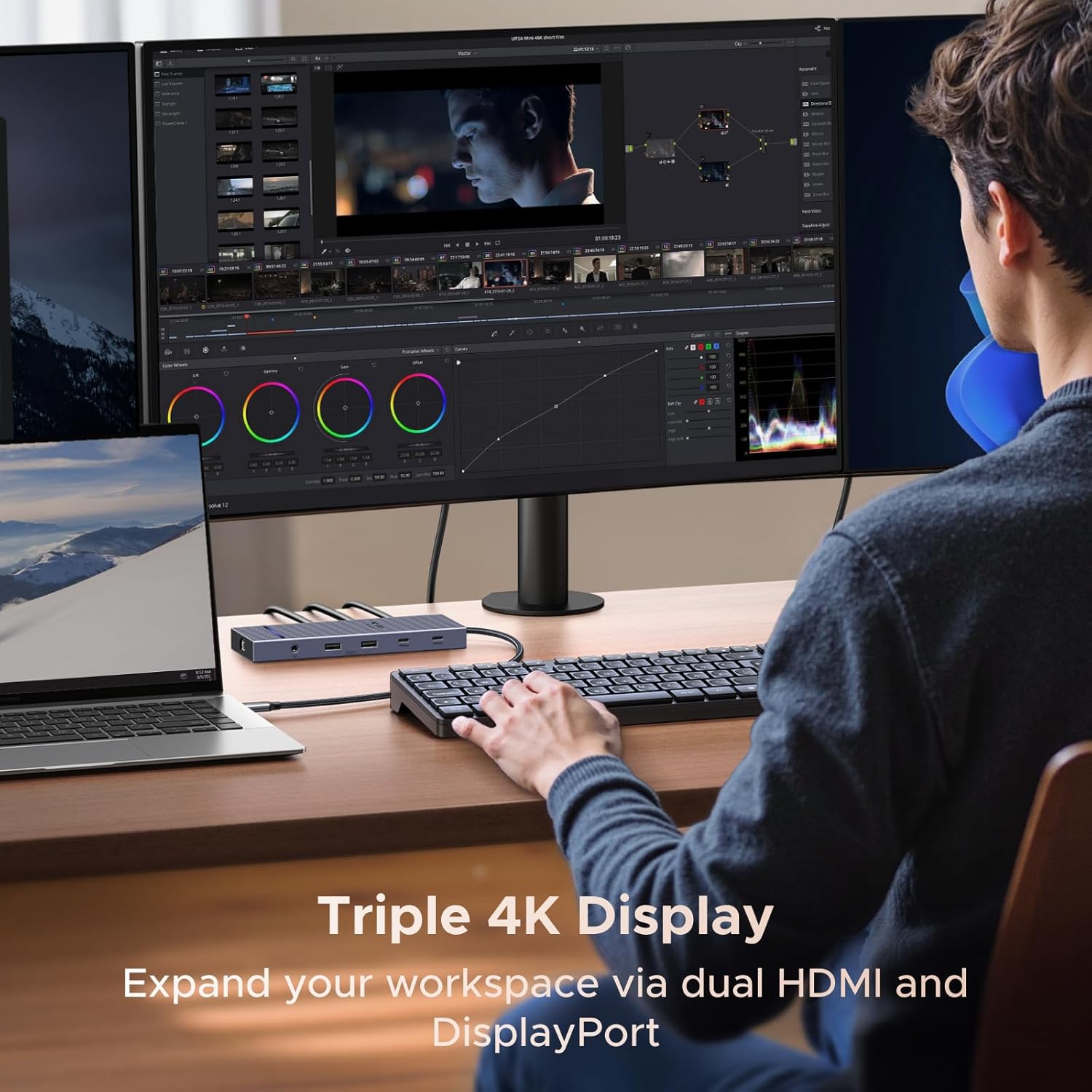
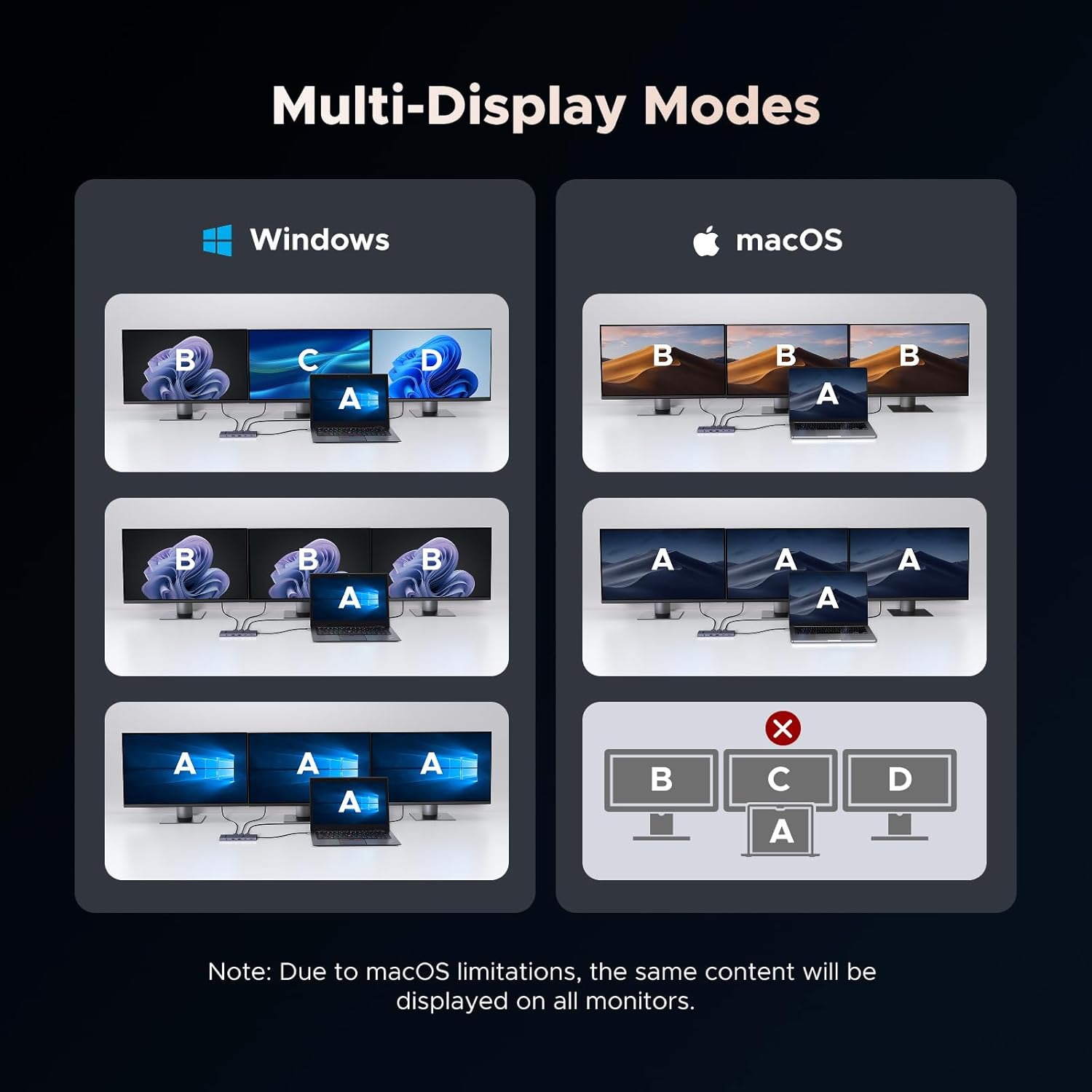
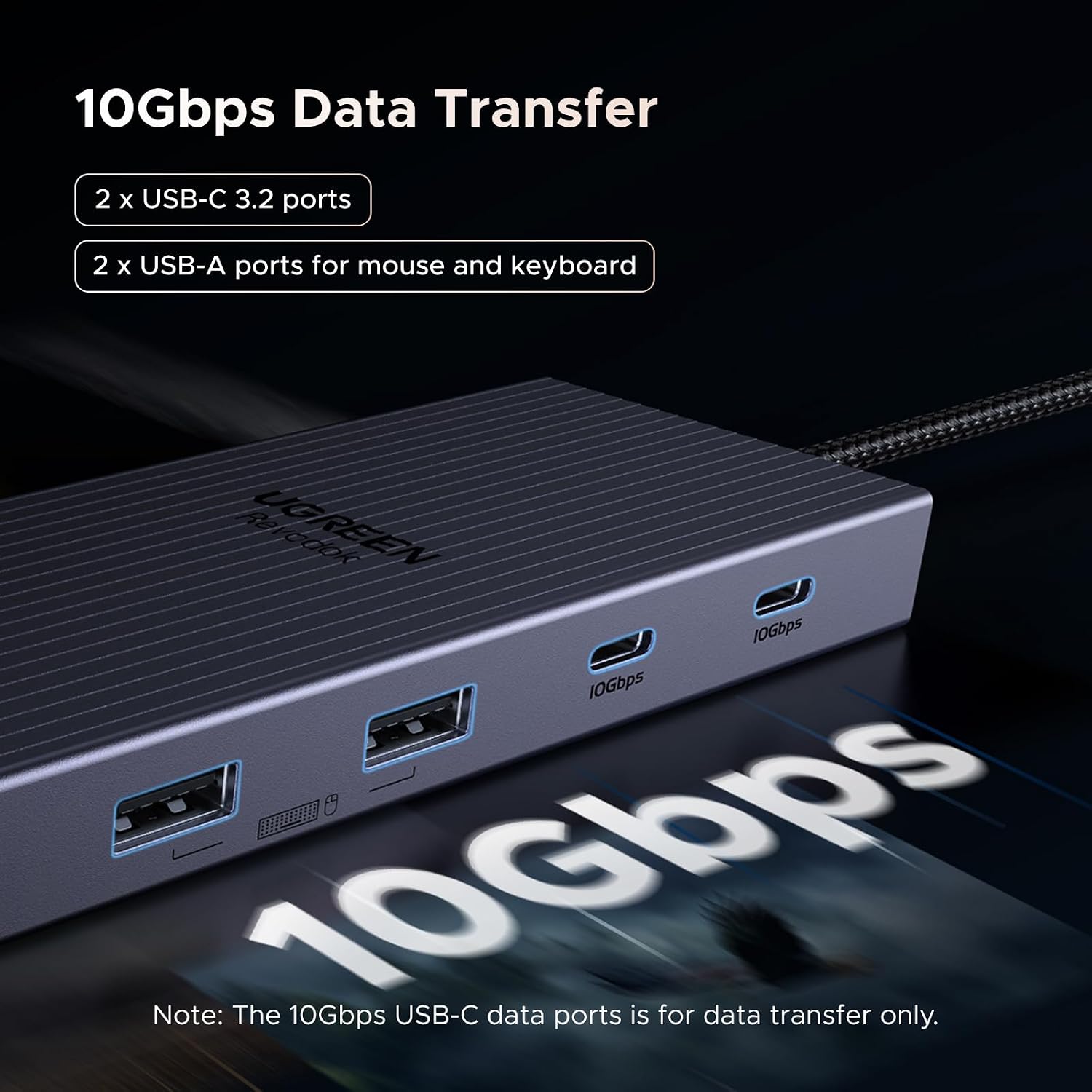
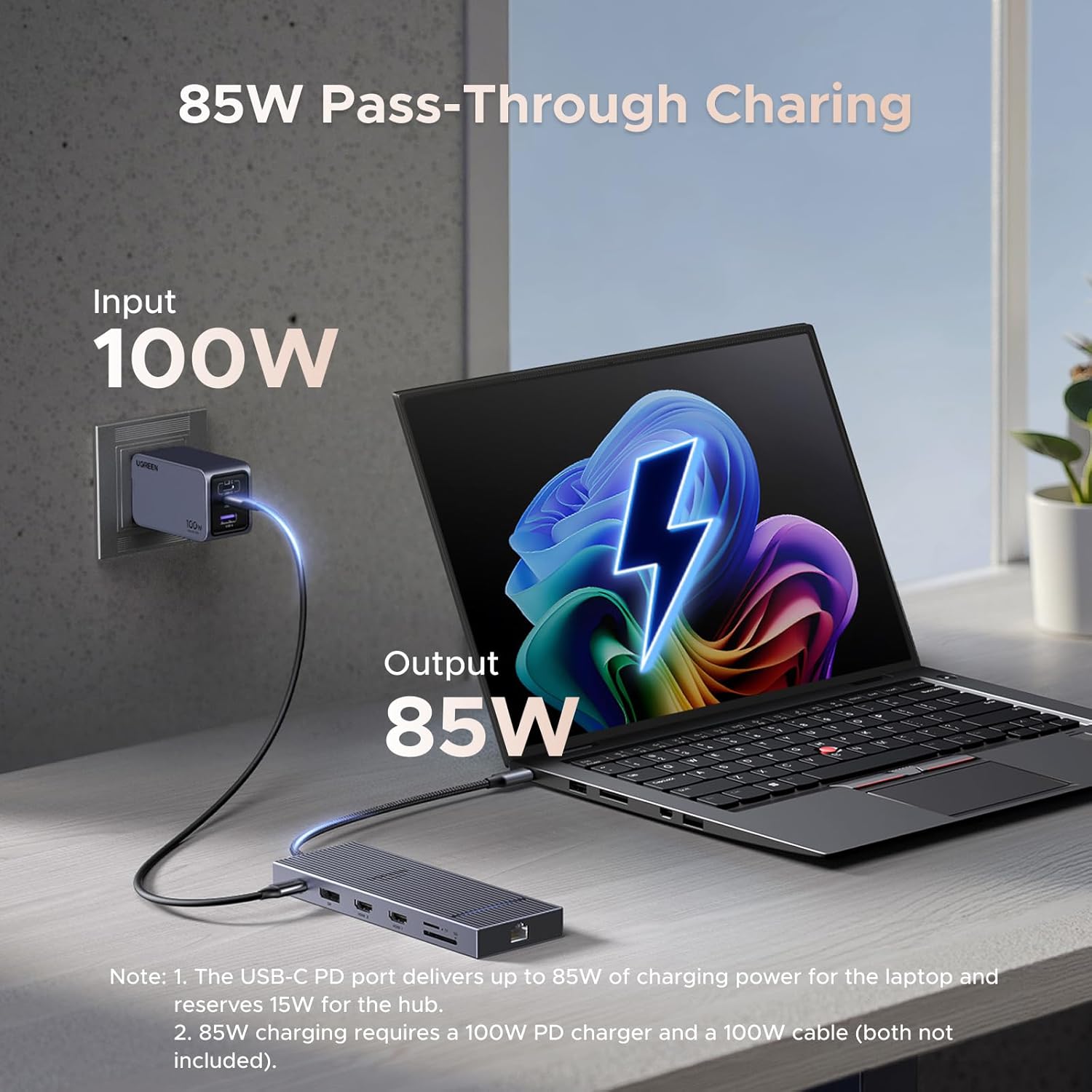
The dock supports dual HDMI plus one DisplayPort for triple-monitor setups, with the DisplayPort offering 4K at 120 Hz for high-refresh scenarios such as gaming or motion-heavy editing. According to the manufacturer, the USB-C power delivery port accepts a 100W input to supply up to 85W to a connected laptop when paired with a suitable charger and cable. The unit includes high-speed data ports with two 10Gbps USB-C data lanes and two USB-A ports for common peripherals. For photographers and content managers there are SD and TF card readers rated at 170 MB/s, and a Gigabit Ethernet jack ensures a stable wired connection.
Technical Specifications
- Name: UGREEN Laptop Docking Station Triple Display
-
- Video outputs: 2× HDMI, 1× DisplayPort (DisplayPort supports up to 4K@120Hz)
- Power Delivery: 100W PD input, up to 85W output to laptop (manufacturer statement)
- Data ports: 2× 10Gbps USB-C, 2× USB-A (data)
- Card readers: SD/TF up to 170 MB/s
- Network: RJ45 Ethernet, Gigabit speed
- Cable: 40 cm integrated USB-C cable and aluminium housing
Advantages
This dock brings together charging, networking and multiple display outputs in a single aluminium chassis, which helps keep a tidy workstation. The 40 cm cable is long enough to reach laptops on stands while avoiding excess slack, which reduces strain on ports. The presence of two 10Gbps USB-C ports makes large file transfers faster compared with standard USB 3.0 hubs, so moving video files or backups is less time consuming.
Usage Recommendations
Connect the dock to a laptop that supports DP Alt Mode and USB Power Delivery to take full advantage of video and charging features. For a single high-refresh monitor use the DisplayPort to get 4K at 120 Hz, as the HDMI ports are intended primarily for standard 4K displays. macOS users should consider that external monitors will mirror each other rather than function as independent displays according to the manufacturer, which may limit multi-screen workflows on Apple laptops. Ensure you use a 100W PD wall charger and a capable cable if you require the stated 85W laptop charging.