

JESWO 8-in-1 USB-C Hub (4K HDMI, 100W PD, 5Gbps USB-A/C, SD/TF) for MacBook M1/M2 and iPad Pro
Reviews
Price
Product description
The essentials
If you’ve got a newer USB-C laptop or tablet, you’ll know the pain: one port turns into a daily bottleneck. This JESWO 8-in-1 USB-C Hub is designed to expand a single USB-C connection into a set of practical ports, with HDMI for a larger display, multiple USB options for peripherals, SD/TF card slots, and a USB-C PD charging input so you’re not constantly unplugging to keep your device powered.
On paper, it’s the kind of multiport dongle you buy to make desk life smoother—especially if you bounce between work (extra screen + card transfers + USB accessories) and everyday entertainment (connecting to a TV/monitor). It’s not the most “spec-heavy” solution you could pick, but it targets everyday usefulness rather than niche features.
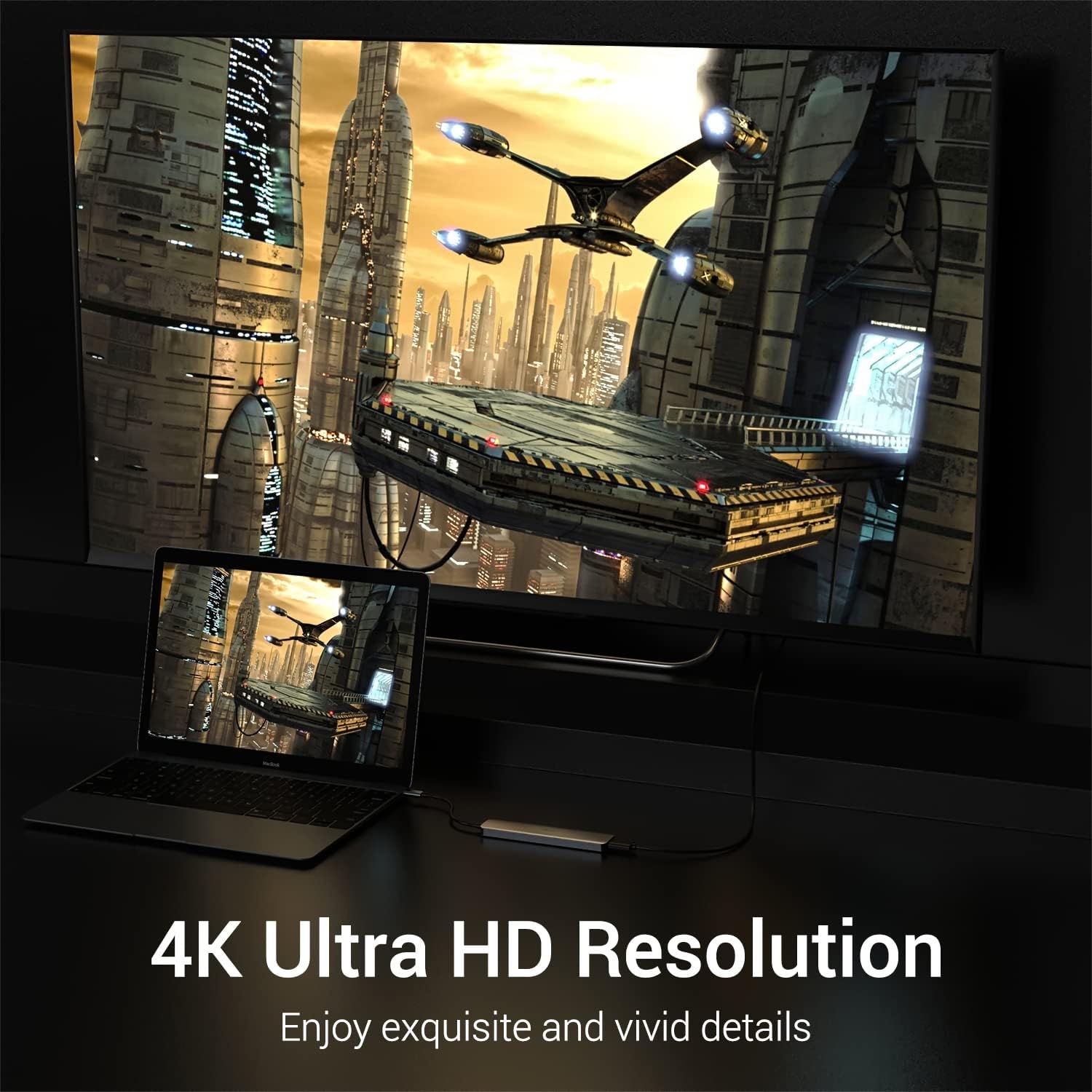
There’s one caveat to keep in mind: the HDMI output is described as 4K at 30Hz. That’s fine for many office tasks and general viewing, but if you’re chasing the smoothest high-refresh gaming experience, you may find it doesn’t fully suit that use.
Key features that matter day to day
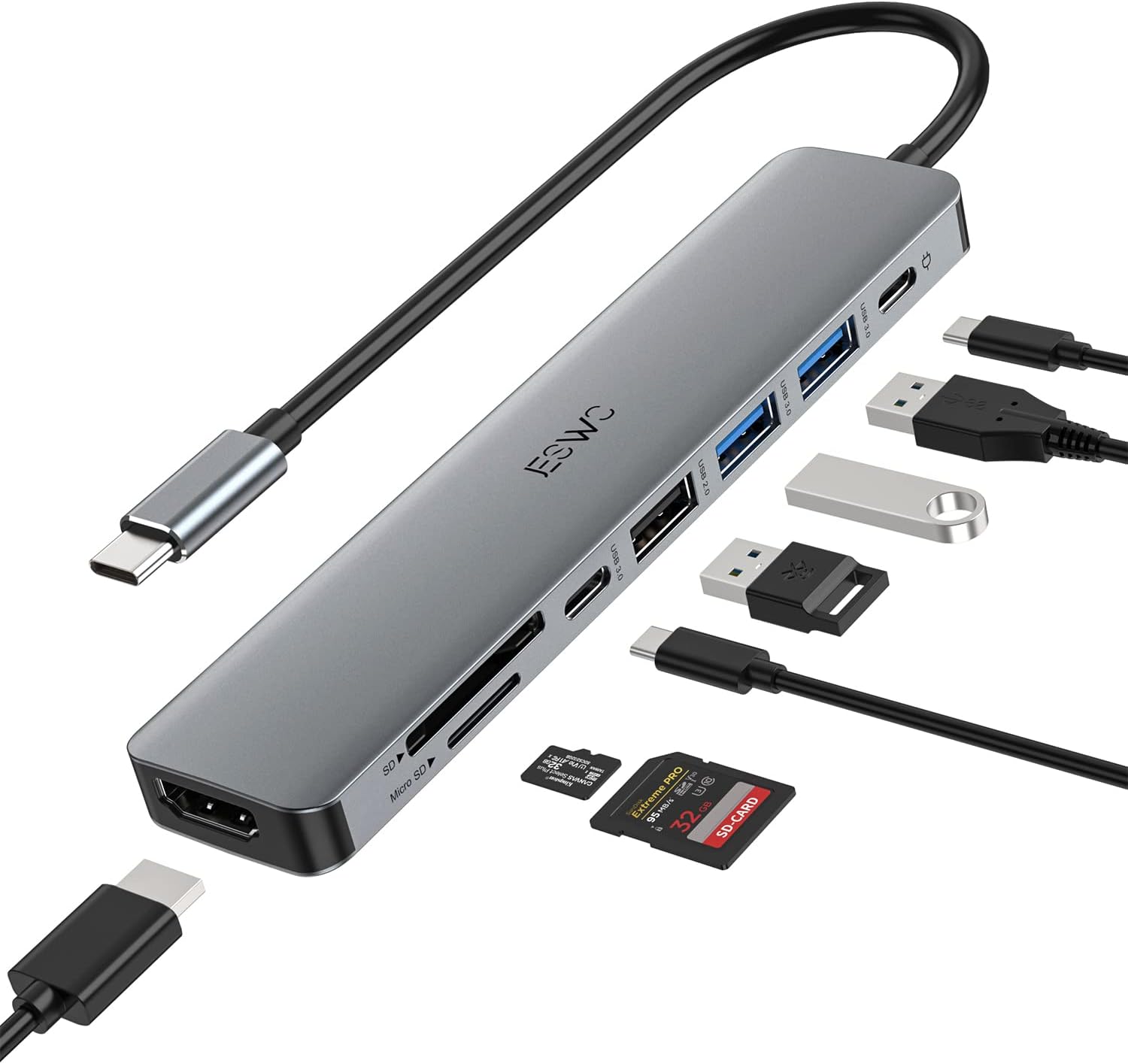
This hub is built around a fairly straightforward portfolio of ports:
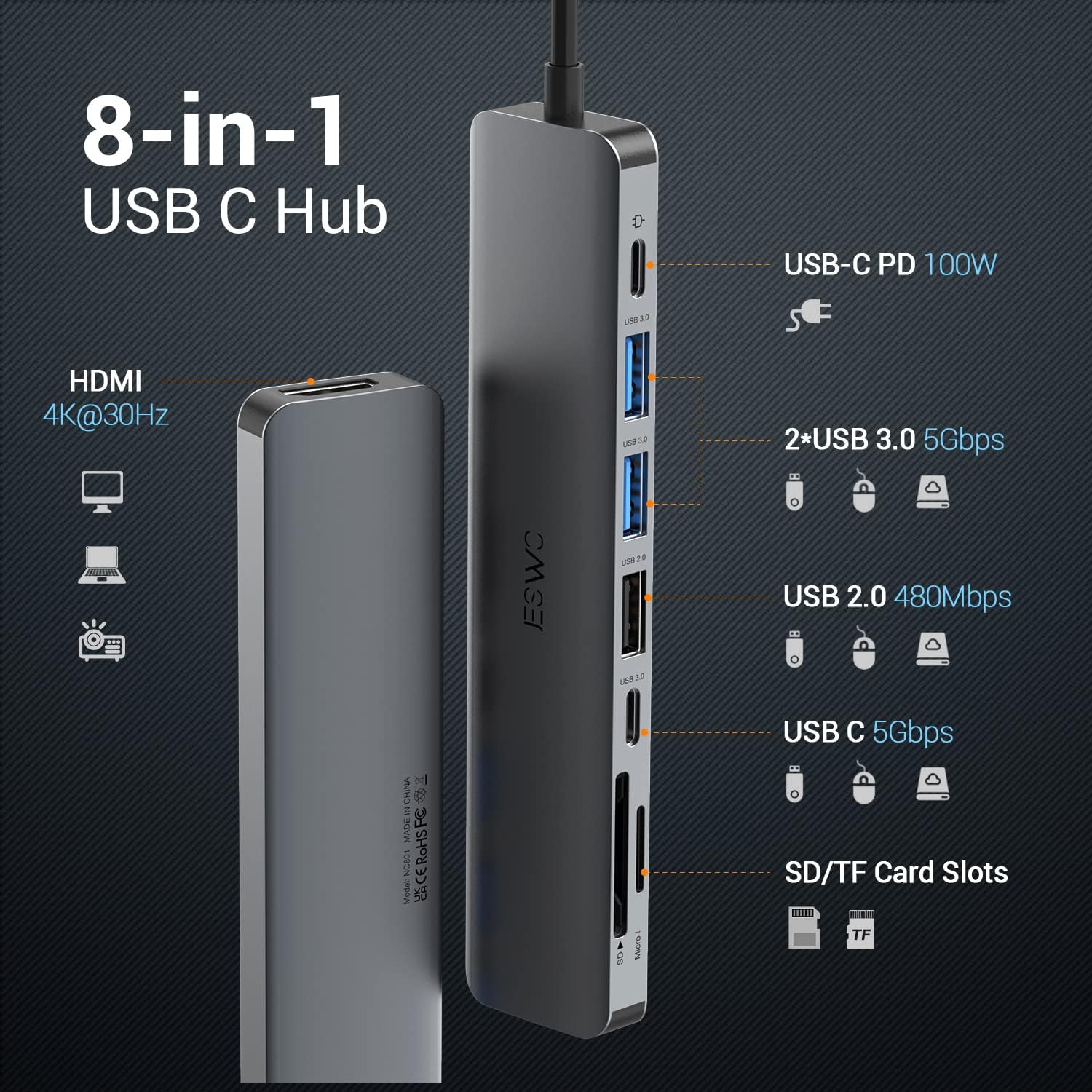
- 1x 4K HDMI output (with a 30Hz refresh rate) for mirroring or extending your screen.
- 2x USB 3.0 ports plus additional USB connectivity for peripherals.
- 1x USB-C data port and 1x USB 2.0 port, giving you more flexibility for different devices.
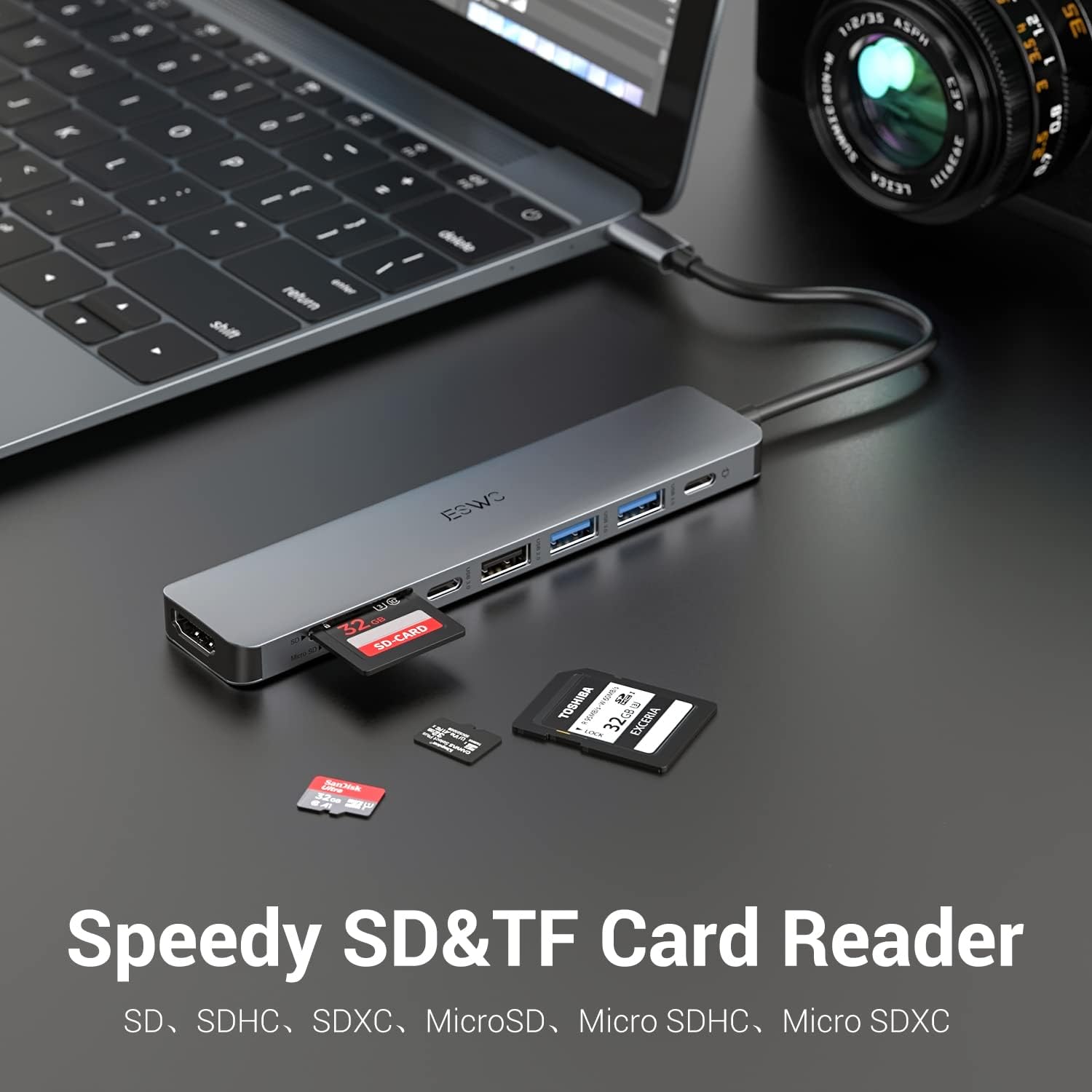
- SD/TF card reader slots so you can access memory cards directly.
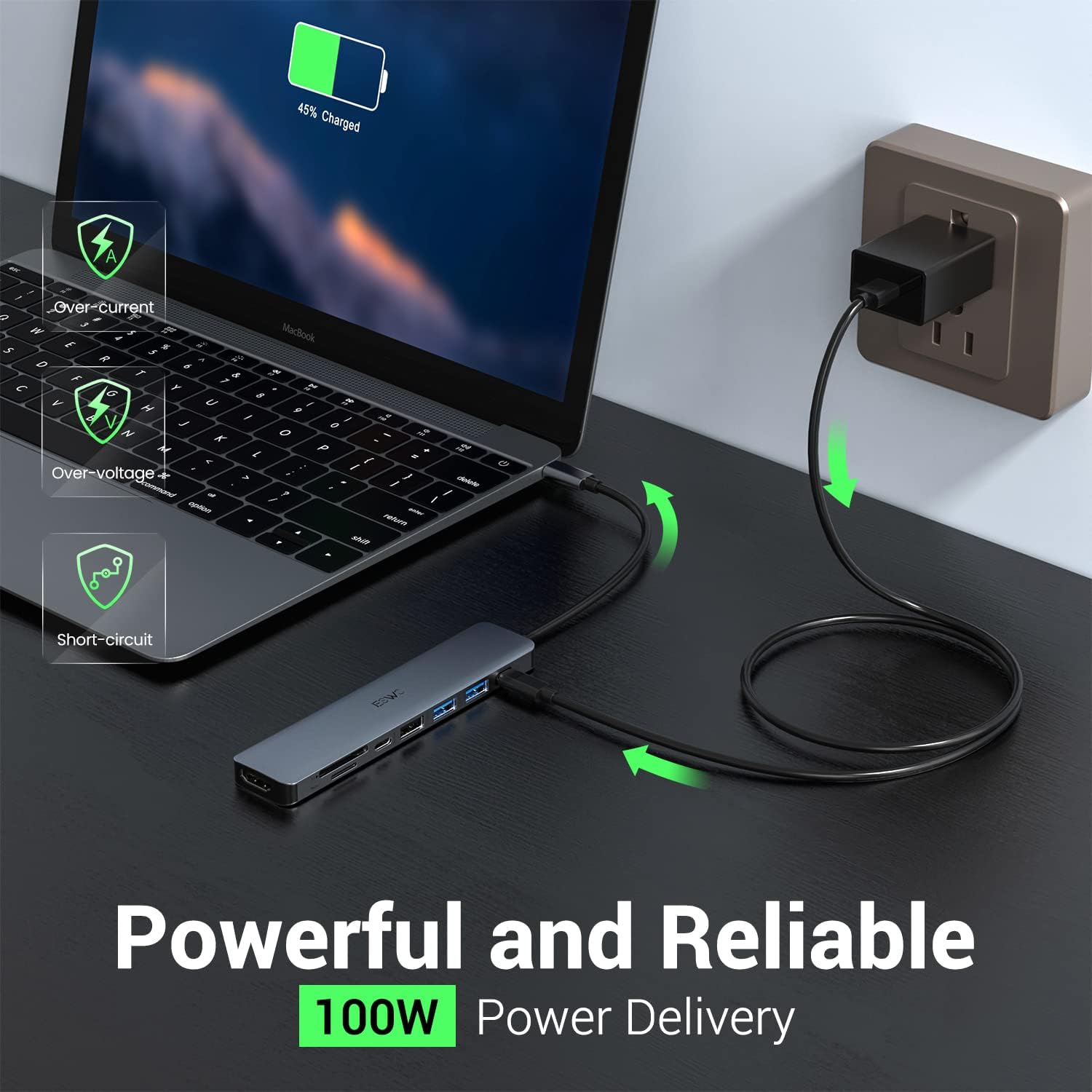
- USB-C PD charging rated up to 100W, intended to keep your device charging while you work.
The practical win here is convenience. Instead of swapping cables around—or relying on a separate charger—you can keep power and accessories in place. For many people, that saves time more than it saves money.
What stands out in use (and what can feel limiting)
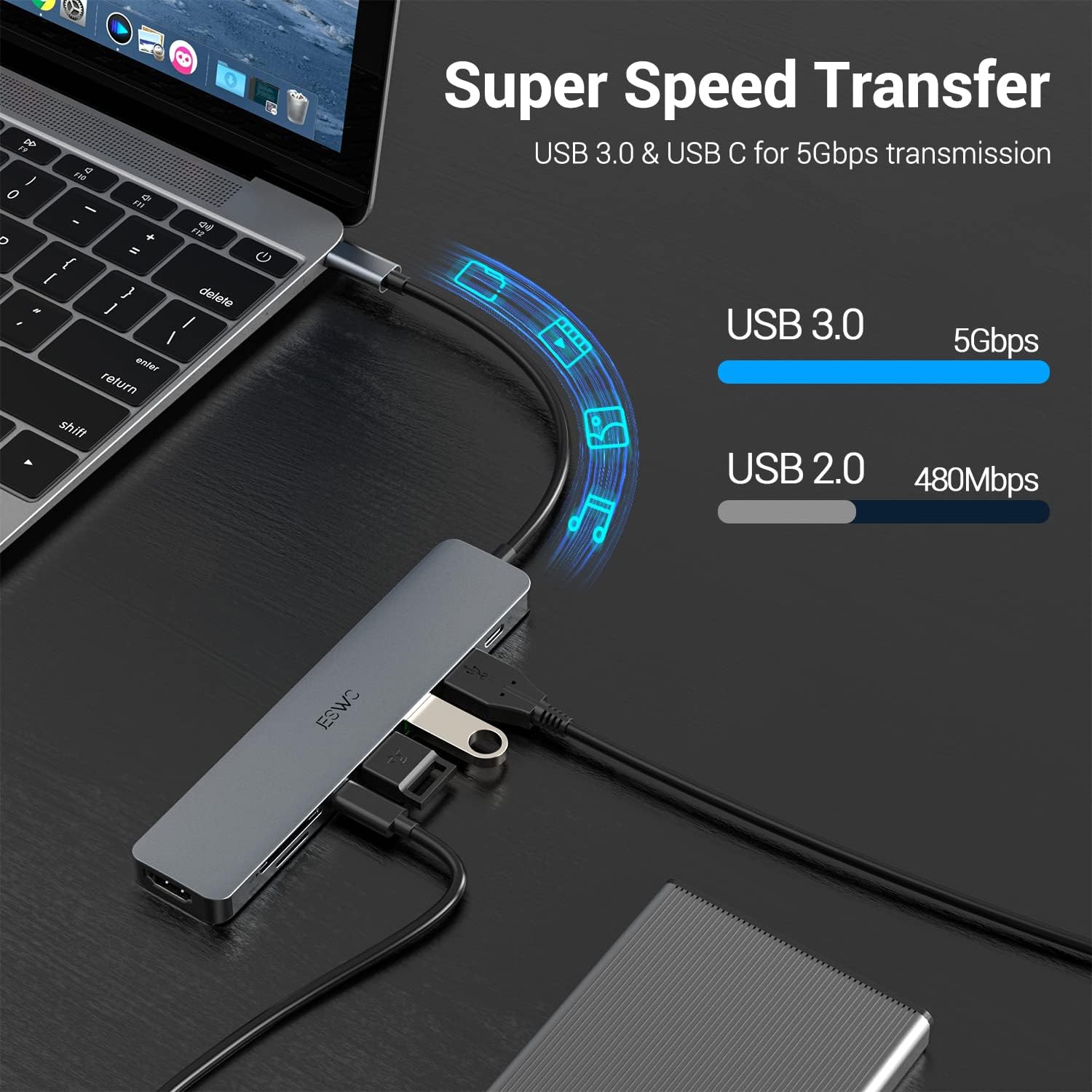
The most noticeable benefit is how quickly it turns a single USB-C port into a small “dock-like” setup. For example, you could plug the hub into your MacBook or iPad Pro, connect an external monitor via HDMI for a wider workspace, then use one of the USB 3.0 ports for a keyboard/mouse, and the SD/TF slot for transferring files from a camera or phone card.
As for the limits: HDMI is specified at 4K 30Hz. That’s not automatically bad, but it does frame the hub more as a work-and-media adapter than a high-end display tool. Also, while the data speeds are stated for the USB 3.0 ports (up to 5Gbps), real-world performance can depend on the connected devices and how busy your setup is. You can expect solid day-to-day transfers, but it may not match the fastest options if you’re moving very large files frequently.
Charging while you work: 100W PD in context
The hub includes a USB-C PD port described as supporting continuous charging up to 100W. This is the feature people tend to value once they’ve had to unplug for power too many times.
That said, it’s still worth double-checking how much power your laptop/tablet typically draws in your use case. The “up to 100W” wording means the full rating depends on what your device can accept and what your setup is doing at the same time. If your priority is charging stability during longer work sessions, this design point is a strong one.
Compatibility overview (important checks before you buy)
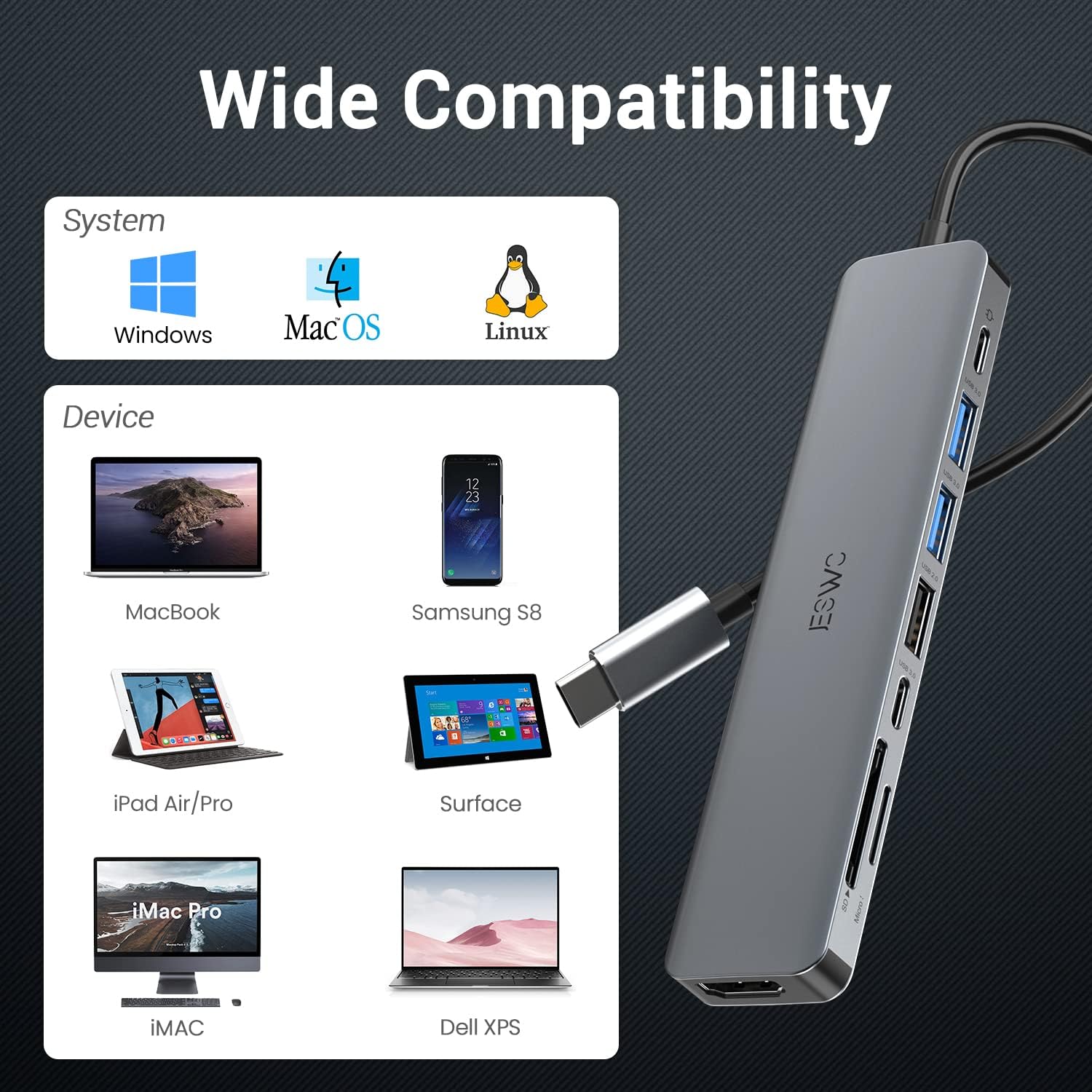
This adapter is presented for USB-C devices including MacBook Air/Pro (M1/M2), iPad Pro, Surface Book, Chromebook, and Dell XPS. It’s also described as compatible with most operating systems including Windows 11/10/8, Mac OS, and Linux (2.6.14 or later).
Before purchasing, it’s sensible to confirm two things:
- You actually have a USB-C port that supports the kind of output you need (particularly for HDMI functionality).
- Your device model is one you’re confident will work with an HDMI USB-C adapter and the stated refresh rate.
If you’re using a USB-C-only tablet and you want a monitor, this is aimed directly at that kind of scenario.
Buying verdict
It makes sense to buy this JESWO hub if you want a single, compact USB-C dongle that covers the core desk needs: HDMI display (up to 4K 30Hz), multiple USB ports (including USB 3.0 at up to 5Gbps), SD/TF card reading, and USB-C PD charging up to 100W—all without constantly swapping cables.
It might not be the best choice if your main goal is ultra-smooth 4K gaming or high-refresh display performance, because the HDMI spec is clearly framed at 30Hz. It could also feel like overkill if you only need one extra port and nothing else.
It’s a solid pick for students, hybrid workers, and anyone who frequently plugs in peripherals, uses memory cards, or wants a simple “one cable” setup for monitors.
Final verdict
Worth considering if you want a practical 8-in-1 USB-C Hub for HDMI extension/mirroring, fast-ish USB 3.0 data transfers (up to 5Gbps), SD/TF reading, and continuous charging via USB-C PD (up to 100W). Better avoided if your priority is high-refresh HDMI performance beyond 30Hz, or if you’d rather spend less on a simpler adapter with fewer ports.
FAQ
Is it good for connecting an external monitor?
It’s designed for mirroring or extending via its 4K HDMI output (30Hz refresh rate). That generally works well for office work and everyday media, but it’s not positioned as a high-refresh gaming adapter.
Does it support charging while using the hub?
Yes, it includes a USB-C PD port intended for continuous charging up to 100W, so you can plug in and keep working.
How fast are the USB ports for data transfers?
The description states up to 5Gbps for the USB 3.0 ports and includes additional USB options for peripherals.
Will it work with MacBook M1/M2 and iPad Pro?
It’s specifically described for USB-C devices such as MacBook Air/Pro M1/M2 and iPad Pro, and for operating systems including Windows, Mac OS and Linux.