

Anker USB C Hub 4K ⚡
Product description
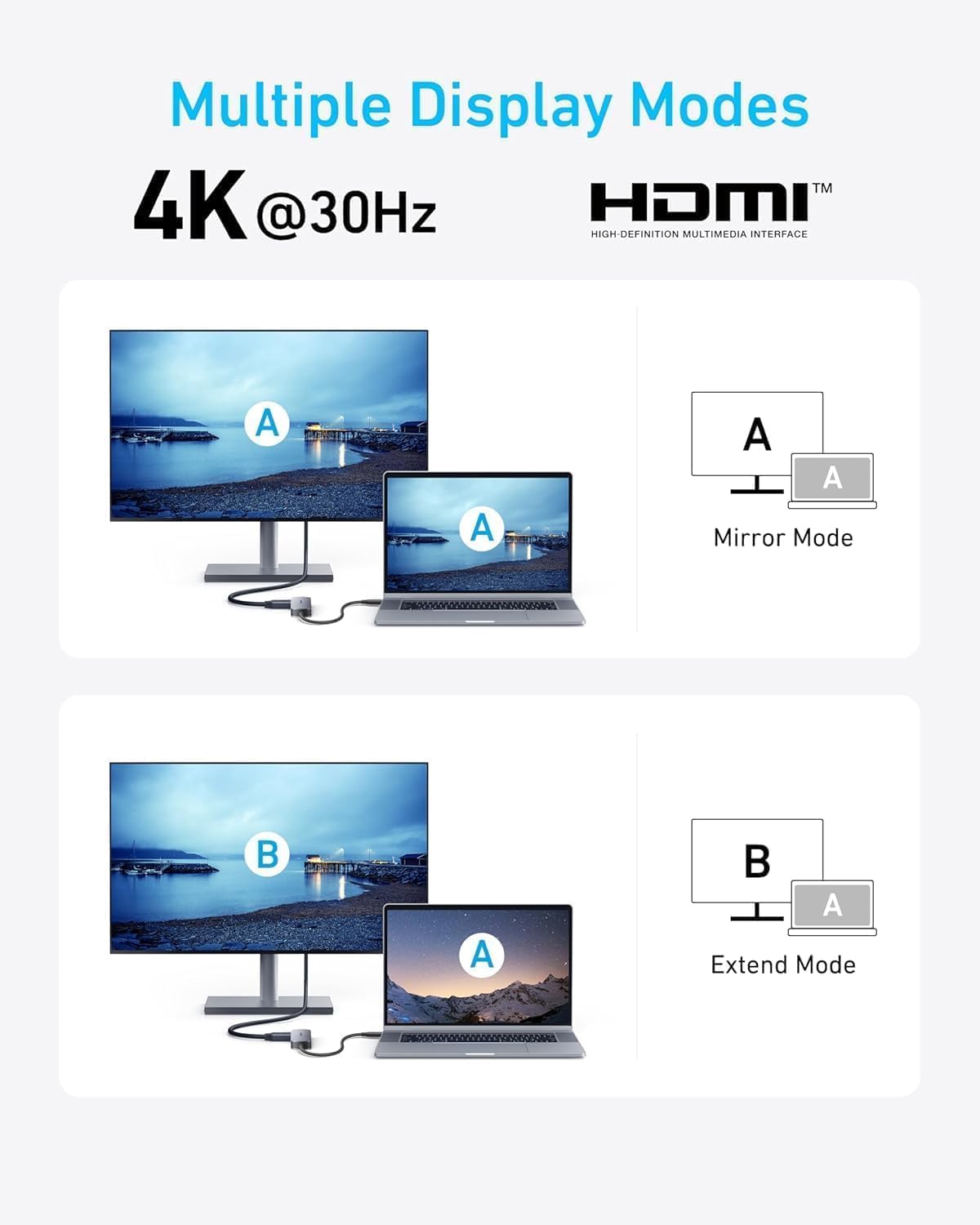
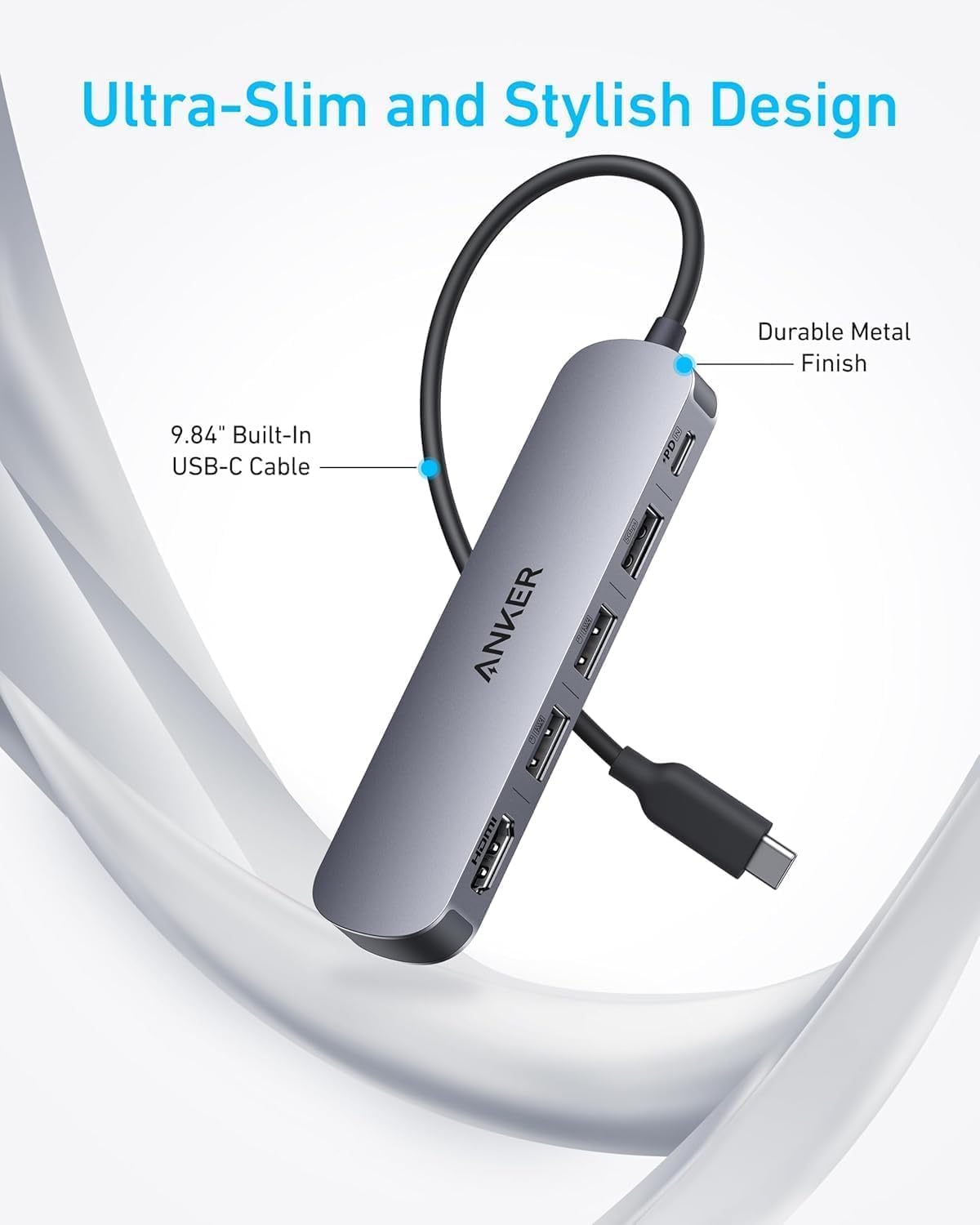
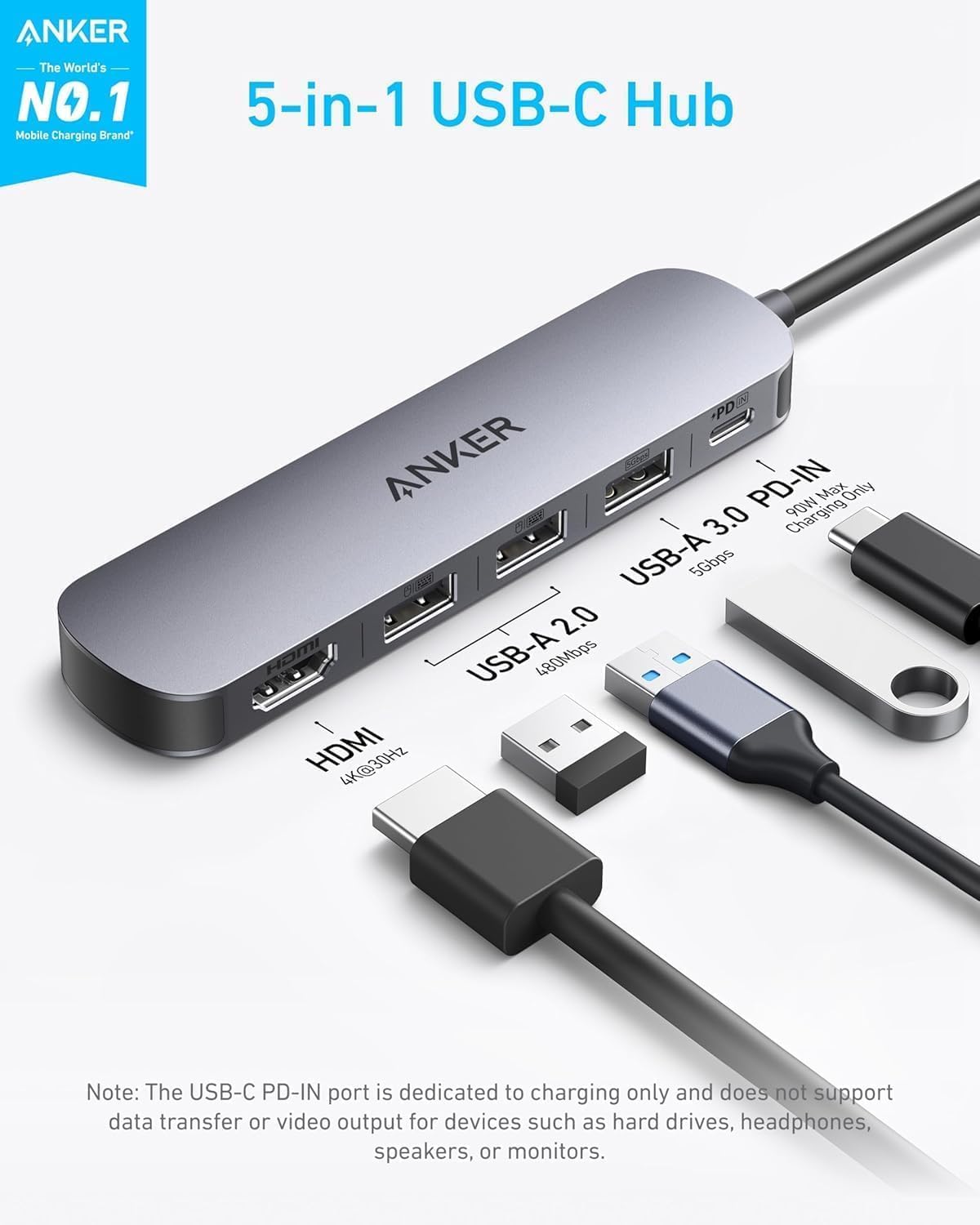
This Anker USB C Hub 4K ⚡ delivers a comprehensive connectivity solution for users who need to connect multiple devices to their laptop or tablet. With a single USB-C port, it supports power delivery, two USB-A 2.0 ports, one USB-A 3.0 port and an HDMI output, enabling seamless access to monitors, external drives and charging. The 90W power delivery capability ensures fast charging for laptops, while the 4K HDMI output supports both mirrored and extended display modes at 30Hz.
Key Points
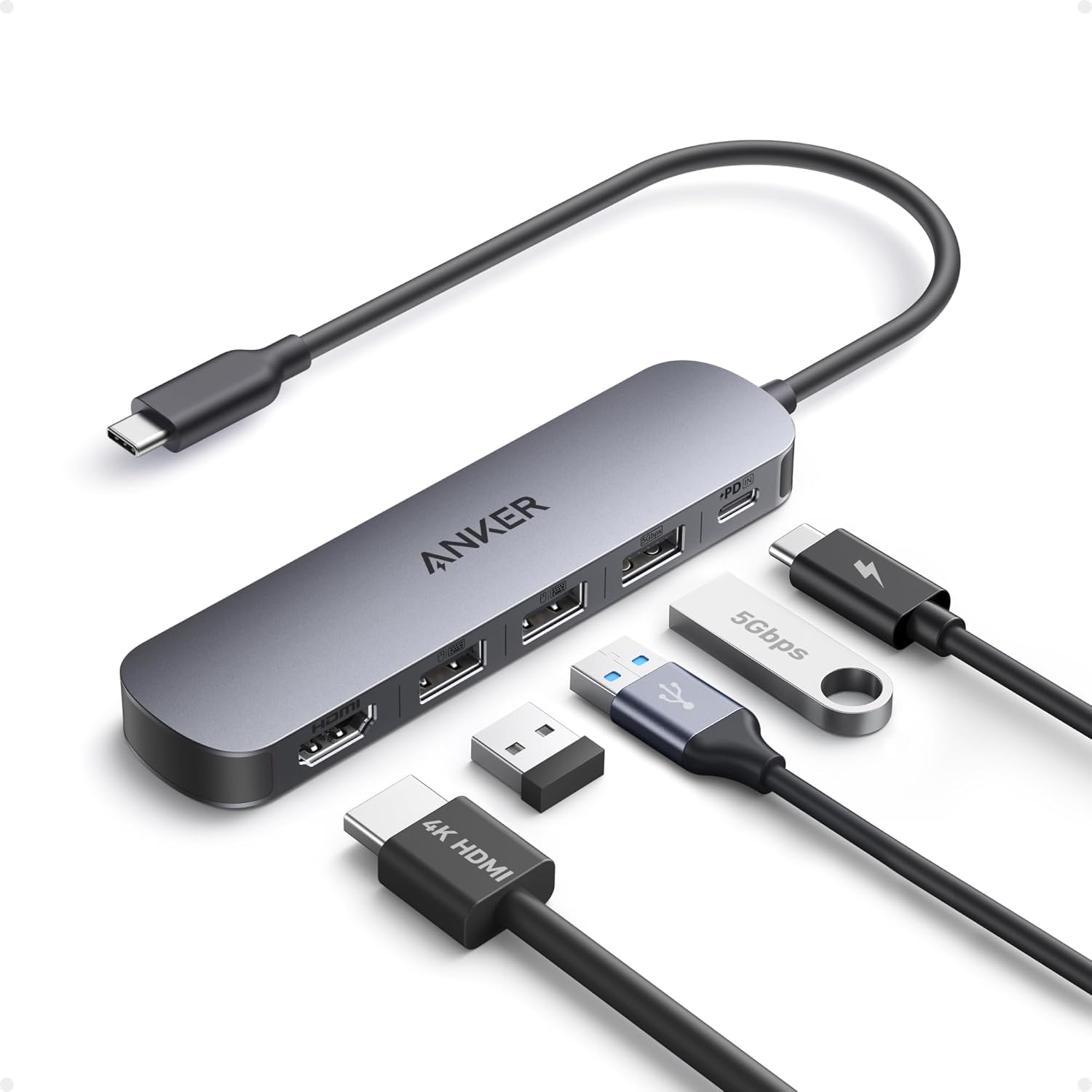
The Anker USB C Hub 4K ⚡ combines multiple connectivity options into one compact hub. It enables users to connect a monitor, external storage, and other peripherals without the need for additional cables. With a 90W power delivery input, it supports fast charging for laptops with up to 100W total power, reserving 10W for internal efficiency. The USB 3.0 port offers data transfer speeds of up to 5 Gbps, while the two USB 2.0 ports deliver speeds of 480 Mbps.
Technical Specifications
- Brand + model: Anker USB C Hub 4K ⚡
- Power delivery: 90 W (up to 100 W input)
- HDMI output: 4K resolution at 30 Hz (mirrored or extended mode)
- USB-A 2.0 ports: 2 available
- USB-A 3.0 port: 1 available
- USB 3.0 port: 1 available
- Data transfer speeds: USB 3.0 up to 5 Gbps, USB 2.0 up to 480 Mbps
- Dimensions: 11.5 x 6.5 x 2.5 cm
- Weight: 180 g
Benefits
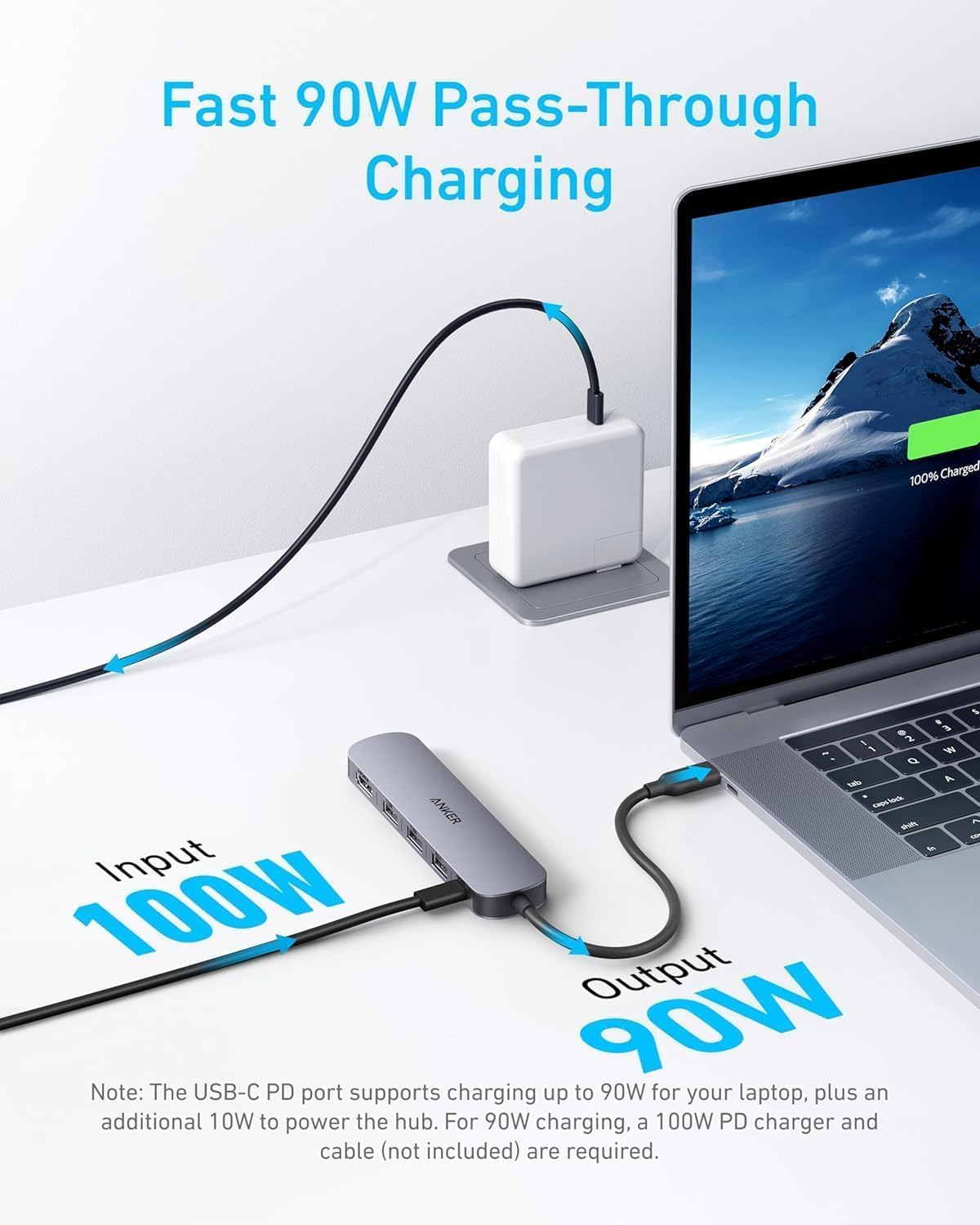
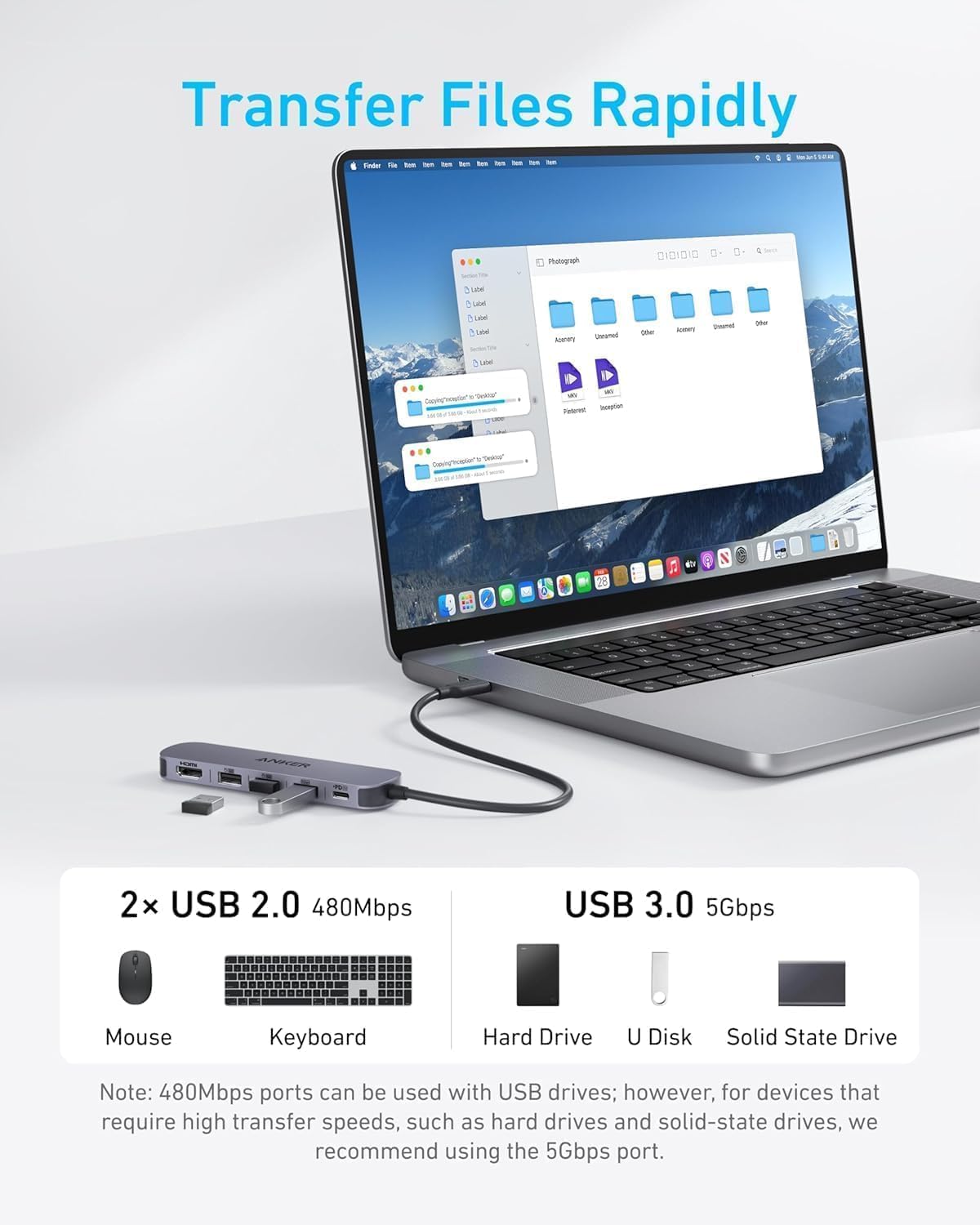
It simplifies workspace setup by consolidating multiple connections into a single device. Users can switch between monitor mirroring and extended desktop layouts with ease. The inclusion of a USB 3.0 port allows for quick file transfers between devices, which is especially useful when moving large files or backups. The 90W power delivery ensures that laptops charge efficiently without relying on external power sources.
Usage Recommendations
For users working on a laptop with limited ports, this hub is a practical solution. It performs well when used with a 4K monitor, allowing for clear visuals and smooth performance during video editing or presentations. If you frequently transfer large files, the USB 3.0 port will help reduce transfer times. Consider that the HDMI output operates at 30Hz, which may not be sufficient for high-frame-rate content. For optimal performance, connect the hub directly to a power source when using high-power devices.