

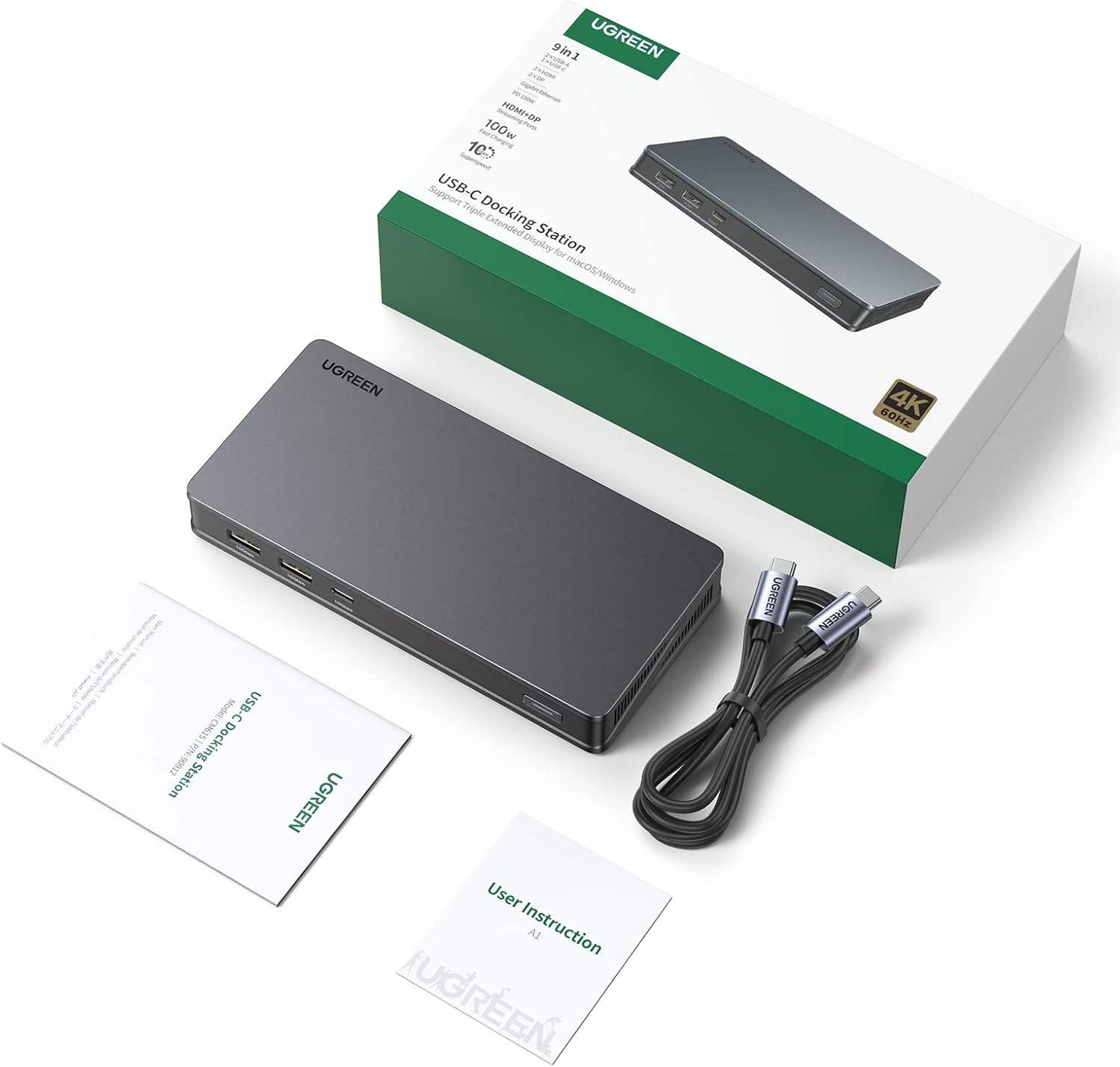
UGREEN Laptop Docking Station 100W PD
Product description
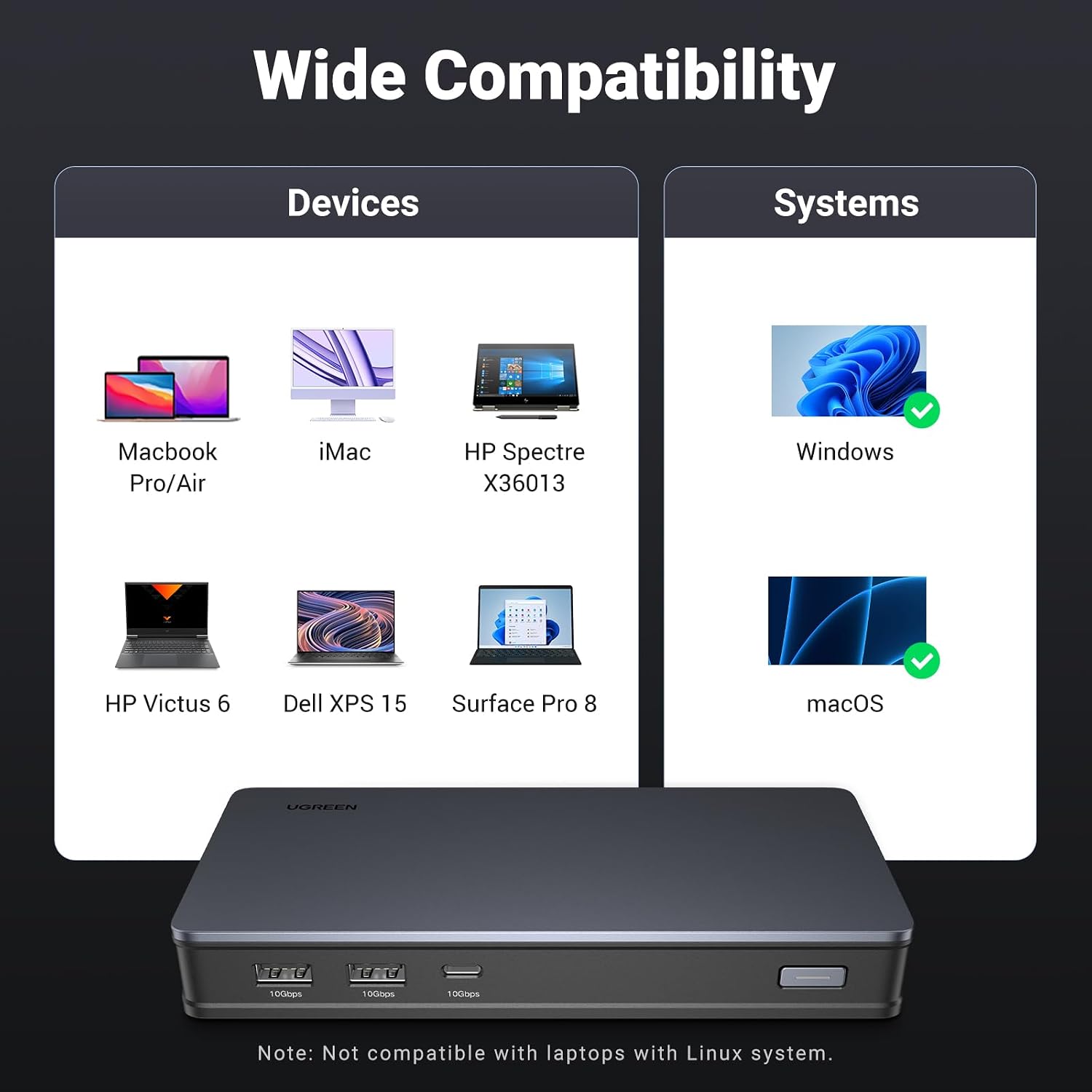
A dependable laptop docking station helps you turn a desk setup into something closer to a workstation, without constantly swapping cables. The UGREEN Laptop Docking Station adds wide connectivity for MacOS and Windows, including dual 4K@60Hz display support with DisplayLink, plus a 100W USB-C power delivery input for everyday charging. With fast 10Gbps USB data ports, it is built for efficient file transfers, whether you are working with an external SSD or moving media between devices. ✅
What matters most
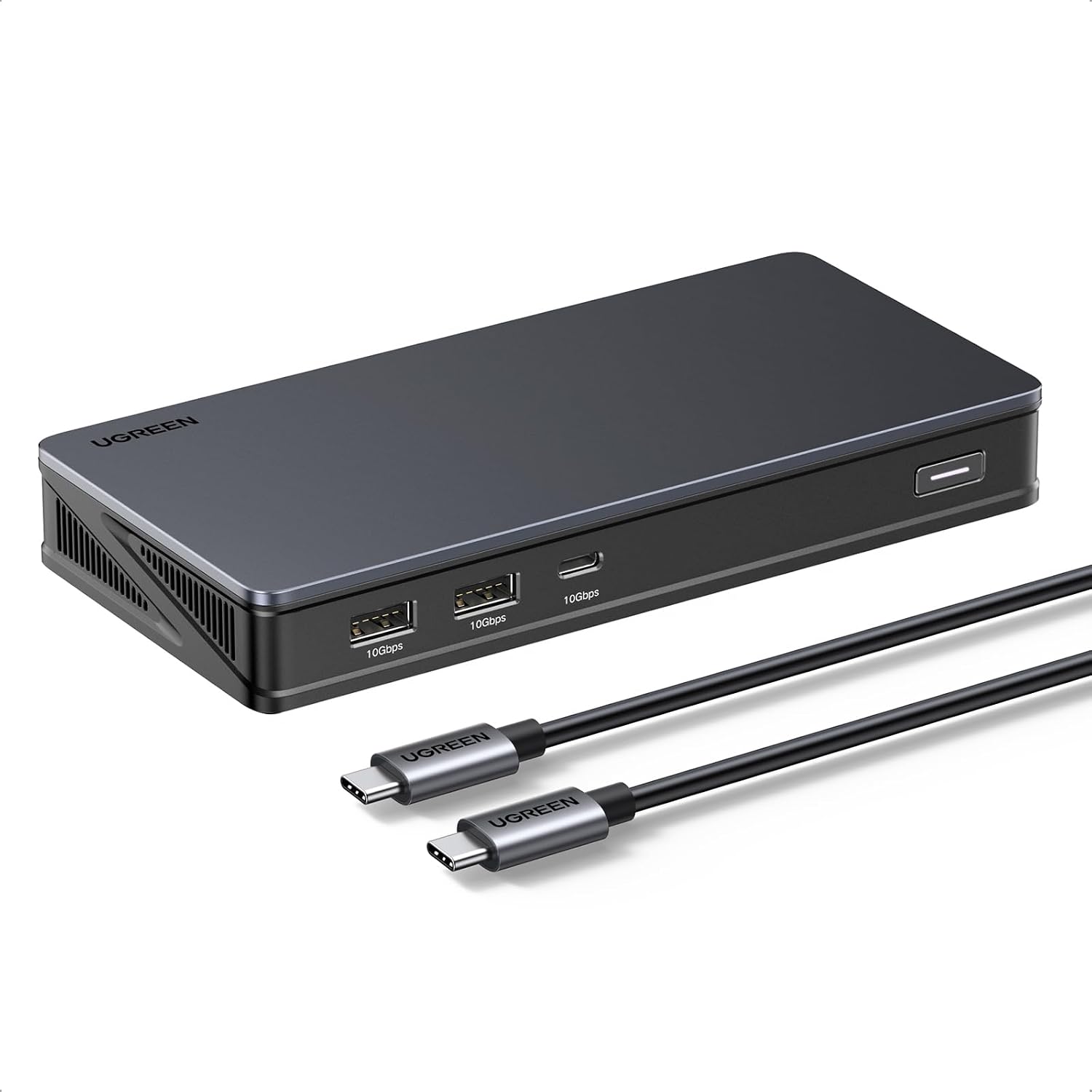
This UGREEN docking station is designed around productivity, where you need multiple connections to stay stable across meetings, email work, and content creation. It focuses on having enough ports for a desk workflow, including two video output groups and high speed USB data connections. If your main priority is simplifying connectivity to one hub, this dock gives you the core building blocks, including Ethernet and dual display support with the right software setup.
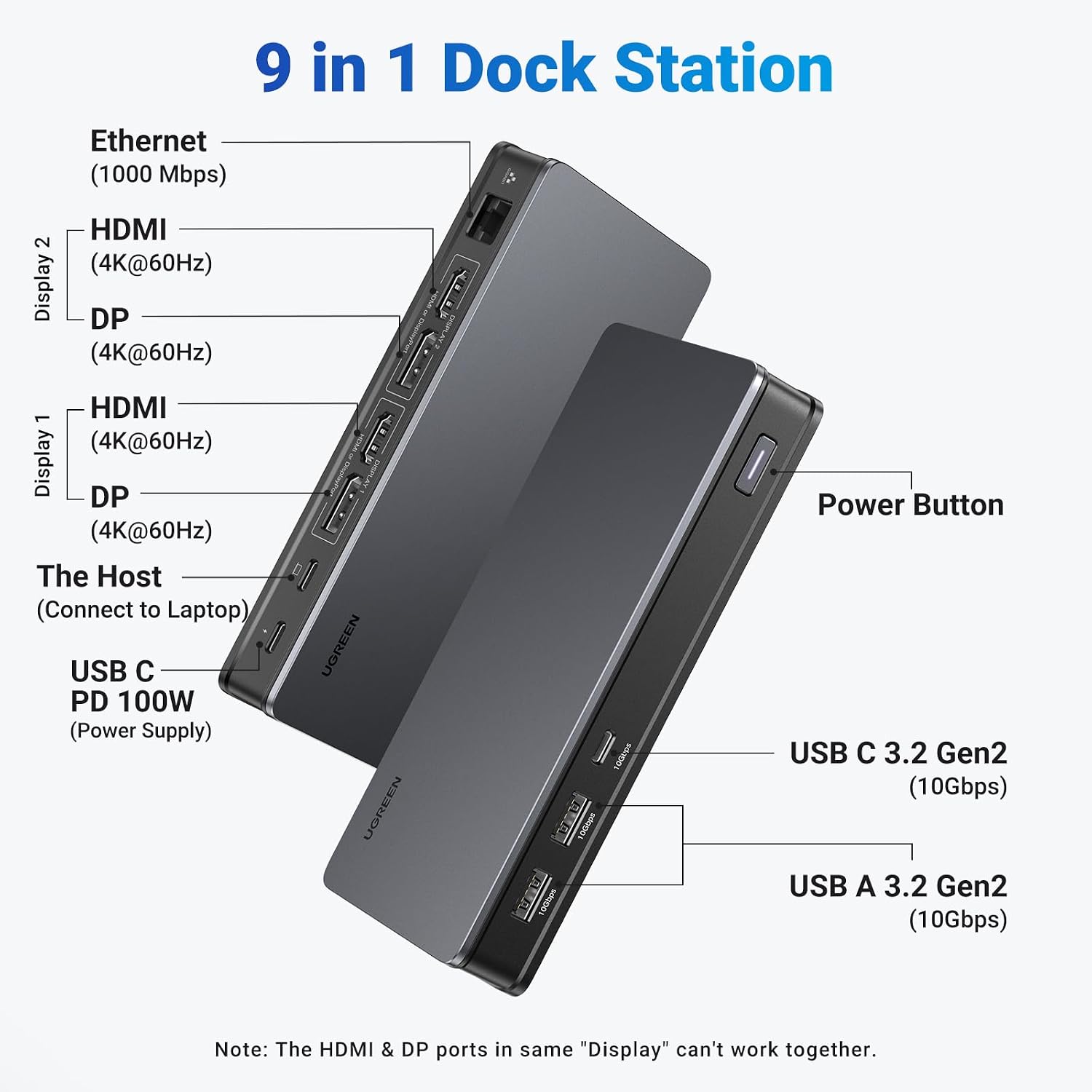
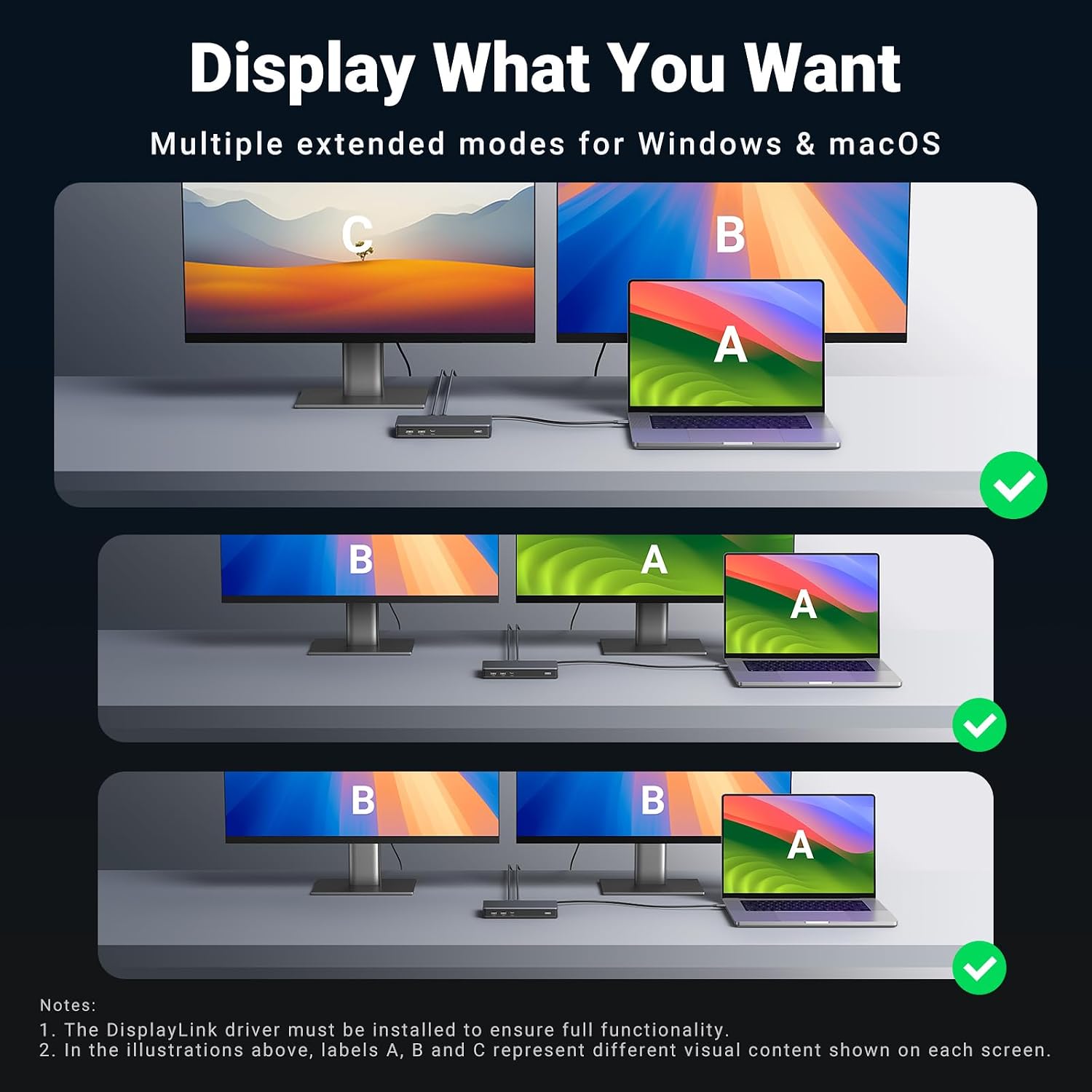
It is also worth noting that the video connections are handled in two output groups, which means you choose HDMI or DisplayPort per group rather than running everything at once. For display functionality, DisplayLink software needs to be installed, and macOS users must allow the driver permission related to screen recording. These details matter because they affect whether the dock behaves as expected day to day, especially when you are switching between home and office setups. 🧠
Key features
The docking station offers 2x 4K@60Hz HDMI outputs and 2x 4K@60Hz DisplayPort outputs, with dual 4K@60Hz display support for Mac when DisplayLink is set up correctly. That combination is aimed at people who need clear multi screen multitasking, such as spreadsheets alongside reference material, or project work alongside communication tools. On the desk side, you also get Ethernet through RJ45, which helps reduce reliance on WiFi when you want consistent network performance.
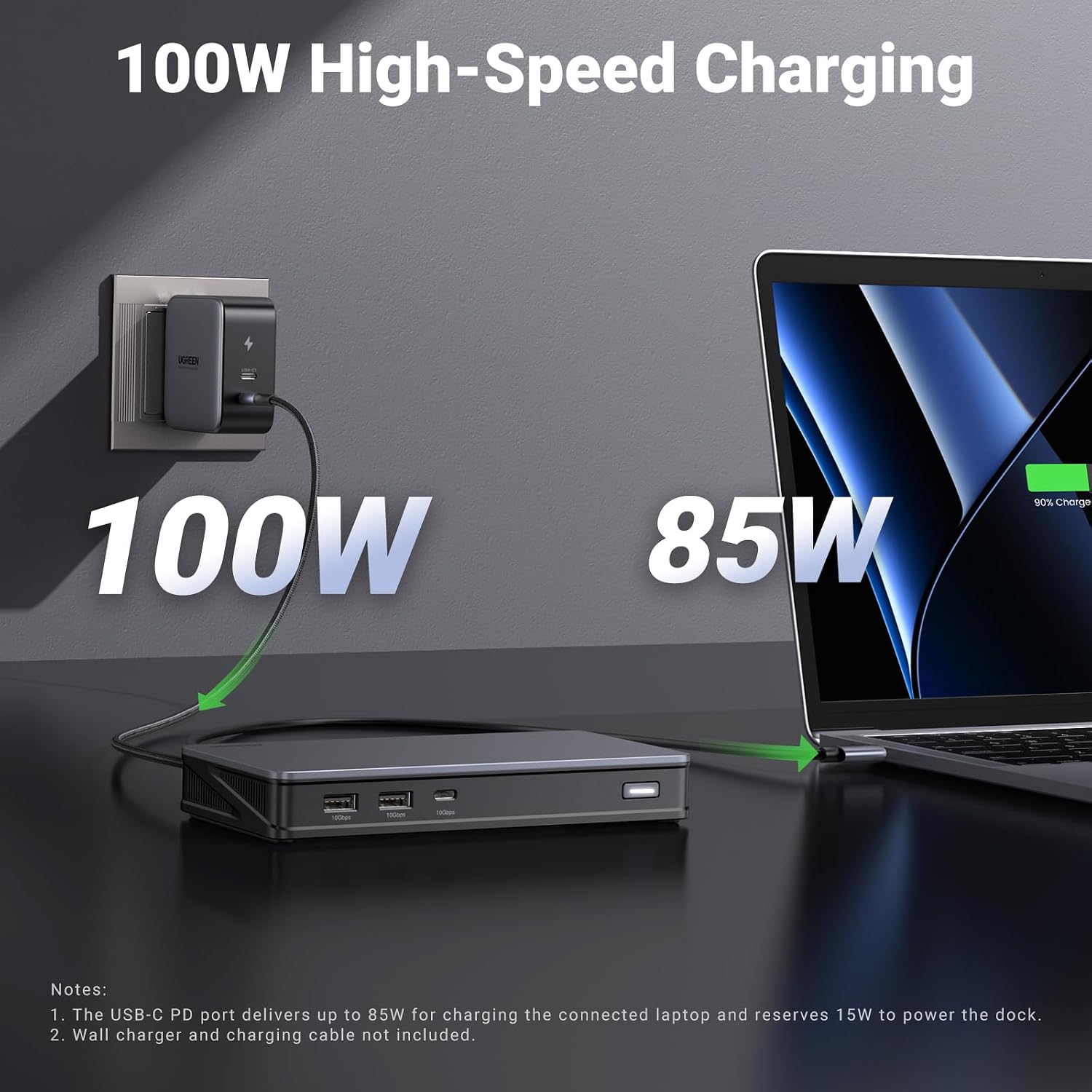
For power, the dock includes a 100W max USB-C PD input and supports up to 85W charging via USB-C, according to the provided notes. Bear in mind that a suitable 100W PD charger and cable are required to enable charging at that level, since the charger and cable are not included. 📌 That is a practical consideration if you are upgrading a setup, because you may already own a compatible charger or you may need to source one.
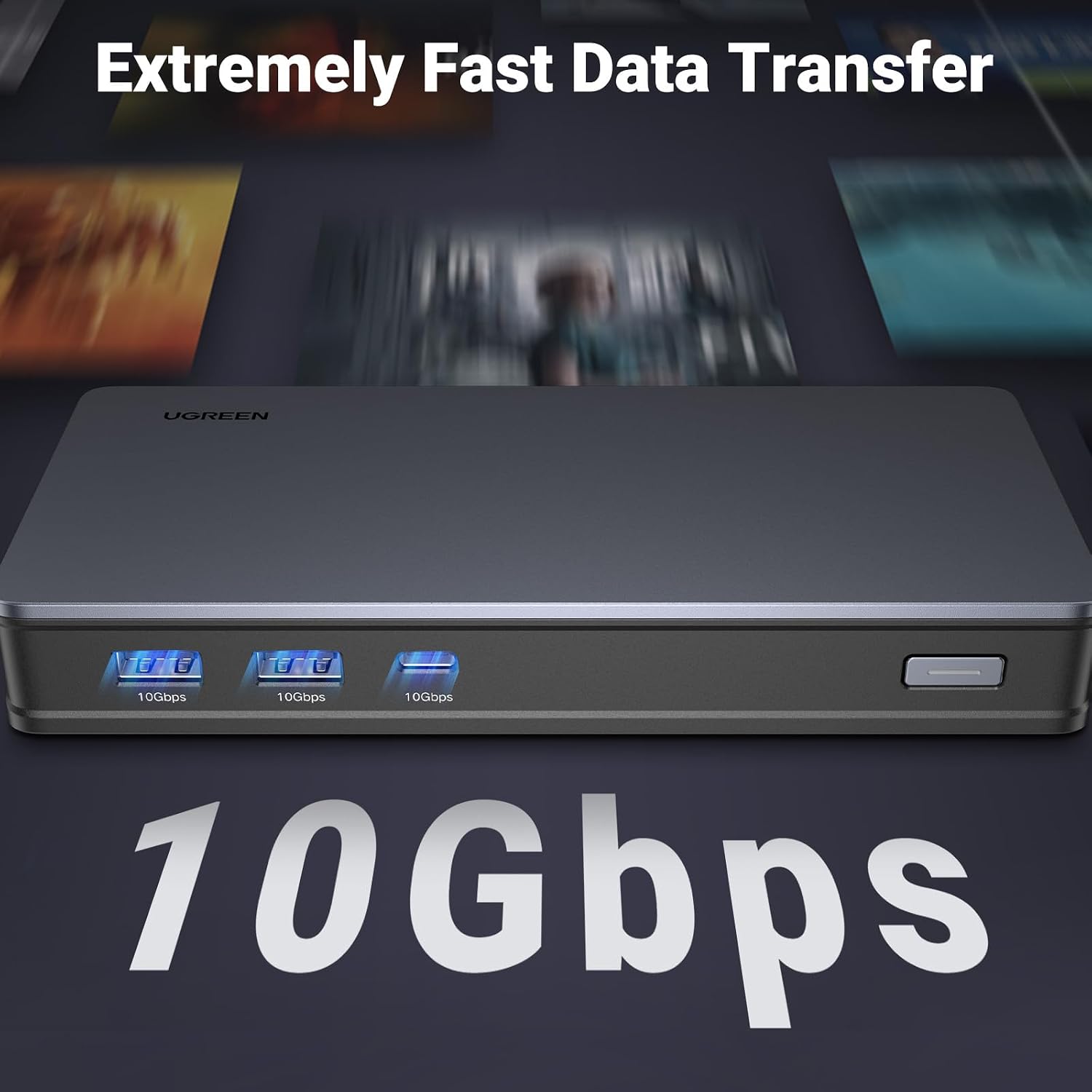
For data, the dock includes three 10Gbps USB ports, with both USB-C data and USB-A data options for fast file movement. The note states that 10GB file transfers can take as little as 16 seconds, which is particularly relevant for external SSD workflows. There is also an important limitation: the USB-C data ports are for data transfer only, not for display and charging, so you should rely on the video outputs and the USB-C PD port for those functions.
Tech specs
- Name: UGREEN Laptop Docking Station, 9-Port, Dual 4K@60Hz with DisplayLink, 100W PD, Ethernet, 3x 10Gbps USB-A/C Ports
- Type: Laptop docking station with DisplayLink dual display support
- Display: Dual 4K@60Hz via HDMI and DisplayPort with DisplayLink software installed
- Input charging: 100W max USB-C Power Delivery input, supports up to 85W charging with required 100W PD charger and cable
- Data transfer: 10Gbps USB-C data port and 10Gbps USB-A data ports
- Video outputs: 2x 4K@60Hz HDMI and 2x 4K@60Hz DisplayPort, choose HDMI or DisplayPort per output group
- Network: RJ45 Ethernet
Who it’s for
It’s a good fit if you want one dock to cover displays, charging, network, and fast USB connectivity in a single place for both MacOS and Windows. It may suit people who regularly move files with an external SSD and prefer higher speed data connections for everyday workflow rather than relying on slow transfers. You’ll like it if you are happy to install the DisplayLink driver and follow the macOS permission requirement so the display and network functionality works properly.
It might not be a great match if your main use is gaming or protected content playback, since the notes say it does not support gaming or HDCP playback such as Netflix and Hulu. You may also want to skip it if you expect the USB-C data ports to carry video and charging, because those ports are for data transfer only. Finally, if you need to drive HDMI and DisplayPort simultaneously within the same video output group, keep in mind the limitation that you choose HDMI or DisplayPort per group rather than using both together.