

Stylus Pen A16 for iPad 13-inch
Product description
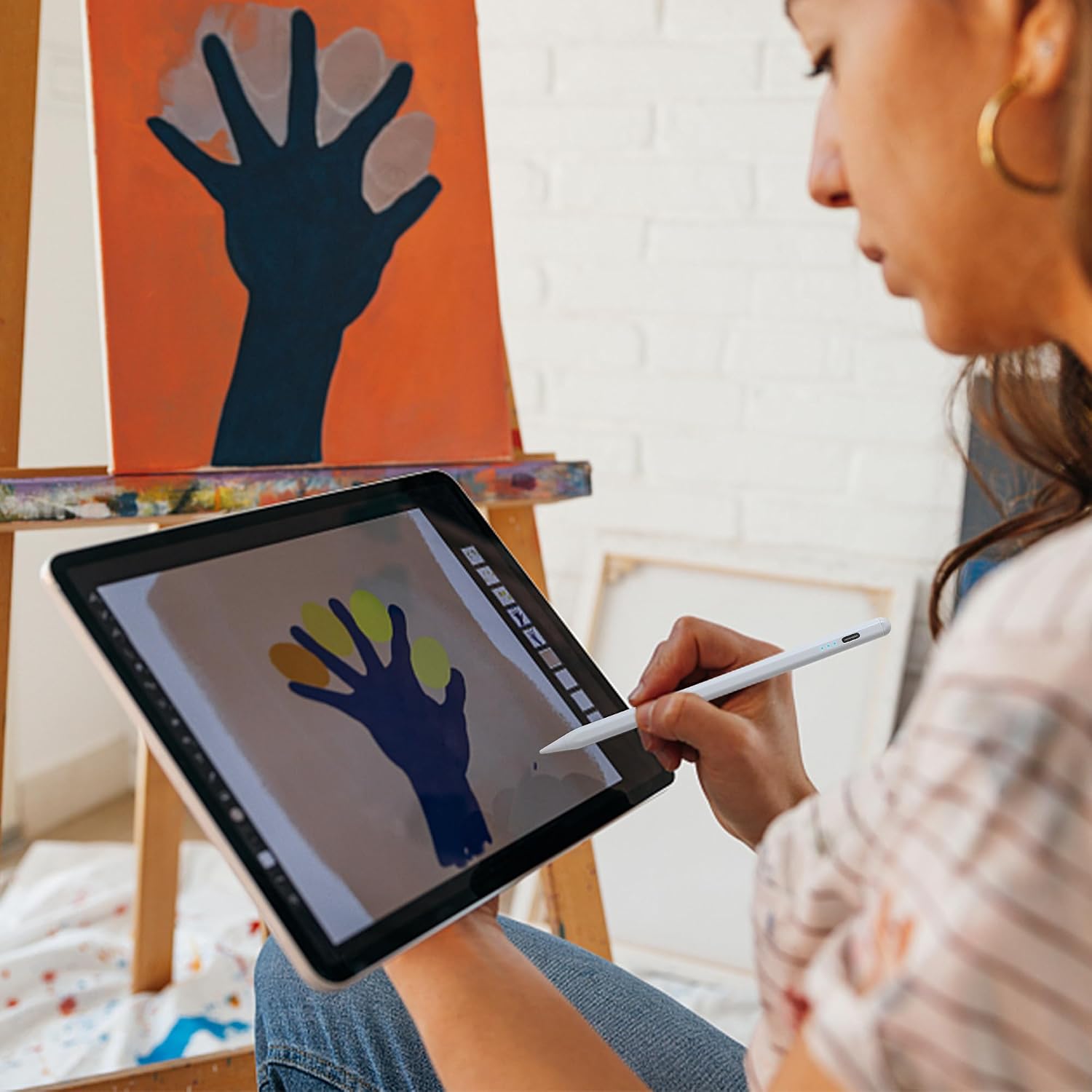
This Stylus Pen for iPad delivers a precise, paperlike feel for writing and sketching on iPads made since 2018. It pairs direct usability with tilt sensing and a fine tip so notes and sketches feel natural right away, and it works without Bluetooth for quick use. If you want a reliable Apple Pencil alternative that stays ready and snaps to the side of your tablet, this model covers everyday note taking and creative play with straightforward controls. ✏️
Key features
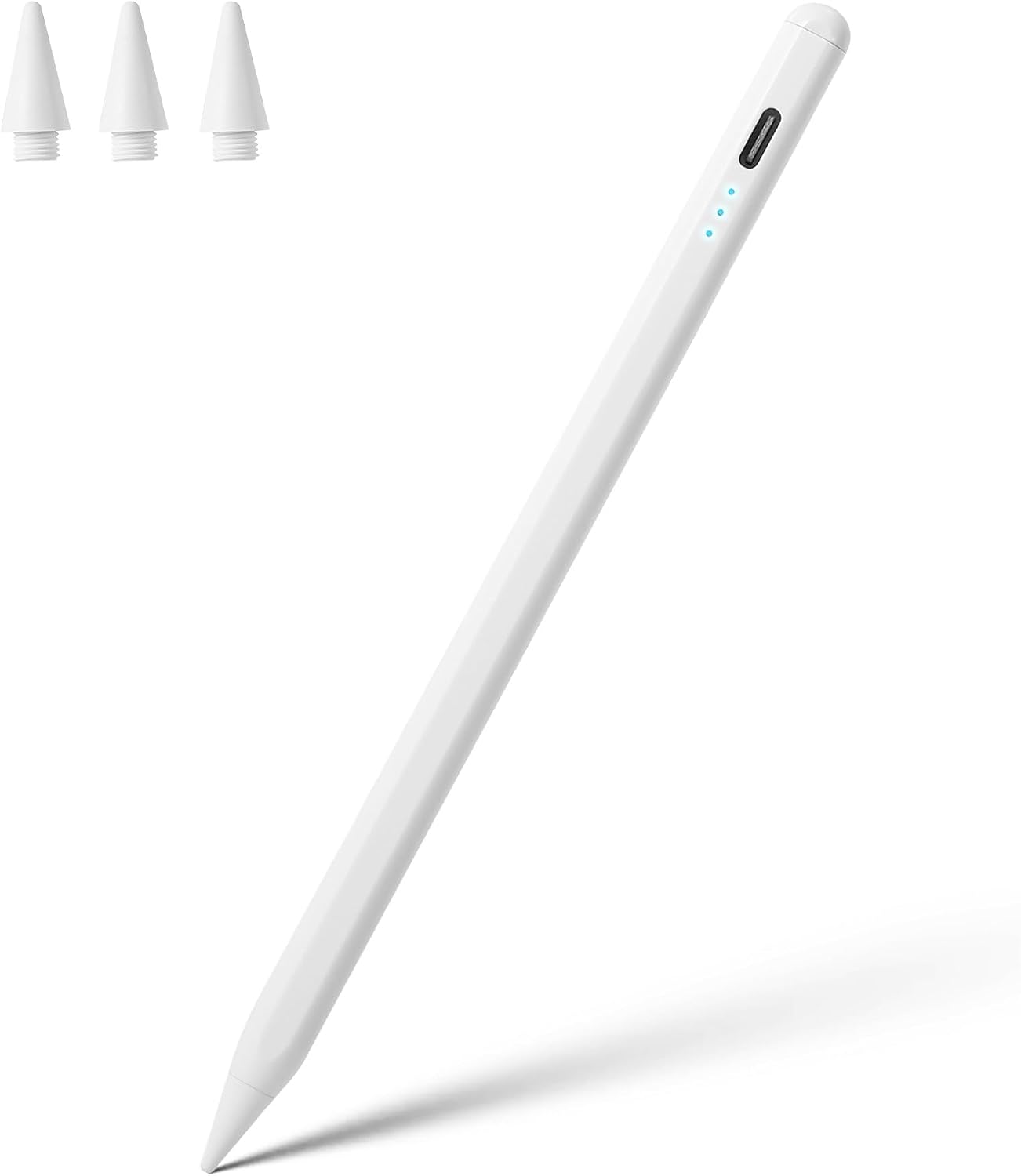
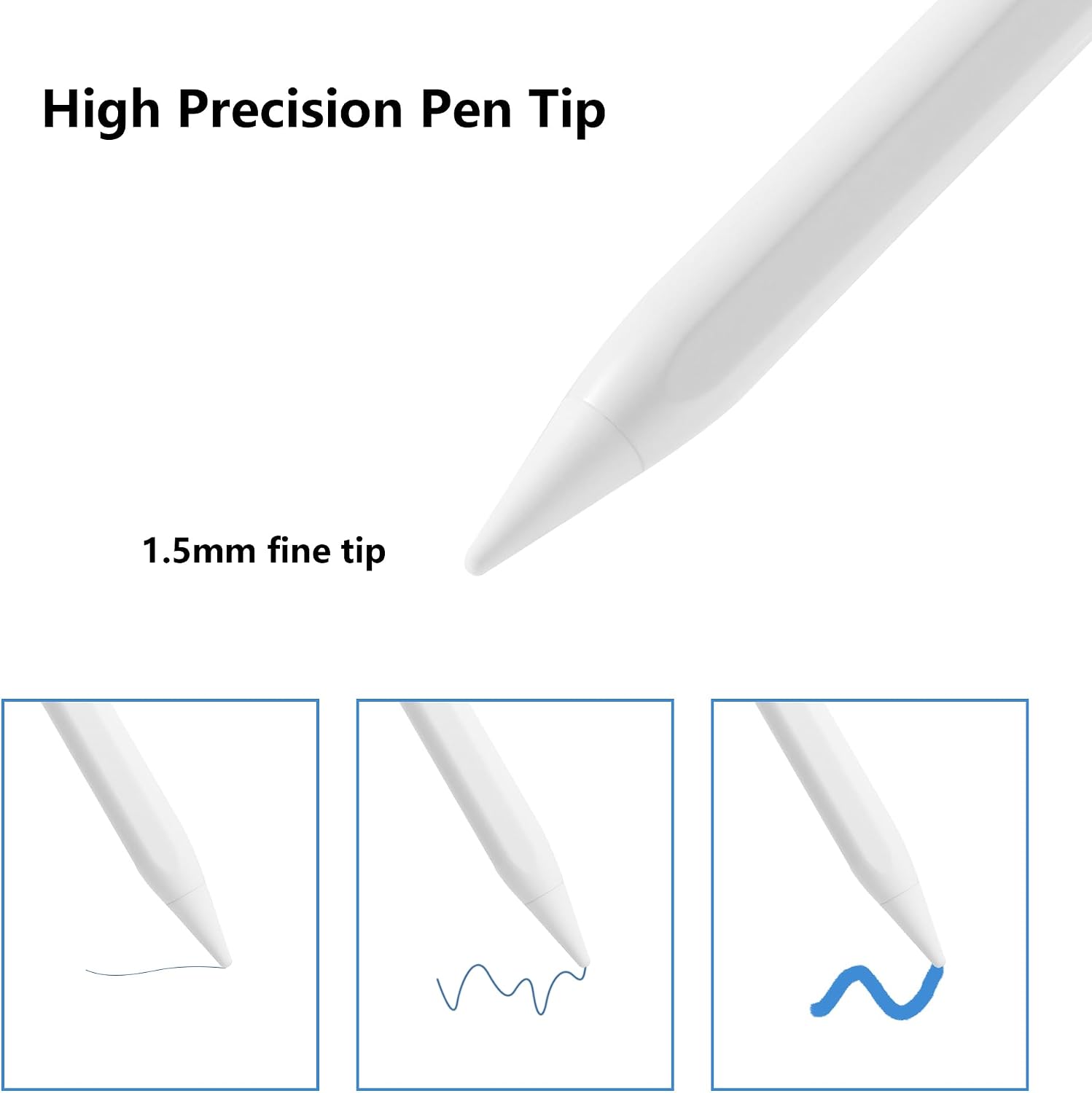
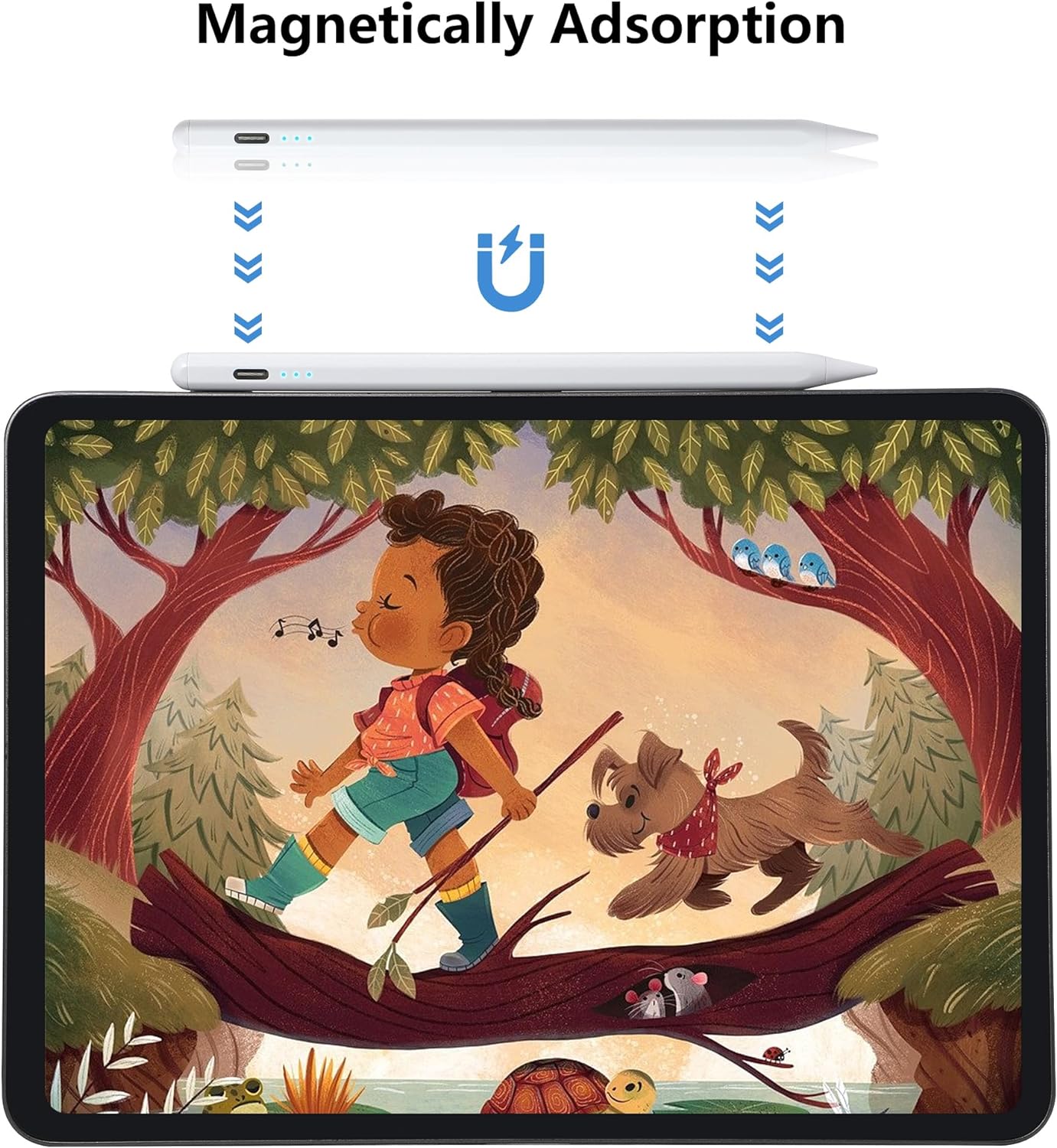
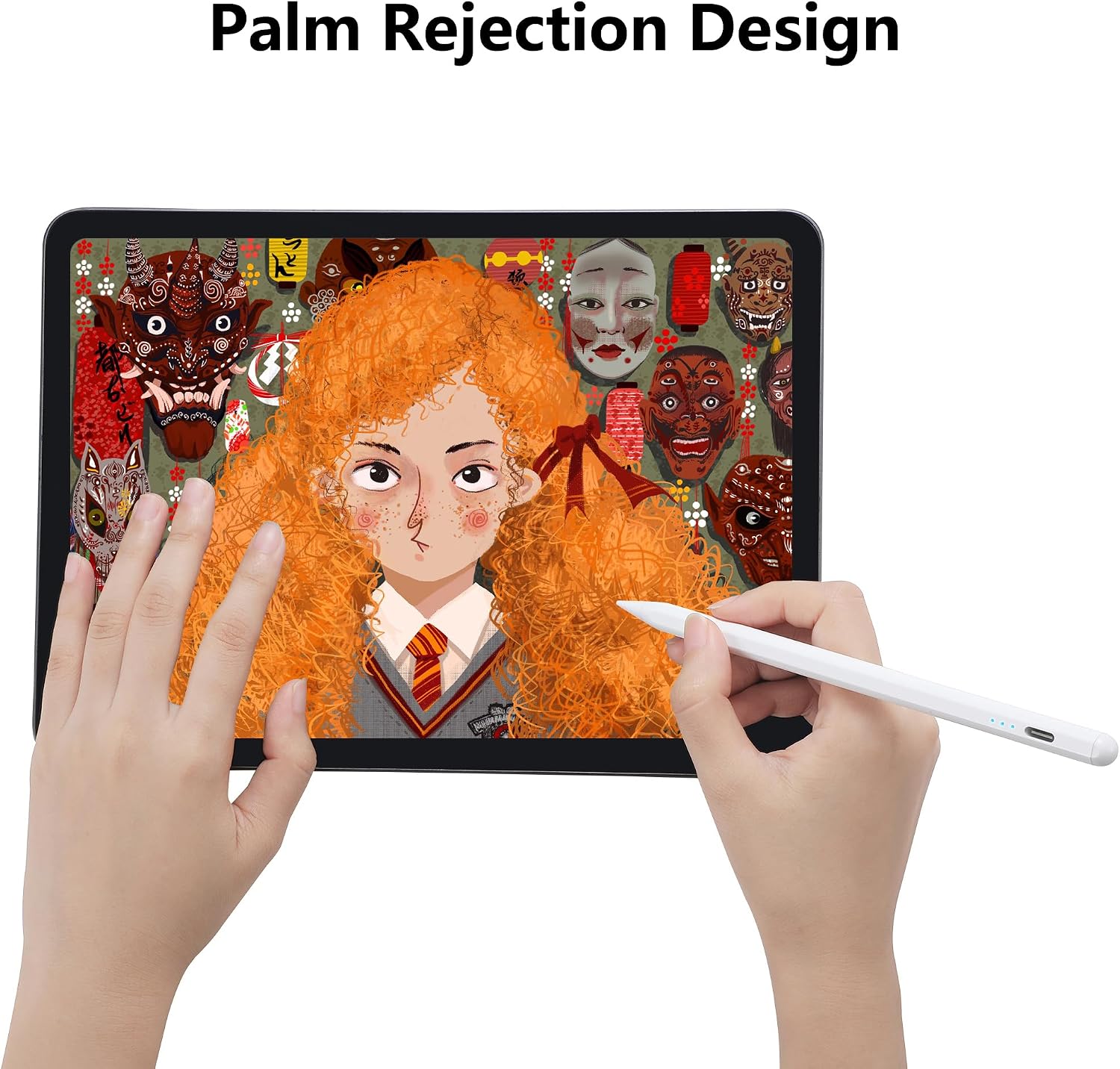
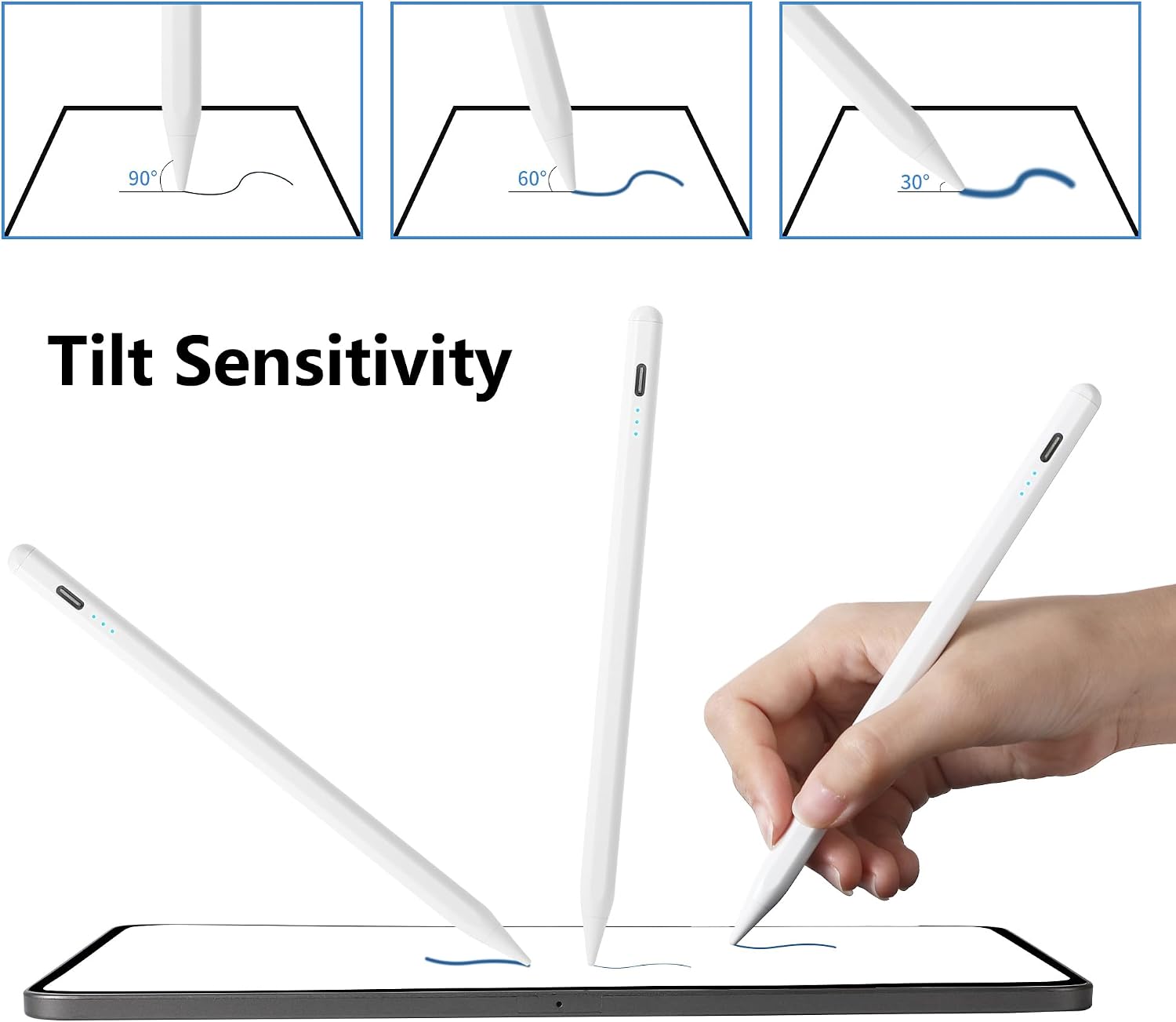
The pen offers palm rejection and tilt sensitivity to vary line thickness with angle, which helps when shading or drawing thin outlines. It uses a 1.5mm fine tip that handles precise strokes and reduces jitter while writing. There are 3 replaceable tips included so you can swap worn tips fast. You turn the unit on or off with a double click on the top, no app or Bluetooth pairing required. The magnetic design supports simple attachment and storage on compatible iPad models, and the quick screenshot gesture speeds tasks for note capture. 🎨
Tech specs
- Name: Stylus Pen for iPad A16
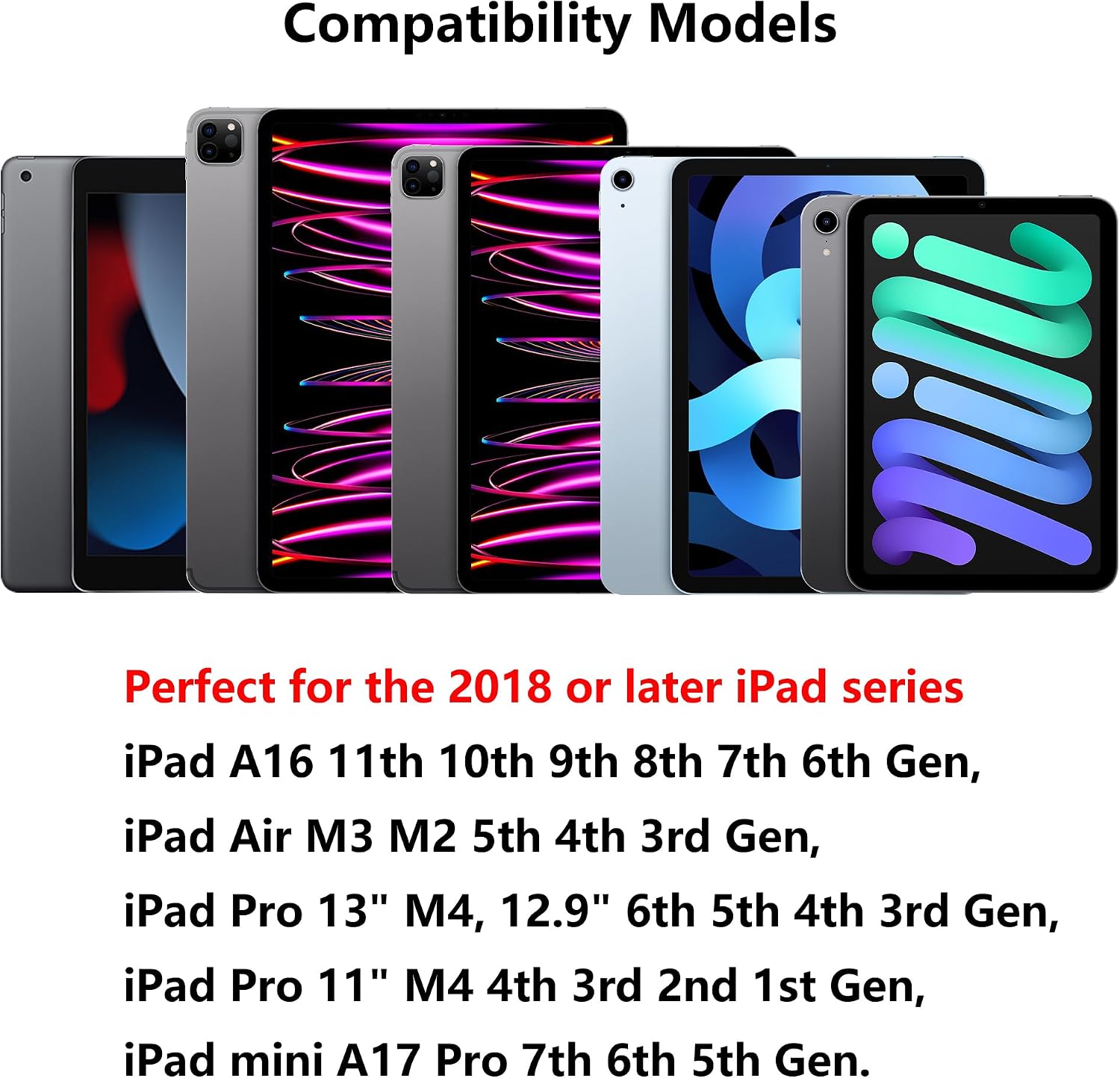
- Compatibility: iPad models 2018 and later including A16 11th 10th 9th 8th 7th 6th Gen, iPad Pro M4 13 inch, 12.9 6th 5th 4th 3rd Gen, iPad Pro 11 M4 4th 3rd 2nd 1st Gen, iPad Air M3 M2 5th 4th 3rd Gen, iPad mini A17 Pro 7 6 5 Gen
- Tip: 1.5mm fine tip
- Battery: rechargeable battery with about 8-9 hours use per full charge
- Charging: fast recharge in about 30 minutes
Usage tips
Charge the pen fully before first use and note the three LED indicators to track battery level during charging. For quick screenshots swipe from bottom left to top right on the screen while the pen is active. If the iPad does not respond, turn off Bluetooth or remove any lingering Apple Pencil pairing in Settings to avoid conflicts. Keep spare tips handy for heavy sketching sessions. 💡
The unit does not support pressure sensitivity according to the manufacturer, so thickness control depends on tilt rather than pressure. This may affect artists who need pressure curves for brush dynamics, but it still suits notes, annotations, and general sketching well.