

DRYMOKINI Stylus Pen (Active Stylus, USB‑C Rechargeable) for iPad/iPhone & Android Touch Screens, 1.5 mm Tip, Baby Pink
Product description
The essentials
If you’ve ever tried to take notes or sketch with a finger on a busy screen, you already know the downside: smudges, imprecise lines, and a lot of “redo” moments. The DRYMOKINI Stylus Pen is built to make everyday writing and drawing feel more controlled, using a fine 1.5 mm tip for responsive strokes that glide across compatible capacitive touch screens.
On paper, it targets people who want a simple stylus setup—no drivers, no extra apps—and who use both iOS and Android devices. That “universal” angle matters because switching stylus gear between phone, tablet, or classroom use can get annoying fast.
Still, it’s not perfect for everyone. The manufacturer is clear that it doesn’t support palm rejection or pressure sensitivity, so artists or heavy “pro pen” users may find it limiting.
Key features that show up during real use
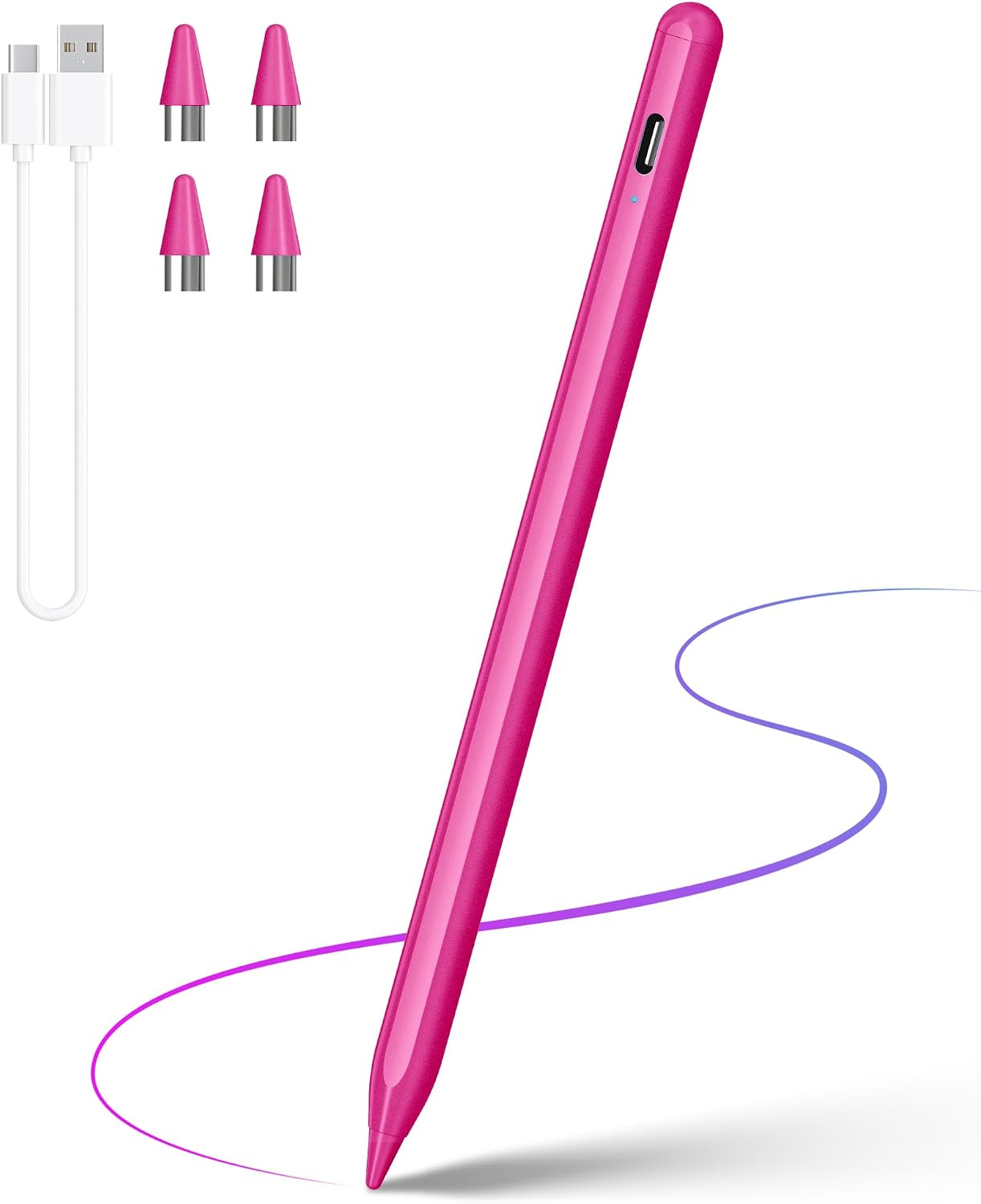
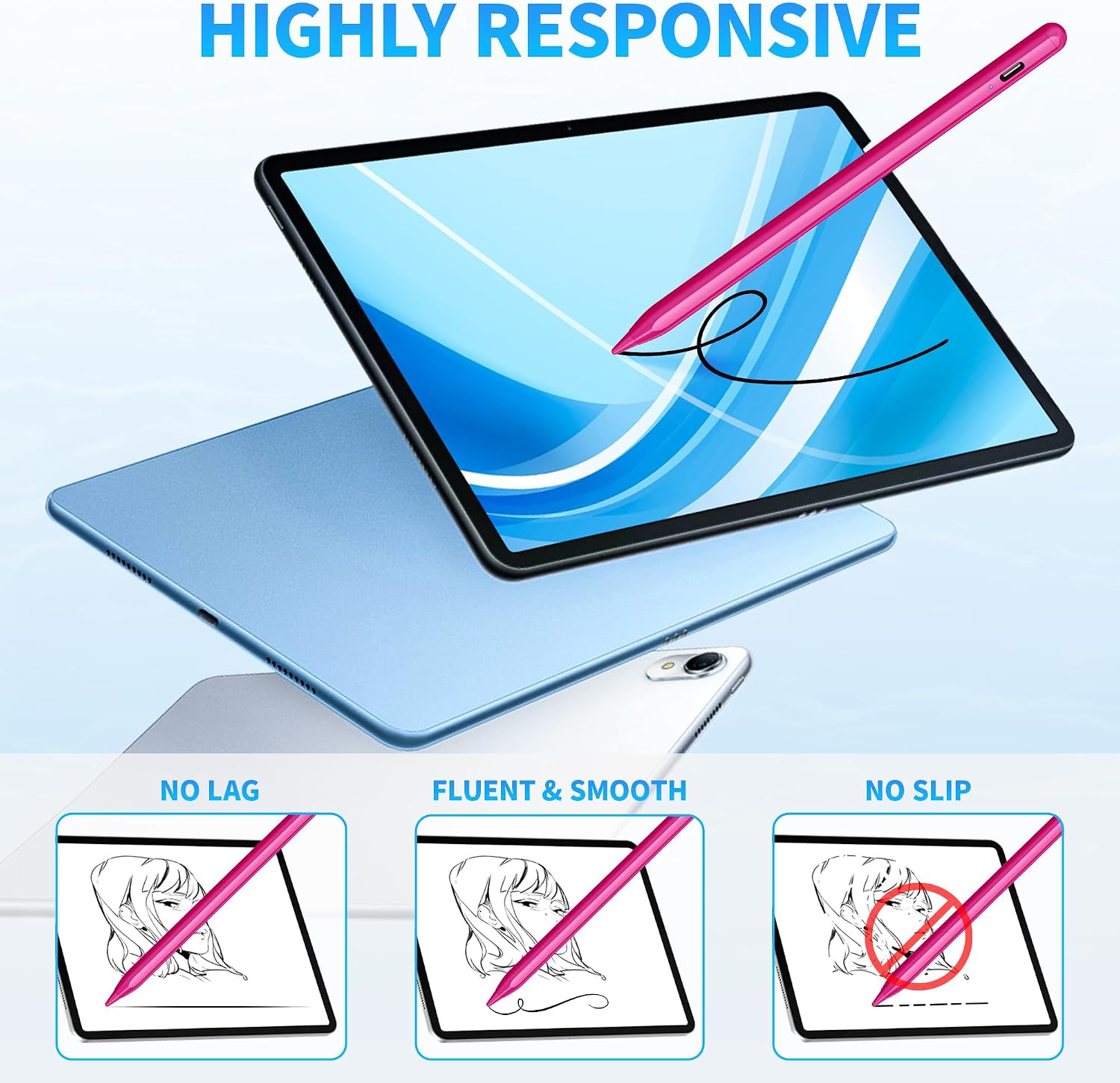
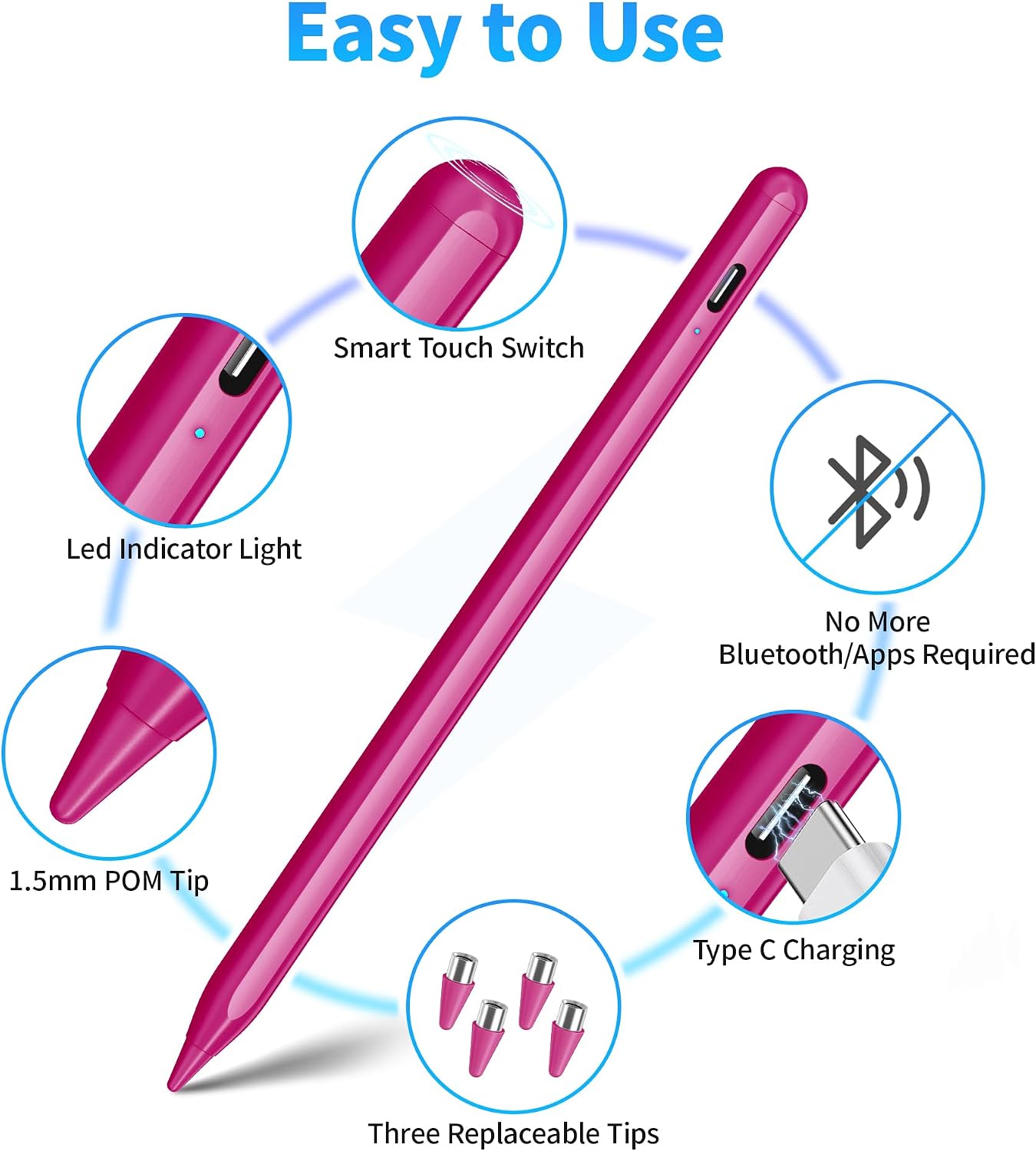
The fine 1.5 mm tip is the star here. In practice, that usually translates to cleaner writing and more deliberate lines—useful for bullet journaling, color-coding a planner, or jotting down lecture notes without your strokes getting too chunky.
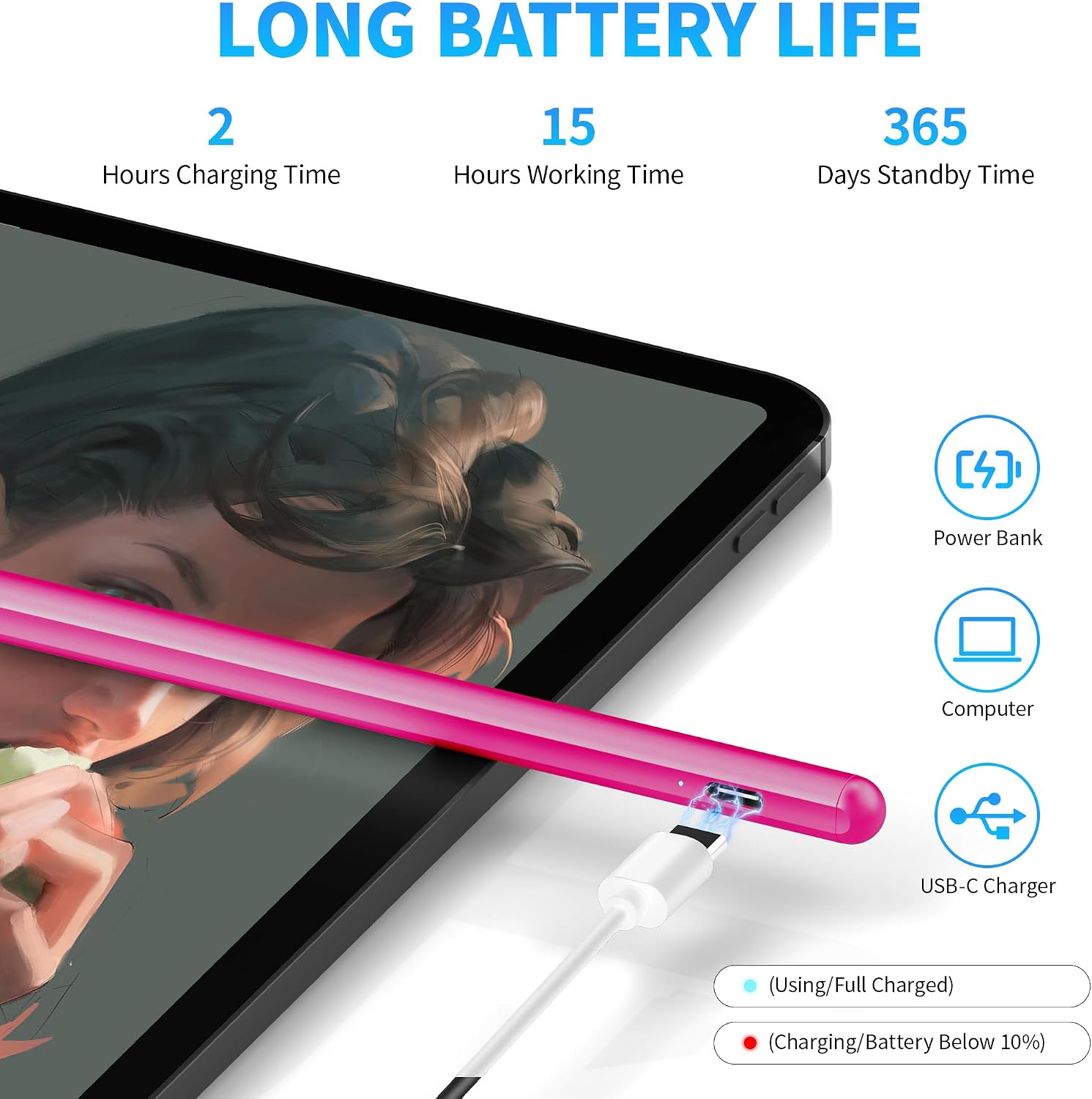
It’s also positioned as a rechargeable active-style stylus with a built-in battery and an advanced USB-C charging port. The stated runtime is up to 20 hours of continuous use, with about 30 days standby, and it charges in about 1 hour. If your day involves back-to-back note-taking (or you forget to charge until the last minute), those numbers are the kind that can reduce friction.
One more thing: the included setup is meant to be straightforward. You open the box and start using it on supported touch screens, with no drivers or app installs required.
Compatibility: where it works, and where it can trip you up
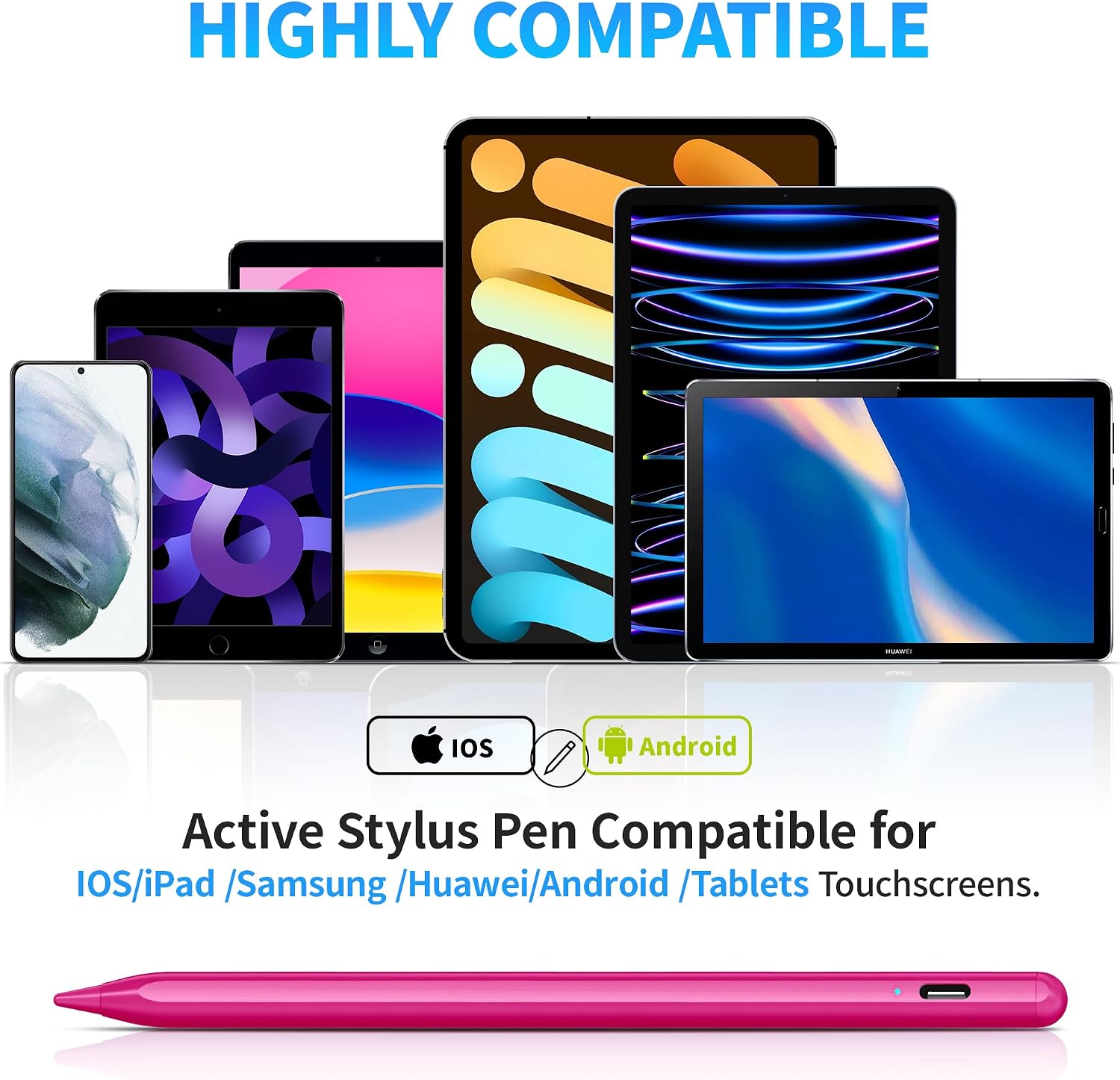
This stylus is designed for capacitive touch screens, with separate compatibility notes for Android and iOS devices. The listing includes many models across both ecosystems (phones and tablets), which is helpful if you want one pen for multiple devices.
That said, there are explicit limitations worth reading before you buy: - It does not support palm rejection. - It does not support pressure sensitivity. - It’s not compatible with Windows systems or apps that require proprietary protocols.
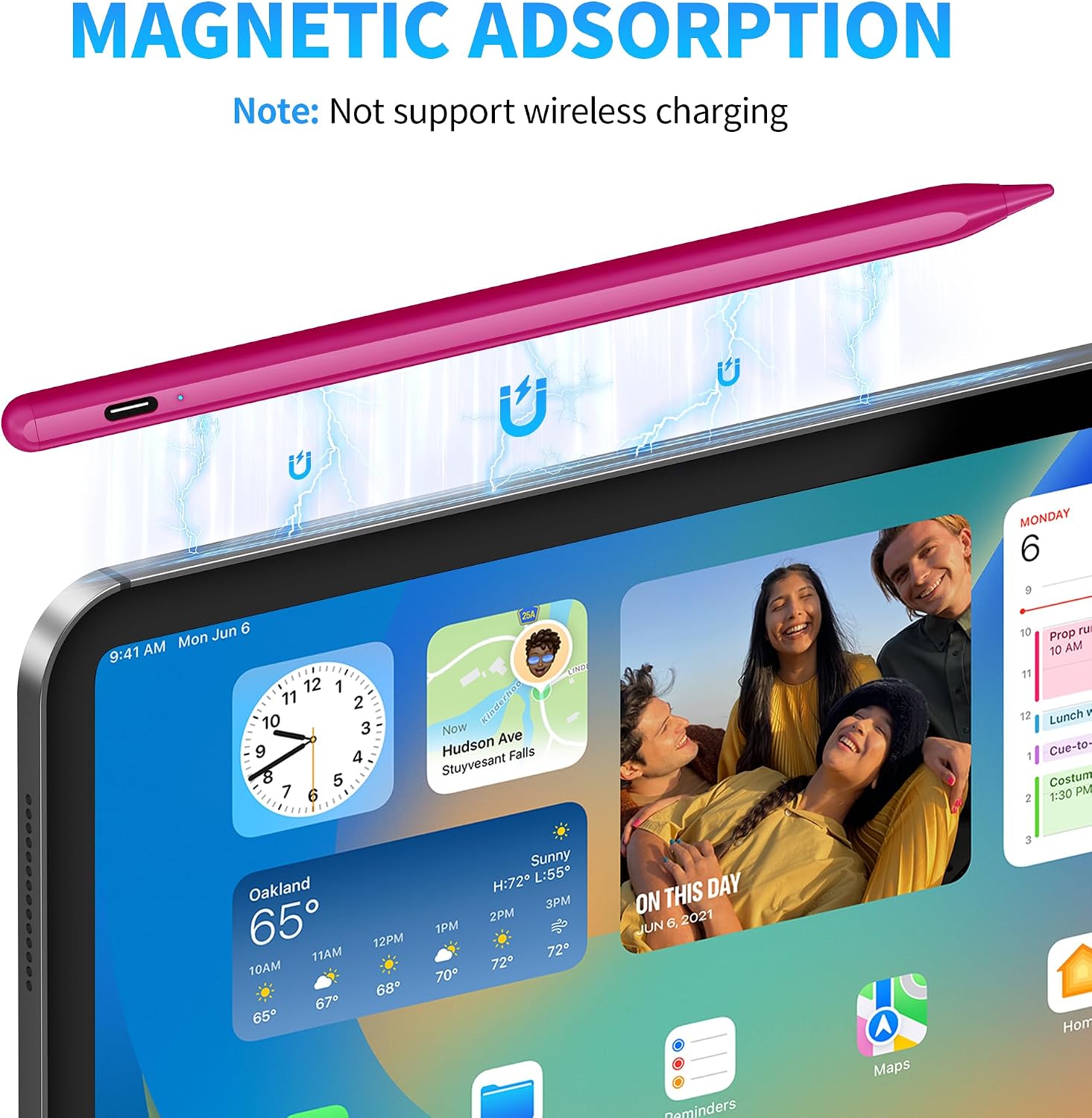
There’s also a practical “gotcha” in the notes for iPad/iOS behavior: if the iPad is set up for Apple Pencil use, you may need to disconnect it first, and in some apps you may need to switch settings so the app recognizes the stylus. For example, the listing references Notability and suggests adjusting the “Apple Pencil” setting to disconnect, then use the stylus normally.
If you rely on specific note apps, this is one of those cases where you should confirm your app’s compatibility path first.
Tech specs
- Tip size: 1.5 mm
- Charging port: USB-C
- Charging time: about 1 hour
- Continuous use: up to 20 hours
- Standby time: up to 30 days
- Included: 1 universal stylus pen, 4 replacement tips, 1 USB-C charging cable, 1 user manual, 1 packaging box
- Warranty/support: 12-month warranty, lifetime professional technical support (as stated)
What stands out (and what to be cautious about)
What stands out is the day-to-day usability: fine tip control, universal capacitive compatibility across iOS and Android devices (per the listing), and a quick USB-C recharge. It also includes replacement tips, which is a small detail but a real convenience when you’re using it frequently.
What to be cautious about: if you want palm rejection, pressure sensitivity, or a “pro drawing” feel, this won’t fully deliver. It stays closer to a practical, general-purpose stylus lane. And if your workflow depends on a specific Windows setup or an app with proprietary stylus protocols, it’s a no-go based on the stated limitations.
Who it’s for (and who should skip it)
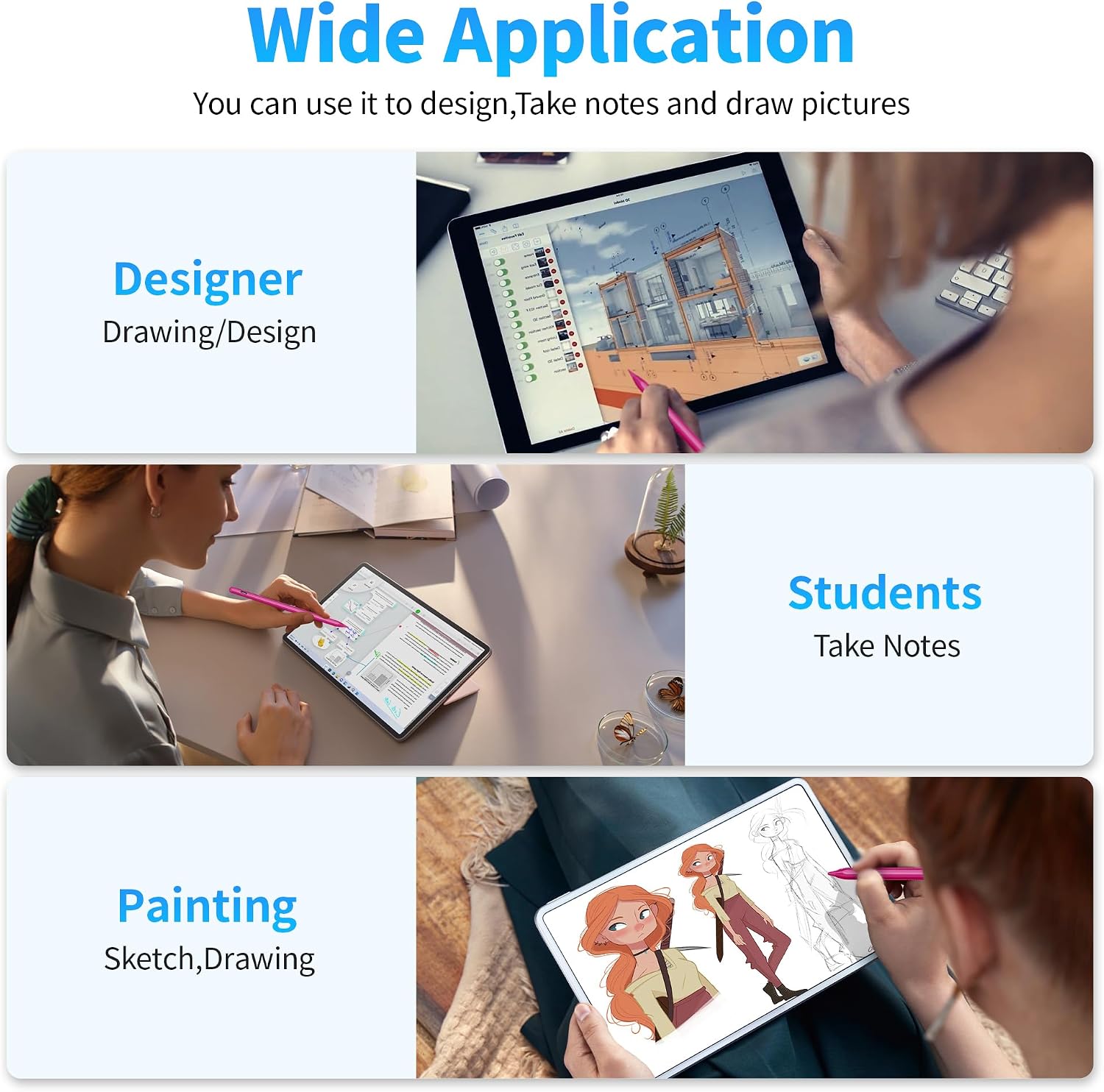
It’s a solid fit if you want one stylus for casual-to-serious everyday tasks like journaling, classroom notes, quick sketching, or organizing with color-coding—and you use an iPhone/iPad plus an Android phone/tablet.
It may not be the best match if your priority is advanced stylus behaviors like palm rejection or pressure sensitivity, or if you’re trying to use it in a Windows environment or with apps that demand specific proprietary protocols.
In the box and setup notes
The package includes the stylus pen, four replacement tips, a USB-C charging cable, a user manual, and a packaging box. Setup is described as immediate—no drivers and no apps required—so you can start writing and drawing right after charging.
One practical setup detail from the listing: if your iPad is paired for Apple Pencil use, you may need to disconnect that connection and/or adjust an in-app setting so the app routes input to this stylus.
Should you buy it?
Buy the DRYMOKINI Stylus Pen if you’re looking for a straightforward, rechargeable stylus with a fine 1.5 mm tip for compatible capacitive touch screens, and you want one pen that can cover both Android and iOS devices for notes, journaling, and quick sketches.
Skip it if you specifically need palm rejection, pressure sensitivity, Windows compatibility, or advanced/protocol-dependent stylus support in certain apps. In those scenarios, this one can feel more like a mid-level everyday tool than a full creative instrument.
Quick FAQ
Does it require an app to work?
The listing says there’s no need for drivers or apps to start using it on compatible touch screens.
What tip size does it use?
It uses a 1.5 mm tip, which is designed for more precise strokes than a thicker stylus.
Can it work with iPad note apps like Notability?
The listing notes that you may need to adjust settings (for example, disconnect Apple Pencil mode inside the app) for it to work normally.
Does it support palm rejection or pressure sensitivity?
No. The listing explicitly says it does not support palm rejection or pressure sensitivity.