

Universal Stylus Pen 9-10 hours
Product description
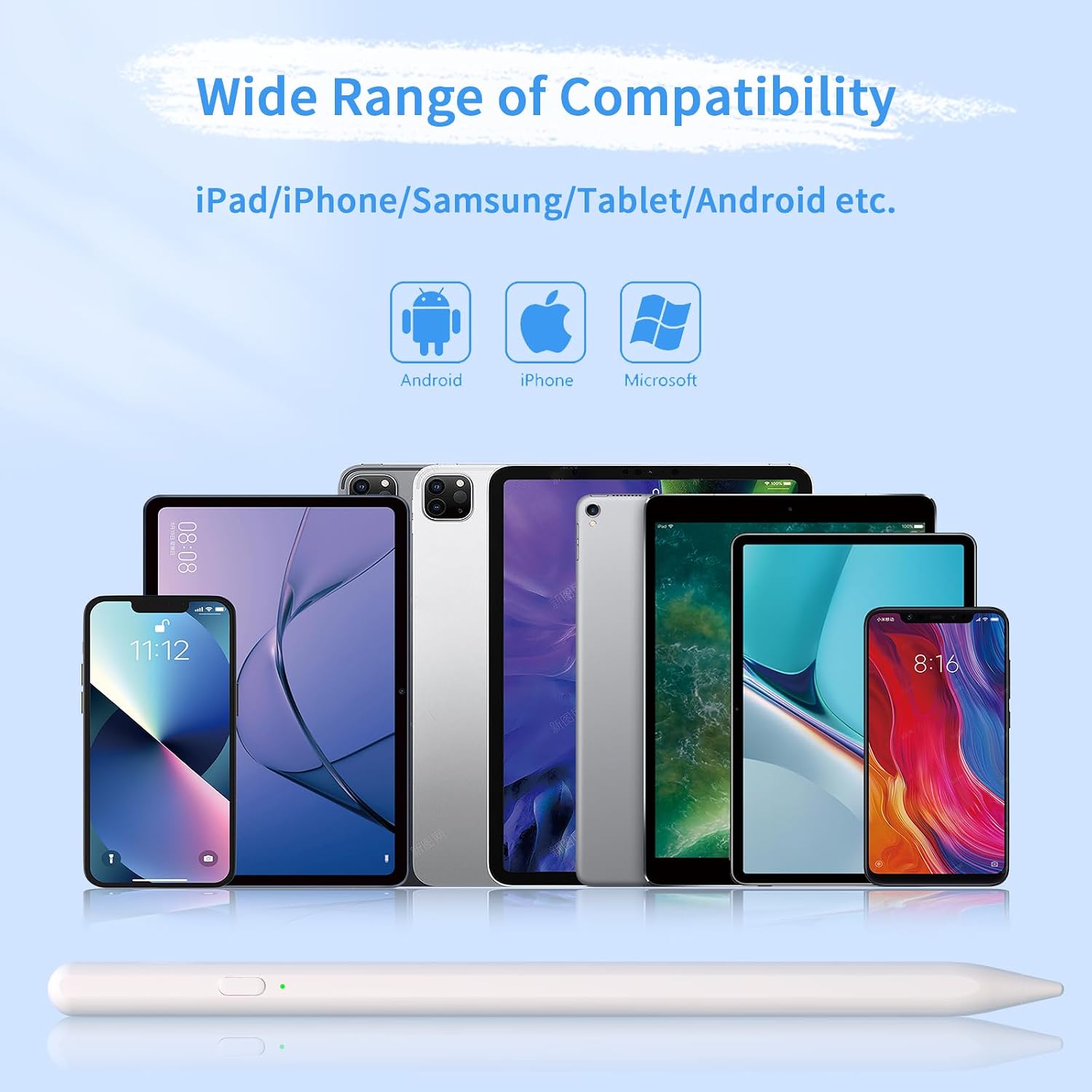
This universal stylus pen brings precise control and simple handling to tablets and phones. It fits a wide range of touchscreen devices and helps you sketch, note, and navigate with minimal fuss. If you value reliability and easy pairing, this pen keeps you productive.
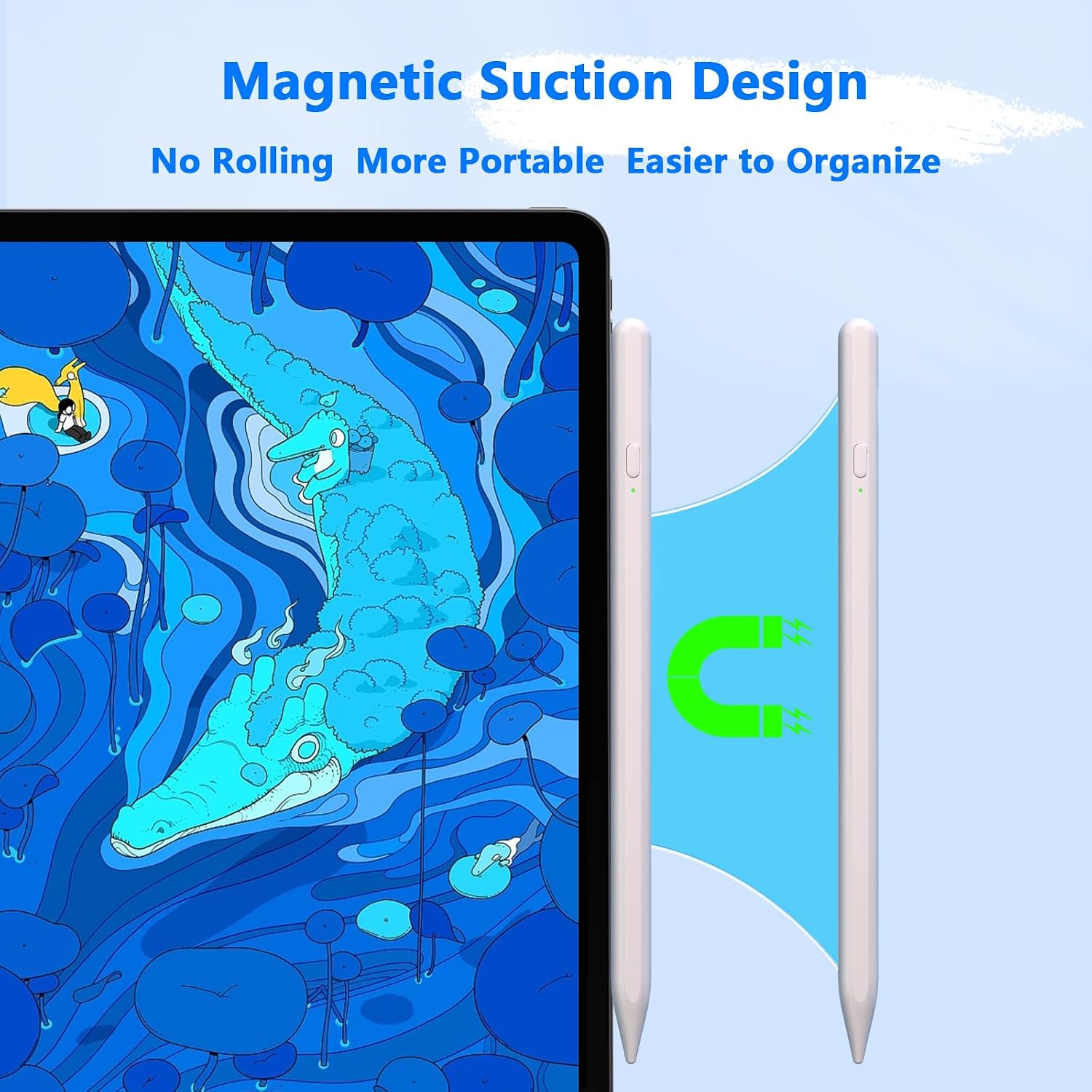
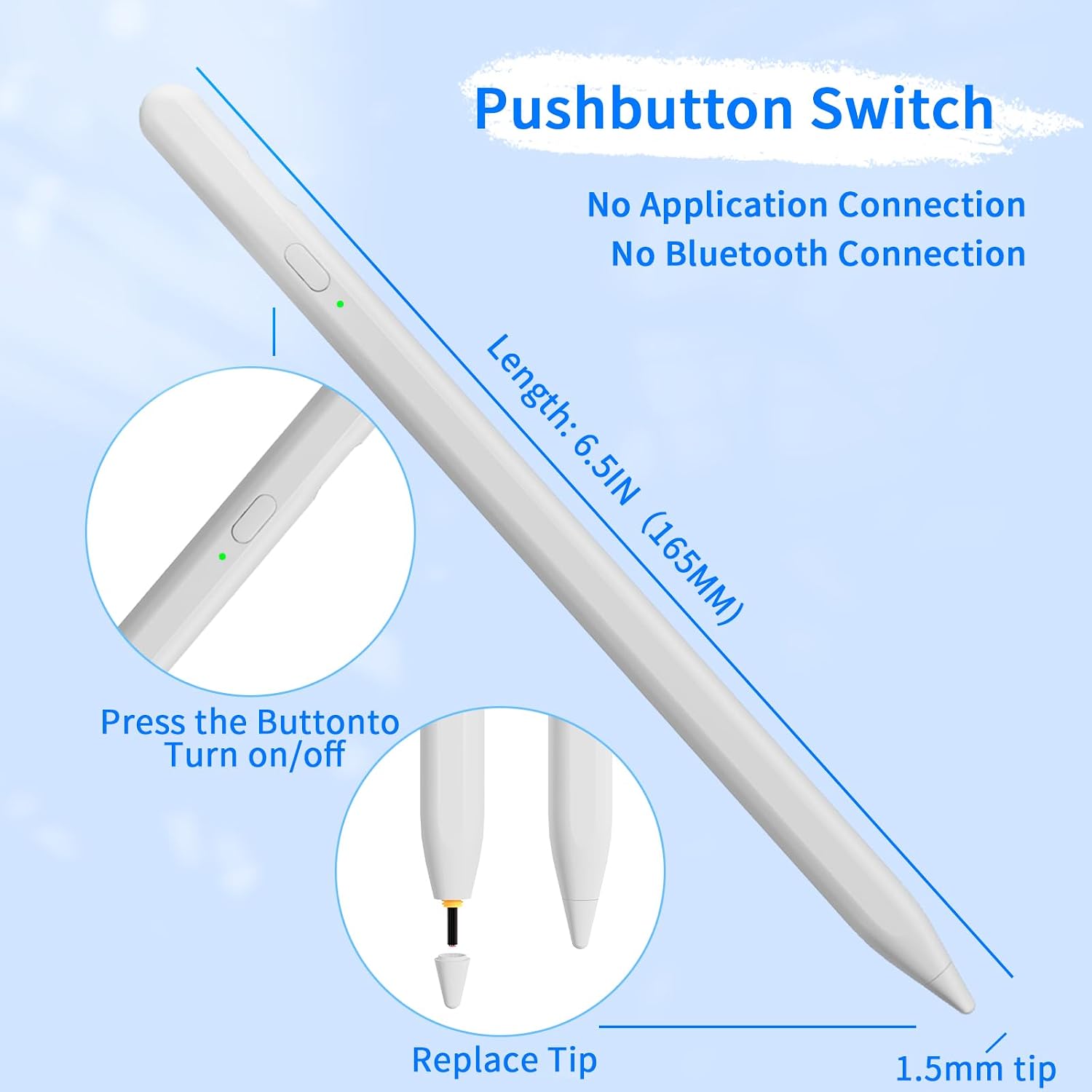
This universal stylus pen is built for everyday creativity and quick note taking, and the long battery life supports extended sessions. The one touch switch makes power management straightforward, and the magnetic adsorption design keeps the pen close to compatible iPads.
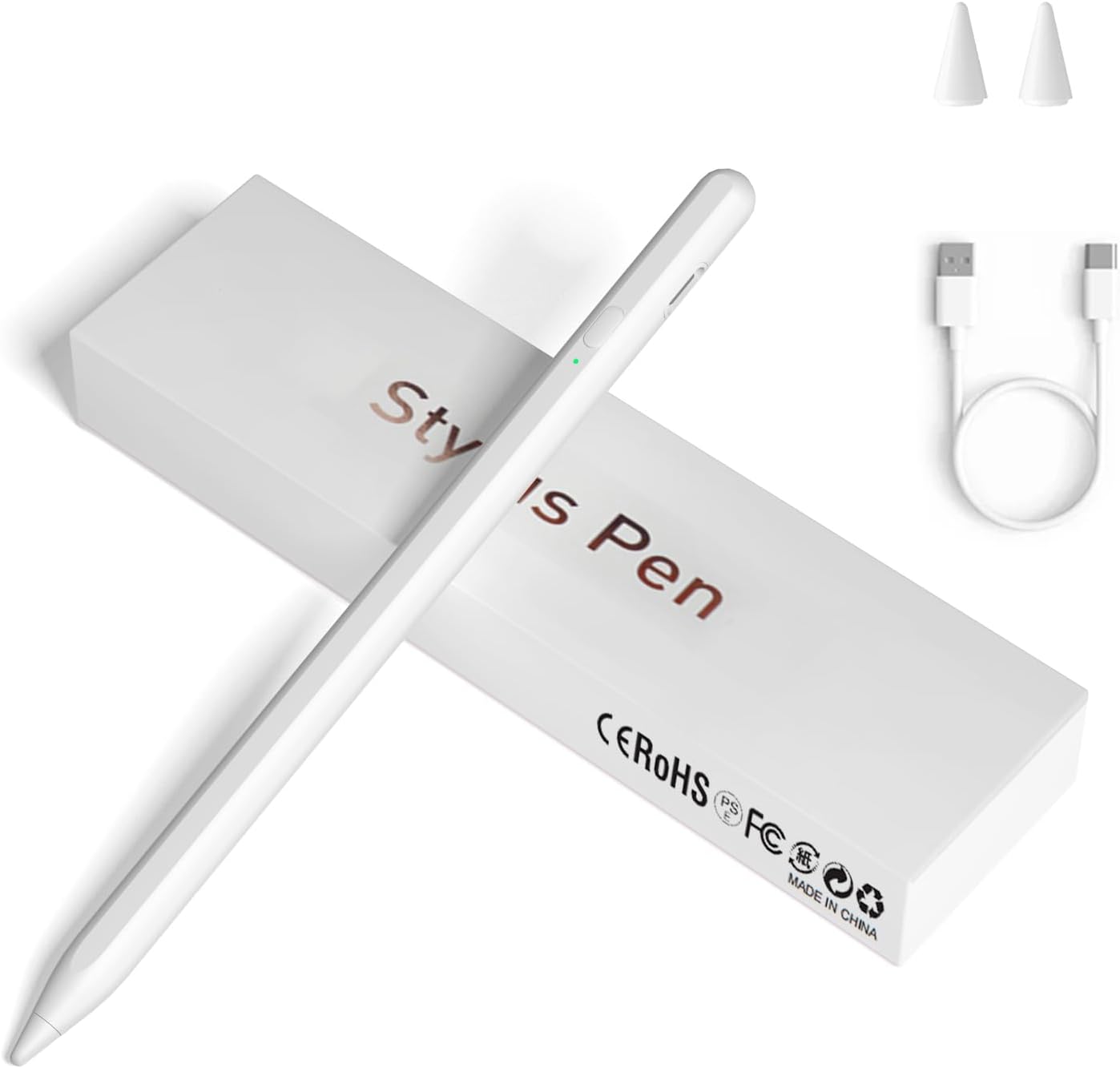
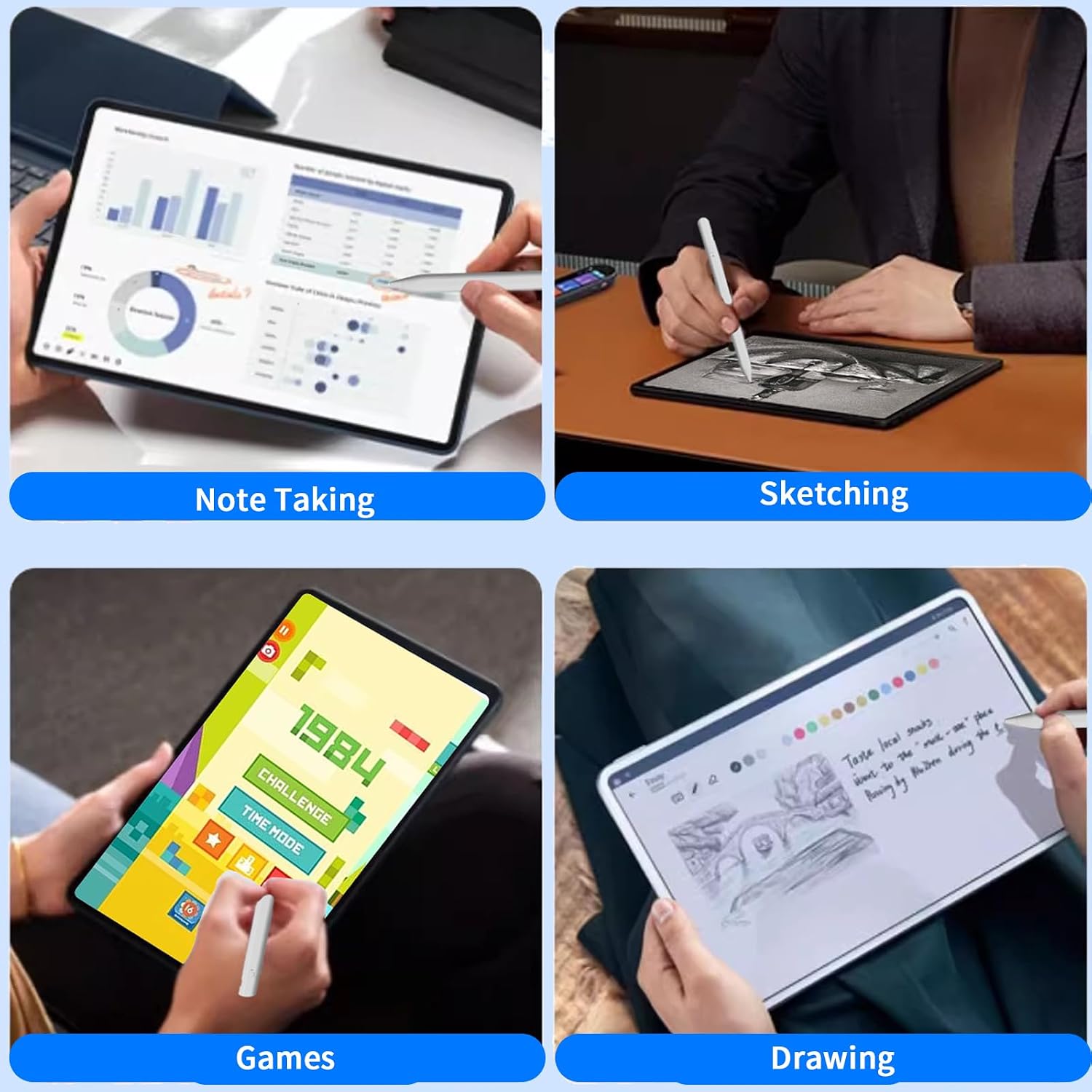
Use it for sketching, editing, tapping through apps, or marking up documents, and enjoy two spare nibs for a finer or firmer feel.
Key features
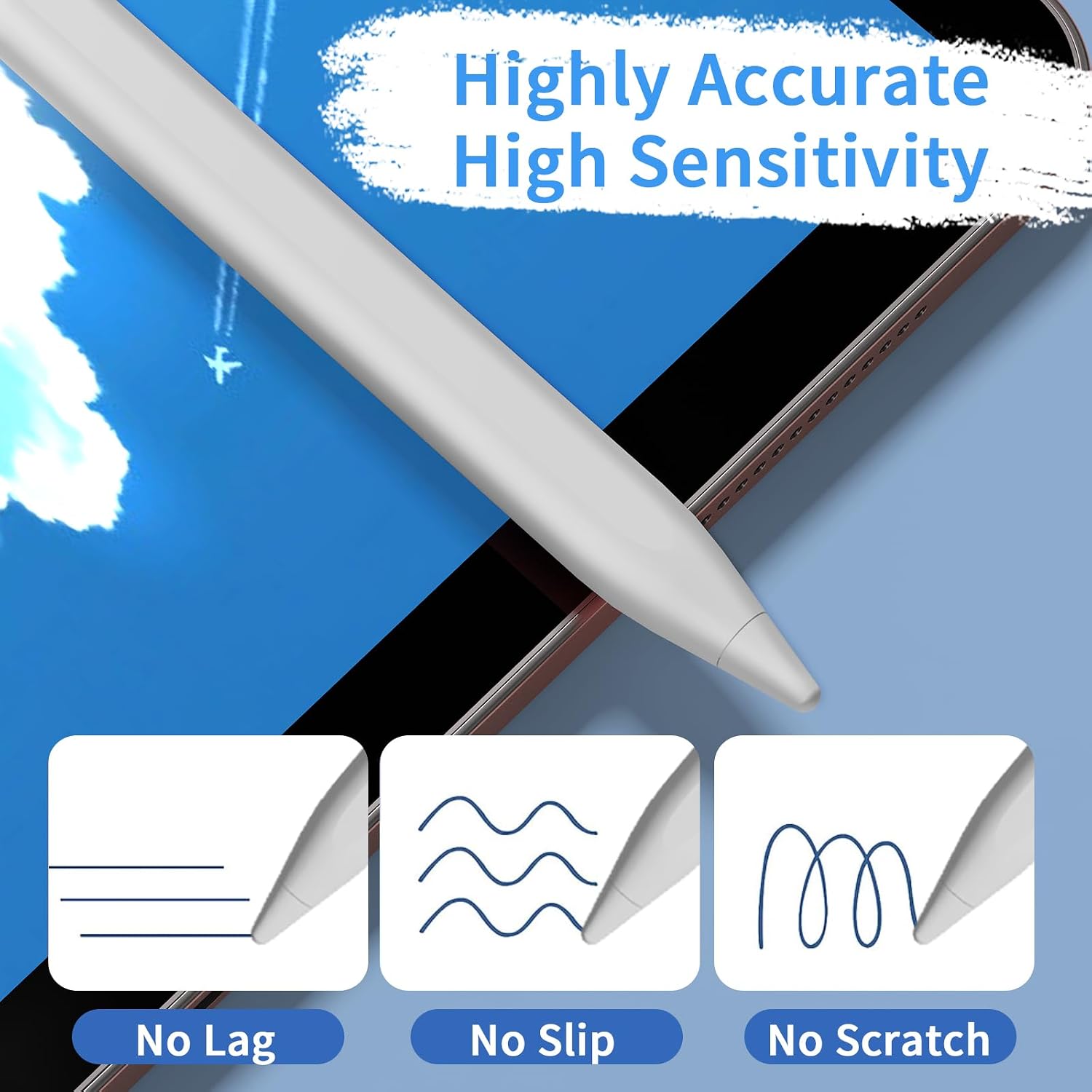
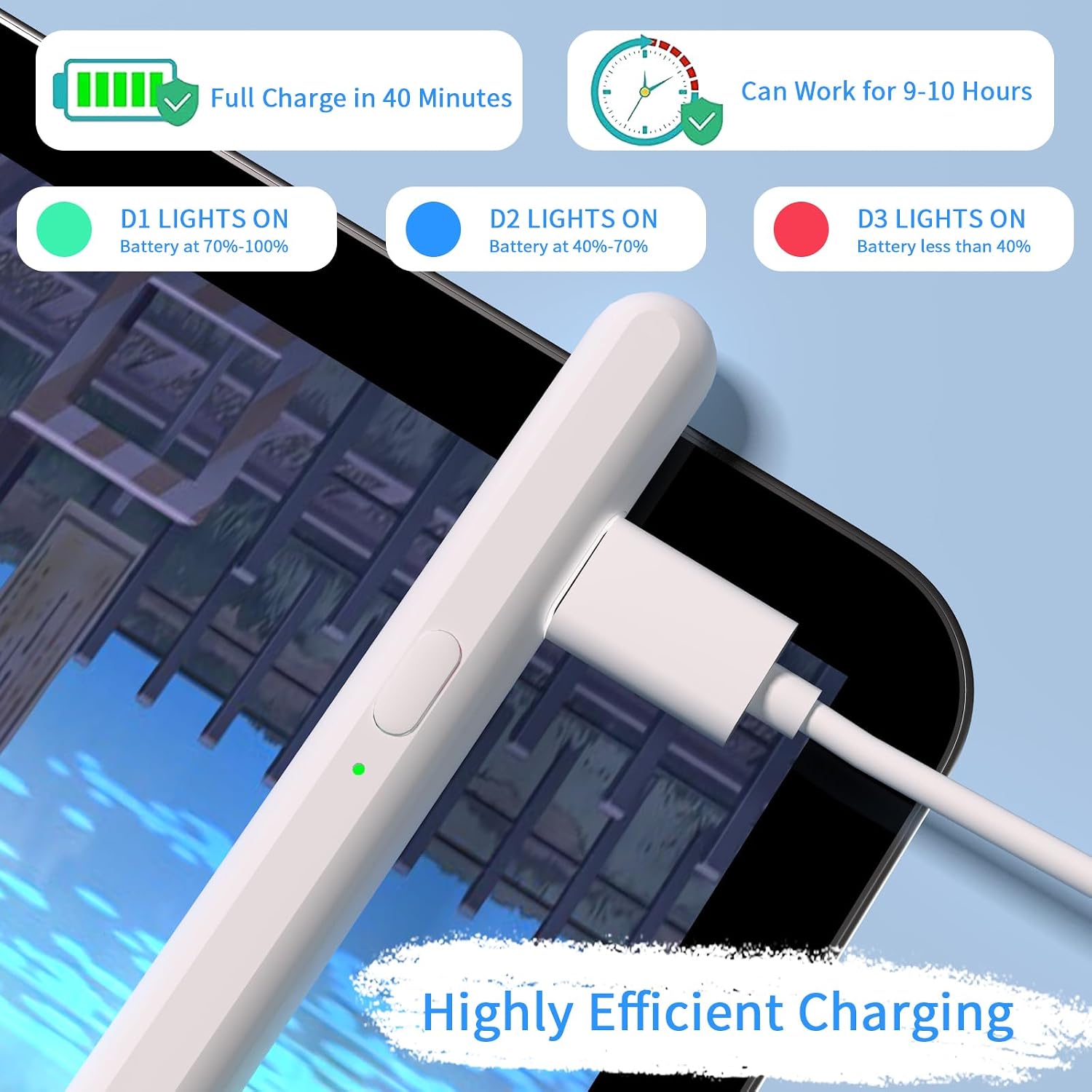
The pen focuses on comfort and accuracy, offering near-instant response and a fine point for precise strokes. Magnetic adsorption secures the pen to supported iPad Pro models so you won’t misplace it easily. One-touch switch turns the device on and off in a single tap, which speeds up quick tasks. Quick charge delivers a full charge in about 40 minutes, and 9-10 hours of continuous use gives you a long working window according to the manufacturer. Note that the stylus does not include accidental touch prevention, so palm rejection depends on your device.
Tech specs
- Name: Universal Stylus Pen
- Compatibility: iPhone, iPad, Samsung Galaxy, Android tablets, most capacitive touchscreens
- Battery: 9-10 hours continuous use
- Charging time: 40 minutes
- What’s included: stylus pen and 2 replacement nibs
How to use it
Start by turning the pen on with the one touch switch, then pair it following your device instructions if necessary. For iPad users who have the supported iPad Pro 11 inch or iPad Pro 12.9 inch 3rd or 4th gen, attach the pen magnetically to the side for storage. If the pen does not connect after powering on, try turning Bluetooth off and on, or removing the device entry from Bluetooth settings then retrying.
Best use cases
It suits quick sketches and handwritten notes where low latency matters, and it fits users who prefer a light, fine point instrument for precision. If you need dedicated palm rejection or advanced pressure sensitivity, this pen may have limitations and you might consider that while planning your workflow.