

MEKO Universal Stylus Pen for iPhone, Android, iPad & iWatch (Dual-Mode Active Stylus, USB-C Fast Charge) — White
Product description
If you bounce between an iPad for notes and a smartphone/tablet for quick sketches, a single stylus that can switch modes is the whole point here. The MEKO Universal Stylus Pen is built as a capacitive, dual-mode active stylus with a simple button switch—so you’re not stuck using different pens for different devices.
That said, it’s not a perfect “Apple Pencil replacement” in every way. It doesn’t support pressure sensitivity, so if you specifically need that more advanced drawing behavior, you may find it limiting on the creative side.
The essentials (what it is and why you’d buy it)
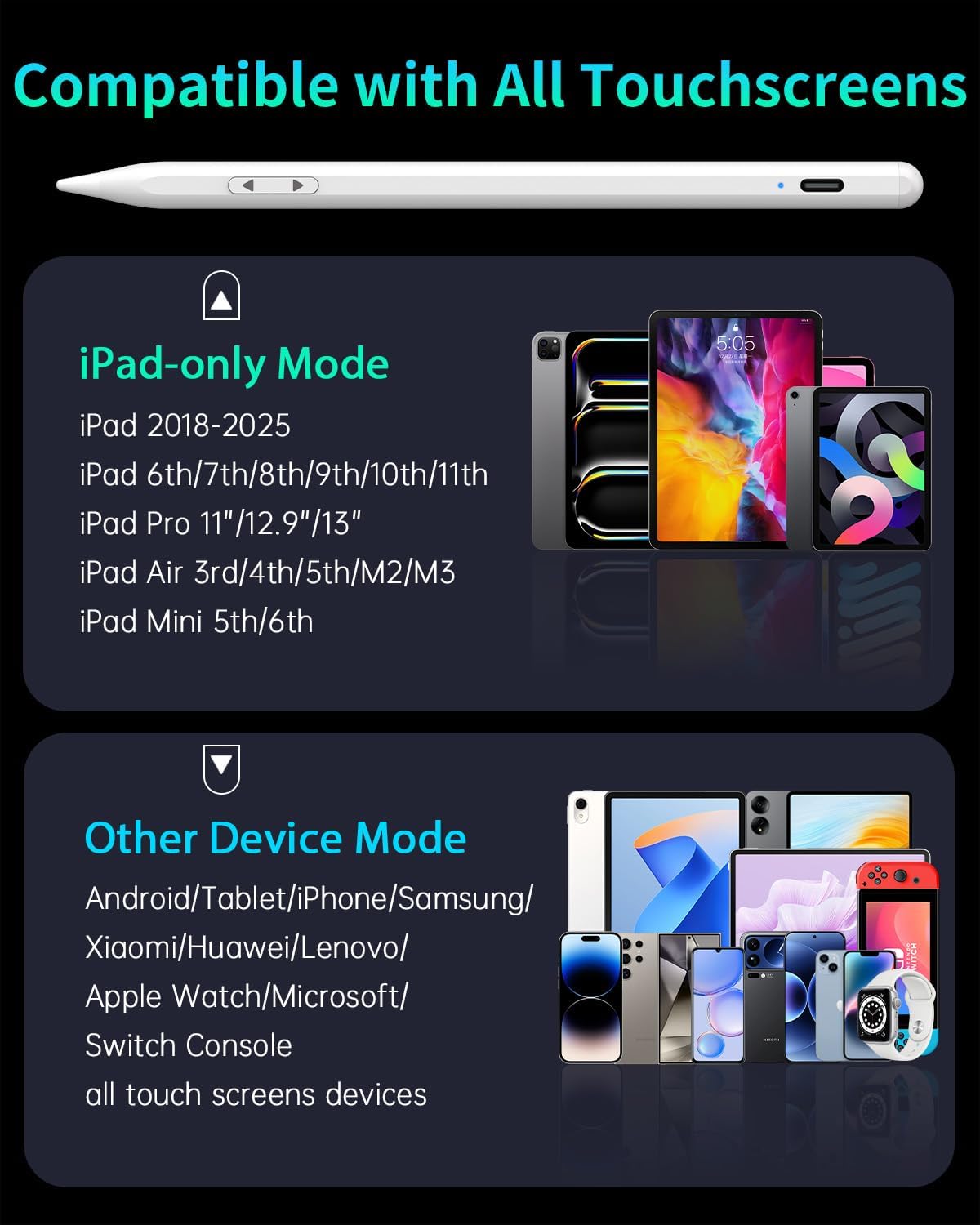
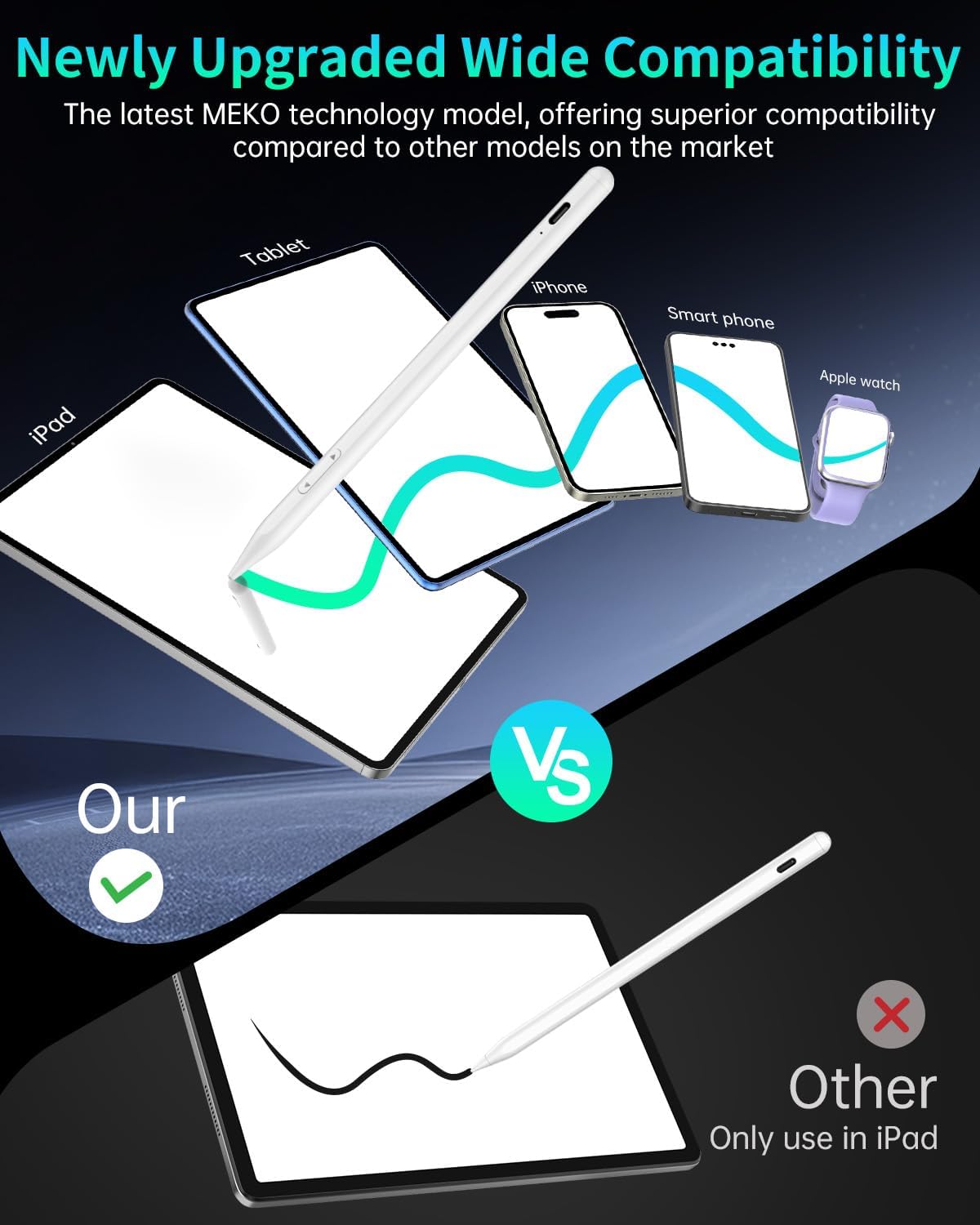
This is an active stylus pen designed for capacitive touchscreens across multiple device types. It uses a dual-system mode approach: one mode is aimed at iPad compatibility (including iPad models from 2018–2025 per the description), and the other mode is for “other devices” (described as compatible with many Android touch devices and also iPhone, iWatch, and certain tablet models).
In day-to-day use, that translates to a simple workflow: grab the stylus, switch the mode with the buttons on the body, and start writing or drawing without hunting for the right model of stylus. For quick grocery list notes, classroom markups, or annotation on a tablet, it can make the setup feel less “tool-heavy” and more practical.
Key takeaways (how it performs on the job)
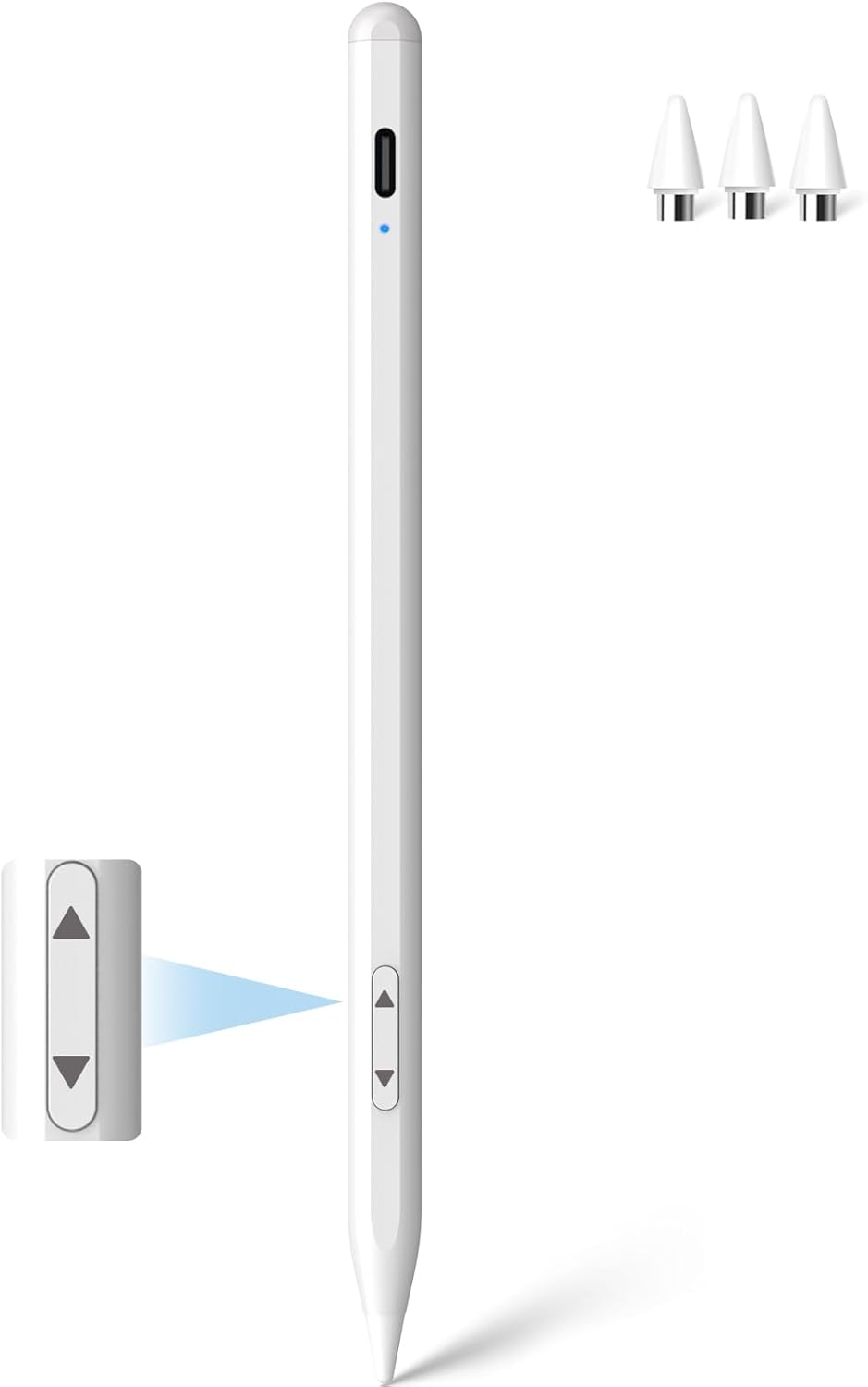
Where this stylus tends to make sense is precision and responsiveness for general writing and fine-line sketching. The tip is listed as a 1.5mm capacitive tip with rapid response and no breakpoints, no skips, and no lag (as stated). The description also emphasizes the ability to write small text and draw fine lines—so it’s positioned for users who want cleaner strokes than a basic capacitive pen.
One important limitation to keep in mind: it explicitly does not support pressure sensitivity. So while it can be accurate and responsive, it may not deliver the same kind of pressure-based shading/variation you’d expect from styluses that support it.
What makes it different (dual-mode switching you can actually use)
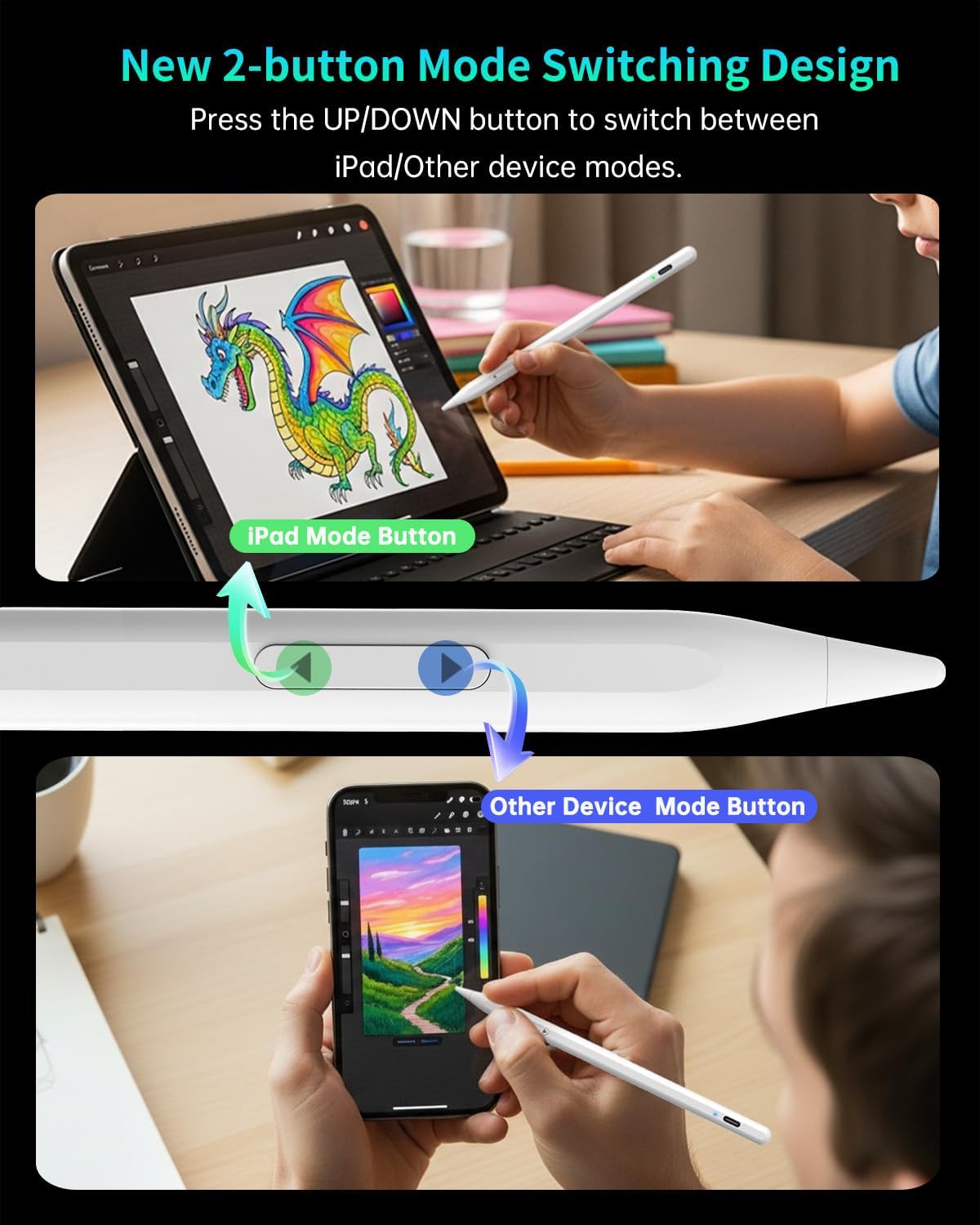
A simple button switch is the practical differentiator. The pen uses two modes:
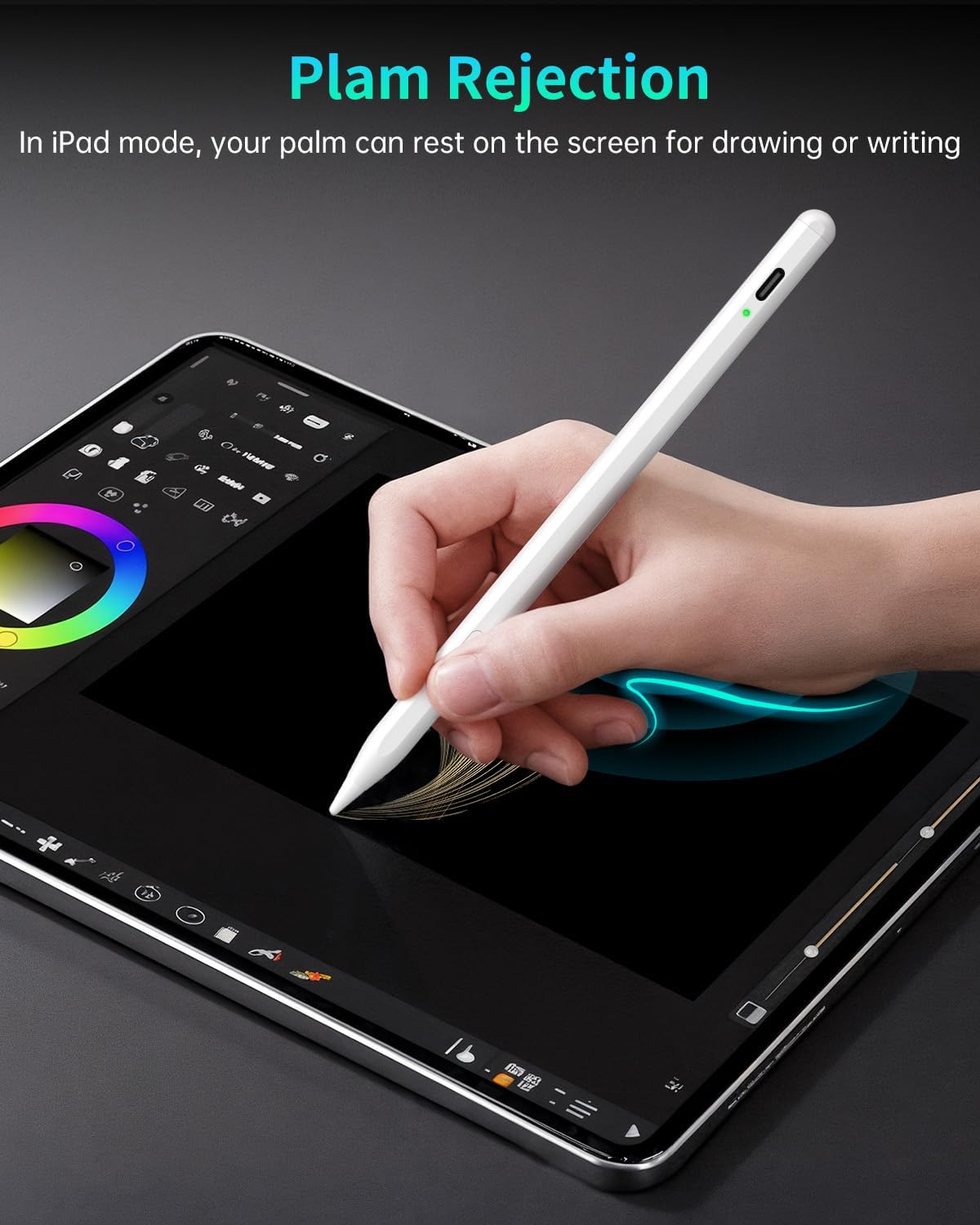
- iPad Mode: press the “UP” button to switch into iPad compatibility mode (2018–2025 per the description). It’s also described as using palm rejection technology that recognizes the iPad stylus movements and helps prevent accidental touches for a more natural writing feel.
- Other Device Mode: press the “DOWN” button to switch into the mode described as compatible with a wider range of devices, including many Android touch devices and also listed examples like iPhone, iWatch, Xiaomi, Google, Motorola, and tablets.
Is it fuss-free? Mostly. In the real world, you’ll still want to double-check the mode before you start (especially if you’re moving between iPad and phone/tablet). But the idea is clear: one pen for multiple devices, switched in seconds.
Battery and charging (USB-C fast charge + real session time)
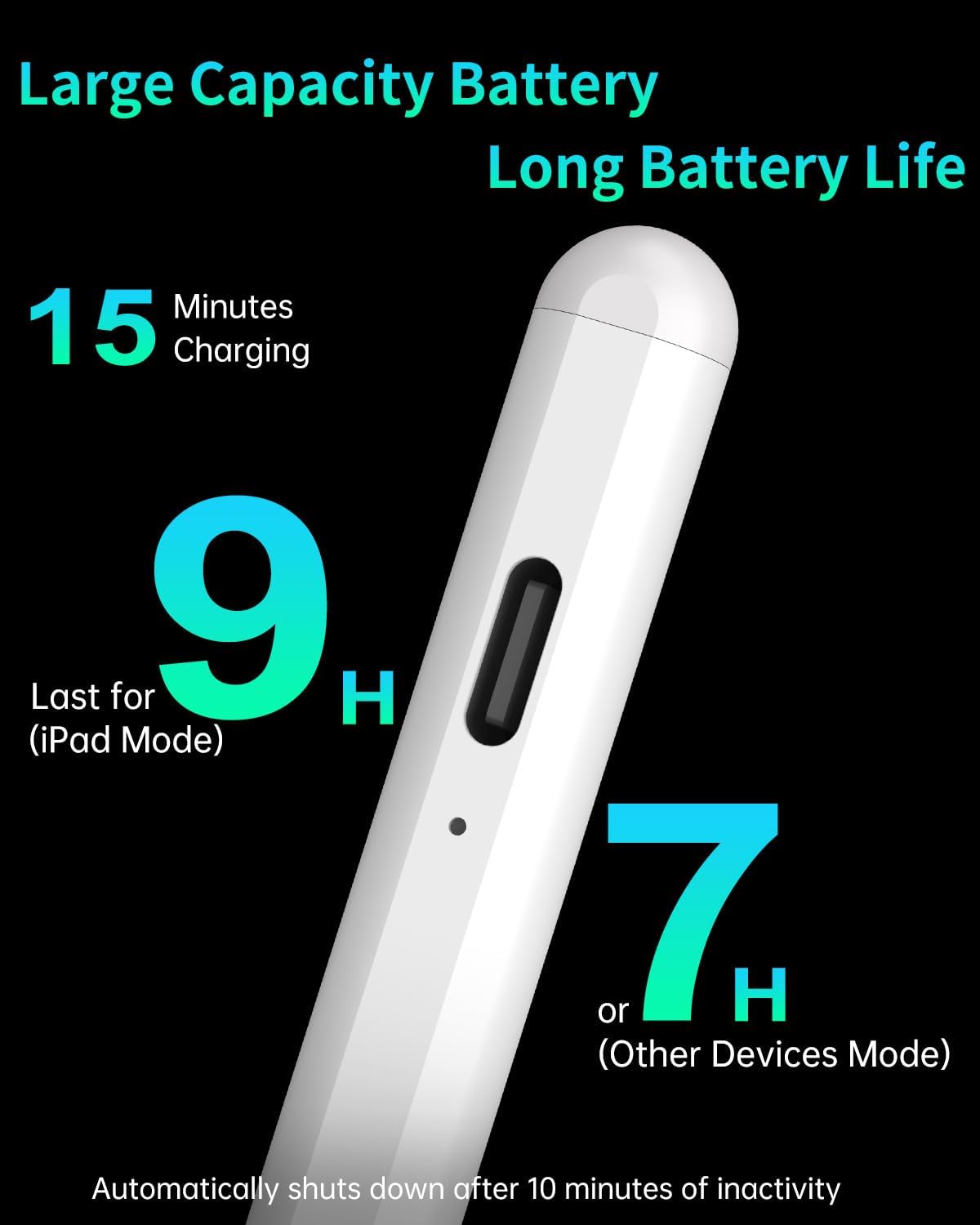
The pen includes USB-C charging and is described as fast charging: a full charge in about 15 minutes. Battery life is listed as up to 9 hours of continuous use in iPad Mode and approximately 7 hours in Other Device Mode.
That matters if you do longer note-taking sessions or sketching runs and don’t want to think about charging constantly. It’s not just “charge it sometimes”—the stated runtime suggests it’s meant for everyday use.
Tech specs (the details that affect compatibility)
- Type: Active stylus, capacitive touchscreen stylus
- Tip size: 1.5mm
- Charging port: USB-C
- Charging time: full charge in about 15 minutes
- Battery life: up to 9 hours (iPad Mode), approx. 7 hours (Other Devices Mode)
- Controls: UP and DOWN buttons to switch between iPad Mode and Other Device Mode
- Pressure sensitivity: Not supported (per description)
- Connection: No Bluetooth connection required (per description)
Also note the power behavior: the description says it automatically enters sleep mode after 5 minutes of inactivity. That’s a nice touch for battery management, though it can feel slightly annoying if you pause and resume frequently.
Who it’s for (and who should skip it)
This stylus is a solid fit if you want one pen that covers multiple devices and you mainly care about smooth, responsive writing and fine-line drawing. It suits people who take notes on an iPad and also want a workable stylus for phone/tablet sketching or markup without buying a separate stylus per device.
It may not be the best match if you specifically need pressure sensitivity for artistic techniques (like pressure-based line width or shading). The description is direct on that point, so it’s not a minor “maybe”—it’s a real constraint.
Should you buy it? (final verdict)
Buy the MEKO Universal Stylus Pen if you want a practical, dual-mode stylus for everyday writing and detailed line work across iPads (2018–2025 per the description) and a broader mix of capacitive touchscreen devices, with quick USB-C charging and mode switching via simple buttons.
Skip it if pressure sensitivity is a must-have for your drawing workflow. Also consider whether your devices fall into the described “capacitive touchscreen” category—this is meant for capacitive touch, and the description positions compatibility broadly, but it doesn’t guarantee every single device.
Mini FAQ
How do you switch between iPad and other devices?
Use the buttons on the body: press “UP” for iPad Mode and “DOWN” for Other Device Mode.
Does it require Bluetooth?
According to the description, it does not require Bluetooth to operate.
Is pressure sensitivity supported?
No. The description notes that it does not support pressure sensitivity.
What charging port does it use?
It uses a USB-C charging port, with fast-charge behavior described as a full charge in about 15 minutes.
Does it have sleep mode?
Yes. The description says it enters sleep mode after 5 minutes of inactivity.