

Waiktyne Stylus Pen for iPad, Black Aluminum, Palm Rejection and Tilt Sensitivity
Product description
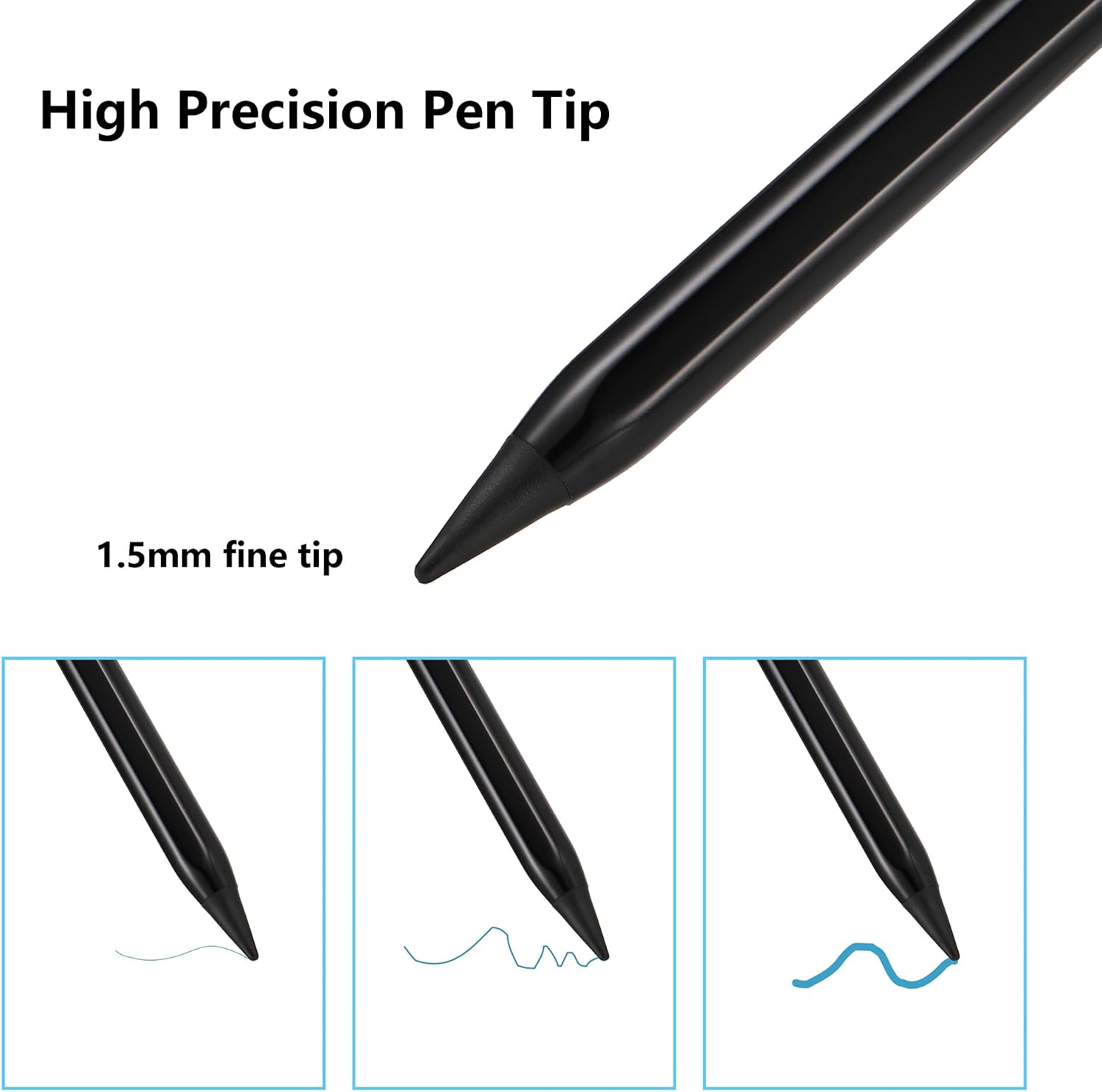
A basic touchscreen pen can handle quick taps, while writing and drawing call for more control. This Waiktyne stylus adds palm rejection, tilt sensing, and a 1.5 mm fine tip for more natural note-taking and sketching on compatible iPads.
Its aluminum body weighs 14.3 g, and the black finish keeps the design understated. The pen switches on and off with a double-click at the top, with no Bluetooth or app setup required.
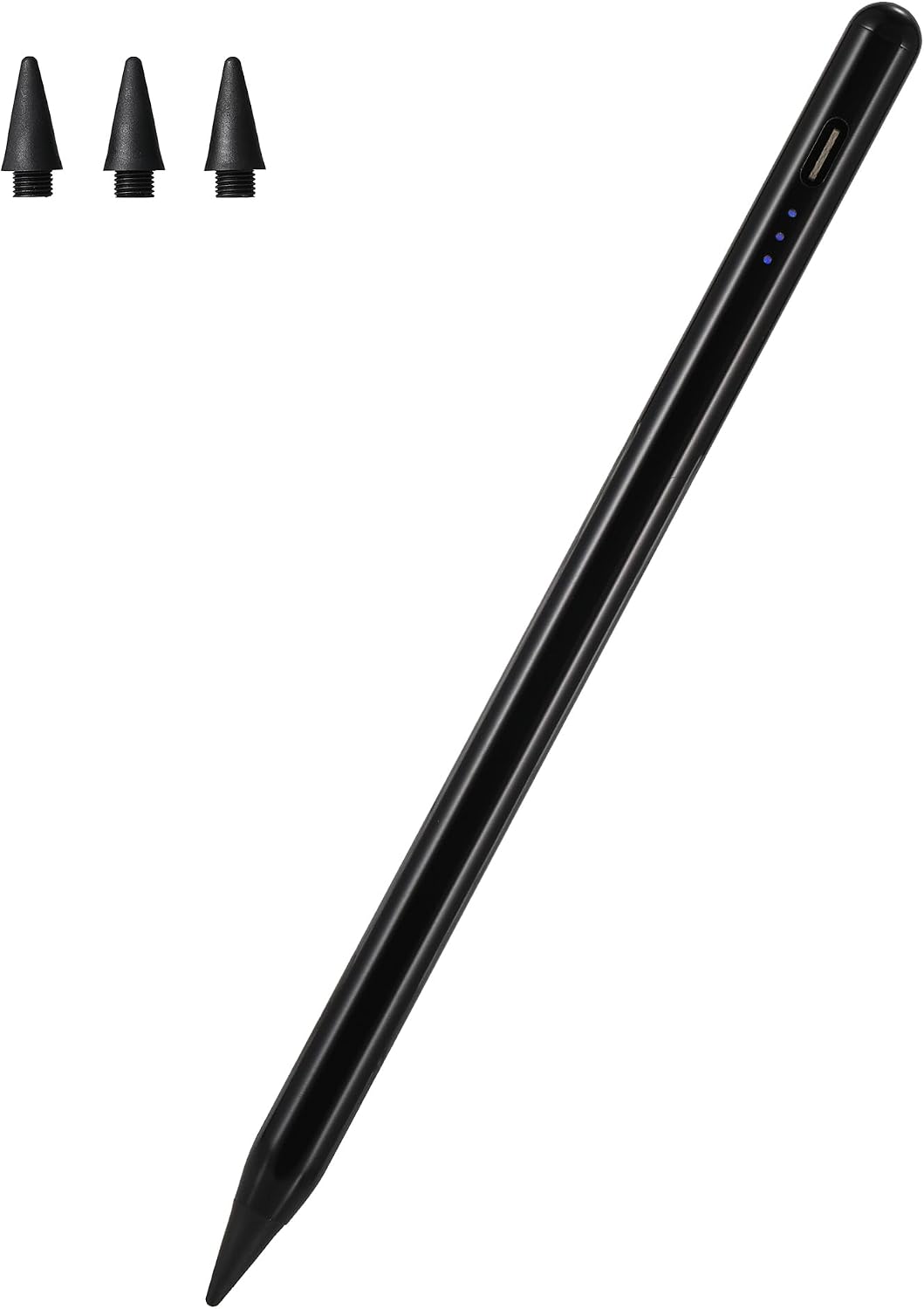
Use it for handwritten notes, document markup, doodling, or drawing. Compatibility depends on the iPad model, so match your device to the supported list before use.
The essentials

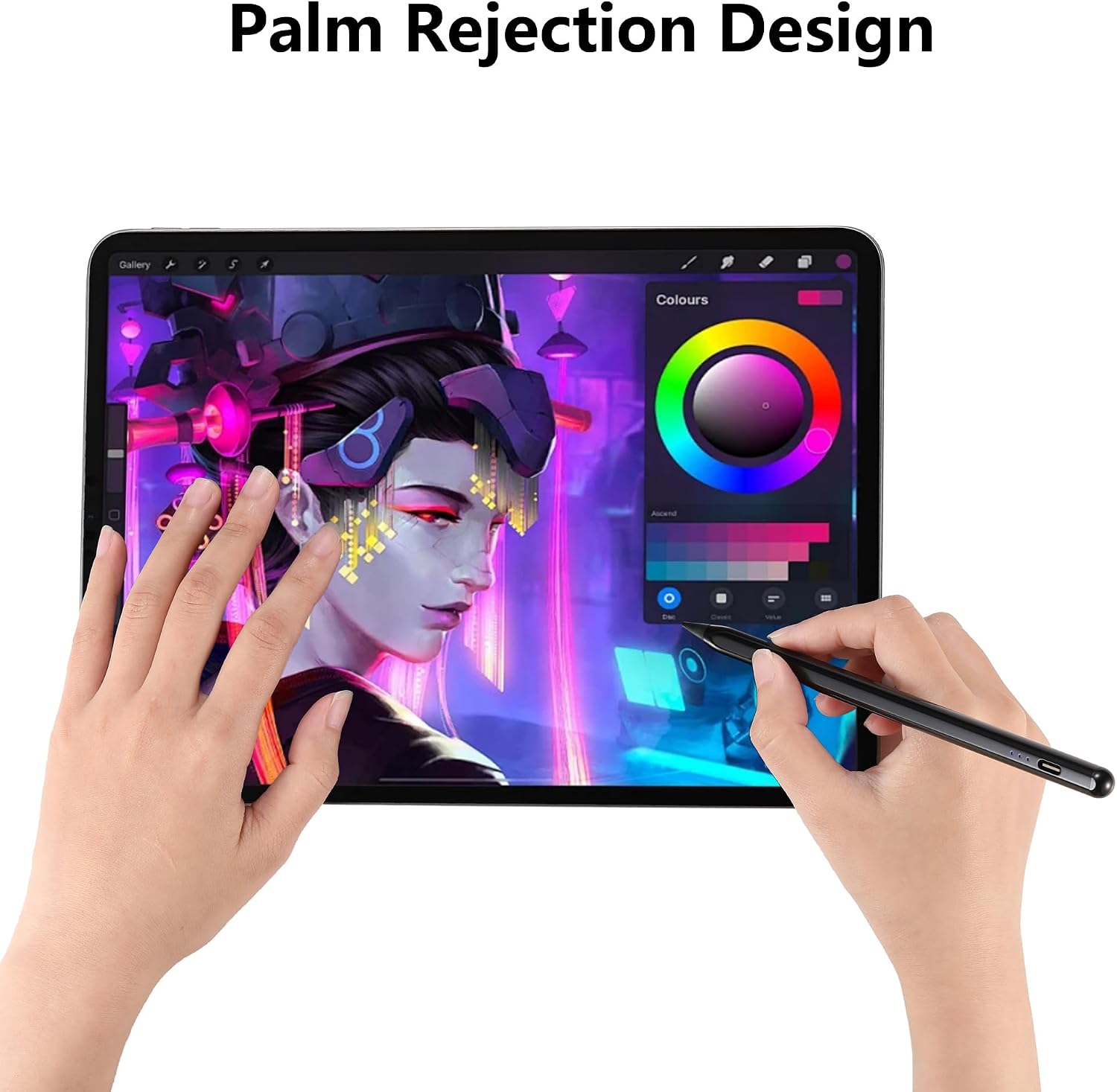
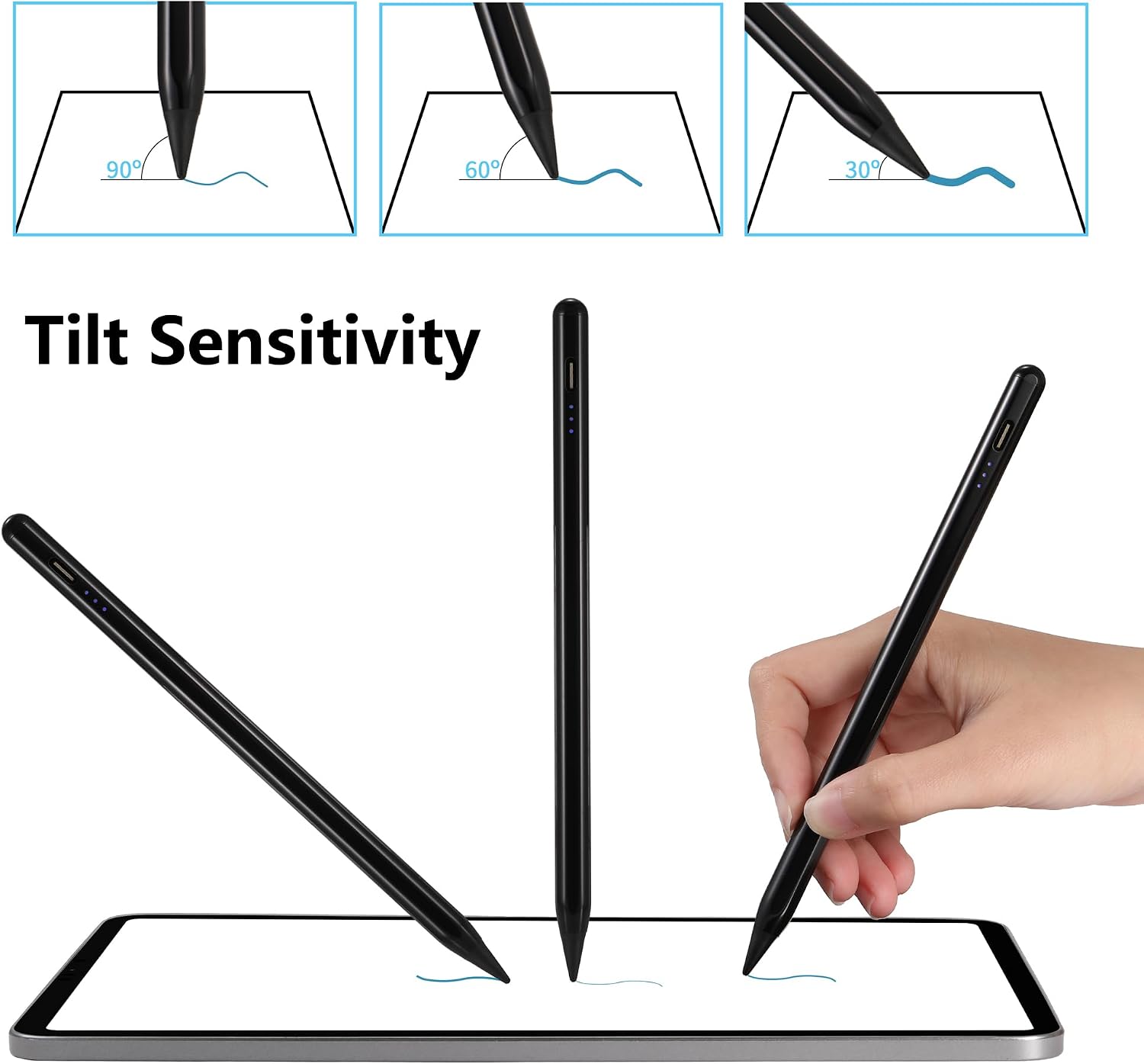
The fine tip is designed for precise writing and onscreen instructions. Tilt sensitivity adjusts line thickness according to the angle of the pen, which is useful for shading or varying strokes while sketching. Palm rejection lets you rest your hand on the display as you write or draw. Pressure sensitivity is not supported.
The stylus is compatible with iPad (A16), 11th through 6th generation, iPad Air with M3 or M2, and 5th through 3rd generation, iPad Pro 11-inch, including M4 and 1st through 4th generations, iPad Pro 13-inch M4, iPad Pro 12.9-inch, 3rd through 6th generations, and iPad mini A17 Pro, 7th, 6th, and 5th generations. The listed iPad models require iPadOS 16 or later.
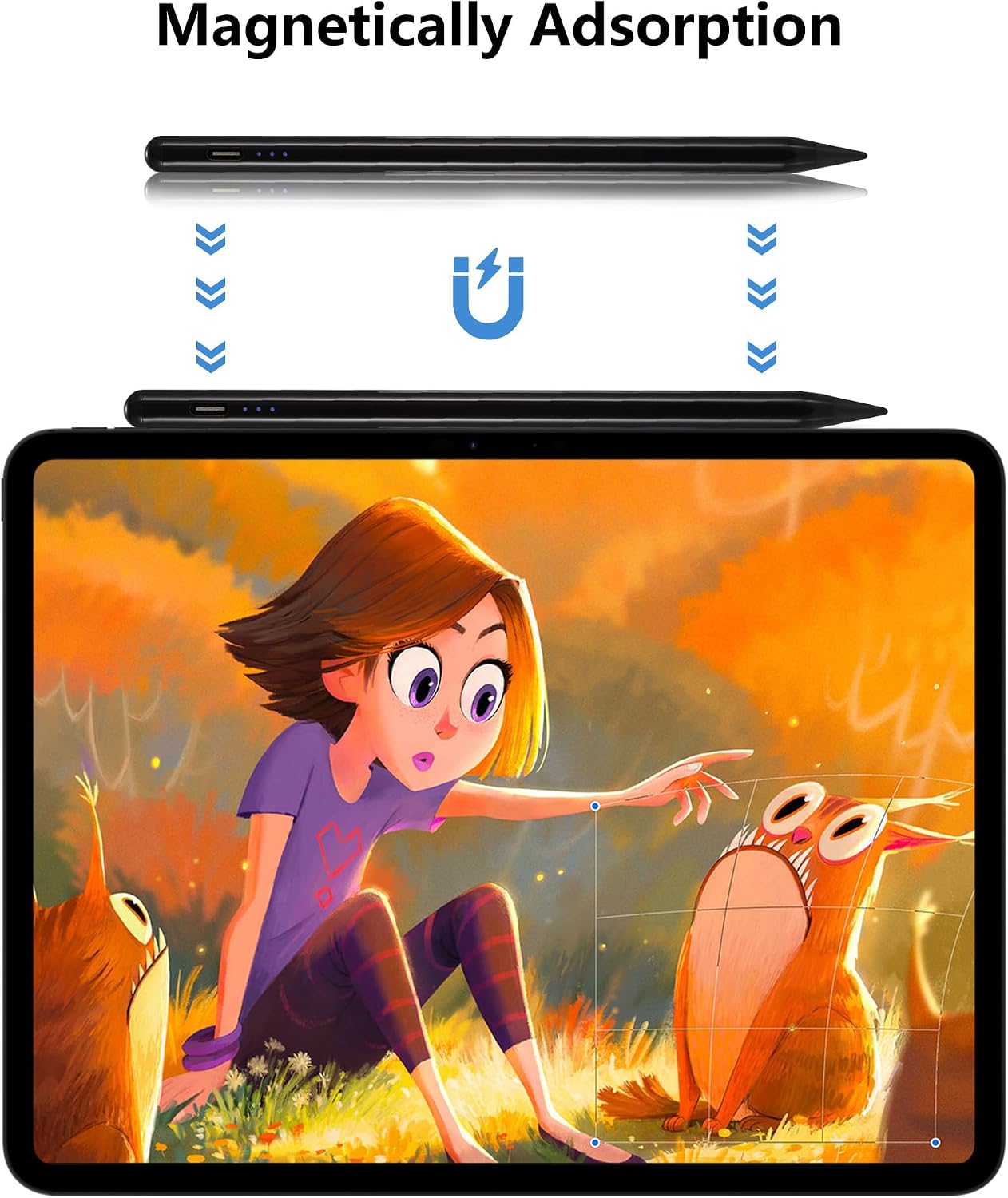
A double-click on the top starts or stops the pen. It attaches magnetically to the side of the iPad for convenient carrying. The rechargeable battery takes about 30 minutes to charge and provides approximately 8–9 hours of use, three LED indicators show battery level and charging progress. It also shuts off automatically after five minutes of inactivity.
Usage tips
Before use, turn off “Only Draw with Apple Pencil” in iPad settings. To identify your iPad, open Settings, then General and About, and check the Model Name, you can also find the model number beginning with “A” on the back of the device.
If the stylus does not respond, the provided troubleshooting steps include turning off Bluetooth or disconnecting and forgetting an Apple Pencil in Bluetooth settings. If the tip skips, check that it is tightened or install a replacement. The package includes three POM fine-point tips, a Type-C charging cable, and a user manual.
Practical tips
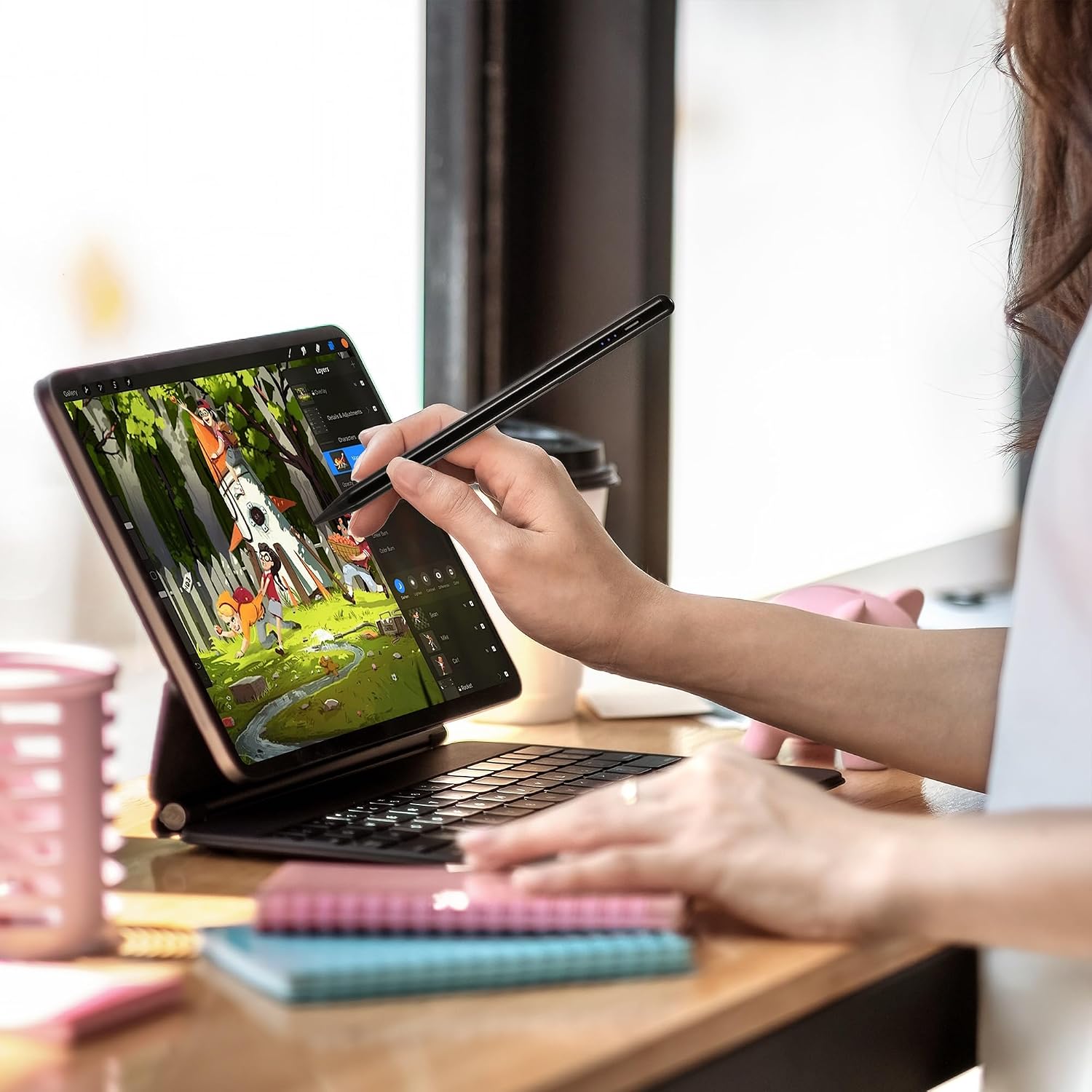
For lecture notes, meeting notes, or marking up documents, the fine tip supports controlled handwriting, while palm rejection helps keep a resting hand from registering as a touch. For sketching and coloring, tilt the pen to vary line thickness. This makes it a writing-focused alternative to a simple touchscreen pointer when you want both note-taking and drawing functions in one stylus.
Buyer feedback is mixed. Some customers describe easy setup and clean writing, while others report inconsistent connection, battery, or power behavior. The listed compatibility and settings guidance can help you prepare the iPad for use.
What to clarify
Which iPads are compatible? It is designed for the iPad generations and models listed above, including selected iPad, iPad Air, iPad Pro, and iPad mini versions. Check your iPad’s Model Name or A-number to match it with the list, models released before 2018 are not compatible.
Does it need Bluetooth or an app? No pairing or app setup is required. Double-click the top to turn the stylus on or off, and disable “Only Draw with Apple Pencil” on the iPad before using it.
Can it vary strokes while drawing? Yes. Tilt sensing varies line thickness based on the pen angle. It does not support pressure sensitivity.
Buying verdict
For compatible iPads, this Waiktyne stylus combines a fine tip for notes and document work with palm rejection and tilt-based drawing control. Its quick double-click operation, magnetic attachment, and included replacement tips make it a practical choice for everyday writing, markup, and sketching.