

Penlike Pencil for Apple iPad A16 10th Gen — Fast Charge Stylus with Tilt, Palm Rejection, and Magnetic Attachment
Product description
What it is
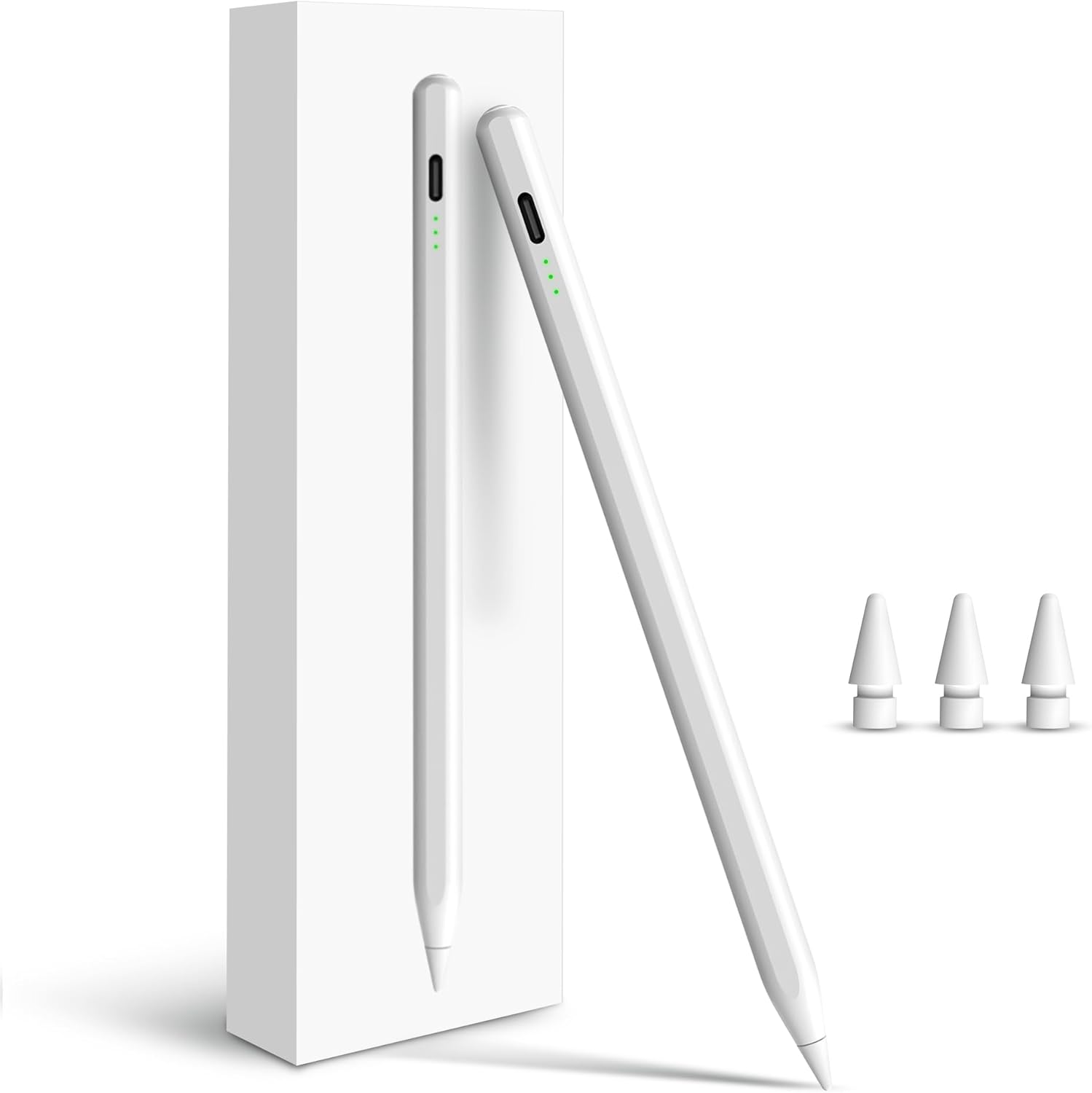
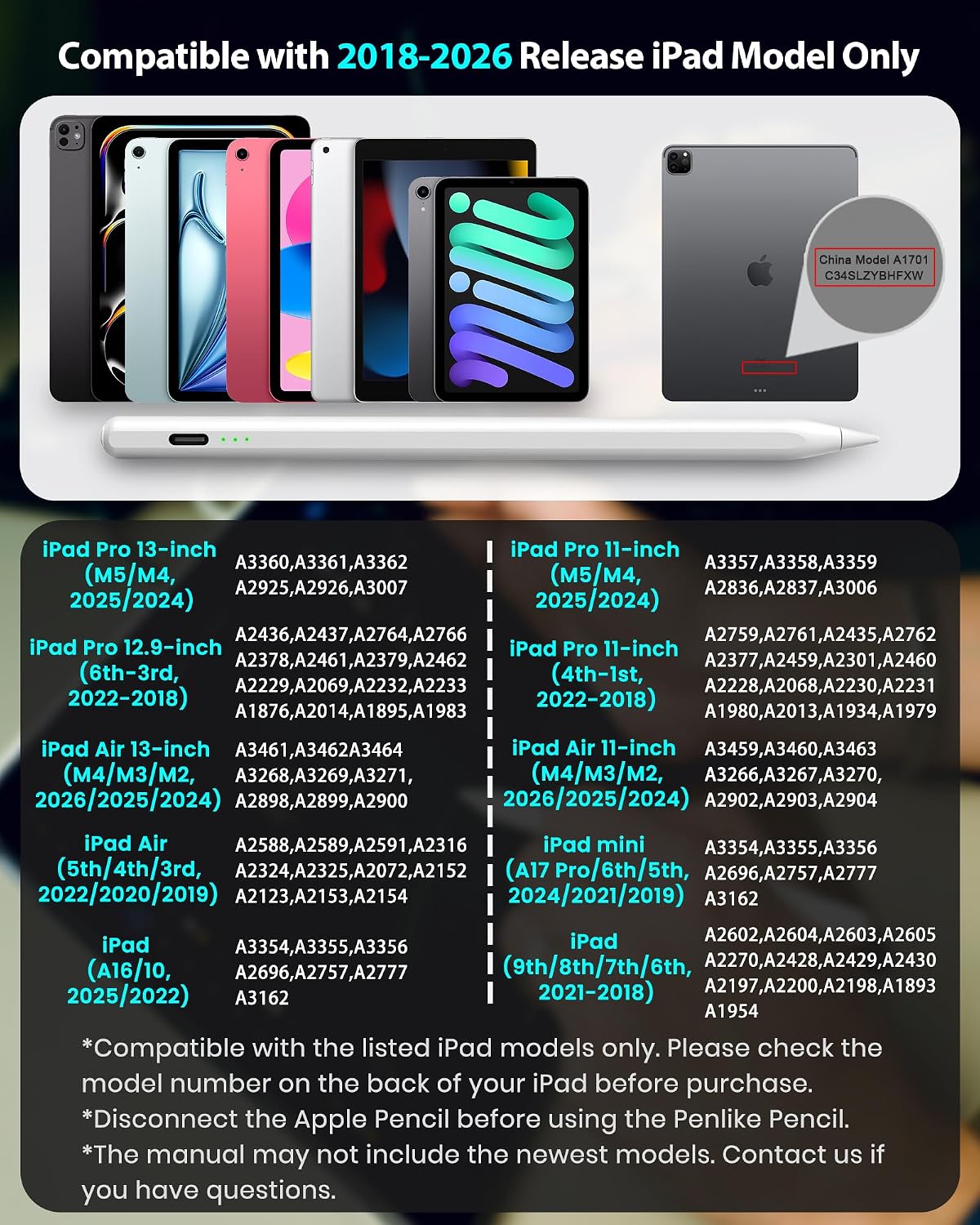
The Penlike Pencil is a stylus designed for a wide range of iPads from 2018 onward, including the newer A16/11th models and various Pro, Air, and Mini generations. On paper, it promises a quick, charge-efficient drawing and note-taking experience without requiring Bluetooth pairing. It’s positioned as an accessible alternative to the Apple Pencil, offering tilt sensitivity, palm rejection, and a magnetic way to attach to compatible iPads. If you’re looking for a pen-like tool to sketch, annotate, or jot ideas on screen, this device aims to cover those basic to intermediate needs.
What it solves
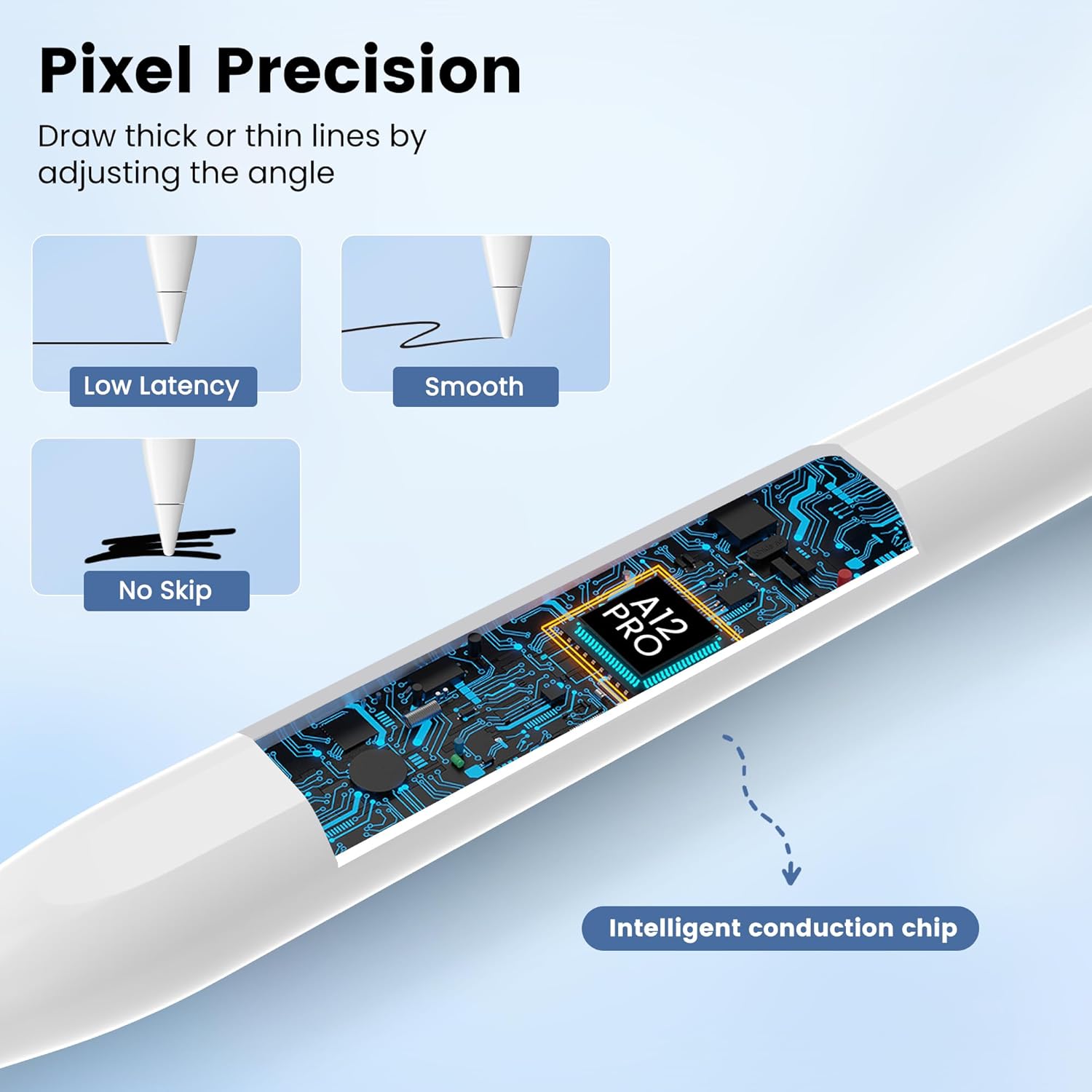
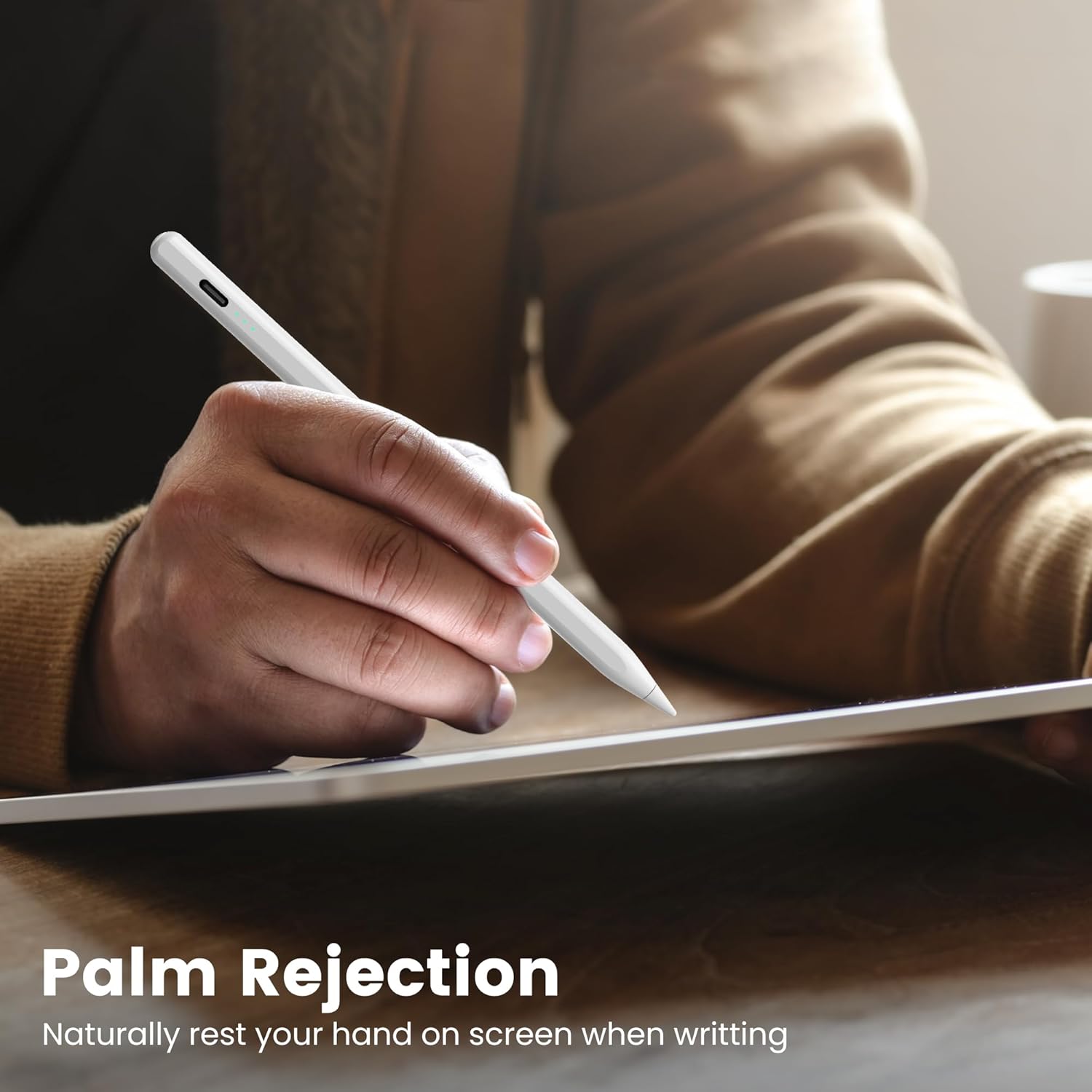
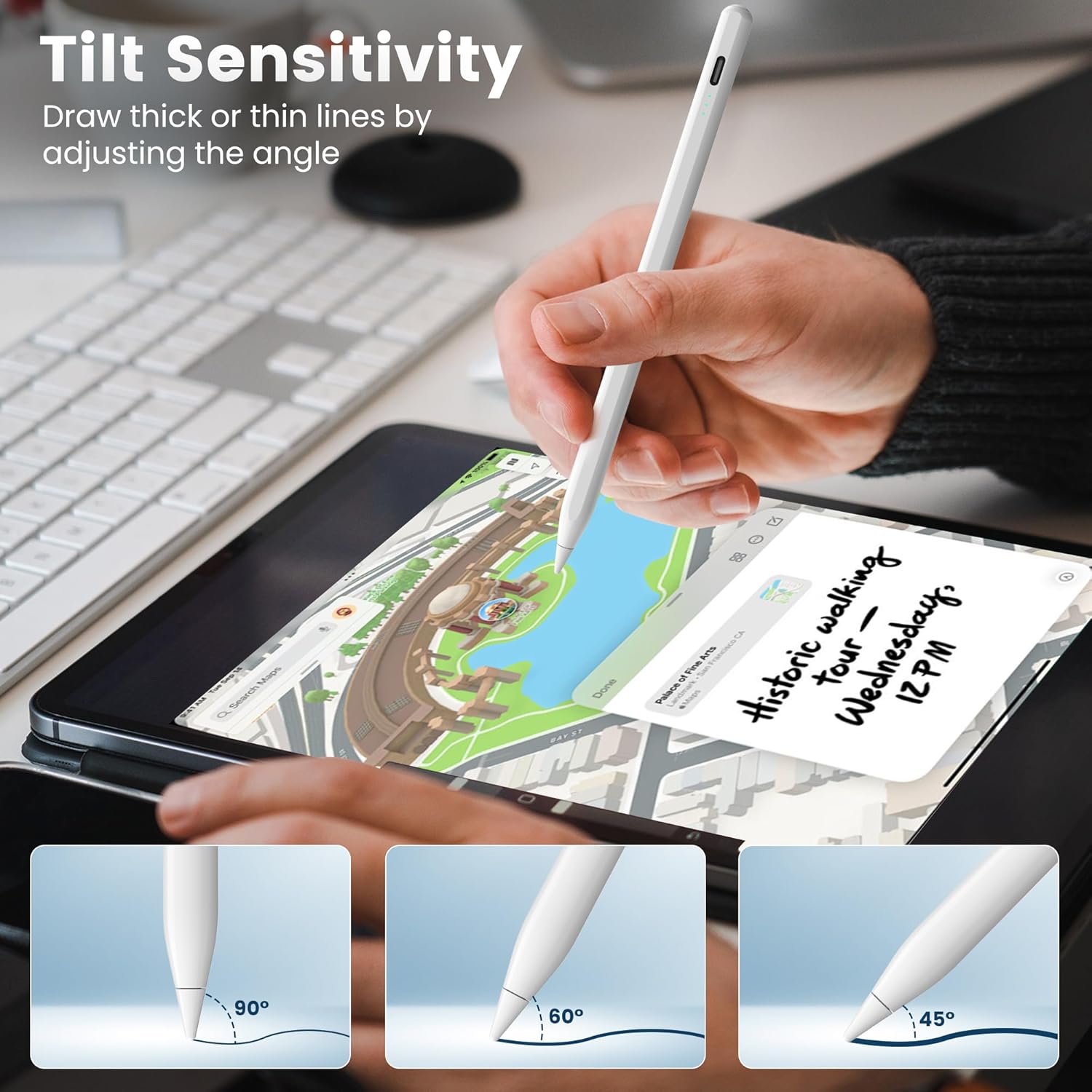
For people who want a tactile, pen-like input on an iPad without the need for Bluetooth setup, the Penlike Pencil buffers the friction of charging and pairing. Tilt sensitivity lets you vary line thickness as you angle the pencil, which helps with shading and more expressive strokes. Palm rejection means you can rest your hand on the screen and write naturally, which is especially helpful for long writing sessions.
Core strengths and trade-offs
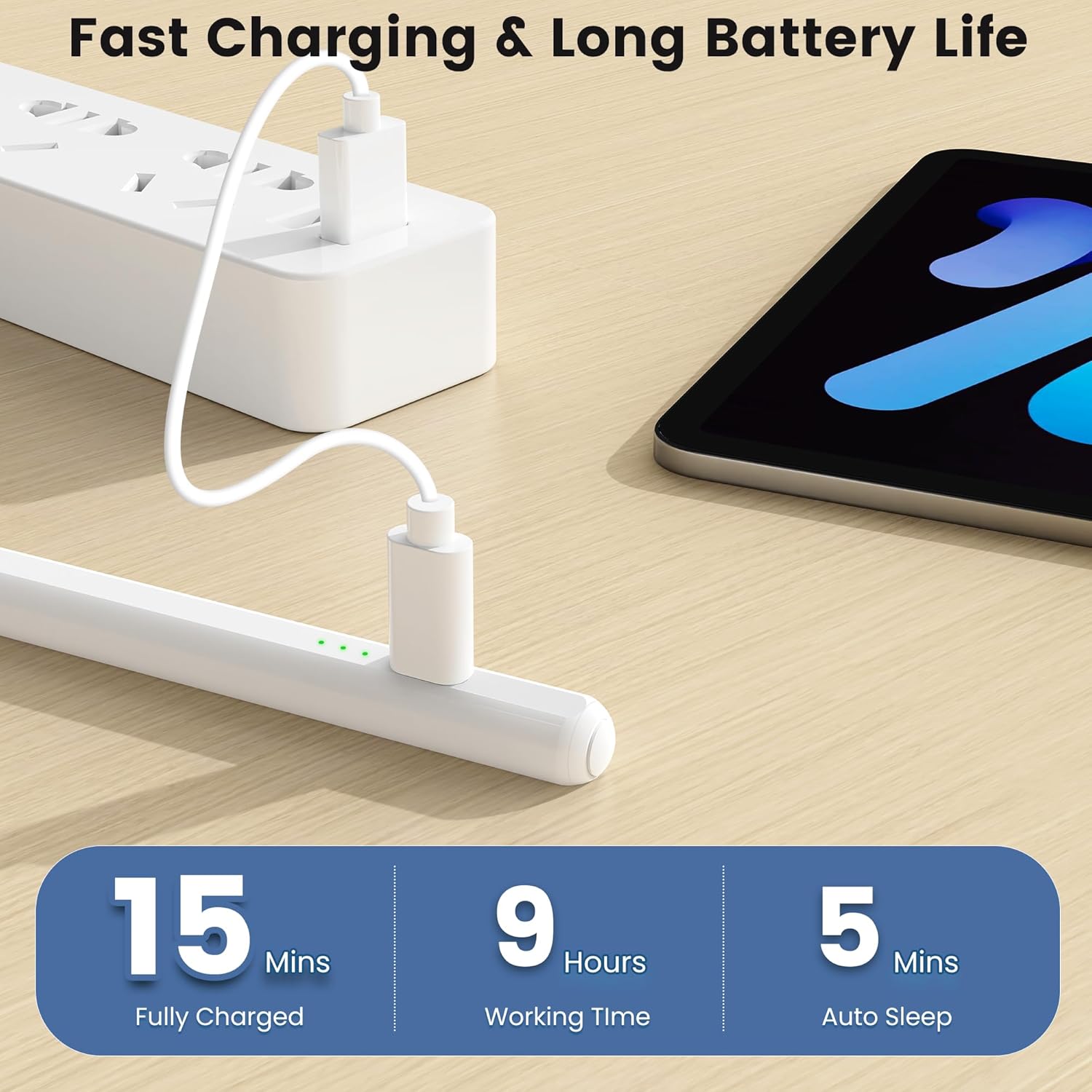
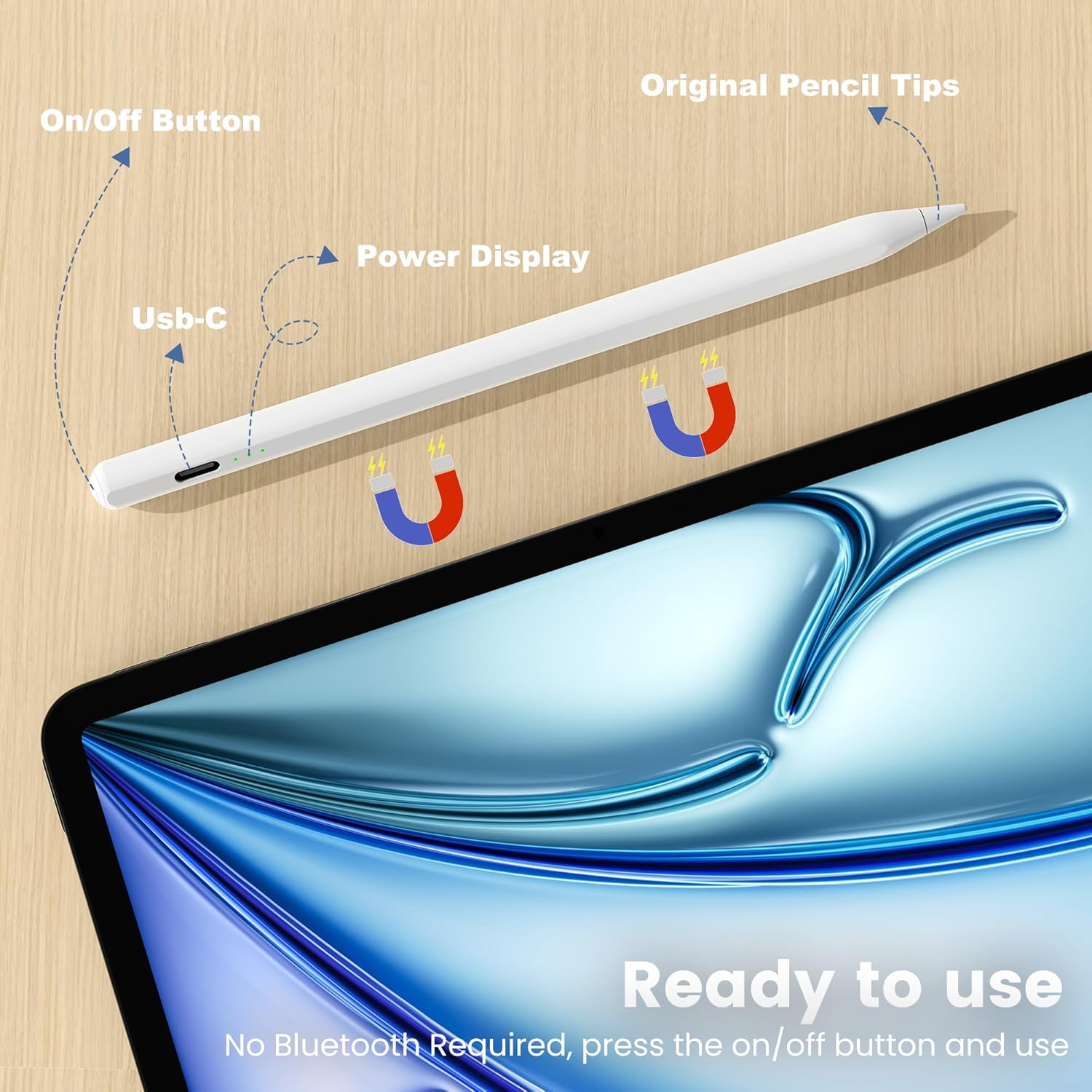
On the upside, the stylus charges quickly via USB-C, achieving a full charge in about 15 minutes and offering up to 9 hours of use. The 1.5mm tip is described as providing pixel-perfect precision with responsive input, making it suitable for drawing, note-taking, and document markup without noticeable input lag. The three-light battery indicator is a simple, at-a-glance way to gauge remaining power: three lights mean 60–100%, two lights mean 30–59%, one light means below 30%. The magnetic adsorption mimics the convenience of other magnetic pencils, aiding quick storage and access. A notable practical benefit is the no-Bluetooth requirement, which reduces potential connectivity hiccups for some users.
Limitations to consider
It’s important to note the device does not support magnetic charging, charging is done via Type-C, with the magnet acting only as a physical anchor. Sleep mode occurs after 5 minutes of inactivity to conserve power, which could interrupt longer drawing sessions if you forget to wake it. The compatibility list is long and diverse, but it does rely on model verification in Settings to ensure your exact iPad is supported. If you rely on Bluetooth-based pairing features or certain iPad features tied to the original Apple Pencil, the experience may differ. Some users may find the pen’s feel or weight not quite identical to Apple’s options, which can affect precision or comfort for high-precision work.
Who it’s for
This stylus suits iPad users who value quick charging, straightforward use, and practical features like tilt shading and palm rejection, without the need for Bluetooth pairing or an expensive upgrade. It’s a fit for students taking notes, artists doing light to moderate sketching, and professionals who annotate documents or mark up PDFs on the go. If you prioritize a fuss-free setup and a responsive tip, this pen can be compelling.
Who it isn’t for
If you need the most refined pen feel, ultimate precision, or features tied to ecosystem-specific apps and accessories, you might prefer a model that emphasizes tighter integration with iPadOS or a premium pen experience. For users who require continuous, high-precision work with minimal lag across a broad range of apps, or those who rely on consistent magnetic charging, this option may fall short of expectations.
When it makes sense to buy
Consider this stylus if you want a fast-charge solution that minimizes downtime, enjoy tilt-based line variation, value palm rejection for natural writing, and want a simple, Bluetooth-free workflow. It’s especially appealing if your iPad model is compatible and you’d rather avoid more complex setups while still achieving responsive input for everyday creative tasks and note-taking.
When to hold off
If your work demands flawless, ultra-low-latency input, or you rely heavily on advanced features tied to official Apple Pencil models, this stylus might not be the best match. Also, if magnetic charging or a more robust energy management system is important to you, you may want to explore higher-end options or official accessories.
What to check before buying
- Verify your iPad model in Settings > General > About to ensure compatibility. The list covers many generations but requires model confirmation.
- Consider whether you’ll benefit from tilt sensitivity for shading and line width control.
- Note the charging method (Type-C), charging time, and the lack of magnetic charging support.
- Remember the 5-minute sleep timer, plan your workflow accordingly to avoid interruptions.
- Expect straightforward use: no Bluetooth pairing needed, but be mindful of the troubleshooting steps if the device isn’t detected.
Practical use example
Imagine sketching a quick concept on an iPad during a meeting. You jot rough shapes, tilt slightly to add light shadows, and rest your palm on the screen without worrying about smudging or misinterpreting unintended input. When the idea evolves, a fast 15-minute charge gets you back in action before your next note segment, with a battery indicator letting you know if you should top up soon.
What this means in context of alternatives
Compared to more integrated stylus options that rely on Bluetooth pairing or official ecosystems, this Penlike Pencil emphasizes simplicity and speed of use. It can be a sensible middle-ground for buyers who want a capable drawing and writing tool without committing to a premium accessory. If you’re evaluating options, weigh whether you prefer a quick-charge workflow and palm rejection features over a model that requires more setup or closer ecosystem integration.
FAQ (based on available data)
- Does it work with all iPad models? Compatibility is listed for many models from 2018 onward, check Settings > General > About to confirm your exact model.
- Is Bluetooth required to use it? No, it functions without Bluetooth or Wi-Fi.
- How long does the battery last? Up to 9 hours of use on a full charge, with a 15-minute fast charge recovery.
Is it worth it?
Yes, if you value quick charging, palm rejection for comfortable use, and tilt-based line variation, and your iPad is listed as compatible. It’s a practical option for daily drawing, note-taking, and annotation without the extra fuss of Bluetooth setup. Not perfect for users seeking the most premium pen feel or exhaustive feature sets, but it covers a broad, useful range of everyday tasks.