

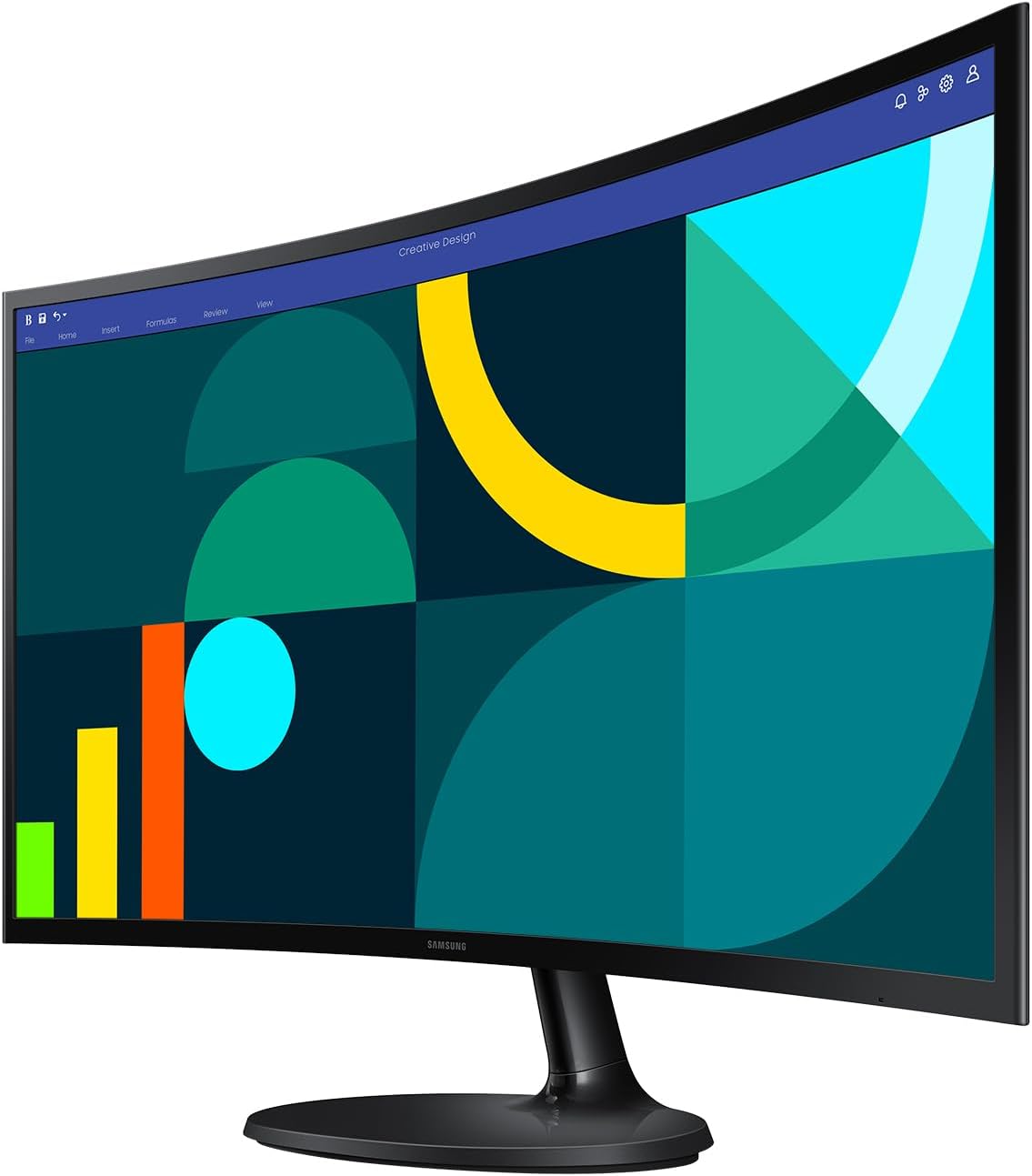
Samsung 27" Essential S3 (S36GD) Curved Monitor — FHD 1800R, 100Hz, Eye Saver Mode, Game Mode (LS27D36CGANXZA)
Product description
The essentials
If you want a curved monitor that feels more immersive without going into premium territory, the Samsung 27" Essential S3 (S36GD) is built for that kind of everyday push. Its 1800R curved screen is designed to wrap closer around your field of view, which can make video, browsing, and even work sessions feel less “flat.” It’s not a miracle cure for eye fatigue or motion blur, but on paper it’s aimed at smoother day-to-day viewing—especially when games or fast-moving content are part of your routine.
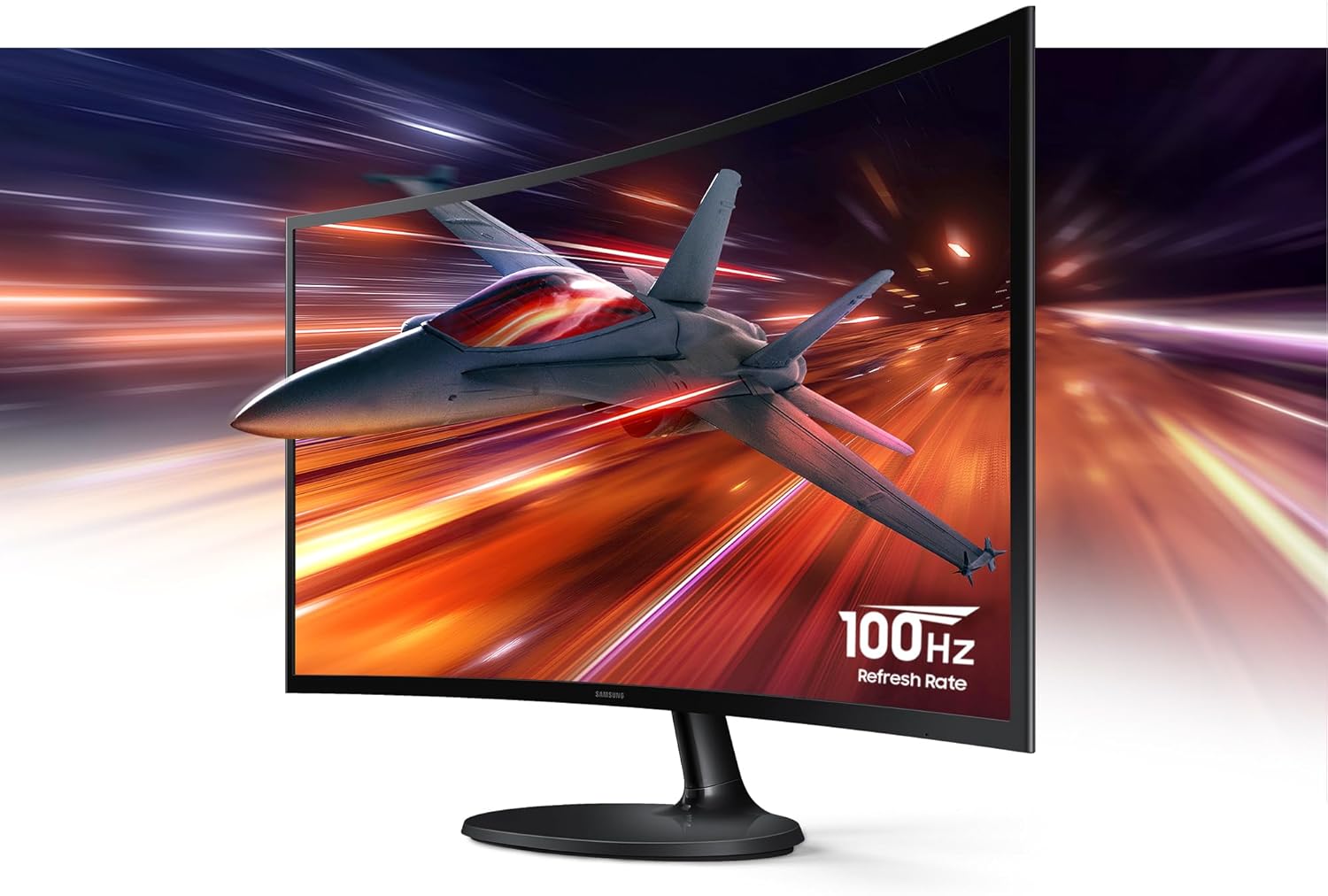
At the center of the experience is a 100Hz refresh rate. That matters most if you’re sensitive to motion clarity while scrolling, watching action scenes, or playing games where timing and responsiveness make a difference. Add Game Mode, and the monitor focuses on keeping the image readable during play instead of turning the viewing experience into guesswork.
Where it shines for real use
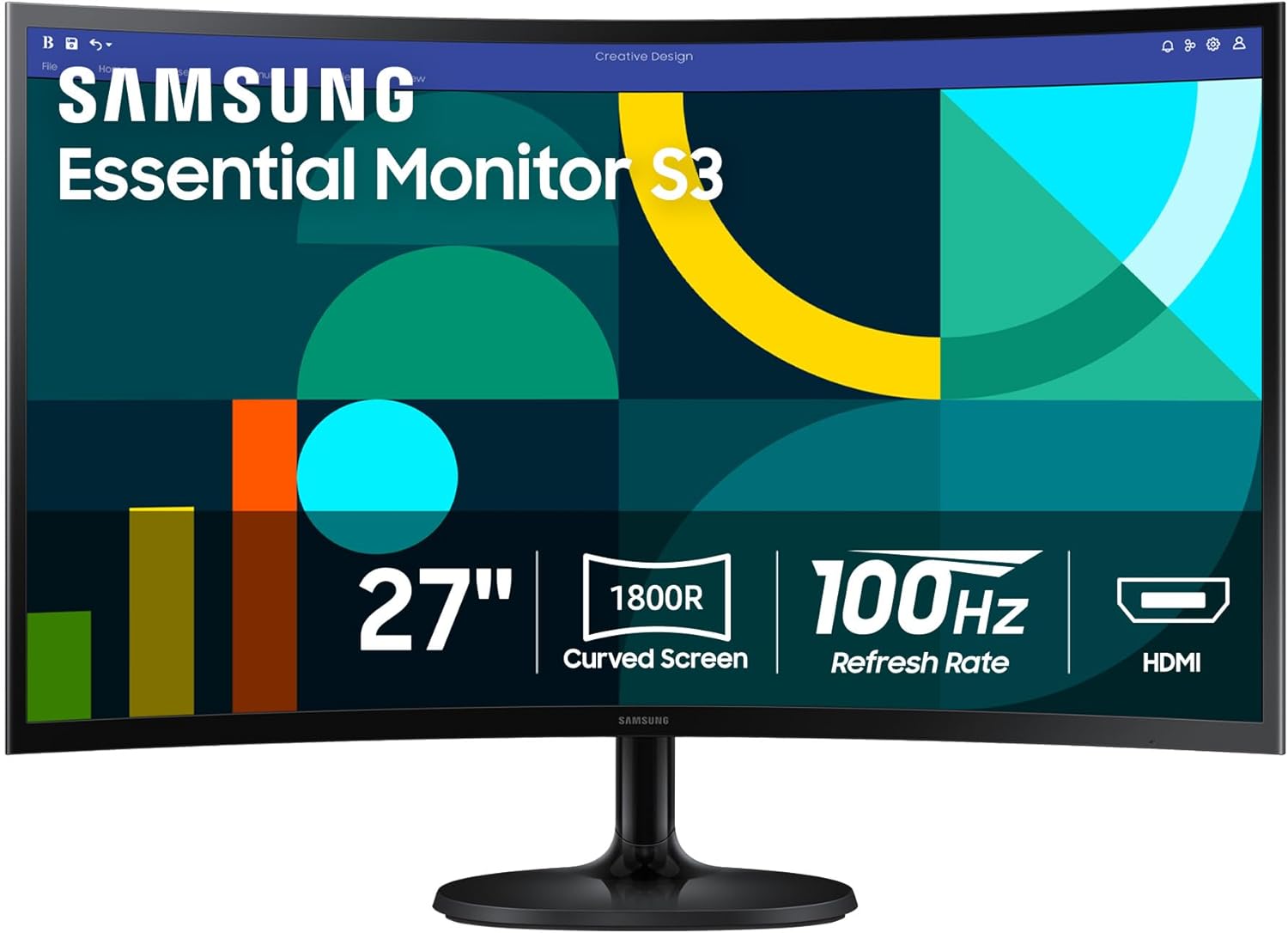
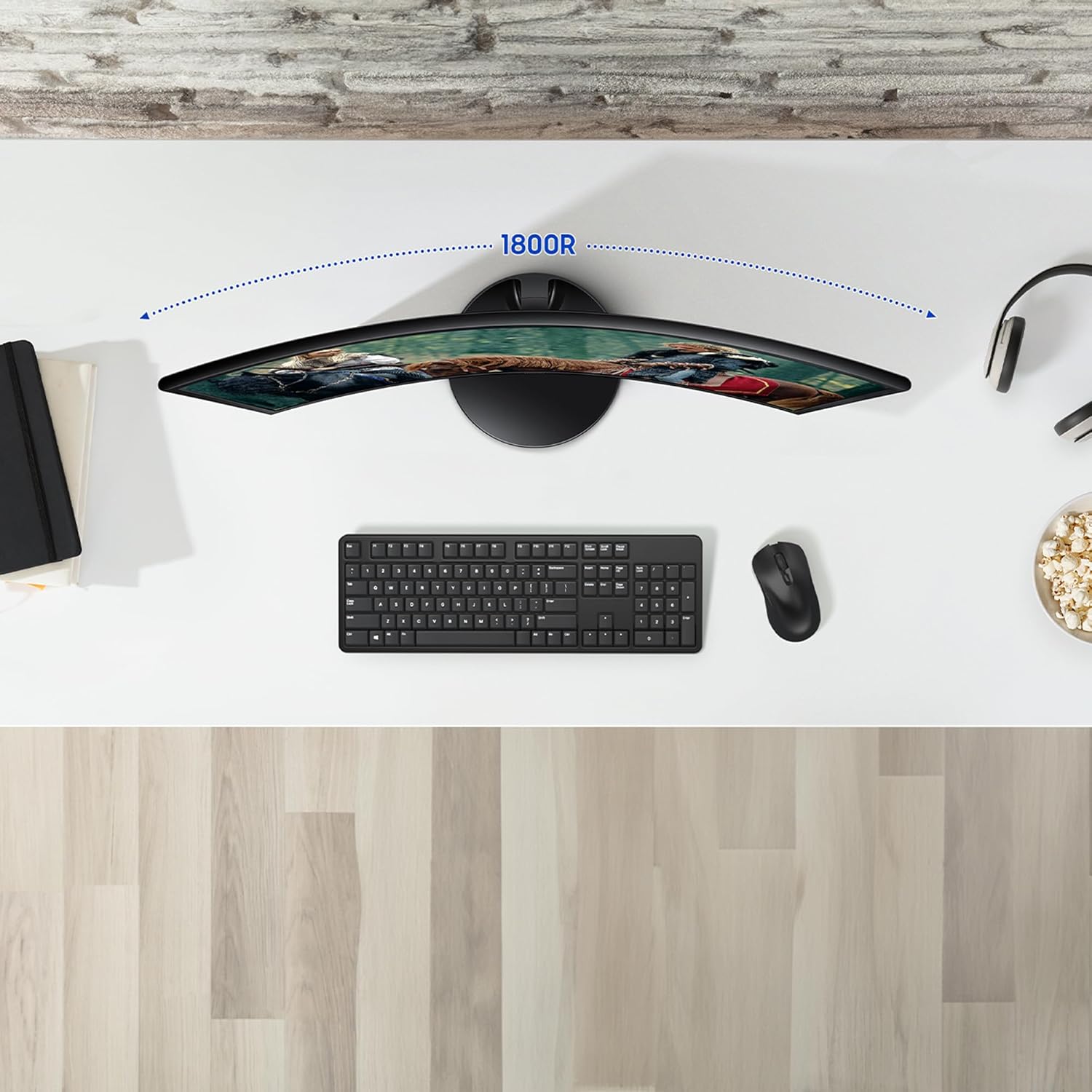
The curved form factor is the first thing you’ll notice. Instead of a straight panel that sits “behind” your line of sight, the 1800R curve is meant to bring the screen’s edges more into your peripheral view. For movies and TV, that can translate into a more engaged, surrounded feeling—closer to what you’d expect from larger setups.
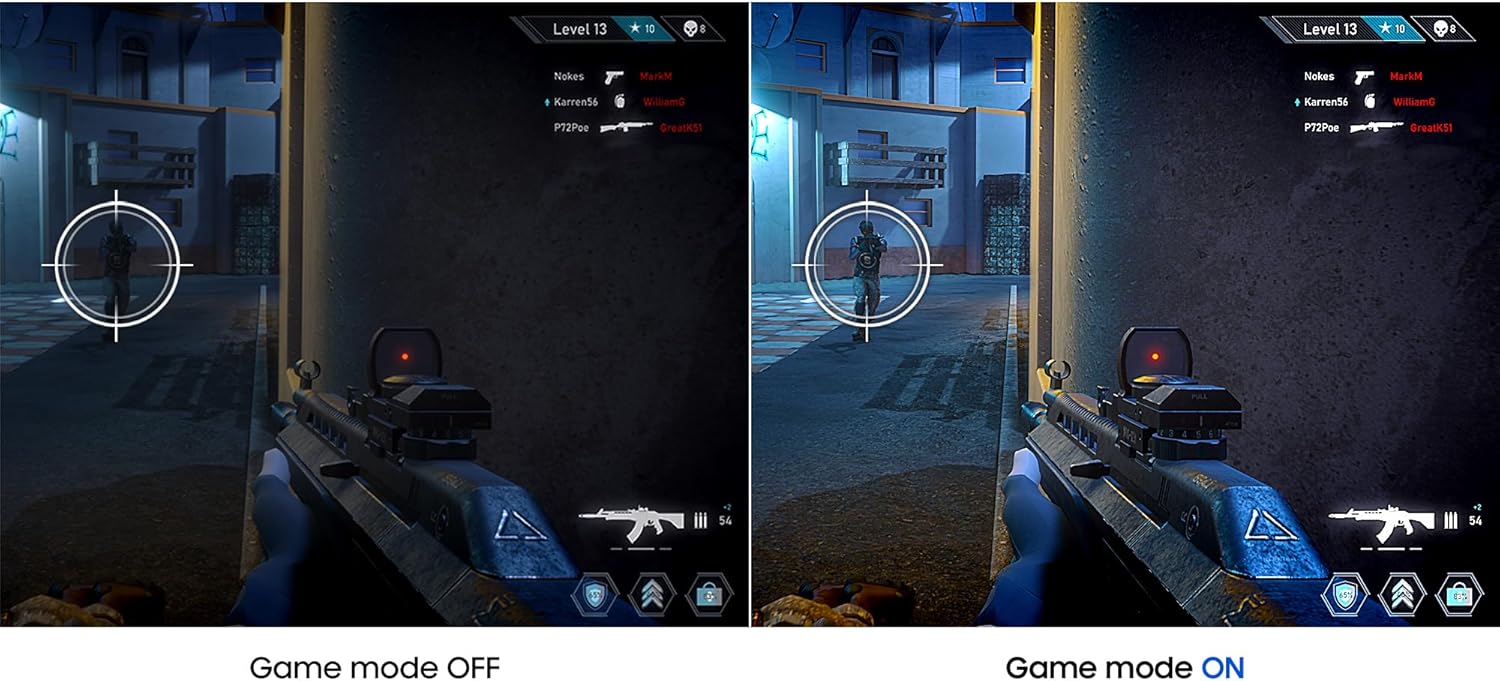
For gaming and fast content, the 100Hz refresh rate is the headline, with the goal of reducing lag and motion blur. On top of that, the monitor includes Game Mode with screen-filling behavior, so gameplay can use more of the display area rather than sitting inside a smaller window.
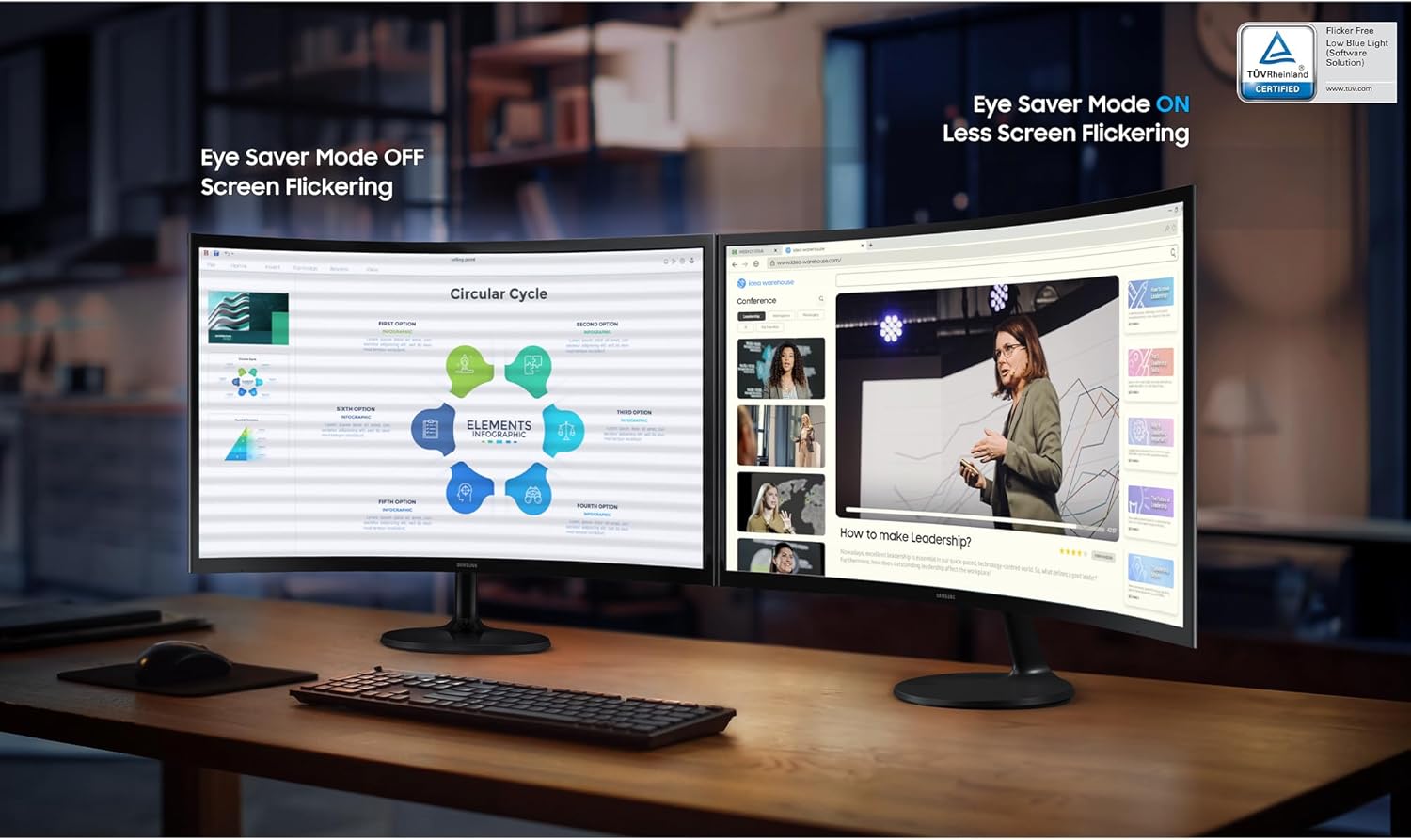
And if you do a mix of tasks—work during the day, videos at night, gaming on weekends—this model is also framed as “easy on the eyes.” It includes Eye Saver Mode with TÜV certification, aimed at reducing eye strain by minimizing blue light and reducing irritating screen flicker. It’s a comfort-focused feature set, but it still won’t replace good screen habits like breaks and proper room lighting.
Key features you’ll care about
Game Mode is about practicality: it’s designed to adjust the viewing so games fill the screen and details stand out. The included description also points to image/contrast adjustments to help you see scenes more vividly and spot darker elements. That’s especially relevant if you play titles where enemies or objects blend into shadows.
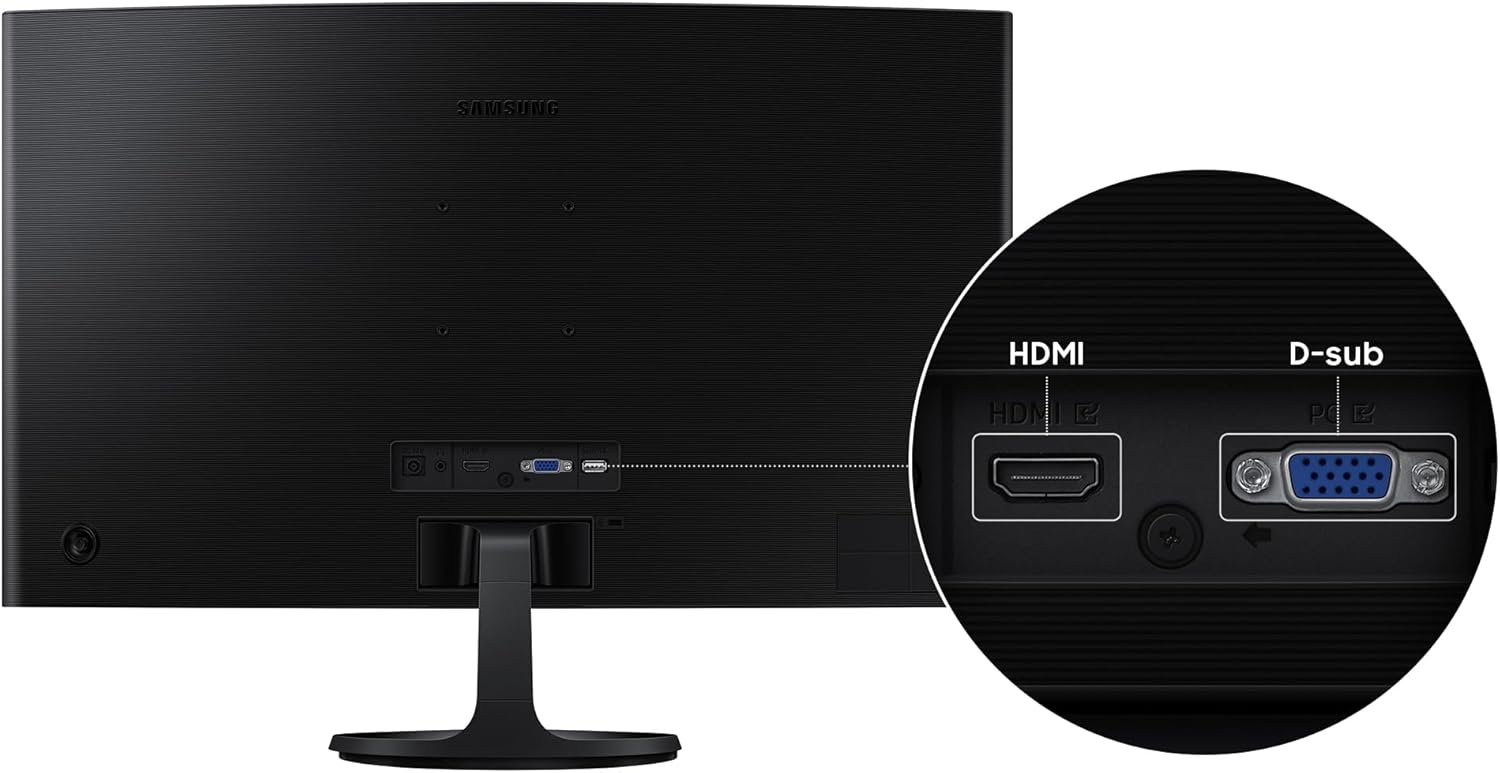
On the connectivity side, the monitor is described as increased versatility thanks to having both HDMI and a D-sub connection. That’s useful if your setup includes different device types—like a newer laptop/PC alongside an older desktop or something that doesn’t have only modern ports. In everyday terms, it can reduce the “adapter shopping” headache and simplify how your computing environment is arranged.
One limitation to keep in mind: the provided info doesn’t mention advanced specs like variable refresh rate, HDR performance, or response-time numbers. So if you’re chasing the most competitive gaming performance (or the most bleeding-edge picture features), this sits more like a balanced, mainstream gaming-and-everyday monitor than a top-tier enthusiast display.
Tech specs
- Name: Samsung 27" Essential S3 (S36GD) Curved Monitor (LS27D36CGANXZA)
- Type: Curved monitor
- Size: 27"
- Format: FHD
- Screen curvature: 1800R
- Refresh rate: 100Hz
- Display modes: Eye Saver Mode, Game Mode
- Ports: HDMI, D-sub
Who it’s for (and who should skip it)
It makes sense if you want a 27-inch curved monitor for mixed use—gaming, streaming, and working—where a 100Hz refresh rate and Game Mode are useful, and Eye Saver Mode is part of your comfort checklist. You’ll likely appreciate the 1800R curve if you enjoy the sense of immersion that comes from a screen that feels closer to your field of view.
It may not be the best match if you’re shopping for cutting-edge gaming features that go beyond refresh rate and a picture preset. Also, if you already know you only care about the most demanding HDR or ultra-fast competitive specs, this could feel limited on what’s explicitly promised here.
In other words: it’s a solid fit if you want comfort + smoother motion on a curved FHD screen, but you may want to look elsewhere if you’re trying to fully optimize for esports-level responsiveness or premium HDR performance.
Getting the most from it
A quick way to judge fit is to think about your viewing distance and habits. With a 27" 1800R curved display, you’ll get more of the “wraparound” feeling if you sit reasonably close and keep the monitor centered to your eyes.
For gaming, try Game Mode when you’re playing and switch back to your usual settings for work and video. If you’re sensitive to screen flicker or want to be proactive about comfort, Eye Saver Mode is there for those longer sessions—just remember that the best comfort setup usually includes break reminders, not just a single setting toggle.
Mini FAQ
Is this monitor good for gaming?
Based on the provided features, it’s geared toward gaming with a 100Hz refresh rate and Game Mode intended to reduce lag/motion blur and improve in-game visibility.
Does Eye Saver Mode help with comfort?
The description says it’s TÜV-certified and designed to reduce eye strain by minimizing blue light and screen flicker, which can be helpful for longer viewing.
What connections does it have?
It supports HDMI and D-sub, which can be convenient if you need flexibility across devices.
Will the curved screen feel noticeable?
The 1800R curvature is specifically meant to wrap closer around your field of vision, so the difference from a flat screen should be fairly evident for many users.
Final verdict
Worth buying if you want a curved 27" FHD monitor that prioritizes smoother motion (100Hz), a practical Game Mode, and comfort features like Eye Saver Mode. Skip it if you’re specifically targeting advanced gaming or premium visual performance beyond what’s mentioned here, since the provided details don’t point to high-end extras. If your setup values HDMI and D-sub flexibility, that’s a real day-to-day plus to consider.