

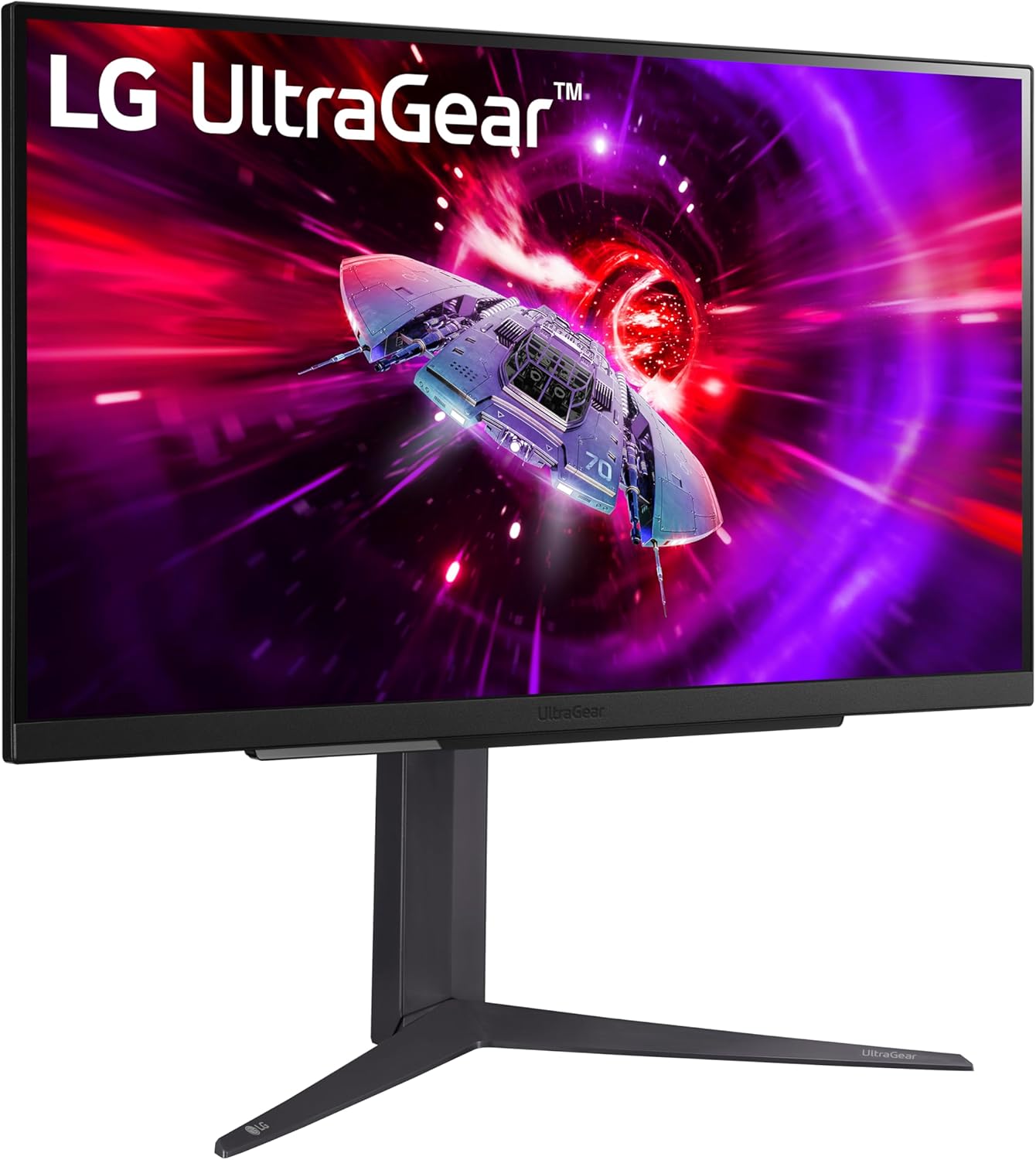
LG 27GR83Q-B 27-inch Ultragear QHD IPS Gaming Monitor (240Hz, 1ms, FreeSync Premium & G-SYNC compatible, HDR400)
Reviews
Price
Product description
If you’re shopping for a 27-inch QHD gaming monitor that can keep up at high refresh rates, the LG 27GR83Q-B is built around a pretty clear goal: smoother motion with responsive performance, plus a color/contrast bump from HDR400. On paper, it lines up well for competitive play—especially if you care about minimizing tearing and stutter with the right sync tech.
That said, “240Hz + QHD + HDR” doesn’t automatically mean this is the best choice for every kind of gaming. It’s a strong fit for players who value fast response and smooth gameplay more than maximum HDR punch. If you mainly play single-player cinematic titles, you may find the HDR side feels more mid-range than mind-blowing.
Quick overview
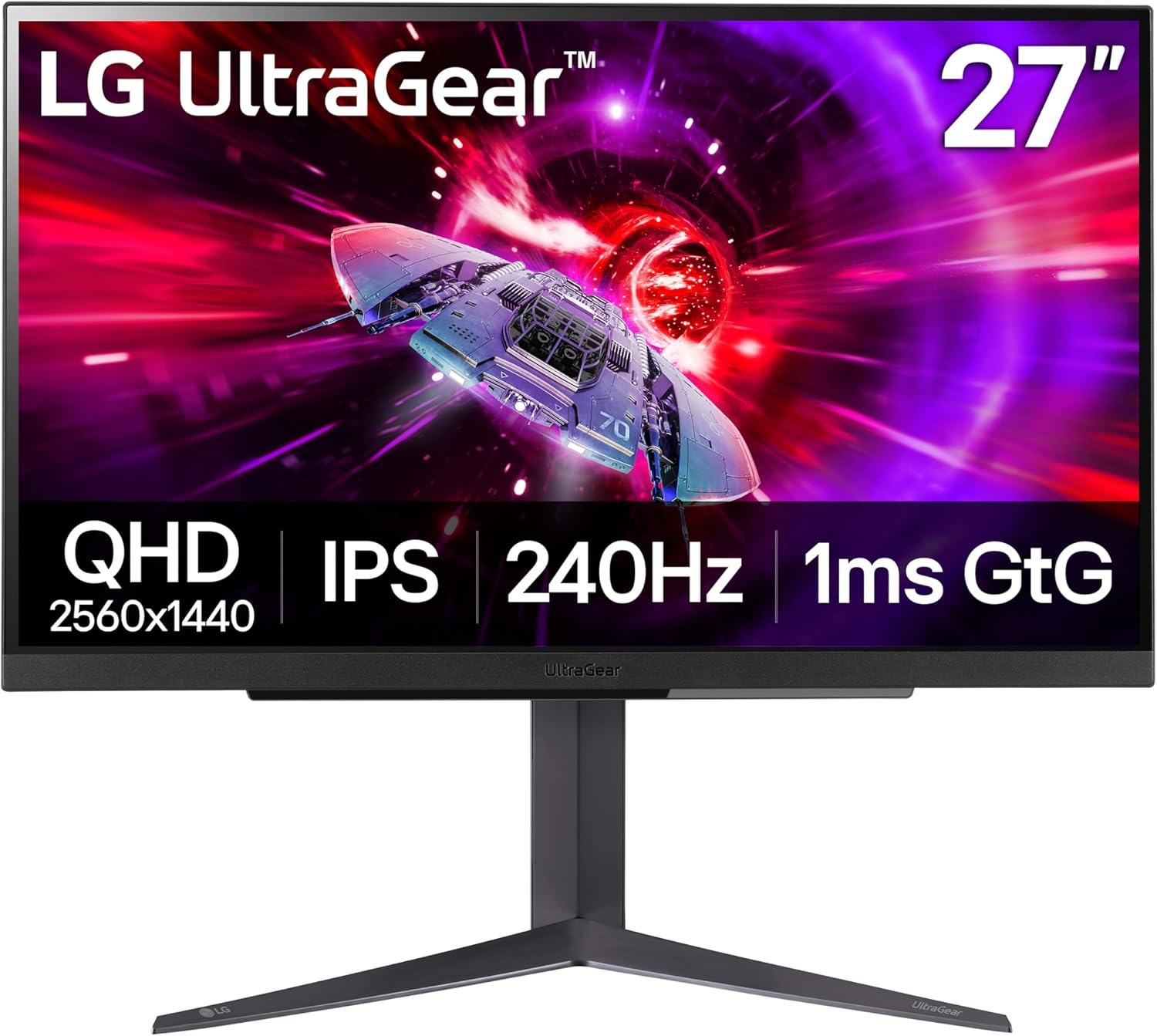
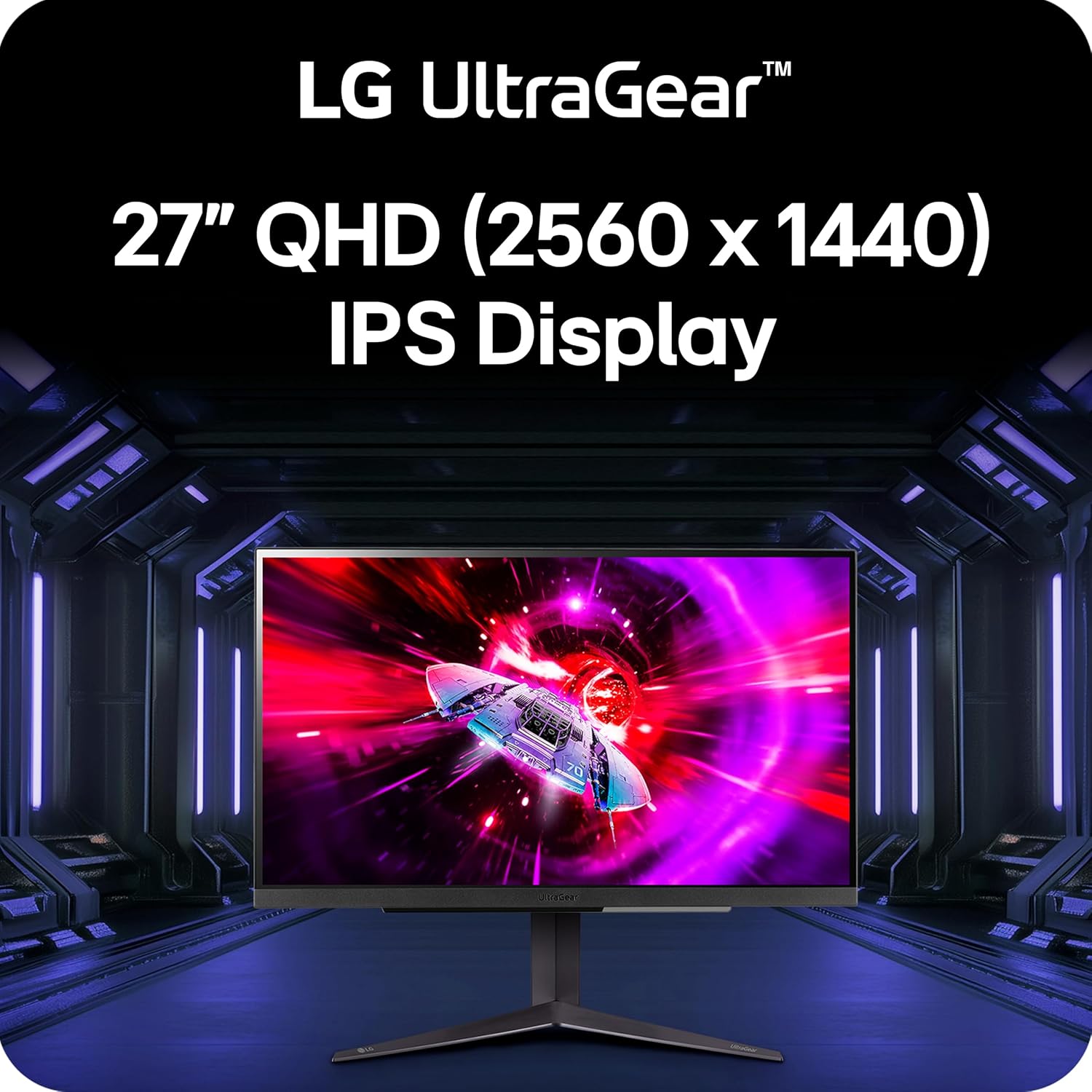
The LG 27GR83Q-B is a 27-inch Ultragear monitor offering QHD resolution (2560x1440) and up to a 240Hz refresh rate. It’s an IPS panel with a listed 1ms (GtG) response time, aimed at reducing perceived lag and keeping fast motion cleaner.
For hardware compatibility, it supports both HDMI 2.1 and DisplayPort 1.4, and the included features are designed to work with adaptive sync. It’s officially validated as compatible with NVIDIA G-SYNC, and it also includes AMD FreeSync Premium.
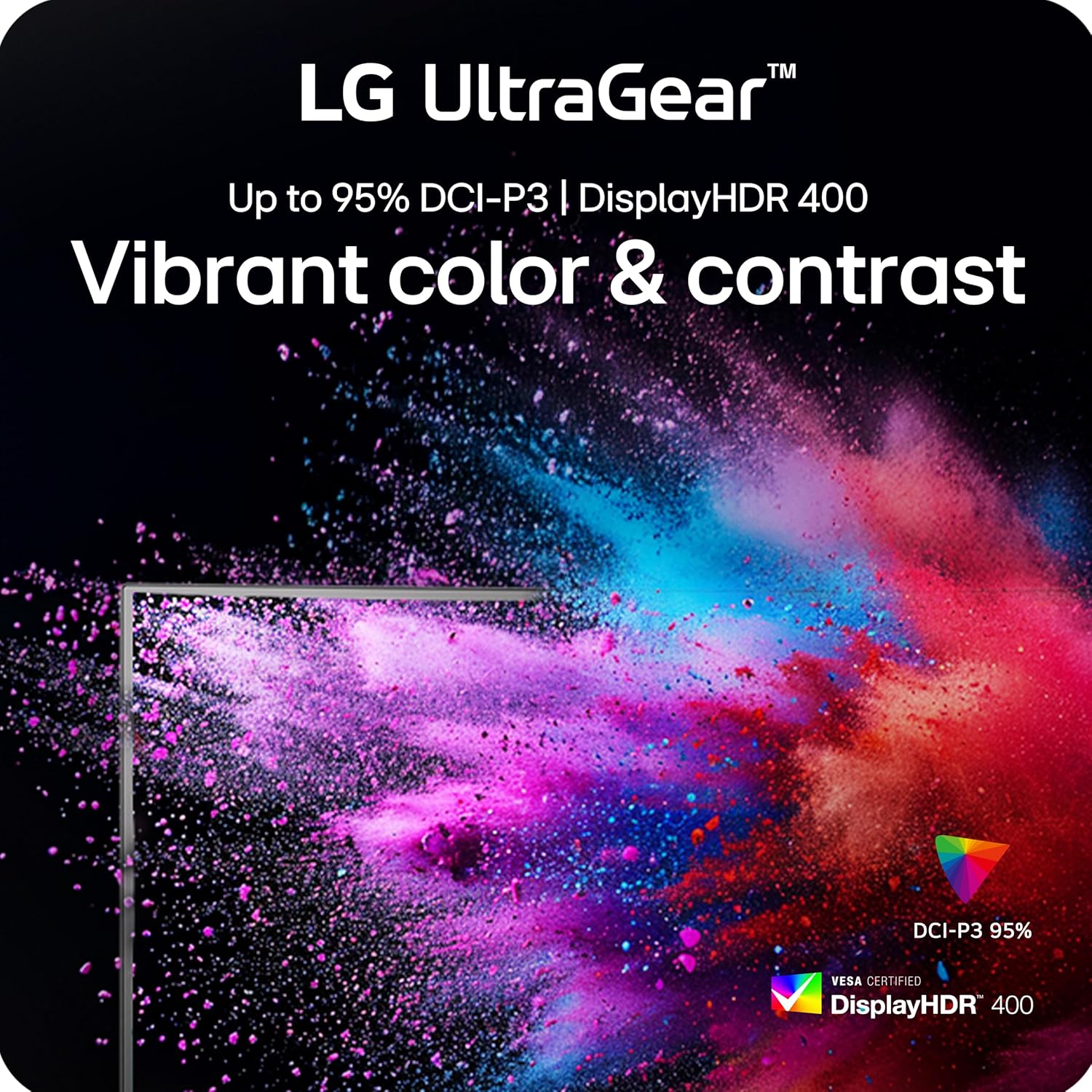
On the HDR side, the monitor supports DisplayHDR 400 and is described as covering up to 95% (type.) of the DCI-P3 color gamut. In real buying terms, that means you’re not just getting a “fast gaming screen”—you’re also getting color that’s intended to look more faithful, with dynamic contrast cues when supported by content.
What matters most for gaming performance
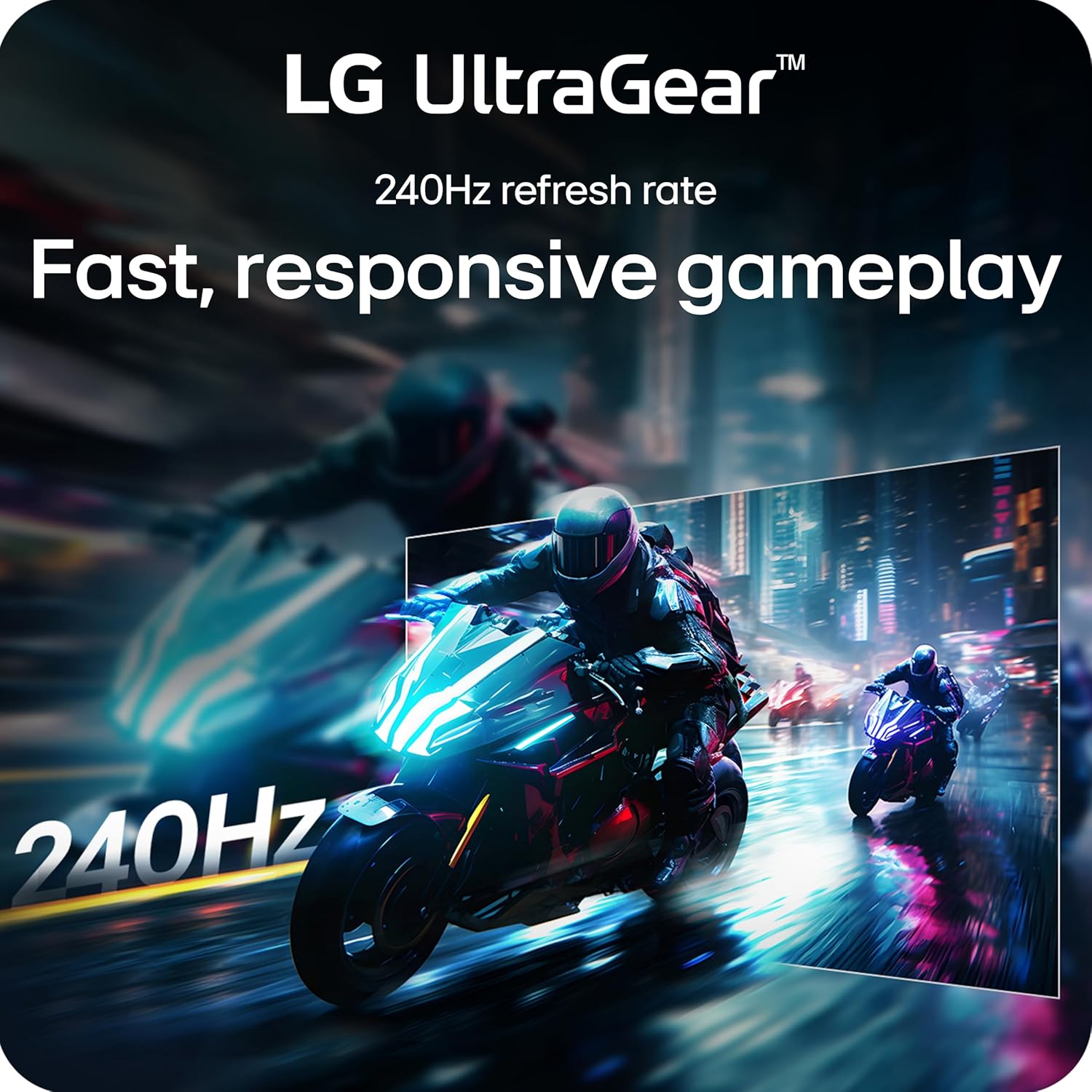
Where this LG monitor stands out is in the combo of refresh rate and adaptive sync support. A 240Hz ceiling can make motion feel more fluid, but the real day-to-day win is how the display handles mismatched frame rates.
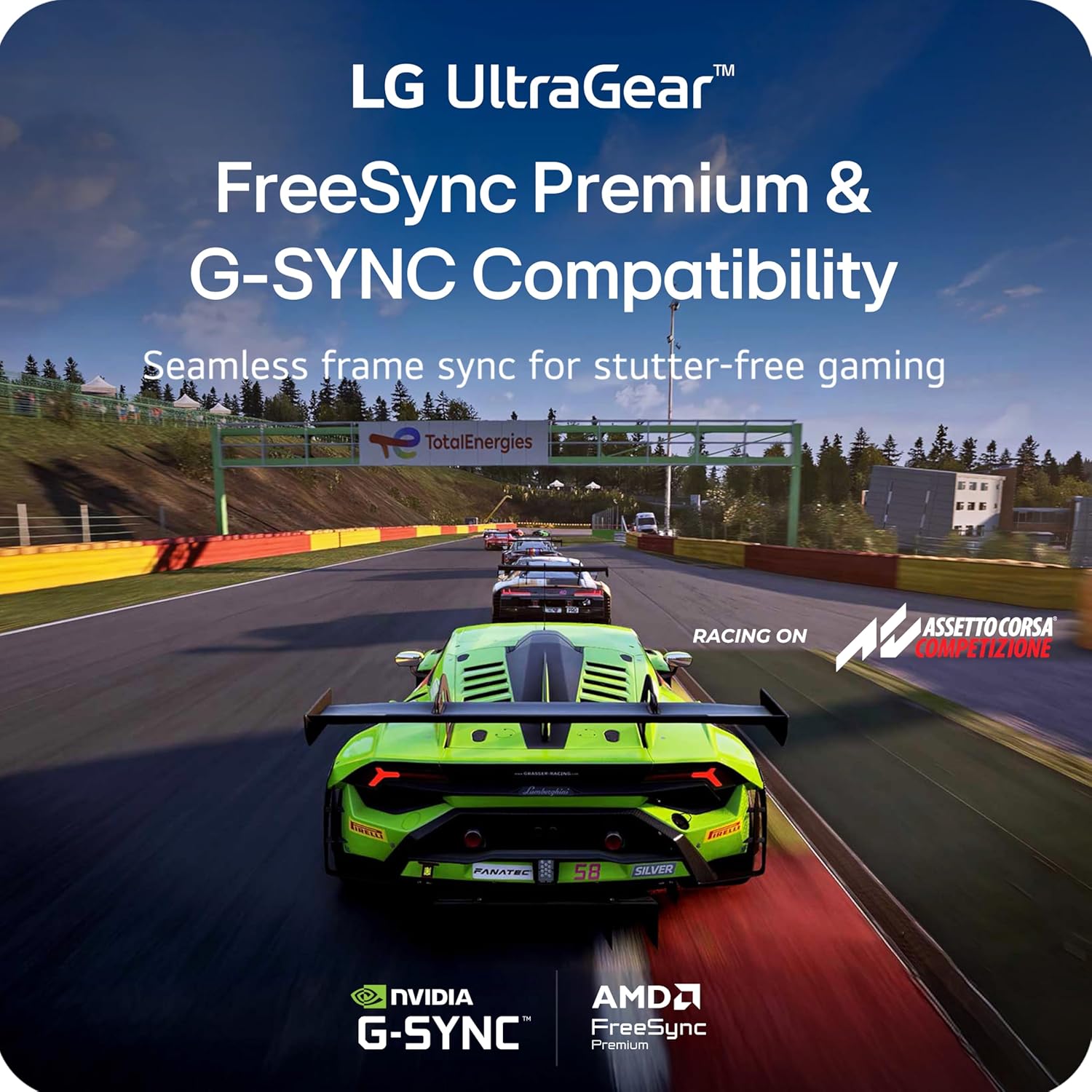
- NVIDIA G-SYNC compatibility is described as validated by NVIDIA, targeting faster, smoother gameplay and helping reduce tearing and stuttering.
- AMD FreeSync Premium is included as well, aiming for smoother output with low-latency gameplay.
So what does that feel like in practice? Imagine you’re playing a fast FPS round with lots of strafing and quick aim changes. With adaptive sync active, you’re less likely to see the distracting frame splits you’d notice when frames and refresh don’t line up. It’s the kind of improvement that’s subtle when things are already stable, but noticeable the moment the action gets chaotic.
A quick limitation to keep in mind: the FreeSync Premium description references a smooth experience starting at at least 120Hz with a minimum FHD resolution and low-latency play. If your setup regularly drops below those conditions, you may not get the smoothness behavior you’d expect at the top end.
Color, HDR, and what HDR400 really means here
The monitor includes DisplayHDR 400 and is described with up to 95% (type.) DCI-P3 color coverage. It’s positioned as offering vivid color and dynamic contrast at QHD.
HDR400 is usually more about “better-than-standard tone and contrast” than transforming the whole experience into something dramatically brighter. If your priority is deep, punchy HDR highlights, it may leave you wanting more. But if you’re looking for a gaming monitor that still looks good—especially in mixed scenes and games with HDR support—this setup is built to be credible without pretending to be a flagship HDR display.
Also, the panel type matters. IPS is typically chosen for consistent color and viewing characteristics, and the manufacturer highlights IPS “vivid and responsive” visuals for contrast, clarity, and detail.
Connections and gaming modes you can actually use
One of the practical conveniences here is that it supports high refresh via both HDMI 2.1 and DisplayPort 1.4. For a lot of buyers, that means fewer compromises depending on what you’re using—PC first, console second, or occasionally both.
It also includes an improved gaming UI with multiple modes such as Gamer, FPS, and RTS. That’s useful if you like tailoring picture settings to the kind of game you’re playing, rather than relying on one preset for everything.
Tech specs you should pay attention to
The core buying-relevant specs from the description are straightforward: QHD resolution (2560x1440), 27-inch IPS panel, up to 240Hz refresh rate, and a listed 1ms (GtG) response time. Sync support includes NVIDIA G-SYNC compatibility and AMD FreeSync Premium. HDR is VESA DisplayHDR 400 with up to 95% (type.) DCI-P3 color coverage.
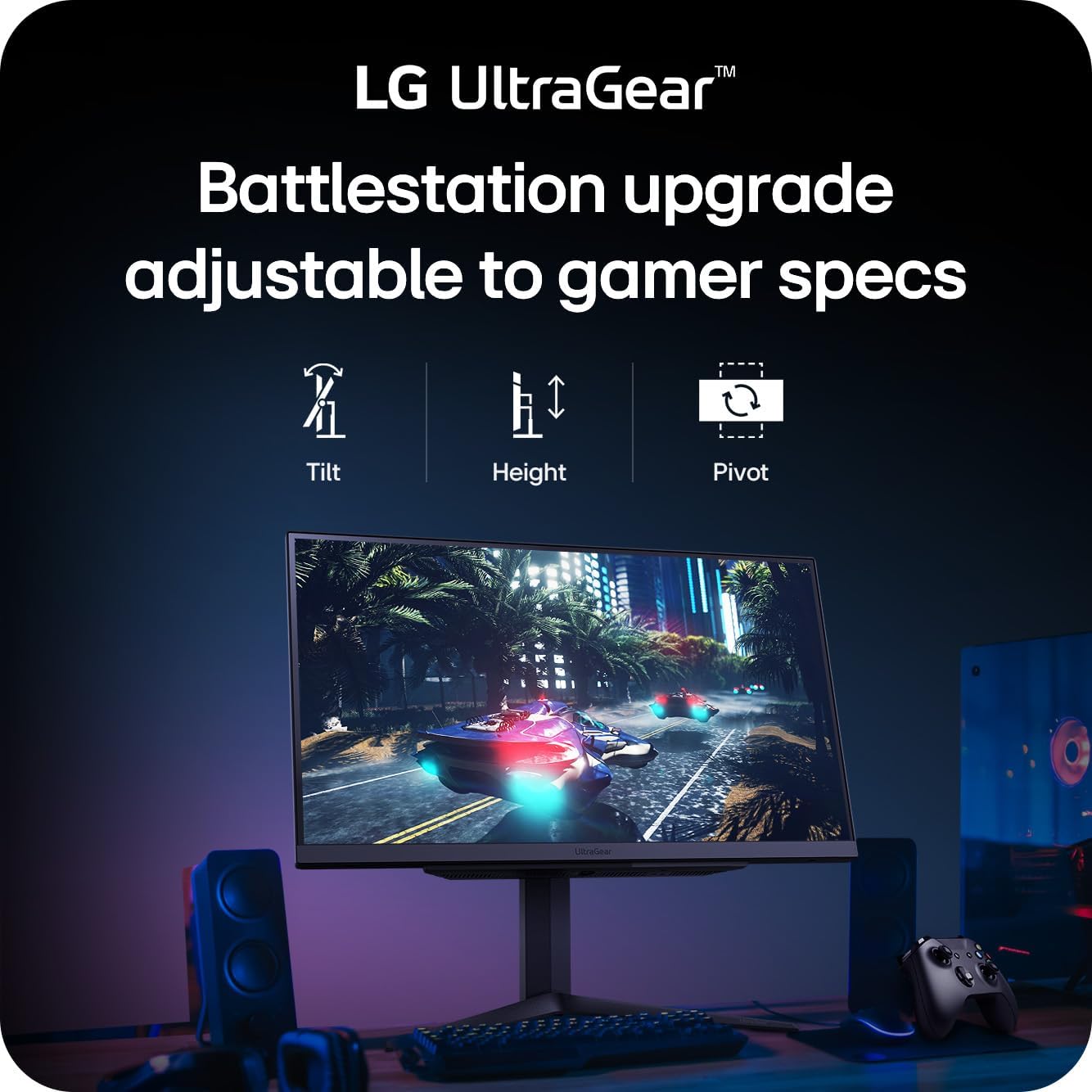
It also features a flexible stand with tilt/height/pivot adjustment, which can matter more than people expect—especially if you want the screen closer to eye level or prefer portrait pivot for certain tasks.
Is it worth it?
This LG 27GR83Q-B is a solid pick if you want a 27-inch QHD gaming monitor that leans into high refresh rate smoothness, with both NVIDIA G-SYNC compatibility and AMD FreeSync Premium included. It makes sense if your gaming library includes fast, competitive titles where reducing tearing and stutter matters as much as raw refresh.
You may want to skip it if your main goal is high-impact HDR performance. HDR400 and IPS color performance are promising on paper, but it doesn’t sound like a monitor designed to “wow” purely on HDR intensity. Also consider whether your PC/console setup can reliably take advantage of higher refresh—because the smoother experience from adaptive sync can depend on the runtime frame rates.
Worth considering if you prefer not to compromise on connections, since HDMI 2.1 and DisplayPort 1.4 are both supported.
Mini FAQ
Does it support both HDMI and DisplayPort for high refresh?
Yes—according to the description, the monitor supports up to 240Hz through DisplayPort or HDMI, using HDMI 2.1 and DisplayPort 1.4.
Is it compatible with NVIDIA G-SYNC and AMD FreeSync Premium?
It is described as officially validated as compatible with NVIDIA G-SYNC, and it also includes AMD FreeSync Premium.
How strong is HDR on this monitor?
It supports VESA DisplayHDR 400 and is described with up to 95% (type.) DCI-P3. That suggests solid gaming-friendly HDR behavior, but it’s not positioned as extreme HDR.
What’s the benefit of IPS here?
The description emphasizes IPS for vivid, responsive visuals, with color and clarity suited for detailed scenes.
What are the gaming modes for?
The improved gaming UI includes modes like Gamer, FPS, and RTS, which are intended to optimize the display settings for different game types.