

Dell 24 Plus Monitor S2425HSM – 23.8" FHD, 144Hz, 1ms MPRT, IPS with FreeSync
Product description
What to know
The Dell 24 Plus Monitor S2425HSM is a 23.8-inch Full HD display designed to balance everyday work with casual entertainment. It delivers a 1920x1080 resolution at a fast 144Hz refresh rate and a 1ms Moving Picture Response Time (MPRT) for smoother motion. Built-in dual 3W speakers add basic audio without needing external peripherals, and HDMI connectivity keeps setup simple. This model emphasizes ergonomic adjustability—height, tilt, pivot, and swivel—to help you find a comfortable viewing position during long sessions.
Why it could matter to you
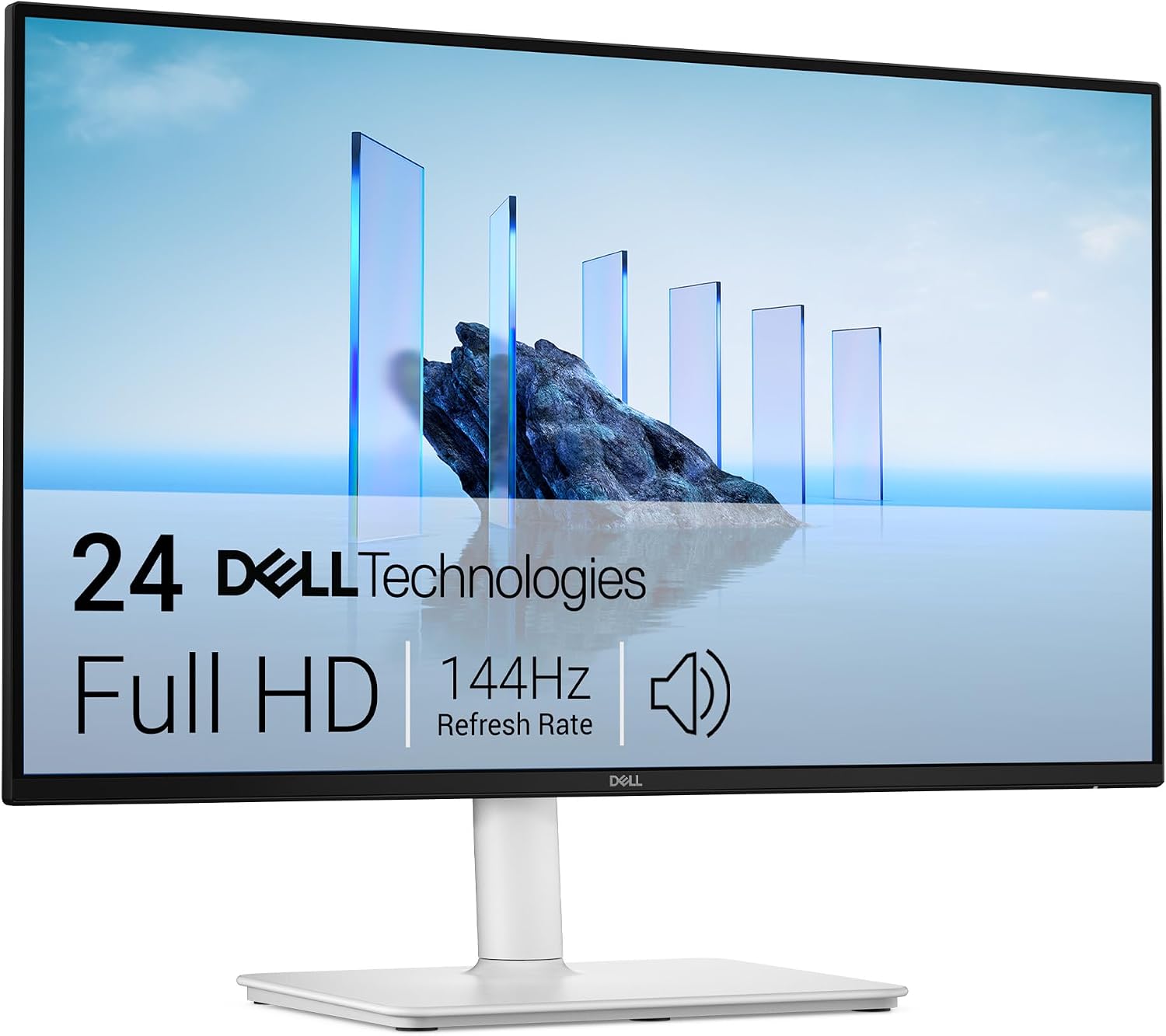
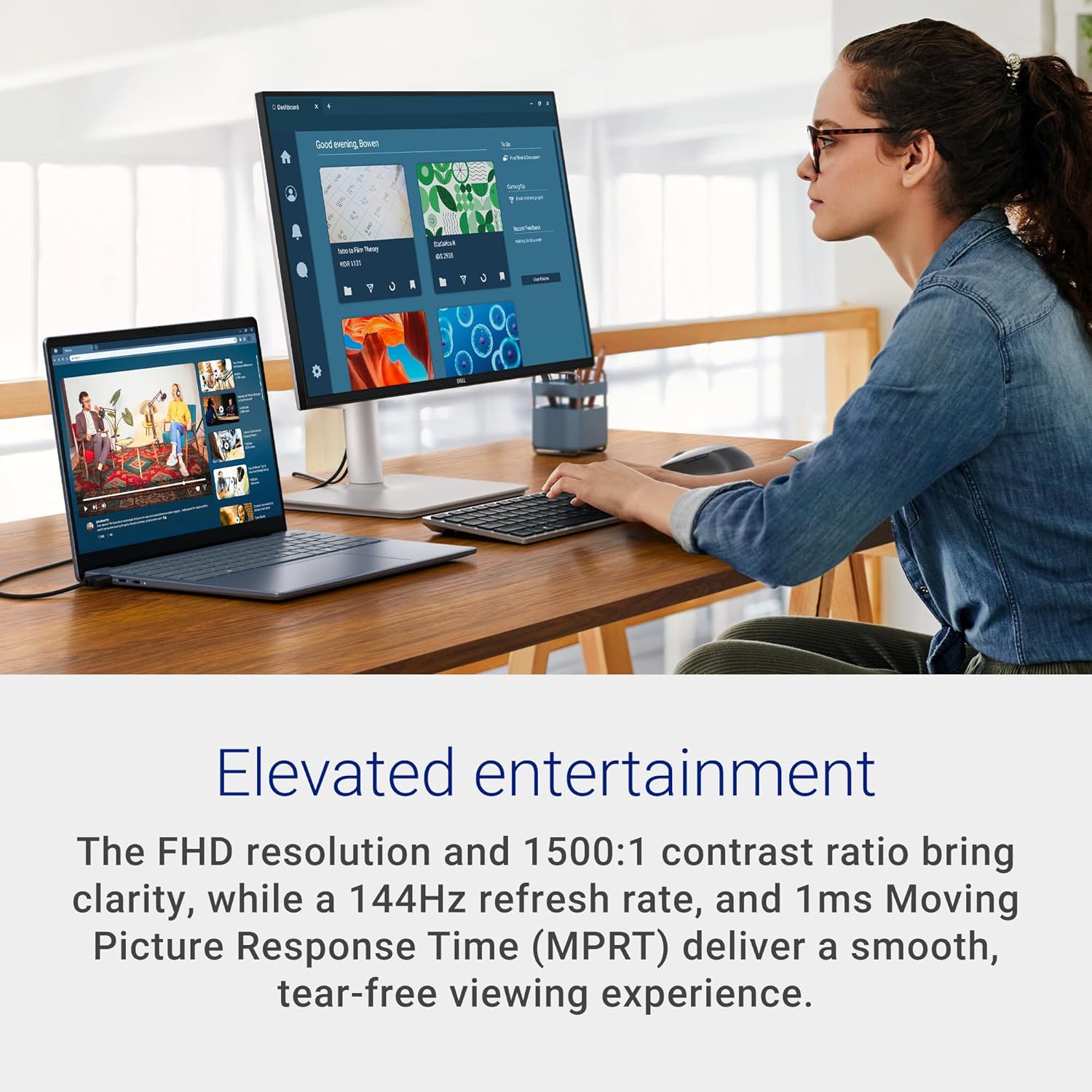
On paper, the combination of high refresh rate and low response time is attractive for gaming and fast-paced tasks, while the TÜV-certified eye comfort claim addresses daily screen time. If you’re looking to reduce cable clutter and keep a compact desk footprint, the integrated speakers and USB-free approach (no loud marketing about extra features) may fit a straightforward home or small-office setup.
The essentials
- Screen: 23.8-inch Full HD (1920x1080)
- Refresh rate: 144Hz
- Response: 1ms MPRT
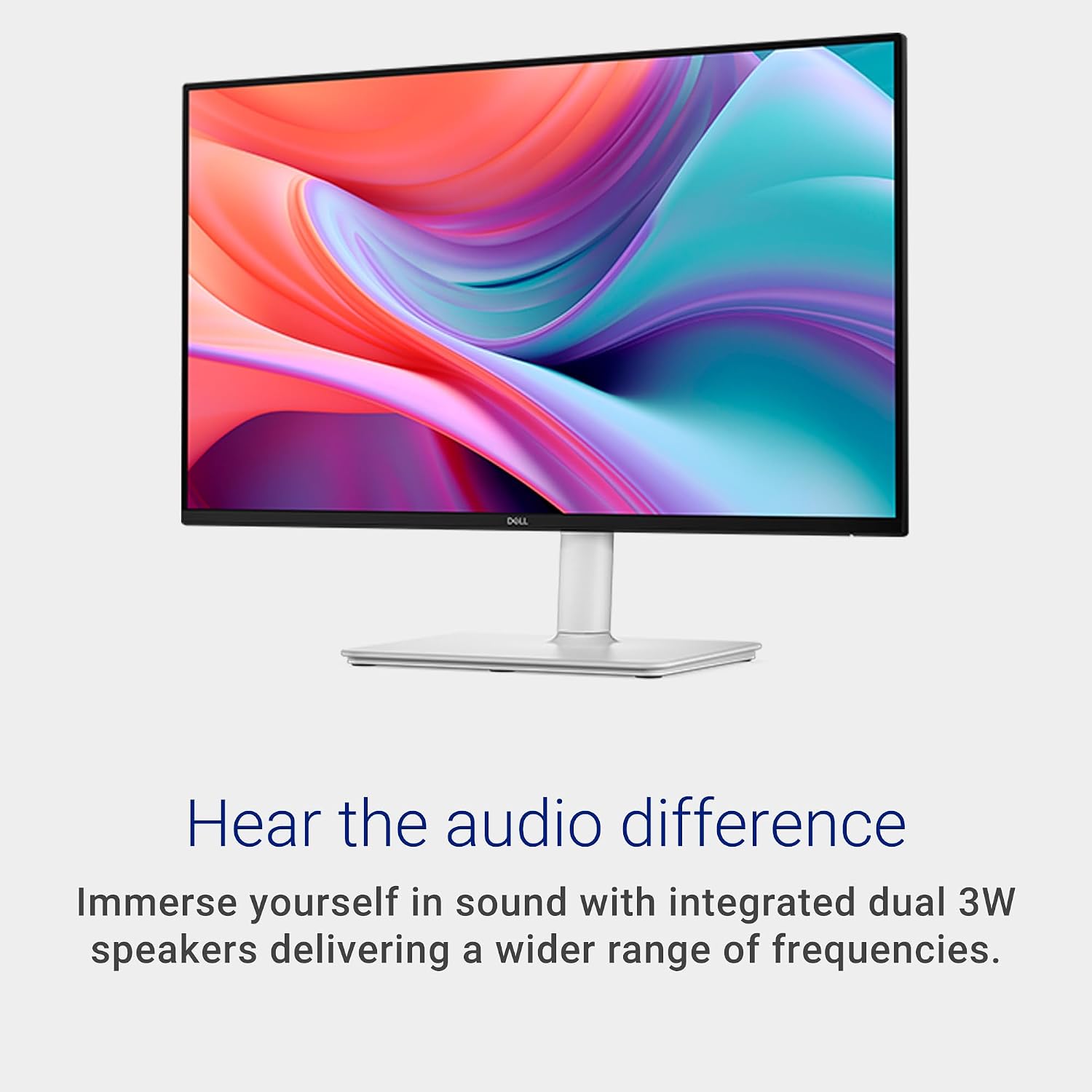
- Speakers: Dual 3W built-in
- Connectivity: HDMI
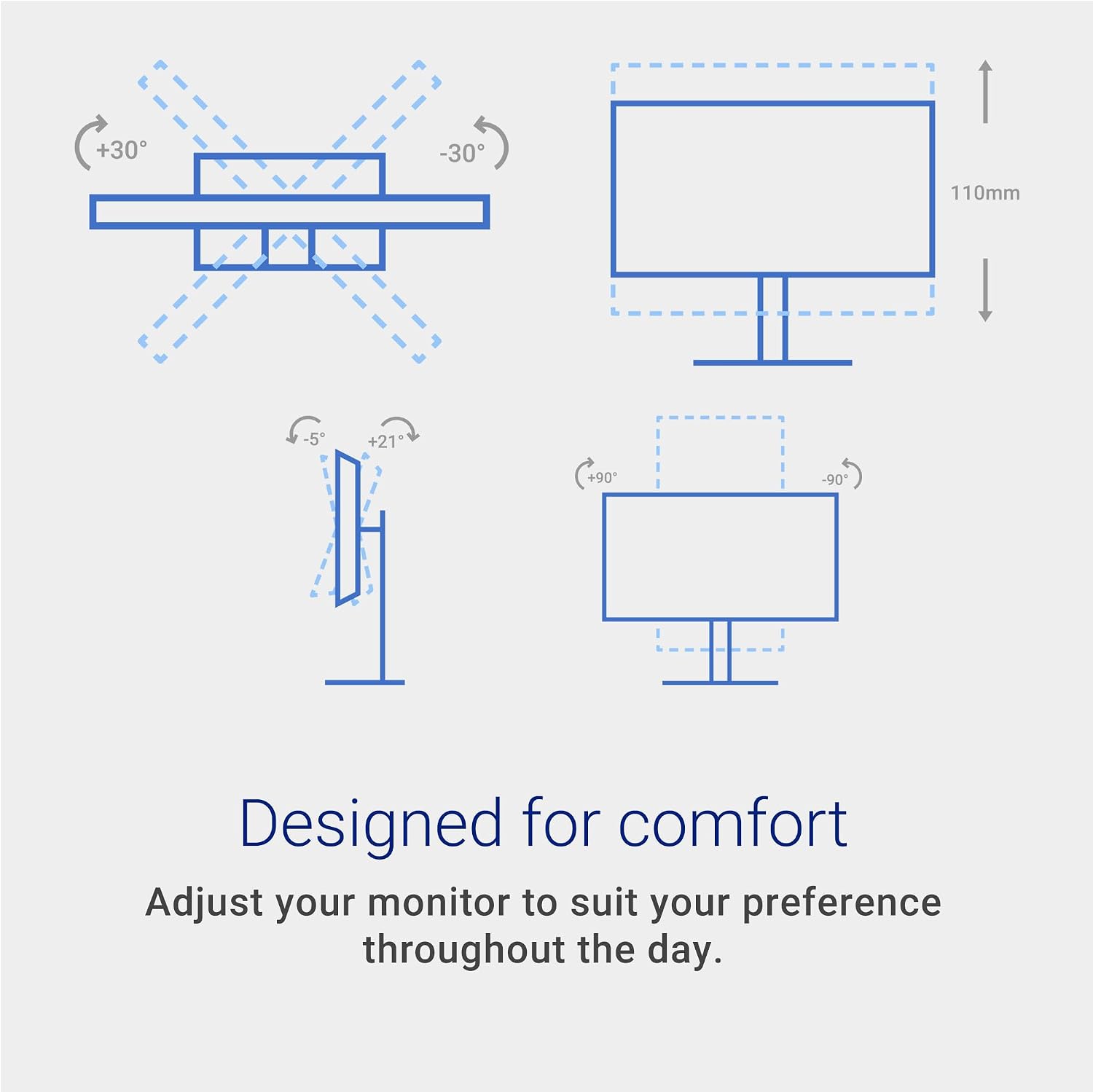
- Comfort: Height, tilt, pivot, and swivel adjustability
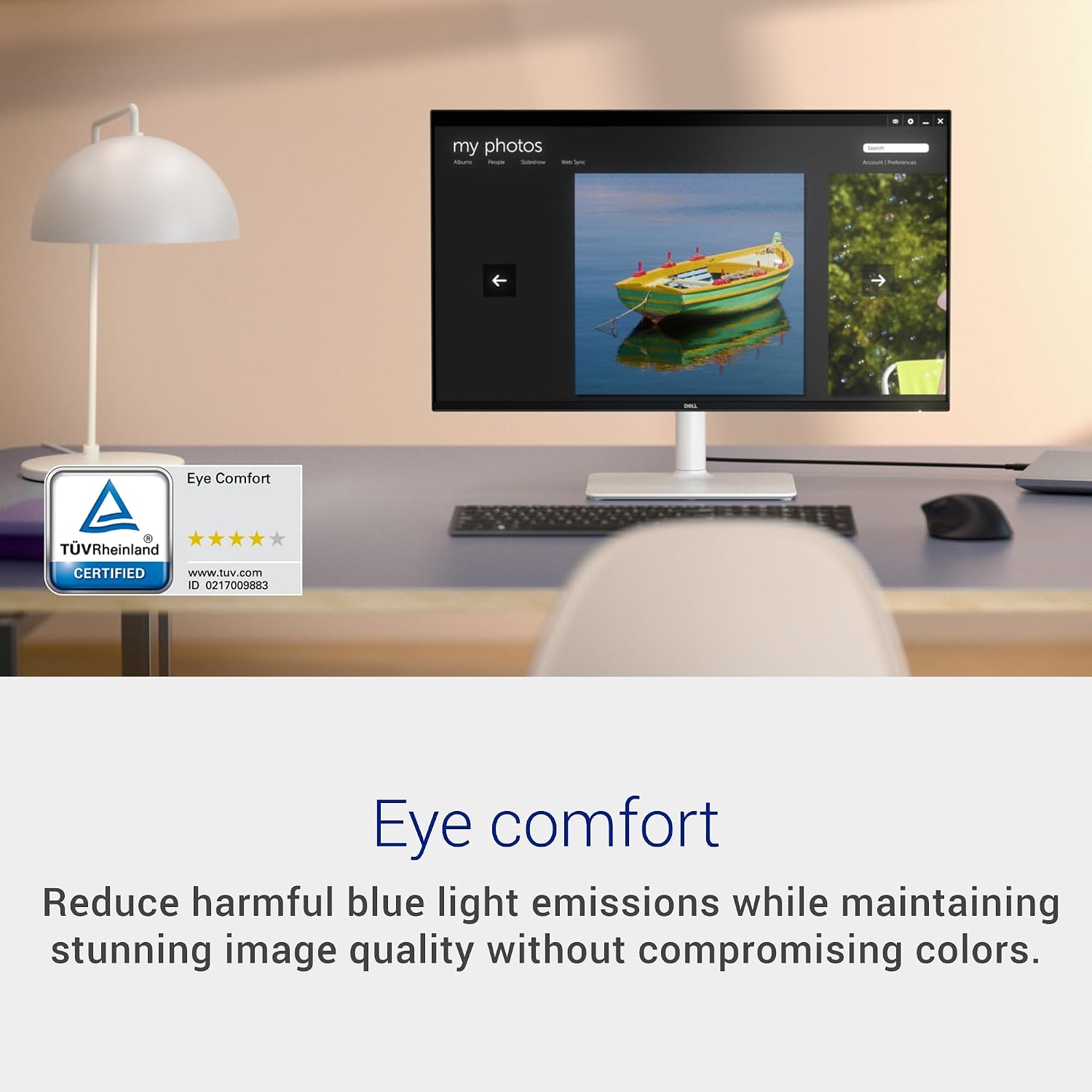
- Visuals: 1500:1 contrast, TÜV eye comfort certification
- Sync: AMD FreeSync support
Tech specs
- Display: 23.8 inches, 1080p
- Refresh: 144 Hz
- Response time: 1 ms MPRT
- Speakers: 2 x 3W
- Ports: HDMI (one or more inputs as standard for this family)
- Adjustments: Height, tilt, pivot, swivel
- Compatibility: AMD FreeSync enabled
- Certification: TÜV eye comfort
- Finish: Ash White
What stands out
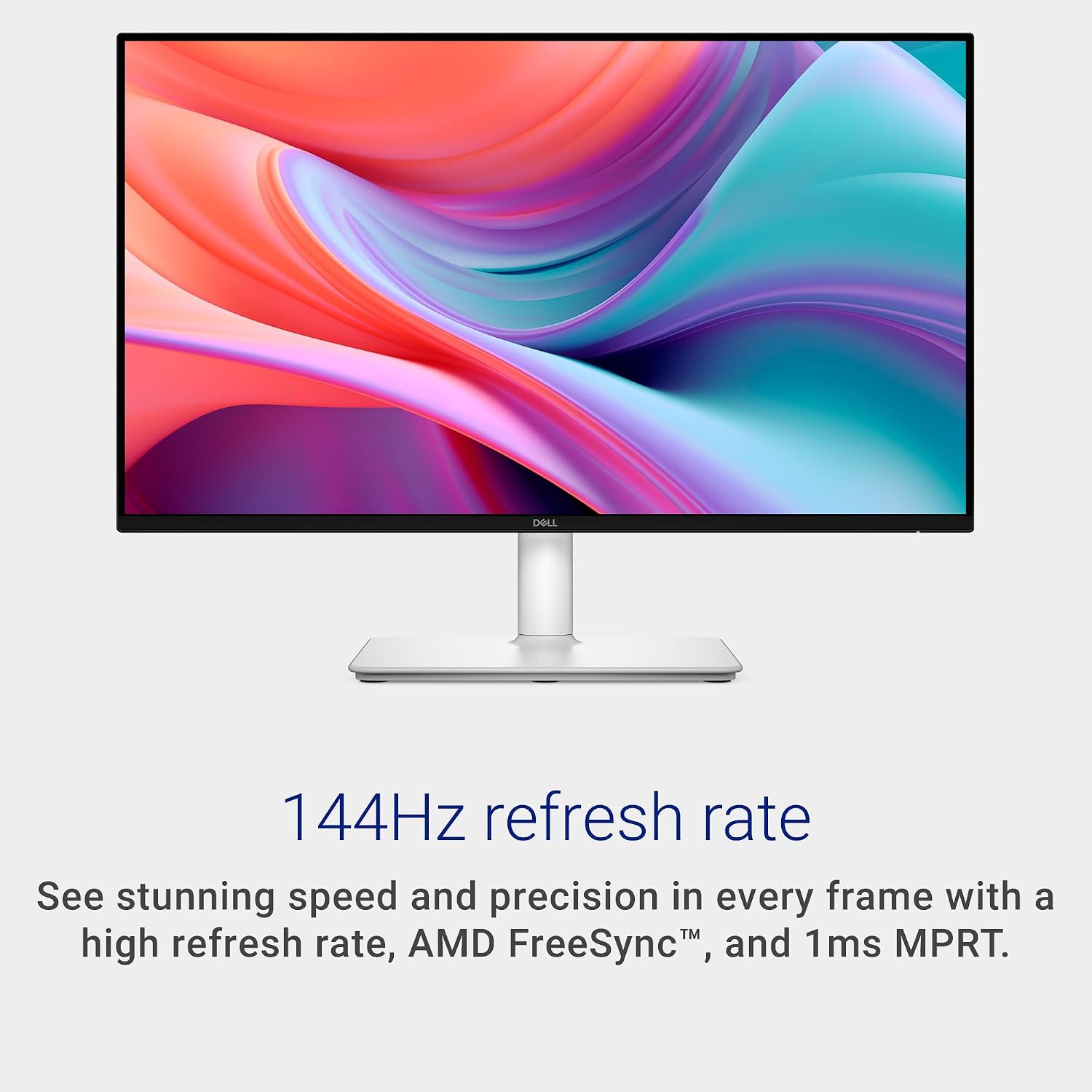
The standout combination here is a high refresh rate with a quick response time in a compact 24-inch form factor, paired with built-in speakers for a cleaner desk setup. The adjustable stand supports varied seating heights and orientations, which is convenient if you share a workspace or switch between tasks and gaming.
What might not hit the mark
For users who want higher resolution or heavier GPU workloads, the FHD panel may feel limiting compared to 1440p or 4K options. Also, integrated speakers are convenient, but they won’t replace a dedicated audio setup if you’re aiming for deep bass or higher fidelity. If you prioritize color accuracy for photo editing, there’s no mention of color calibration specifics here.
Who this is for
- Gamers or fast-paced productivity users who value smooth motion at a reasonable price point on a 24-inch screen.
- Desk setups that benefit from integrated audio and a compact footprint with flexible geometry.
- People who want a simple, plug-and-play monitor without extra fuss or software dependencies.
Who it isn’t for
- Creatives needing high-res, color-accurate, or professionally calibrated displays.
- Buyers seeking premium audio from the screen, external speakers or headphones will still offer better sound.
- Those with very space-constrained desks if a smaller footprint or vertical alignment is critical, or if you require multiple high-end inputs beyond HDMI.
When to buy
If you’re after a budget-friendly, fast-refresh monitor for light gaming and everyday work, with decent built-in audio and ergonomic adjustability, this model can be a sensible pick. It’s especially compelling if you value a streamlined, no-fuss setup and a clean desk aesthetic (ash white finish).
What to check before purchase
- Confirm the exact HDMI version and the number of HDMI ports on the unit you’re considering.
- Verify the stand’s height range and tilt/pivot limits to ensure it fits your seating height.
- Consider whether 1080p still meets your needs given your typical content and desktop task scaling.
- Think about audio expectations, while dual 3W speakers offer convenience, you may want external audio for richer sound.
Practical use case
Imagine a daily setup where you switch between data dashboards and quick gaming sessions. The 144Hz panel reduces motion blur in fast-scrolling data, and the 1ms MPRT helps with snappier game responses. The stand’s flexibility means you can rotate to a portrait-style arrangement for coding or content review, then pivot back for widescreen monitoring of spreadsheets.
FAQ snapshot
- Does it support FreeSync for gaming smoothly? Yes, it includes AMD FreeSync support.
- Are the speakers adequate for media consumption? They provide basic audio, for richer sound, consider external speakers.
- Is the screen suitable for long work sessions? It carries TÜV eye comfort certification, which targets reduced blue light and improved comfort, but individual comfort will vary by usage.
Is it worth it?
It’s worth considering if you prioritize a high-refresh, responsive 24-inch display with built-in speakers and flexible ergonomics at a reasonable price, and if Full HD is still enough for your needs. If you demand higher resolution, color accuracy, or boutique audio, you may want to explore alternatives.