

Raywego 24-Inch Curved Gaming Monitor: 200Hz/180Hz, 1080p, 1ms MPRT, FreeSync
Product description
What this monitor is
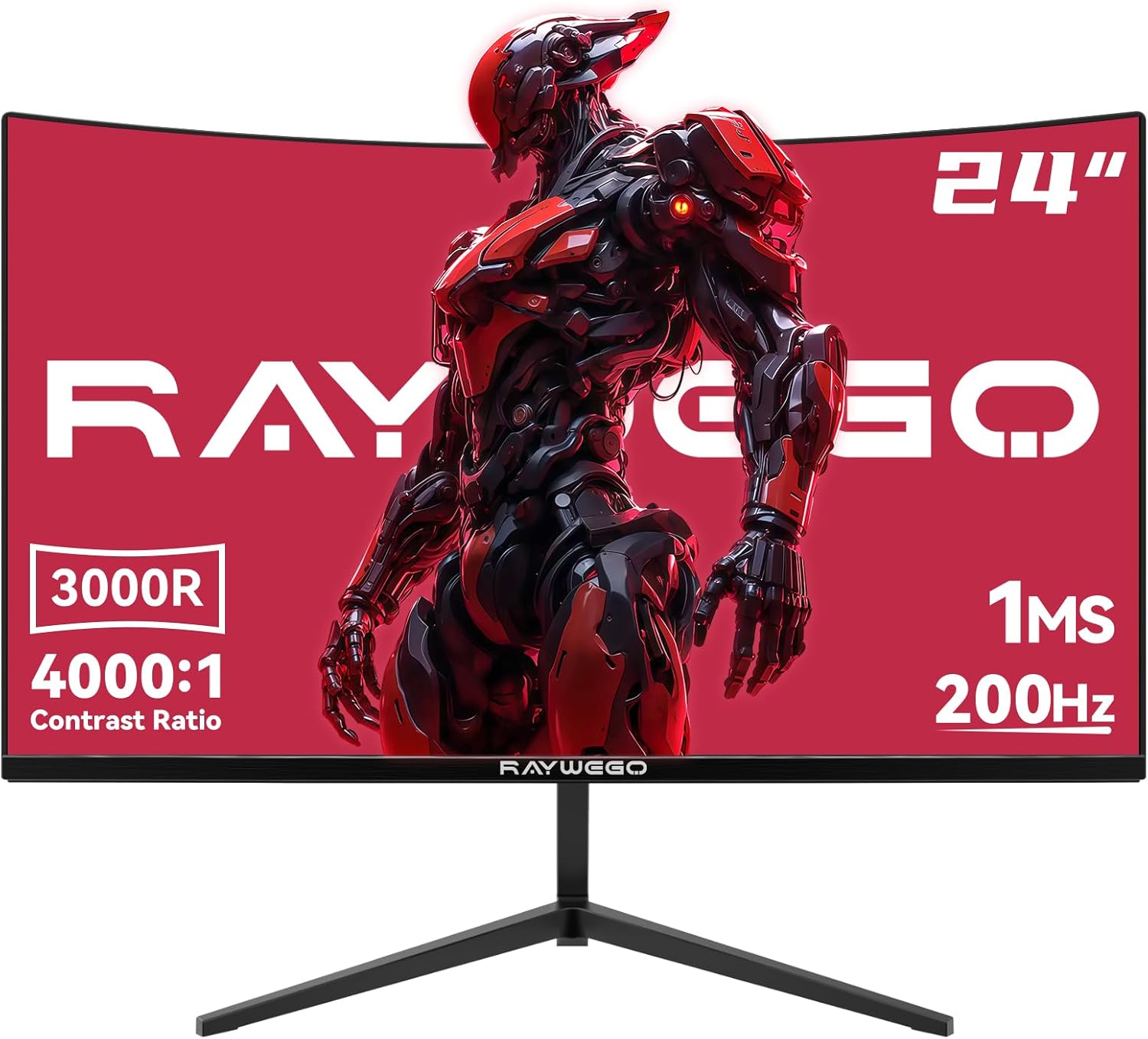
The Raywego 24-inch curved gaming monitor is a budget-friendly option designed to deliver smooth, responsive gameplay and solid Full HD visuals. It targets gamers who value high refresh rates for fast-paced titles and a curved panel that can help immerse you a bit more without breaking the bank. On paper, the core strengths are a 200Hz/180Hz refresh capability with a 1ms MPRT response time, AMD FreeSync compatibility, and a VA panel with a 4000:1 contrast ratio. The device also covers HDR-friendly depth and offers multiple inputs for versatile setup, all while aiming to minimize eye strain through eye-care features. The package carries a minimal audio footprint, noting that there are no built-in speakers. If your goal is to pair this monitor with a gaming PC, console, or streaming setup, it provides a straightforward path to a responsive, visually engaging experience.
What it helps you do
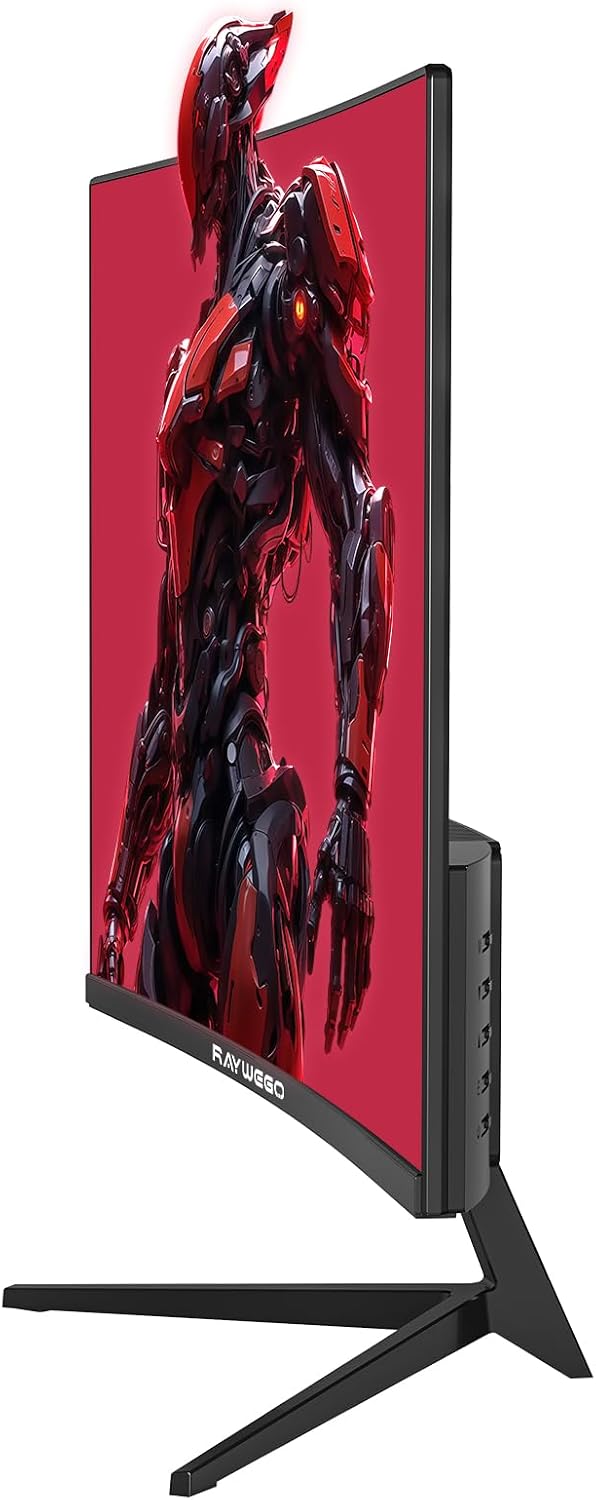
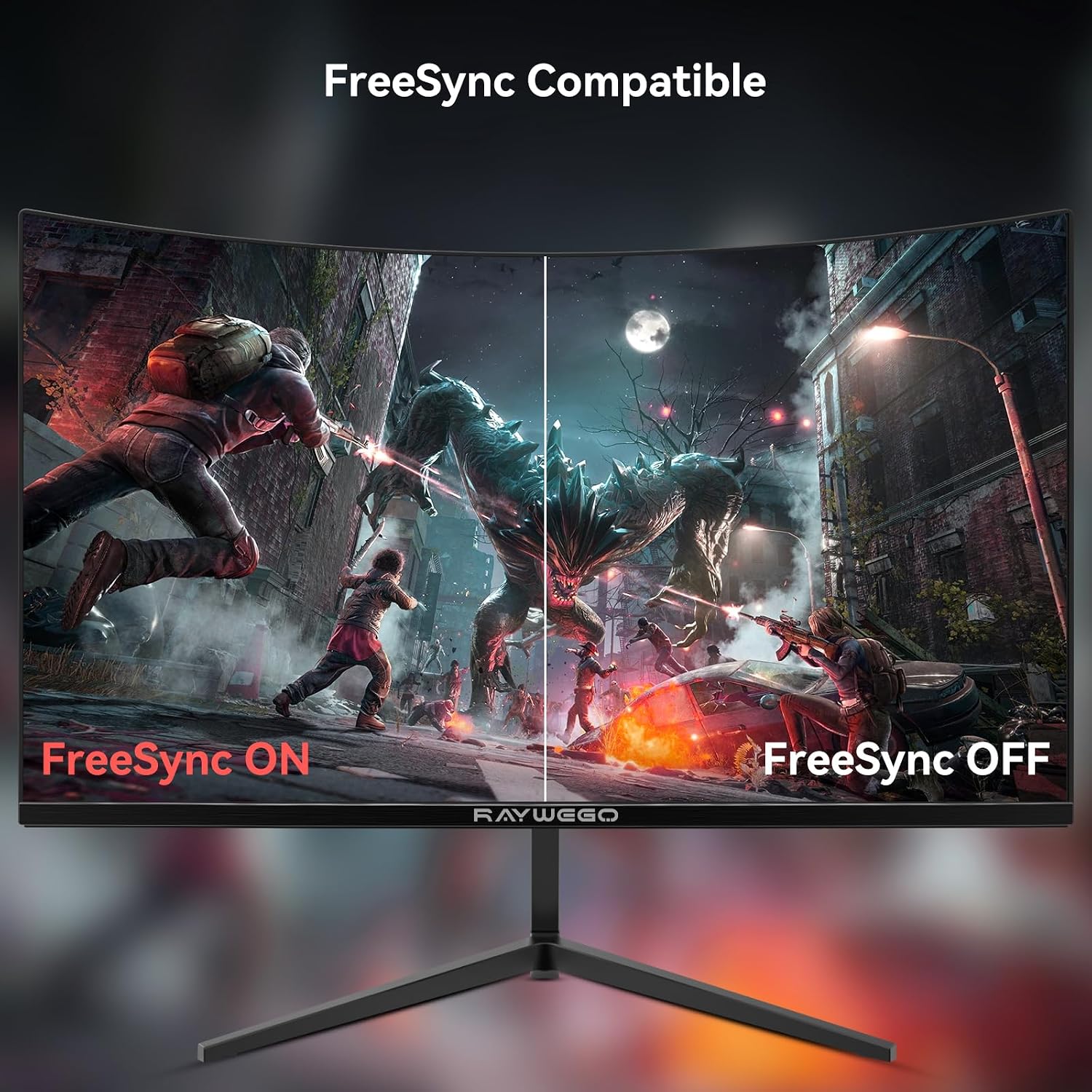
If you’re chasing responsive performance for shooters, racers, or other fast genres, this screen is positioned to reduce motion blur and tearing when paired with FreeSync. The curved design is a design choice that can make on-screen action feel a touch more immersive without complicating your desk setup. For entertainment or general use, the Full HD 1080p resolution remains a familiar baseline that’s easy to power with most mid-range GPUs and consoles.
The essentials of the panel and image quality
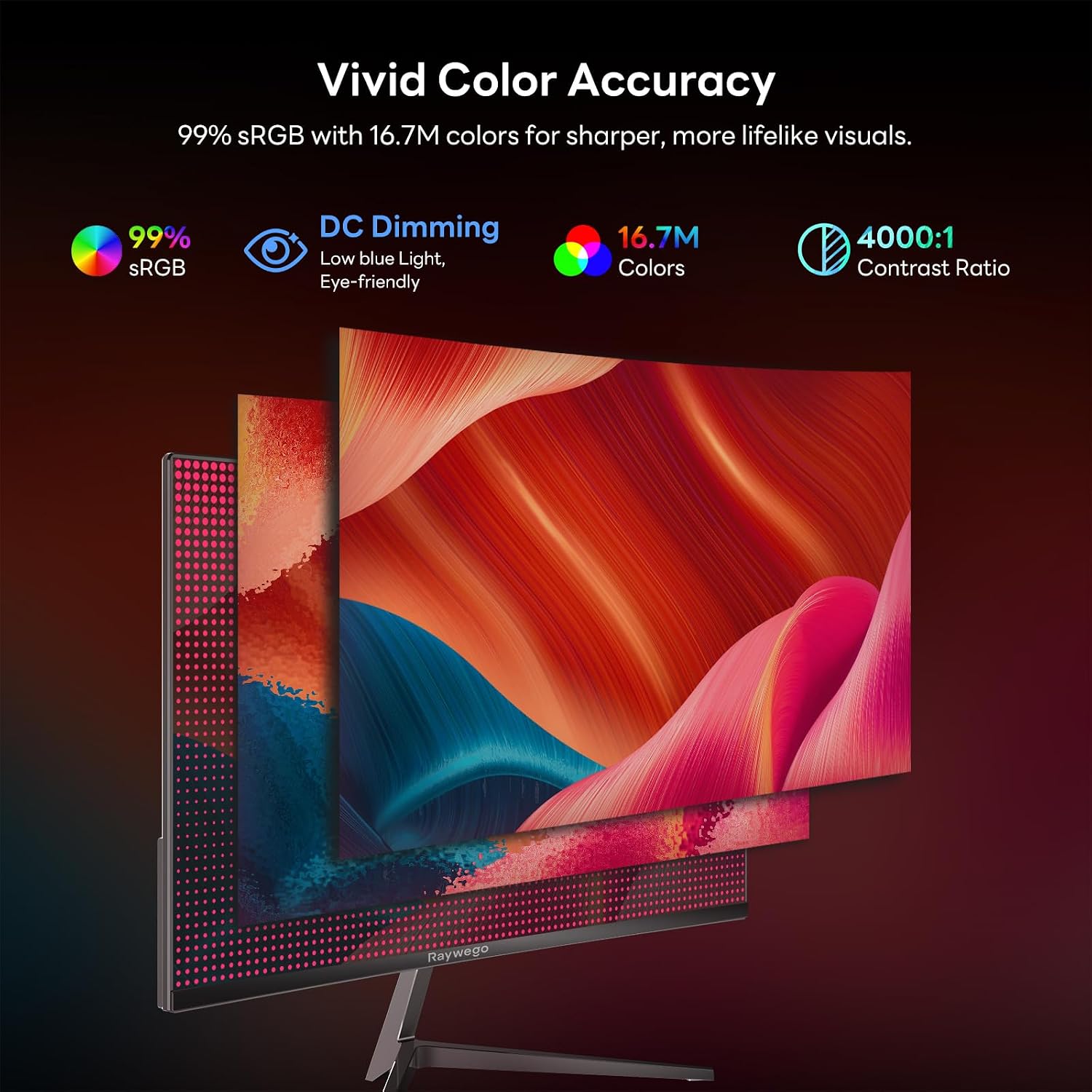
The VA panel delivers high contrast, which helps scenes look punchy in darker FPS maps and cinematic sequences alike. At 4000:1, you’ll notice deeper blacks and brighter whites compared with lower-contrast panels. HDR support is noted, which can improve perceived depth and tonal range in supported content, though the experience will depend on your source material and the overall brightness you can push through the hardware you pair with it. Be mindful that HDR performance on a 1080p gaming monitor is often modest compared to dedicated HDR displays, it’s a nice touch, not a guaranteed game-changer.
Connectivity and setup
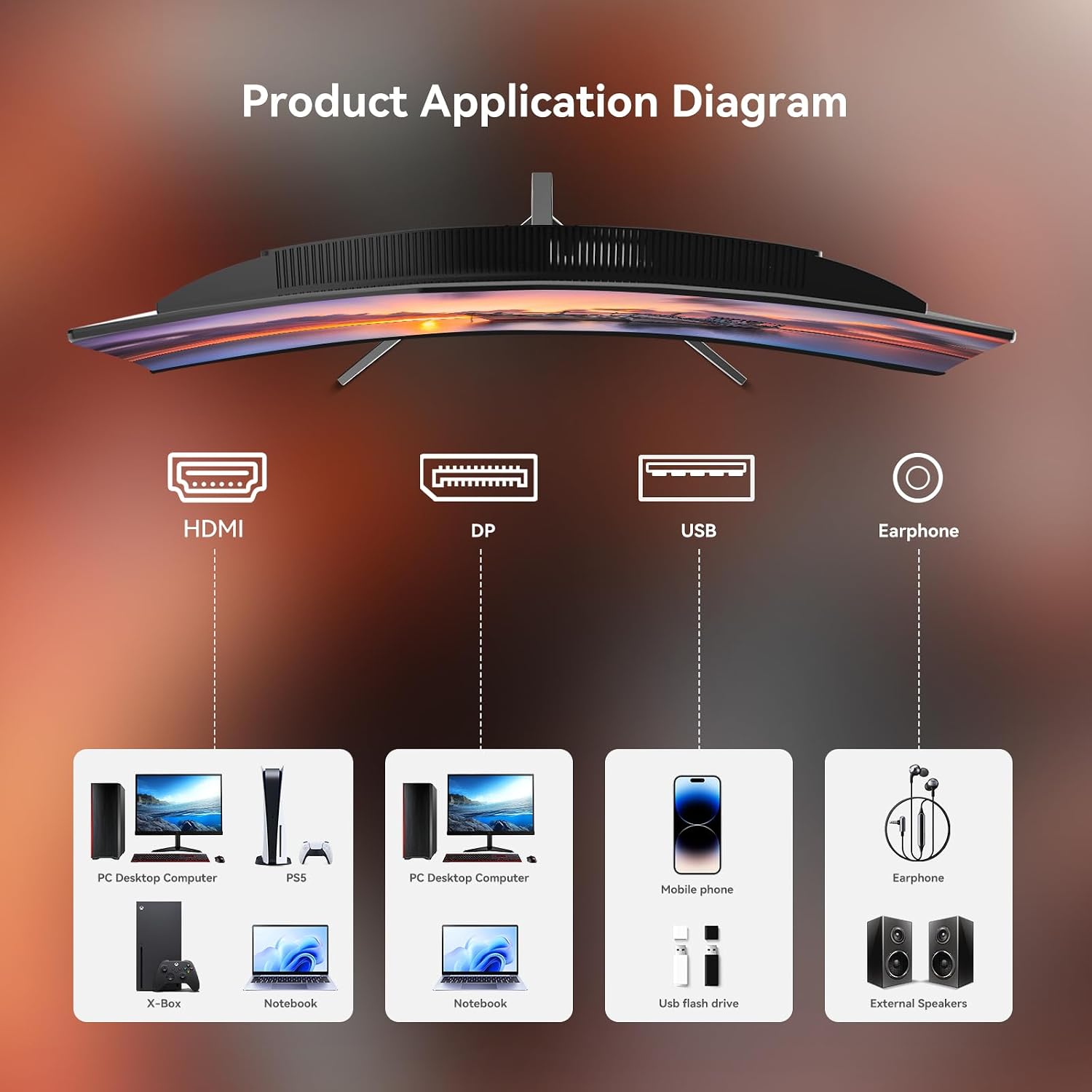
You’ll find HDMI and DisplayPort inputs, plus USB and 3.5 mm audio connectivity. The inclusion of a DisplayPort cable is helpful because it simplifies getting the monitor to its high refresh-rate potential with a compatible PC or laptop. This makes it easier to connect to a range of devices—from gaming desktops to consoles—without needing a cascade of adapters. Note that the monitor does not come with built-in speakers, so you’ll want external audio if you need sound.
Comfort and ergonomics
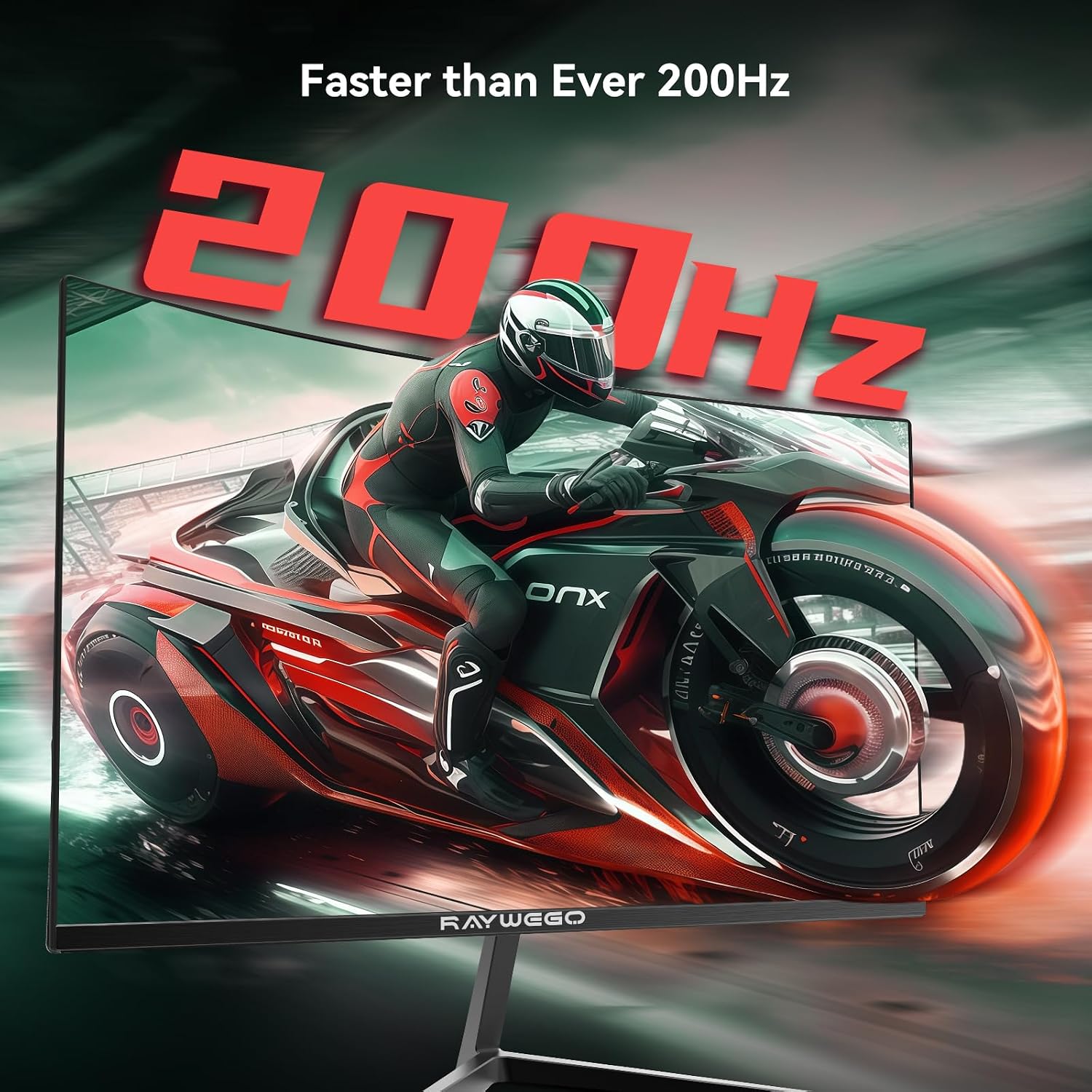
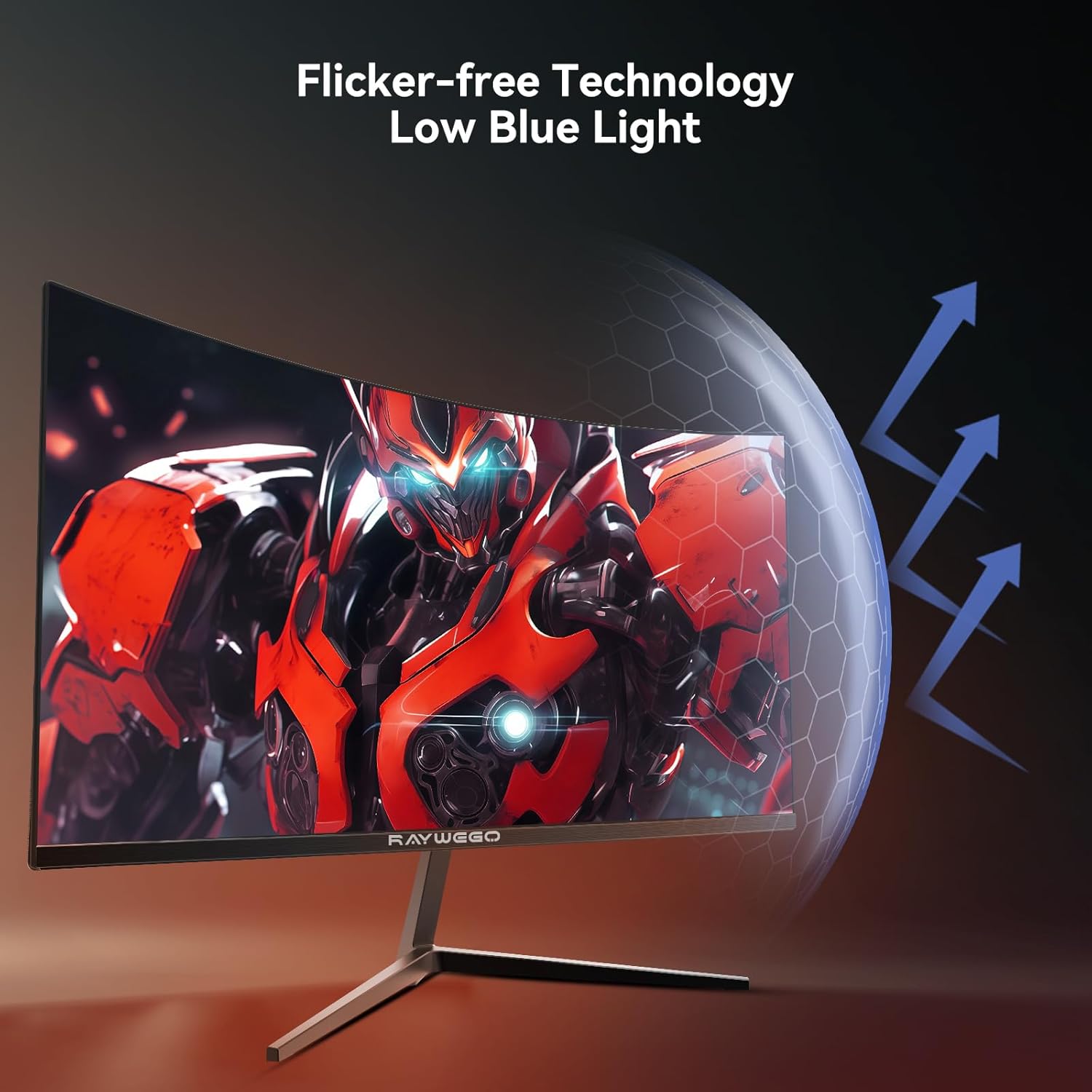
Adjustability is focused on tilt (-5° to 20°) to help you find a comfortable viewing angle for long sessions. VESA compatibility (75 × 75 mm) allows you to mount the screen on a stand or arm, which can help you reclaim desk space and align the screen with your primary viewing line. The eye-care features, including reduced blue light and flicker-free operation, are practical considerations for longer gaming marathons, study blocks, or late-night sessions.
What stands out vs. where it falls short
On the upside, the combination of high refresh signaling (200Hz/180Hz with a 1ms MPRT), FreeSync, and solid contrast makes this monitor appealing for competitive play at a reasonable price point. It’s also a relatively simple, no-fuss setup that should play well with most mid-range builds. On the downside, the 1080p resolution means you won’t get the crispness of higher-res panels in larger viewing distances, and HDR impact on a budget 1080p panel is often more modest. The speakers aren’t built-in, which isn’t unusual at this price but is still a limitation if you want a fully self-contained solution.
Who it’s for
This monitor is well-suited for gamers on a budget who still want high refresh rates for fast-action titles, as well as users who want a curved screen for a more immersive feel without adding complexity to their setup. It’s a reasonable pick if you’re building a mid-range gaming station or a workstation where a large, curved screen helps with focus and multitasking. Those who crave 4K detail, top-tier HDR, or built-in audio will likely want to look elsewhere.
Who it’s not ideal for
If your priority is desktop space, you may find the 24-inch size on the smaller side for multi-monitor setups. If you play at ultra-high resolutions or expect premium HDR performance, this model won’t match those expectations. And if you require built-in speakers for a compact, all-in-one solution, this unit will feel limiting.
Before you buy: practical checks
- Ensure your computer or console can push high refresh rates at 1080p to take full advantage of 200Hz/180Hz.
- If you plan to mount the monitor, verify your mounting arm or desk layout fits the 75 × 75 mm VESA pattern.
- Consider external speakers or a soundbar since there are no built-in speakers.
- Factor in that HDR is present but its impact will depend on content and brightness headroom.
A practical comparison frame
If you prioritize a budget-friendly high-refresh option for competitive gaming, this Raywego monitor offers a straightforward path without the complexity of premium features. For users who want higher resolutions or more dramatic HDR performance, a higher-end 1440p or 4K monitor with stronger HDR could be worth the extra investment. In everyday use beyond gaming, the big question is whether 1080p on a 24-inch curved panel aligns with your tolerance for pixel density and long-term upgrade plans.
Final decision: Is it worth it?
Is it worth it? Yes, if your goal is a high-refresh, curved screen at a reasonable price, with proven FreeSync compatibility and practical eye-care features for long sessions. Not ideal if you need built-in speakers, 4K clarity, or premium HDR impact. This model fits better for mid-range setups, casual esports, and general use where speed and immersion trump extreme resolution.
FAQ (quick answers)
- Does it include built-in speakers? No.
- Can I use it with a console? Yes, via HDMI or DisplayPort.
- What’s the warranty? The listing notes a 2-year warranty.
- Is HDR true HDR like on premium panels? It supports HDR, but expect a modest impact on a 1080p panel.
- Can I mount it on a wall or arm? Yes, with VESA 75 × 75 mm.