

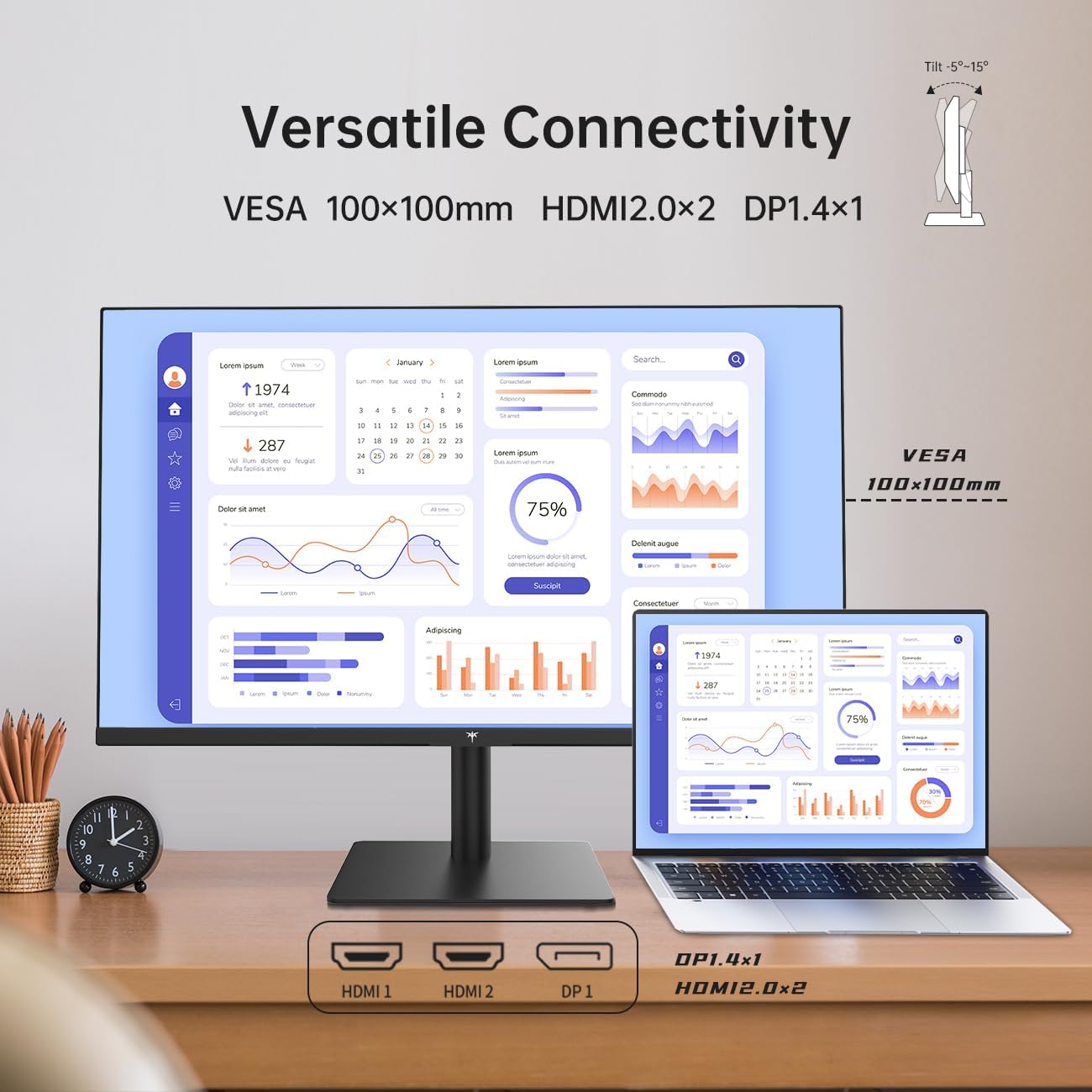
KTC H32T13 32-Inch 2K IPS Monitor (120Hz, 1440P) with G-Sync/FreeSync, HDR, and VESA Mount
Product description
If you want a bigger 2K screen that feels smooth for gaming but still makes sense for daily office work, the KTC H32T13 is worth a look on paper. It’s a 32-inch IPS monitor built around a 2560 x 1440 resolution, with a refresh rate listed at 120Hz, plus AMD/NVIDIA adaptive-sync support via G-Sync/FreeSync.
Still, 32-inch 1440p isn’t for everyone. Depending on how close you sit and what you’re used to, it can feel either immersive or just a bit “not quite as sharp” as higher-resolution options. If you’re shopping carefully for viewing comfort and fewer distractions, this model’s eye-care features are part of the pitch—just keep your expectations realistic about what HDR and 120Hz can deliver at this price tier.
The essentials
The KTC H32T13 is a 32-inch, 16:9 IPS desktop monitor designed for mixed use: office tasks, content, and gaming sessions where you care about motion clarity. The package centers on:
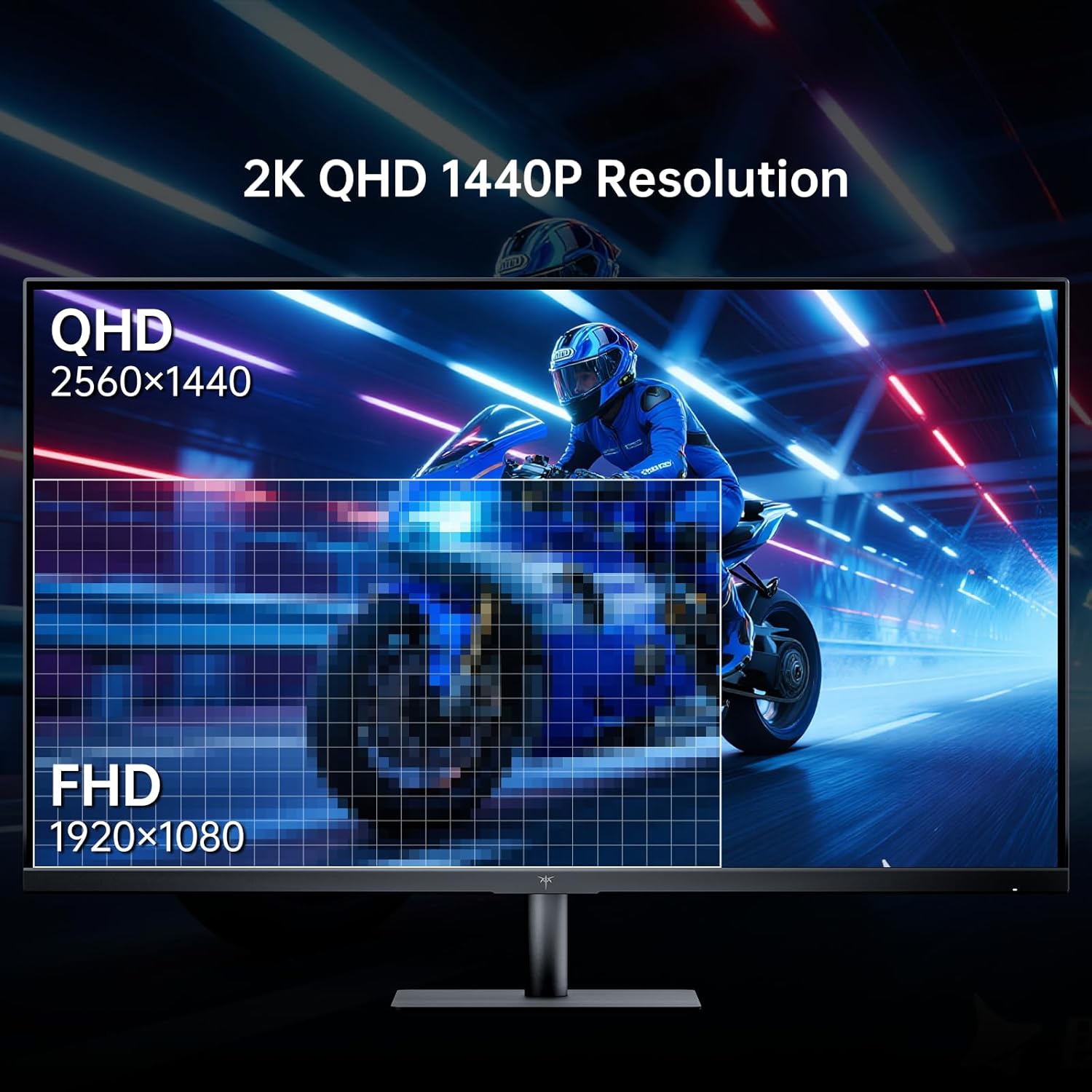
- 2K (2560 x 1440) resolution on an IPS panel for sharper text and detailed visuals than standard 1080p.
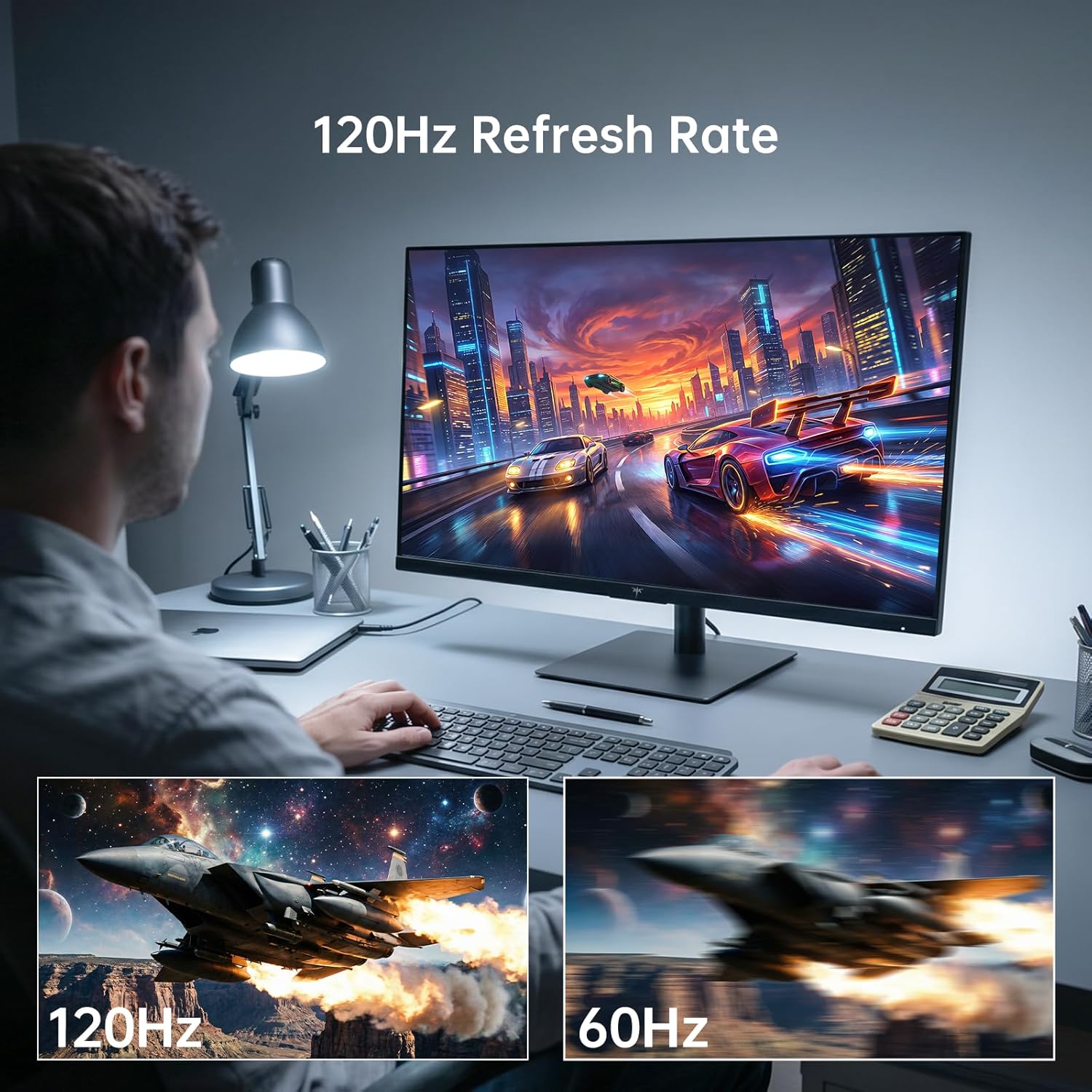
- High refresh (listed at 120Hz) to support smoother scrolling and gameplay movement.
- Adaptive sync support through G-Sync/FreeSync to help reduce screen tearing and motion blur.
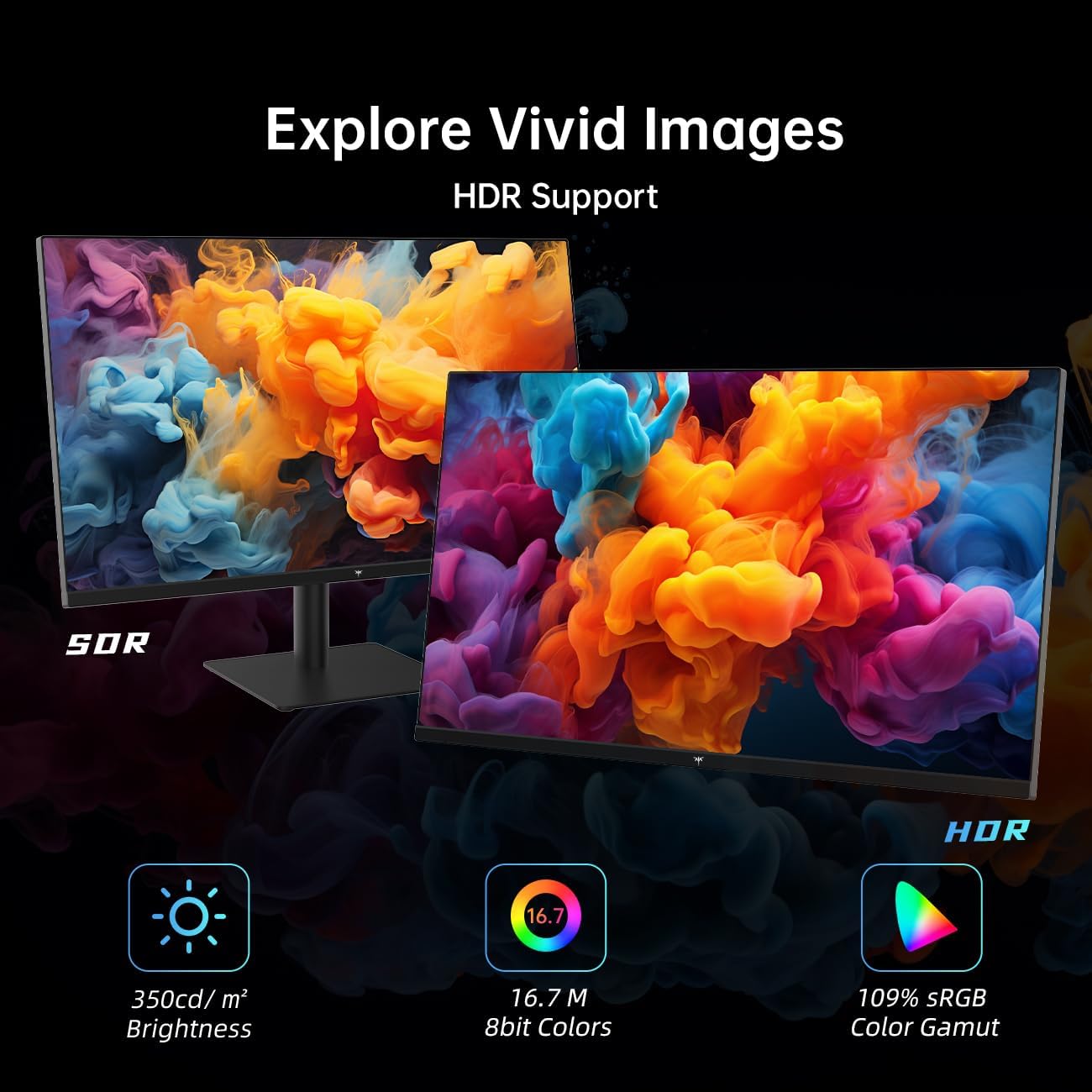
- Color and viewing enhancements, including HDR and a claimed 109% sRGB coverage.
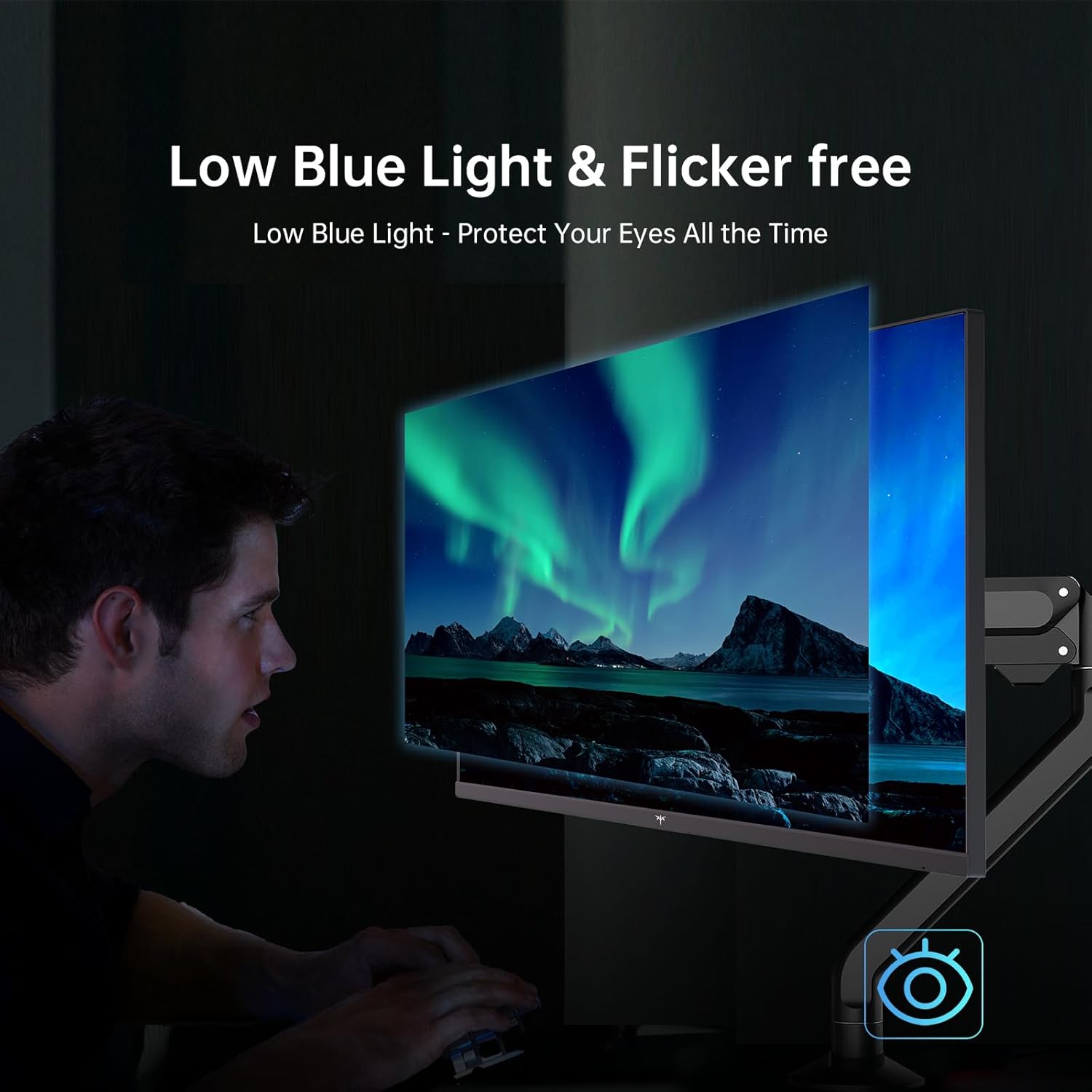
- Comfort-oriented display tech, including flicker-free behavior and “low blue light.”
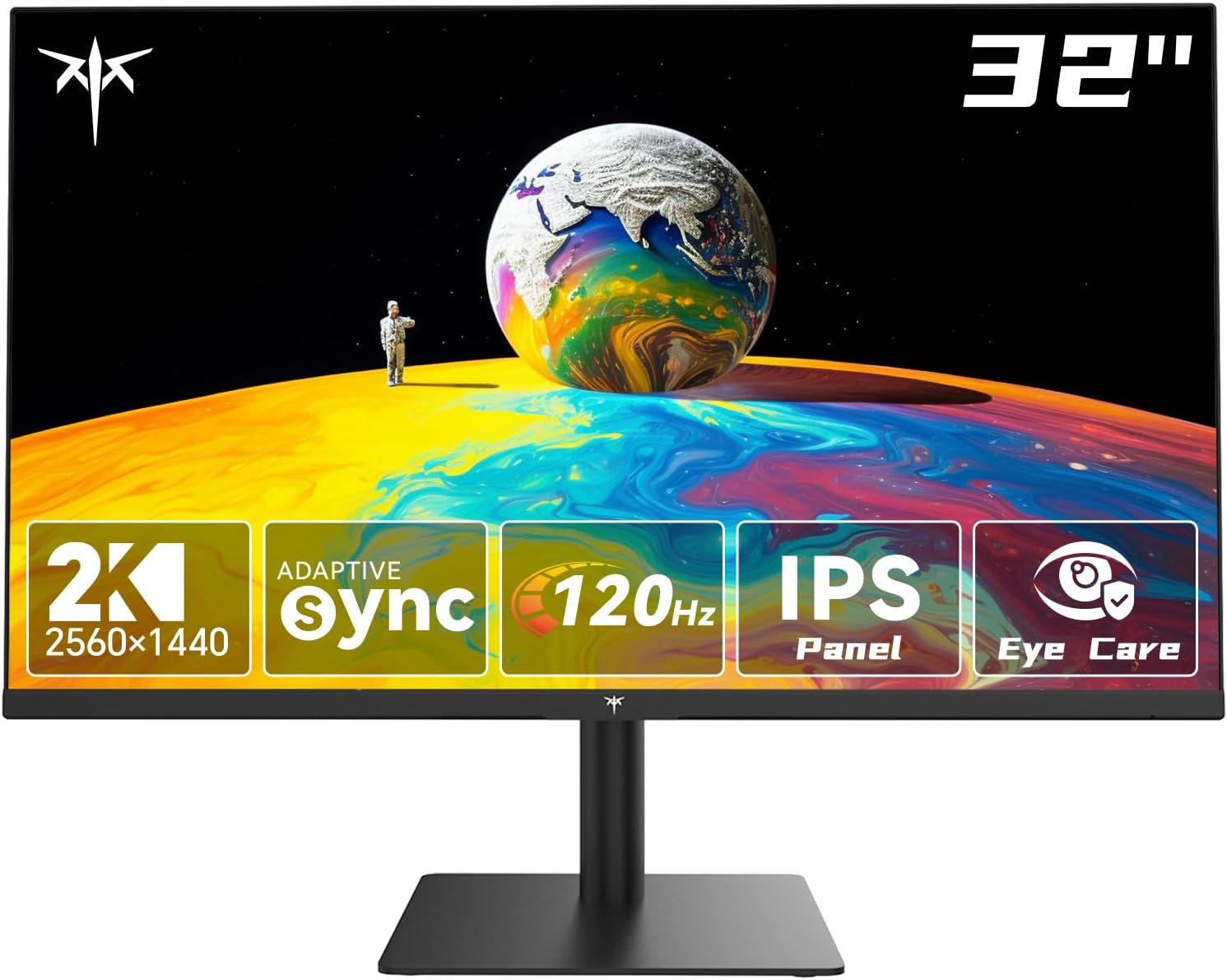
It also includes HDMI and DisplayPort connectivity (HDMI 2.0 x2, DisplayPort 1.4 x1) and a headphone jack, plus a tilt adjustment (5° to 15°) and VESA mount compatibility.
What stands out in everyday use
Where this monitor makes the most sense is when you want one screen for everything—work, spreadsheets, browsing, and occasional gaming—without constantly switching setups.
On the work side, the 32-inch size combined with 1440p is a practical upgrade for productivity. More screen real estate means fewer window swaps, and the IPS panel approach is aimed at consistent image quality when you’re not staring dead-on.
For gaming and motion-heavy content, the combination of 120Hz refresh and G-Sync/FreeSync support is the main argument. In real life, you’ll notice smoother motion during fast scenes compared to typical office-only displays, especially when your frame rate fluctuates.
Quick example: imagine working during the day with multiple tabs and an editor open side-by-side, then switching to a racing game at night. The adaptive-sync support is meant to help keep visuals from “breaking” during acceleration and quick turns, while the higher refresh should make camera movement feel less choppy.
Tech specs that matter for buying decisions
This is the kind of spec sheet you should scan for fit with your current setup and your content.
- 2K IPS panel: 2560 x 1440 resolution
- Refresh rate: 120Hz (listed)
- Aspect ratio: 16:9
- Color claims: 109% sRGB coverage and 16.7 million colors
- Brightness: 350 cd/㎡ (listed)
- HDR support: listed as “HDR” with color enhancements
- Connections: HDMI 2.0 x2, DisplayPort 1.4 x1, plus a headphone port
- Ergonomics: tilt adjustable 5° to 15°
- Mounting: VESA mountable
What to watch before you buy
A couple of limitations are worth keeping in mind so you don’t end up disappointed:
First, the entry mentions “HDR” and improved color, but it doesn’t provide details like brightness levels for HDR scenes beyond the general listed brightness. If you’re specifically chasing standout HDR performance, you may find it more like “better color tone” than a dramatic HDR transformation.
Second, the monitor is rated for motion smoothness with adaptive sync and high refresh, but whether it feels “perfectly smooth” depends heavily on your GPU/frame output. Adaptive sync helps with tearing and blur, but it can’t magically remove all performance bottlenecks.
And finally, because it’s a 32-inch 1440p screen, the ideal viewing distance matters. If you sit very close, text clarity and pixel density can feel less crisp than higher-resolution displays.
Where it shines vs. simpler monitors
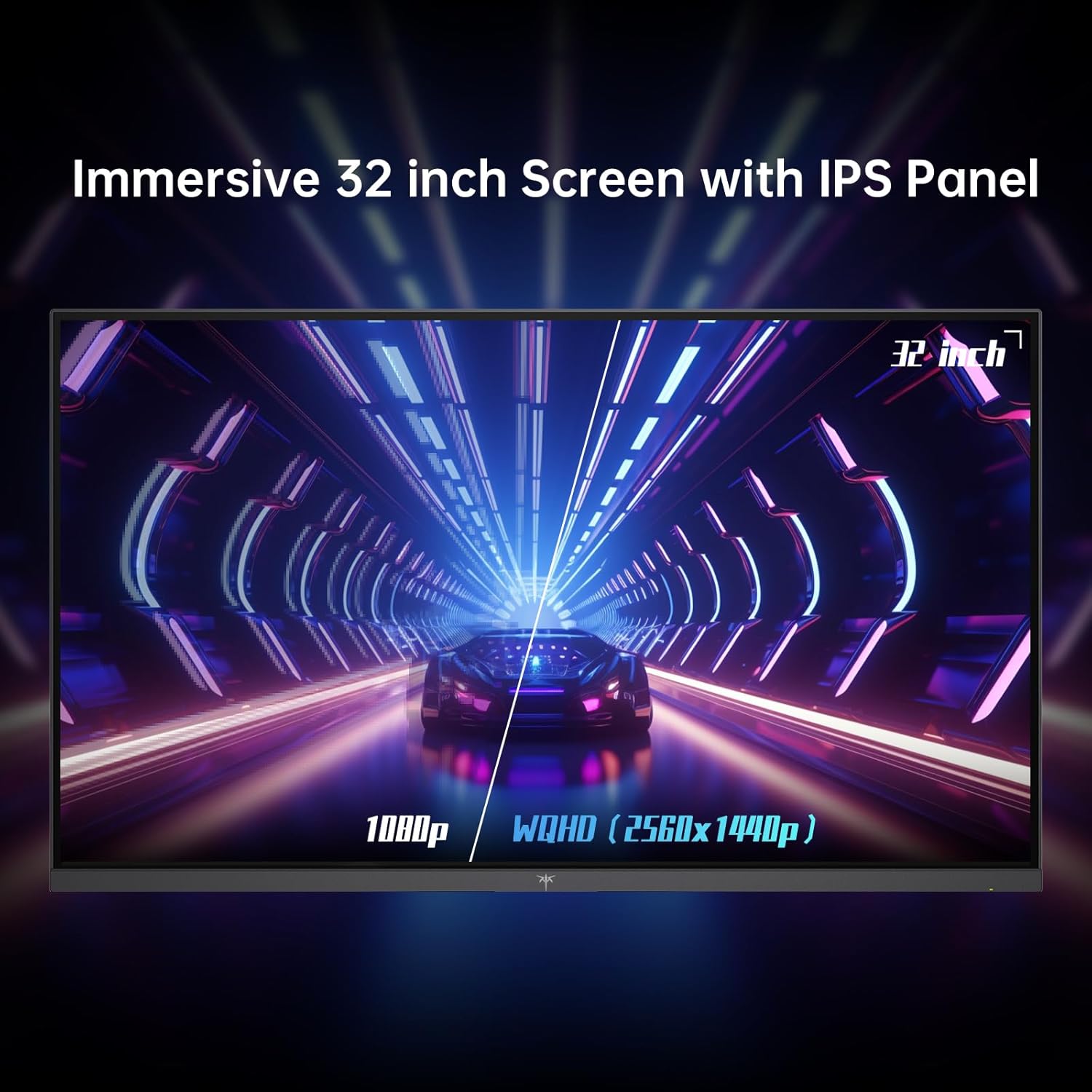
If you’re upgrading from a basic 1080p display meant purely for office work, the H32T13’s story is pretty clear: you get more resolution for desktop productivity, plus a refresh rate and adaptive-sync support intended for gaming.
On the other hand, if your priority is maximum “premium” HDR impact or the sharpest possible text clarity at close range, you might consider whether you’d be happier with a higher-resolution or more HDR-focused approach. This one looks more like a well-rounded 2K gaming-and-office monitor than a pure HDR specialist.
Pros
- 2K (2560 x 1440) resolution on a 32-inch IPS panel for more usable workspace
- Listed 120Hz refresh rate for smoother motion
- G-Sync/FreeSync support aimed at reducing tearing and motion blur
- HDR and claimed 109% sRGB coverage for richer color in supported content
- Flicker-free and low blue light features for longer viewing sessions
- Multiple connections (HDMI x2, DisplayPort x1) and headphone jack
- VESA mountable with tilt adjustment
Cons
- HDR performance details beyond general specs aren’t provided, so results may be more subtle than “wow” HDR
- 32-inch 1440p may not feel as crisp if you sit very close or you’re used to higher pixel density
- If your gaming setup can’t consistently feed the monitor well, the smoothness benefits may feel less dramatic
Is it worth it?
You should buy the KTC H32T13 if you want a 32-inch 2K IPS monitor that’s built for mixed use—office work during the day and smoother motion for gaming at night—while also focusing on eye-care comfort (flicker-free and low blue light) and a wider color target (109% sRGB claim). The HDMI/DisplayPort variety and VESA mount support make it easier to fit into an existing desk setup.
You may want to skip it if your main goal is standout HDR performance with big, measurable “HDR wow” results, or if you sit very close and need the sharpest possible text clarity. Also, if your gaming system typically can’t reach consistent frame rates, the 120Hz and adaptive sync benefits can feel muted.
The sweet spot is someone who wants one screen to cover a lot of ground—productivity first, then gaming—without going so far up the stack that you’re paying mainly for specialized features you won’t use.
Quick FAQ
What resolution and panel type is this monitor?
It uses an IPS panel with a 2560 x 1440 (2K) resolution.
Does it support adaptive sync?
Yes, it’s listed with G-Sync/FreeSync support to help reduce tearing and motion blur.
What ports does it include?
It includes HDMI 2.0 x2, DisplayPort 1.4 x1, and a headphone jack.
Is it VESA mountable?
Yes, it’s VESA mountable and includes tilt adjustment (5° to 15°).
Does it include eye-care features?
The listing mentions flicker-free technology and low blue light to support more comfortable longer viewing.