

Gawfolk 34 Inch Ultrawide Curved 180Hz Gaming Monitor
Product description
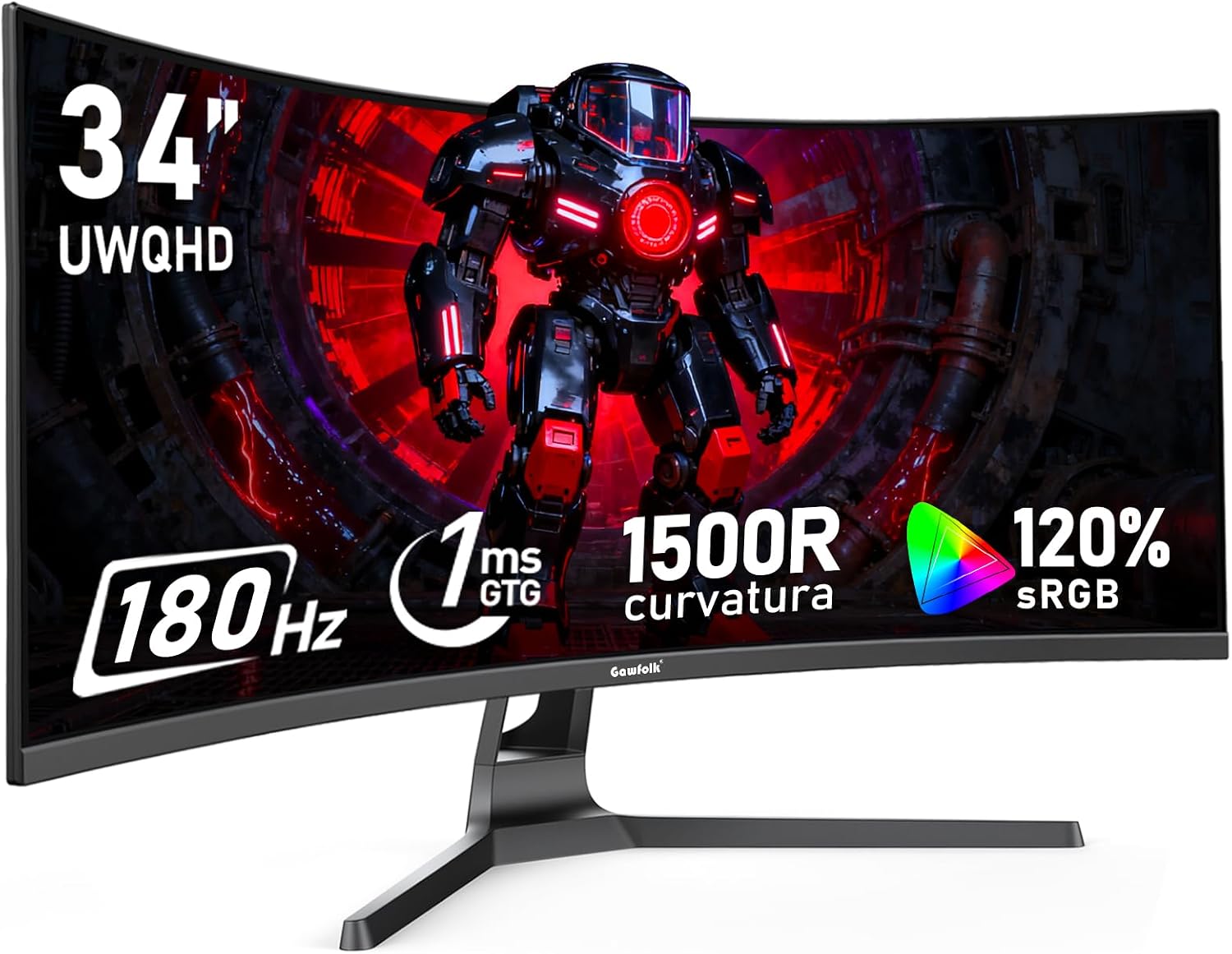
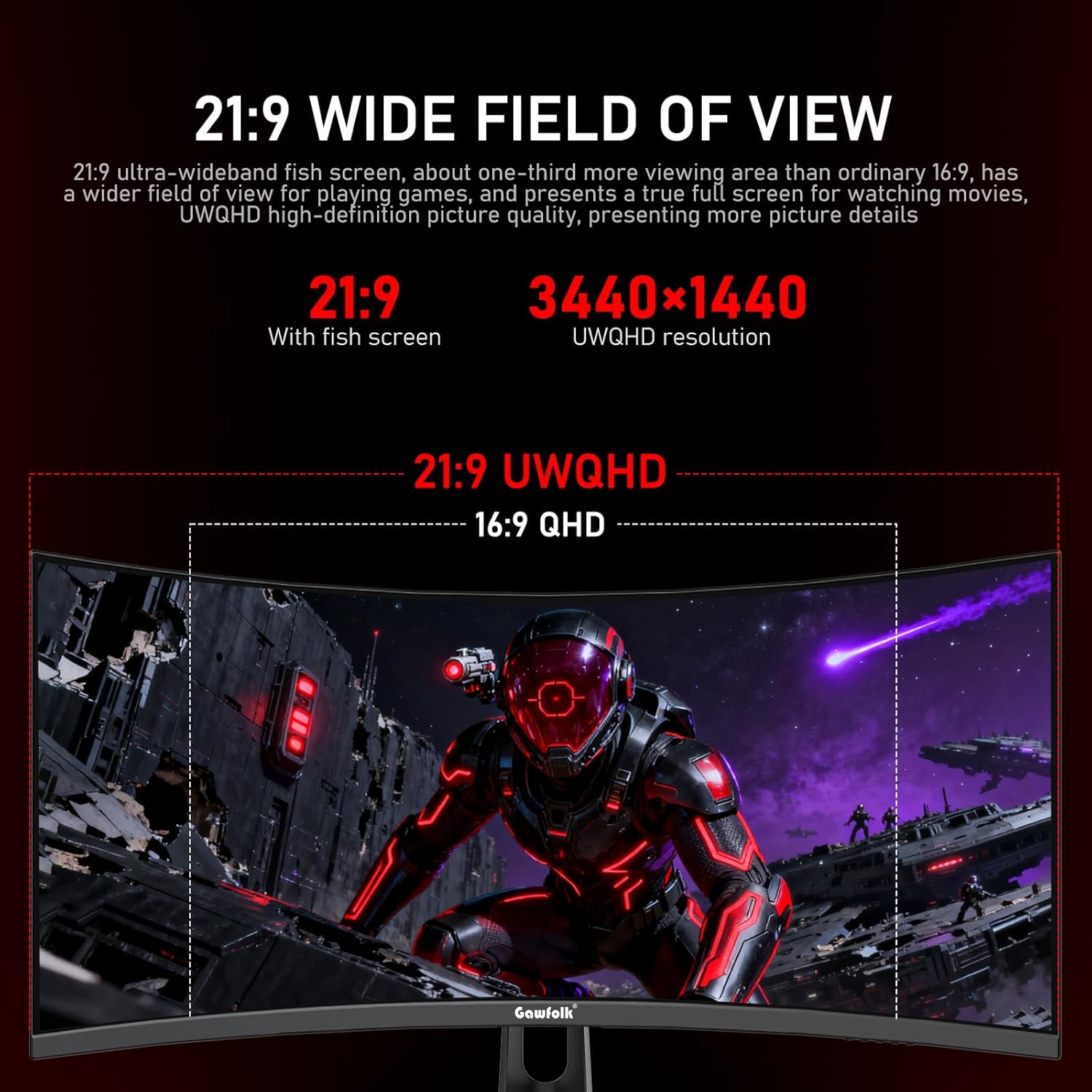
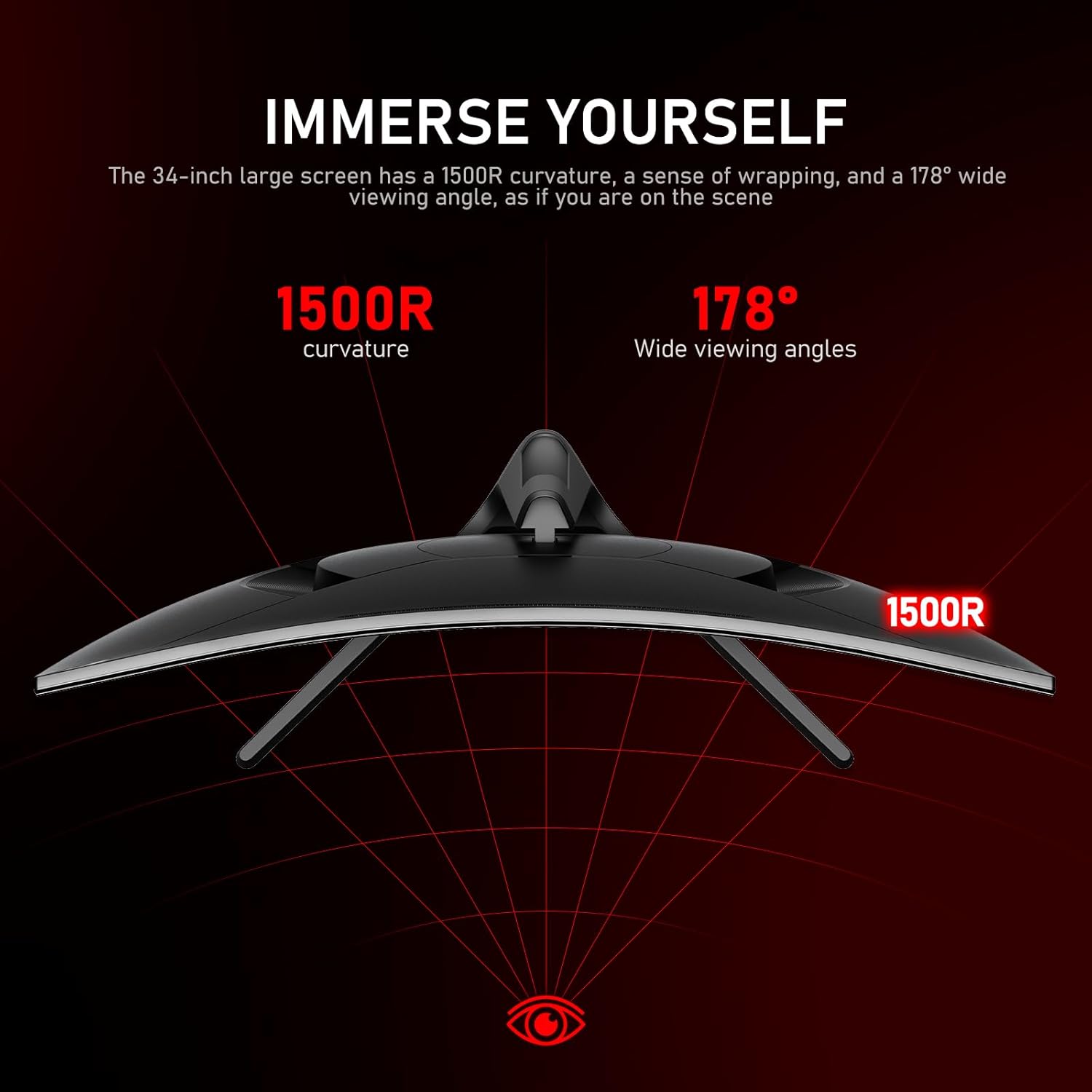
This 34-inch ultrawide curved monitor from Gawfolk offers a 21:9 UWQHD panel that stretches your workspace and gaming view for more immersive play and productivity. With a 1500R curvature and a high refresh rate, it aims to deliver smoother motion and richer color reproduction for long sessions at the desk.
Key Points
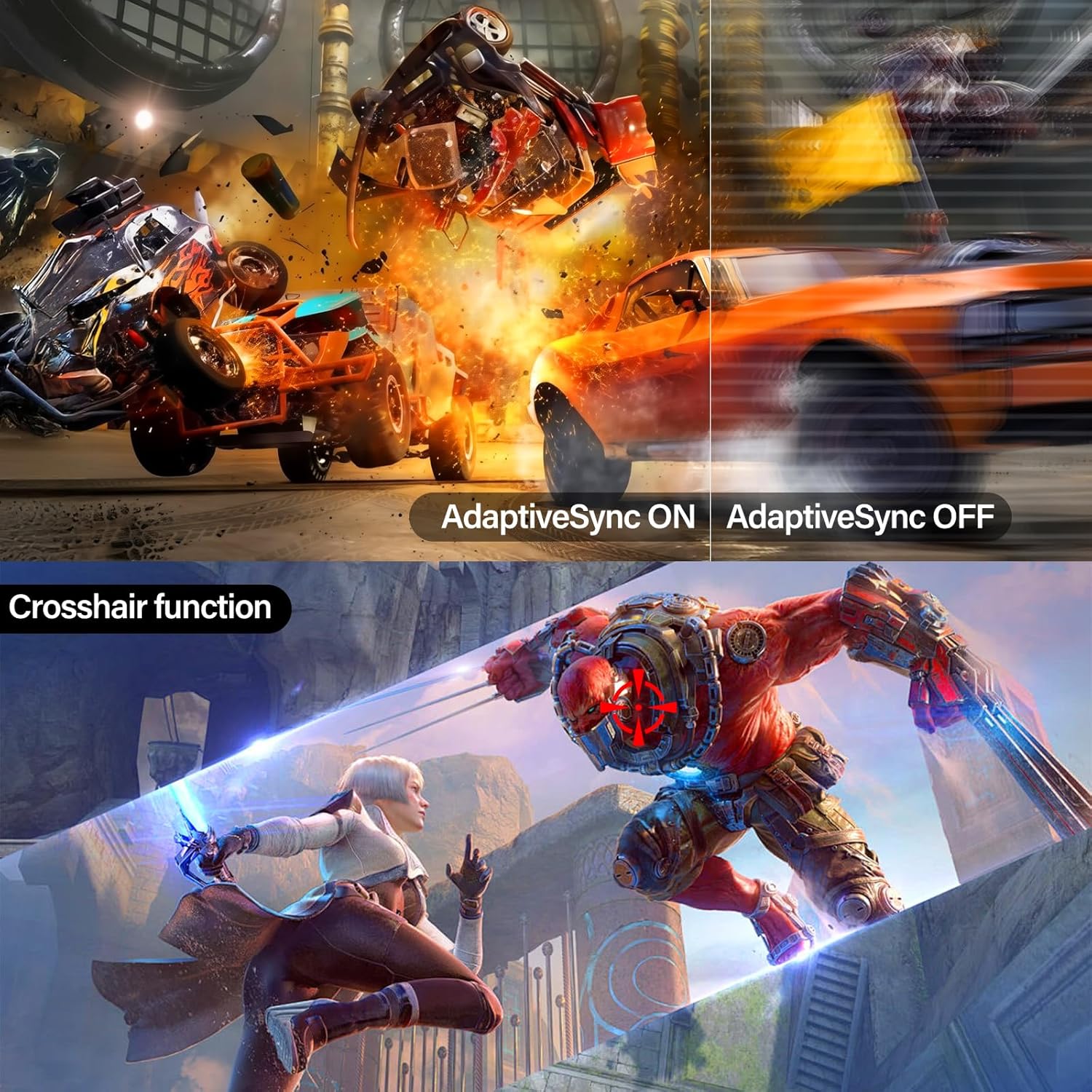
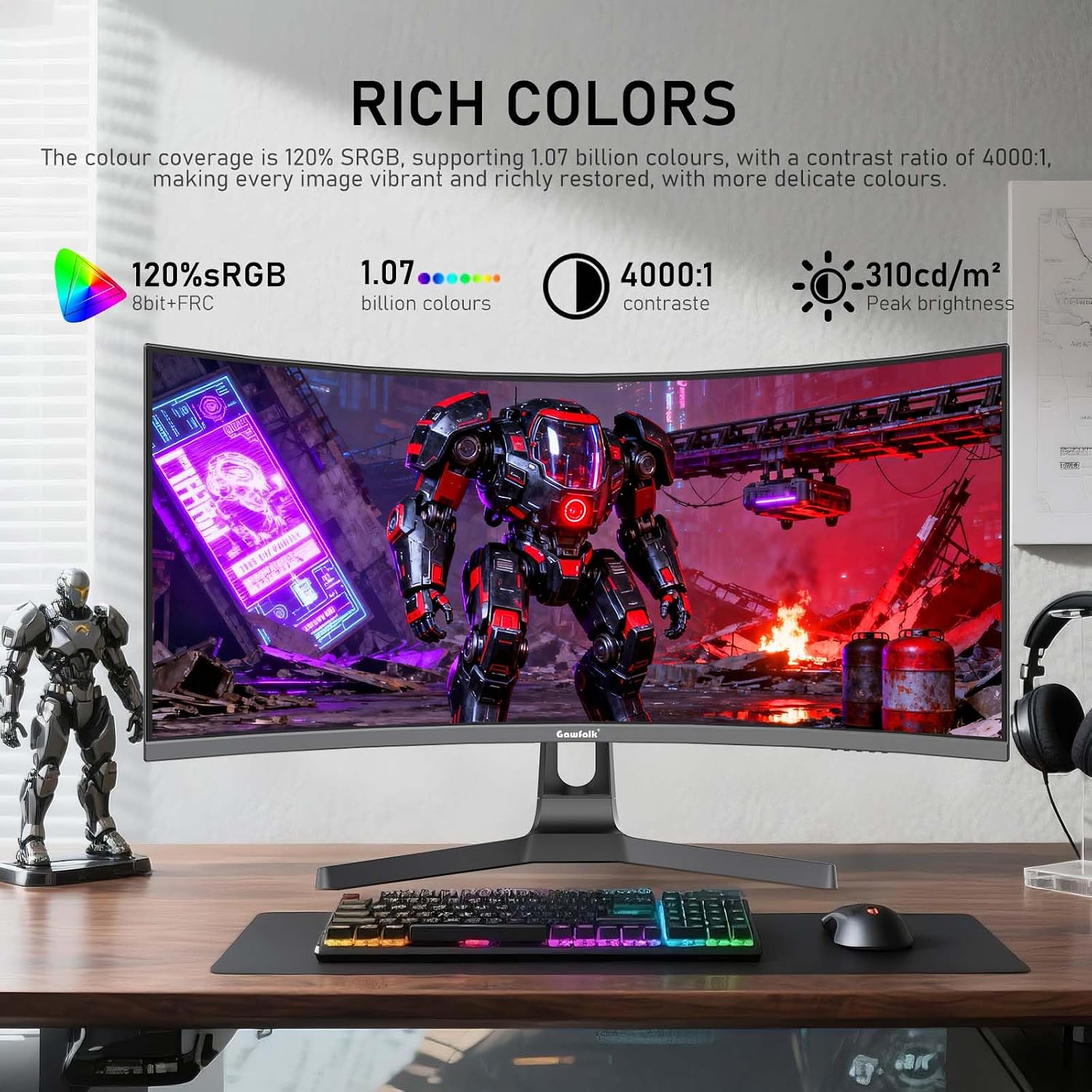
The display uses an 8-bit FRC panel that shows approximately 1.07 billion colors and a contrast ratio of 4000:1, producing deeper blacks and clearer image detail. Brightness is listed at 310 nits and the panel covers about 120% of the sRGB color space according to the manufacturer. Adaptive Sync capability helps reduce screen tearing by matching the monitor refresh rate to your graphics card frame output. For eye comfort there is low blue light filtering and flicker-free DC dimming, which may be noticeable during extended use.
Technical Specifications
- Name: Gawfolk 34 Inch Ultrawide Curved 180Hz
- Resolution: 3440 x 1440 (UWQHD)
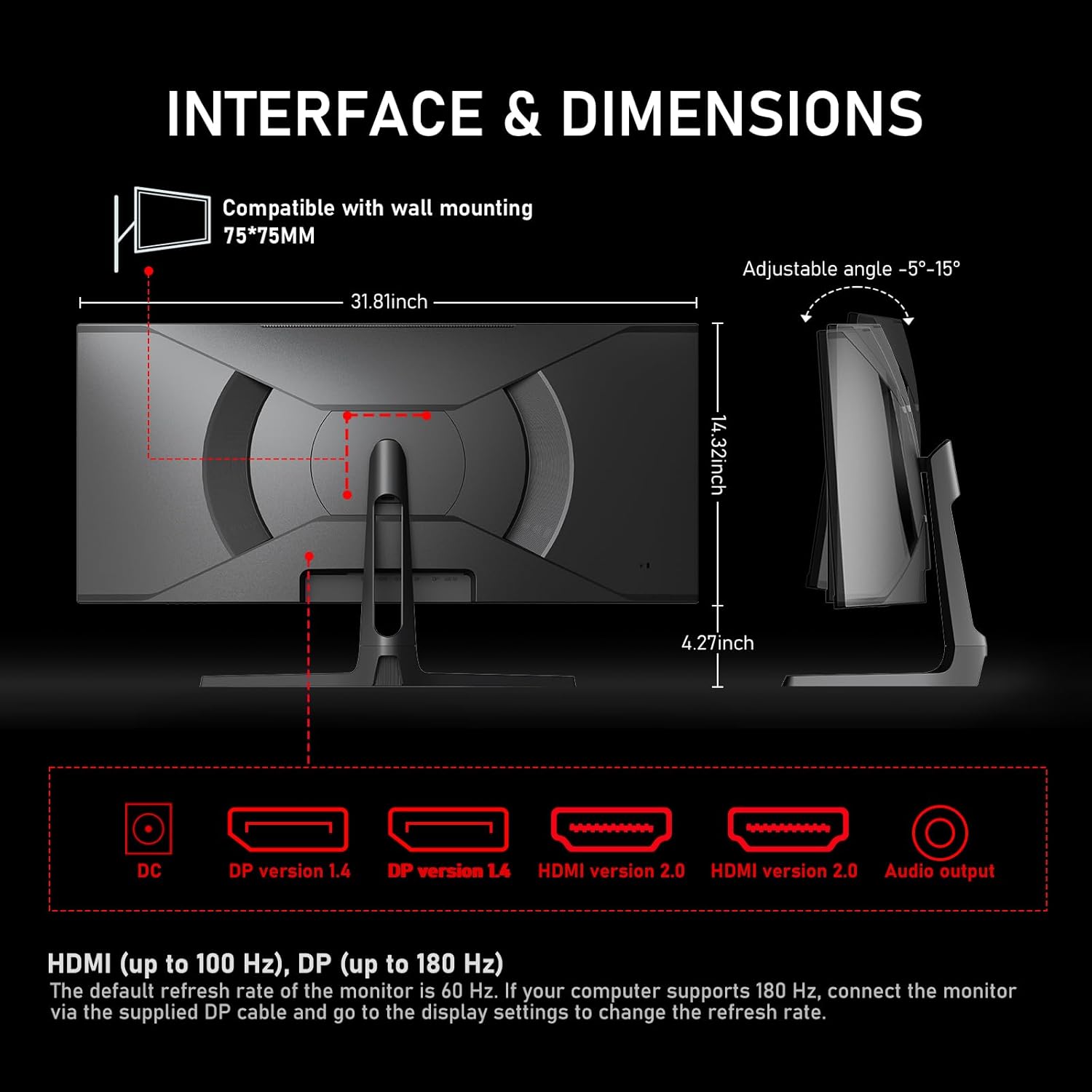
- Refresh rate: 180 Hz (DisplayPort required for full 180 Hz)
- Curvature and viewing angle: 1500R curve, 178° viewing angle
- Color and brightness: 8-bit FRC, 1.07 billion colors, 310 nits, 120% sRGB
- Contrast ratio: 4000:1
- Inputs: DisplayPort, HDMI
Benefits
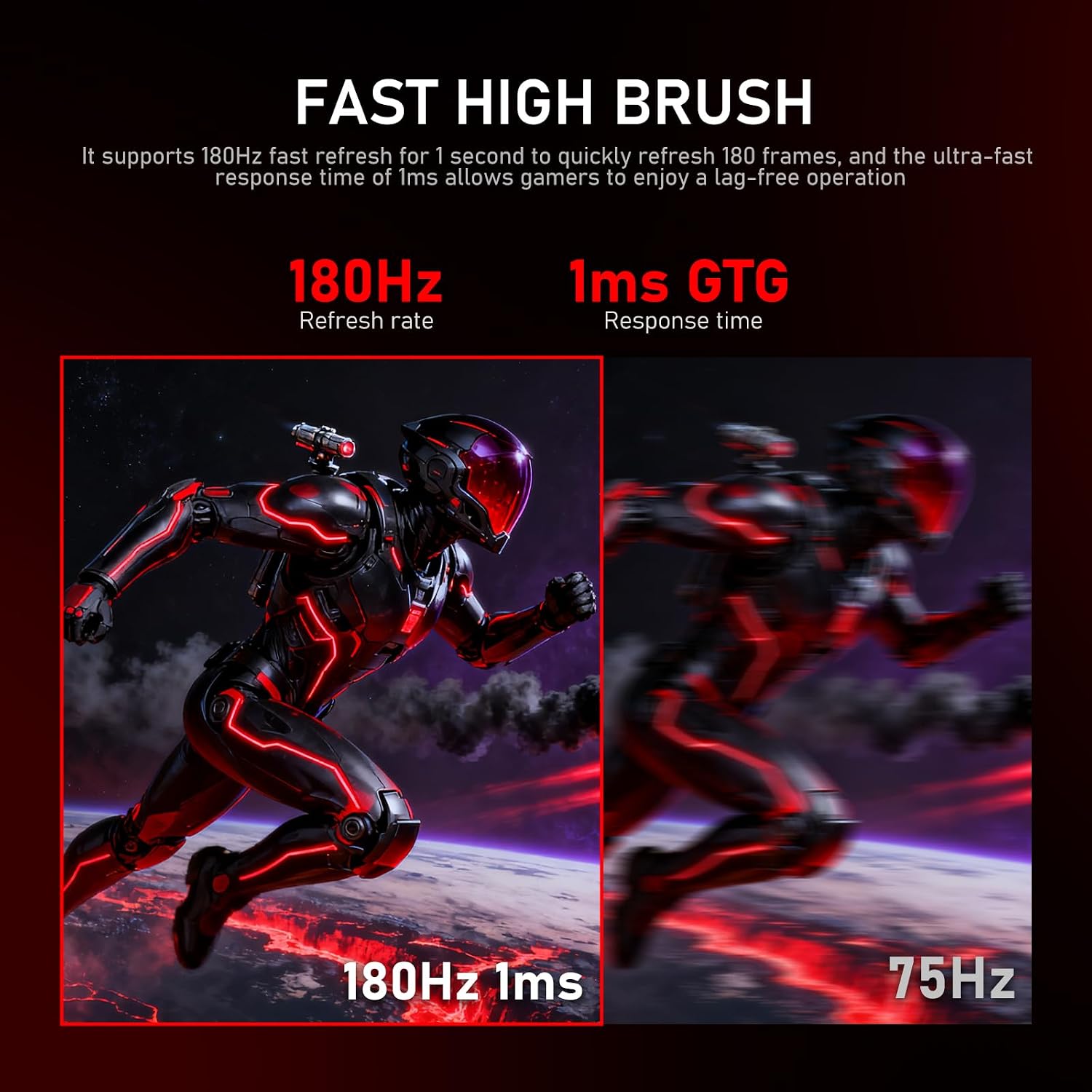
Higher refresh rates make fast-paced scenes look clearer and reduce perceived motion blur, which is especially useful for competitive gaming and action titles. The wider 21:9 aspect ratio gives extra horizontal space for multitasking, video timelines, and panoramic game levels. Color coverage and deeper contrast enhance visual fidelity for media editing and cinematic viewing, providing more accurate hues and richer dark tones.
Usage Recommendations
To reach the full 180 Hz refresh rate connect the monitor via the included DisplayPort cable and adjust the display settings on your computer to select 180 Hz. Note that HDMI may be limited to lower refresh rates around 100 Hz depending on the cable and source device. Consider mounting the screen on a VESA arm if you want more ergonomic height and tilt adjustment, since the model is compatible with wall mounting. Also bear in mind that manufacturer-stated color coverage and brightness are typical lab values and may vary slightly between units.