

Laptop Screen Extender 14" FHD Dual Portable Monitor (IPS, 1080P) — Plug & Play Travel Screen for Laptops
Product description
What this is for (and why you might actually want it)
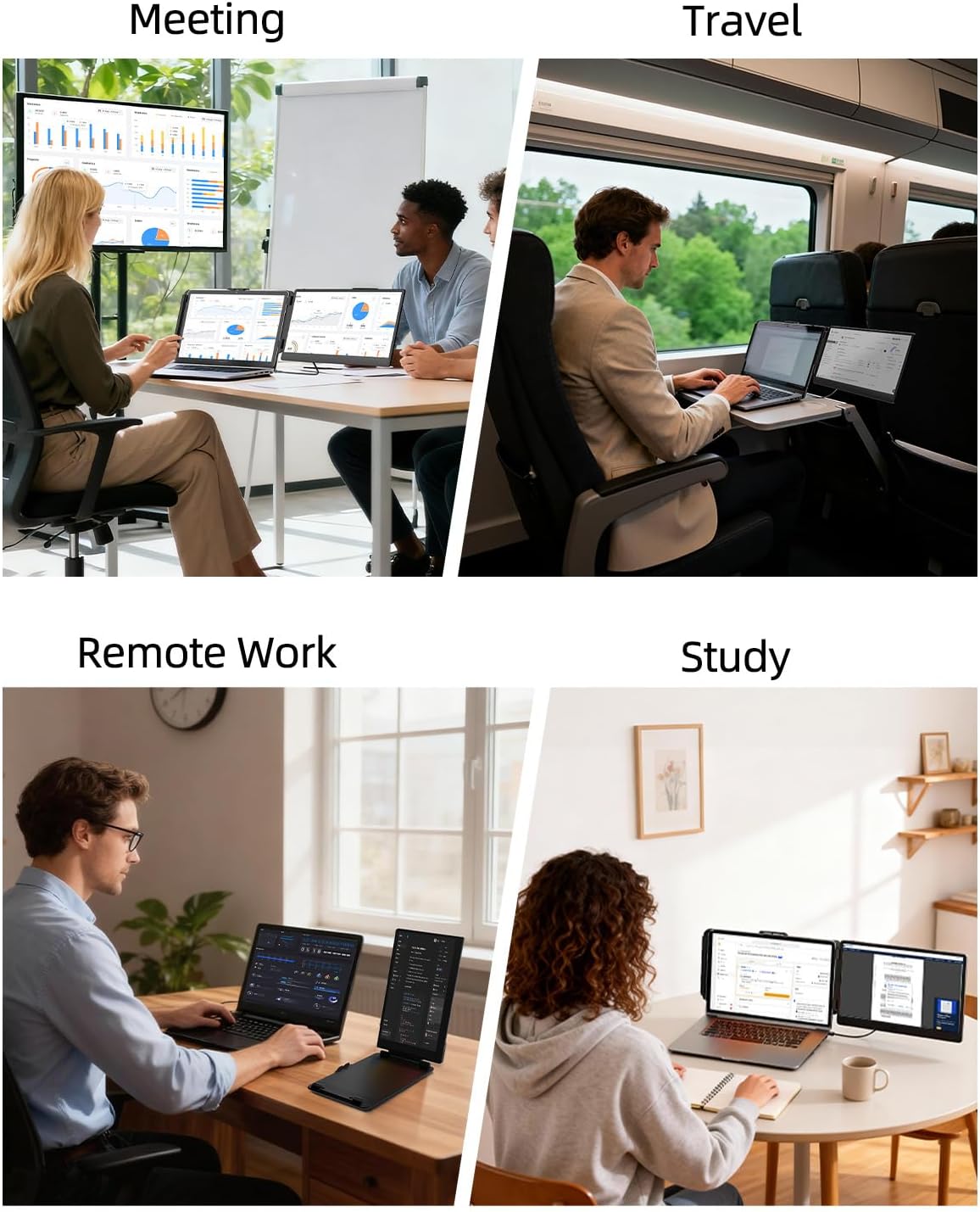
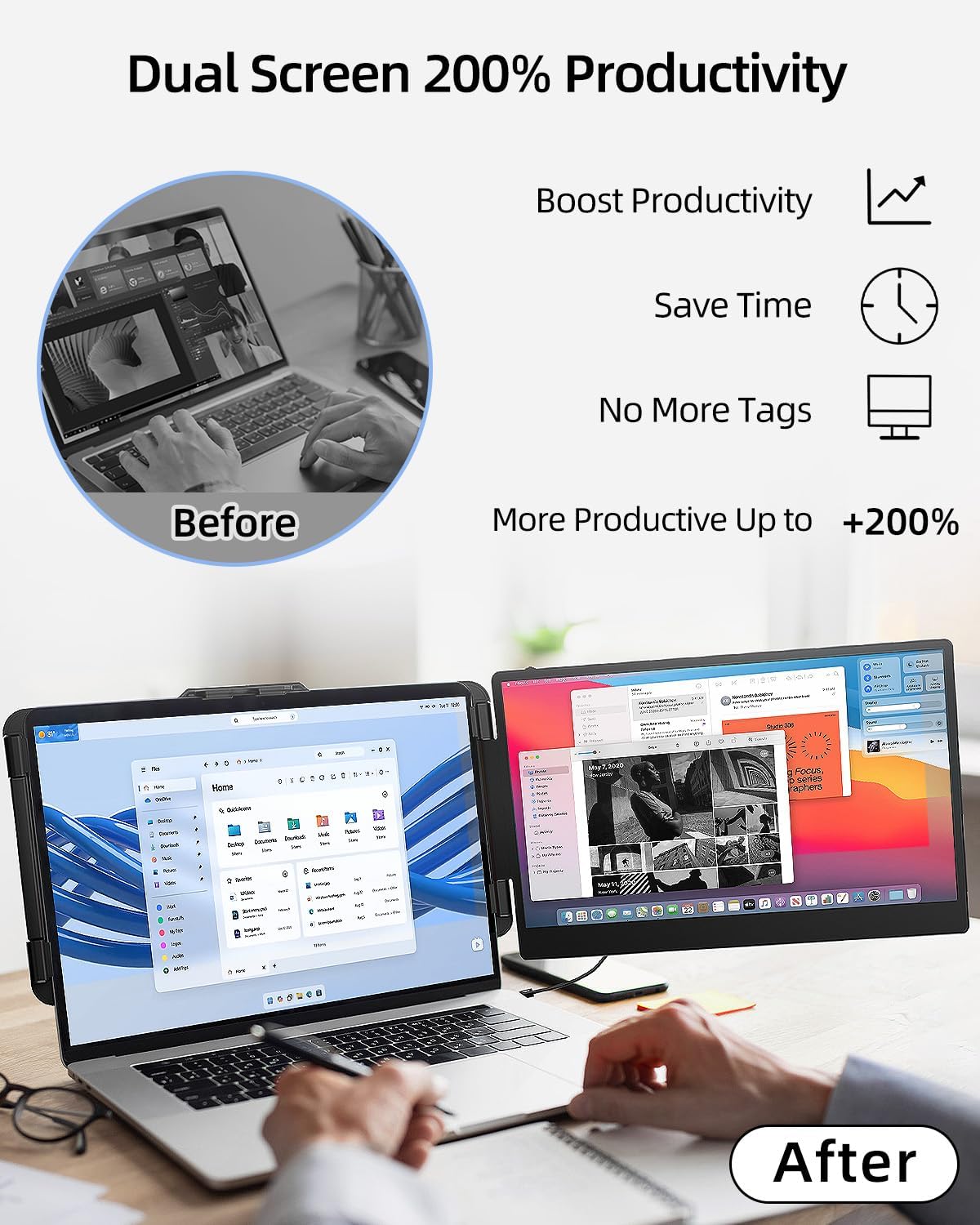
A second screen on the go sounds simple until you’re living out of tabs again. This 14" laptop screen extender is built to help you run a split-view workflow—like keeping your notes open on one side while you handle tasks on the other—without having to rely on constant tab switching. It’s a travel-focused “grab-and-go” monitor idea: connect it, mirror or extend, and keep moving.
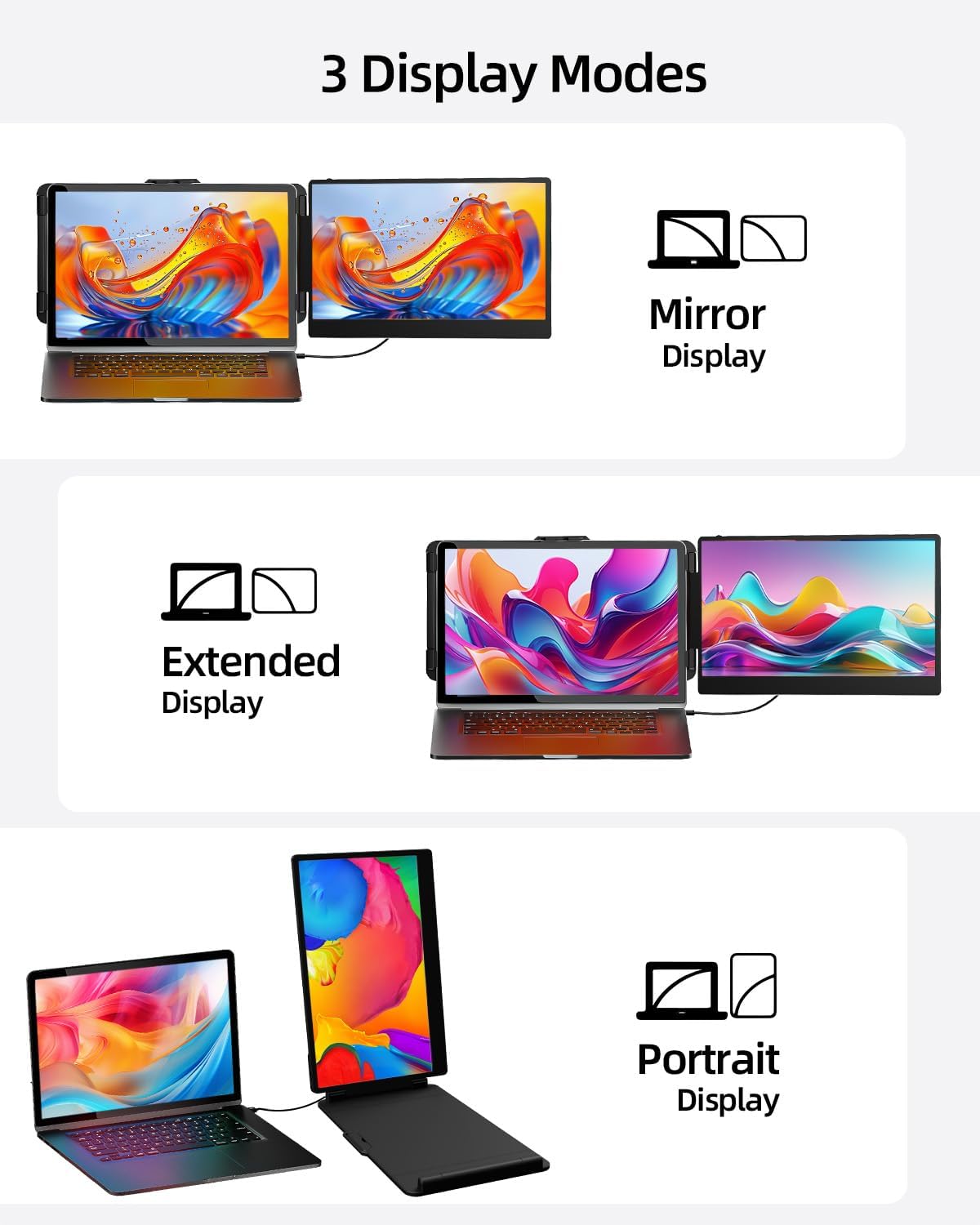
On paper, it targets remote workers, IT pros, traders, and gamers who need more on-screen space in a portable setup. It also supports both portrait and landscape-style use, which can matter if you read long documents or want a taller layout.
The essentials: what you’re getting in practice
The display is described as 14" with FHD 1080p (1920×1080) visuals, plus an IPS panel. You’re also looking at a stated 60Hz refresh rate, 1000:1 contrast ratio, and 300nit brightness. The company positions it as easy on the eyes via adjustable settings.
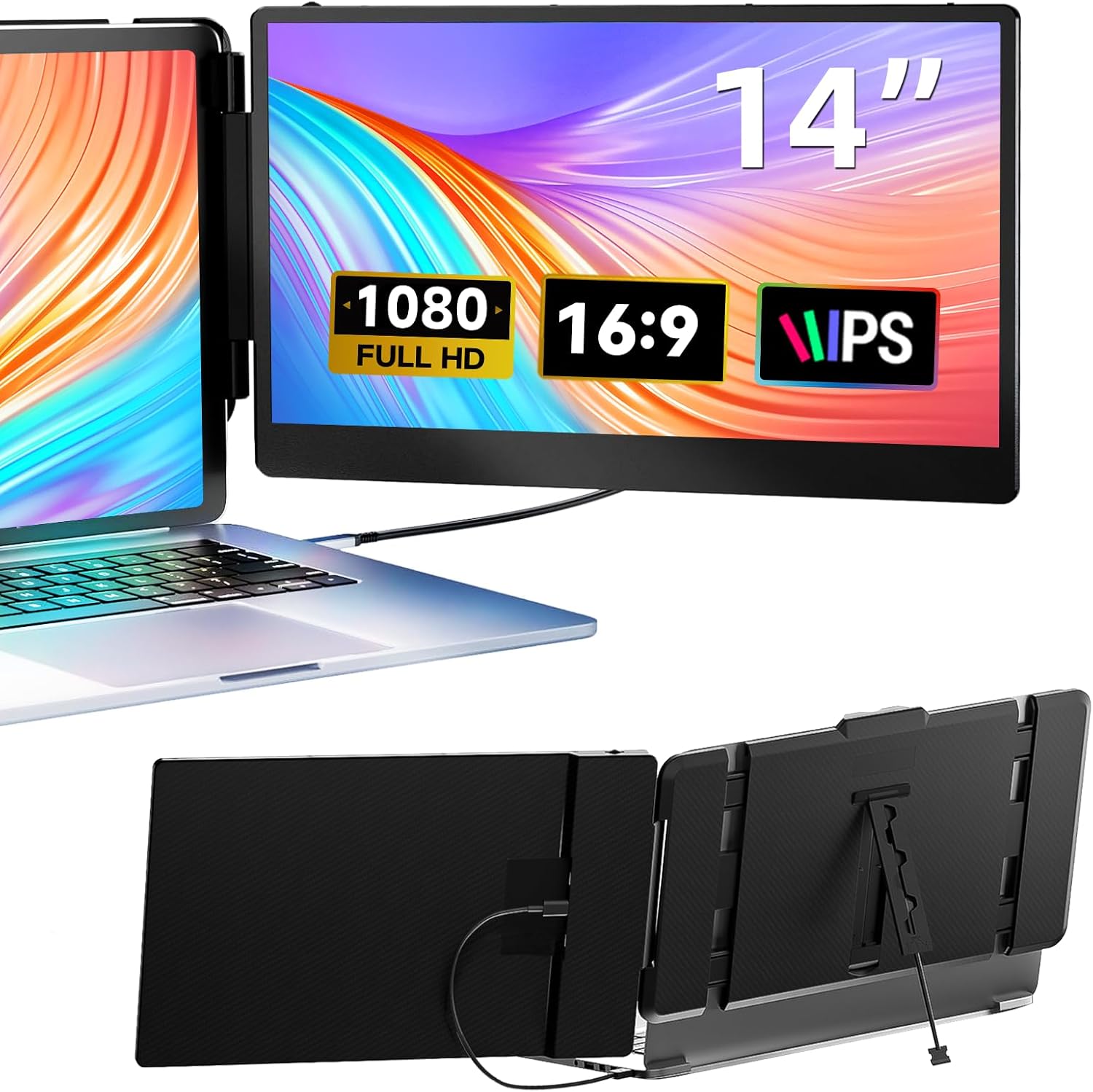
If you’re using it mainly for productivity—spreadsheets, docs, dashboards—this kind of FHD dual-screen setup can feel like a noticeable quality-of-life upgrade. For example: imagine researching in a browser on the laptop while you keep a second window open for a reference doc, or running trading charts on one side and order/notes on the other.
The real “day-to-day” win is not having to cram everything into a single screen.
Plug & Play setup: the good part, and the one thing to watch
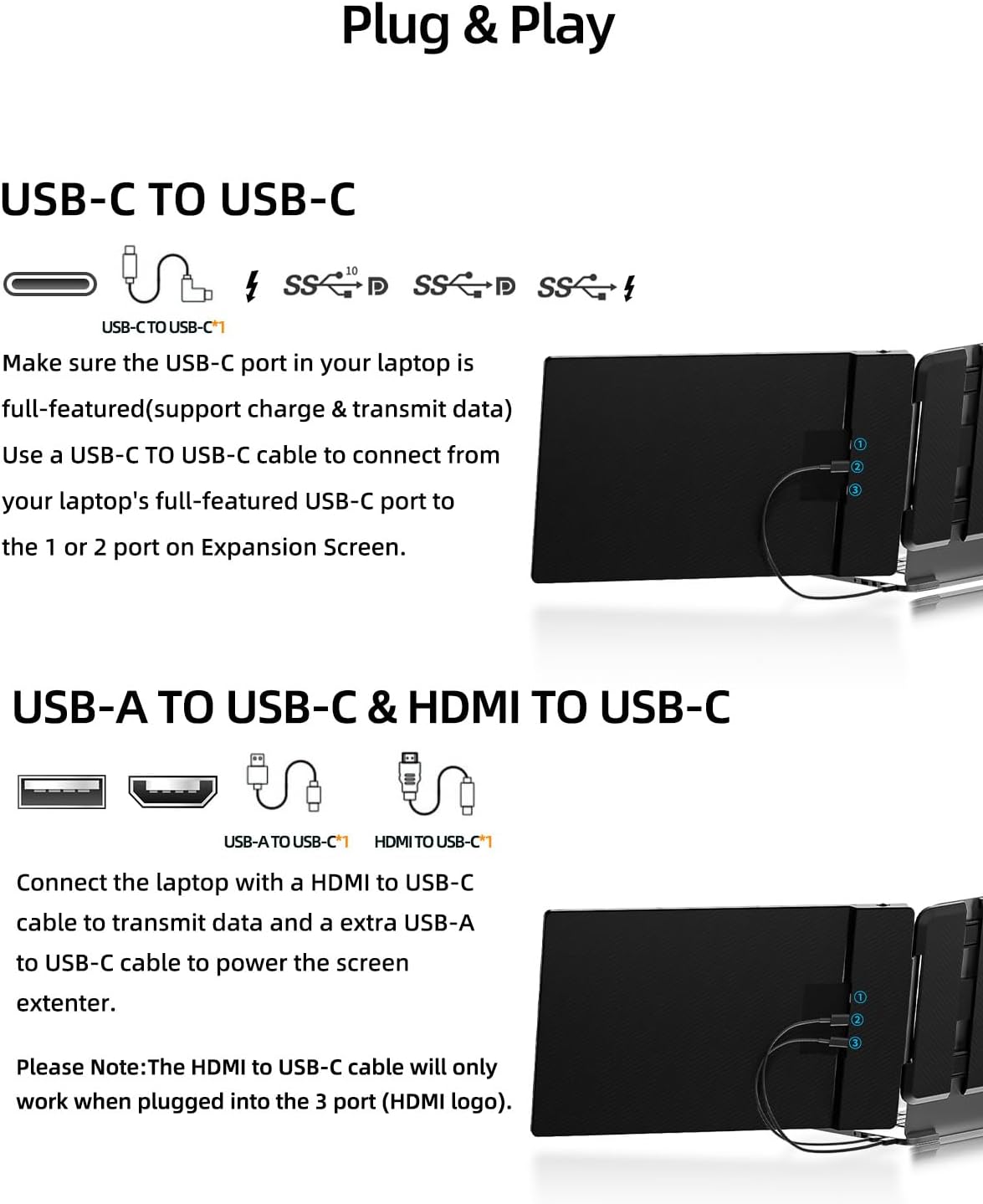
This monitor is advertised as Plug & Play with no driver needed. The package includes cables (listed as Type-C, HDMI, and a USB-C to USB-A cable).
How it typically connects (based on the included-cable approach): - Type-C connection: connect via Type-C. - HDMI connection: connect HDMI, and also use USB-A to power the display.
A key limitation to keep in mind: when using HDMI, an additional USB-A to USB-C cable is needed to power the display. That’s not a dealbreaker, but it’s the kind of detail that can slow you down if you forget what you brought.
Also, compatibility depends on your device ports. The guidance specifically says your laptop needs a full-featured Type-C or HDMI port.
Compatibility reality check (Windows, Mac, phones, and consoles)
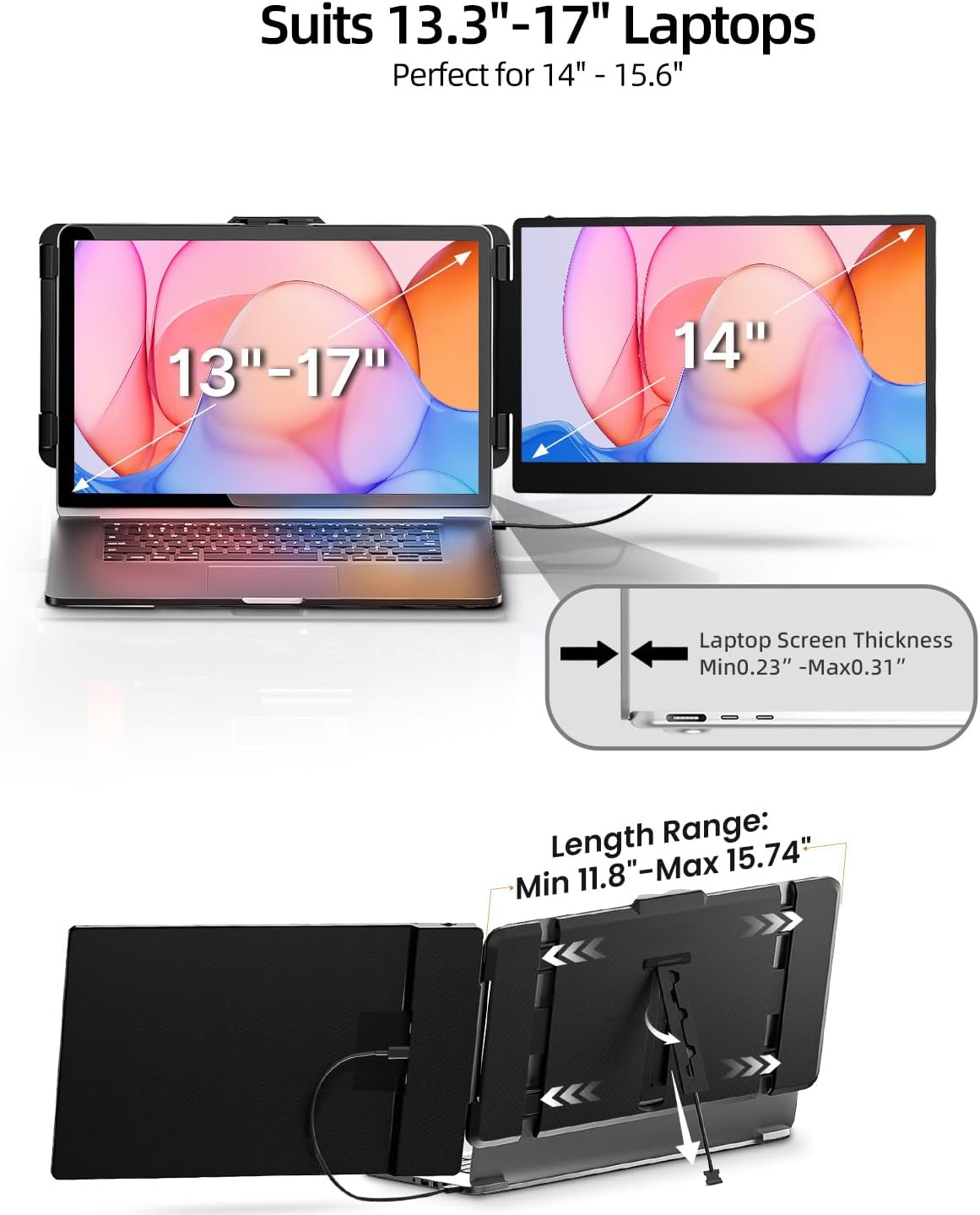
The product claims broad compatibility across Windows, Mac (including M1/M2/M3 lines), Chrome, Linux, and even certain Type-C phones and gaming devices like PS4, Xbox, and Switch.
Still, it’s not universal. The notes call out that some devices (example given: Surface Pros) may not be supported. So if you’re shopping for a specific laptop model, it’s worth double-checking that your Type-C port supports the full functionality needed for display.
It’s a travel-friendly option for setups that have the right ports and don’t require extra software.
Where it shines vs. where it may fall short
What stands out here is the intent: a portable dual-screen extender with a no-driver setup and support for mirror/extension and portrait mode. In a mobile workflow, that matters because you want your setup to be quick, not finicky.
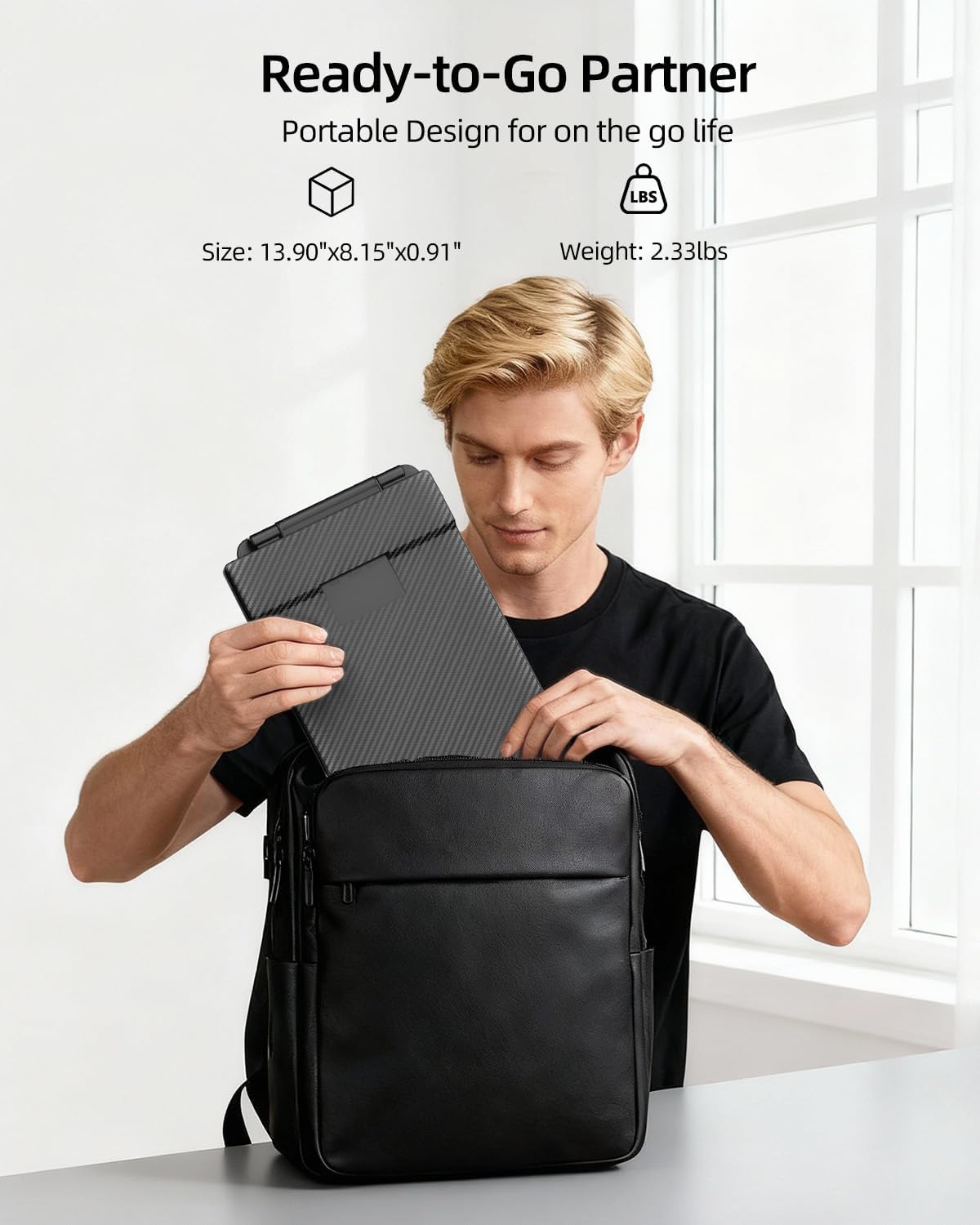
Where it may feel less convincing is if you’re expecting higher-end display performance beyond the stated FHD/IPS specs. Also, portability helps, but it won’t replace the experience of a larger, higher-resolution desktop monitor—so if you plan to do color-critical design work or want maximum immersion, you may want to temper expectations.
It can also be a “middle of the road” buy depending on your needs: if your priority is simply more screen space while traveling, this fits. If your priority is maximum image sharpness or premium motion handling, you may find it’s more functional than flashy.
Tech details you should care about before buying
The most relevant decision factors are the ones tied directly to daily use: resolution (FHD 1920×1080), refresh rate (60Hz), and brightness (300nit). The IPS panel is generally a good baseline for viewing comfort, and the adjustable settings are meant to keep it comfortable.
Is it worth it?
Worth considering if you want a compact 14" portable monitor extender for productivity on the move—especially if you rely on split-screen workflows and you have a full-featured Type-C or HDMI setup available. The Plug & Play approach and included cables are designed to reduce friction when you’re constantly changing locations.
It’s not the best match if your device ports aren’t fully supported (or you’re unsure), or if you need a monitor that goes beyond basic FHD viewing performance for demanding creative work. You may want to skip it if you’re expecting “set it up instantly” with HDMI without considering the extra USB-A to USB-C power cable note.
If you’re the kind of user who travels, works remotely, or just wants more screen space without buying a desktop replacement, this is the type of accessory that can genuinely earn its spot.
Mini FAQ
Does it require a driver?
No driver is required, based on the Plug & Play claim.
Can it mirror and extend the display?
Yes, it supports Mirror/Extension modes.
What connection types does it use?
It supports Type-C and HDMI, with USB-A involved for powering when using HDMI.
Will it work with any laptop Type-C port?
Not necessarily—your laptop needs a full-featured Type-C or HDMI port, and some devices may not be supported.
Is portrait mode supported?
Yes, portrait mode is listed as supported.