

Samsung Curved Gaming Monitor 49-inch
Product description
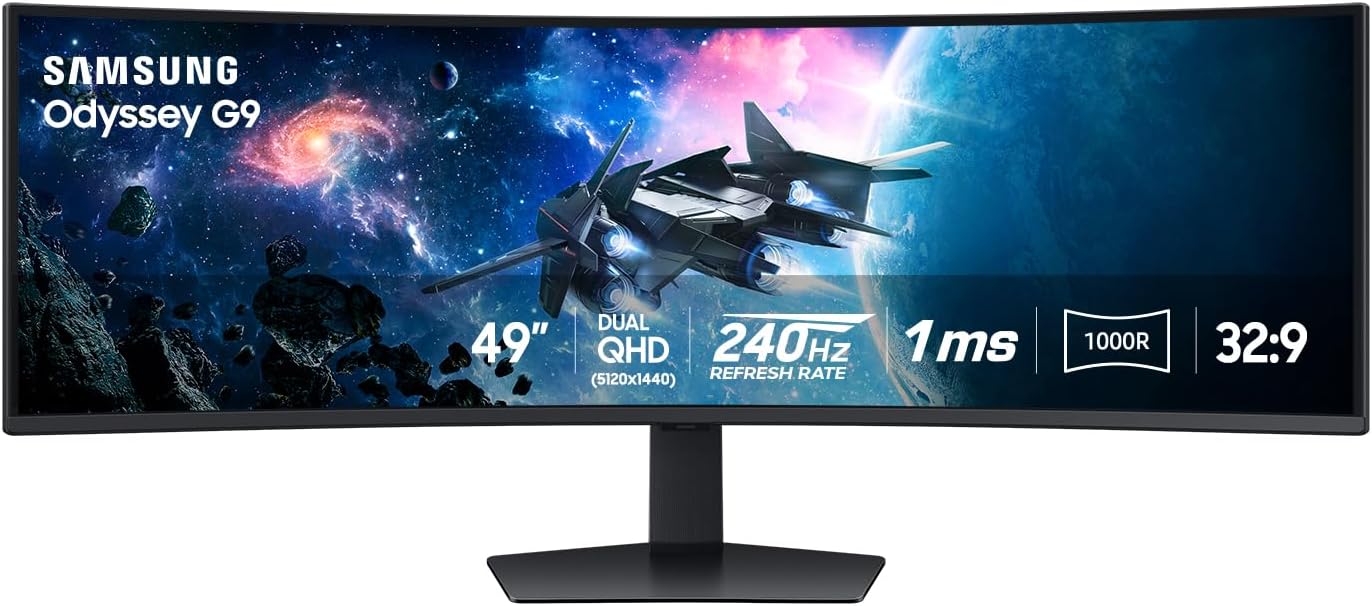
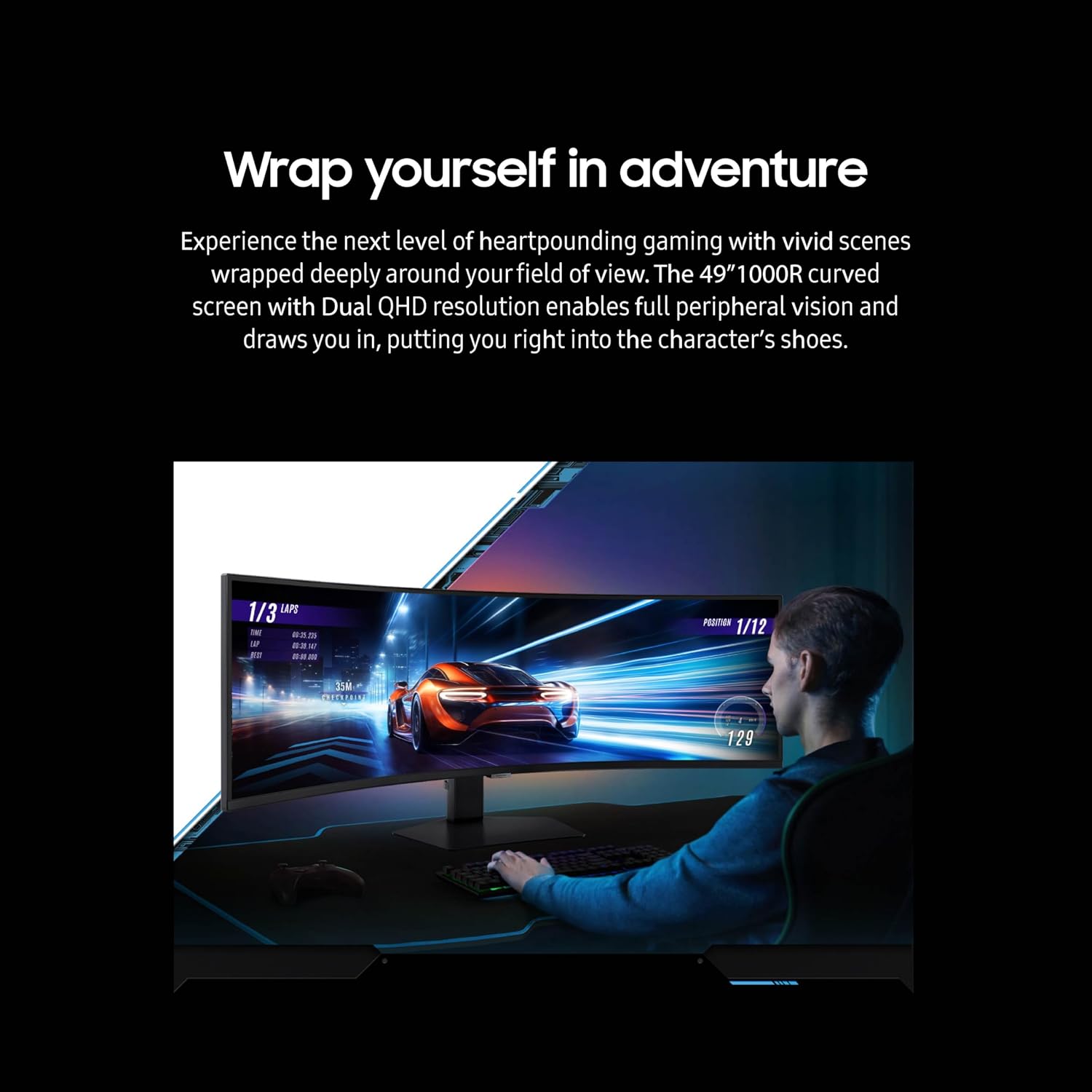
A conventional gaming monitor keeps the setup relatively compact, the Samsung Odyssey G9 takes a different approach, stretching a 49-inch 1000R curve across your field of view. Its Dual QHD resolution, 240Hz refresh rate, and 1ms GtG response time are aimed at fast-paced play, while picture-by-picture and picture-in-picture modes also give the screen a role beyond gaming.
That breadth comes with a practical tradeoff: this is a large display, so desk space matters as much as the feature list.
Technical details
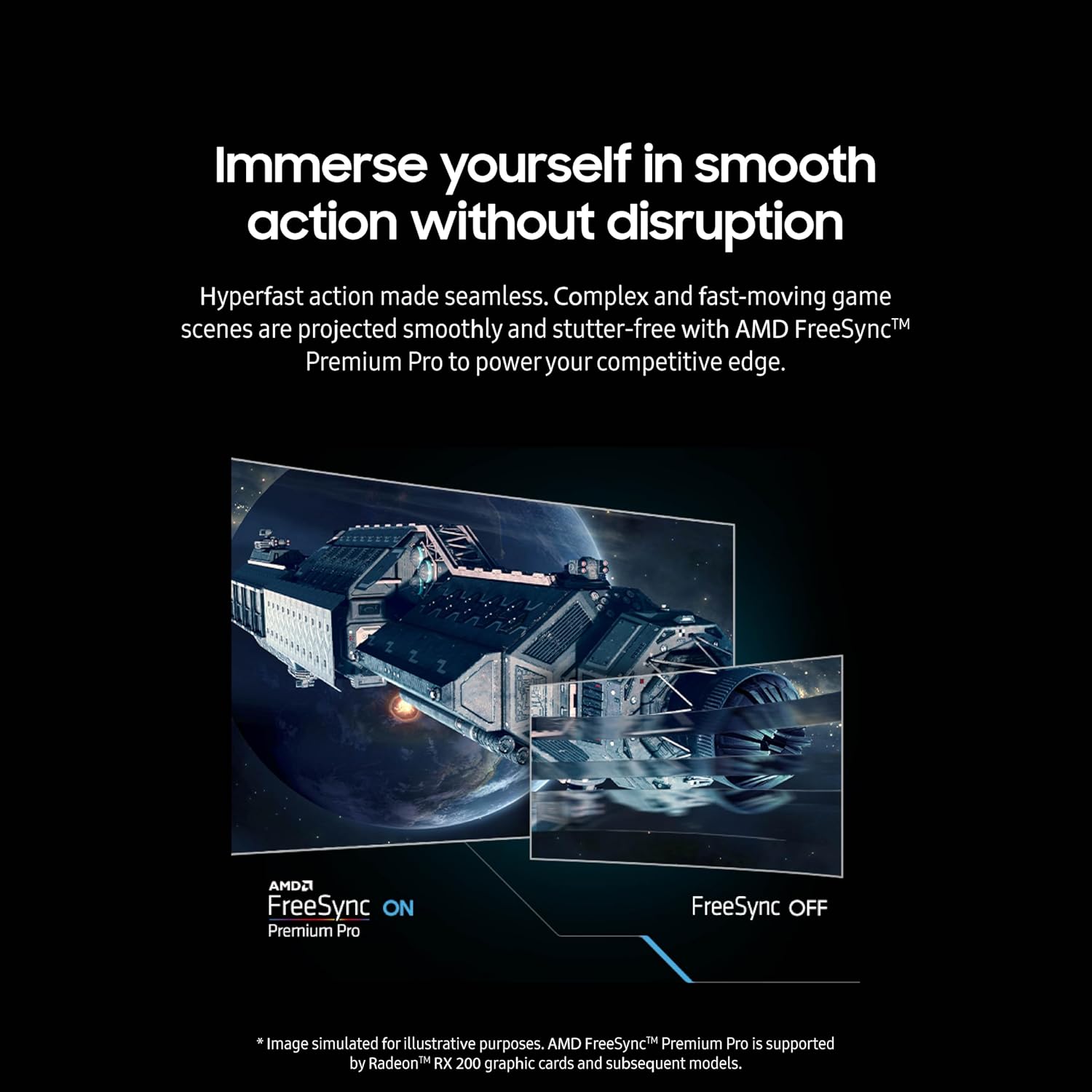
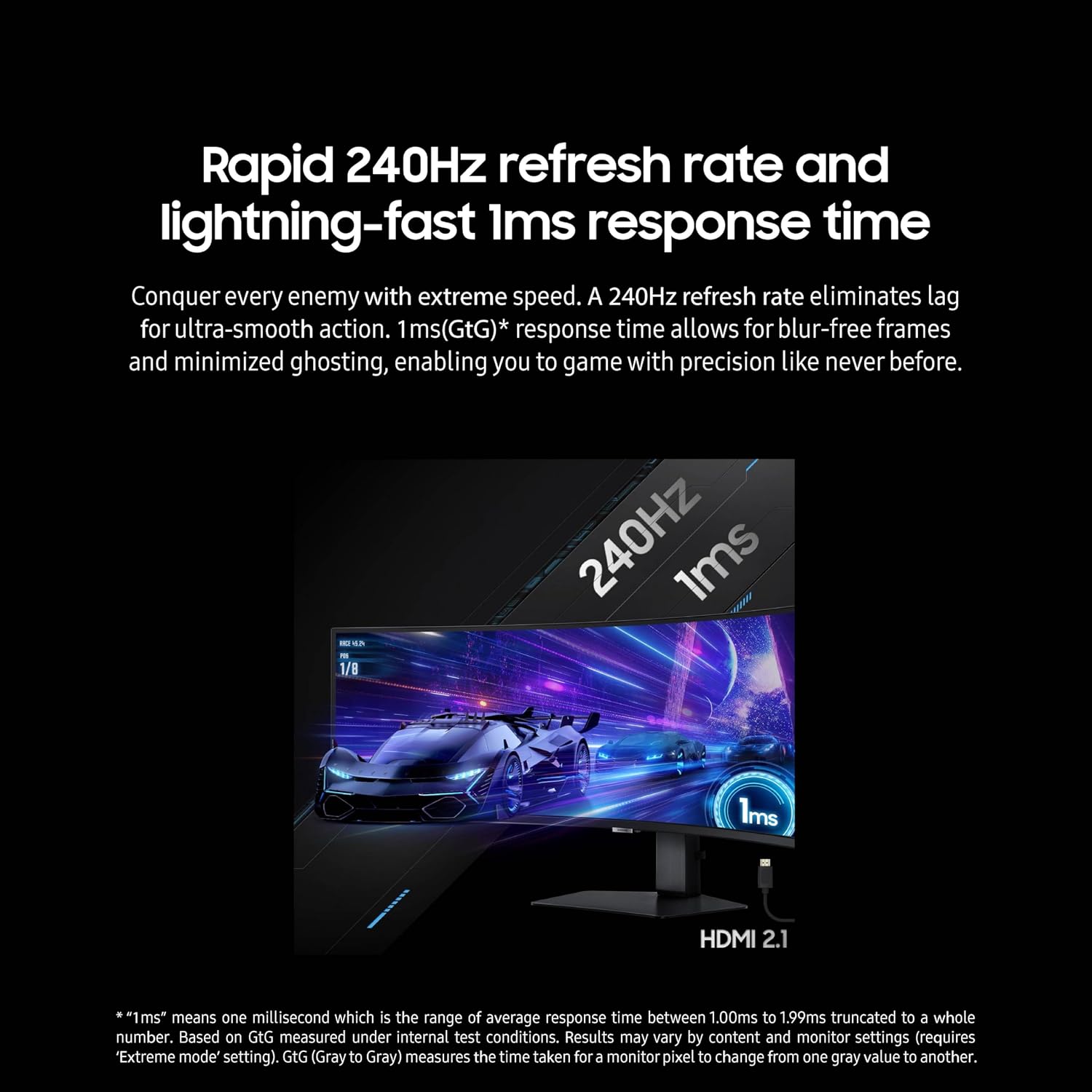
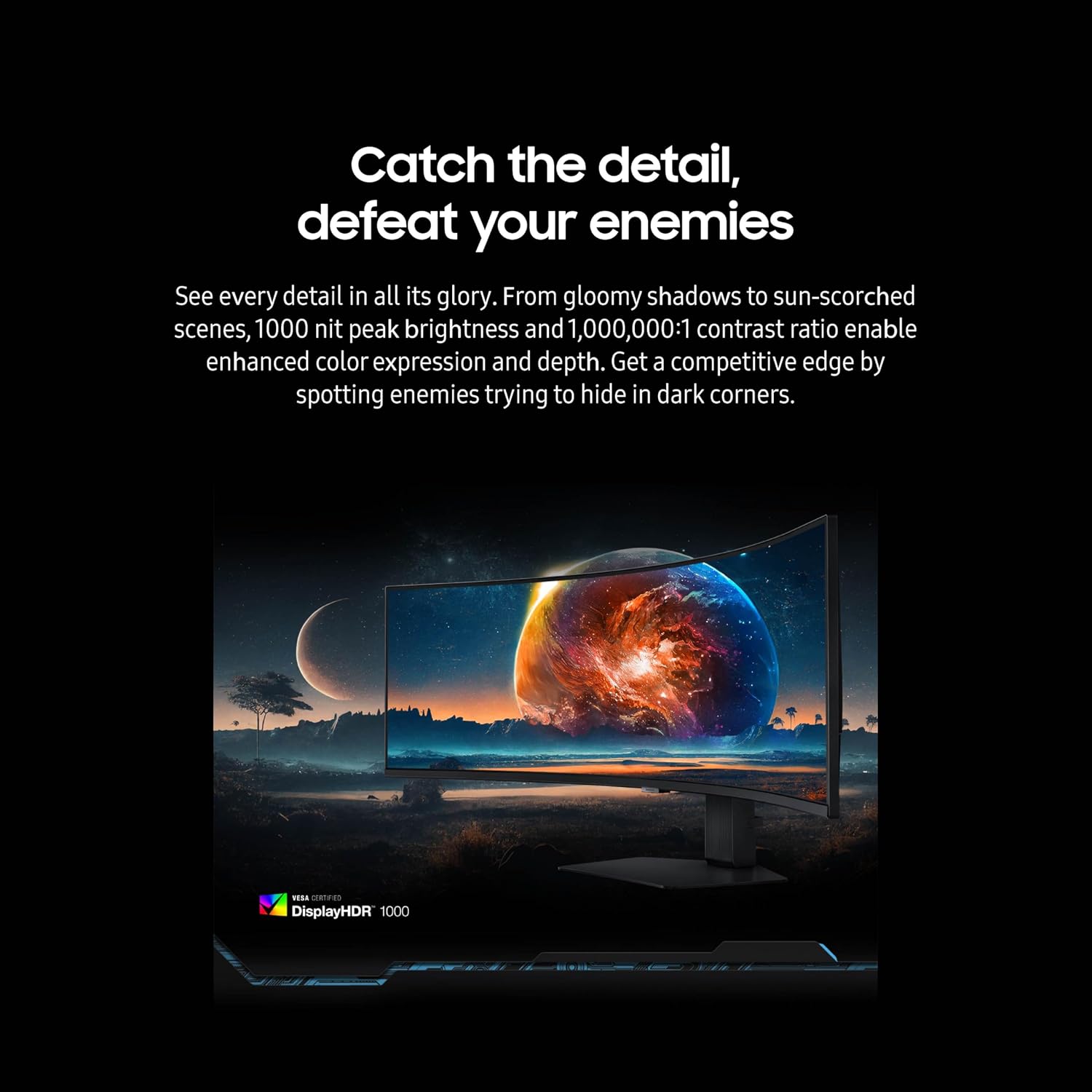
The 49-inch screen uses a 1000R curve and Dual QHD resolution. For motion-focused gaming, Samsung lists a 240Hz refresh rate and 1ms GtG response time. AMD FreeSync Premium Pro is included for smoother play with supported setups, while VESA DisplayHDR 1000, peak brightness of 1,000 nits, and a stated 1,000,000:1 contrast ratio describe its HDR and contrast capabilities. These specifications make it especially oriented toward immersive, high-refresh-rate gaming rather than a small, straightforward desktop display.
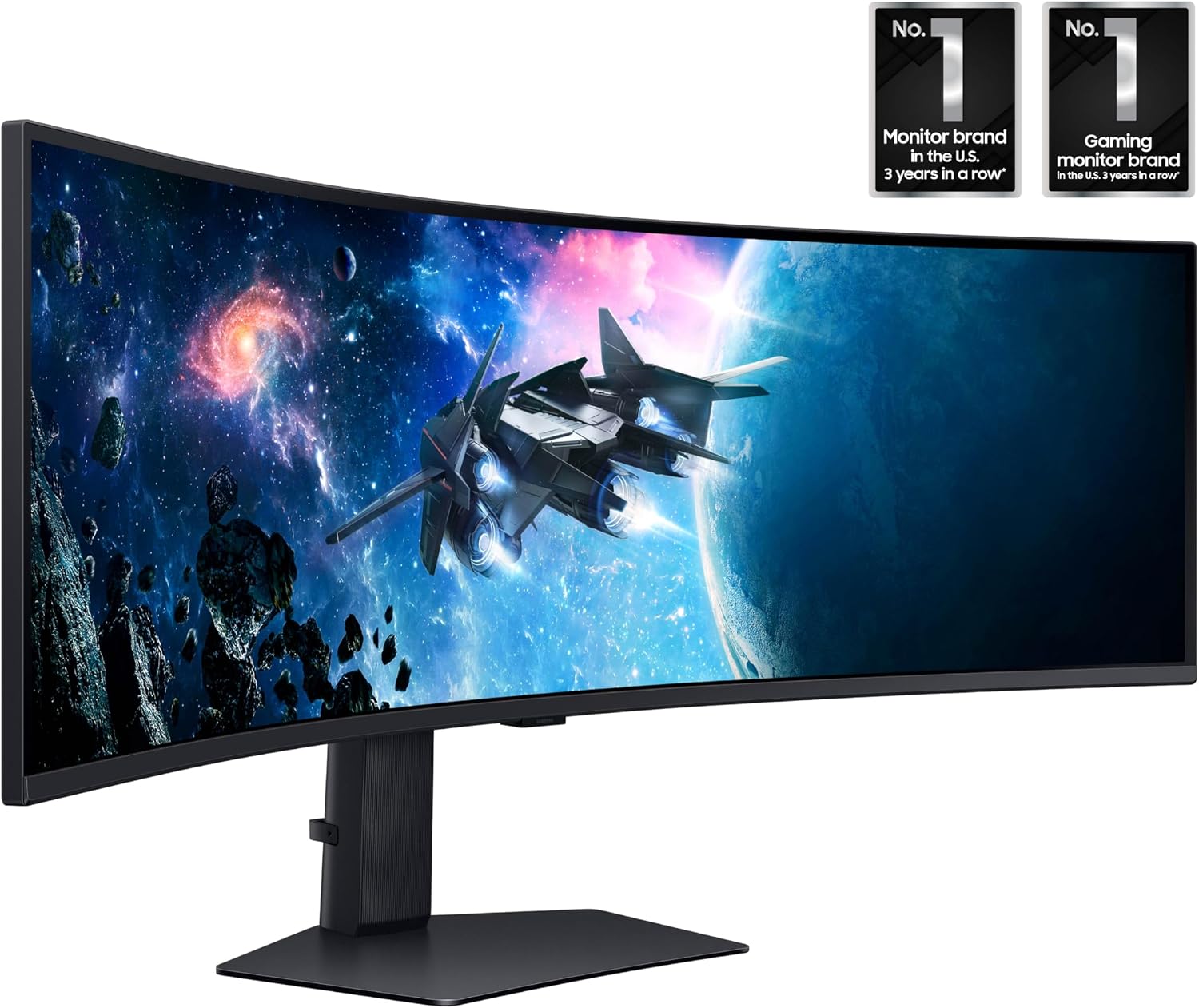
The stand supports height adjustment, swivel, and tilt, and the monitor is compatible with VESA-standard monitor arms. CoreSync projects on-screen colors into the surrounding area, and Core Lighting Plus adds lighting effects to the setup. For multitasking, PBP can show content from two sources simultaneously at their native resolutions, PIP can place a smaller second source on up to 25% of the screen.
Getting the most from it
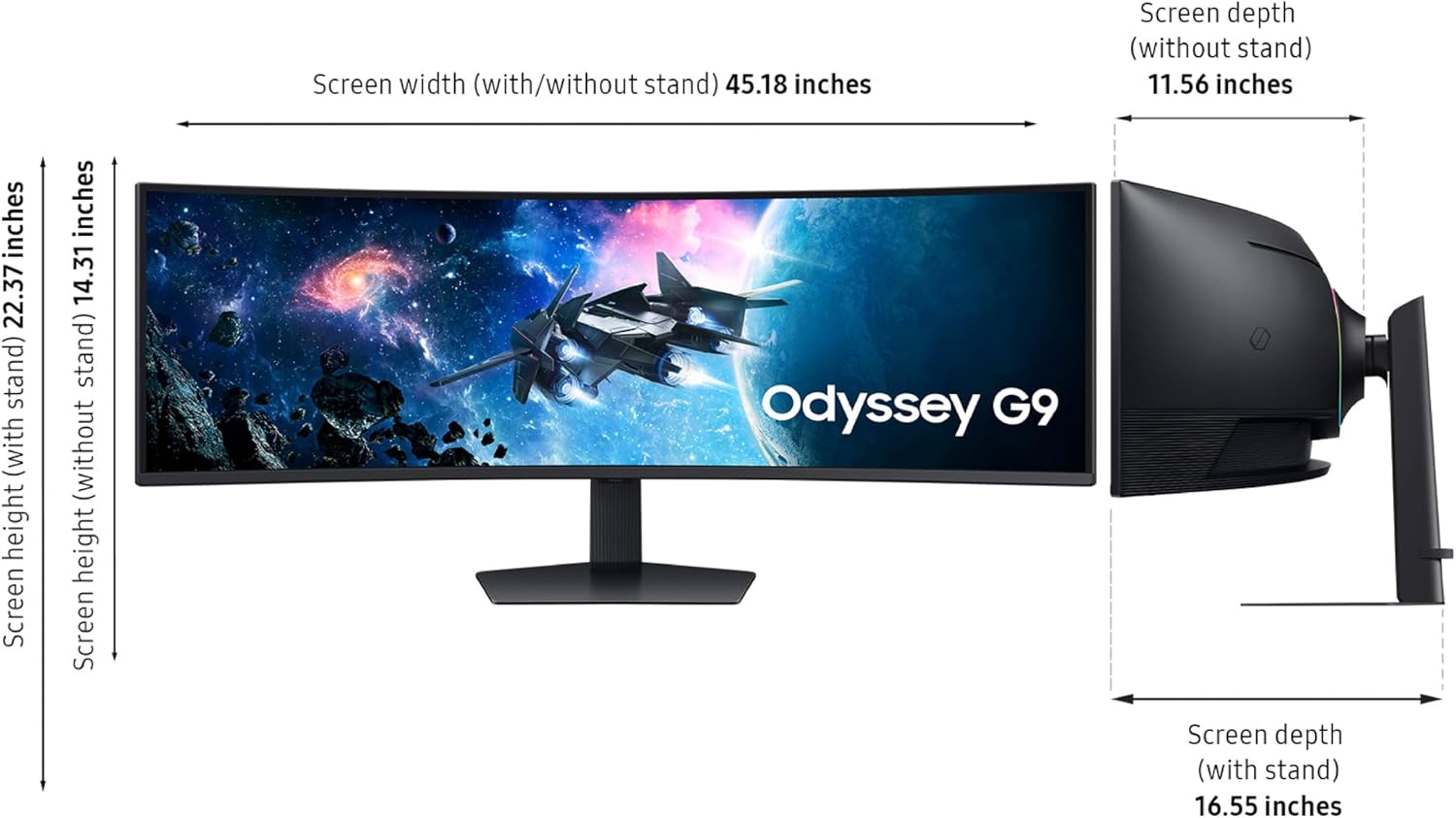
The listing doesn’t specify the monitor’s overall dimensions. Measure the intended desk area before buying, without that measurement, it’s difficult to judge how comfortably a 49-inch curved display will fit. You’ll also want to think about whether your usual games and viewing habits benefit from an ultrawide layout. A single-screen setup can feel more absorbing here, but it occupies more space than a conventional gaming monitor.
Usage tips
Set the height, swivel, and tilt to suit your seating position before settling into a long session. For a concrete use case, keep a game on the main view and use PIP for a second video or data source, switch to PBP when you want two sources visible side by side. Those modes are listed as display features, though the product details don’t identify which specific devices or connections your setup will require.
A solid pick if you want a broad curved view, fast refresh, and the option to show content from two sources. Not the best choice if a compact desk setup is your priority or you don’t need the extra screen area. A simpler, smaller monitor may make more sense when space matters more than immersion and multitasking.
Before you decide
Can it display two sources at once? Yes. PBP shows two sources simultaneously at their native resolutions, while PIP places a smaller second source on up to 25% of the screen.
Can you adjust the stand? The stand supports height adjustment, swivel, and tilt. The monitor is also compatible with VESA-standard monitor arms.
Is it aimed at high-refresh-rate gaming? Its listed 240Hz refresh rate, 1ms GtG response time, and AMD FreeSync Premium Pro point to that use. Whether those features suit your setup depends on your gaming needs and equipment.
Should you buy it?
Choose the Odyssey G9 if you’ll use the 49-inch curved screen for immersive gaming, a 240Hz refresh rate, or multi-source viewing—and have room to set it up. If you mainly want a compact display for everyday tasks, its size and gaming-focused feature set may be more than you need.