

ForHelp 17.3" Portable Monitor 1080P 144Hz
Reviews
Price
Product description
This portable IPS monitor delivers a larger secondary display for work and play, offering a 17.3 inch Full HD panel with a high refresh rate that smooths motion for gaming and video. Lightweight and slim, it is meant to be easy to carry for travel, remote work, and multi-screen setups while improving screen real estate for editing, streaming, or productivity.
Key Points
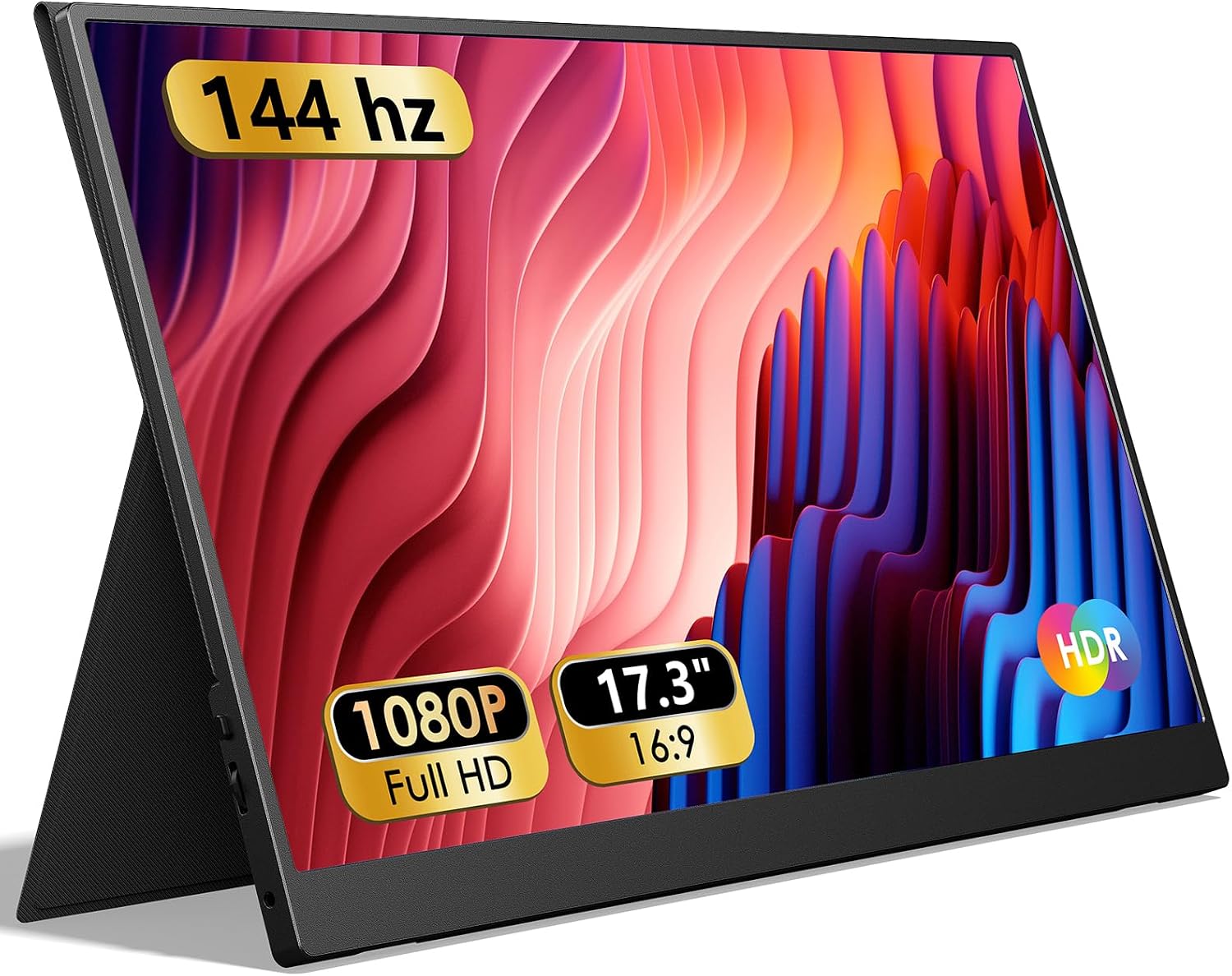
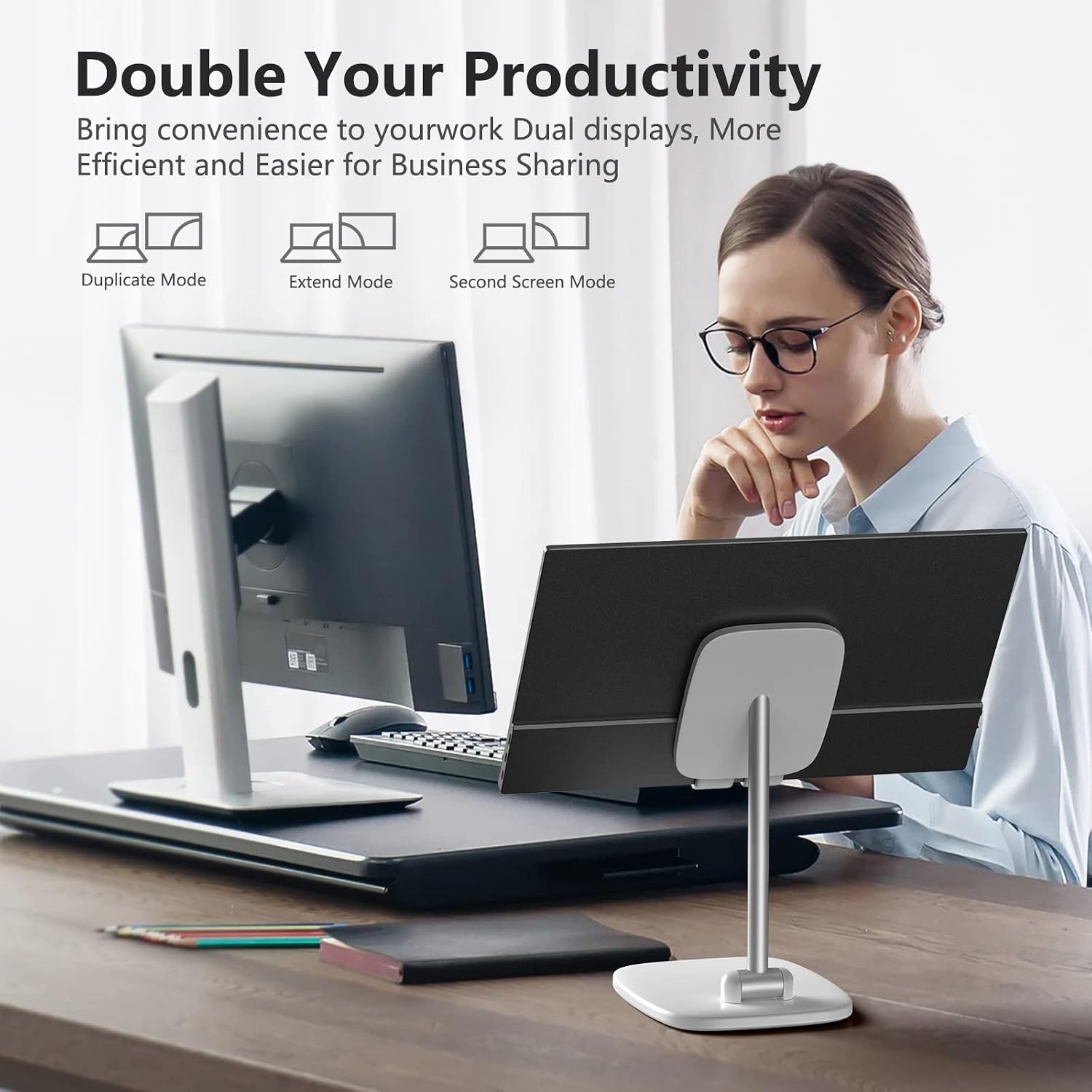
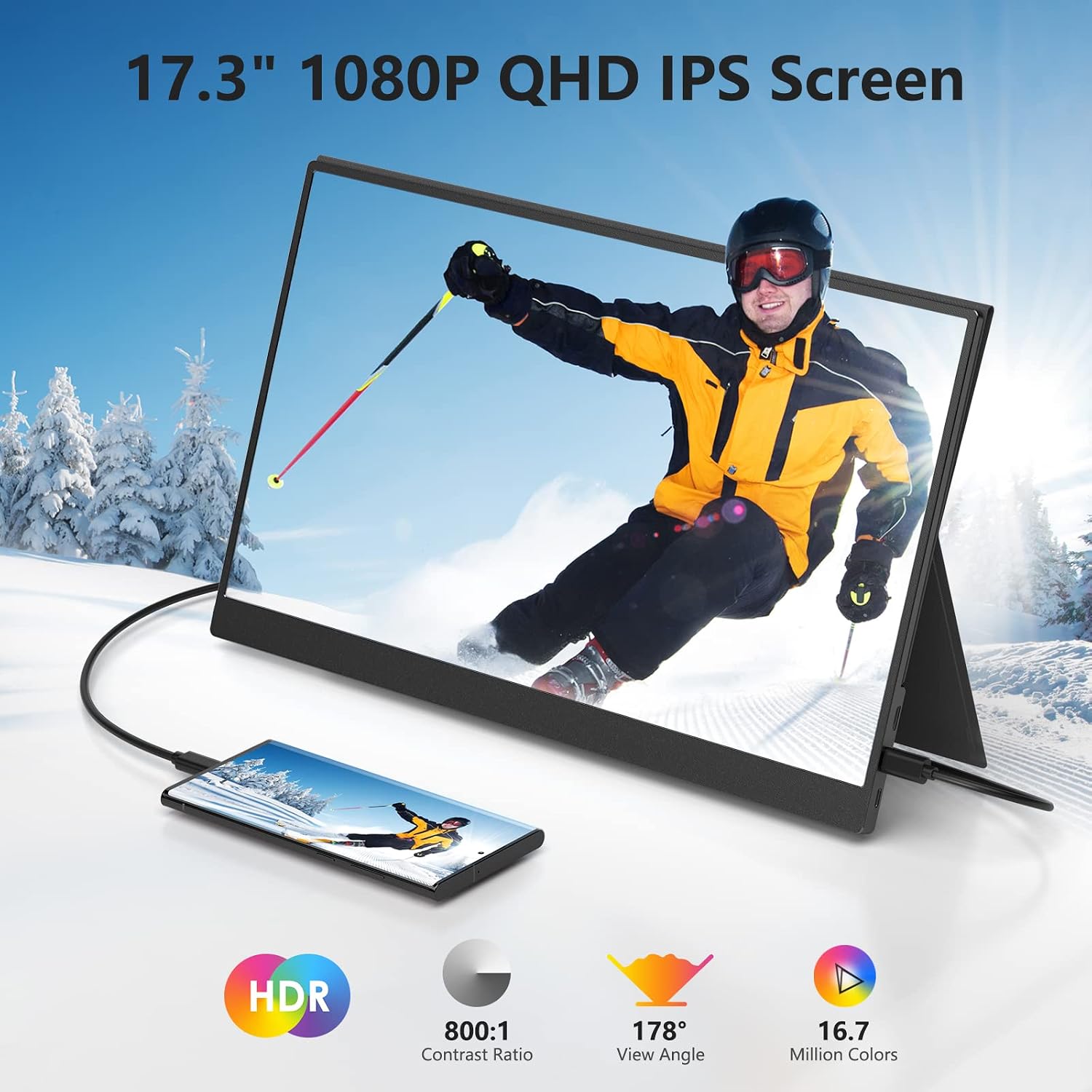
The screen presents vivid images with a 1920 x 1080 resolution and motion that looks clearer during fast scenes, making it useful for gamers and content creators alike. It supports copy and extend display modes, so you can mirror content or expand your desktop across devices. The built-in speakers and a smart magnetic cover that doubles as a stand add convenience when you need a quick, protected setup. ⚡️
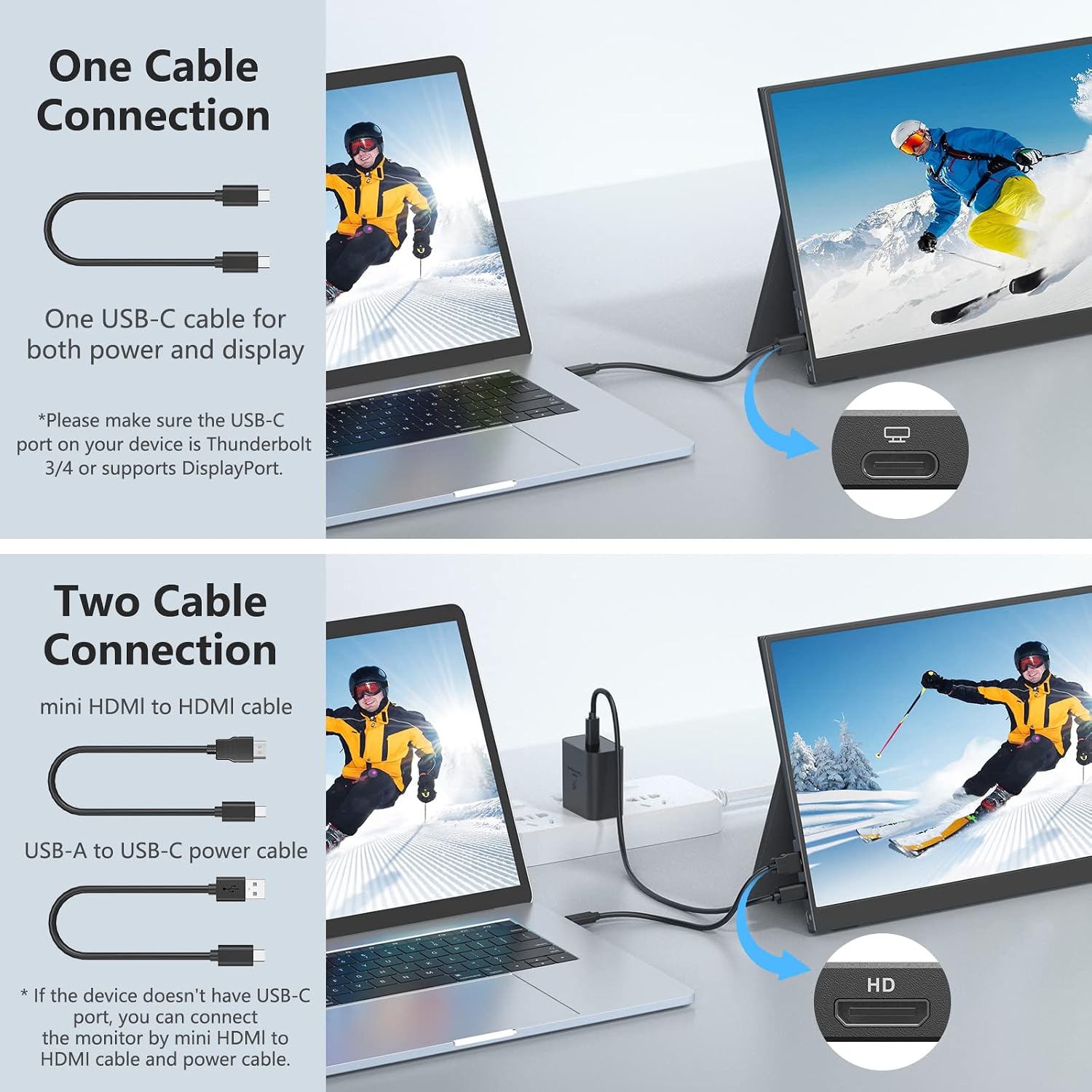
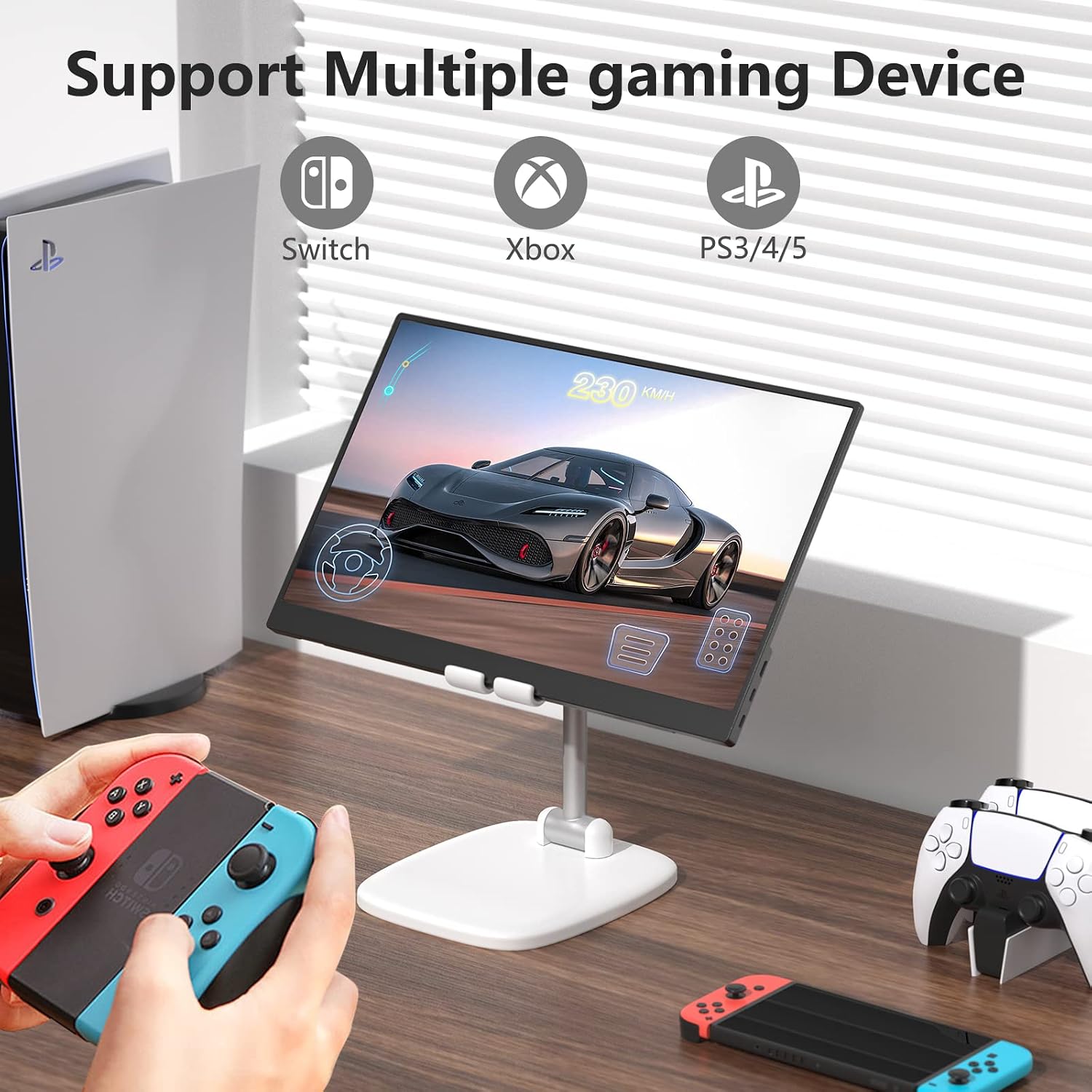
Compatibility is broad with USB-C power and signal support plus a mini HDMI input, allowing connection to laptops, MacBooks, phones with video output, consoles such as PS5 and Xbox, and handheld systems like the Switch. It is plug and play according to the manufacturer, which means no driver installation is required for most devices. Note that some electronics without full-function USB-C or HDMI ports may not work, and you may want to confirm your device’s output capabilities before connecting. 🔌
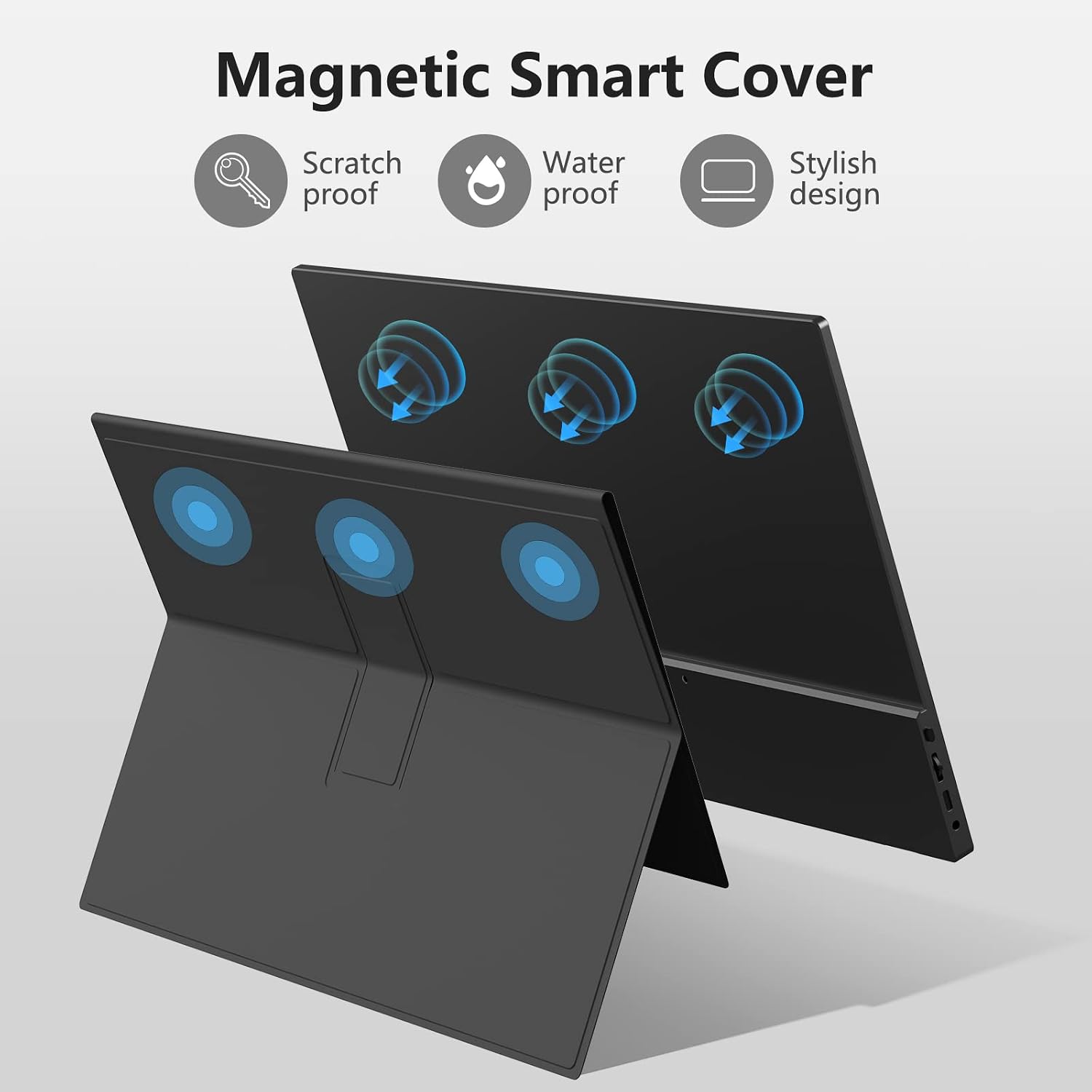
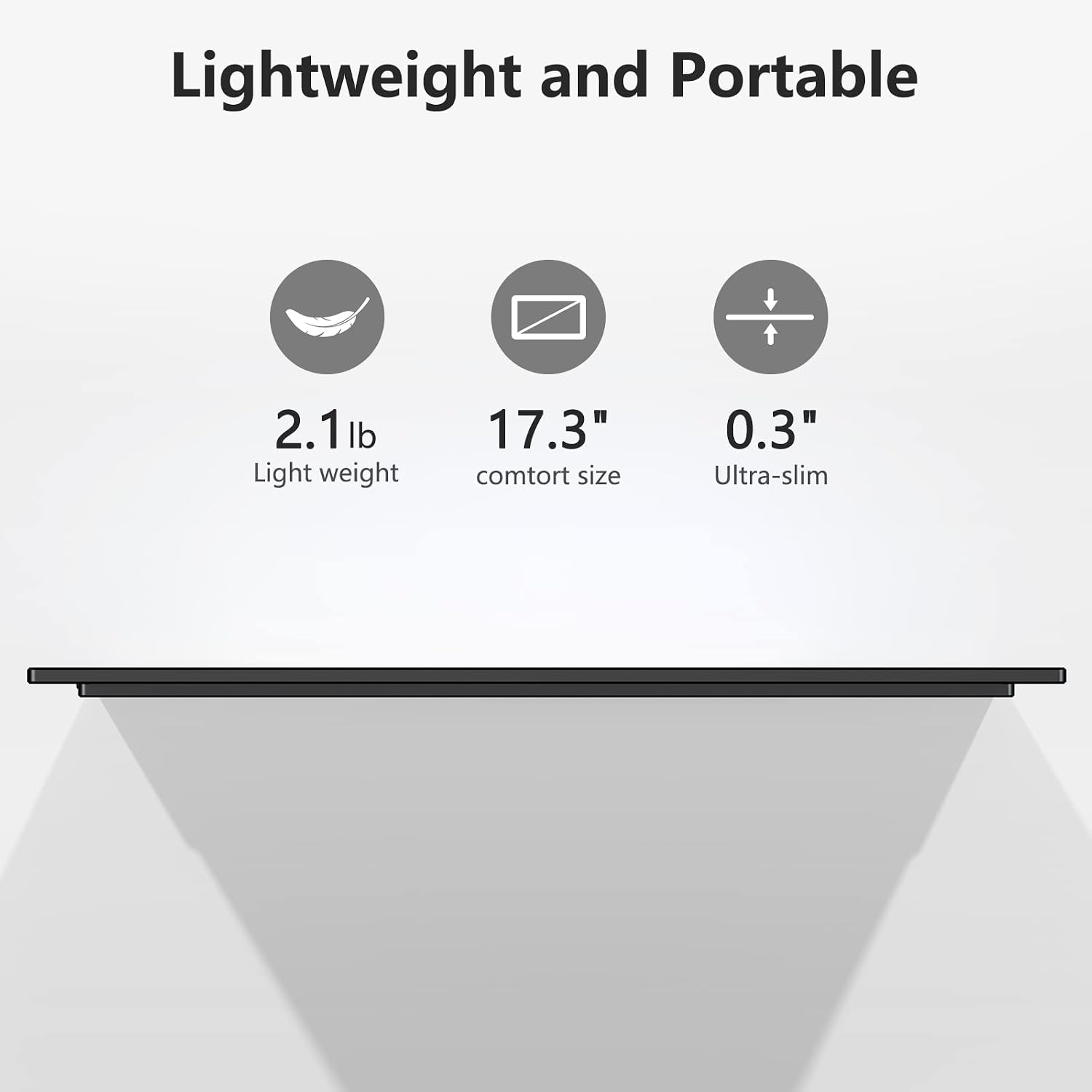
The monitor’s physical profile is notably slim and light, measuring just a few millimeters at its thinnest point and weighing around 2.2 pounds, so it fits comfortably in backpacks and travel bags. The smart cover protects the screen from scratches and acts as a foldable stand for both horizontal and vertical orientations. 📺
Technical Specifications
- Name: ForHelp 17.3" Portable Monitor 1080P FHD 144Hz
- Screen size: 17.3 inches, 16:9 aspect ratio
- Resolution: 1920 x 1080 (Full HD)
- Refresh rate: 144 Hz
- Panel type: IPS, narrow edge design
- Weight: 2.2 lb
- Ports and inputs: 2 x USB-C (full function), 1 x mini HDMI
- Accessories included: 2 USB-C to USB-C cables, 1 mini HDMI to HDMI cable, 1 wall charger, magnetic smart cover
Usage Recommendations
For best results when gaming, use a USB-C port with full video output or connect via the mini HDMI cable to consoles and gaming laptops. When using as a productivity second screen, set the display mode to extend so windows and tools can be arranged across both displays. The smart cover works well on flat surfaces, and the monitor can be positioned vertically for code editing or document reading. Consider carrying the included cables in an organizer pocket to avoid tangles while traveling.