

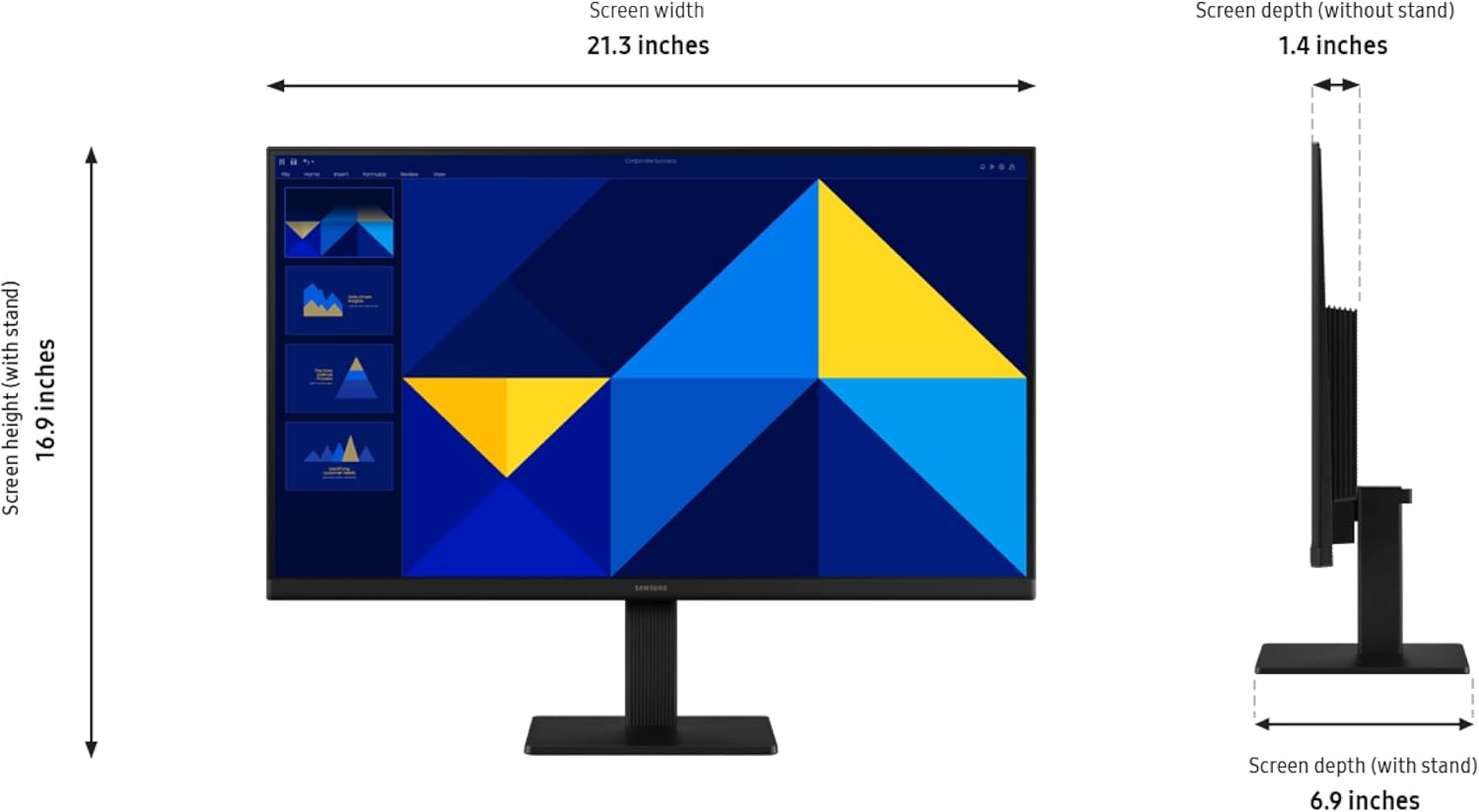
Samsung 24" S30GD Essential Monitor (LS24D304GANXZA) with IPS Panel and 100Hz Refresh Rate
Reviews
Price
Product description
What this monitor is for
If you want a 24-inch monitor that feels easy to live with day after day, the Samsung 24" S30GD Essential Monitor is built around two main ideas: smooth day-to-day performance and an IPS panel that keeps colors looking consistent from different angles. On paper, it’s the kind of display you’d pair with a home office setup, a study station, or a casual gaming corner where you still care about eye comfort.
It’s also positioned as an “essential” model—so it leans practical rather than over-complicated. You’re getting an ergonomic design with a tilt-only stand, a 100Hz refresh rate aimed at reducing blur, and a game mode with on-screen tuning options. Just keep in mind that “tilt only” is a limitation: if you rely heavily on height adjustments or a lot of angle fine-tuning, you may find it less flexible than other stand types.
Where it shines in real use (IPS + 100Hz)
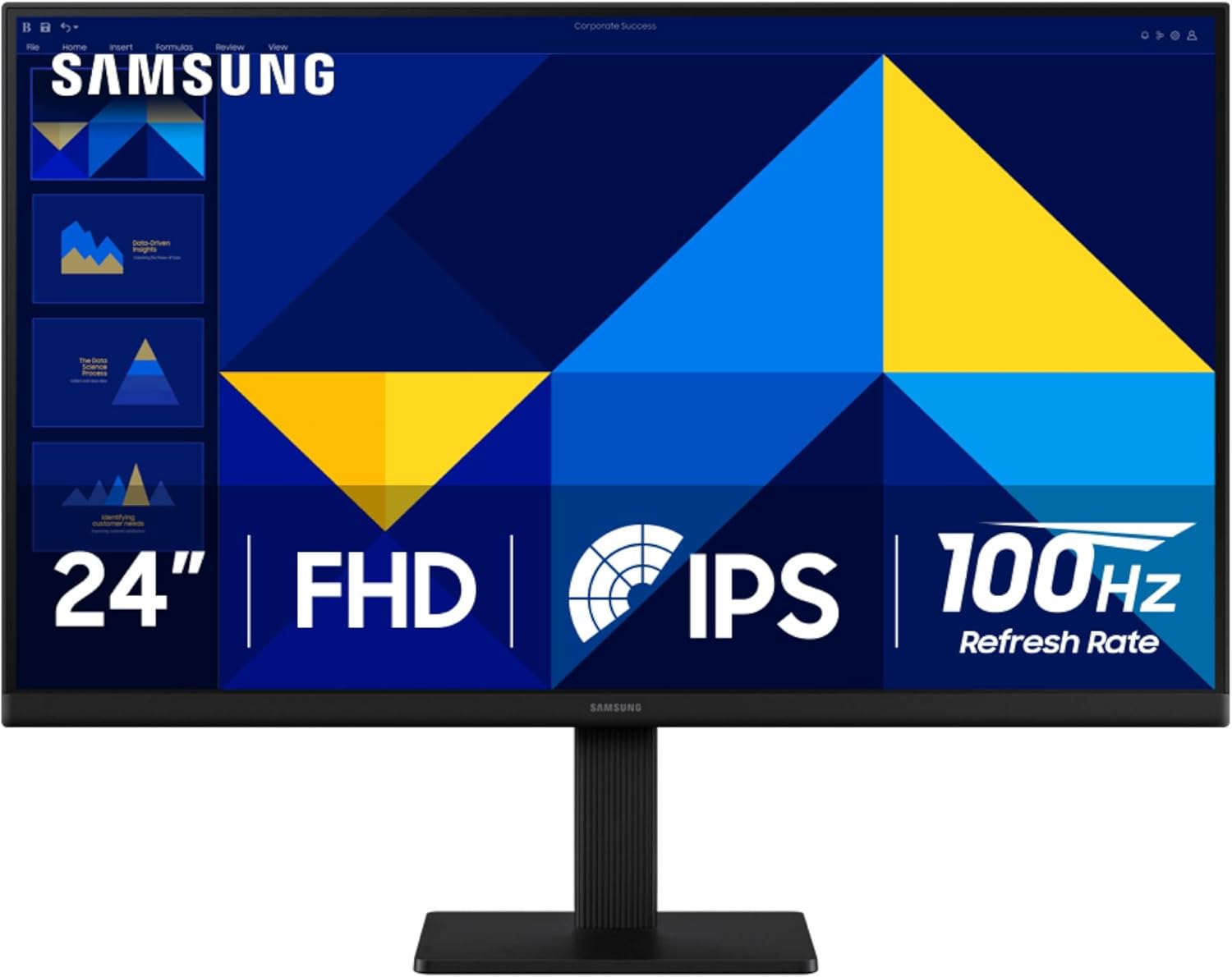
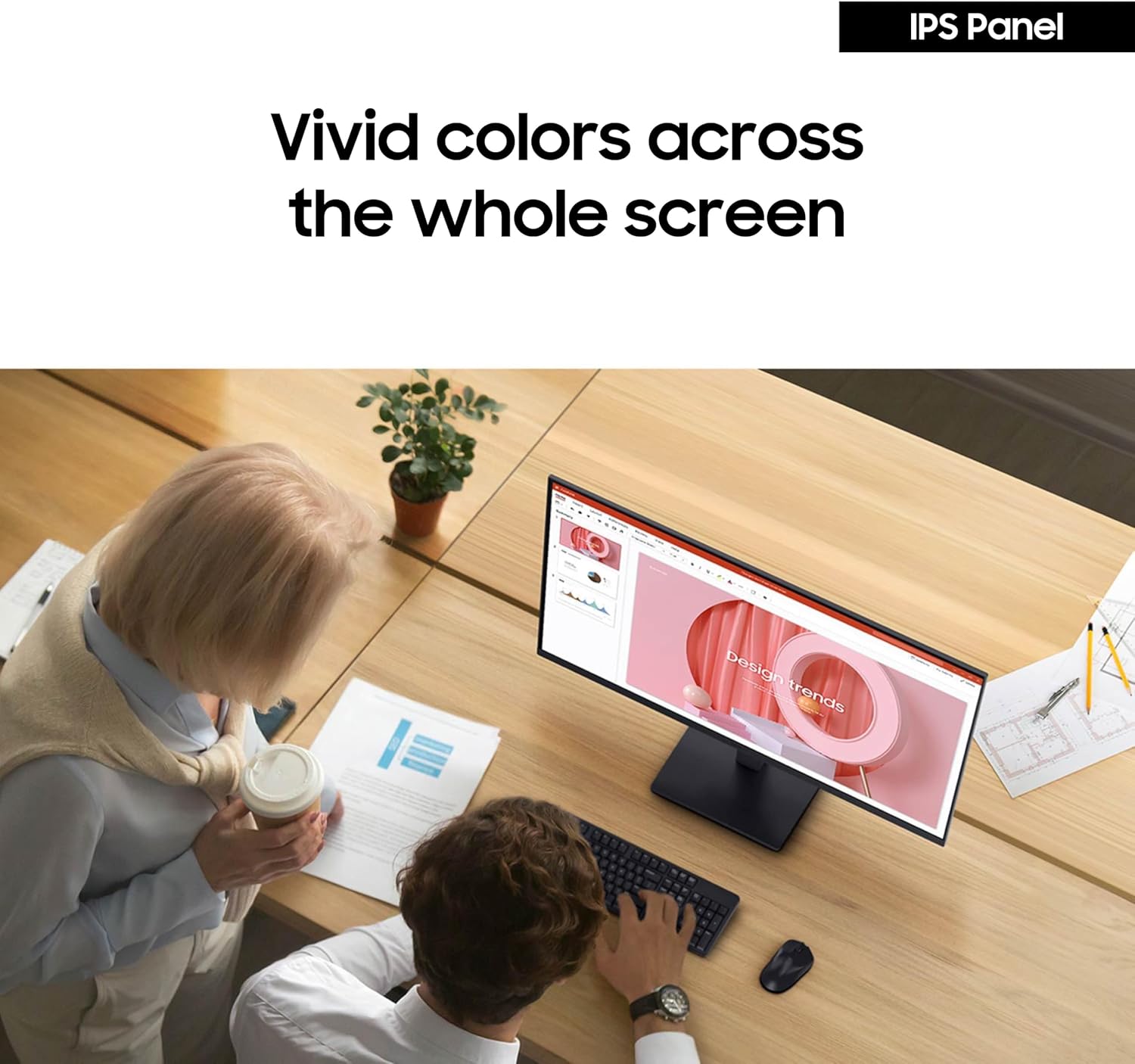
The IPS panel is the headline here. The base description focuses on vivid colors across the screen and fewer “washed” tones when you change your viewing angle. That matters if you’re not always perfectly centered—like when multiple people glance at the display, or when your desk setup makes you sit slightly offset.
The 100Hz refresh rate is aimed at smoother motion for gaming, video watching, and general responsiveness when you’re working through projects. In practical terms, higher refresh can help reduce motion blur and delay during fast moments—especially in action-heavy games or quick scrolling in creative software.
A simple scenario: you start a match, then switch to browsing or editing right after. With game mode and reduced motion blur, the screen should feel less “sticky” when things move quickly, while the IPS panel helps keep the color look steady.
Eye comfort and “long session” practicality
For a lot of people, the decision isn’t just about gaming—it’s whether the monitor stays comfortable during long stretches. Samsung’s approach here includes reduced blue light and screen flicker protection, which are specifically called out as part of the advanced eye care.
That doesn’t magically solve every fatigue issue (lighting and breaks still matter), but it’s a meaningful checkbox if you tend to work for hours, study, or play in the evenings.
There’s also a focus on staying clear and readable, which tends to pair well with office tasks, video calls, and creative work where you want consistent visuals.
Game mode and quick picture tuning
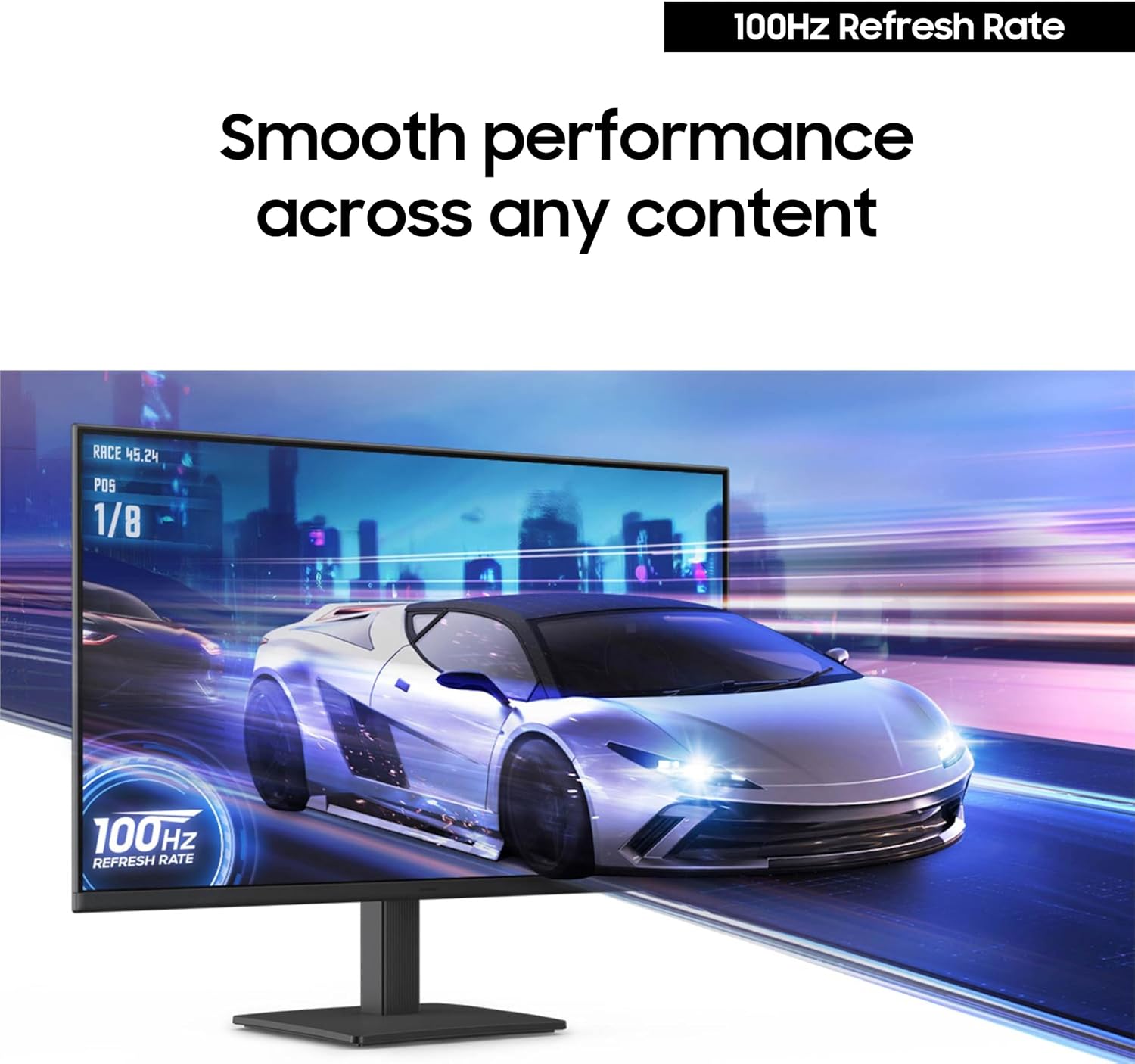
The S30GD includes game mode and describes optimizable game settings. According to the base details, you can adjust color and image contrast instantly to make scenes clearer, and the game mode helps fill the screen with more detail.
Worth noting: the wording emphasizes improvements that help you “see scenes more clearly,” but it doesn’t list specific gaming specs (like response time figures). So if you’re chasing the most competitive competitive esports performance, you may find this sits more in the mainstream gaming lane than the hardcore end.
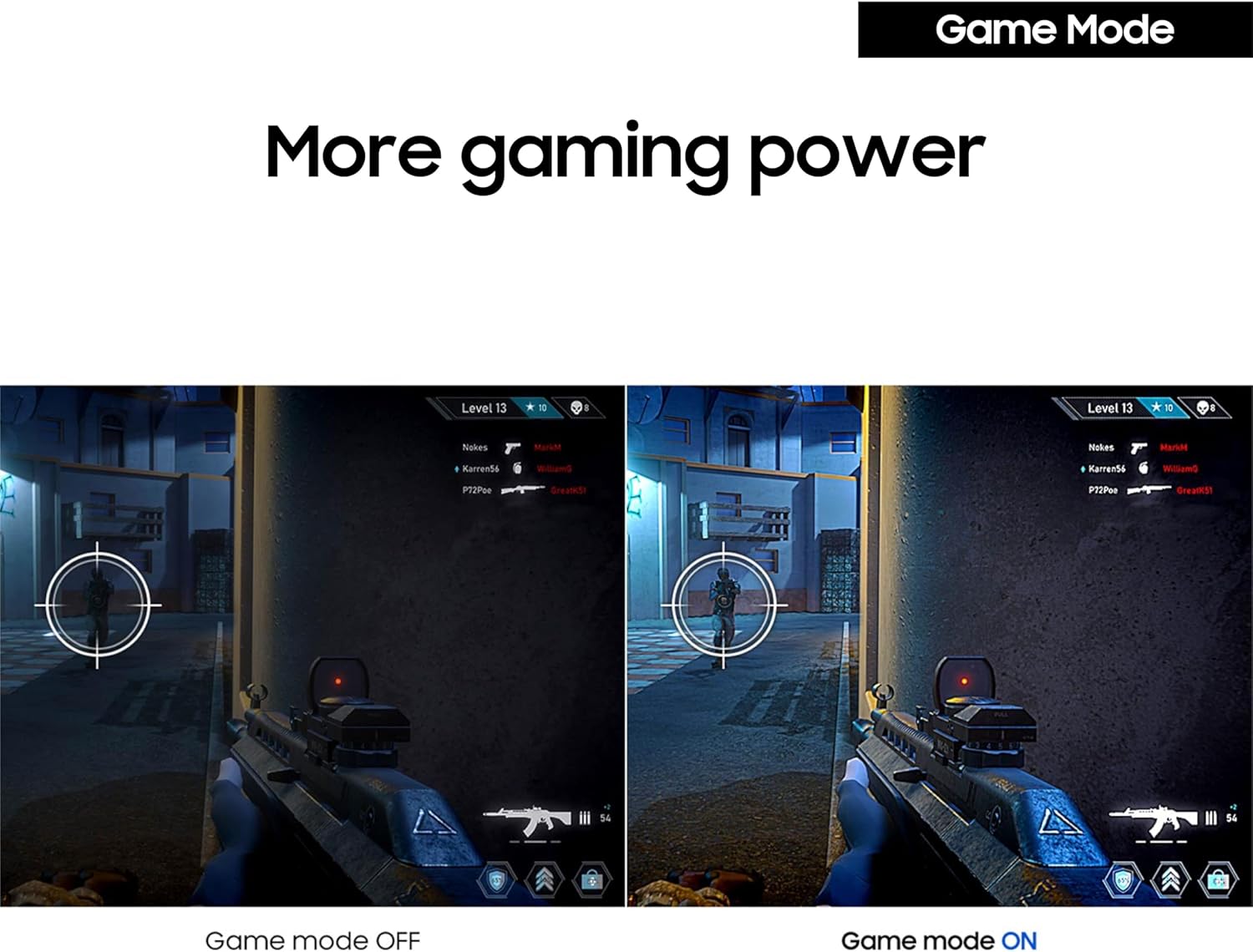
Still, for everyday gaming—testing builds, casual shooters, single-player titles—having a mode plus quick tuning can be genuinely useful without turning the setup into a research project.
Design and desk-friendly setup
Samsung describes a modern, slim look with ultrathin edge bezels, which generally helps the monitor blend into cleaner desk aesthetics. The stand is tilt-only, and the “light and elegant” description suggests it’s meant to be easy to integrate into many setups.
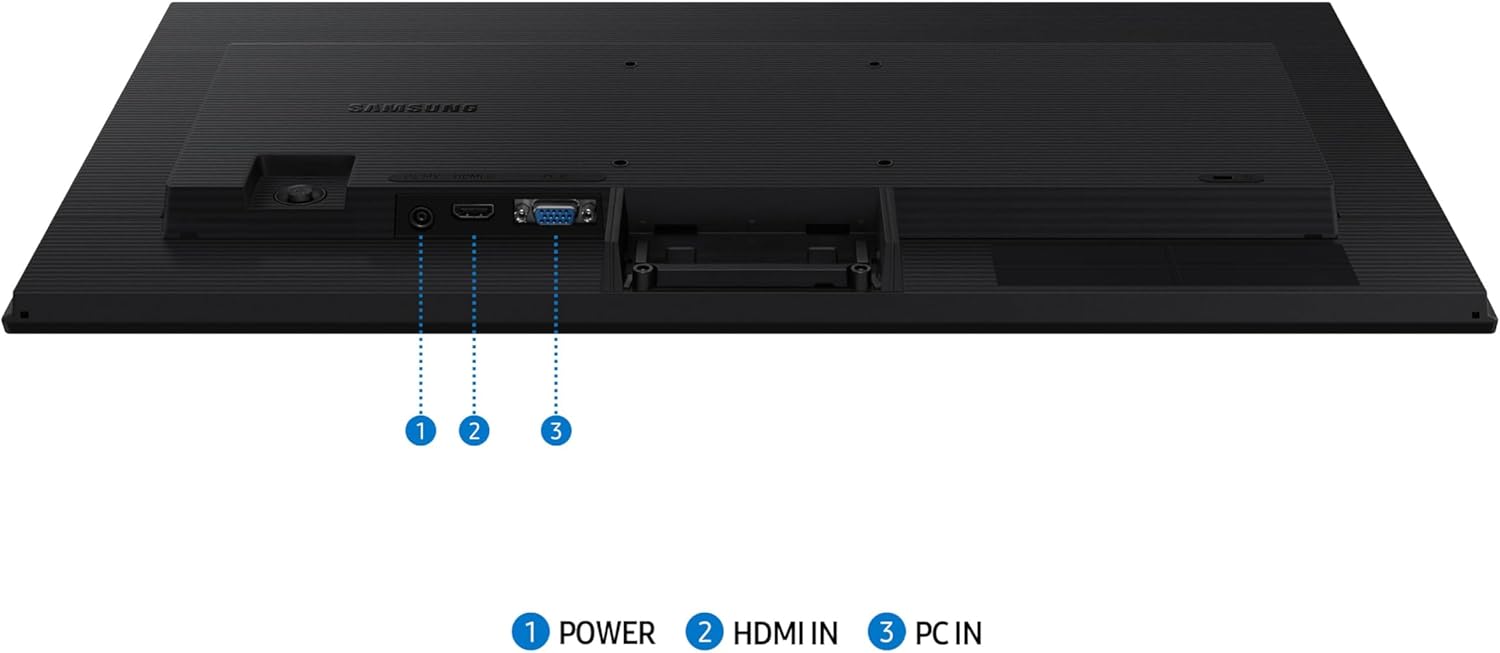
On the connectivity side, the base description says you can connect devices directly to the monitor for more flexibility. The specific ports aren’t provided here, so you’ll want to double-check your device needs before buying—especially if you rely on particular cables for a workstation or console.
Tech specs (what we can confirm from the provided info)
- Type: Essential monitor with IPS panel
- Screen size: 24"
- Refresh rate: 100Hz
- Stand: Tilt only
- Features mentioned: Advanced eye care (reduced blue light, screen flicker protection), Game Mode
- Model: LS24D304GANXZA
Should you buy it?
A good purchase if you want a 24-inch IPS monitor that prioritizes vivid, consistent color and includes 100Hz refresh rate for smoother motion in games and videos. It also makes sense if you spend long hours in front of a screen and want the added comfort features mentioned (reduced blue light and flicker protection). If your setup doesn’t require height adjustments and you can work with a tilt-only stand, this should feel straightforward and practical.
You may want to skip it if you’re picky about stand ergonomics beyond tilt, or if you need connectivity that matches specific devices and ports (since the exact connection details aren’t listed here). And if your goal is top-tier competitive esports performance, this may feel more like a solid mainstream gaming-and-work monitor rather than something built to squeeze every last millisecond.
Mini FAQ
Does the IPS panel help when you sit off-center? The description specifically mentions colors staying bright and consistent even when you change viewing angles, which is usually a good sign for off-center seating.
Is the 100Hz refresh rate only for gaming? No—Samsung frames it as helpful for games, videos, and creative project work where motion and responsiveness matter.
What eye-care features are included? The base details mention reduced blue light and screen flicker protection.
Is the stand adjustable? It’s described as tilt only, so you won’t get height adjustments based on the provided information.
What is Game Mode supposed to do? The monitor includes game mode and says you can adjust color/image contrast quickly for clearer scenes, plus it’s designed to optimize how games fill the screen.