

ASUS ProArt PA279CV 27" 4K HDR IPS Monitor
Product description
What it is and what it aims to fix
The ASUS ProArt PA279CV is a 27-inch 4K HDR monitor designed for creators and professionals who need accurate color and reliable connectivity without a massive footprint on the desk. On paper, this model targets color-critical workflows with a wide color gamut and factory-calibrated color accuracy. If your day-to-day includes photo or video editing, graphic design, or hybrid work where color fidelity and tidy cable management matter, this display positions itself as a practical, capable choice rather than an absolute premium option.
Color accuracy and image quality in context
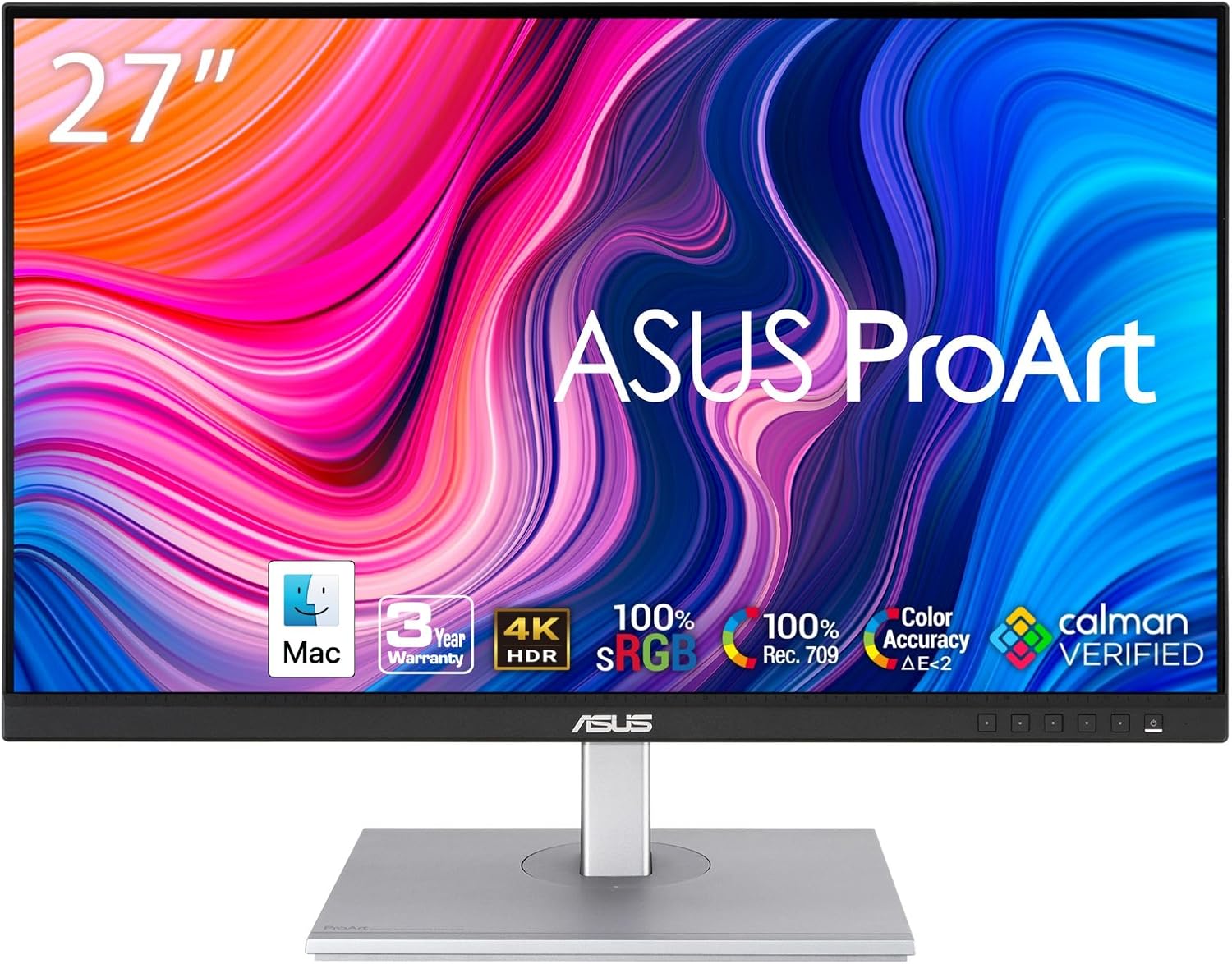
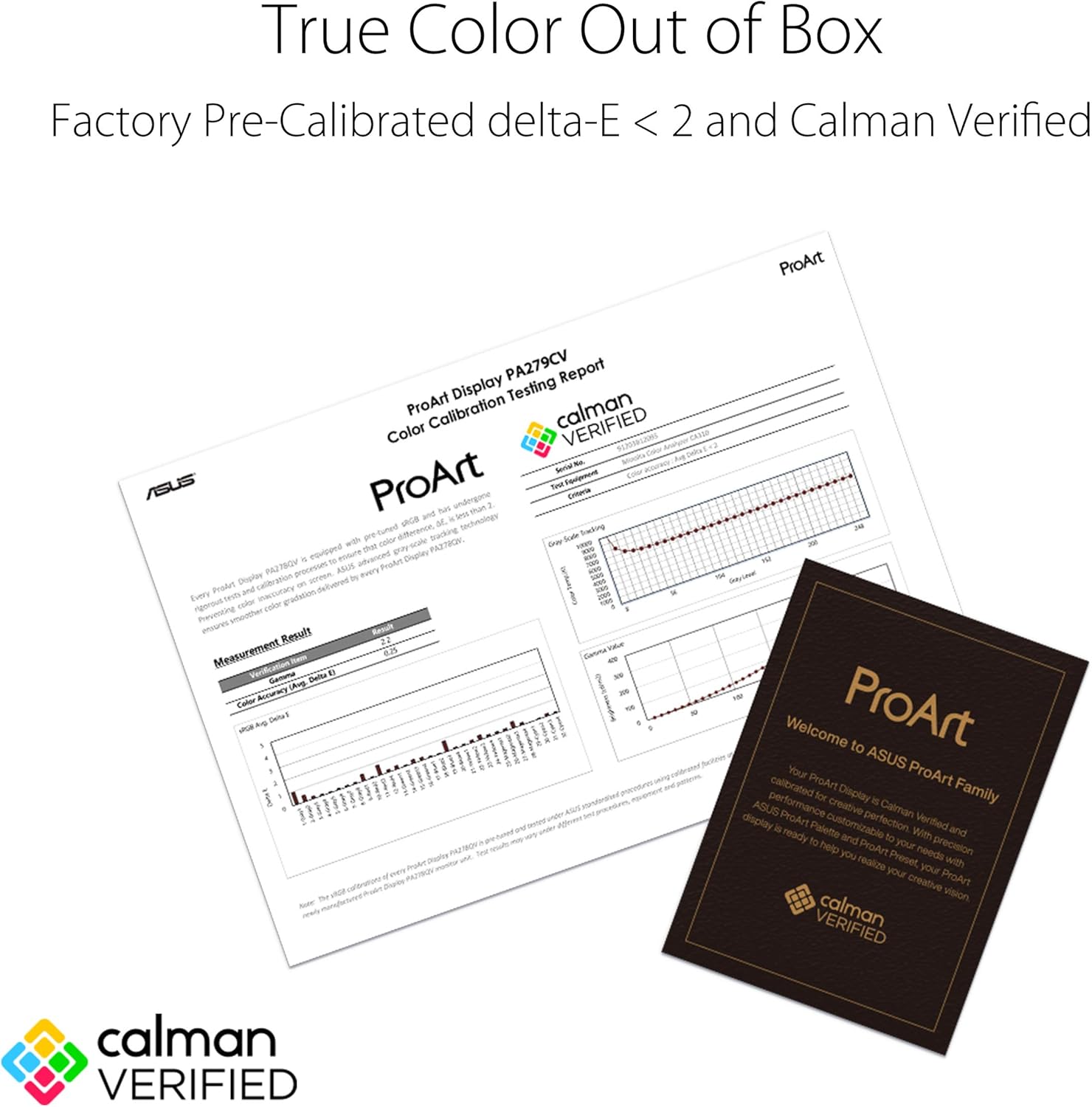
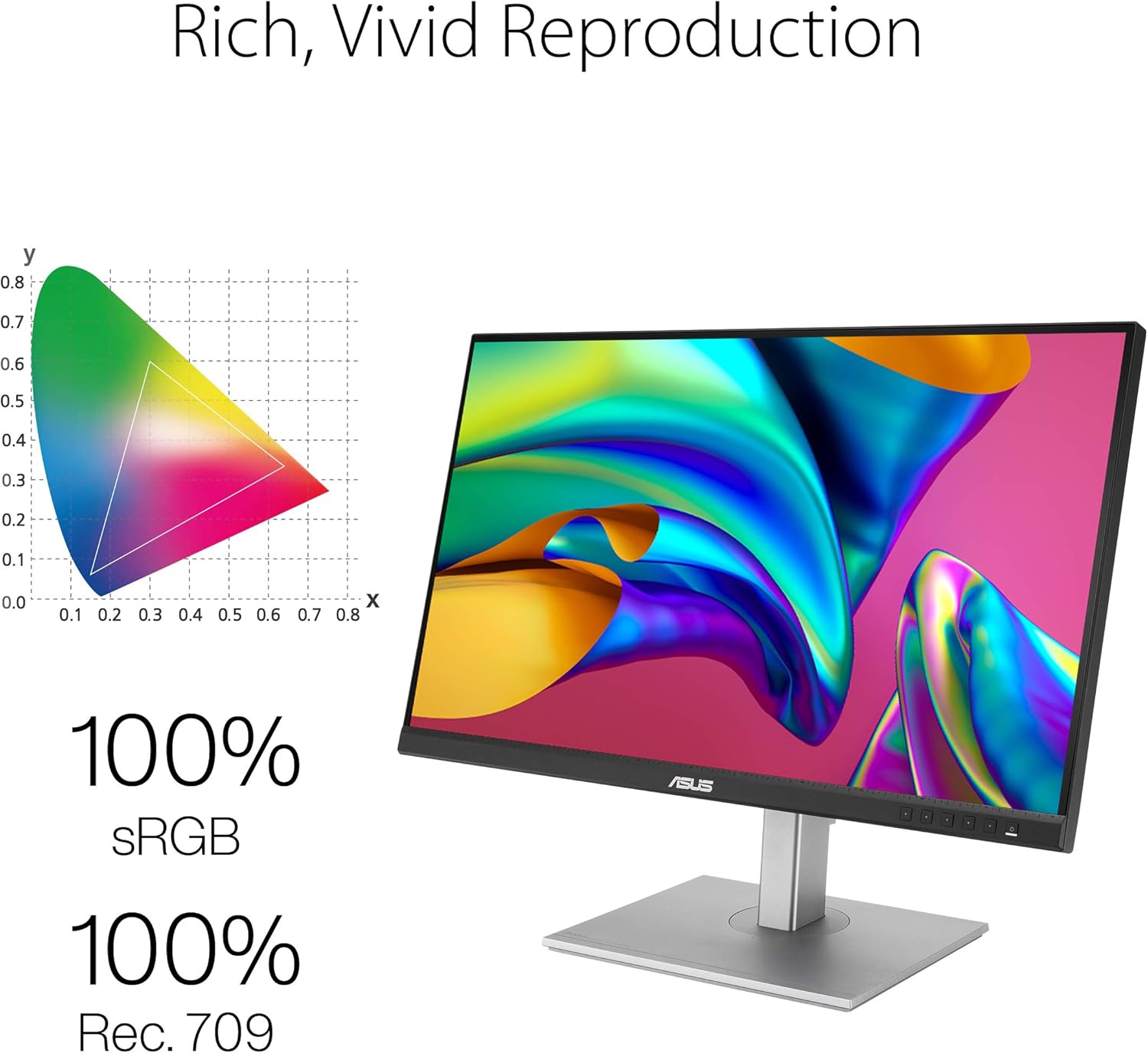
This panel covers 100% sRGB and 100% Rec. 709, and it’s Calman Verified with a color accuracy standard aiming for Delta E < 2. For many editors and designers, that means you can rely on the monitor to reproduce colors consistently across projects and devices. It isn’t pitched as a high-end HDR machine for cinematic mastering, but the HDR capability can help with more dynamic scenes and brighter highlights. If your work depends on precise hue shifts or skin tones, you’ll likely appreciate the benchmark-level consistency this line aims to deliver.
Connectivity and workflow flexibility
One of the PA279CV’s strongest talking points is its extensive connectivity. It supports DisplayPort and HDMI, plus a USB-C input that can deliver up to 65W of power to a connected laptop, which helps reduce cable clutter and simplifies desk setup. There’s also a USB hub to share peripherals across devices. For creators who switch between a laptop and a desktop or want a clean, single-cable solution for a laptop, this option can simplify and streamline the workflow.
What you get and the long view
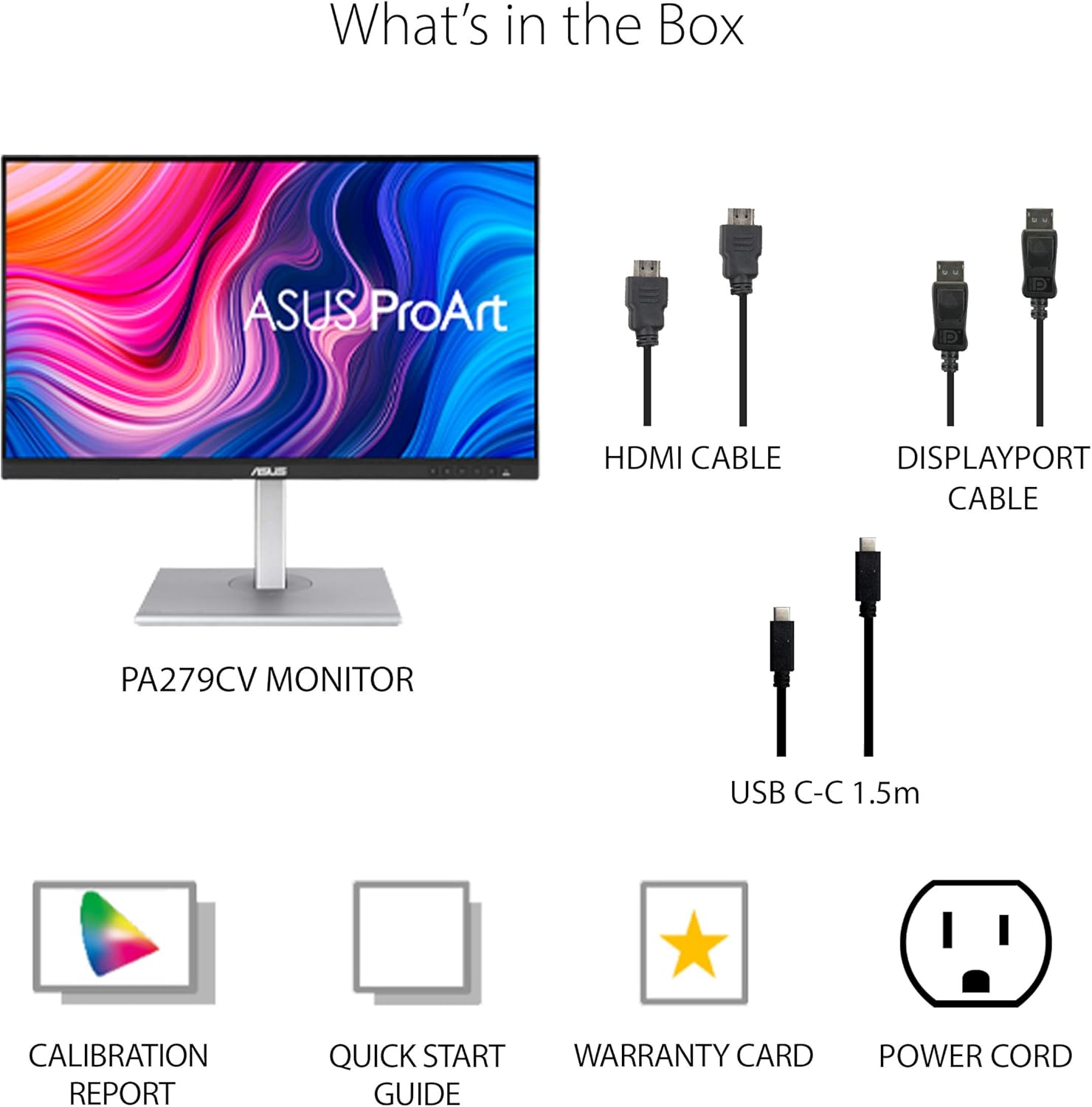
The package includes features beyond the core panel, such as Calman verification and a warranty profile—5 years total with an online registration extension. The combination of a color-accurate panel, solid connectivity, and a generous warranty suggests a product aimed at semi-professional and professional users who value reliability alongside performance. However, users prioritizing top-tier HDR brightness and the very latest panel tech may find the competition’s offerings more suited to ultra-high-end color grading environments.
Pros and things to watch
On the plus side, you get a true 4K canvas with broad color support, a thoughtful mix of inputs, and power delivery via USB-C, which can simplify setups. The Calman Verified claim adds credibility to the color claims when you’re evaluating color workflows. On the flip side, if you need extreme HDR brightness or a monitor tailored strictly for cinematic mastering, this model may feel like a step below the dedicated HDR setups. Also, the 65W PD is convenient for lighter laptops, but heavy-duty workstation GPUs or extremely color-critical environments may still demand more specialized calibrations or hardware.
Ideal user profiles
- Designers and video editors who want consistent color reproduction across projects and devices.
- Professionals who value a tidy desk with a single-cable workflow for laptops.
- Teams or individuals who want a robust warranty and the assurance of factory calibration.
When it may not be the best fit
- If your primary need is cutting-edge HDR performance with the brightest displays, you might want to compare models explicitly marketed for high dynamic range.
- If you require a display with the latest tactile adjustability and advanced calibration tools beyond factory calibration, there may be better-suited options.
- If you frequently work with non-sRGB workflows or need an ultra-wide color gamut beyond 100% sRGB/Rec. 709, you could find other monitors more aligned with those needs.
Practical tips before buying
- Check your laptop compatibility: ensure the USB-C port supports DisplayPort Alt Mode and power delivery to leverage the single-cable setup.
- Consider your workflow: if you’re juggling print and screen-based color work, confirm the color pipeline and any required calibrations align with your studio standards.
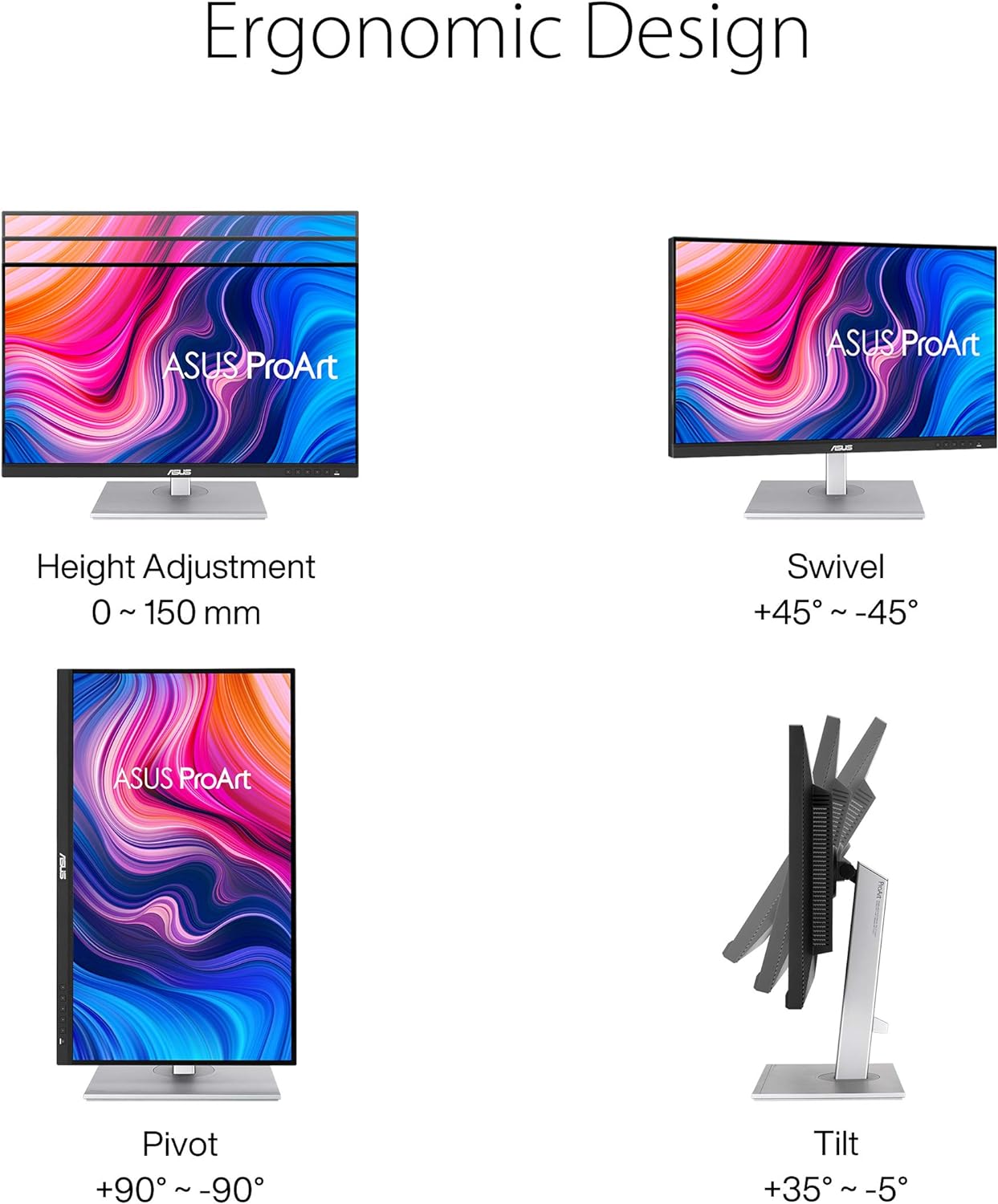
- Think about mounting and ergonomics: 27" is a sweet spot for desktop space and productivity, but always verify height, tilt, and swivel ranges match your desk.
How it compares to common alternatives in this segment
If you’re choosing between entry-to-midrange color-accurate displays, this PA279CV positions itself as a practical workhorse rather than a boutique color-fidelity panel. It offers a compelling balance of factory-calibrated accuracy, modern connectivity, and warranty support, which can be appealing for creative professionals who don’t want to invest in the top-tier flagship models. For those who require the absolute best HDR handling or want the most expansive color gamut, you’d likely explore other monitors with higher brightness, wider gamuts, or more advanced calibrations. In short, it’s a sensible step up from basic color displays and a reasonable entry into color-accurate professional workflows, assuming the feature set aligns with your daily tasks.

Decision time: Is it worth it?
Final verdict: Worth considering if you prioritize color accuracy, a versatile connectivity suite, and a straightforward setup for mixed laptop-desktop workflows. It suits engineers, designers, and editors who want reliable performance and a solid warranty without chasing the most aggressive HDR specs or the top-end price tag.
Quick FAQ
- How does Calman Verified impact daily use? It provides confidence in color fidelity out of the box and during typical adjustments, reducing the need for extensive manual calibration.
- Can I use this monitor with a MacBook? Yes, via USB-C for display and power delivery, plus additional ports if you need to connect peripherals.
- What should I expect from HDR on this display? HDR should enhance brightness range and detail in highlights, but it’s not positioned as a flagship HDR mastering monitor.
Tech specs
- Name: ASUS ProArt Display PA279CV
- Type: Monitor
- Format: 4K UHD
- Size: 27 inches
- Display: IPS
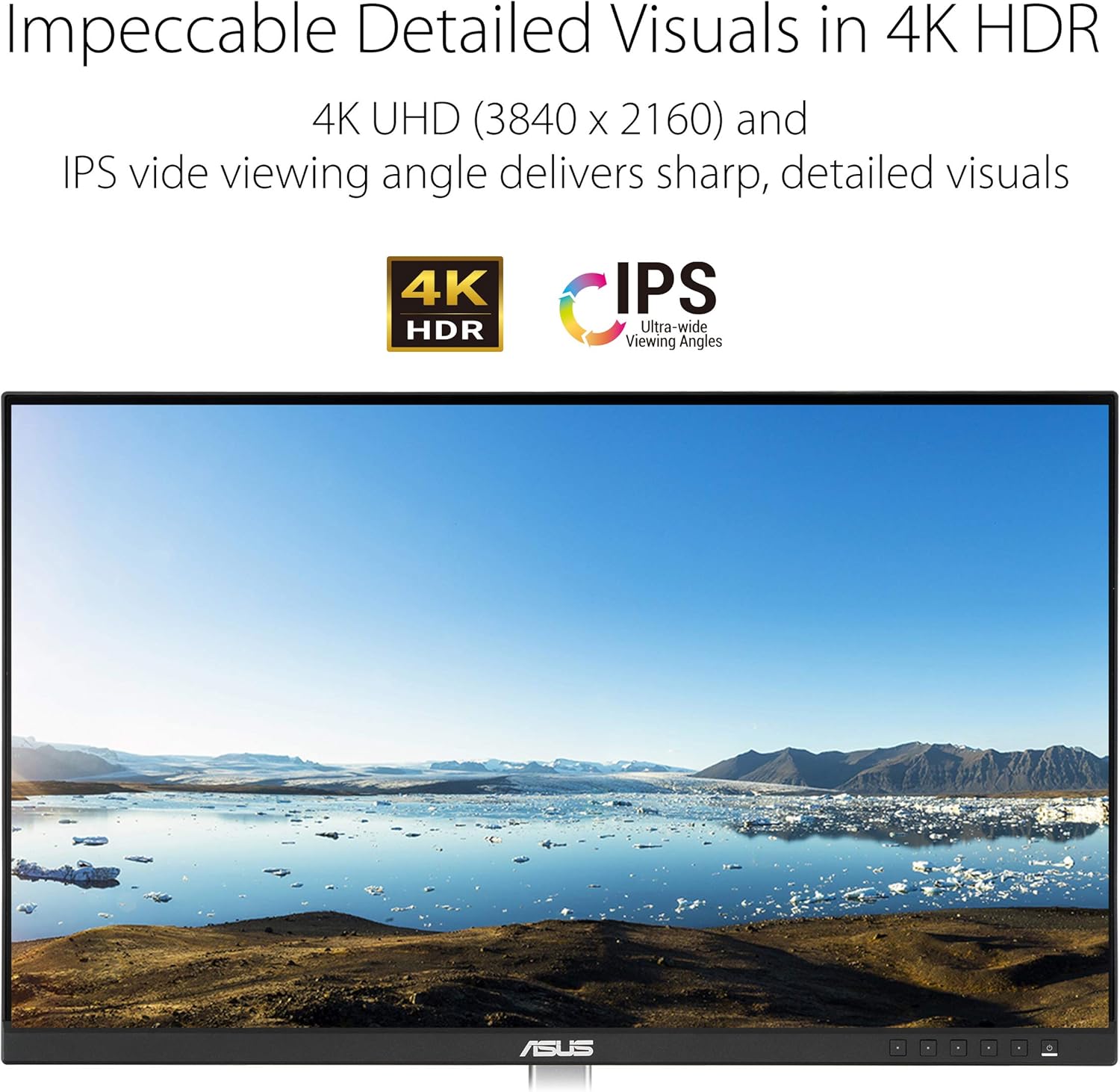
- Resolution: 3840 x 2160
- Color: 100% sRGB / 100% Rec. 709
- Connectivity: DisplayPort, HDMI, USB-C DisplayPort, USB hub
- Power Delivery: 65W
- Additional: Calman Verified, factory calibrated, 5-year warranty (with online registration)