

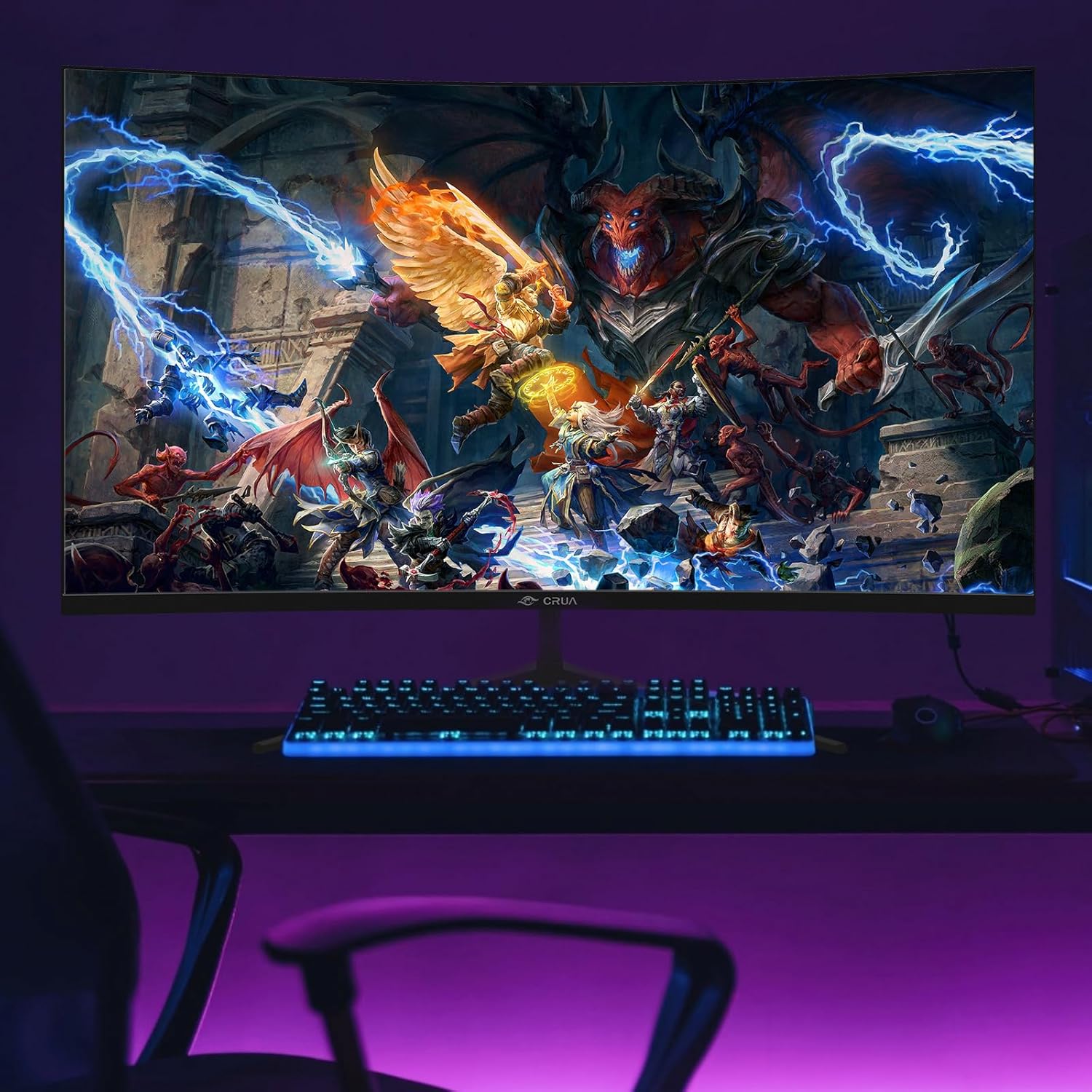
CRUA 32-inch Curved Gaming Monitor (FHD 1920x1080, VA, 165Hz/180Hz, 1800R)
Reviews
Price
Product description
What to know before you buy
A 32-inch curved monitor can feel like a sweet spot for gaming and everyday work, especially when you want a wider field of view without constantly moving your head. The CRUA 32-inch Curved Gaming Monitor targets exactly that with an 1800R curve and a VA panel, paired with a fast refresh rate and AMD FreeSync support to help smooth out gameplay.
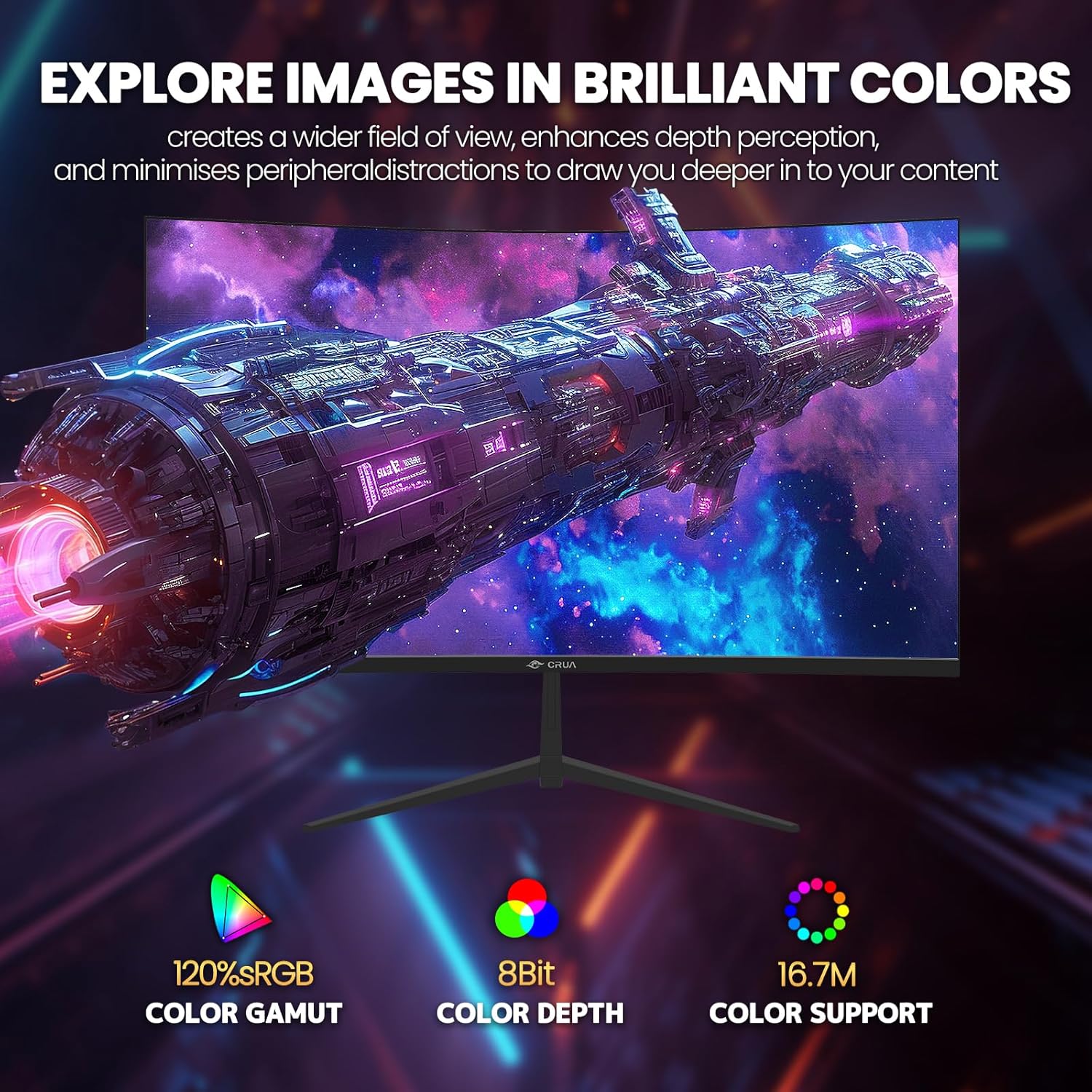
On paper, it’s built for a “responsive and immersive” experience: smoother motion via high refresh rates, and fewer distractions thanks to FreeSync syncing with your GPU. The colors are also pitched as a strong point, with 120% sRGB and a claimed 16.7 million colors, which can matter for anyone who cares about visuals beyond just frame rates.
That said, this is still a spec-focused gaming monitor, and it won’t replace higher-end display tech if you’re chasing the most accurate colors at any angle or the sharpest image under demanding lighting. It’s more of a capable mid-range pick where you want speed, a big screen, and a curve that makes immersion easier.
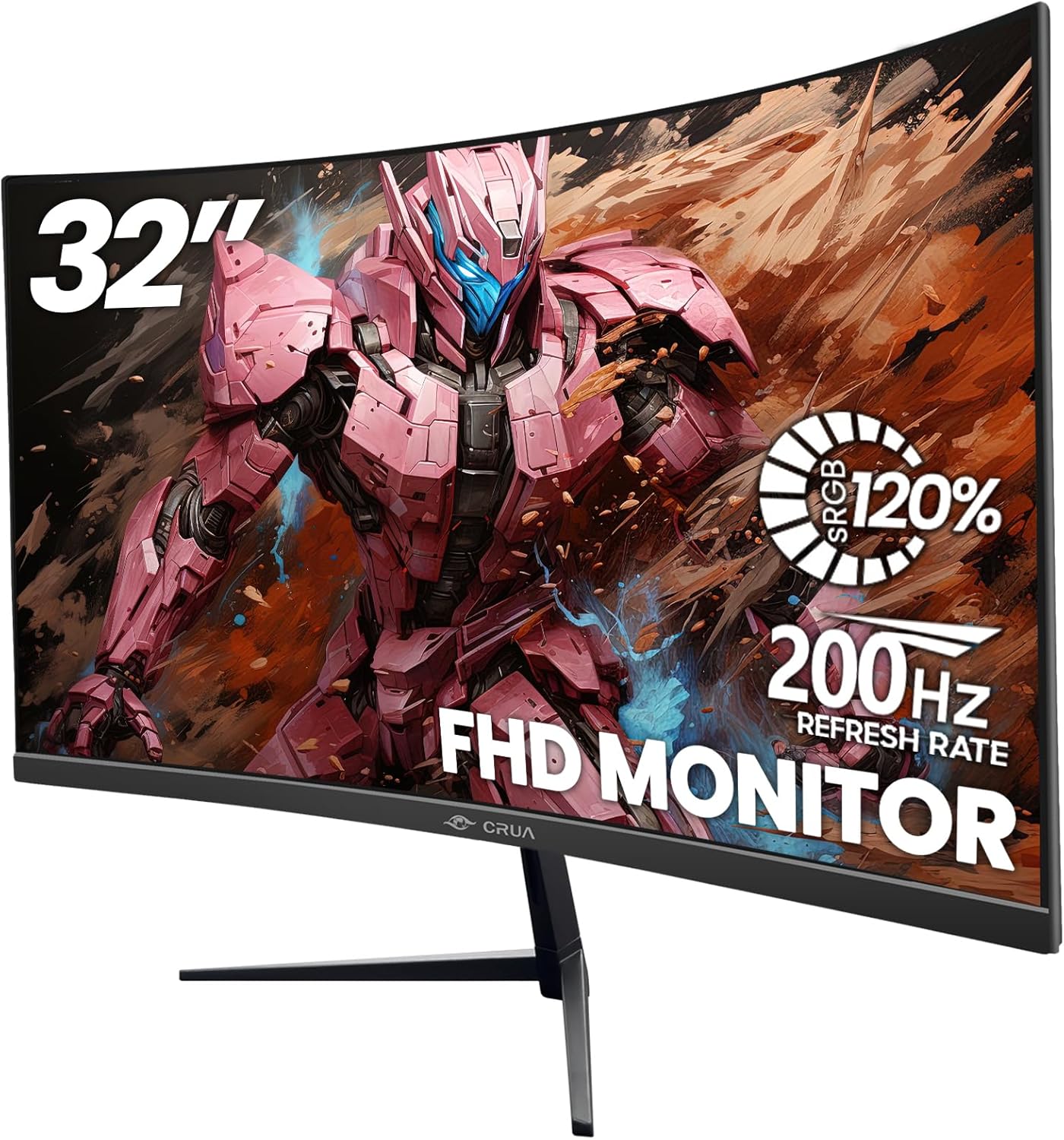
Key features that affect gameplay
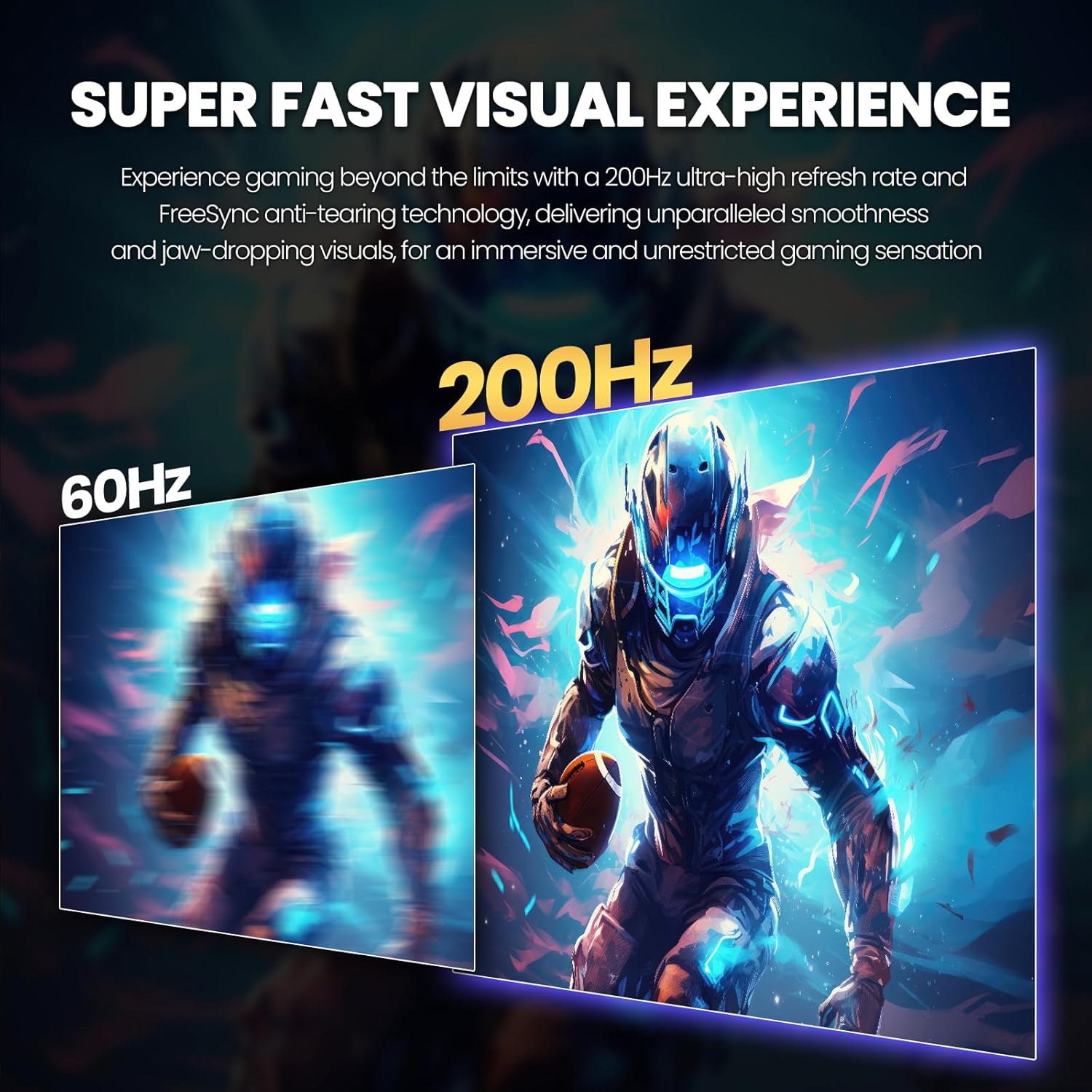
The headline here is the combination of a 32-inch curved VA panel with fast refresh behavior. The listing states a native refresh rate of 180Hz and a 1 ms (GTG) response time, along with AMD FreeSync. In real use, that pairing is meant to reduce screen tearing and stuttering—things you notice immediately when you’re playing fast-paced games.
For ports, you get practical flexibility: HDMI (up to 120 Hz) and DisplayPort (up to 180 Hz), plus a 3.5 mm audio output for headphones. If your goal is high refresh performance, it’s worth paying attention to which cable you use, because the HDMI and DisplayPort limits aren’t the same.
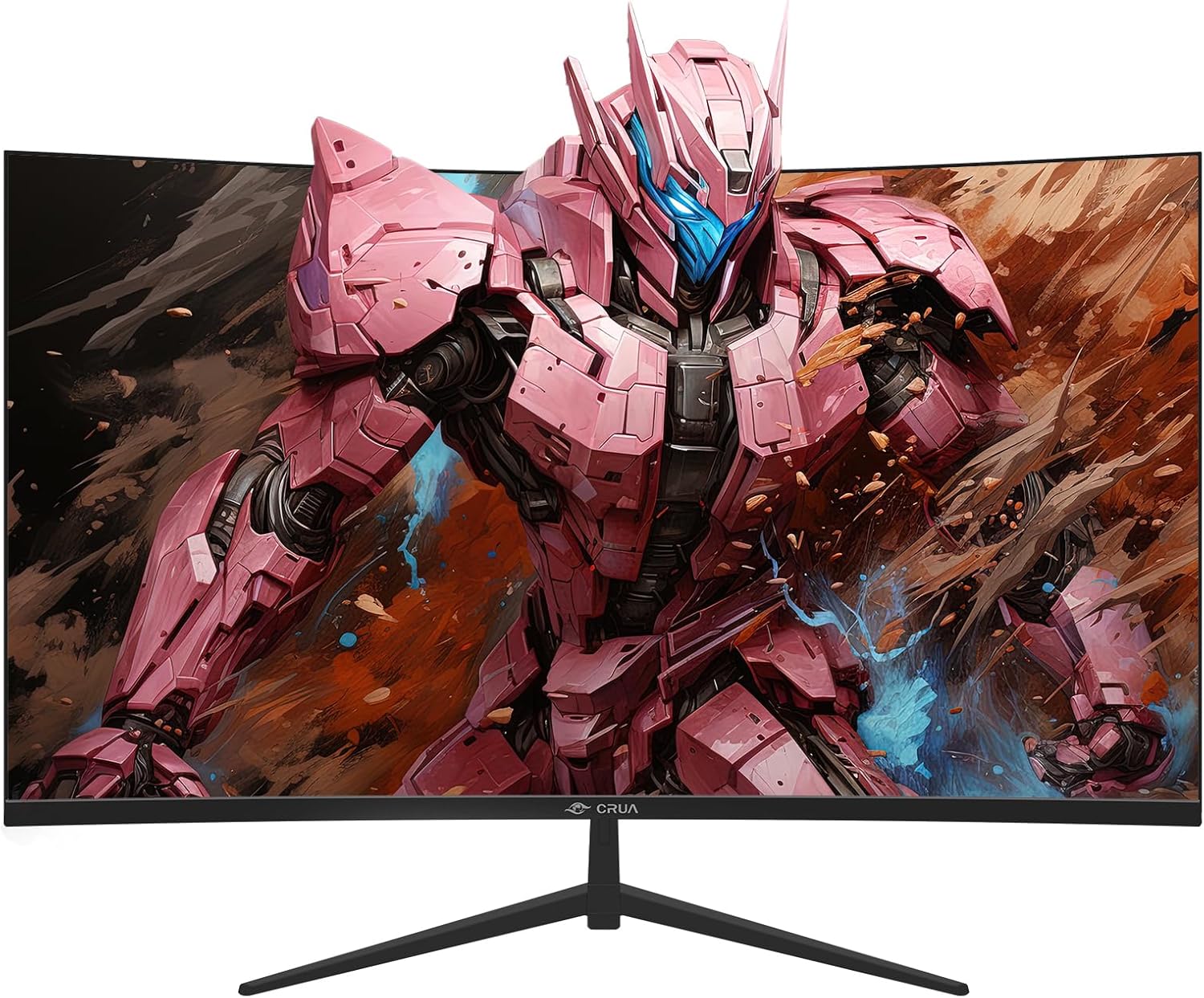
There’s also a 1800R curvature and a 178° viewing-angle claim. The curve can help with “wraparound” focus during gaming and browsing, especially when you’re sitting at a typical desk distance.
Color, comfort, and the day-long viewing angle
If you’re deciding on a monitor for more than just gaming, the comfort and color claims are worth considering. The listing includes “120% sRGB” and 250 cd/m² brightness, plus a static contrast ratio of 4000:1. It also mentions flicker-free technology and a blue light filter intended for more comfortable viewing over long periods.
In everyday terms: this kind of feature set is the difference between “it looks good for an hour” and “it doesn’t feel harsh after a long session.” Still, keep expectations realistic—comfort tech varies by person, and 32-inch VA panels can have their own quirks depending on ambient light and seating position.
The essentials on setup and adjustability
You get a curved 32-inch design with a tilt range of -5° to 15°, which is a simple but useful adjustment for desk height. The listing also says it’s wall mountable, so you’re not boxed into only using a stand.
One practical limit to keep in mind: the listing describes audio via a 3.5 mm port, but it doesn’t mention built-in speakers. If you plan to play without headphones or external speakers, you’ll want to confirm you have a workaround.
What to check before you commit
Before buying, a few things are smart to verify because they directly impact the experience you’ll get:
- Refresh rate expectations by input: HDMI is listed up to 120 Hz, while DisplayPort is listed up to 180 Hz. If you want the higher refresh target, plan your connection accordingly.
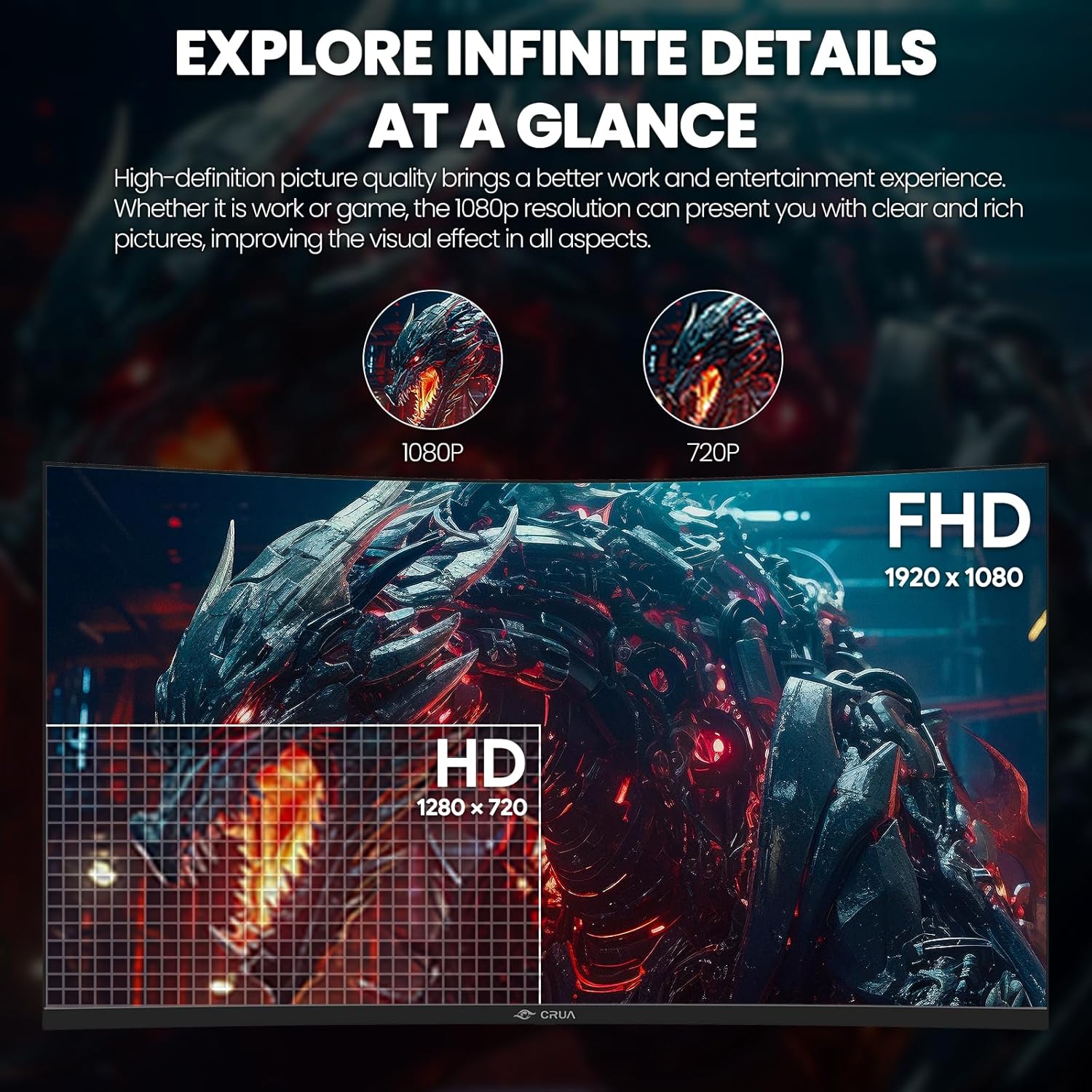
- Use case fit: this is FHD (1920x1080) on a 32-inch screen. That can look totally fine for many people, but if you’re picky about sharpness/detail, you may find higher-resolution panels more satisfying.
- Viewing comfort: the listing claims flicker-free and a blue light filter. Those can help, but comfort is personal, so it may still take some dial-in (brightness settings, desk lighting, and distance).
Where it shines (and where it may not)
Worth considering if you want a curved 32-inch monitor for gaming and daily use, and you care about smoother motion through AMD FreeSync plus higher refresh rates. The VA panel and color claims (120% sRGB, 16.7 million colors) also make it more than “just a gaming screen” on paper.
You may want to skip it if you’re primarily chasing maximum clarity on a large 32-inch display, since it’s FHD rather than a higher-resolution option. It might also feel like overkill if you mostly play slower genres and don’t plan to use the DisplayPort path for the highest refresh behavior.
Is it worth it?

This CRUA curved gaming monitor makes the most sense when you want an immersive 1800R curve, fast refresh performance with AMD FreeSync support, and straightforward connectivity (HDMI + DisplayPort) for a desk setup. If you connect with DisplayPort and game at the higher refresh targets, the feature set is aligned with the goal of smoother motion.
Buy it if you’re looking for a 32-inch curved VA monitor that prioritizes responsiveness and comfortable long sessions, and you’re comfortable with an FHD resolution on a larger screen. Don’t buy it if you’re extremely detail-sensitive or you expect top-tier panel performance without tradeoffs—FHD on 32 inches and the listing’s focus on gaming specs suggests it’s aimed at a practical, mid-range type of setup rather than a premium visual upgrade.
Mini FAQ
Q: Does it support AMD FreeSync? A: Yes. The listing says it supports AMD FreeSync to help reduce tearing and stuttering.
Q: Which connection supports the highest refresh rate? A: DisplayPort is listed up to 180 Hz, while HDMI is listed up to 120 Hz.
Q: Is it comfortable for long viewing? A: The listing mentions flicker-free technology and a blue light filter intended to make long viewing sessions more comfortable.
Q: Can I mount it on a wall? A: The listing states it’s wall mountable.
Q: Does it have built-in speakers? A: The listing mentions a 3.5 mm audio port, but it doesn’t clearly mention built-in speakers—if you need them, it’s worth confirming your setup plans.