

Samsung 27-inch Monitor
Product description
How to use it
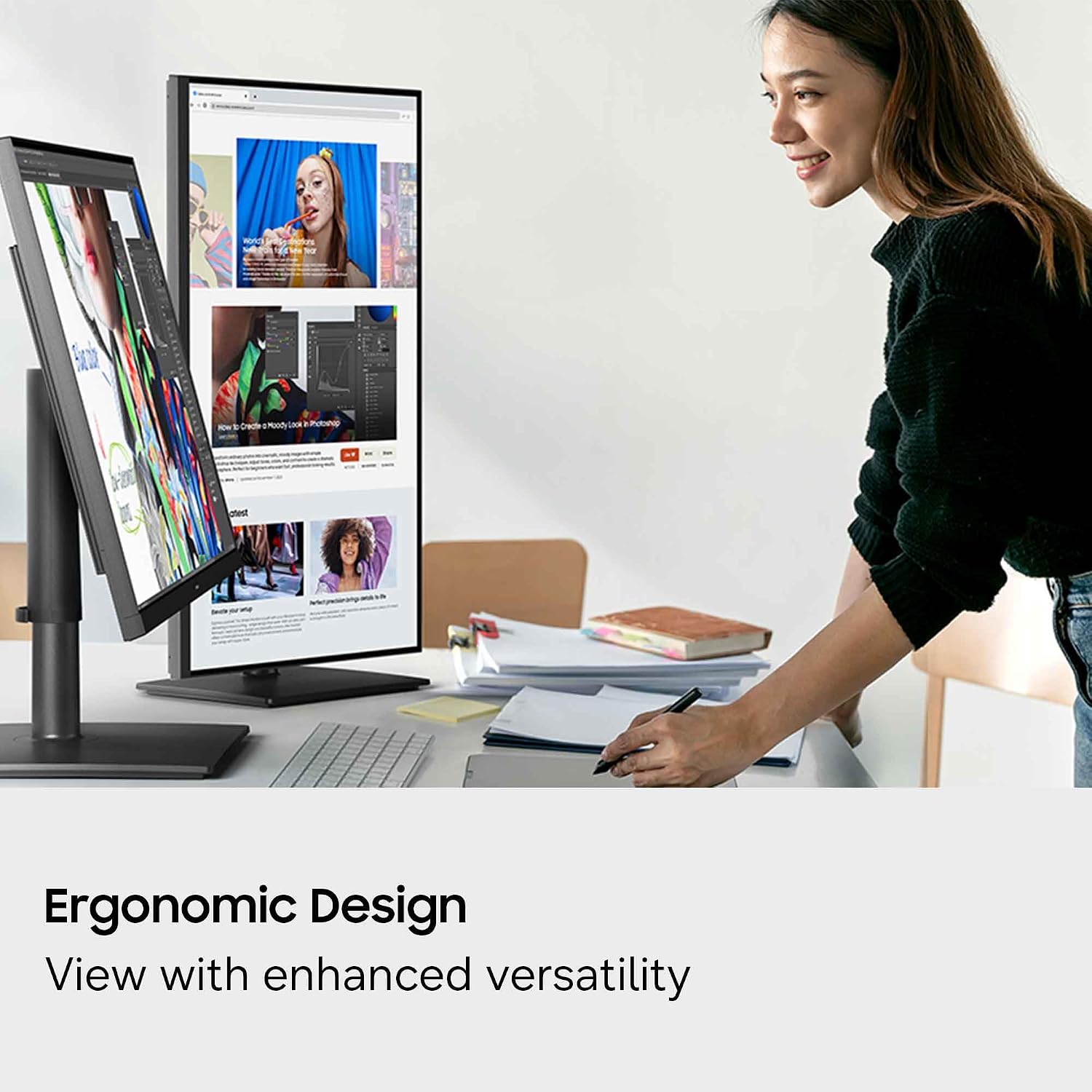
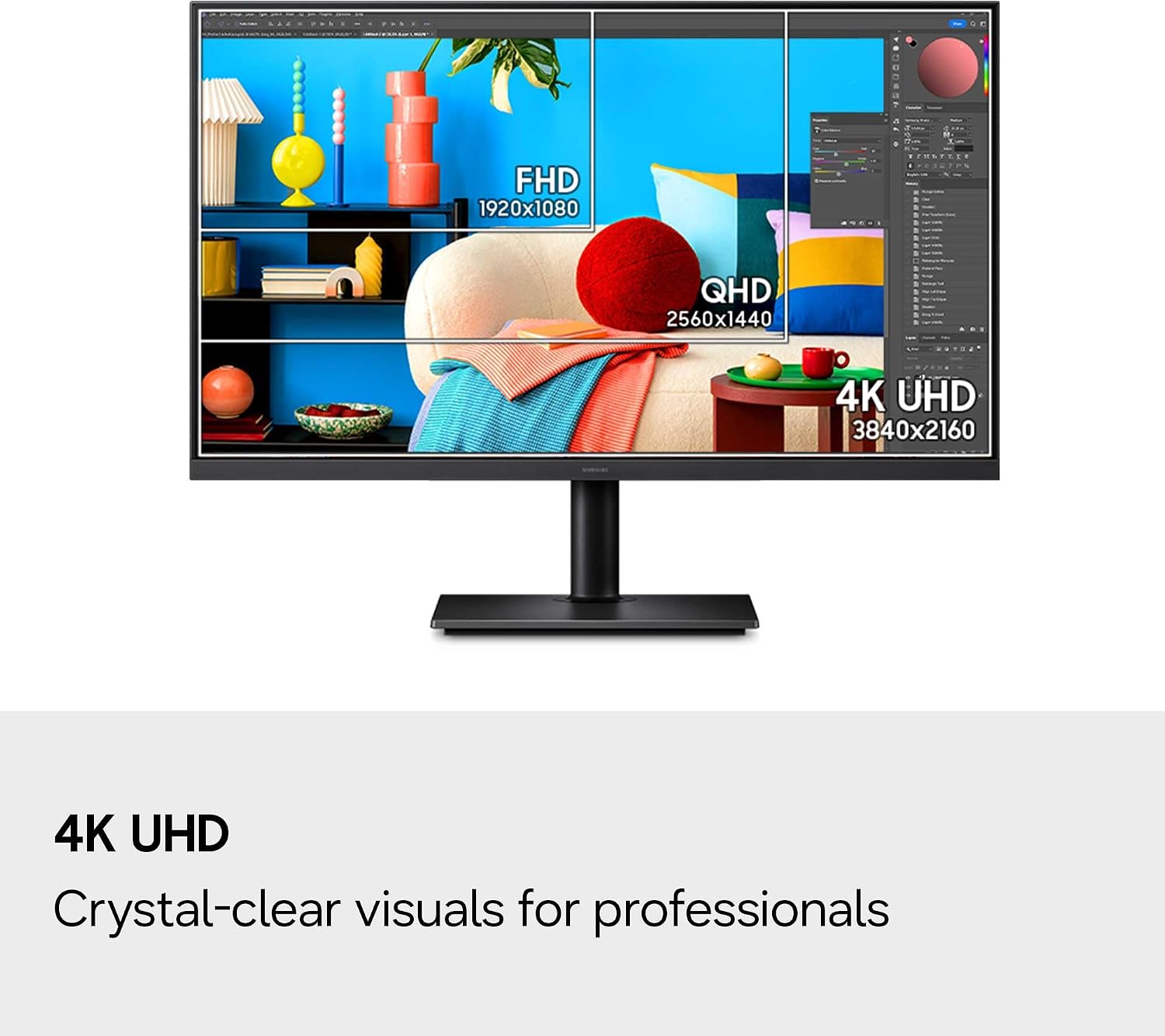
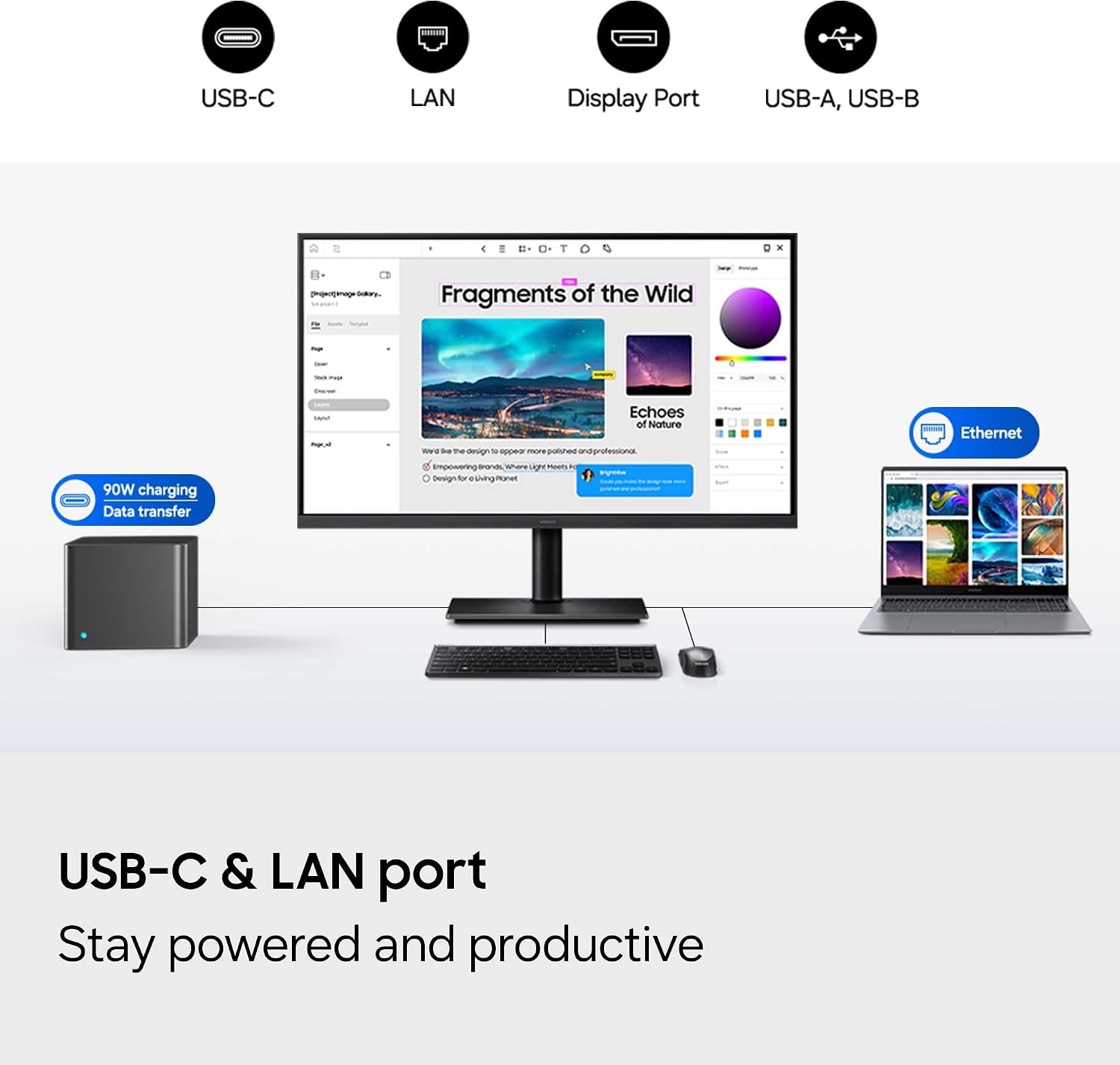
If your desk setup means juggling a laptop connection, charging, and a separate Ethernet cable, the ViewFinity S8 is designed to bring several of those jobs together. Its USB-C port supports data transfer and up to 90W charging, while built-in LAN provides Ethernet connectivity. The 4K UHD resolution gives you 3840 x 2160 pixels for detailed work, and the ergonomic stand tilts and swivels to help you adjust the screen's position. It’s a great fit if you want a work-focused monitor with connectivity and screen-management features built in.
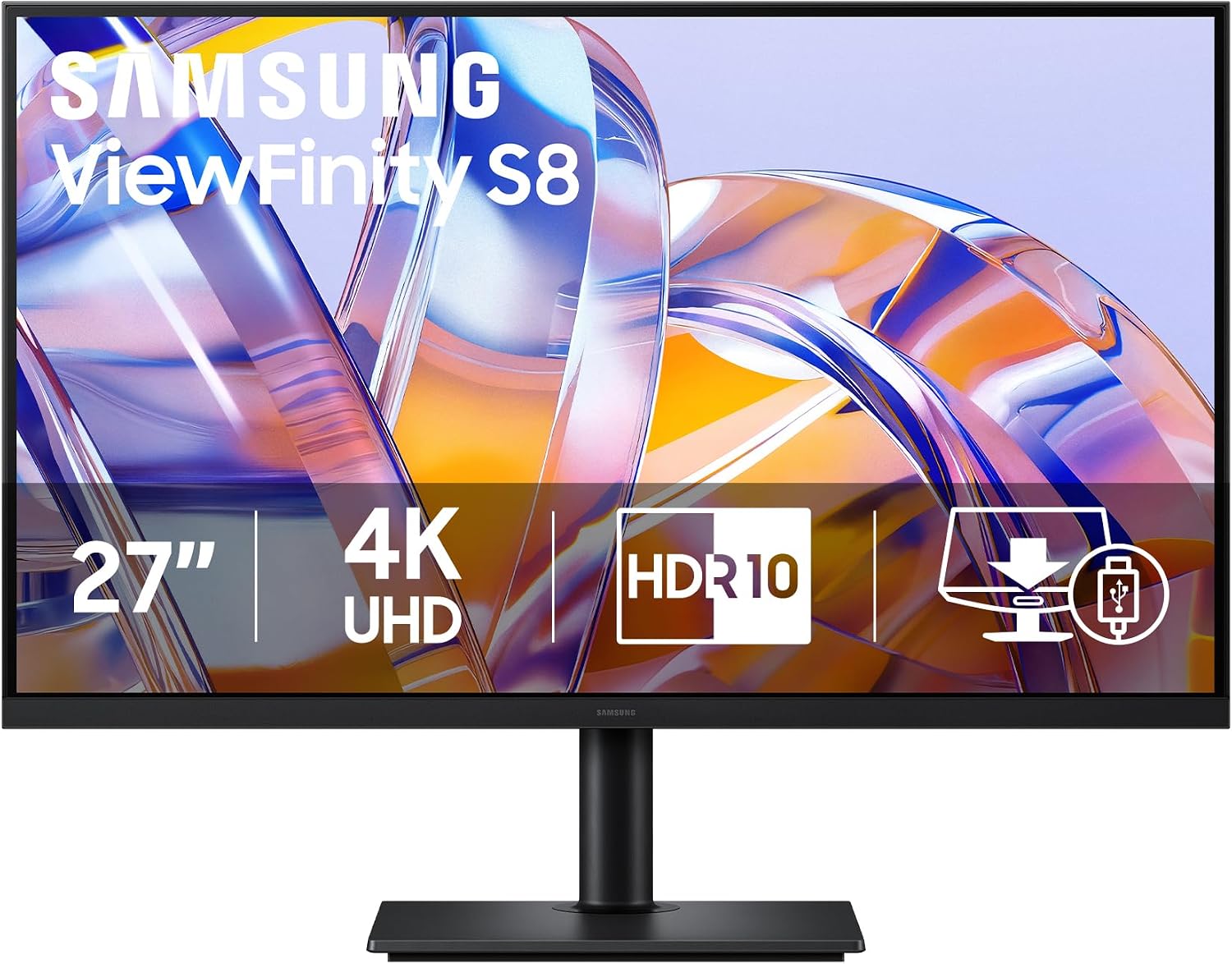
For example, you could connect a compatible laptop by USB-C, keep it charging while you work, and use the monitor's LAN connection for Ethernet. A built-in KVM switch, Picture-in-Picture, and Picture-by-Picture add ways to manage multiple connected sources. Samsung Display Manager also provides access to split-screen setup, brightness adjustment, and calibration. But do you need all of those features? If your work is mostly browsing or documents and you rarely connect more than one device, some of the extra controls may matter less than screen size, desk fit, or the connections you actually use.
Pros
- 4K UHD resolution on a 27-inch screen is intended to show fine detail, which can help when working with dense layouts or several windows.
- USB-C combines data transfer with up to 90W charging, reducing the need for separate laptop connections.
- Built-in LAN, a KVM switch, and Picture-in-Picture and Picture-by-Picture support offer more flexibility than a basic monitor focused only on displaying one source.
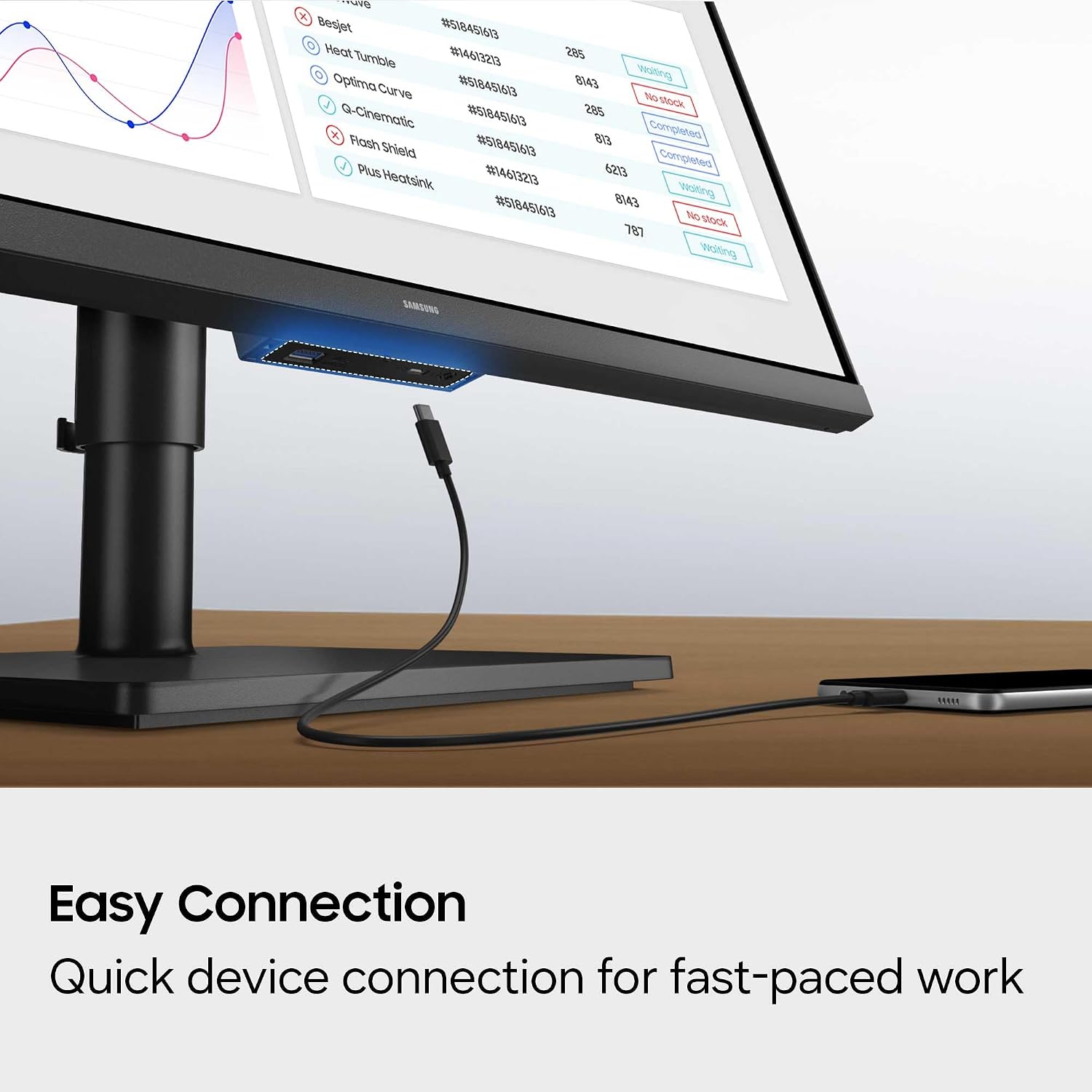
- The stand tilts and swivels, and Easy Connection keeps frequently used ports within reach.
- HDR10+ is listed for contrast and color handling, while TÜV-certified Eye Saver Mode reduces blue light and prevents screen flickering.
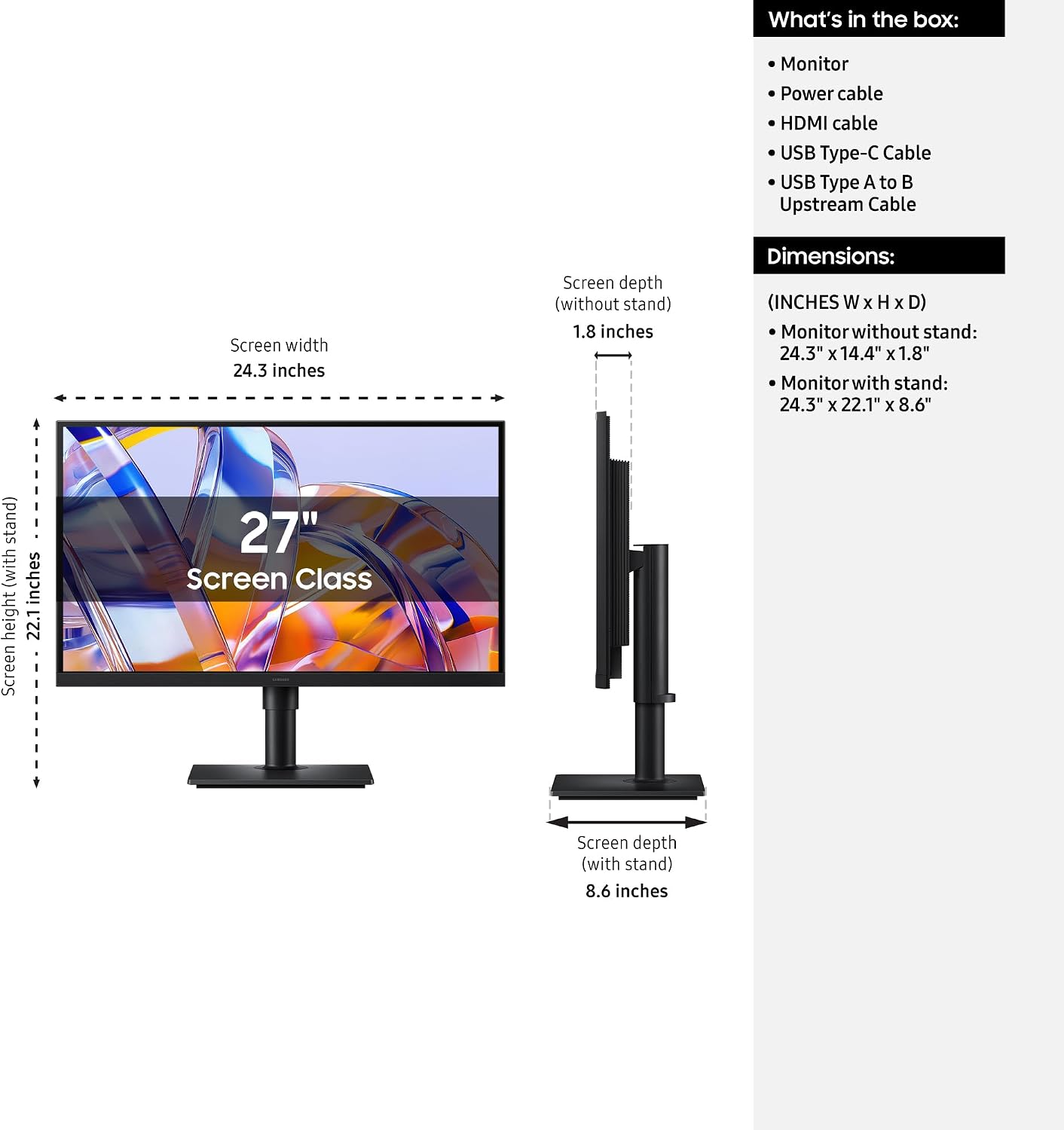
One limitation: the product details don't give the monitor's dimensions or the stand's adjustment range. If desk clearance or a particular viewing position is important, you won't be able to assess that precisely without that measurement. It’s not for you if you need confirmed fit dimensions before deciding, or if the built-in connectivity and screen-management features would go unused, a simpler monitor may suit that setup better.
Spec sheet
- Name: Samsung ViewFinity S8 (S80UH)
- Type: High-resolution monitor
- Size: 27 inches
- Resolution: 4K UHD (3840 x 2160)
- USB-C: Data transfer and up to 90W charging
- Other connectivity and display features: Built-in LAN, KVM switch, Picture-in-Picture, Picture-by-Picture, HDR10+
- Stand: Tilt and swivel adjustment
- Eye comfort: TÜV-certified Eye Saver Mode reduces blue light and prevents screen flickering
- Software: Samsung Display Manager for split-screen setup, brightness adjustment, and precise calibration
Should you buy it?
Choose this Samsung if detailed 4K resolution, USB-C charging, and built-in ways to handle connected devices all fit your daily workflow. Its appeal is broader than simply having a high-resolution screen: the Ethernet connection, KVM switch, and picture modes may reduce friction in a desk setup that uses multiple sources. On the other hand, this listing doesn't provide physical dimensions, and the feature set alone can't tell you whether the screen will fit your space or match your preferred viewing position. If you mainly need a straightforward display, compare your must-have connections and desk requirements before paying for extras you may not use.