

KTC gaming monitor, 24-inch
Product description
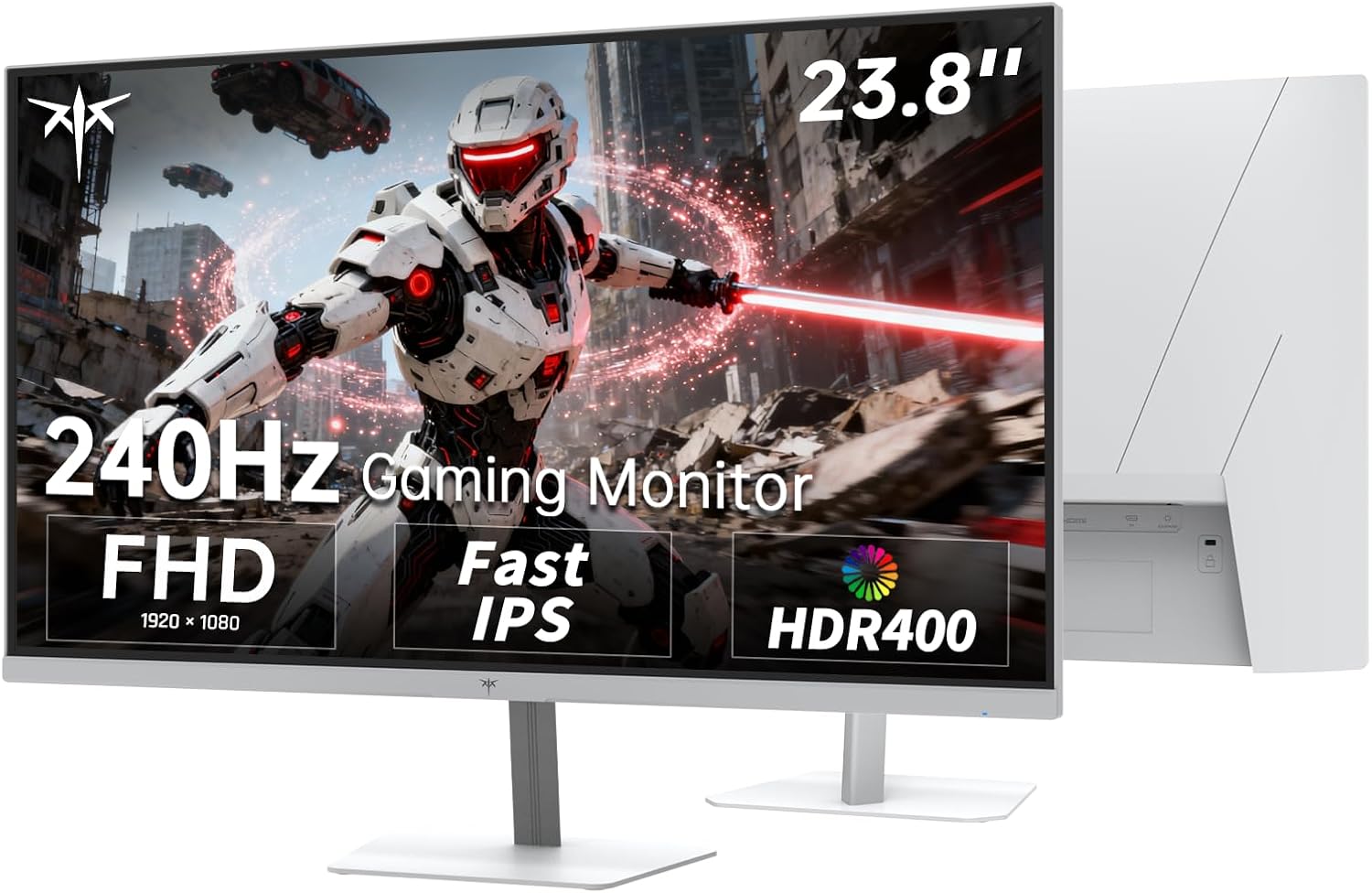
When a fast-paced game rewards quick movement and clear on-screen feedback, a high-refresh display can matter more than extra pixels. The KTC 24-inch gaming monitor combines a 240Hz refresh rate with Full HD resolution and a Fast IPS panel, giving it a clear focus: smooth play at 1080p.
If you prioritize refresh rate, this setup is aimed at you, if you prefer sharper detail from a higher-resolution screen, Full HD may be the tradeoff.
Getting the most from it
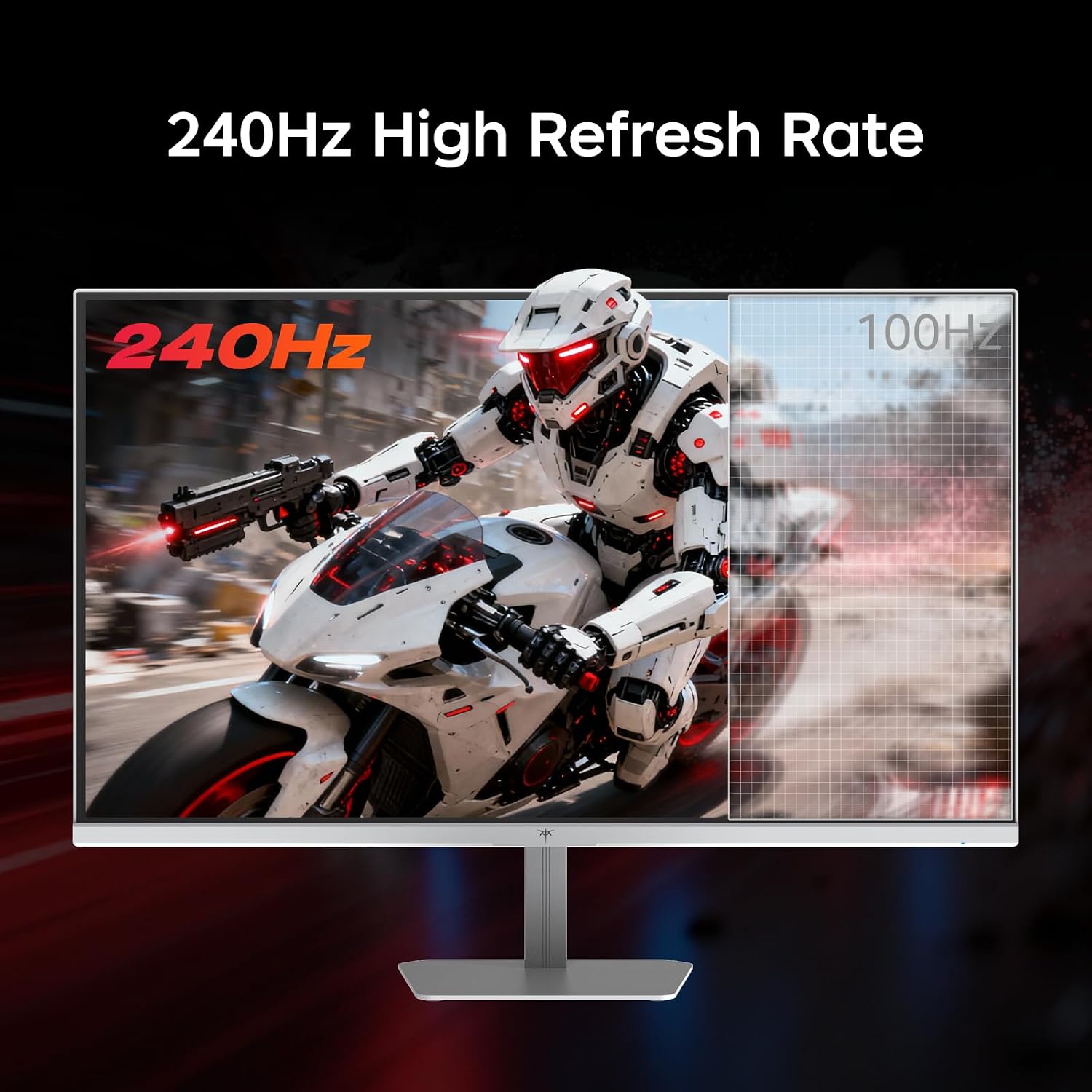
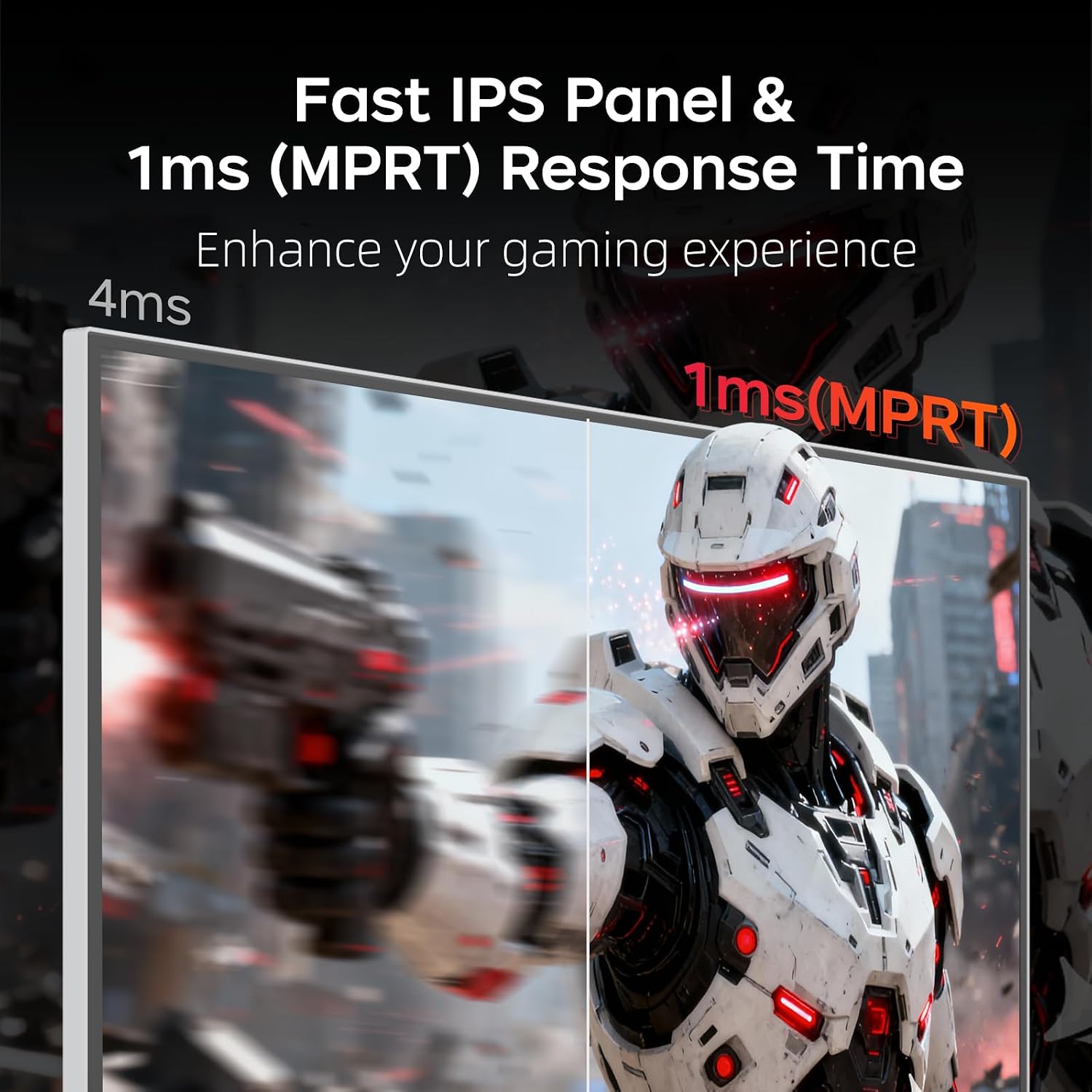
The 240Hz refresh rate and 1ms MPRT response time are the headline features for fast gameplay. Adaptive Sync is intended to reduce blur and ghosting, so action can look steadier when the game and connected system support the relevant output. A refresh-rate figure alone does not guarantee a visible improvement in every game, though, the benefit depends on what your system can deliver and the titles you play.
At 24 inches, 1920 x 1080 resolution is a practical match for gaming at Full HD. Picture a quick turn in a competitive match: the high refresh rate is designed to keep motion fluid, while the 178° viewing angle gives you flexibility if you shift position. The Fast IPS panel also makes the monitor suitable for everyday office work, rather than limiting it to a gaming setup.
Why it’s worth it
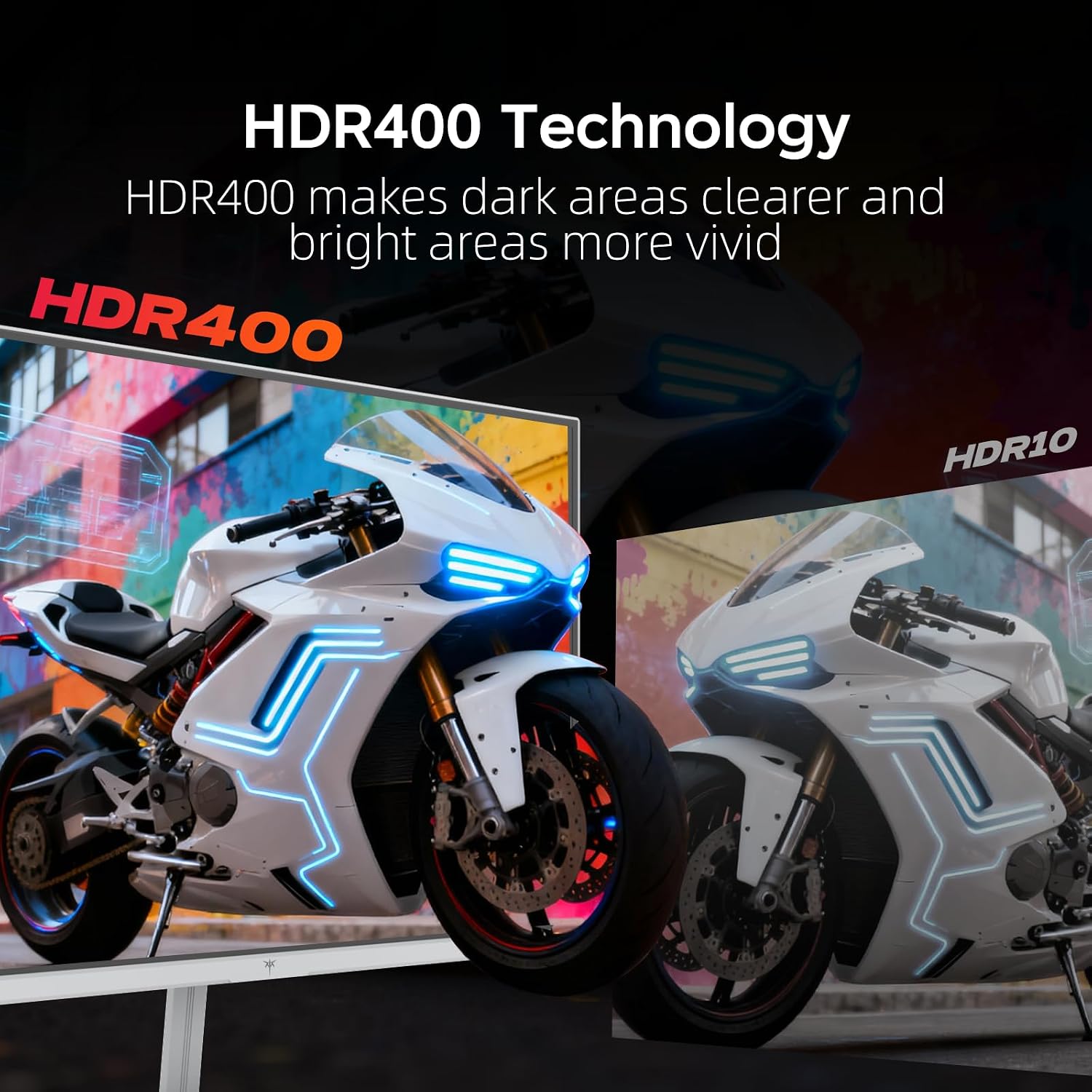
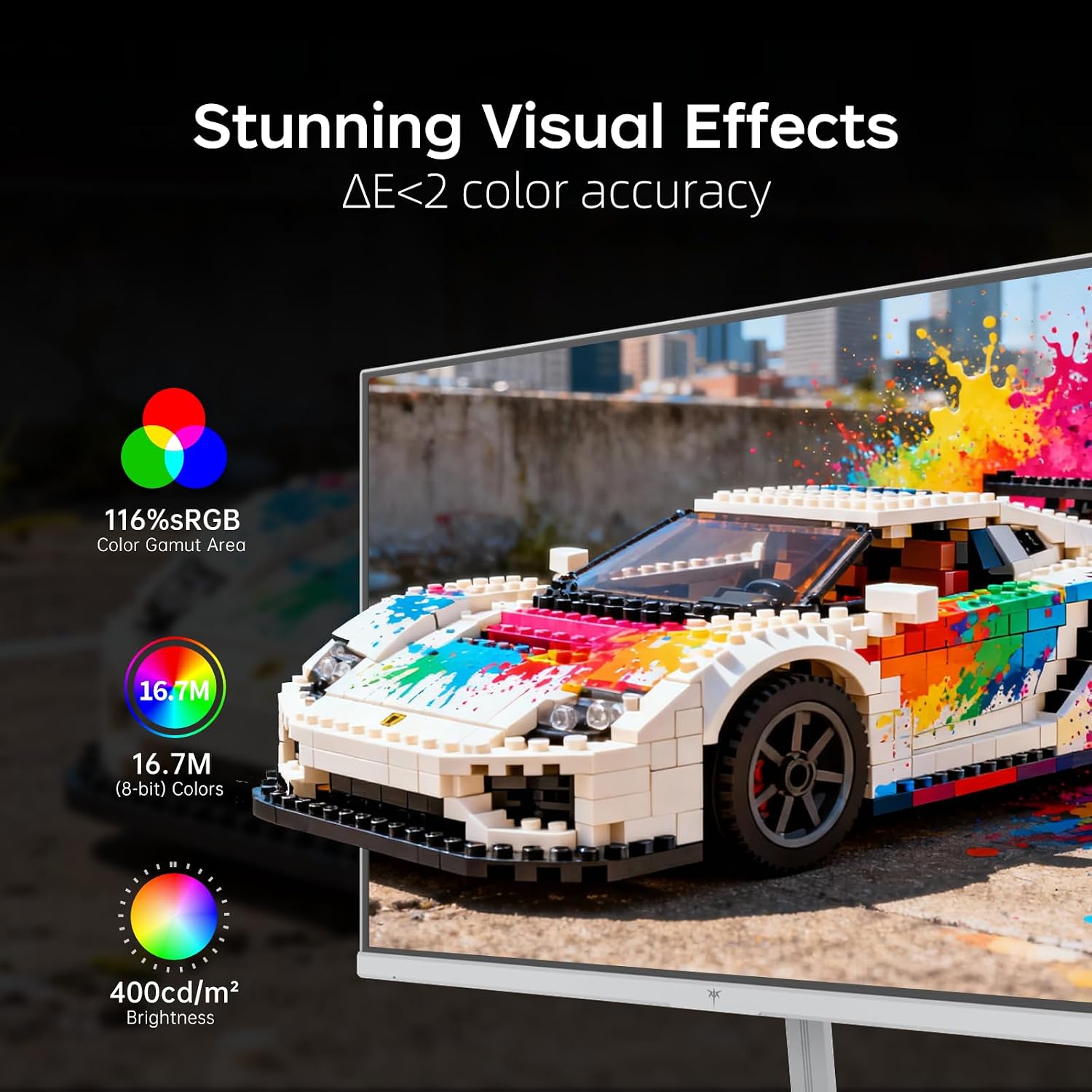
This KTC puts speed, color, and basic positioning options together in one display. The listed 116% sRGB color gamut area and HDR400 support point to a more vivid presentation, while low blue light mode is available for longer gaming or work sessions. These features add flexibility, but they do not make this a higher-resolution screen: it remains a Full HD monitor.
You’ll appreciate it if you want a fast-refresh screen for PC gaming and would also use it for routine work. It may not suit you if your priority is more on-screen detail than smooth motion, or if you need confirmed physical dimensions for a tight desk setup. Those dimensions are not included here, without that measurement, it’s harder to judge how much space the monitor will take up.
Key features
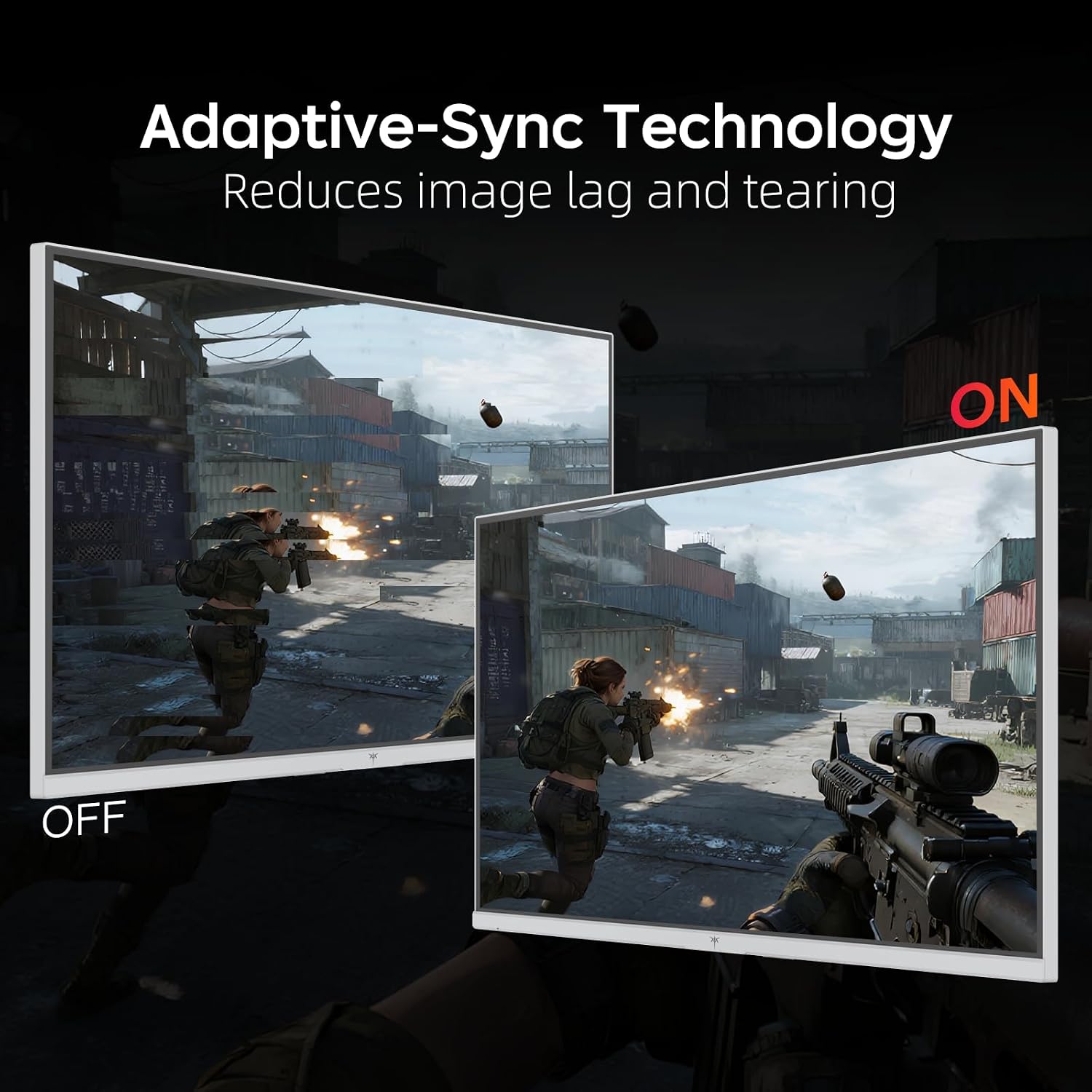
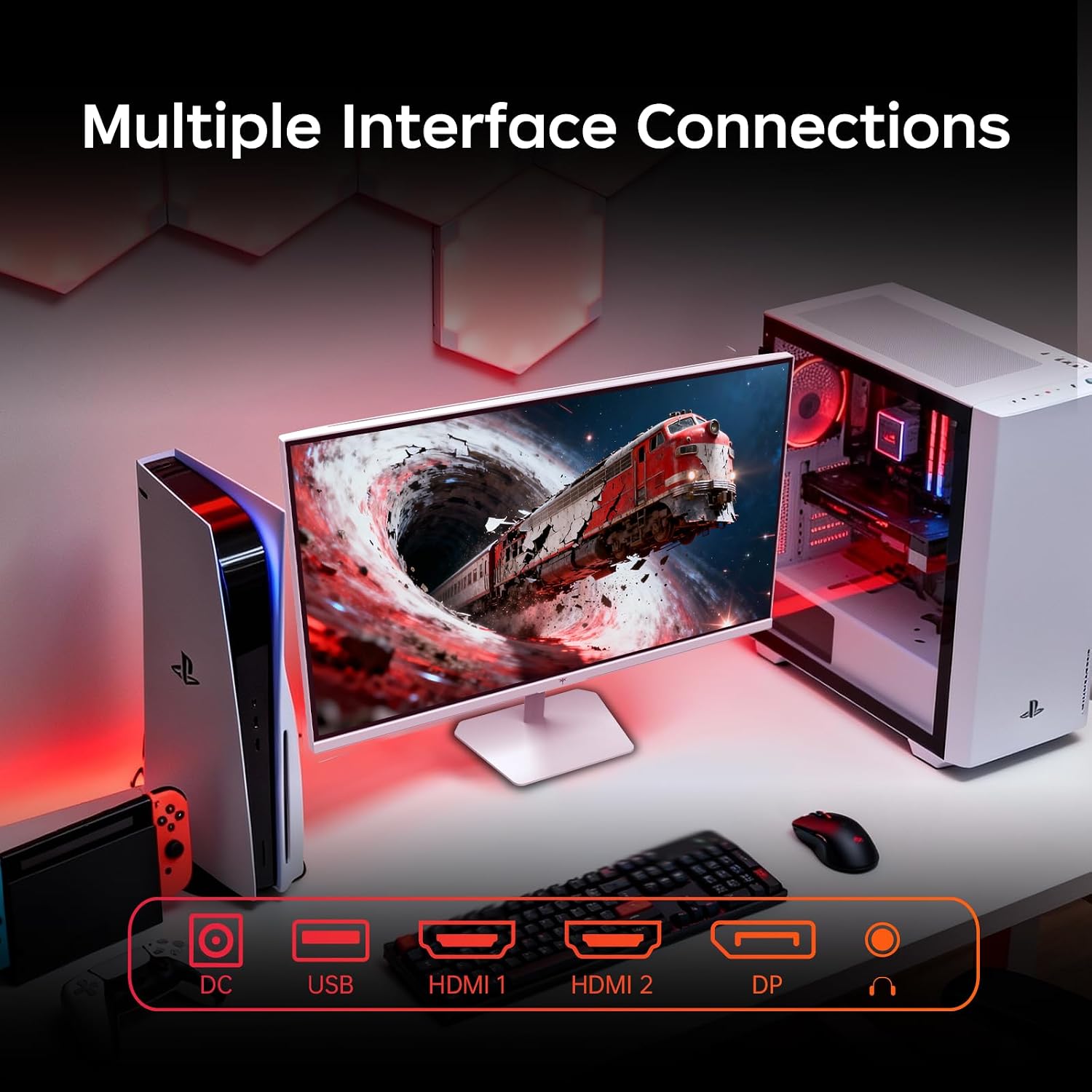
The white monitor has two HDMI 2.0 ports, one DisplayPort 1.4 port, and one USB 2.0 port. The listing says the video ports support 240Hz and names desktops, gaming laptops, and consoles such as Switch, Xbox, and PS5 as connection options. Check that your chosen device and connection can provide the output you want, a port being available does not establish what every setup can run.
The stand tilts from -5° to 15°, and a 100 x 100mm VESA mount is supported for another placement option. Tilt adjustment covers basic screen-angle changes, but the listed stand features do not include height adjustment. That distinction matters if you want to position the screen at a specific height without using a separate mount.
When it makes sense
Choose this monitor if your current screen feels limiting during fast games and you want to stay with 1080p while prioritizing a 240Hz refresh rate. It offers a different emphasis from a higher-resolution display: motion smoothness and gaming responsiveness take the lead, while pixel detail does not increase beyond Full HD.
For a mixed gaming-and-work desk, the IPS panel, low blue light mode, tilt, and multiple video inputs make the setup more adaptable. Look elsewhere if higher resolution, height-adjustable positioning, or confirmed desk dimensions are essential to your decision. The fit comes down to what you value most: fluid Full HD play, or a more demanding screen specification in another direction.