

Blackview DCM6 14" Portable Monitor
Product description
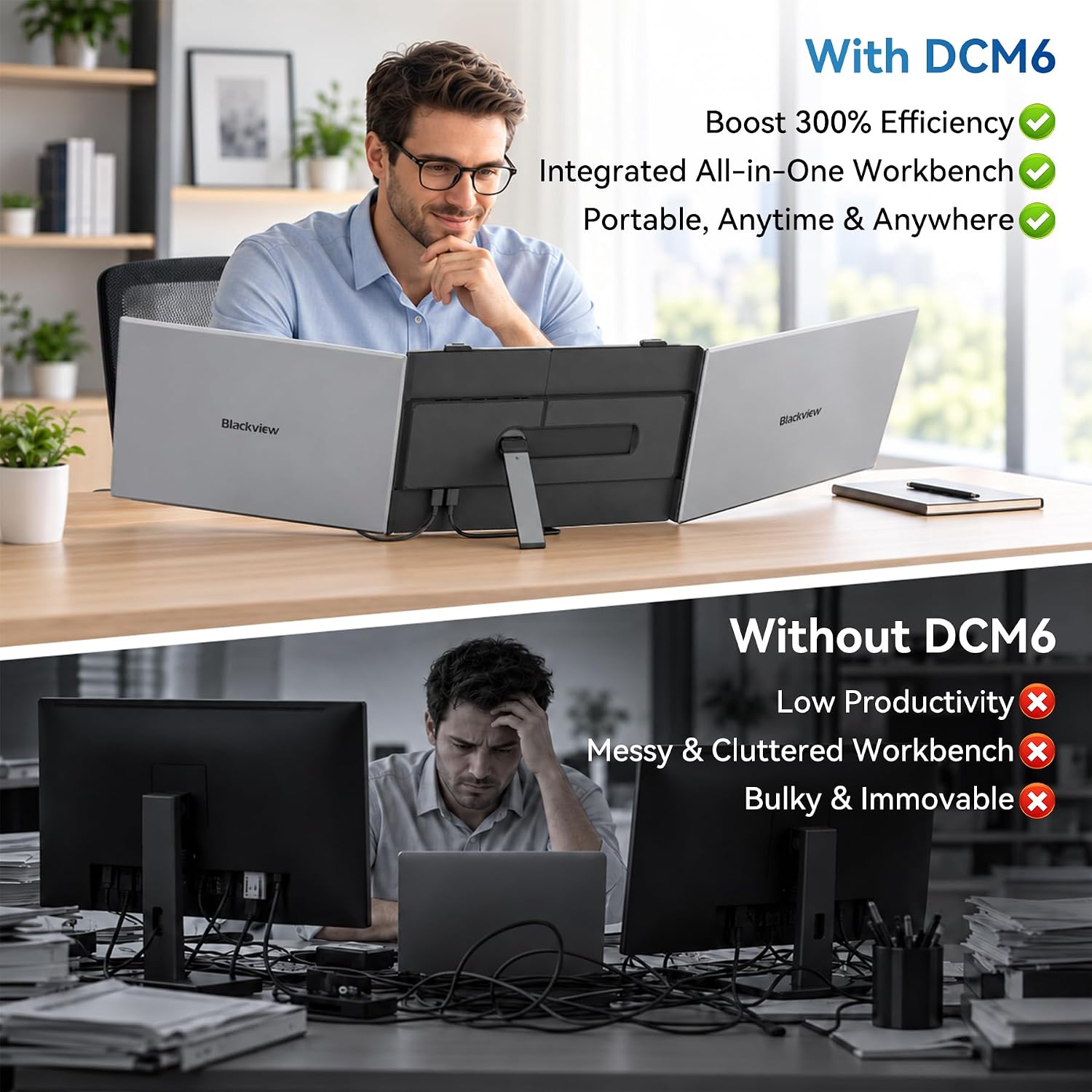
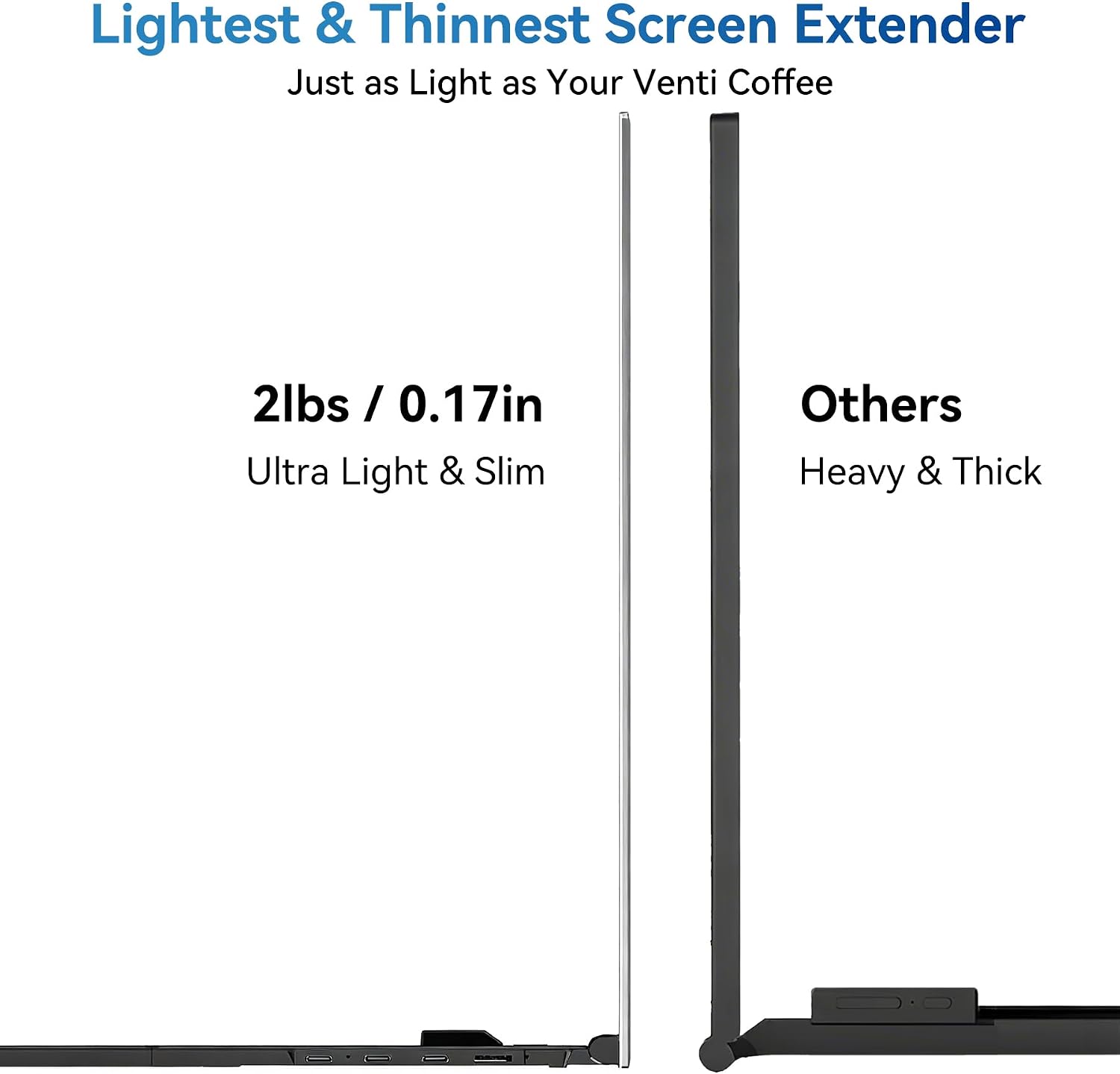
This ultra-thin Blackview portable external monitor expands a laptop workspace without bulk, offering a compact secondary screen for travel and tight desks. Ideal for split workflows, the portable external monitor keyword fits naturally when you need extra display area to edit documents and compare references, and it delivers a clear benefit in cramped locations. The first impression is physical: a 4.5 mm profile and a weight near 960 g make it truly travel friendly, and the metal finish feels sturdy yet refined.
Highlights
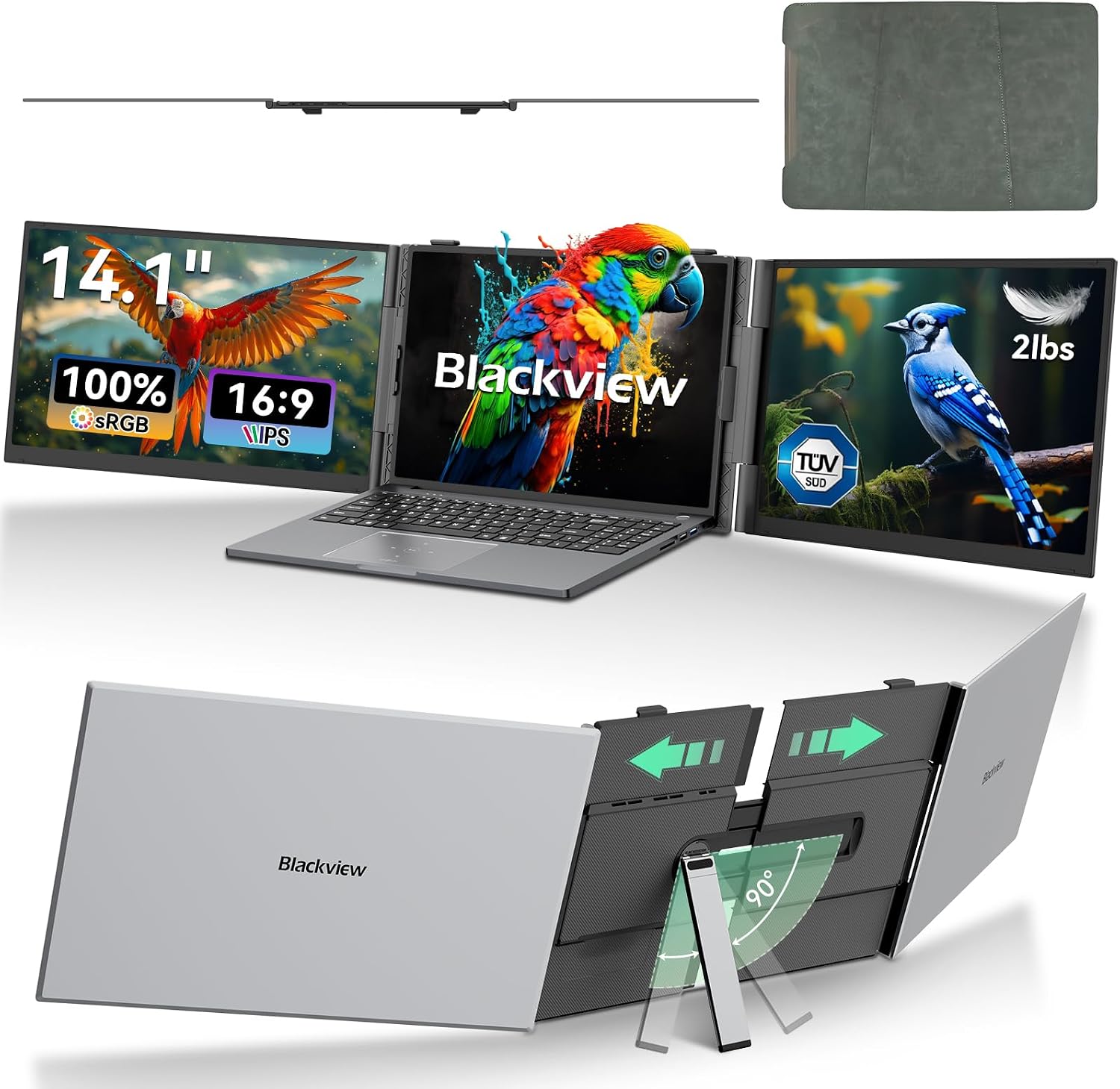
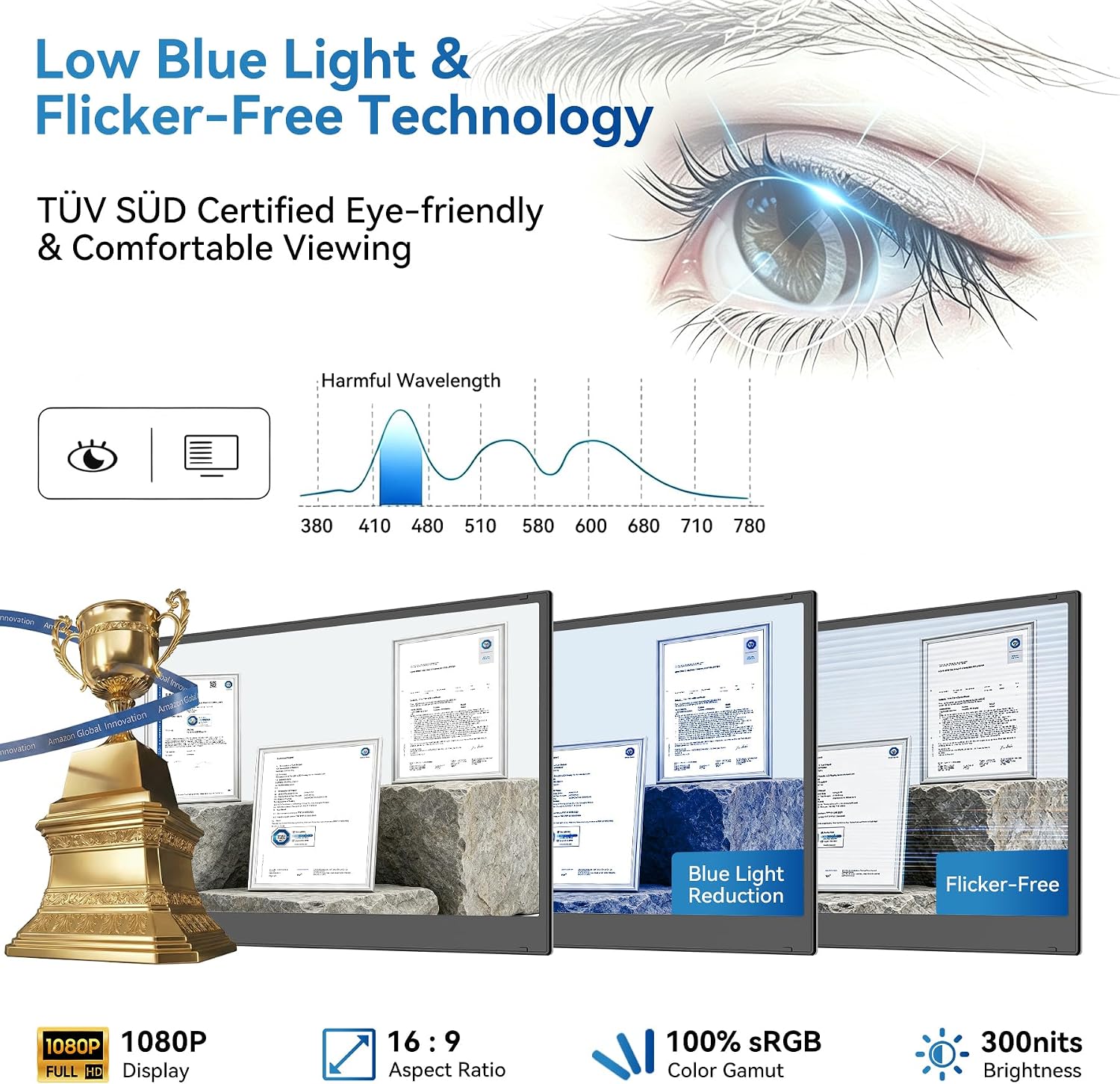
The DCM6 favors mobility and sensible durability, combining a slim CNC aluminum alloy body with an anti-fingerprint coating that resists everyday wear. Blackview DCM6 brings a Full HD 14 inch IPS panel with 100% sRGB coverage and TÜV Low Blue Light and Flicker-Free certifications for reduced eye strain during long sessions. If you prioritize color accuracy for photo review, you get a wide gamut and reliable contrast, and if you prefer lower power draw on the go, the two-cable USB-C setup keeps cables minimal while letting you connect laptops and compatible mobile devices. The package includes two USB-C data cables, a USB-A to C power cable, and a protective sleeve, so the screen is ready to use straight from the box. 😊
Tech specs
- Size: 14"
- Resolution: 1920×1080
- Display: IPS FHD, 300 cd/m², 1000:1 contrast
- Weight: 960 g
- Material: Aluminum alloy
- Connectivity: USB-C two-cable solution
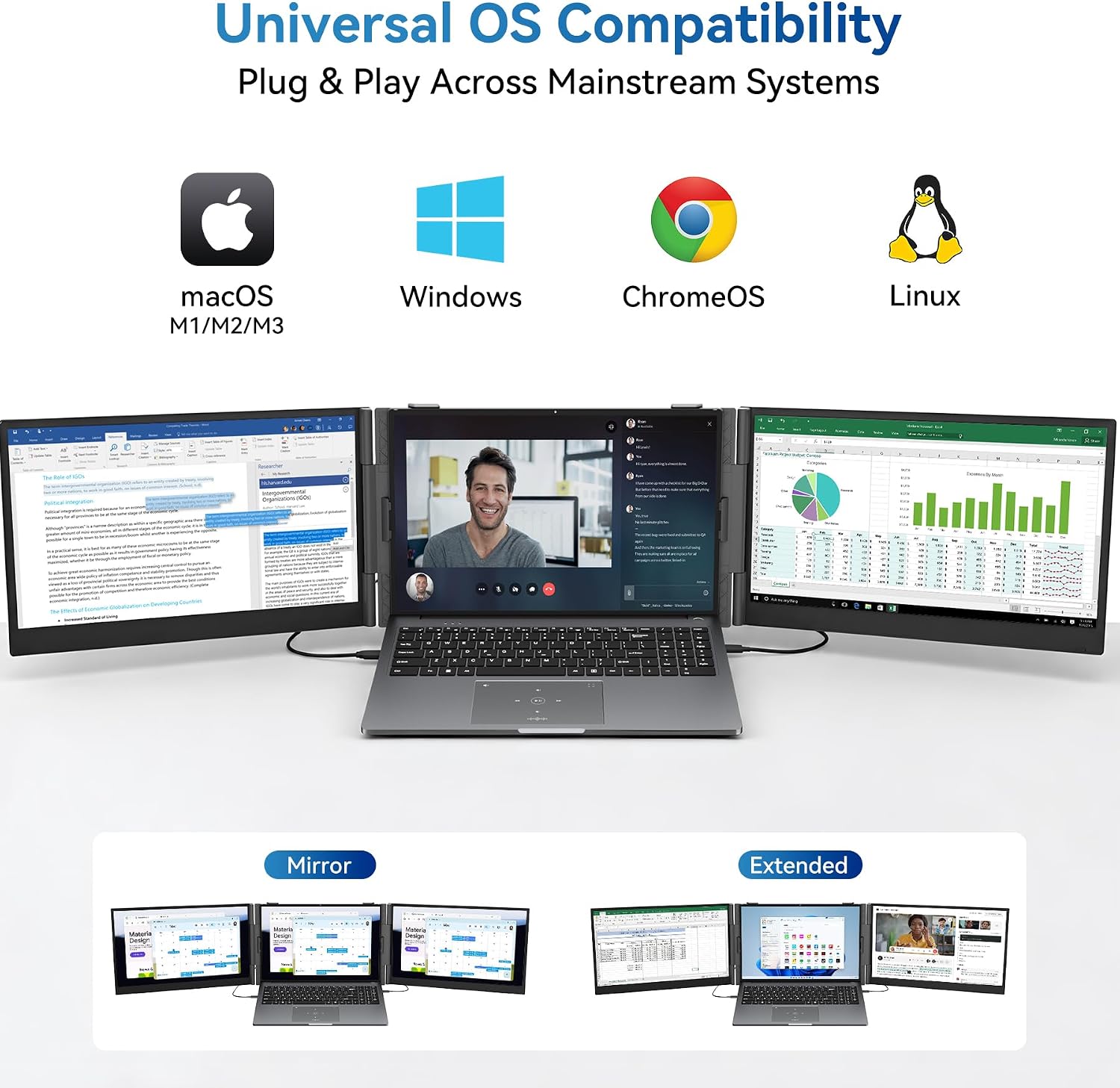
- Compatibility: Windows, macOS including M1 M2 M3, Chrome OS, Android, Nintendo Switch
Best use cases
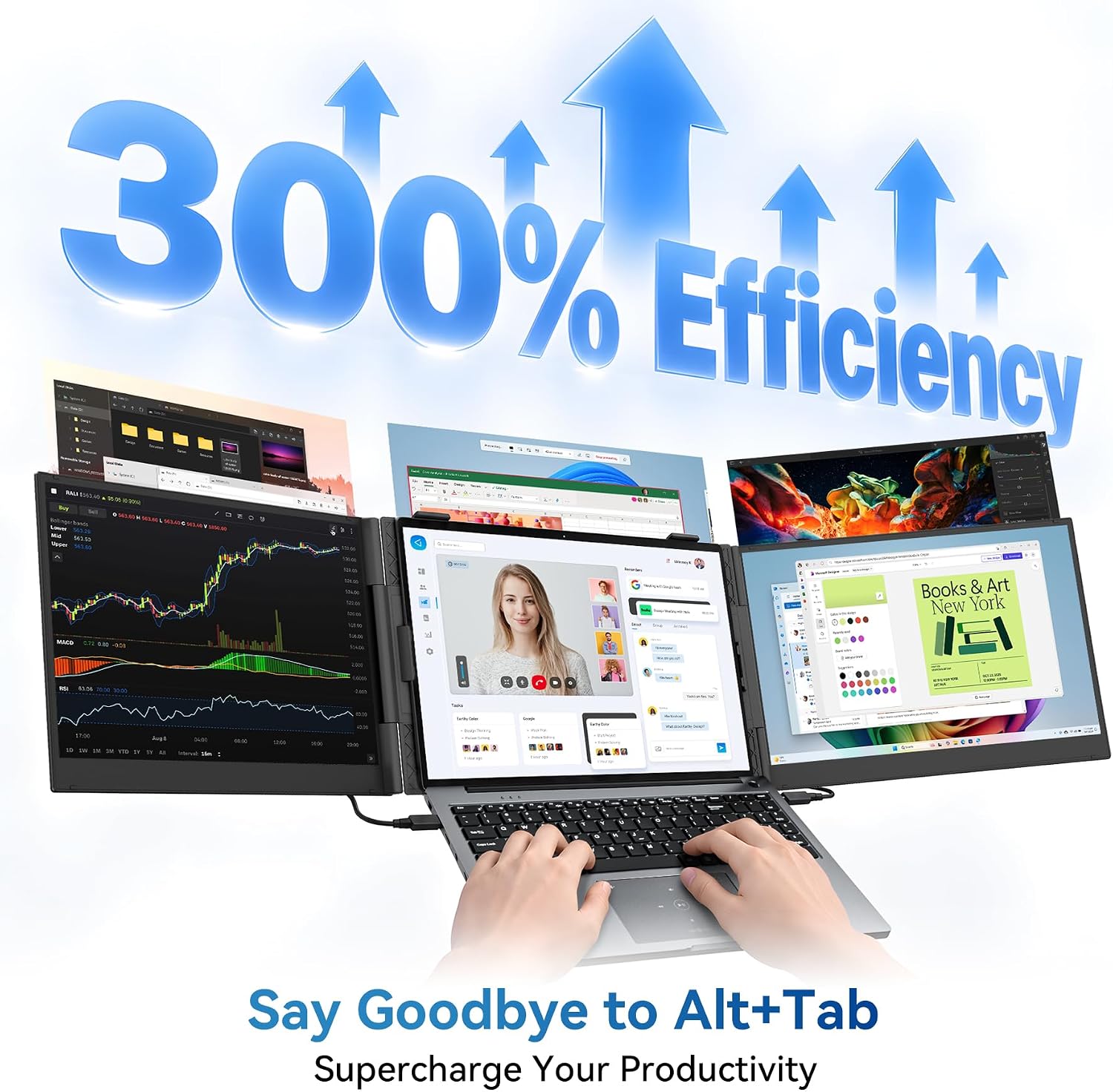
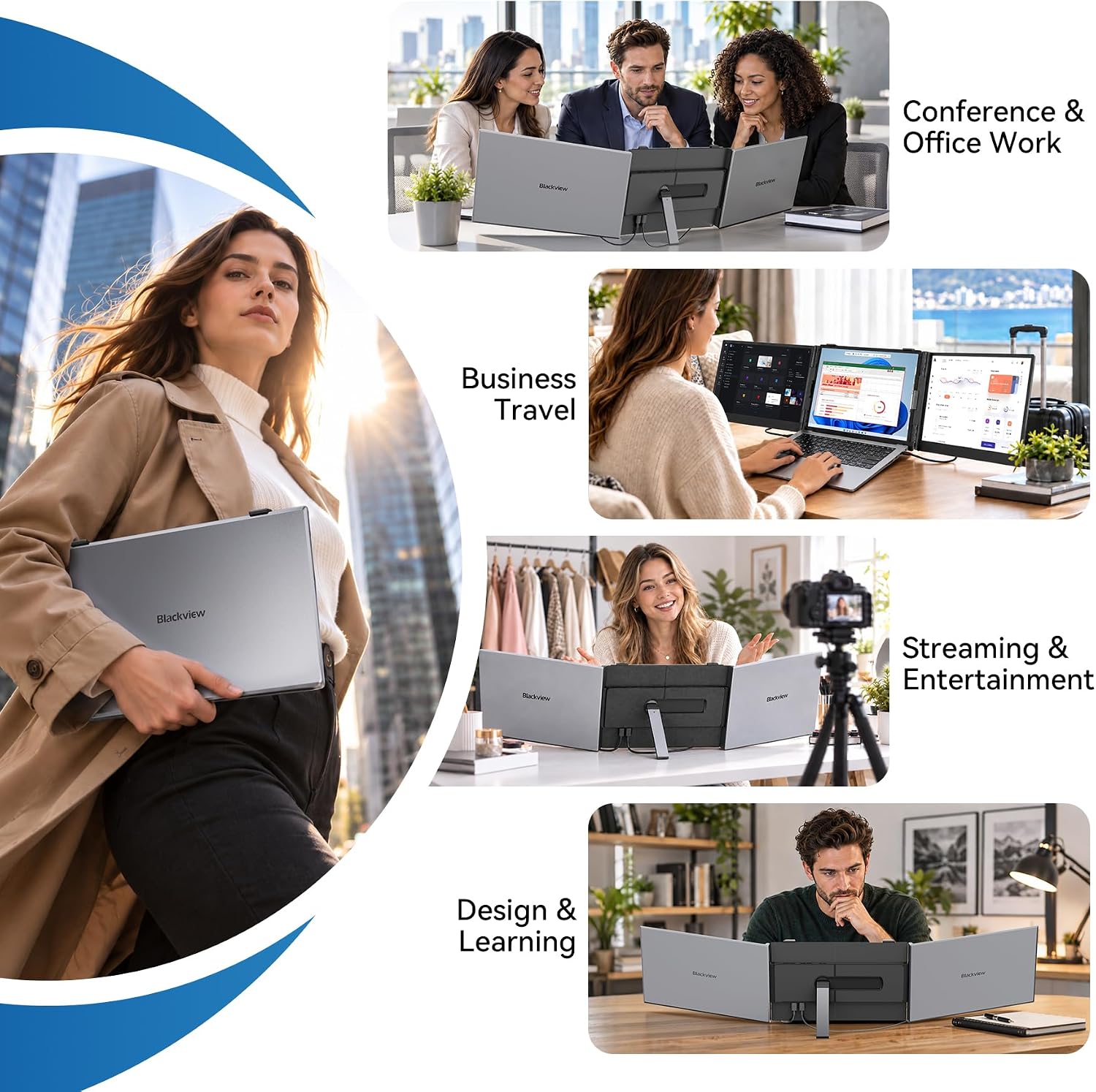
Use this monitor when you need a second screen for productivity in airports, cafés, or hotel rooms. For developers it helps by placing code on one screen and outputs on another, enhancing focus and reducing window switching. Content reviewers and remote workers will value the larger visible area for reference material and spreadsheets, while hybrid students can set up quick study sessions on a laptop plus the DCM6. Note that color-critical professionals should verify calibration needs according to workflow, since factory settings vary by unit. 😊
How to set up
Plug the included USB-C cables into your laptop or device and switch between extended and mirrored modes from your operating system display settings. No drivers are required, making it a straightforward plug and play solution for travel and temporary workstations. The design balances portability and performance for users who want an extra screen without a heavy carry load. 😊